

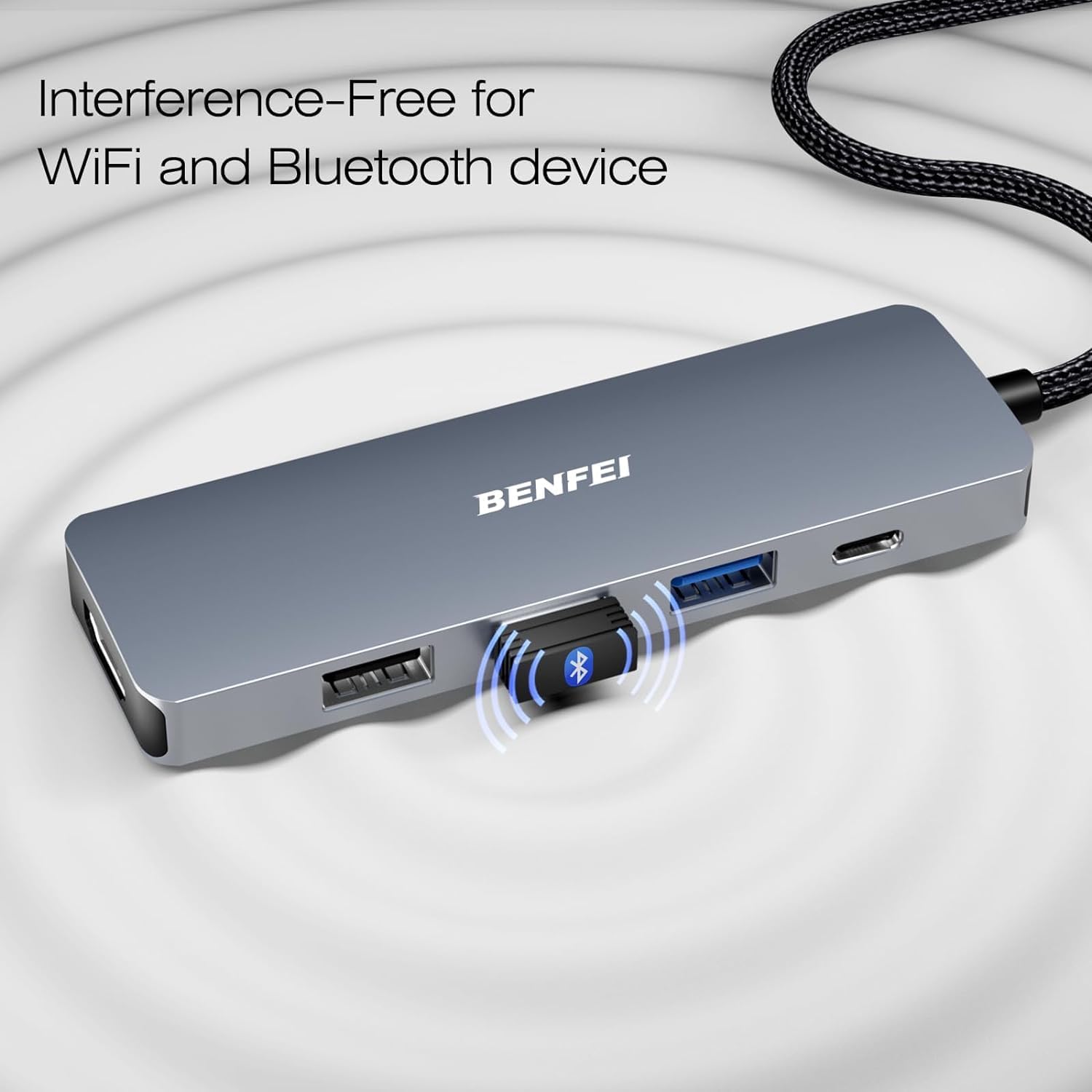
BENFEI USB-C Hub 5-in-1 with 4K HDMI and 100W PD
Product description
What it is and what it solves
The BENFEI USB-C Hub is a compact 5-in-1 accessory designed to expand the connectivity of a USB-C device, such as a MacBook, iPad, or iPhone 15/16 series. It provides a 4K HDMI output, three USB-A ports with USB 3.2 Gen2 speeds, and a 100W Power Delivery passthrough. The goal is to simplify travel-ready setups or desk-based work by reducing the number of dongles needed while keeping reliable, steady performance.
Design and build quality
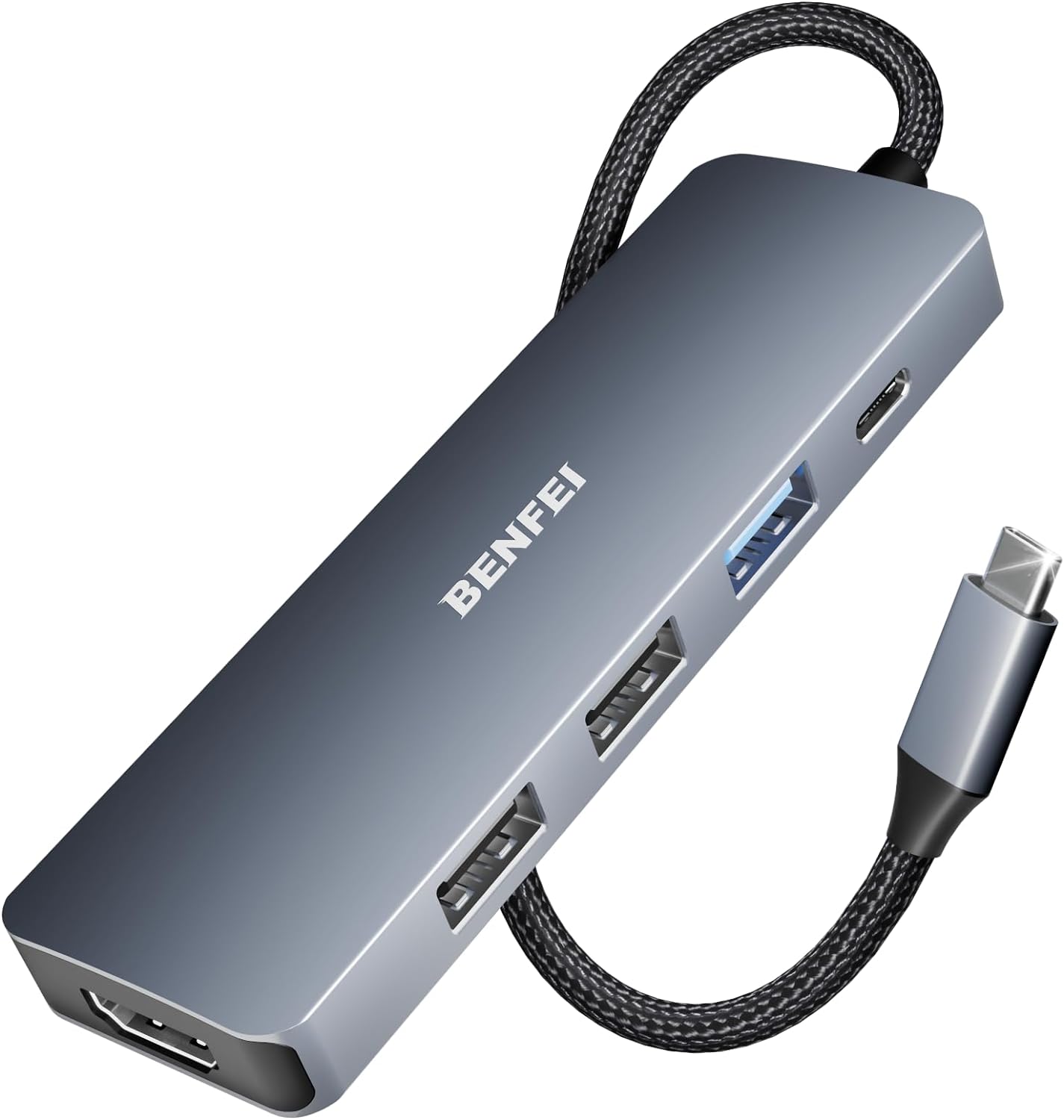
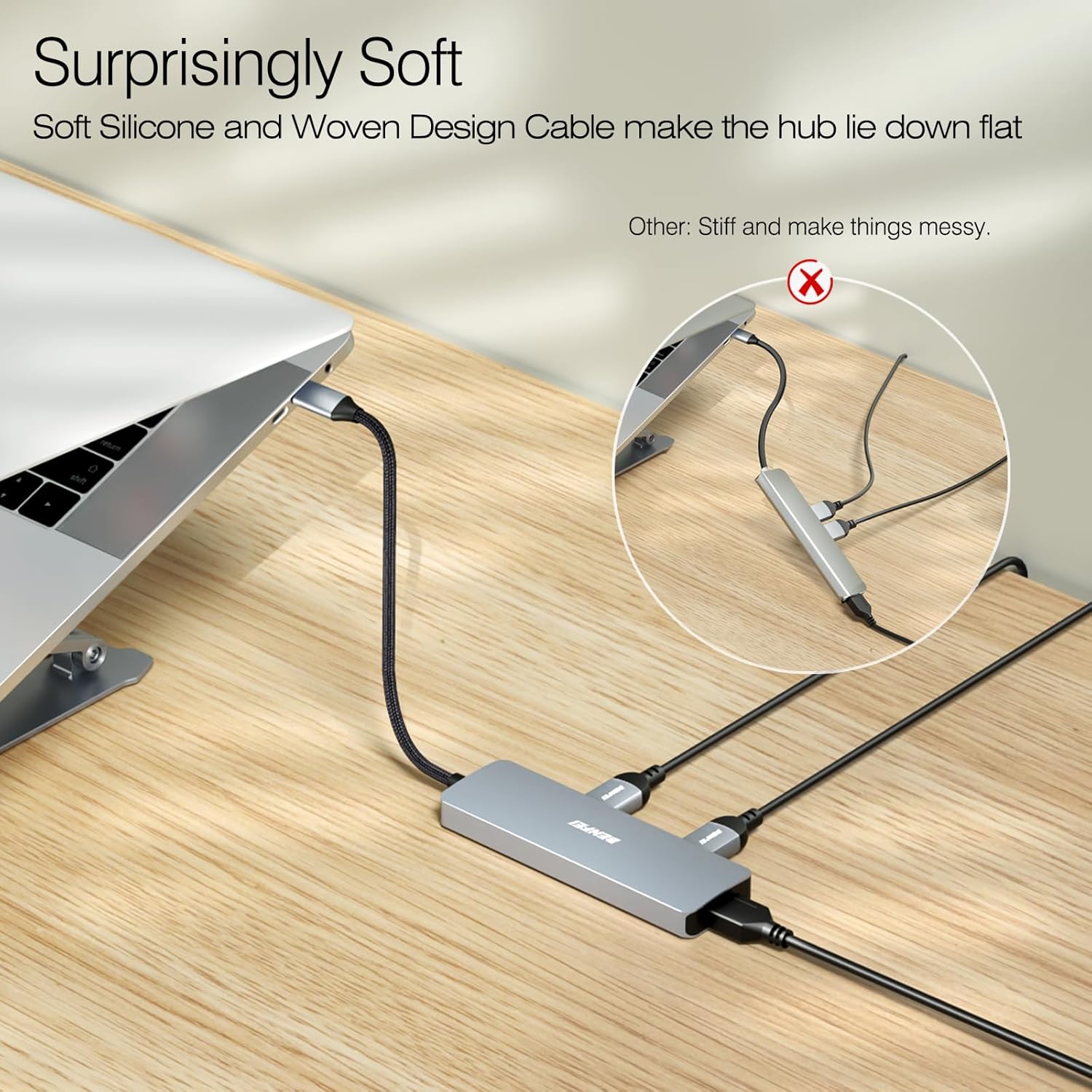
This hub features a silicone woven cable described as super-soft and knot-free, an aluminium case, and a 20 cm length that aims to be easy to position on a desk or in a bag. The cable construction focuses on durability and ease of use, with claims of 25,000+ life cycles. The visual impression leans toward a neat, understated look rather than flashy styling, which may suit home offices and portable setups alike.
Core performance and limits
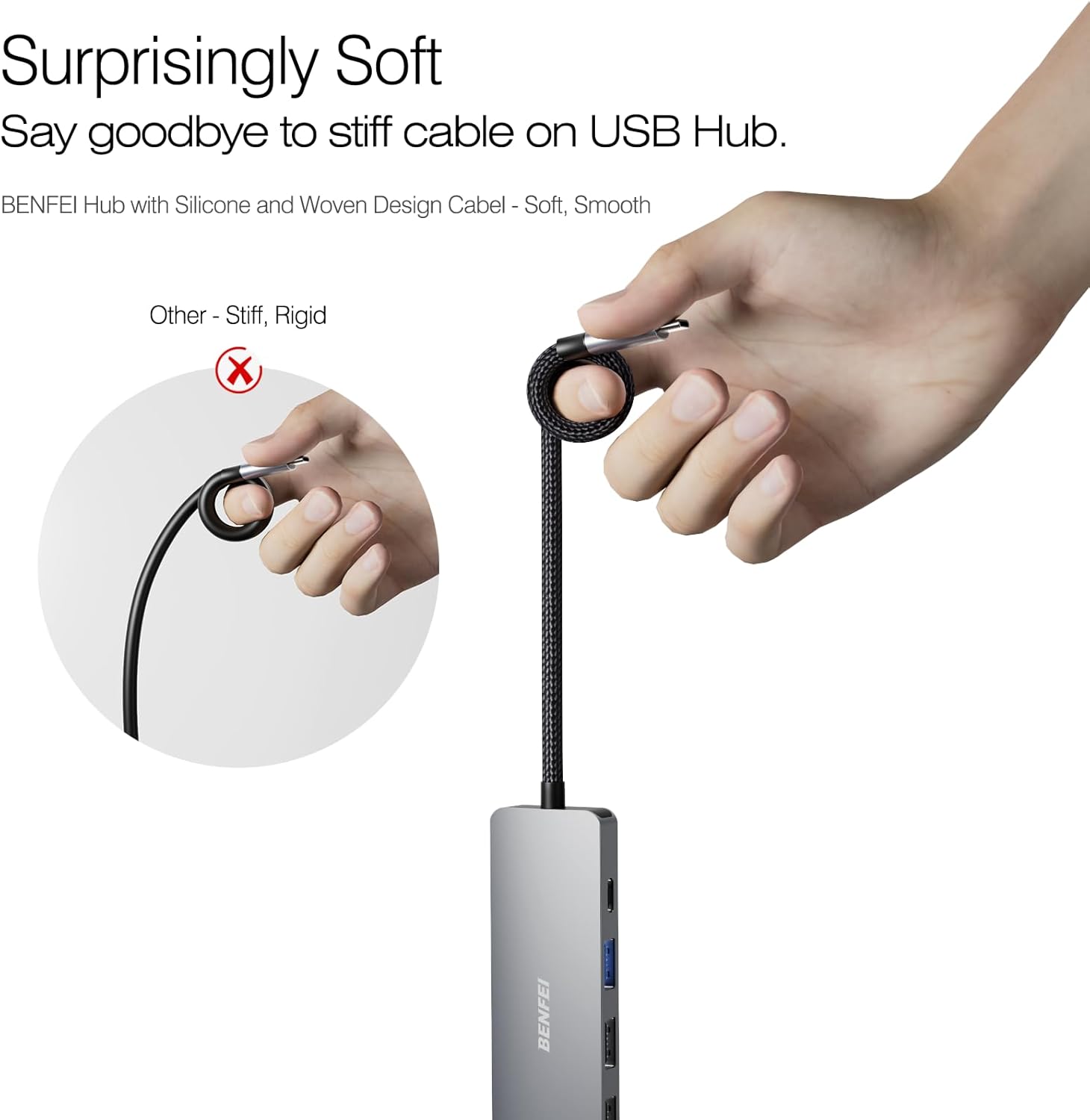
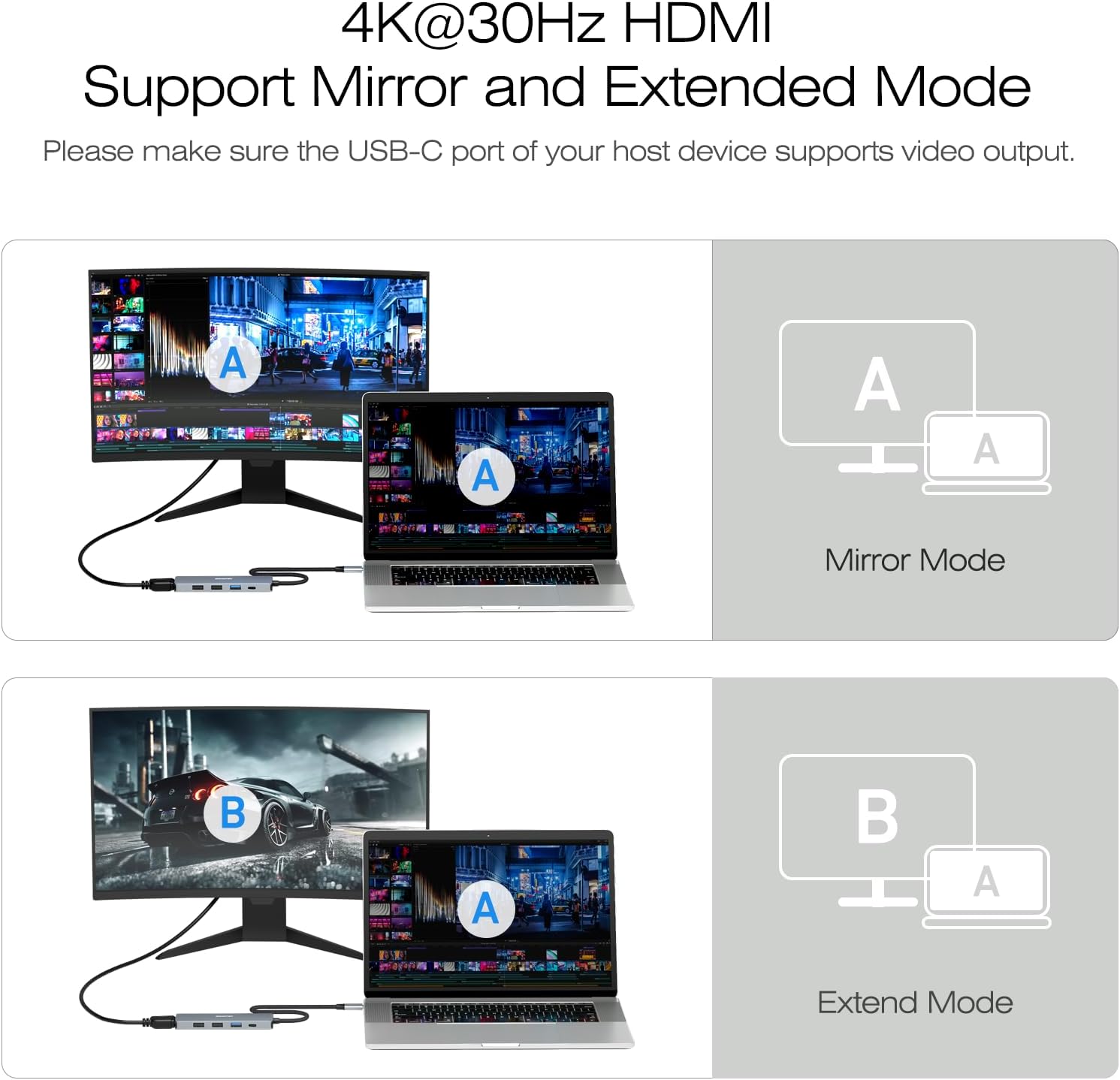
- Video: 4K HDMI output up to 30 Hz, which is suitable for basic productivity, presentations and casual media viewing, note that the host device must support video output on its USB-C port.
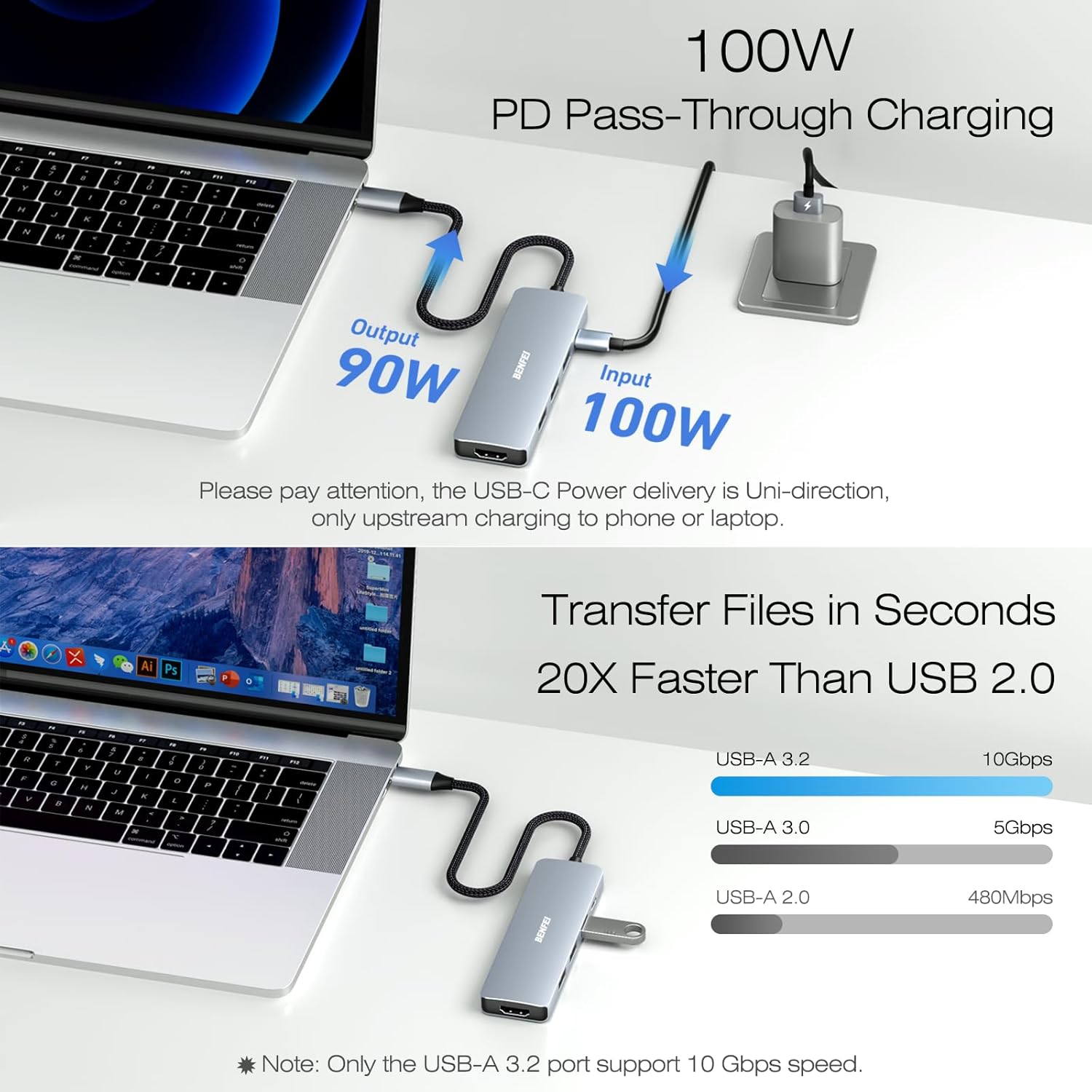
- Data: A USB-C hub with one USB-C 3.2 Gen2/10Gbps port and three USB-A ports to handle peripherals such as keyboards, mice, and other USB devices. The description in the base materials references an arrangement of USB ports that prioritises fast data transfer where supported.
- Power: 100W PD passthrough helps keep laptops charged while in use, with some headroom reserved for other connected devices. This is practical for mobile working, but real-world charging performance can depend on the host machine and charger configuration.
Who it’s for and when it makes sense
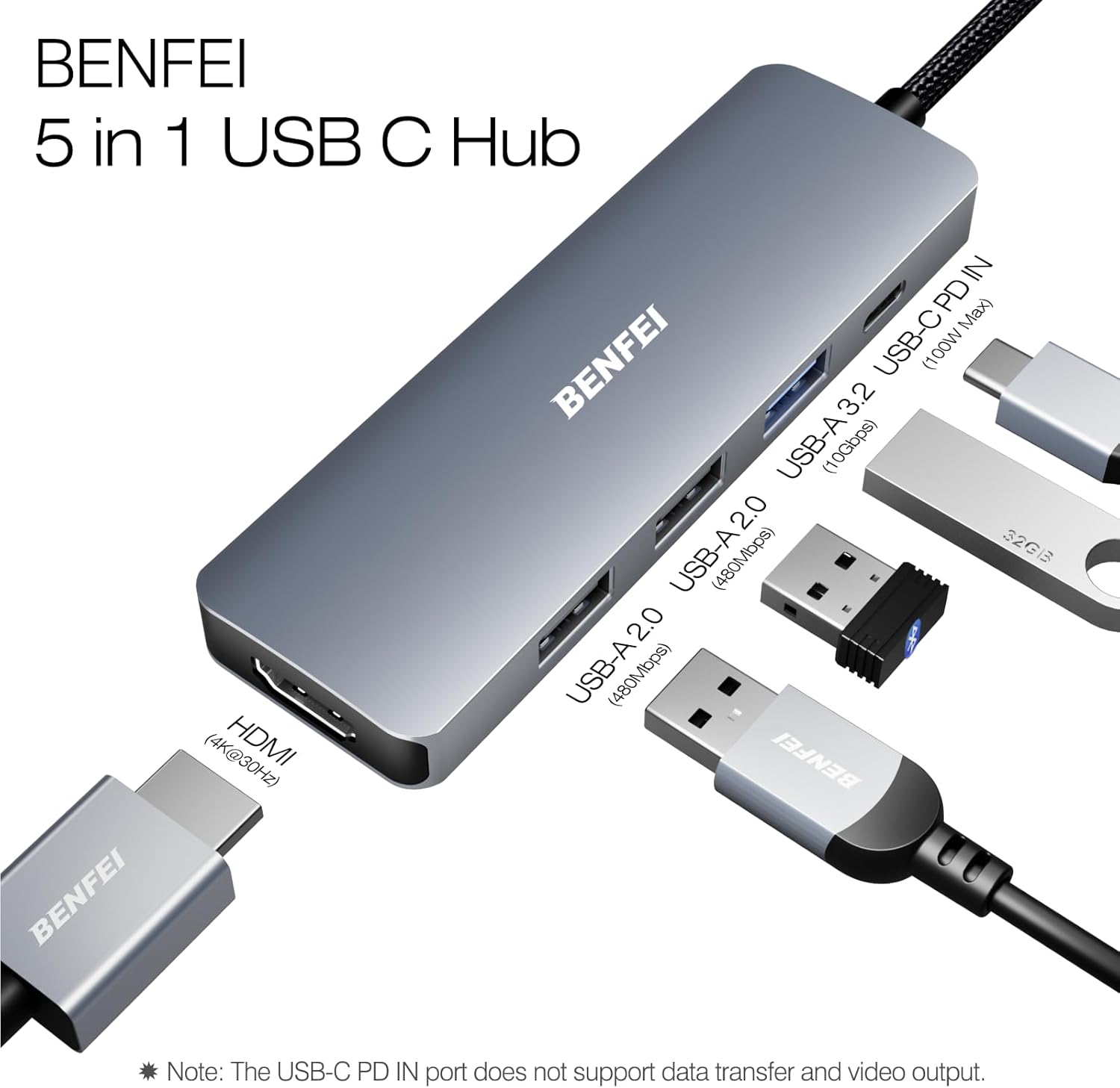
If you prioritise a tidy, portable expansion solution for a MacBook, iPad, or newer iPhone line, and you need reliable 4K output for occasional presentations or media, this hub offers a simple, compact pathway. It may be less compelling if you require higher refresh rates for 4K video, more than three USB-A ports, or full USB-C data on the pass-through side.
What to review before buying
- Ensure your host USB-C port supports video output to use the HDMI 4K feature.
- Consider whether three USB-A ports meet your peripheral needs, or if you might need more USB-C or higher-speed ports.
- Check that your charger and laptop support 100W PD passthrough in a way that matches your daily charging needs.
- If you value a fully rugged all-metal aesthetic or a longer cable, compare with other hubs that offer different cable materials or sizes.
Practical use case
Imagine travelling with a lightweight laptop and a compact stand. You can connect a monitor via HDMI for a larger display, plug in a keyboard and mouse through USB-A, and keep the laptop charged via the passthrough while still having a dedicated port for a headset or flash drive. It’s not about creating a studio-grade setup on the go, but rather a dependable, no-fuss extension for everyday tasks.
How it compares to common alternatives
This hub focuses on a balance of portability and function, aiming to deliver solid basic expansion without demanding a dedicated dock. If you need more USB-C data on the hub side or higher HDMI refresh rates, you might lean toward alternatives offering additional USB-C ports or higher-resolution video outputs. For many users, the appeal lies in its lean profile and straightforward compatibility across Apple devices and recent iPhone models.
FAQ (quick checks)
- Does the HDMI output work with every device? It depends on the host USB-C port supporting video output.
- Can I use all ports at once for demanding peripherals? The description implies multiple interfaces, but real-world performance can vary with power and port usage.
- Is the hub universally compatible with non-Apple USB-C laptops? The connector and function are standard, but device-specific features may vary.
Is it worth it?
It’s worth considering if you want a compact, integrated solution that keeps a desk tidy and reduces dongle clutter, provided your primary needs align with a single HDMI 4K output, three USB-A ports, and 100W PD passthrough. If you require higher 4K refresh rates or more diverse port types, you might need to set expectations accordingly.