

USB to HDMI Cable with Built-in Drivers — 1.2m USB 3.0 to HDMI, 1080p Monitor Converter
Product description
What it is and what it does
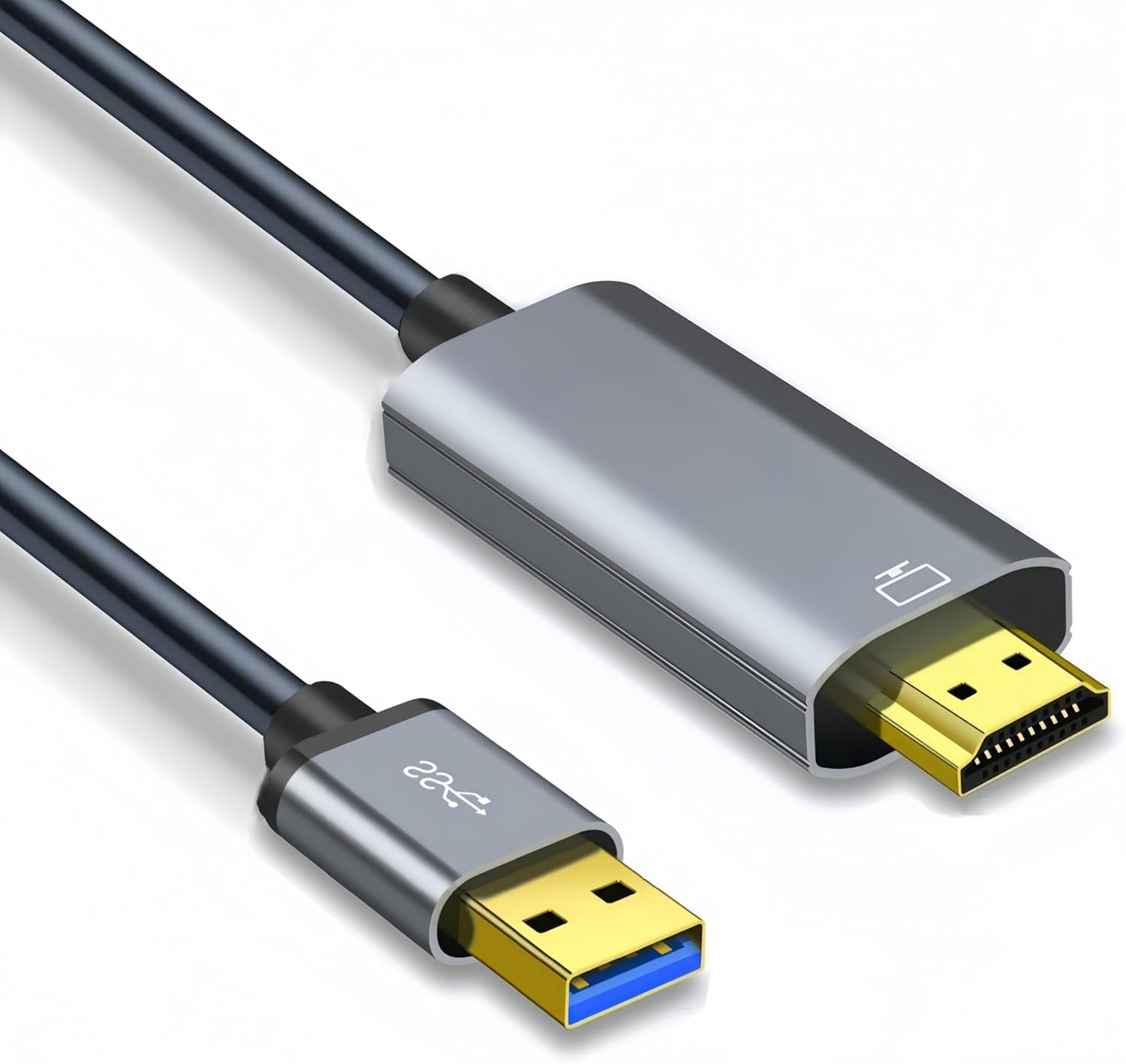
This USB to HDMI cable is a one-way video adapter that lets a USB-enabled laptop or desktop connect to an HDMI display such as a monitor, projector or TV. It includes built-in drivers and uses a USB 3.0 connection to carry the video signal to a standard HDMI output. It is not designed for charging devices or transferring files.
How it works
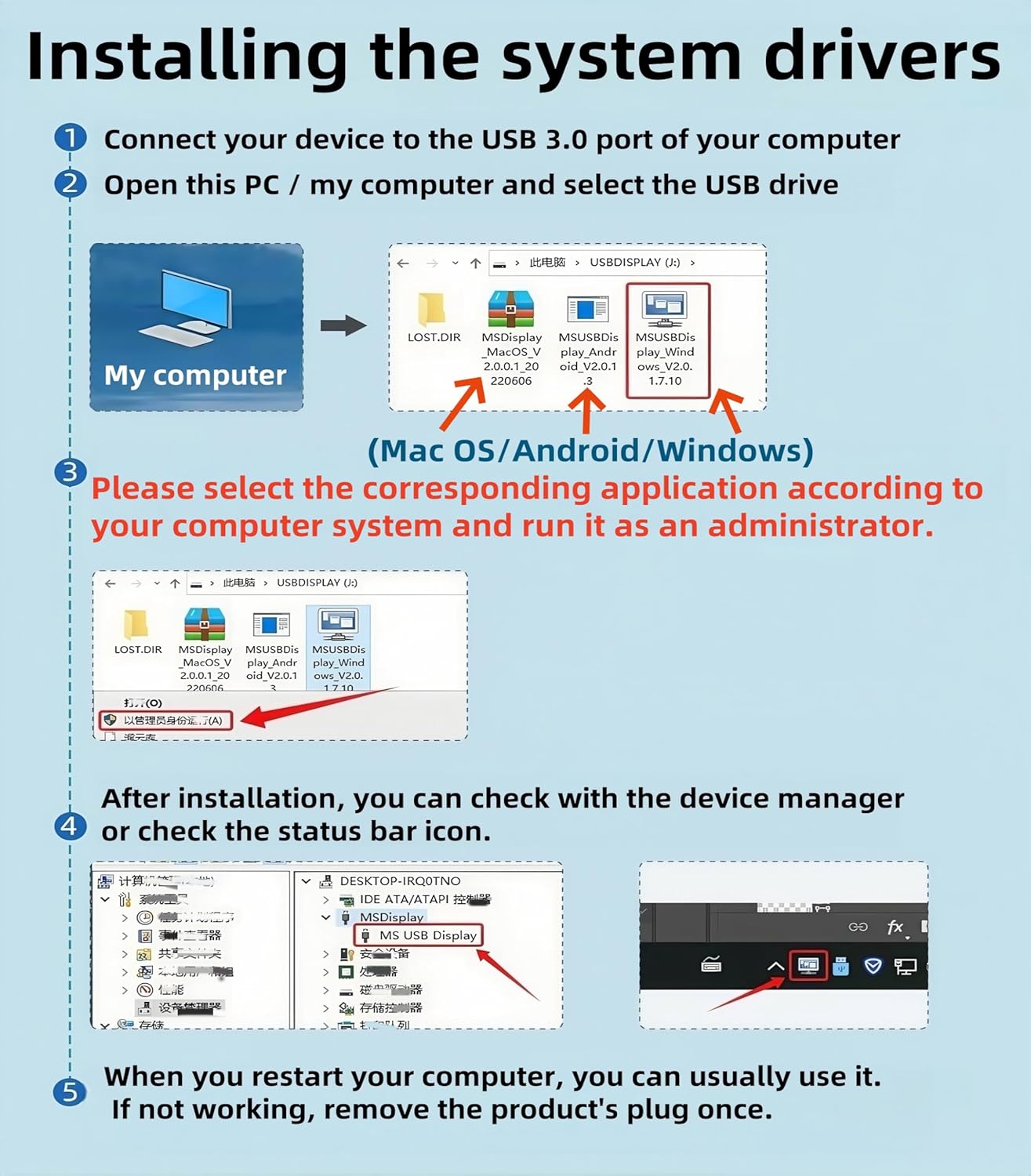
Upon first use, the driver needs to be installed. The cable is designed to be simple: plug the USB end into the computer and the HDMI end into the display. The driver typically starts automatically and prompts follow-on steps. If you’re using a mobile or a device with limited access to an app, you may need to locate the driver in the included CD or download it from DisplayLink. Remember, this is a unidirectional converter: it takes video from USB and renders it on HDMI, not the other way around.
What stands out
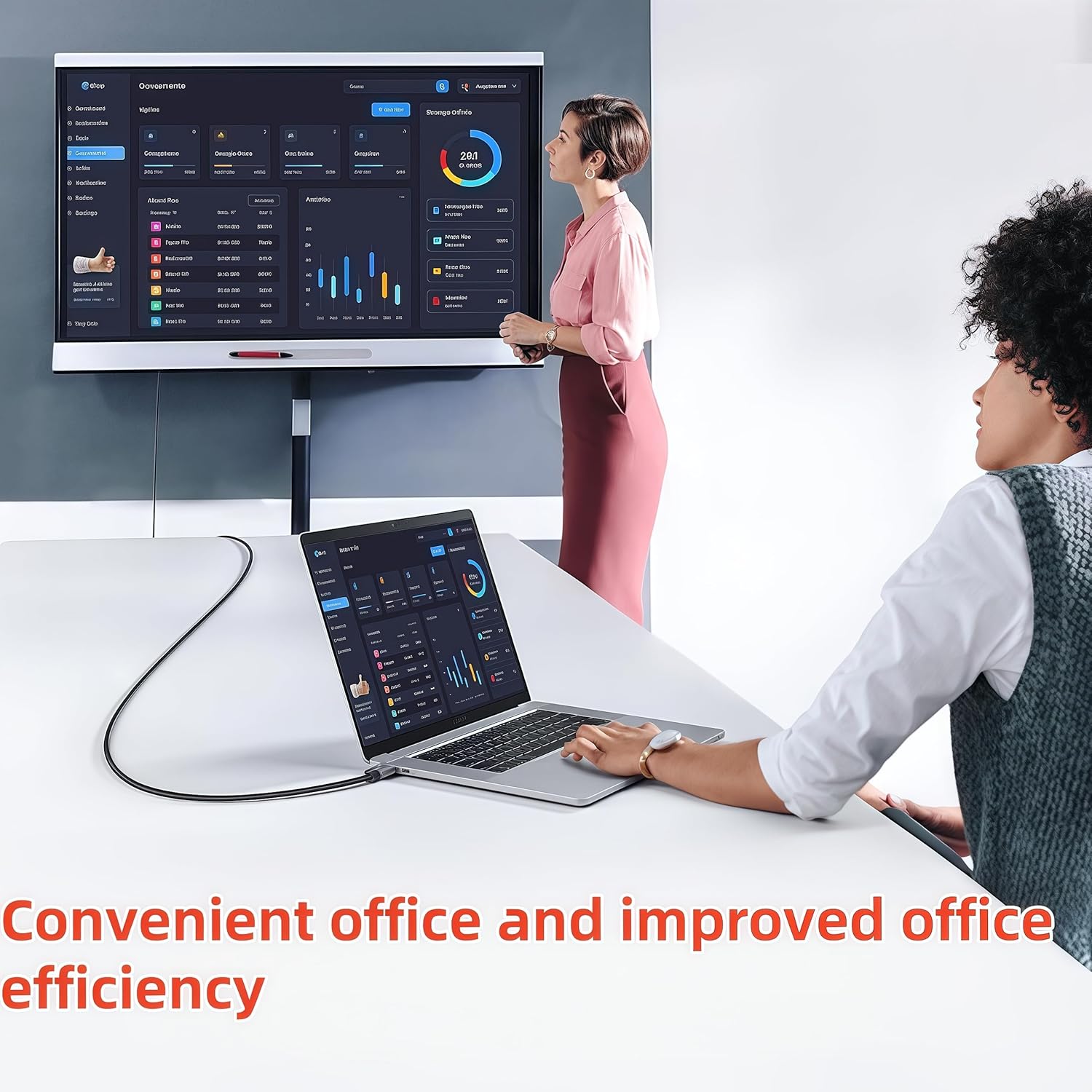
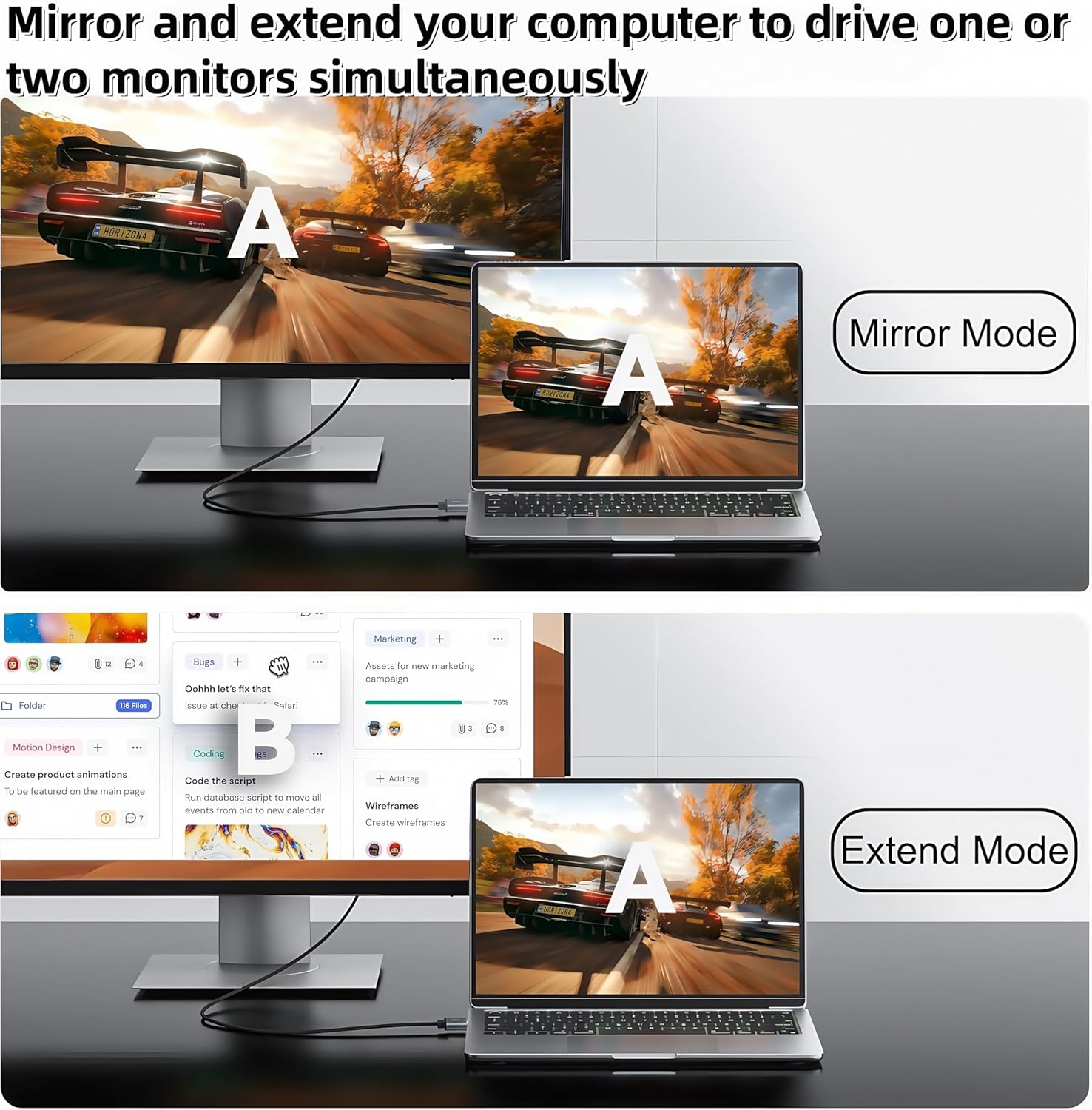
On the paper design prioritises flexibility for desk setups where a single laptop must drive a larger screen. The cable supports both extended and mirrored display modes in Windows, which can help with multitasking or presentations. The kit emphasises a stable signal with a reasonable picture quality at 1080p, suitable for everyday tasks, video playback or light presentation use.
The limitations you should weigh
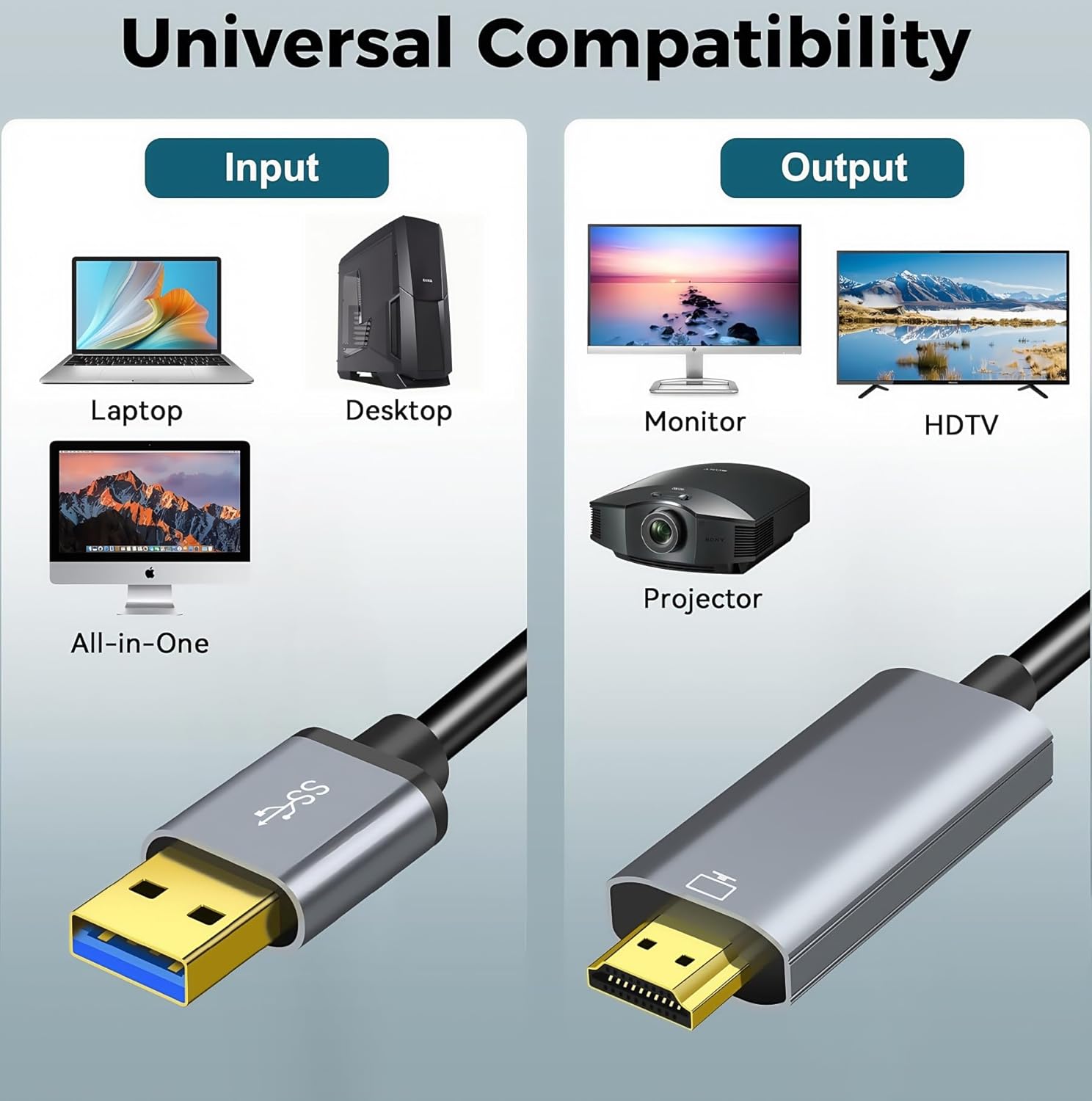
It won’t power devices or transfer files, and it isn’t a bidirectional cable. If you rely on USB-C displays, or need 4K output, this solution may not meet those expectations. Compatibility notes specify laptops and desktops with Windows 8.1/10/11 and macOS, but not other USB 3.0-equipped devices like game consoles or smart TVs as hosts. The user must confirm driver availability and installation steps, which could be inconvenient for some users or in environments with restricted software installs.
Who this is for
If you routinely connect a laptop to a larger screen for work, teaching, or occasional streaming, and you’re prepared to install a driver, this cable can offer a straightforward, compact solution. It’s particularly relevant for users who need an additional display without investing in a new graphics card or dongle setup. It’s less ideal if you require 4K output, a truly plug-and-play experience, or a bidirectional connection.
Who it isn’t for
Not the best choice if you expect a seamless, always-on display without driver steps. Also not suitable for devices outside the supported laptop/desktop scope, or for users wanting to power or charge devices through the same connection.
When it makes sense to buy
Consider this option when you want to extend or mirror a laptop screen to a bigger display for everyday productivity, video calls, or teaching demos, and you’re comfortable following installation prompts. It can be a neat, space-saving upgrade for a home office or classroom setup where a dedicated HDMI output is not readily available.
What to check before buying
- Ensure your computer can run the required driver installation and that you have permission to install software
- Confirm your target display accepts 1080p input if that’s your plan
- Check that your use-case is one-way video transmission from USB to HDMI, not a charging or data transfer task
- If you’re unsure about compatibility, reach out for a quick check on whether your laptop model is listed in the supported range
Practical usage example
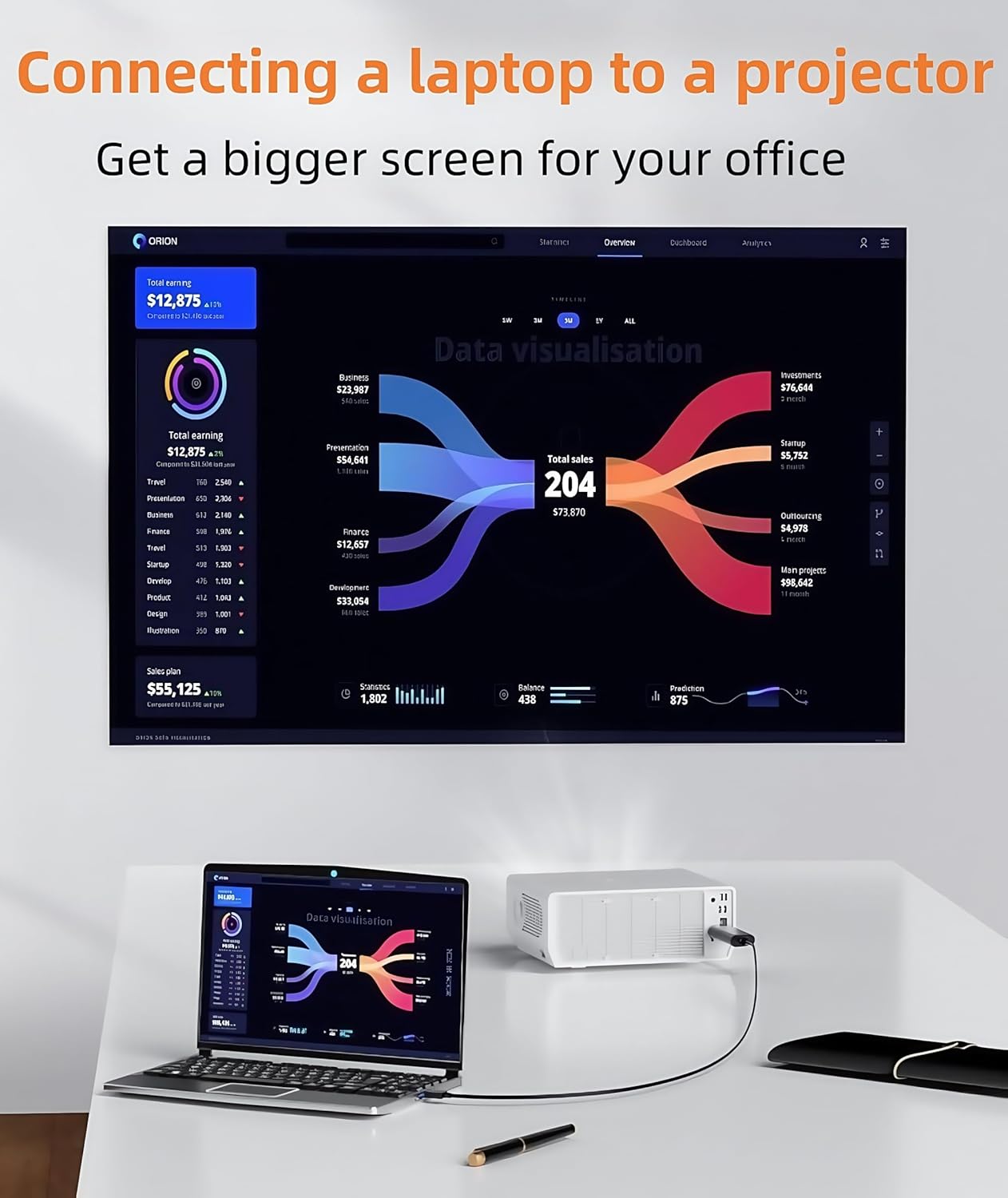
Imagine giving a small team a quick training session: you plug the USB end into your laptop, connect the HDMI end to a projector, install the driver, and you’re ready to share slides and live demos on the big screen. You can switch between mirror and extend modes with Windows shortcuts, making it straightforward to show your content while keeping notes on your laptop.
FAQ
- Do I need to install software? Yes, for the first use you typically install a driver.
- Can I charge my laptop through this cable? No, it’s specialised for video transmission only.
- Is it suitable for 4K displays? No, this configuration targets 1080p output.
Is it worth it?
Worth considering if you need a compact, dedicated USB-to-HDMI solution for occasional or regular screen expansion, and you’re prepared to install the driver. If you prioritise a truly plug-and-play experience, or require higher resolutions, you may want to look at alternatives that better match those needs.