

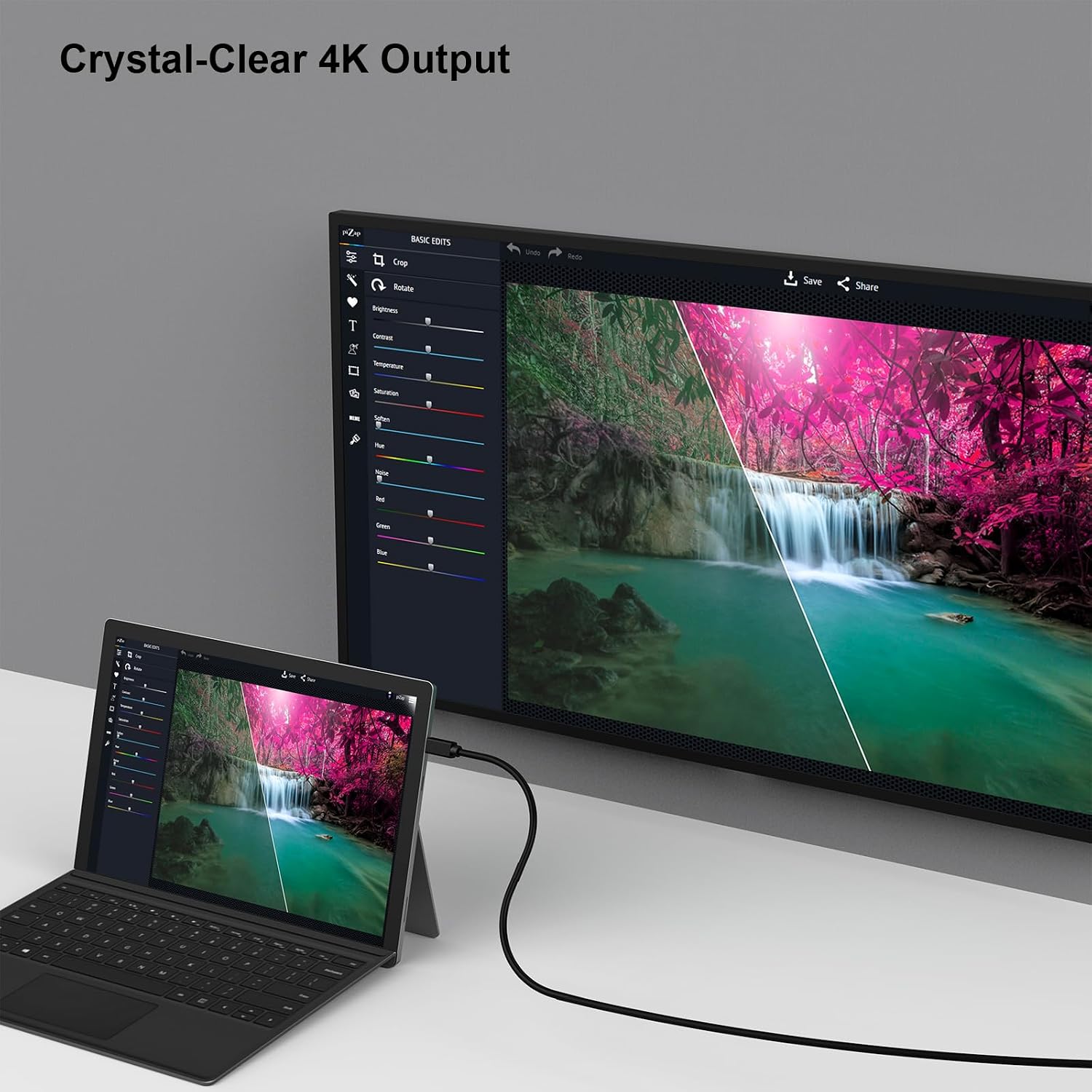
BENFEI Mini DisplayPort to HDMI Cable: 3 Metre, Thunderbolt-Compatible (Mac/Surface/Dock Use)
Product description
What it is
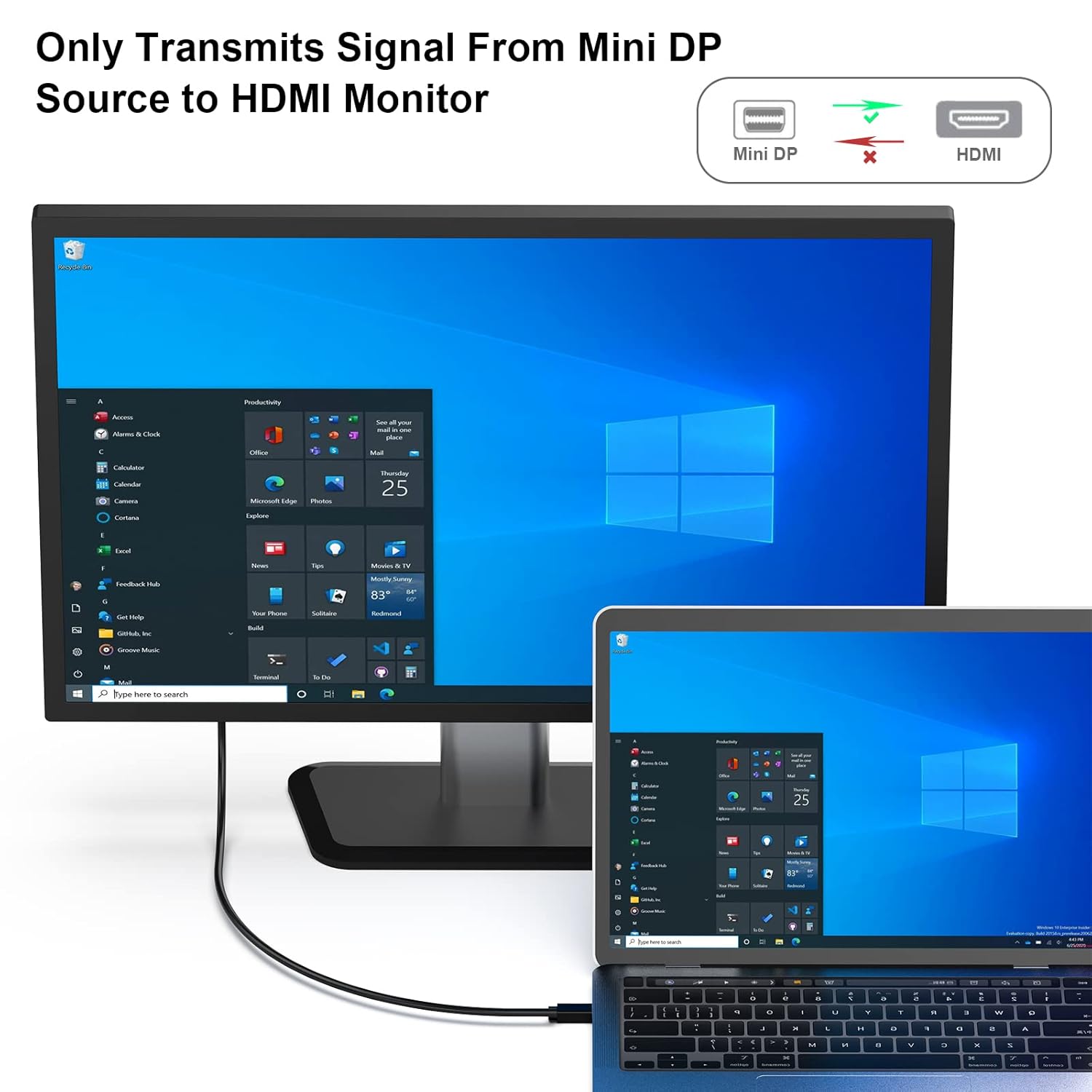
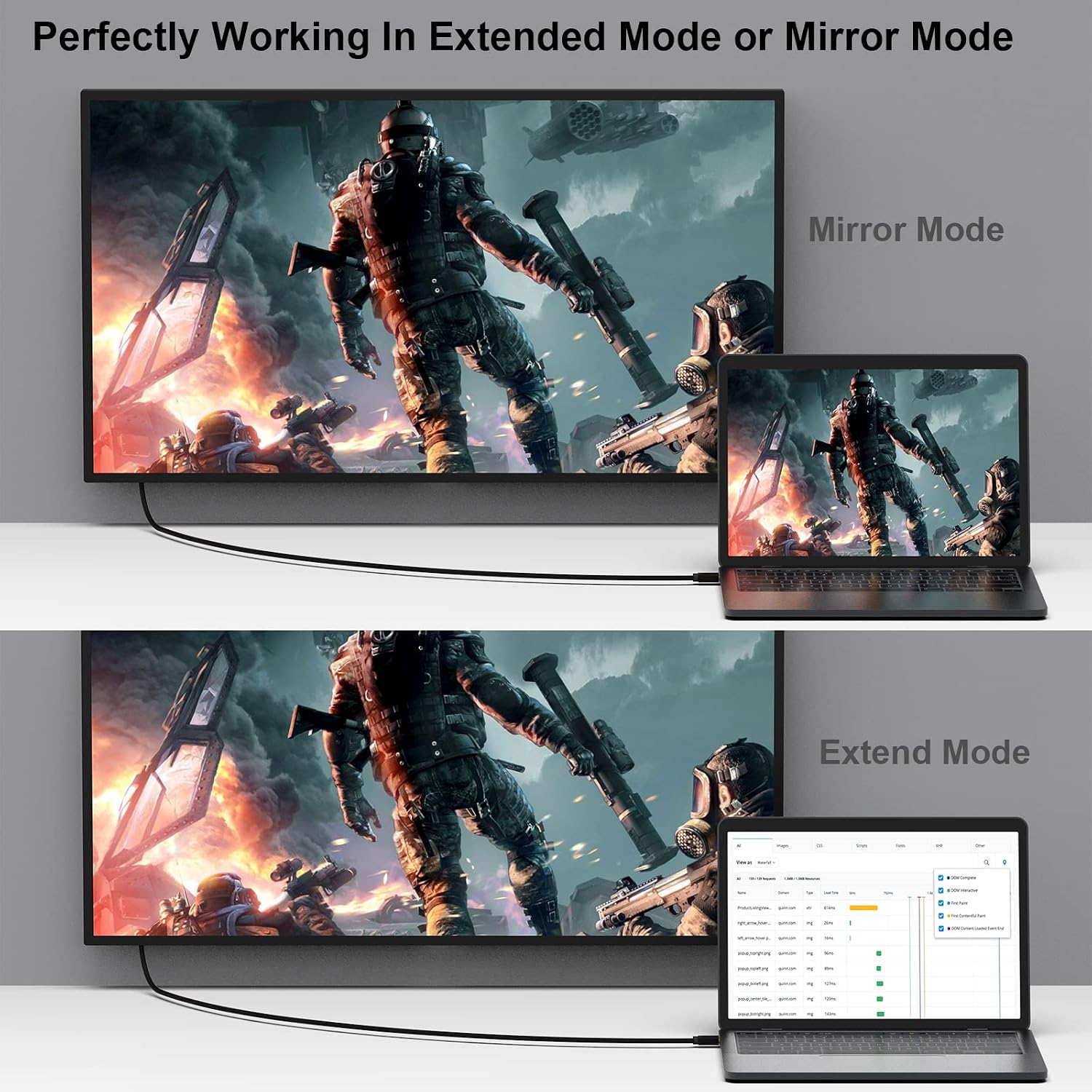
The BENFEI Mini DisplayPort to HDMI Cable is a straightforward adaptor cable designed to carry video and audio from devices with a Mini DisplayPort (Mini DP) output to HDMI displays. It’s aimed at users who want a simple, cable-based solution for mirrors or extended displays on laptops, tablets, or docks that offer Mini DP. On paper, the cable supports a clean, single-cable path from source to monitor, projector or TV, with a length that suits desk setups and presentations.
How it performs
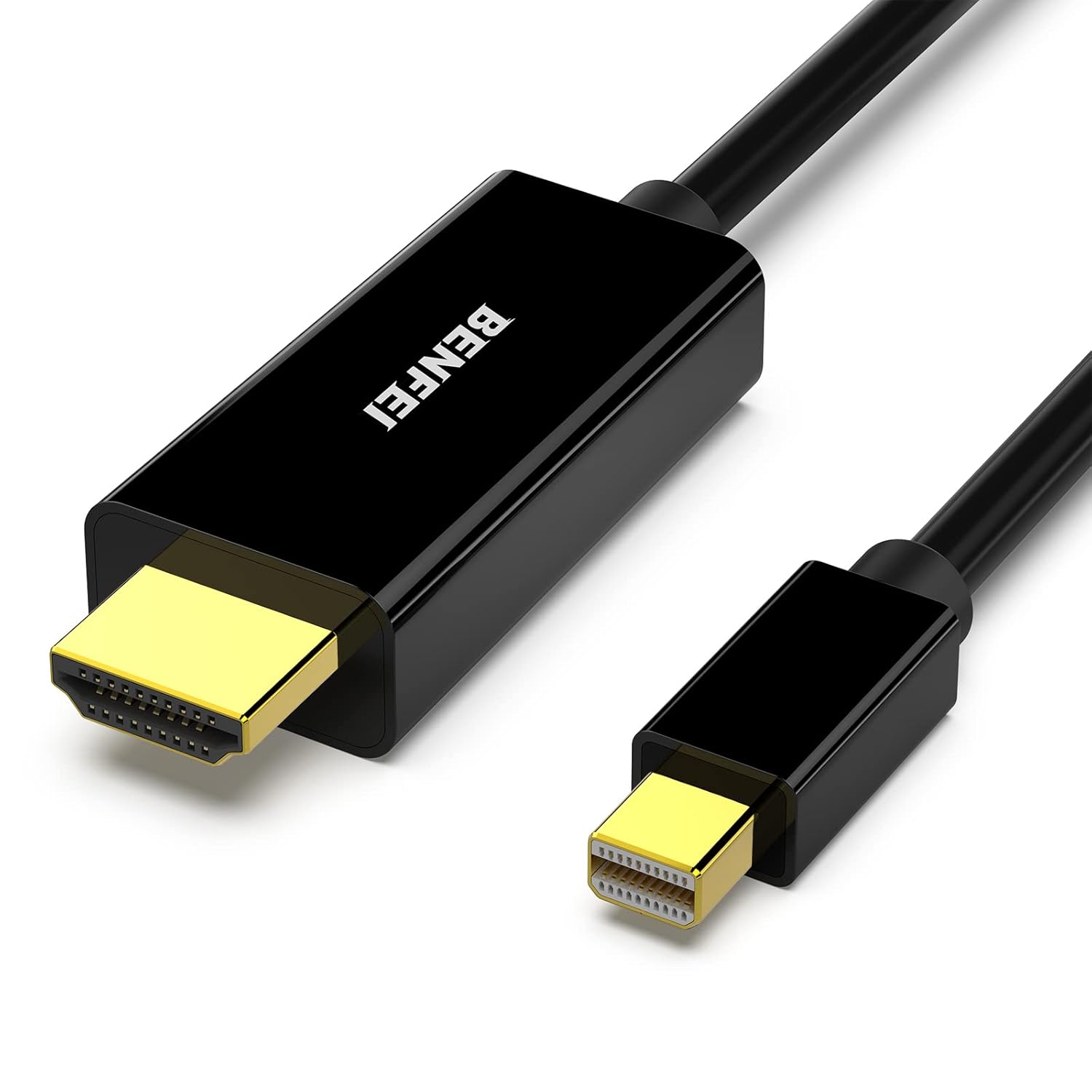
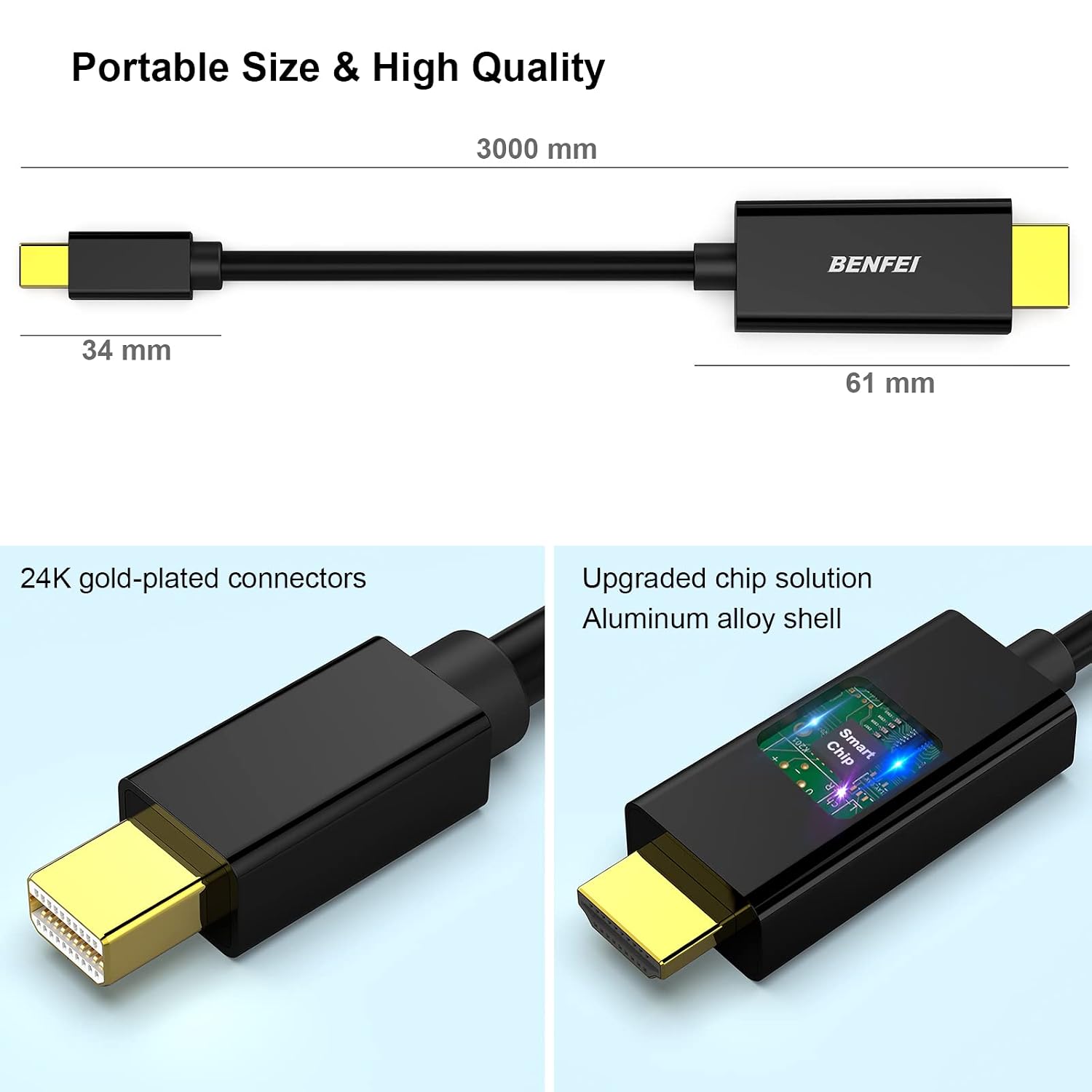
On the surface, the cable prioritises reliable data transmission and compatibility. The connectors are 24K gold-plated copper, which Benfei touts as helping maintain signal integrity for both audio and video. The design emphasises shielding to reduce interference, which matters if you’re wiring through busy office spaces or near other electronics. Do keep in mind that the product’s official notes warn that it is not compatible with Thunderbolt 3, so users with newer Apple devices or docks that rely on Thunderbolt 3 to deliver DisplayPort signals should look for a dedicated TB3 option.
What stands out
- Universal-ish compatibility for older MacBook Pro/Air models and many Windows devices that expose Mini DP.
- A robust bend lifespan claim (15,000+), which suggests the cable is built to endure regular in-and-out use rather than a one-off setup.
- A long 3 metre length offers flexibility for larger desks or rooms where the display isn’t immediately beside the computer.
What might not convince everyone
- There’s a notable caveat around Thunderbolt: if your workflow relies on TB3/USB‑C docking setups, this cable won’t be the right pick.
- The list of compatible systems is extensive but dated, newer devices with different video interface expectations may require alternative adapters.
- The base description pins 1.8m length in a snippet, yet the title states 3 metres. If exact length matters for your setup, verify the final specification before purchase.
Who it’s for
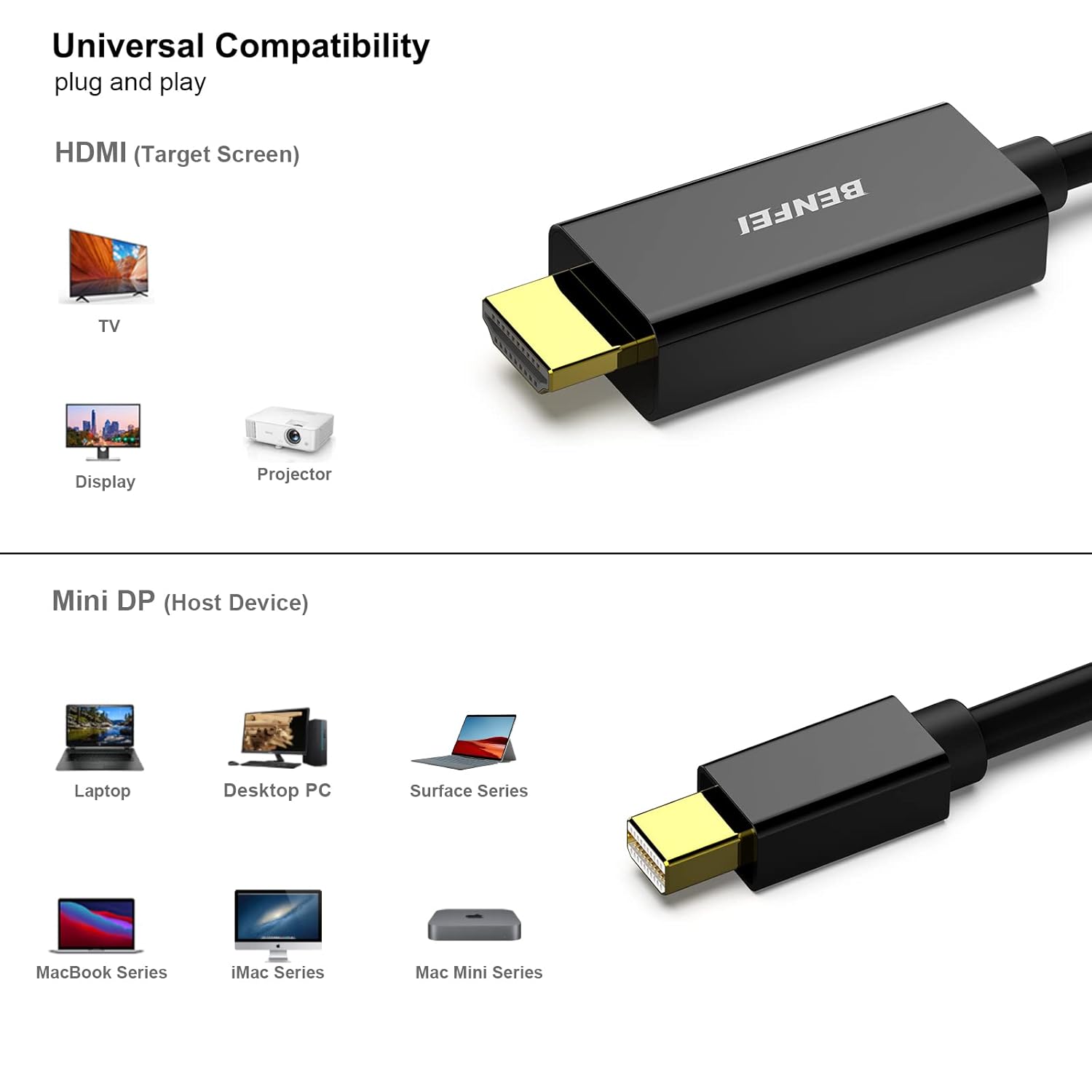
This cable is likely ideal for those with older MacBook Pros or Airs, certain Surface models, or laptops/docks that provide a Mini DisplayPort output and need to connect to HDMI displays without extra adapters. It can be a practical solution for classroom setups, small meetings or home office environments where a simple HDMI monitor, projector or TV is the goal.
Who it isn’t for
If you rely on Thunderbolt 3/USB‑C docks to deliver a video signal, or if you need 4K resolution at high refresh rates over HDMI, this may not be the best match. It’s also not the most future‑proof option for devices that move away from Mini DP altogether.
When does it make sense to buy
- You have an older device with Mini DisplayPort and a ready HDMI display.
- You want a durable, long cable for flexible desk layouts or presentation spaces.
- You prioritise a straightforward passive cable over separate adapters.
When to pass on it
- If your device relies on Thunderbolt 3/USB‑C with DP Alt Mode for best compatibility.
- If you require 4K at 60Hz or higher refresh rates and you’re shopping for future‑proofing.
- If product inconsistencies (like the 1.8m vs 3m length note) raise concerns about exact specs.
Before you buy: quick checks
- Confirm your source has Mini DisplayPort output and supports video output to HDMI.
- Check whether your display/Projector accepts HDMI input and what resolution you need.
- Consider cable routing length and whether the 3 m length fits your setup without excessive slack.
- Factor in the lack of Thunderbolt 3 compatibility if you plan to upgrade to TB3‑driven docking stations.
Practical use example
You’re giving a presentation from an older MacBook Pro to a classroom projector. Plug the Mini DisplayPort end into the laptop, connect HDMI to the projector, and you’re ready to mirror the screen with decent audio-visual clarity. It’s not a premium gaming or professional-video setup, but it covers everyday presentation needs with a simple, sturdily built cable.
Is it worth it?
Final verdict: Worth considering if your setup centres on older devices with Mini DisplayPort and you want a straightforward HDMI connection without extra adapters. It’s a pragmatic choice for value and durability in the right context, but not the best fit if you rely on Thunderbolt 3 features or require cutting-edge 4K performance.
FAQ
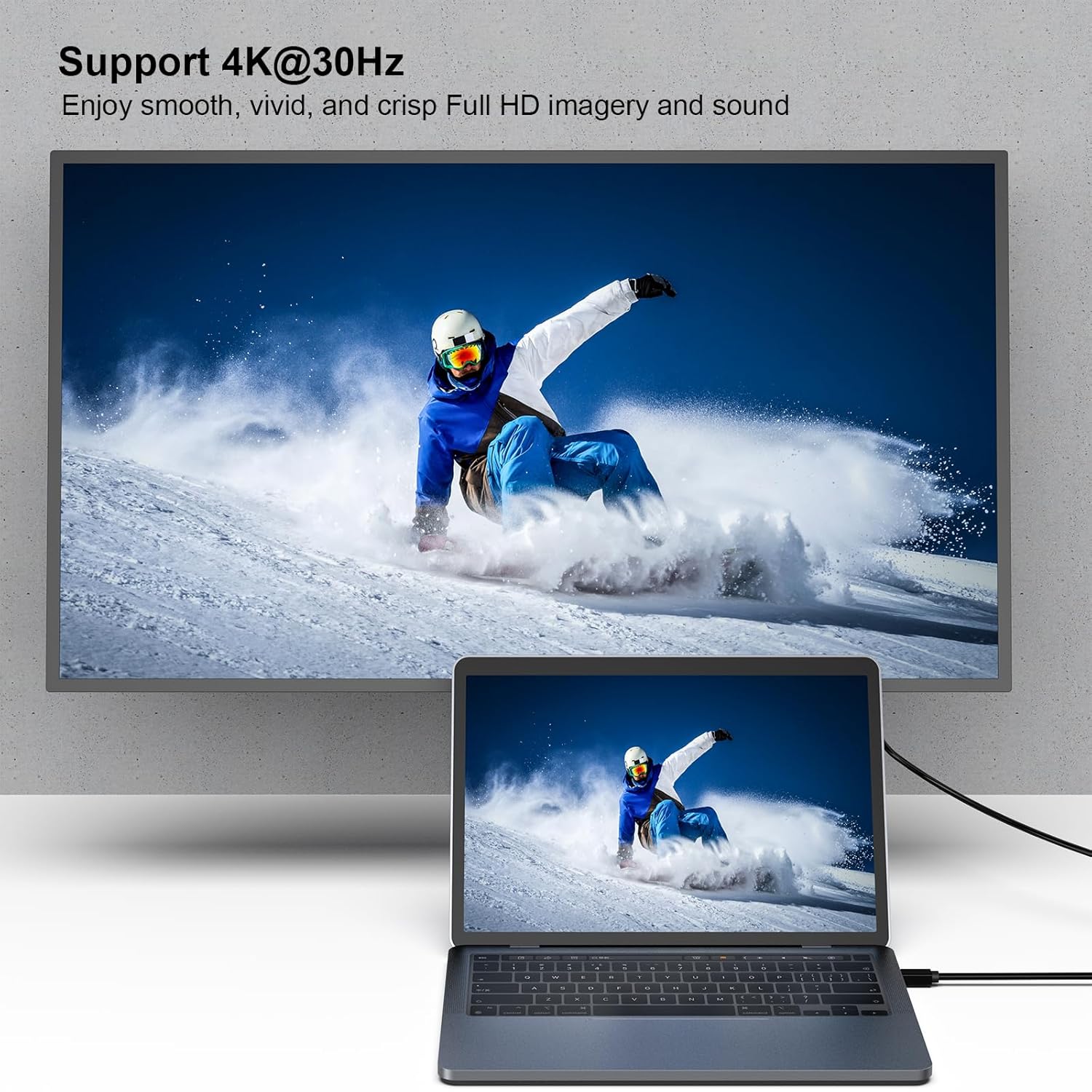
- Does it support 4K? The available information emphasises compatibility and stable transmission rather than high‑end video specs, detailed 4K/60Hz support isn’t specified.
- Is it compatible with all Thunderbolt docks? Not compatible with Thunderbolt 3, so TB3-only docks won’t work through this cable.
- How long is the cable exactly? The product title specifies 3 metres, the base description mentions 1.8 metres, so please double-check the exact specification before purchasing.