

BENFEI Bidirectional USB-C to DisplayPort 1.4 Cable 6FT (Grey) – 8K@60Hz / 4K@240Hz, Thunderbolt 4 Compatible
Product description
What it is and what it’s for
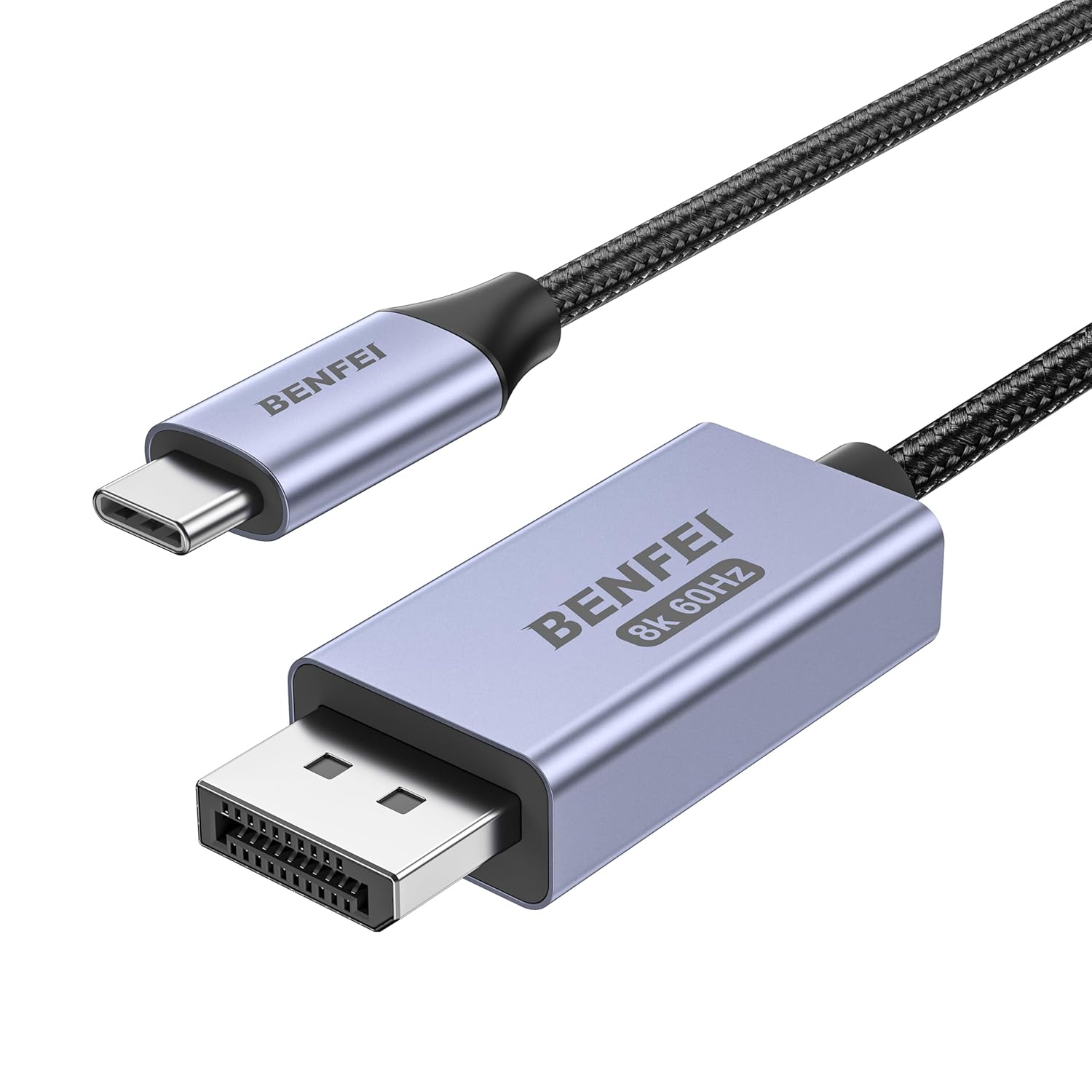
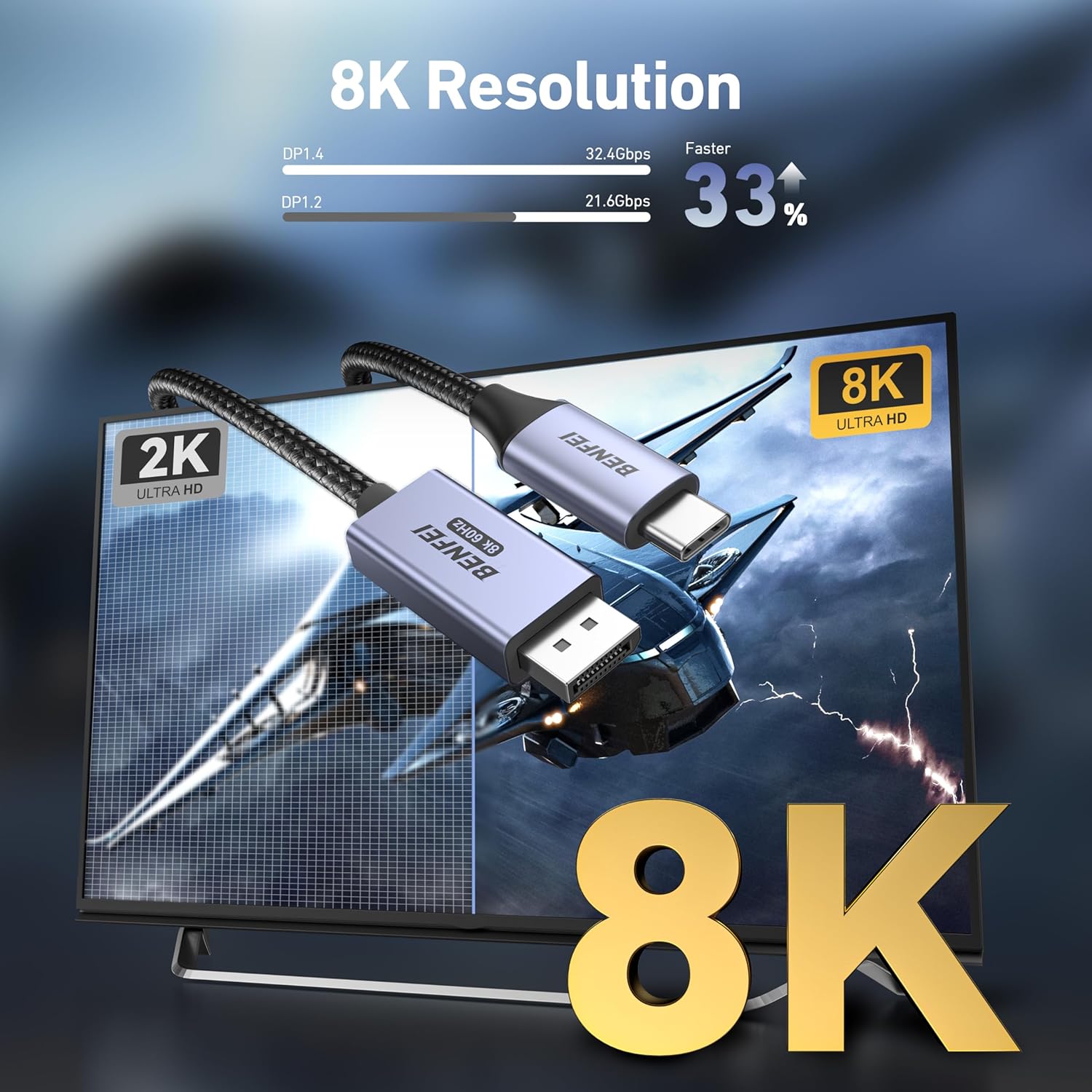
The BENFEI Bidirectional USB-C to DisplayPort 1.4 Cable is a 6ft (approximate) nylon‑braided cable designed to transfer video and audio between USB‑C sources and DisplayPort monitors, or DisplayPort sources and USB‑C displays. It supports high refresh rates for demanding tasks, including 8K@60Hz and 4K@240Hz on compatible devices, making it a practical choice for creative work, gaming, or multi‑screen setups.
How it works and compatibility on paper
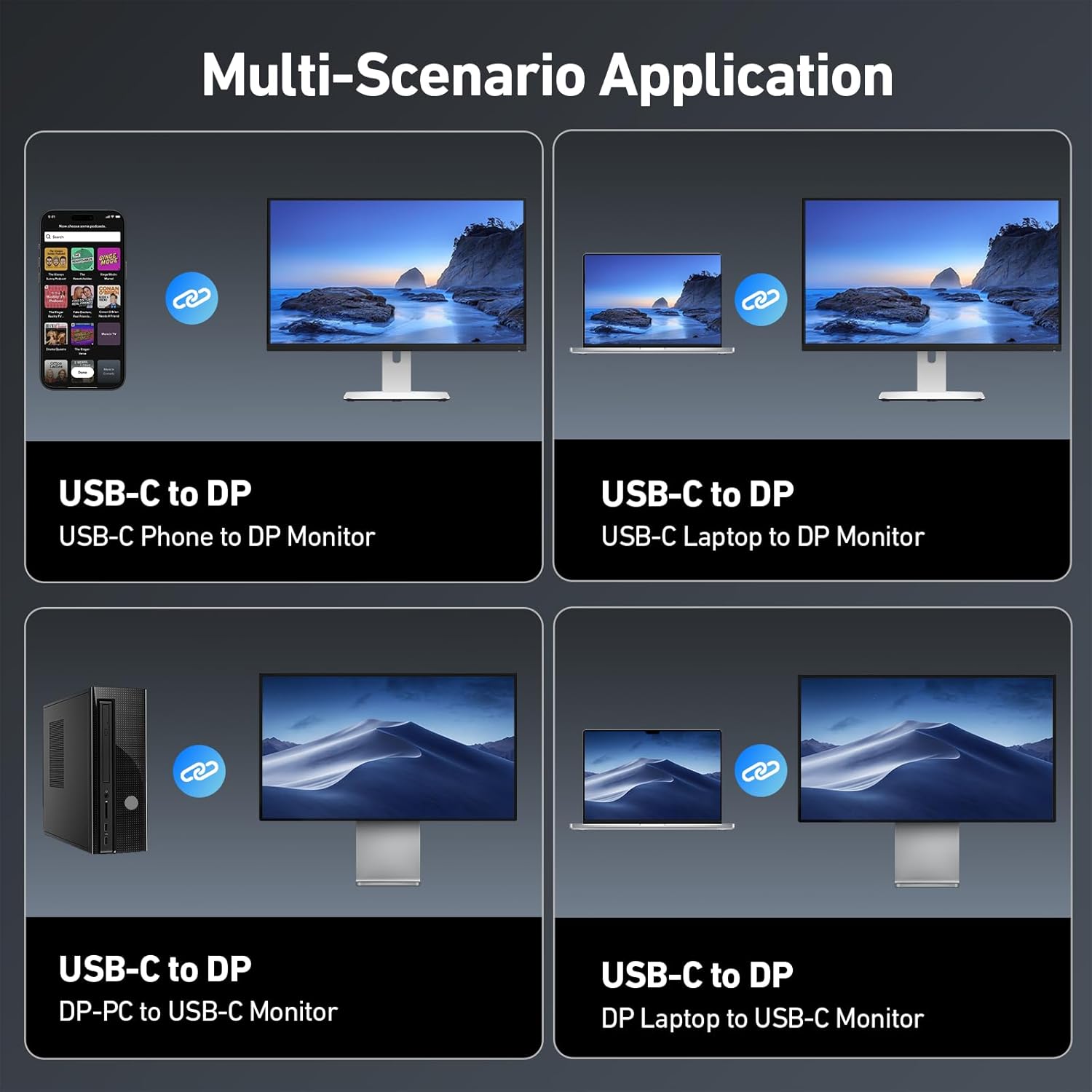
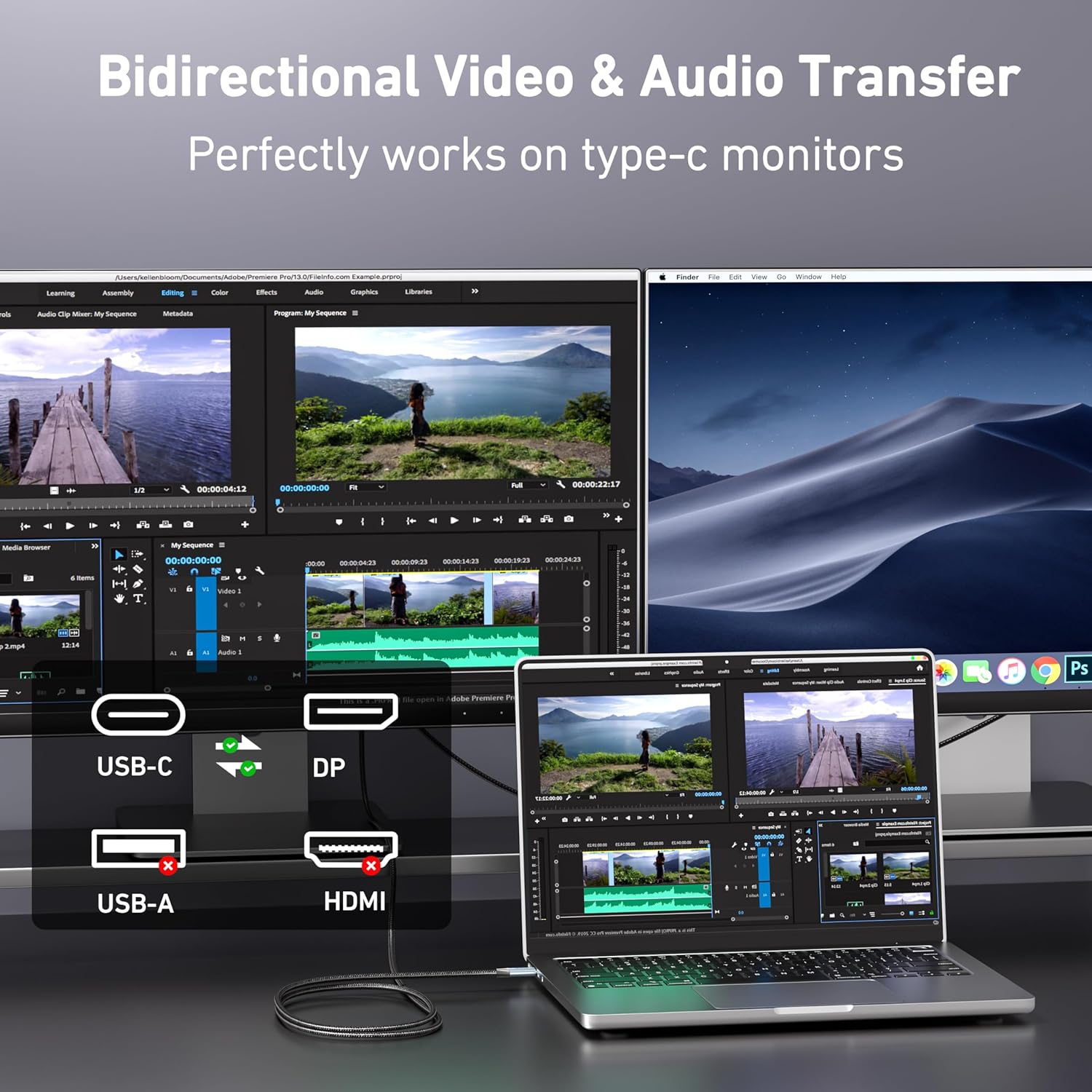
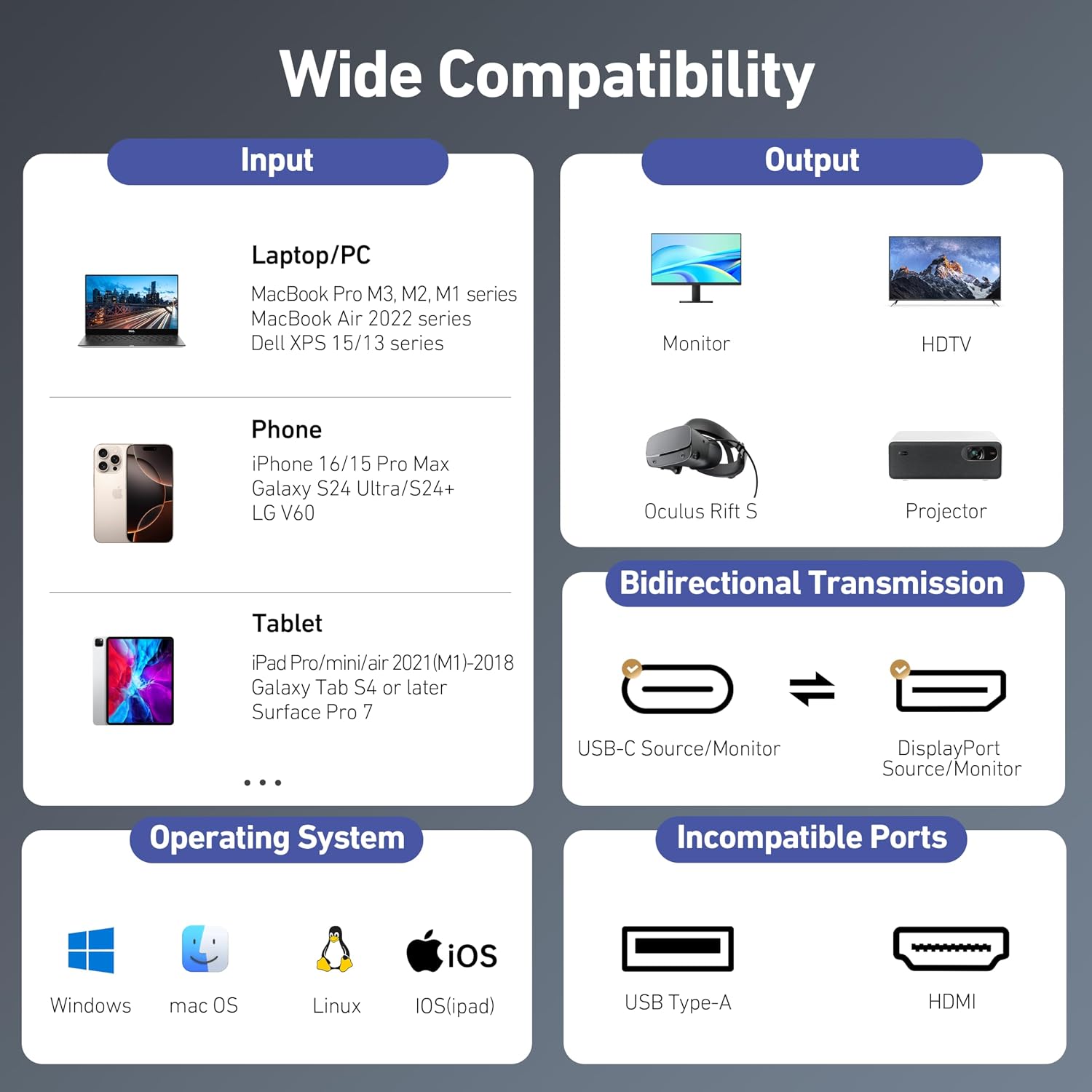
On the surface, this is a versatile bidirectional solution: USB‑C to DisplayPort or DisplayPort to USB‑C. The wording emphasises broad compatibility with USB‑C monitors and USB‑C sources, plus Thunderbolt 4/5 ports on laptops and desktops. In practice, outcomes depend on the source and display capabilities as well as the cable’s internal chipset. Notably, certain USB‑C portable monitors may not draw power from the USB‑C source through the cable, and DisplayPort sources can’t pass through power like a USB‑C source. If you’re aiming to run power‑hungry displays or need eeking of power delivery through the line, plan accordingly.
Design and build quality
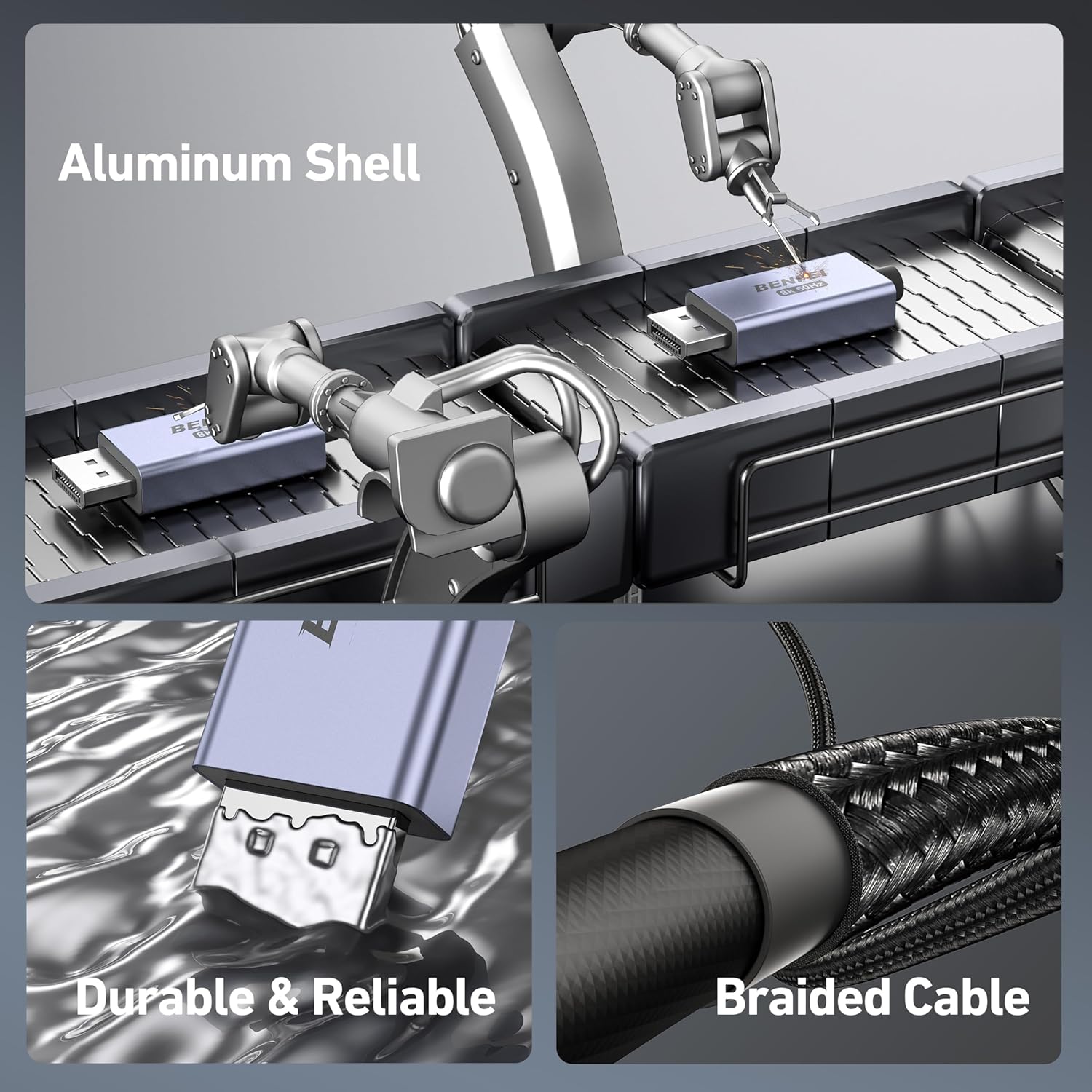
BENFEI positions the cable as robust and reliable, with a nylon braided jacket designed to resist fraying, heat, and kinking. The exterior includes a non‑slip thumb grip and a sleek grey metal connector housing, described as shock‑proof and comfortable to plug in. The claim of in‑house production and a dedicated PCBA/assembly process suggests attention to durability and consistency, rather than a one‑off manufacturing run.
What stands out in everyday use
If you prioritise high refresh rates for games or graphic design across a modern desktop workflow, the bidirectional nature reduces the need for multiple dongles. The 6‑foot length offers a balance between flexibility and tidy desk management. The compatibility emphasis with Thunderbolt 4/5 ports means it should slot into many contemporary laptops (and similar devices) without adapters. A practical note: ensure your monitor and source support the stated resolutions and refresh rates, you may not achieve 8K@60Hz on every setup.
Limitations and caveats
It isn’t designed for every scenario. For portable USB‑C monitors that require power from the source, you may find that power delivery isn’t supported through this cable. Likewise, a DisplayPort source cannot pass power through to a USB‑C device. If your workflow depends on USB‑C powered displays or requires pass‑through power, this could limit usefulness. It’s also worth noting that while the cable supports high refresh rates, real‑world performance depends on the overall system configuration and the capabilities of the connected devices.
Who it’s for
This cable is well‑suited to creators and power users who have: a USB‑C or Thunderbolt 4/5 equipped laptop, a DisplayPort monitor, and a need for high‑refresh or high‑resolution output in a single cable. It can be a sensible option for those looking to reduce cable clutter while preservingDisplayPort capabilities or USB‑C monitor compatibility.
Who it isn’t ideal for
If your setup relies on portable USB‑C monitors that need power through the USB‑C connection, or if you require true power delivery through the same cable, this product may not be the best fit. It also isn’t a guaranteed solution for every pin configuration found on legacy USB‑C monitors, even though BENFEI highlights wide compatibility.
When it makes sense to buy
Consider this cable if you want a single cable to link USB‑C sources or Thunderbolt devices to DisplayPort displays at high refresh rates, and you value a robust build with a relatively long 6‑foot reach. The 18‑month warranty is a plus for peace of mind if you’re setting up a permanent or semi‑permanent workstation.
What to review before buying
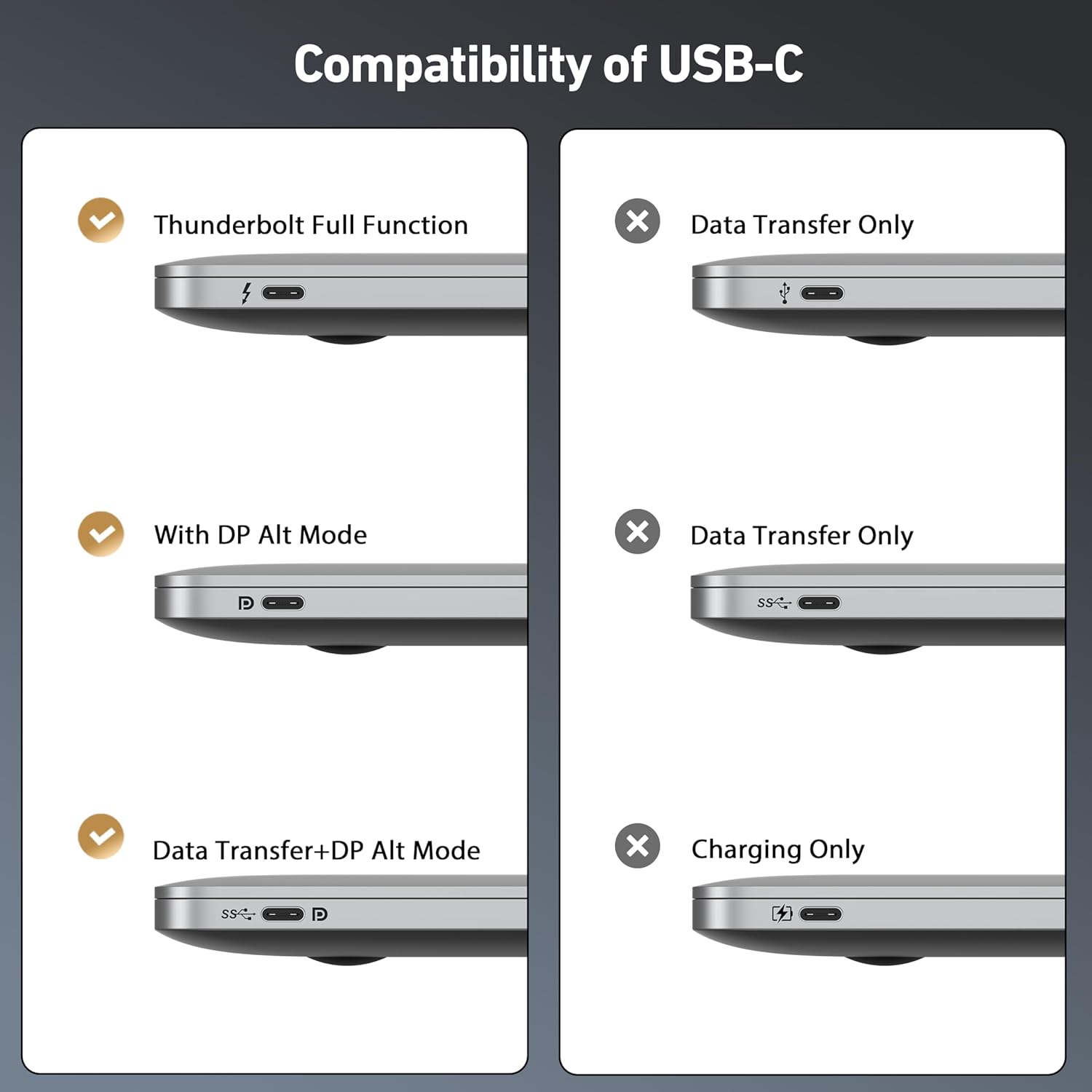
- Confirm your source device supports the intended resolution and refresh rate (8K@60Hz, 4K@240Hz) with DisplayPort Alt Mode or Thunderbolt 4/5.
- Check whether your DisplayPort monitor accepts input from USB‑C via a bidirectional path and whether it requires external power.
- Consider desk layout and cable management to take full advantage of the 6ft length without stretching.
Practical use case
A typical scenario: a MacBook Pro or Windows laptop with Thunderbolt 4 drives a 4K high‑refresh rate monitor for design work and video editing, with the option to switch the same cable to a USB‑C monitor when required. In a game or heavy design session, you’d notice smoother motion on displays that support the high refresh rate. For a casual user, the benefits are more about flexibility and fewer adapters than raw hype.
Comparison in context
If you’re choosing between this cable and a more basic USB‑C to DisplayPort option, the deciding factor is high refresh demands and compatibility with a broader set of USB‑C monitors. If you don’t need 8K or 240Hz, a simpler, lower‑cost solution could suffice. If you rely on power delivery through the cable, you may want to plan alternatives or separate power sources.
FAQ
- Will it work with my USB‑C laptop to a DP monitor at 8K? It can, if both devices support 8K@60Hz, but outcomes depend on the source and monitor capabilities.
- Is it fine for gaming? Yes, for setups that require high refresh rates, subject to device support.
- Does it supply power to devices? No, some configurations may not pass power, check device requirements.
Is it worth it?
Worth considering if you need a versatile bidirectional link that handles high resolutions and refresh rates and you value a durable build with a reputable warranty. If your needs are modest or you depend on consistent power delivery through a single cable, you may want to review alternatives or adjust expectations accordingly.