

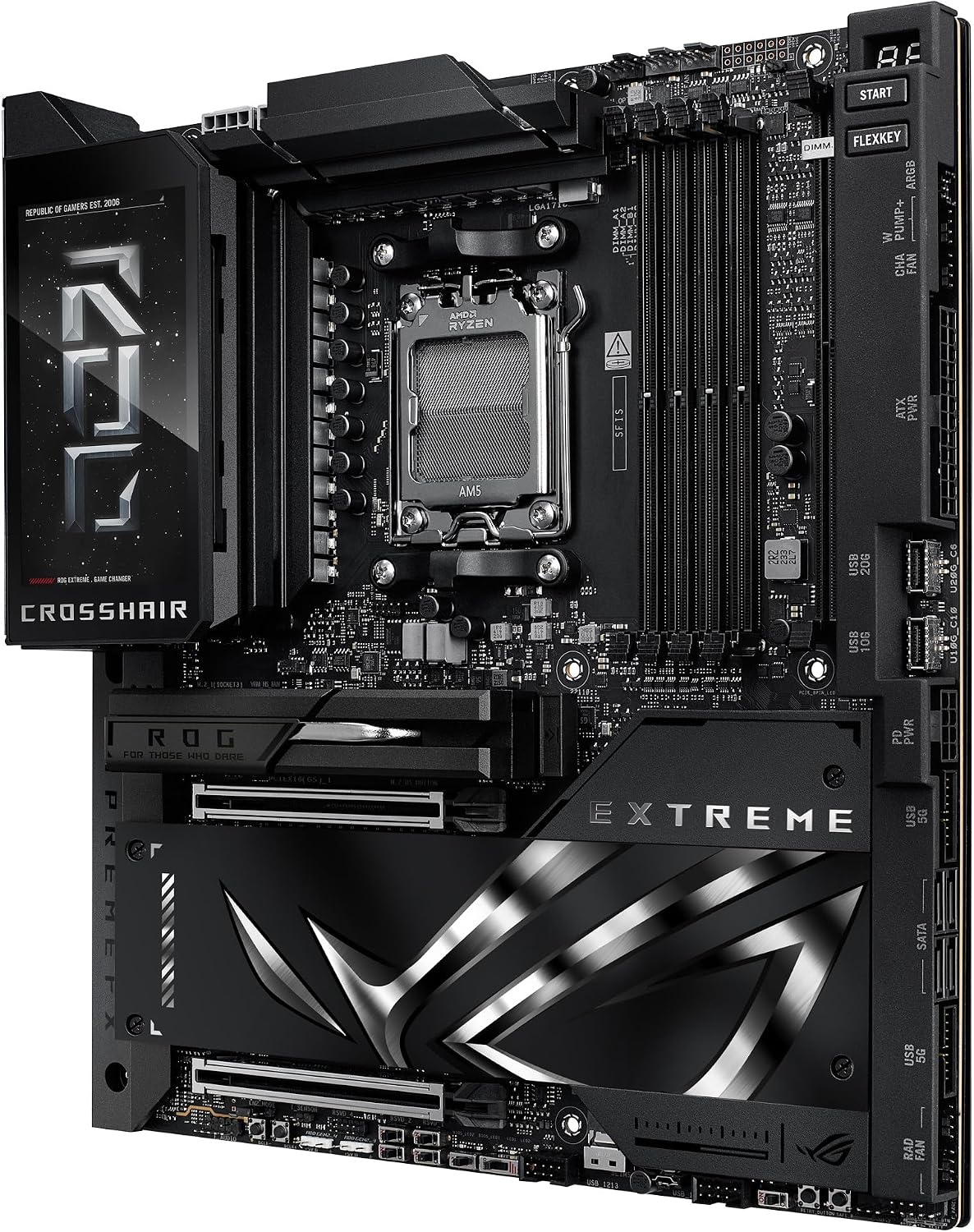
ASUS ROG Crosshair X870E Extreme Gaming Motherboard (AM5, E-ATX, 3x PCIe 5.0, 2x PCIe 4.0, DDR5, WiFi 7)
Product description
What it is
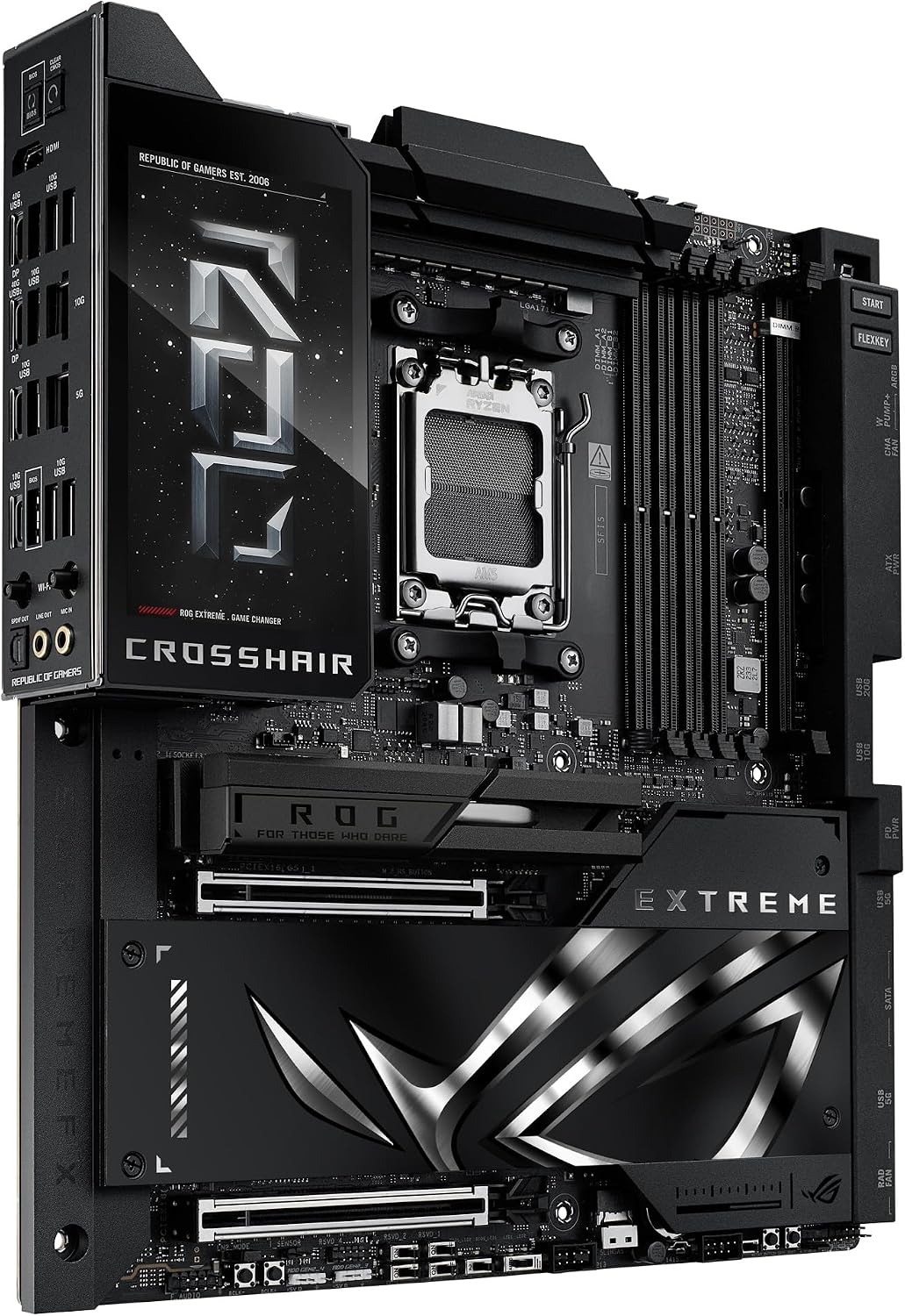
The ASUS ROG Crosshair X870E is a high-end motherboard designed for AMD AM5 desktops, built around a robust power delivery system and advanced cooling. It targets enthusiasts and future‑proofing builds where AI features and high-speed connectivity are valued, rather than merely plugging in a standard mid-range CPU.
What it solves
On paper, it integrates AI-assisted tuning and cooling workflows to streamline overclocking and system stability. If you’re planning to run demanding workloads—whether gaming, content creation, or AI-related tasks—it aims to pair the latest Ryzen chips with fast memory and PCIe connectivity.
Key features
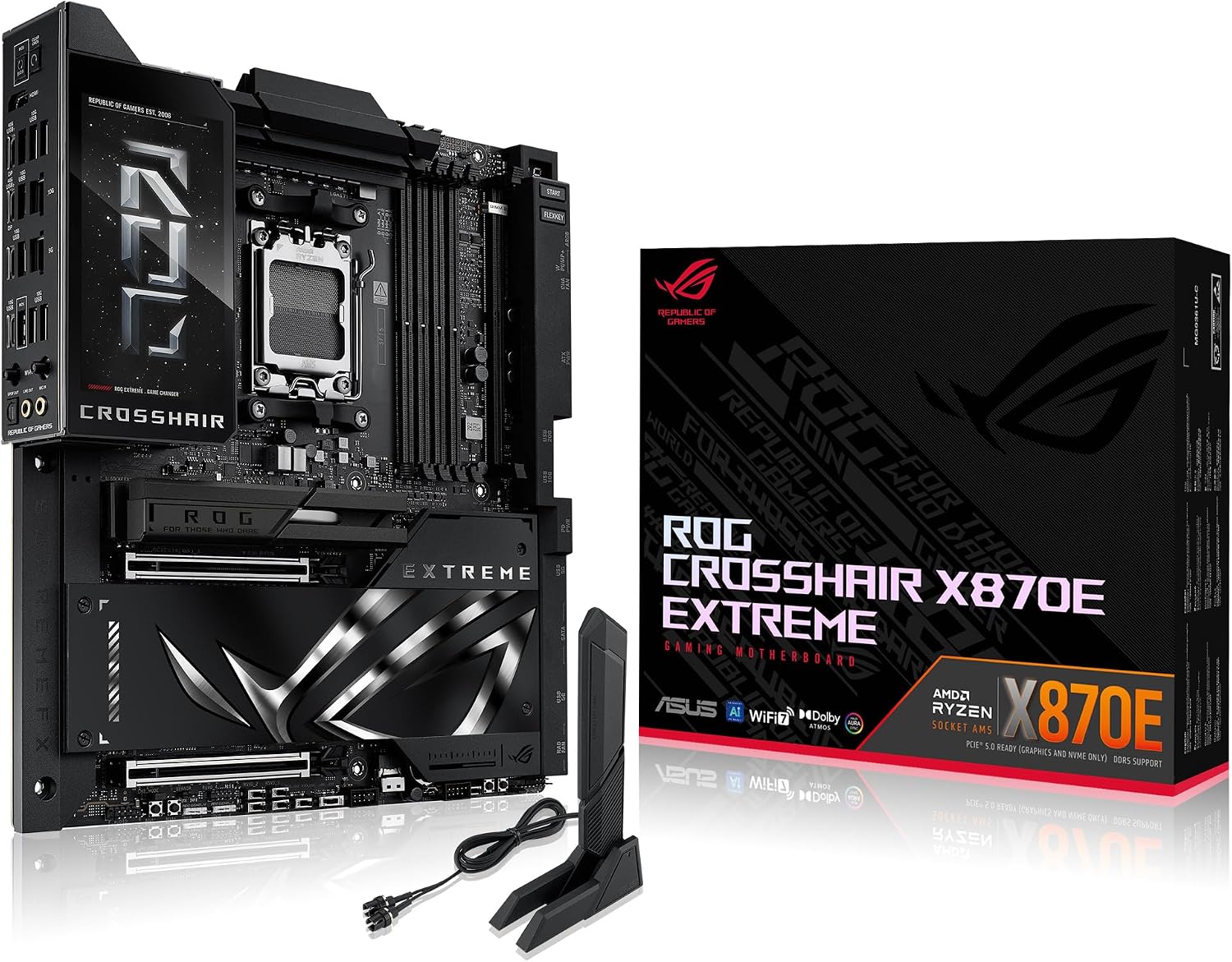
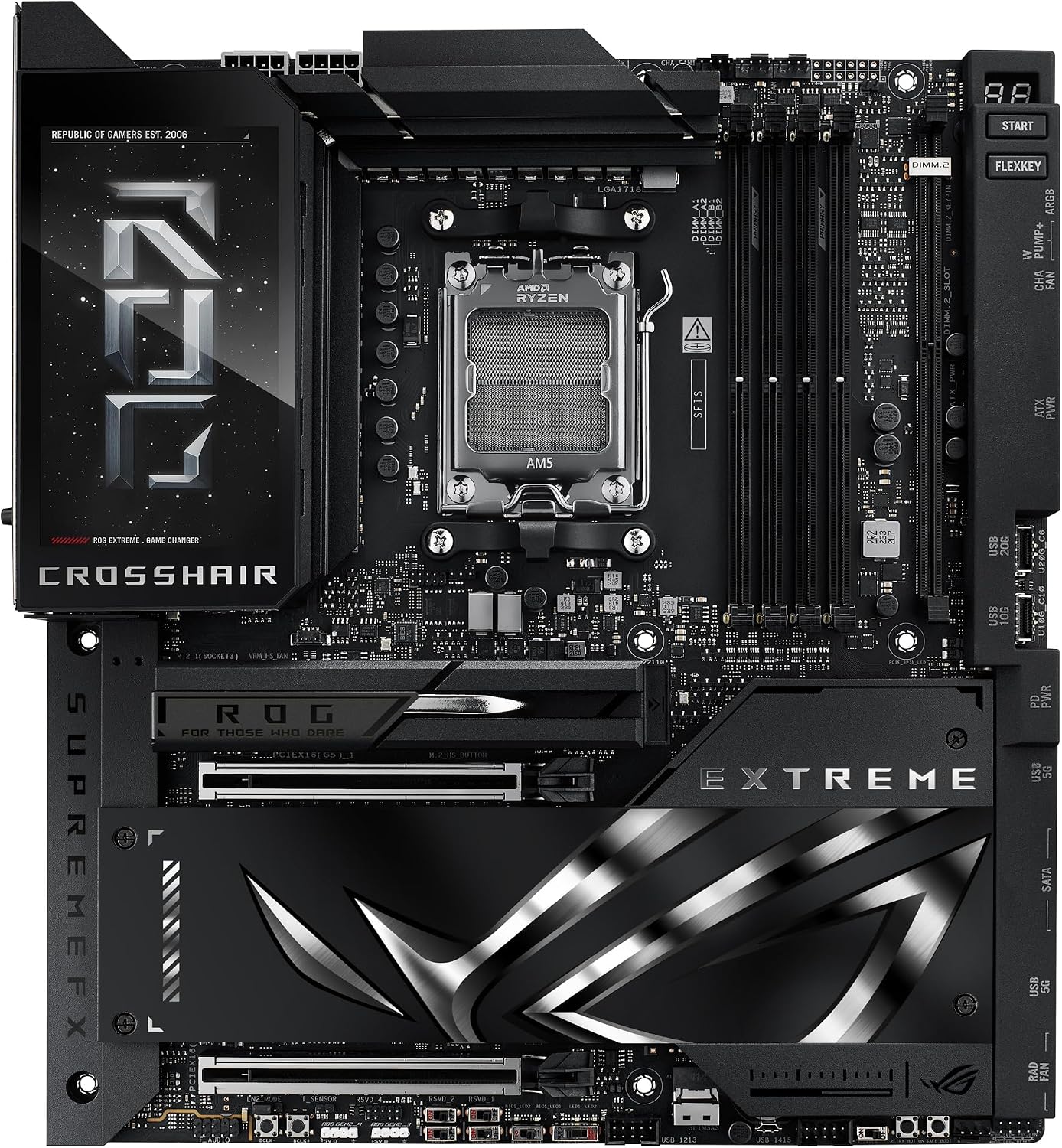
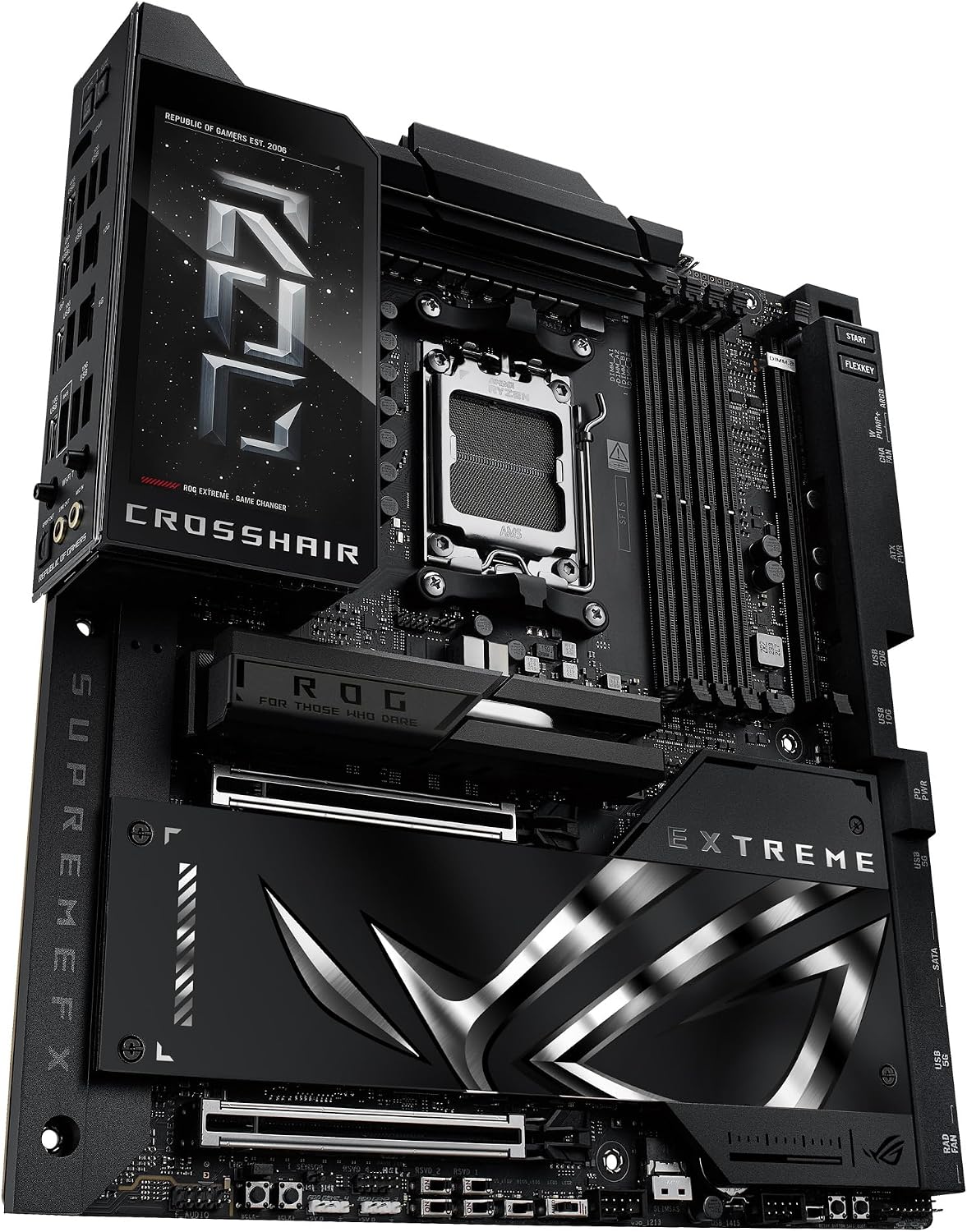
This board supports AMD Ryzen 9000, 8000 and 7000 series processors and uses the AM5 socket. It offers three PCIe 5.0 slots and two PCIe 4.0 slots, DDR5 memory support, and connectivity through WiFi 7. ASUS highlights AI Overclocking and AI II cooling, plus exclusive AEMP networks for simplified setup. The board also features PCIe Q Release for easier card installation and Aura Sync for lighting control. The power solution is described as robust, with 20 (110A) + 2 (110A) + 2 power stages and premium connectors and capacitors.
How it performs on paper
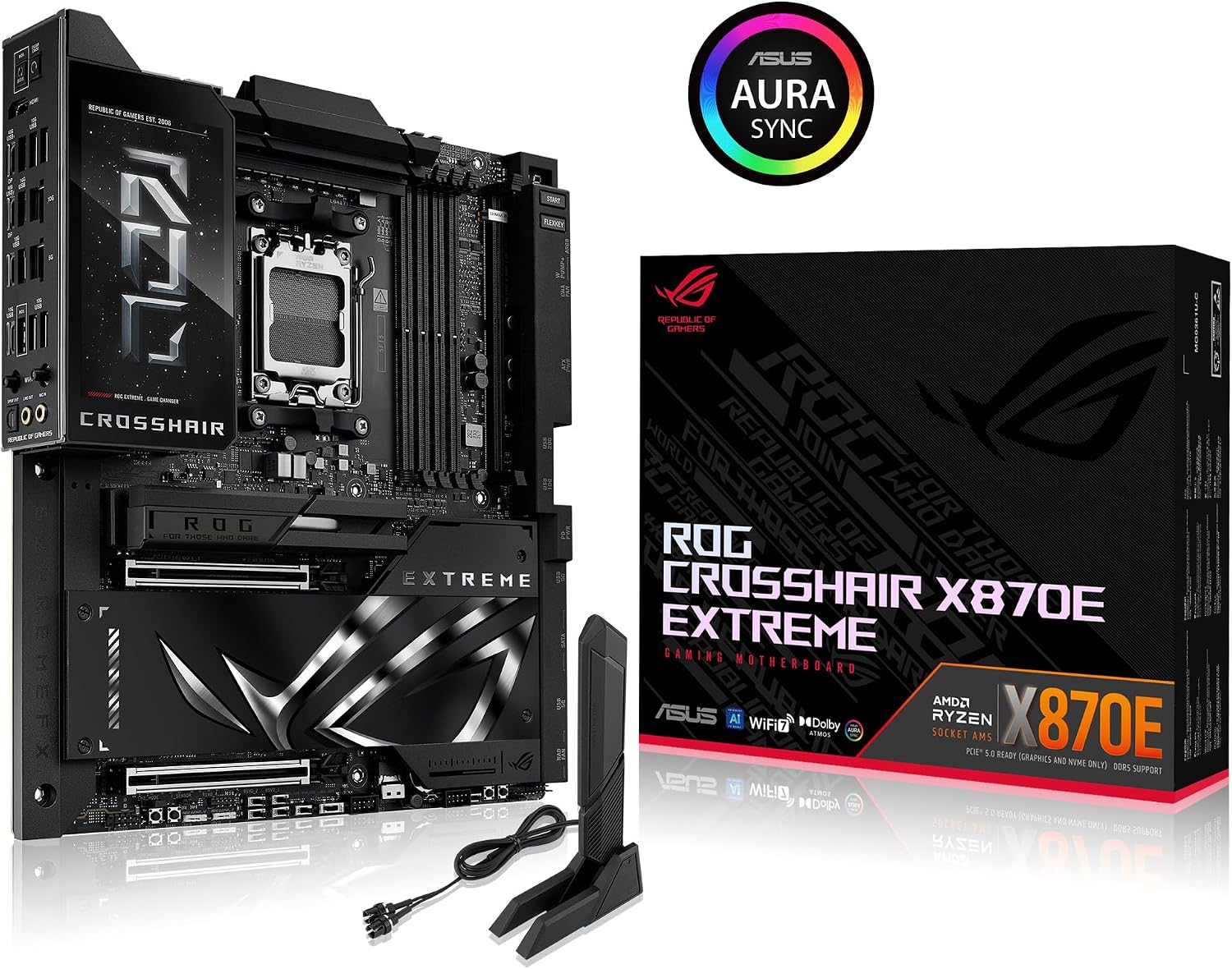
For those prioritising future‑proofing and wireless speed, the combination of PCIe 5.0 lanes, DDR5, and WiFi 7 is compelling. AI Overclocking and AI II cooling suggest a smoother path to stable, optimised performance without manual tinkering. However, exact real‑world gains depend on the processor choice, memory configuration, case cooling, and workloads, so the improvements may vary.
What to look out for
If you are not planning to utilise AMD AM5 or PCIe 5.0 features, this board may feel like overkill. Availability of Ryzen 9000/8000/7000 processors and compatible memory is essential. Additionally, the AI features are presented as assistance rather than guarantees of performance, so expect some reliance on software tuning rather than hardware‑only gains.
Who it’s for
This motherboard is aimed at enthusiasts and creators who want a high‑end platform with advanced connectivity and smart tuning tools, and who are comfortable configuring a premium, large E‑ATX board in a well‑ventilated chassis.
Who it isn’t for
If you’re on a tighter budget, building a compact system, or prefer simpler builds with more traditional cooling, this model could feel excessive. It might not be the best choice for a light gaming rig or for those who don’t plan to exploit multiple PCIe devices or AI tuning features.
Things to review before buying
- Confirm CPU compatibility with the Ryzen generation you intend to use.
- Check case compatibility for E‑ATX form factor and adequate airflow.
- Ensure your memory is DDR5 and supported speeds align with desired performance.
- Consider how much value you place on AI overclocking and aura lighting features.
- Plan expansion needs: number of PCIe devices, NVMe storage, and peripheral requirements.
Practical use case
A typical high‑end build may pair this Crosshair X870E with a Ryzen 9000 CPU, 64 GB DDR5, and several PCIe devices (GPU, fast SSDs, network cards). In daily use, AI overclocking could offer adaptive tuning, while Aura Sync enables coordinated lighting with other components—useful for a cohesive, visually themed rig.
What stands out
The board’s emphasis on AI‑assisted tuning and cooling, plus a robust 20+2+2 phase power design and premium componentry, signals a focus on durability and sustained performance under demanding tasks.
Where it shines
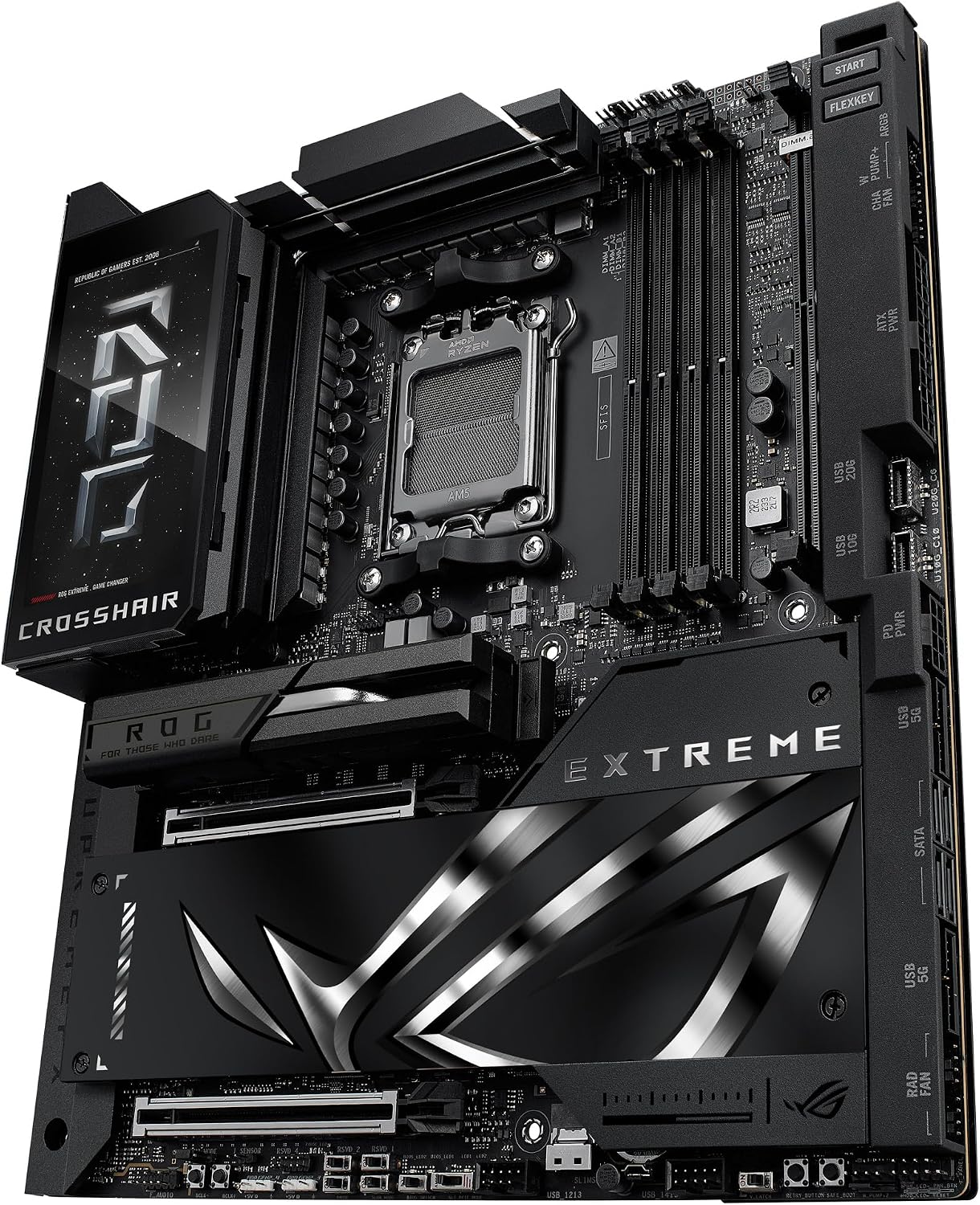
This is most appealing to builders who want a flagship AM5 board with cutting‑edge PCIe bandwidth, top‑tier connectivity, and a readiness for future Ryzen generations, all in a sizeable, feature‑rich package.
Usage caveats
- Real‑world gains depend on the rest of the system, don’t expect dramatic improvements if you’re not using high‑end components.
- The AI features add complexity, expert setup or experimentation may be needed to extract maximum benefit.
Alternatives and context
For users prioritising value or a smaller footprint, a more modest AM5 board with PCIe 4.0 or DDR4/5 options might be more sensible. If you want to keep things simple, a mid‑range motherboard could deliver comfortable performance without the extra features this model bundles.
Final decision
Is it worth it?
It’s a solid pick if you’re building a premium AM5 system and value advanced connectivity, AI‑assisted tuning, and a feature‑rich layout. If you prioritise compact builds, budget constraints, or straightforward setups, you may want to consider whether the extra features align with your needs.
FAQ
- Do I need WiFi 7 for gaming? It can help with latency and wireless bandwidth, but wired Ethernet remains dependable, assess your network needs.
- Will AI Overclocking dramatically improve FPS? Gains depend on workload and cooling, it’s best viewed as an aid rather than a guaranteed boost.
- Is E‑ATX compatibility an issue in small cases? It requires an appropriately sized chassis and adequate airflow, check case specs before purchasing.