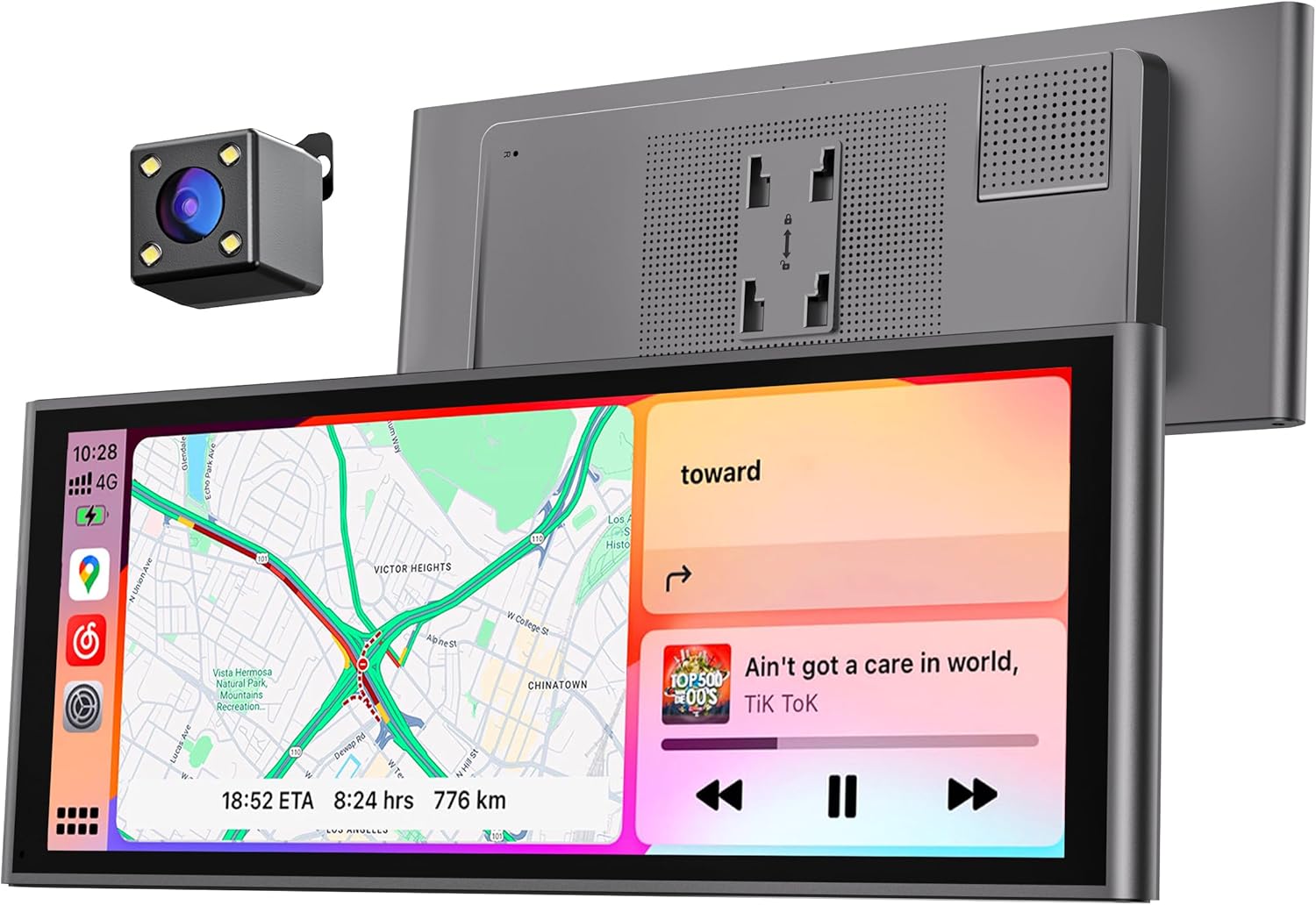
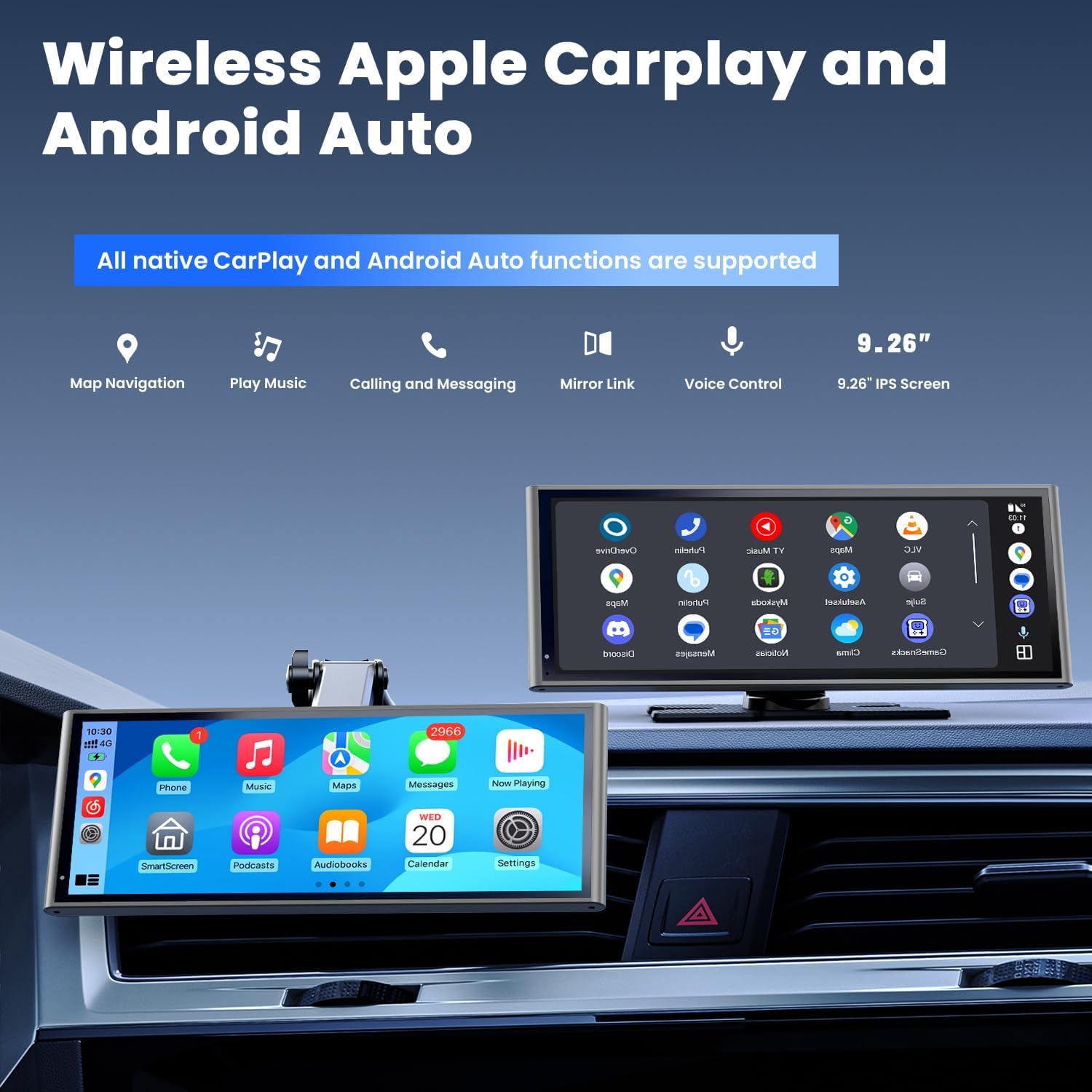
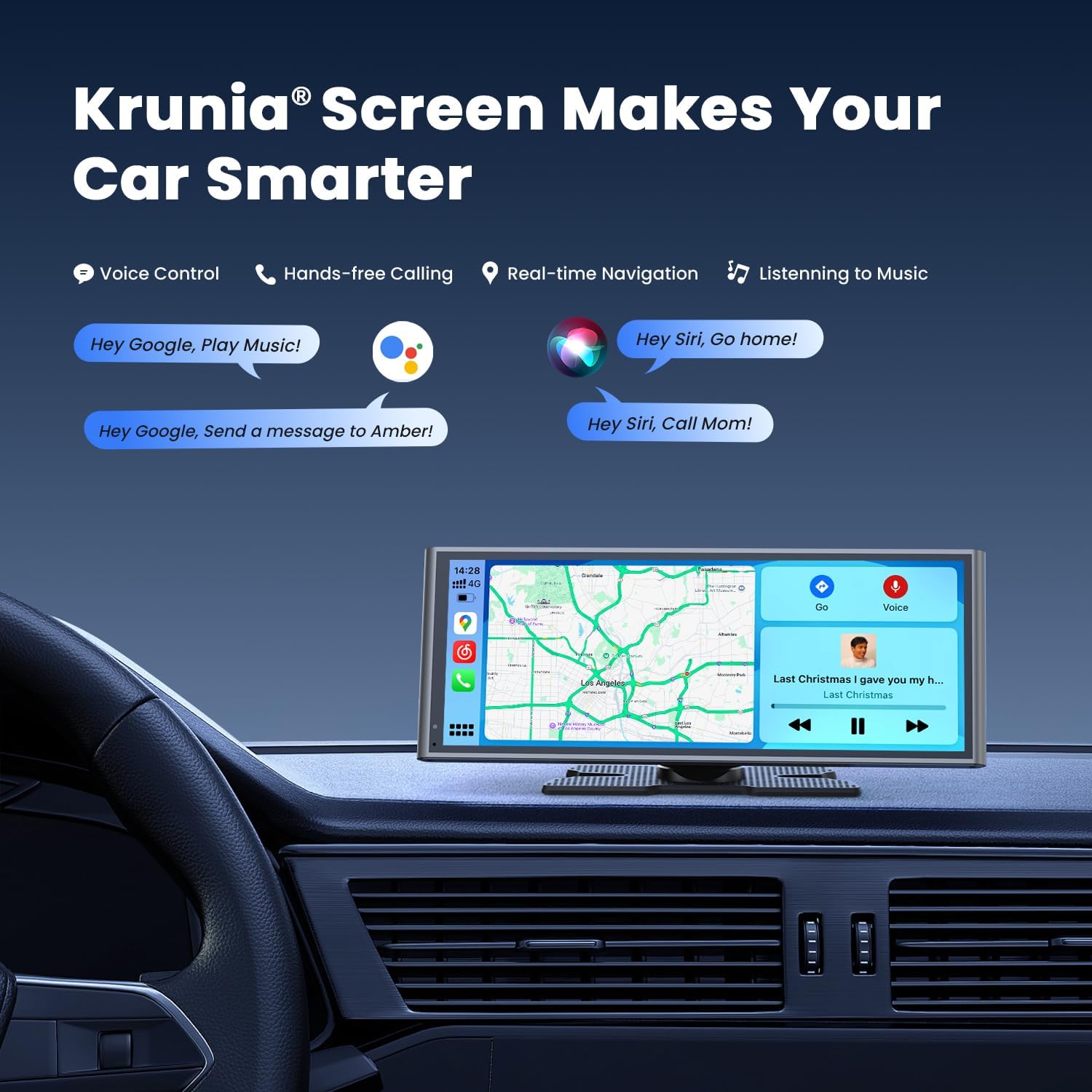
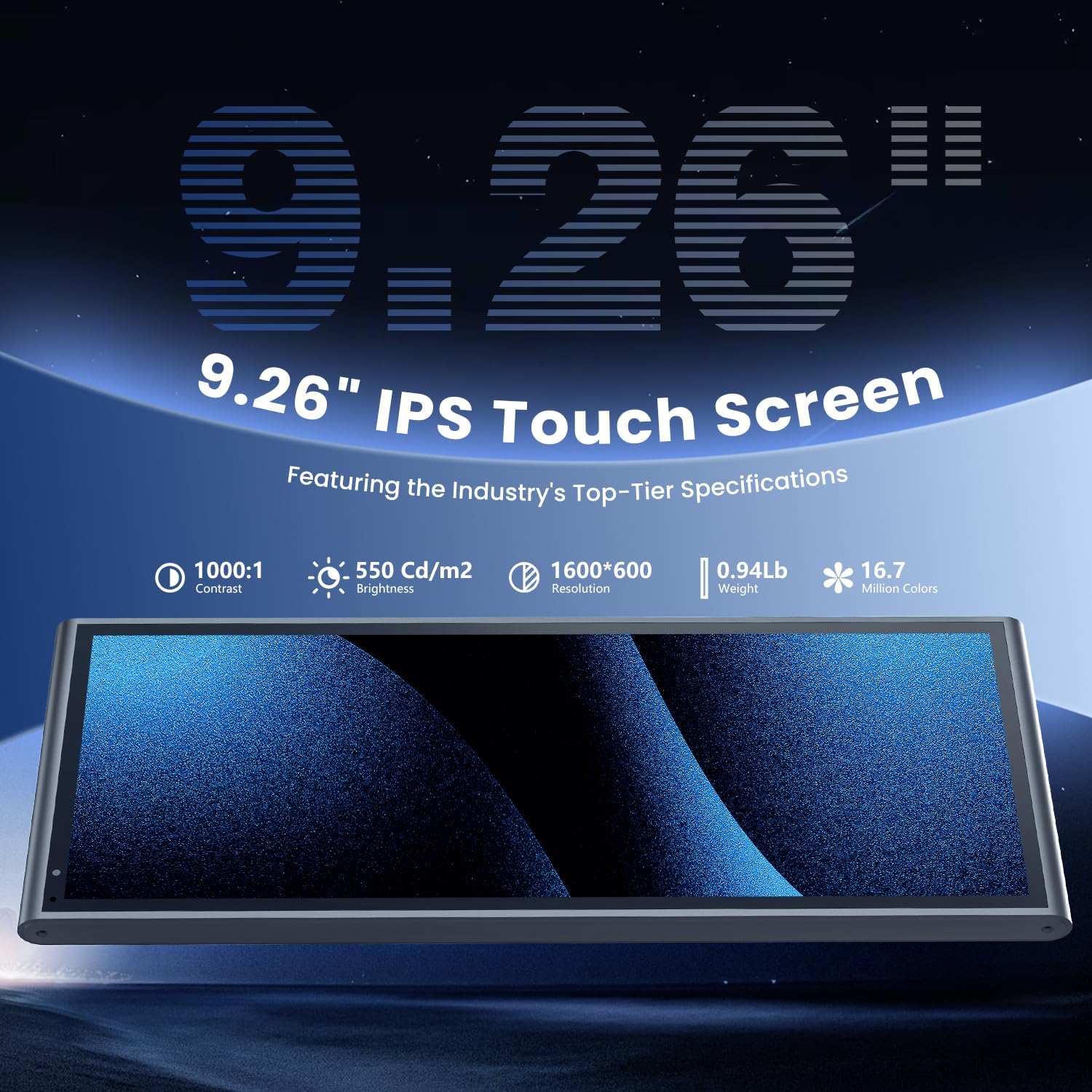
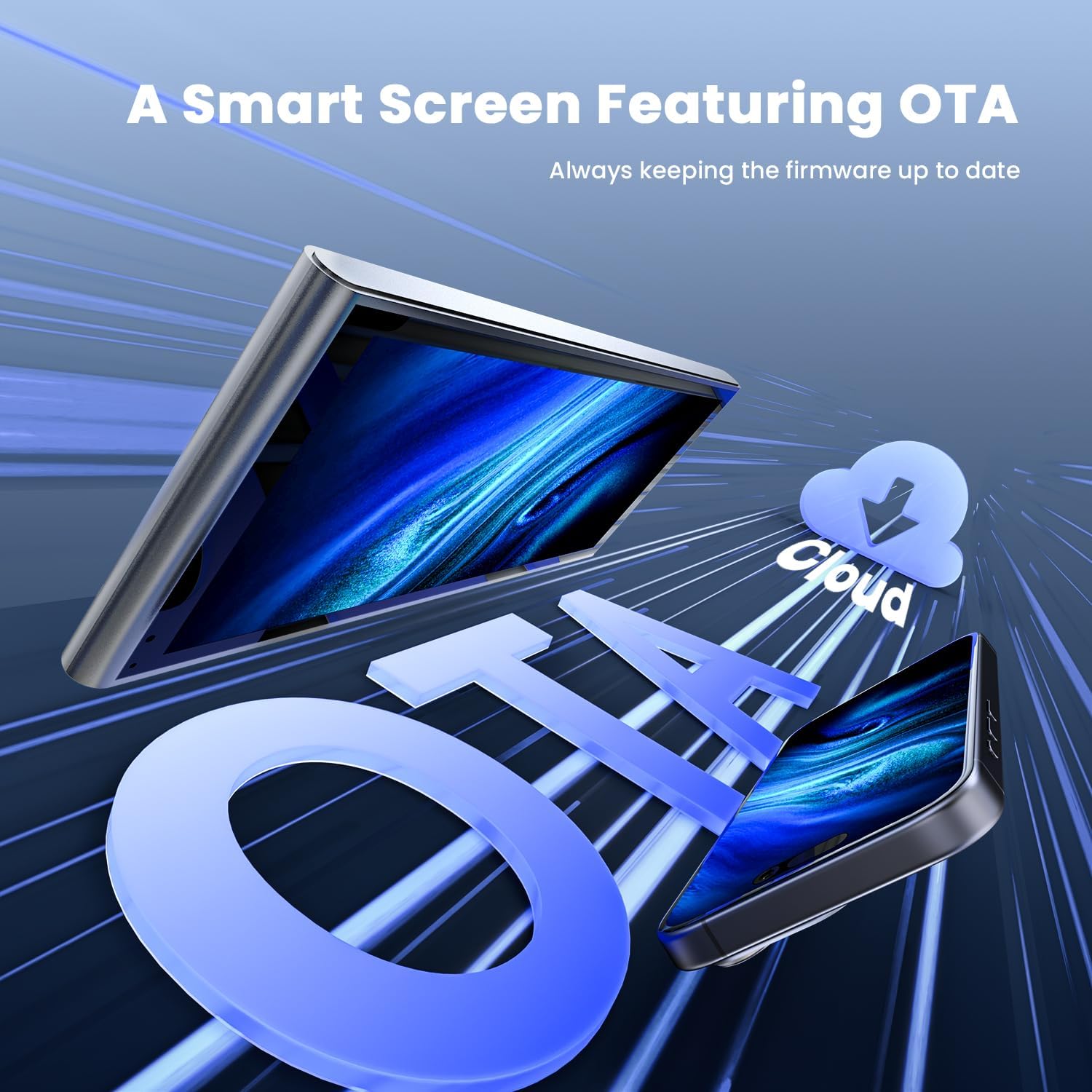
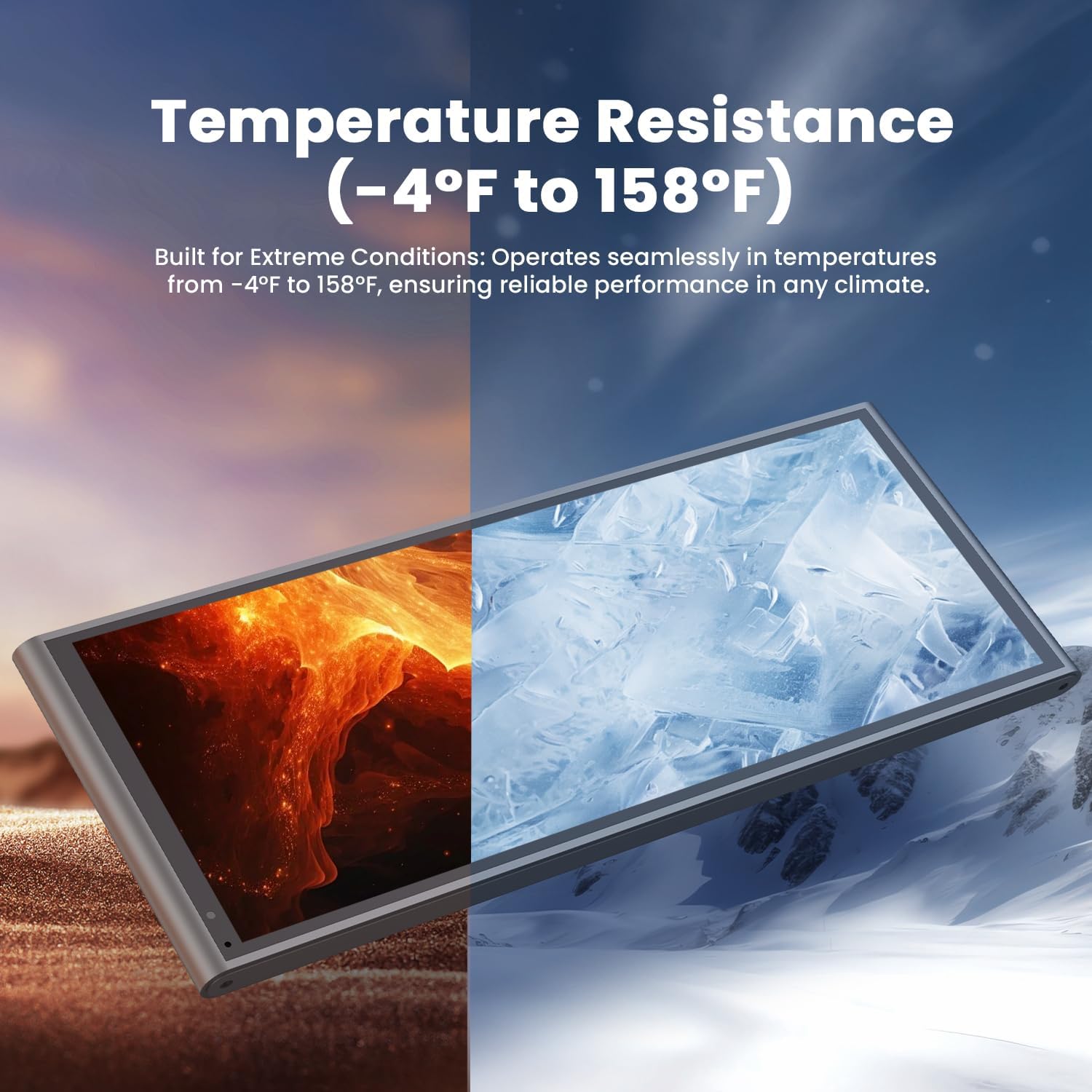
What it is and what it aims to solve\nThis is a 9.26-inch wireless CarPlay/Android Auto display designed for in-car infotainment. It seeks to simplify hands-free functionality, navigation, and media playback by providing a larger, touchscreen interface that can mirror your phone’s apps and mirror links. On the surface, it promises smoother performance and real‑time navigation, plus the convenience of OTA firmware updates to keep features current. If you value accessible maps, hands-free calls, and a more modern screen in the cabin, this device targets that need.\n\n## How it works and key setup considerations\nThe product supports wireless CarPlay and Android Auto, with an OTA update path to address known compatibility issues. The setup steps, as described, involve installing or updating the Evelink app, switching the device into a specific mode, and using the app for Wi‑Fi mirroring. In practice, the flow is designed to reduce disconnects after Android 16 Auto Connect issues, though you should expect to follow the update sequence to get the claimed fixes.\n\n## Screen quality and visual performance\nThe display is a high‑brightness IPS panel rated at 550 cd/m² with a 1000:1 contrast ratio and 16.7 million colours. The claimed resolution of 1600x600 is notably wider than many compact car screens, which should offer sharper text and clearer maps relative to more basic units. On paper, the panel is said to be around 1.5 times clearer than some rivals and reportedly 1.35× smoother in responsiveness, with touch commands said to process 25% faster when using CarPlay or Android Auto. Real‑world results can vary by car integration, mounting angle, and Wi‑Fi stability.\n\n## Audio and in‑car controls\nYou can route audio to your vehicle through Bluetooth, AUX, or FM once CarPlay or Android Auto are connected. For vehicles with steering wheel controls, basic media functions may be controllable from the wheel, depending on compatibility with the head unit and integration. This approach aims to keep day‑to‑day use natural—skip pulling your phone out for every volume or track change.\n\n## Navigation and connectivity\nNavigation relies on apps like Apple Maps, Google Maps, and Waze, offering live traffic and route suggestions. The device emphasises OTA updates as a standout feature, implying ongoing enhancements without manual reflash. It also uses 5G Wi‑Fi along with Bluetooth 5.0 to support stable connections and responsive performance.\n\n## Who it’s for and who it suits less well\nIdeal for drivers who want a larger, wireless CarPlay/Android Auto experience without replacing the factory head unit. It may be a good fit if you value quick access to maps and voice‑driven features, and you don’t mind following initial setup steps for OTA updates. If you rely on a vehicle with complex integration or have a car that heavily depends on a specific OEM system, there’s a possibility of limited compatibility or setup quirks.\n\n## What to check before buying\nConsider whether your car supports external display input cleanly and whether you can mount the screen for optimal viewing without glare. Confirm that your phone can pair smoothly with the device and that the Evelink app is available in your region and compatible with your Android version. Also be aware that OTA updates rely on a stable connection and ongoing software support, which can vary over time.\n\n## Practical use case example\nImagine setting off on a daily commute: you wake the device, use CarPlay to launch Apple Maps with live traffic, answer hands‑free calls, and stream your favourite playlist via FM or Bluetooth. On a bright day, you’ll notice the screen holds up better than some older displays, making it easier to glance at directions without squinting.\n\n## Quick comparison: what this represents against simpler options\nCompared with a basic display, this unit aims to offer wireless CarPlay/Android Auto, OTA updates, and a higher‑quality screen in one package. It sits between entry‑level screens and higher‑end aftermarket units by focusing on ease of use and ongoing software improvements rather than adding heavy customisation. If you prioritise a straightforward upgrade with firmware updates over the long term, this could be a sensible middle ground. If, however, you want ultra‑high brightness or extremely aggressive graphics, you might find limitations in a single screen solution.\n\n## What to review in the purchase decision\n- Confirm the device supports both CarPlay and Android Auto wirelessly in your setup.\n- Check for the latest OTA update path and whether you can access the Evelink app in your region.\n- Consider your car’s dash space and mounting method to ensure the 9.26‑inch size fits comfortably.\n- Think about how important screen clarity and response speed are for you in real‑world driving conditions.\n\n## Is it worth it? Final thoughts and buying guidance\nIt makes sense if you want a modern, wireless CarPlay/Android Auto experience with ongoing software updates, and you’re comfortable following initial setup steps. It may not be ideal if you need absolute peak processing power or if your vehicle’s wiring and head‑unit integration are particularly finicky. In short, a pragmatic upgrade for everyday usability is possible here, especially if you value real‑time navigation and hands‑free features.\n\n## Quick FAQ\n- Does it work with both iPhone and Android devices? Yes, it supports wireless CarPlay and Android Auto.\n- What about updates? OTA updates are advertised to keep firmware current.\n- Can I use steering wheel controls with this unit? This depends on vehicle compatibility, it may be supported when connected via CarPlay or Android Auto.\n- What if Android 16 causes a compatibility issue? The description suggests an OTA fix covers this scenario, following the update steps.