

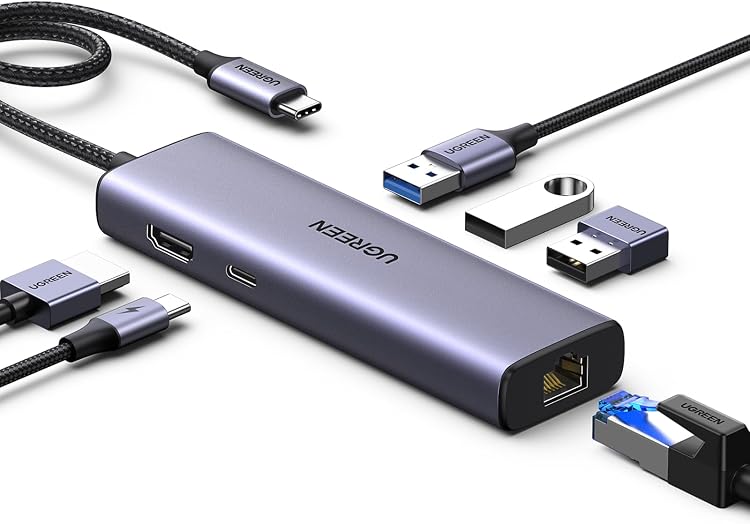
UGREEN 15598 USB-C Hub, 6-in-1 with 4K HDMI and 1Gbps Ethernet
Reviews
Price
Product description
For a USB-C laptop setup that needs more connections, this six-in-one hub brings display, network, charging and USB-A ports together. It pairs a 4K HDMI output with 1Gbps Ethernet and three USB-A data ports. Choose it for a desk where wired networking and a monitor matter as much as connecting accessories, for a setup centred on just one of those needs, a single-purpose adaptor may be a closer fit.
Quick overview
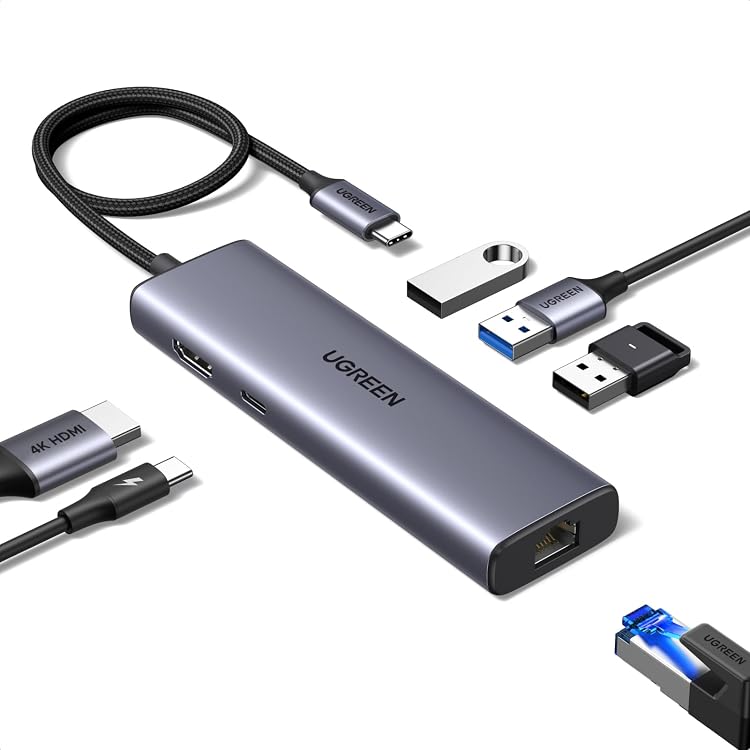
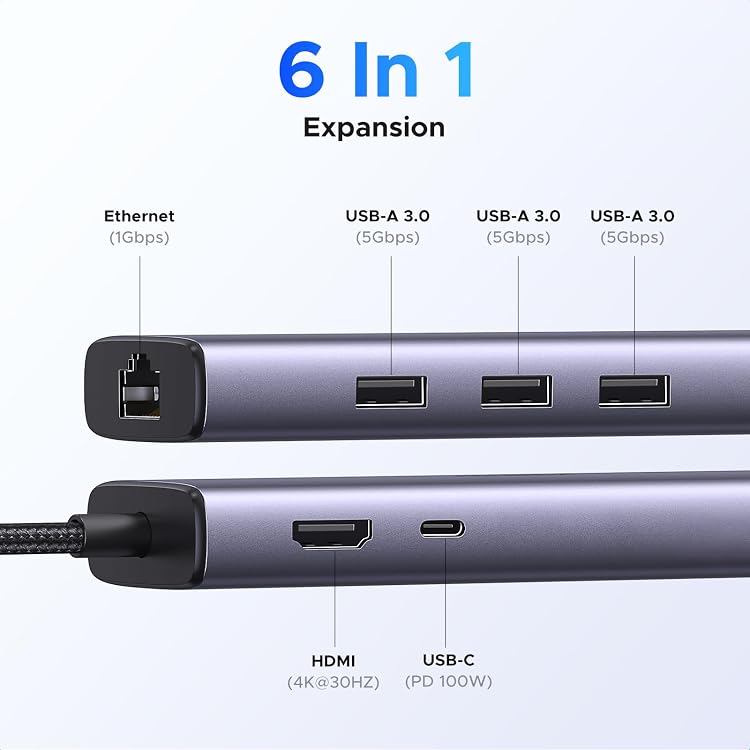
The UGREEN 15598 combines six connections in a compact aluminium body: a 1000Mbps Ethernet port, HDMI, a 100W USB-C PD port and three USB-A ports supporting data transfer up to 5Gbps. That spread is useful when a laptop has limited ports but a workday involves a wired network, an external display and USB accessories such as a keyboard or hard drive. Rather than carrying separate adaptors for each task, you can connect these through one hub.
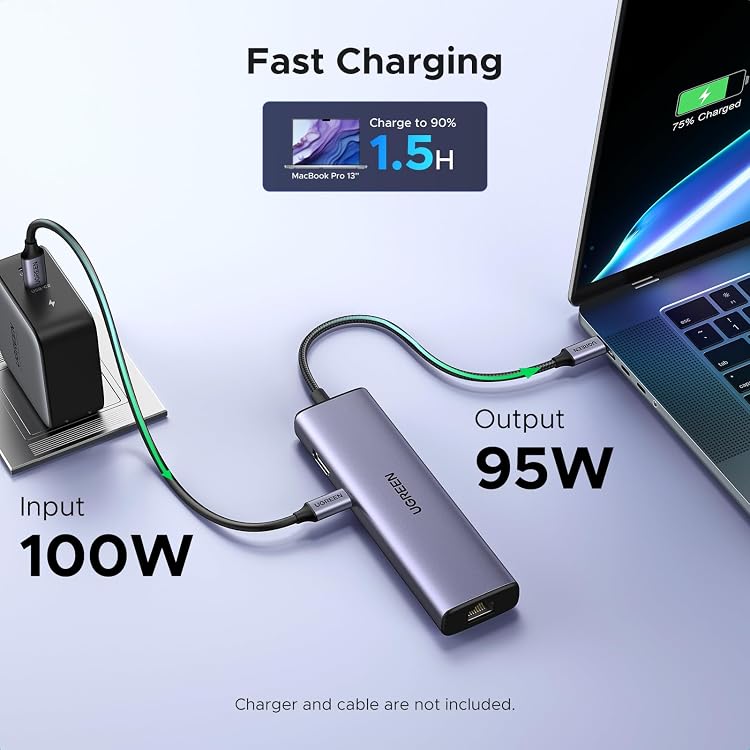
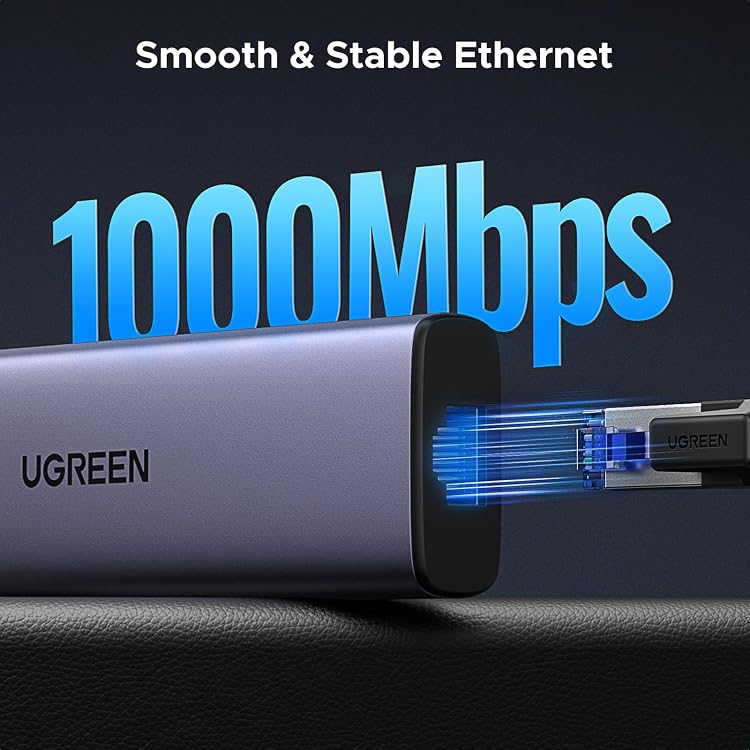
HDMI supports resolutions up to 4K at 30Hz, giving you an option for presenting on a larger screen or extending a compatible laptop setup. The Ethernet connection supports up to 1000Mbps, while the USB-A ports are intended for data transfer, with speeds up to 5Gbps. The USB-C PD port supports up to 100W pass-through charging, so the hub can be part of a desk arrangement that also needs power delivery.
Fit and sizing
At 11.5 x 3.5 x 1.3 centimetres, the hub has a compact footprint for a laptop bag or a clear desk. Its aluminium enclosure is finished in Space Grey, making it a practical match for a portable work setup as well as a fixed workstation. The six-port layout suits people who want display, networking and several USB-A connections in one adaptor, rather than adding a separate hub for each peripheral.
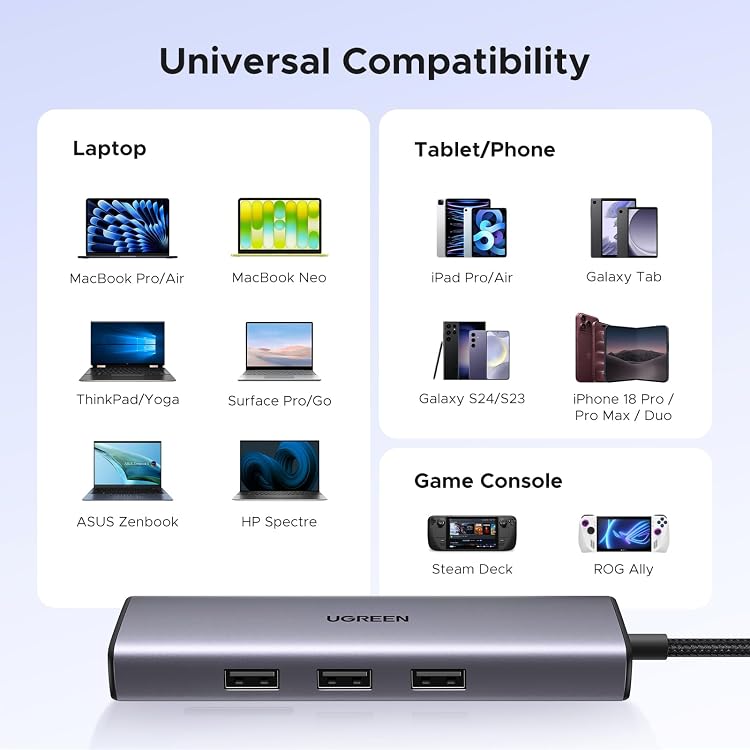
The product is described for USB-C devices, with examples including MacBook, iPad Pro, XPS, ThinkPad X1, ZenBook, Chromebook and Surface. The listed minimum operating system versions are macOS 13 Ventura and Windows 11. Check that the host device and its USB-C connection suit the way you plan to use the HDMI, data and power functions.
Tips for day-to-day use
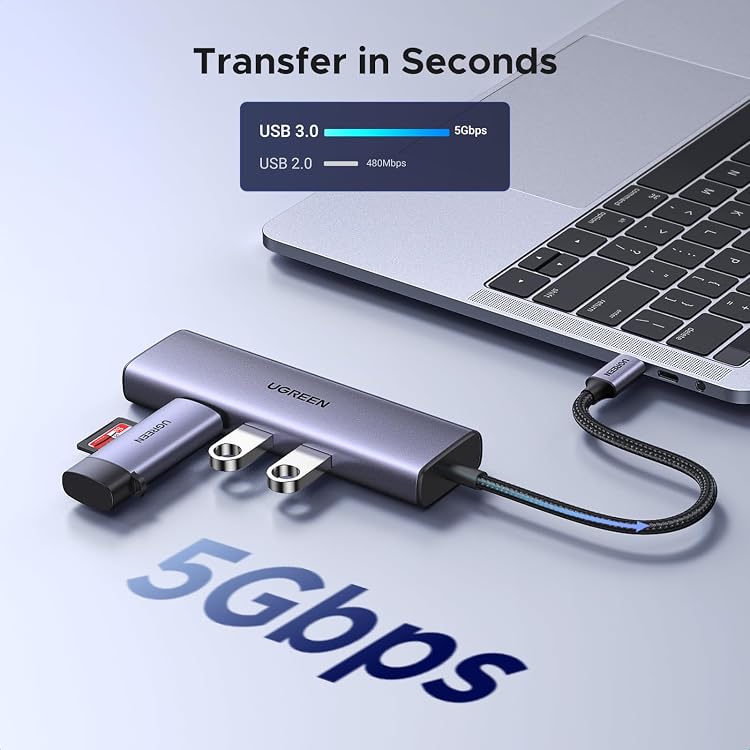
For a desk setup, connect the hub to the USB-C device, then use HDMI for a compatible display and Ethernet when you want a wired network connection. Keyboards, hard drives and other USB accessories can use the three USB-A data ports. This arrangement keeps common workstation connections together while leaving the hub small enough to pack away when moving between home and office.
The HDMI output is rated up to 4K at 30Hz, and the USB-A data ports support transfers up to 5Gbps. For pass-through charging, the hub provides a USB-C PD port rated up to 100W. Buyers praise its quality and usefulness for IT setups, while feedback on compatibility, connectivity and charging is mixed. Some report connection or device-compatibility issues, and some say they need to add a charger for the charging function. These experiences are a useful reminder to plan the hub around your specific USB-C device and desk connections.
Questions before you buy
What connections does the hub provide? It has HDMI, 1Gbps Ethernet, a USB-C PD port and three USB-A data ports, giving you display, wired networking, pass-through charging and accessory connections from one hub.
What display output does HDMI support? The HDMI port supports resolutions up to 4K at 30Hz. It can serve a compatible external display for desk work or presentations.
How fast are the Ethernet and USB-A ports? Ethernet supports up to 1000Mbps, while each of the three USB-A data ports supports transfer speeds up to 5Gbps.
Buying verdict
The UGREEN 15598 is suited to USB-C laptop users who want a compact, aluminium hub for a wired network, an external display and multiple USB-A accessories. Its mix of 4K HDMI, 1Gbps Ethernet and 100W PD pass-through makes it especially relevant to a connected home or office desk.