

HUION Inspiroy H430P Drawing Tablet, 4.8 x 3-inch, 4,096-level pressure
Reviews
Price
Product description
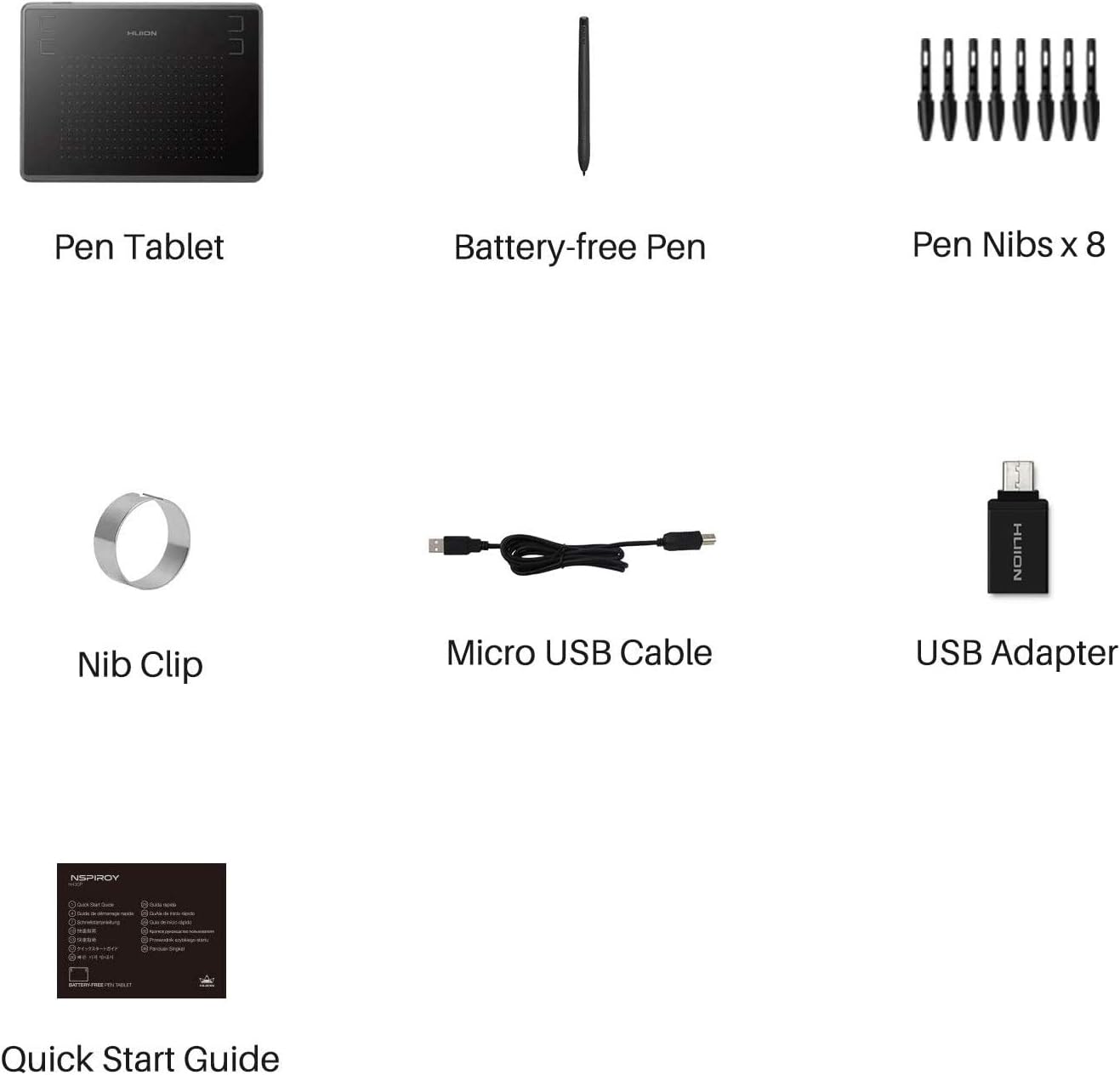
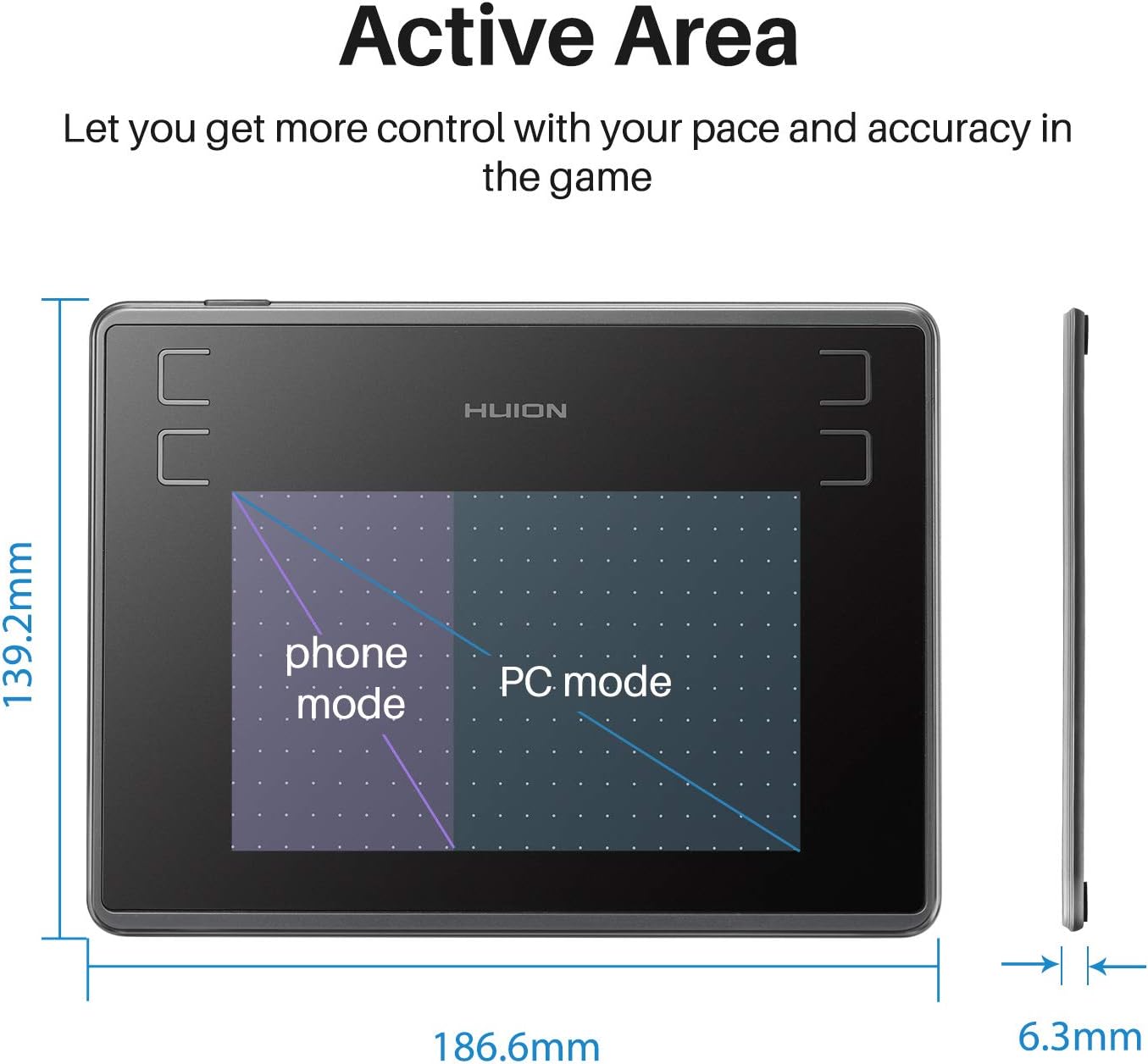
With a 4.8 x 3-inch active area, the HUION Inspiroy H430P gives you a compact surface for drawing, signatures and other pen-based tasks. Need a tablet that can also handle a quick osu! session or an online lesson? Its battery-free pen and USB connection make it a practical fit for desk-based work and learning.
Tech summary
- Type: Graphics tablet
- Active area: 4.8 x 3 inches
- Pressure sensitivity: 4,096 levels
- Resolution: 5,080 LPI
- Report rate: 233 PPS
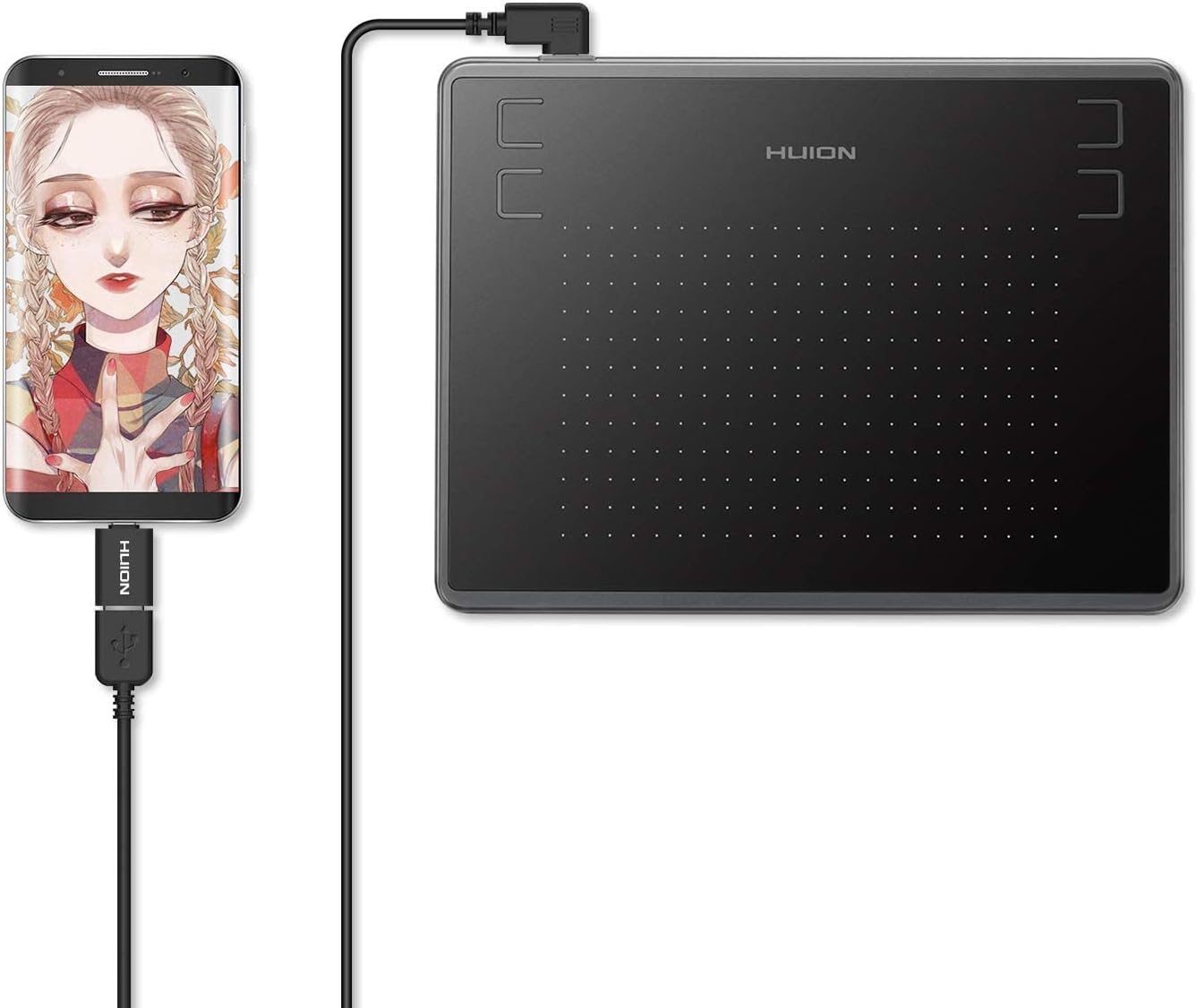
- Connectivity: USB
- Pen: PW201 battery-free stylus
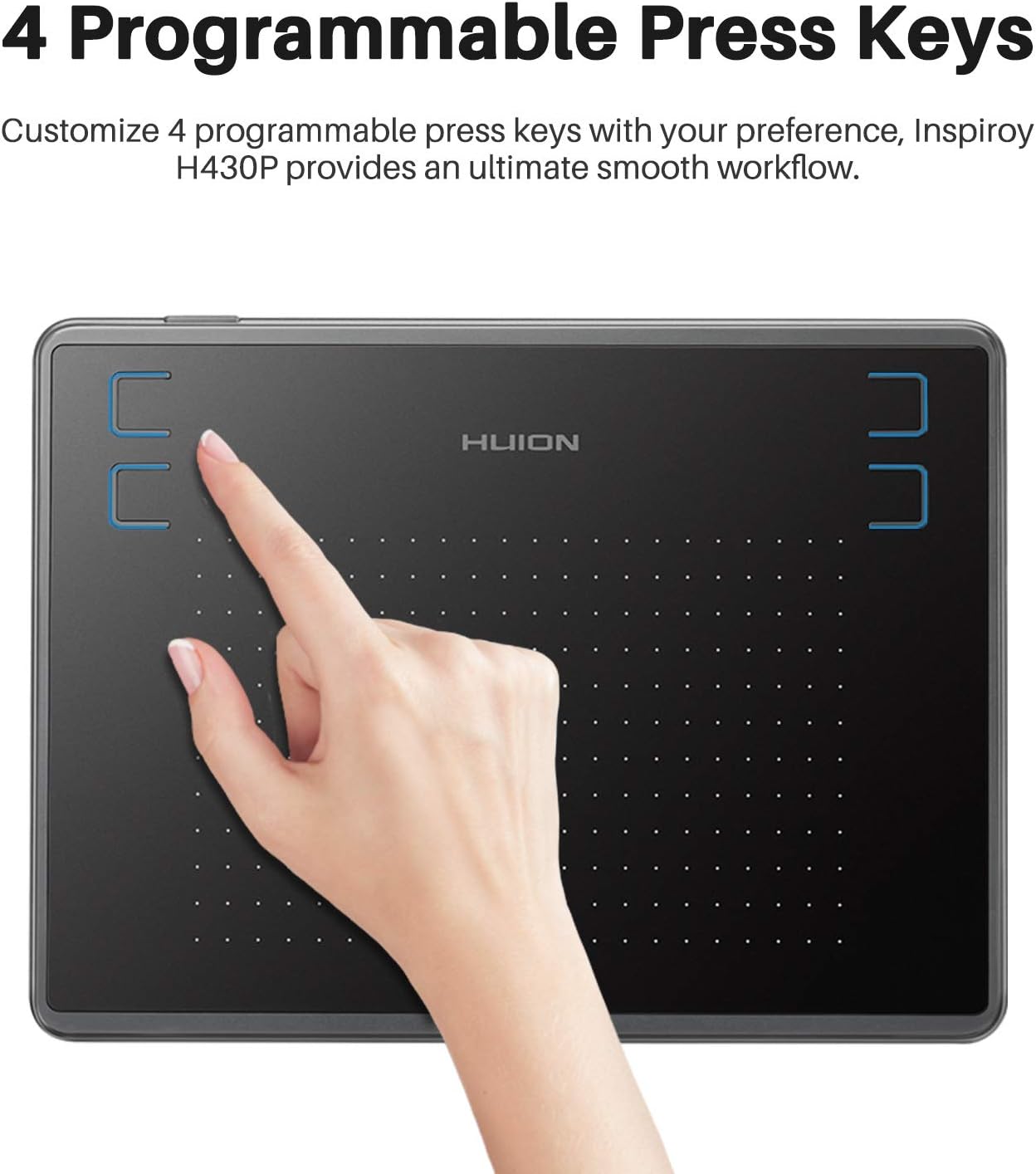
- Controls: 4 user-defined express keys
- Colour: Black
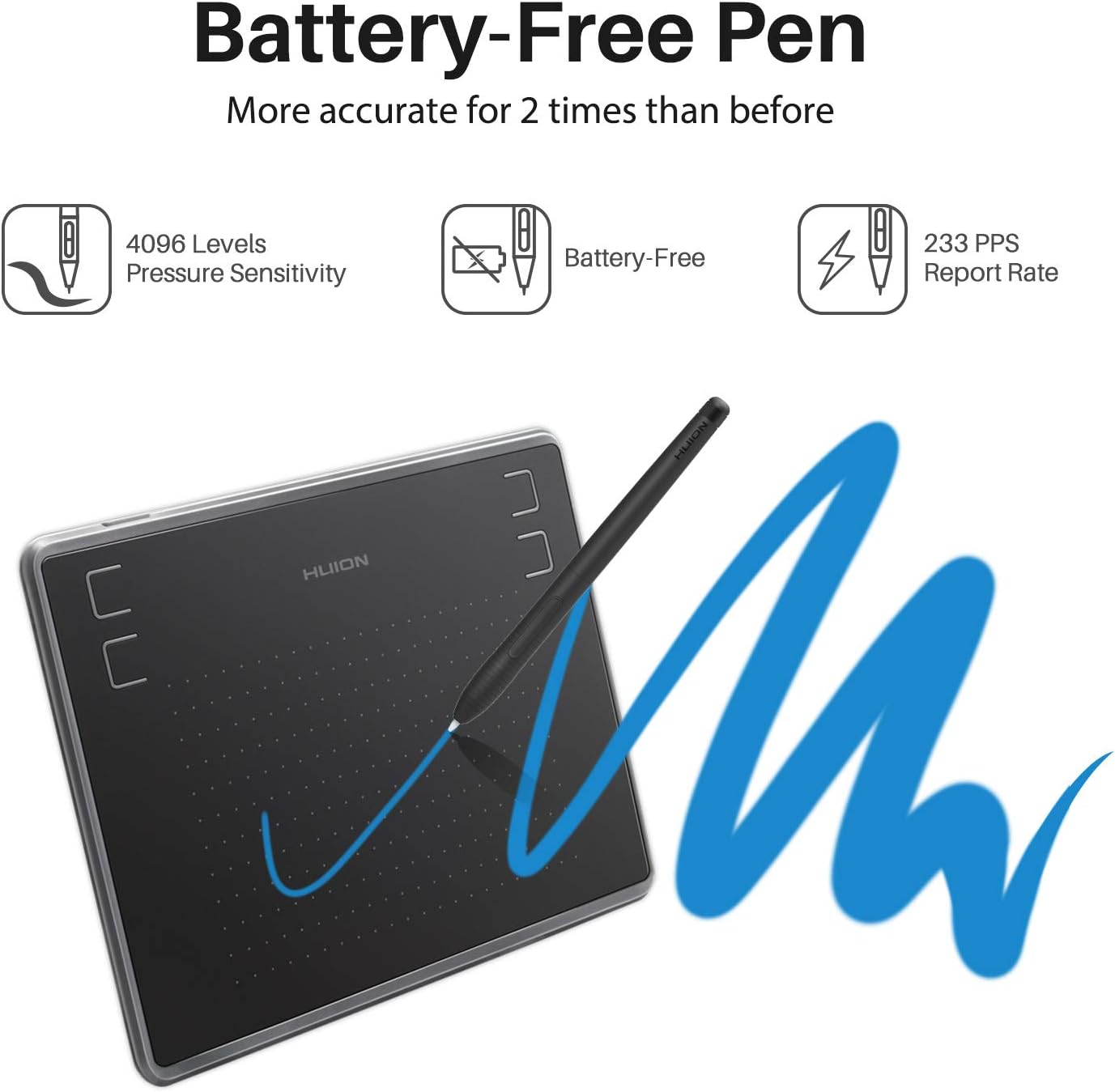
The pressure-sensitive stylus supports controlled, natural-feeling line work without needing to be recharged. Four customisable express keys put frequently used shortcuts within reach, which can help keep drawing or editing tasks moving. The detachable Micro USB cable is designed to be replaceable, while the slim tablet keeps the working setup compact. Buyers often describe it as easy to use and suitable for beginners, feedback on connectivity is mixed.
Requirements
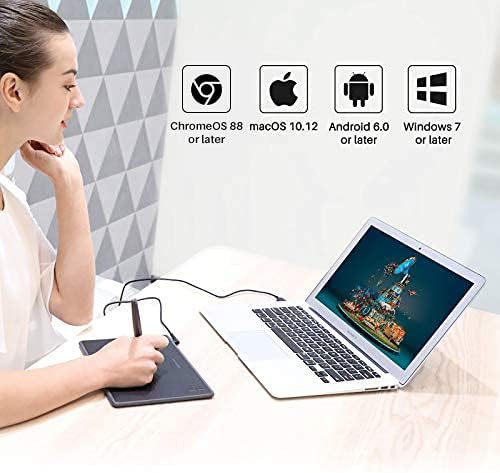
The tablet is listed as supporting Windows, Mac and Android. The stated version guidance is Windows 7 or later and OS X 10.11 or later. It connects by USB, so plan to use it with a compatible computer or tablet and the relevant creative application. The listed uses include drawing, design, 3D modelling, animation, electronic signatures, gaming, online education and remote work.
Usage tips
For drawing, use the pressure-sensitive pen to vary your strokes across the active area, for everyday computer tasks, the pen can also work as a pen mouse. Set the four express keys to shortcuts you use often, such as tools in your drawing workflow, to reduce trips through menus. The compact surface suits focused edits, note-taking, signing documents or demonstrating work during remote learning. It takes a different approach from a larger drawing tablet: the H430P prioritises a smaller working footprint, making it easier to fit into a crowded desk setup or carry between work and study spaces.
Before you decide
Does the pen need charging? No. The included PW201 stylus is battery-free, so it does not need recharging during use.
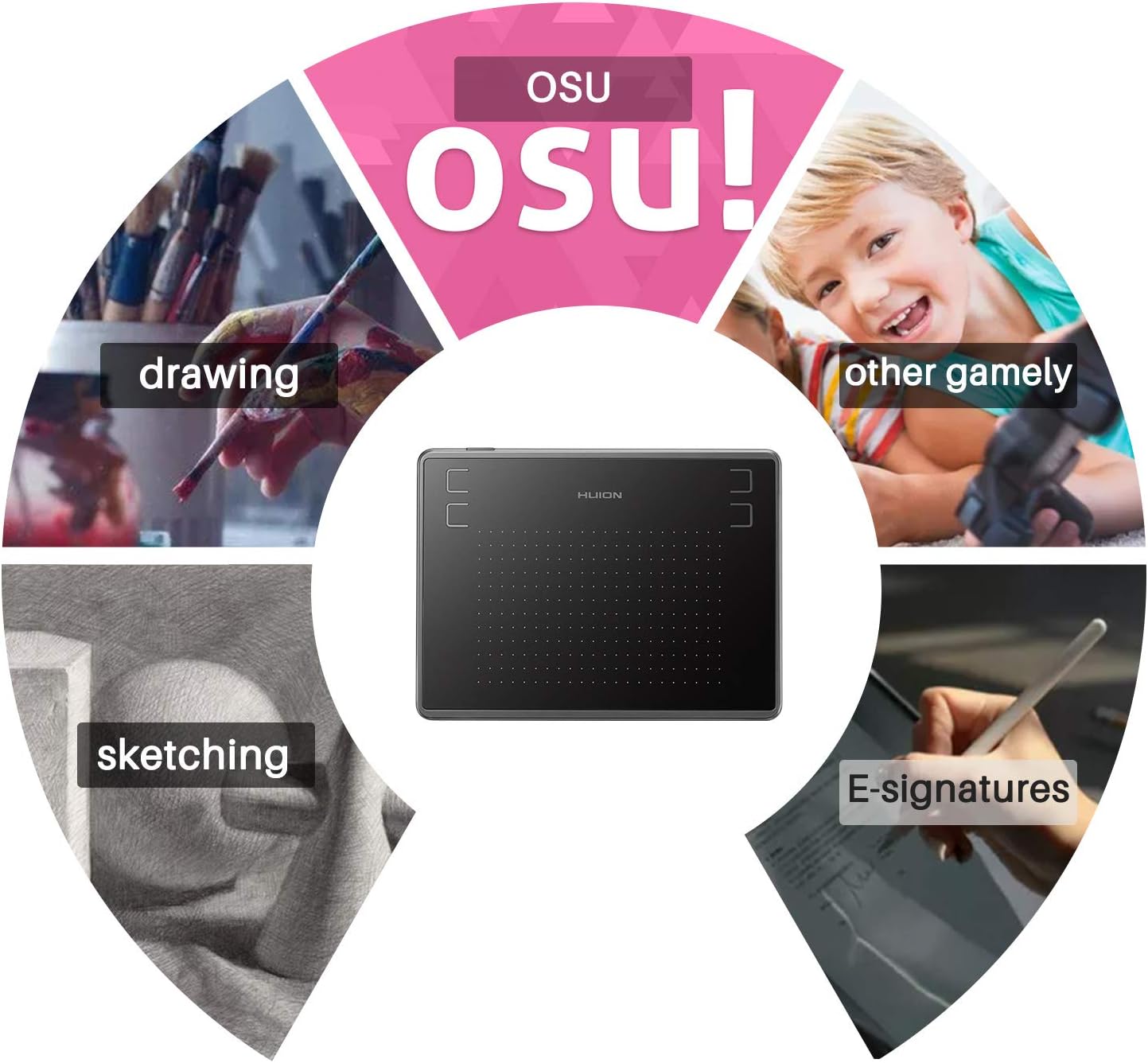
What can I use the H430P for? Its listed uses include drawing, design, animation, 3D modelling, gaming, electronic signatures, online education and remote work. The 4.8 x 3-inch active area provides the space for pen input across these tasks.
Can I customise the express keys? Yes. The tablet has four user-defined express keys, which you can set up for shortcuts that suit your workflow.
When it makes sense
The Inspiroy H430P is a sensible choice for students, beginners and anyone who wants pen input for creative work, online learning or everyday digital tasks without setting aside space for a larger tablet. Its battery-free stylus, compact active area and customisable keys make it especially suited to focused sessions at a desk, from sketching and signing to remote teaching.