

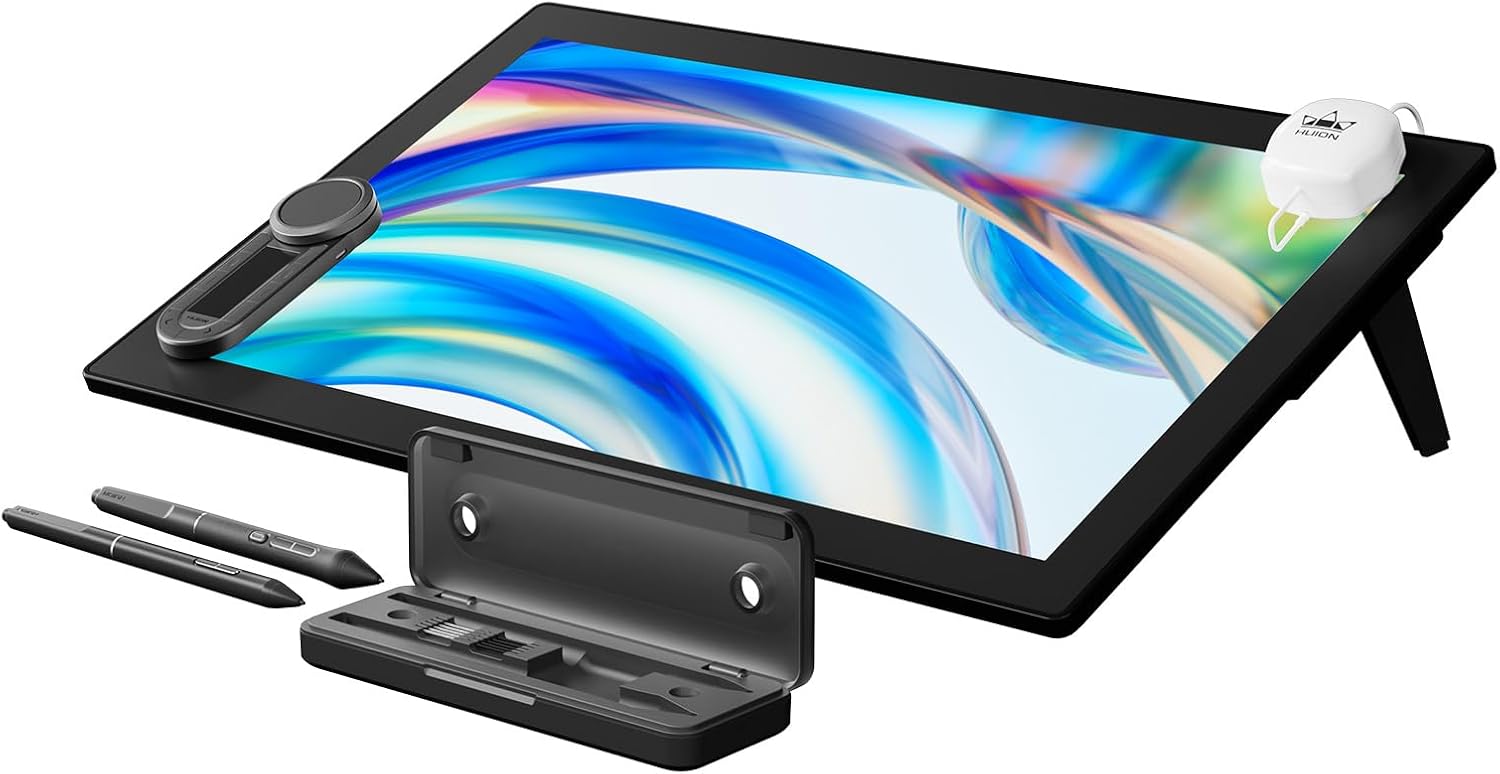
HUION GT2402 Kamvas Pro 24 (Gen 3) 4K Touch Drawing Display
Product description
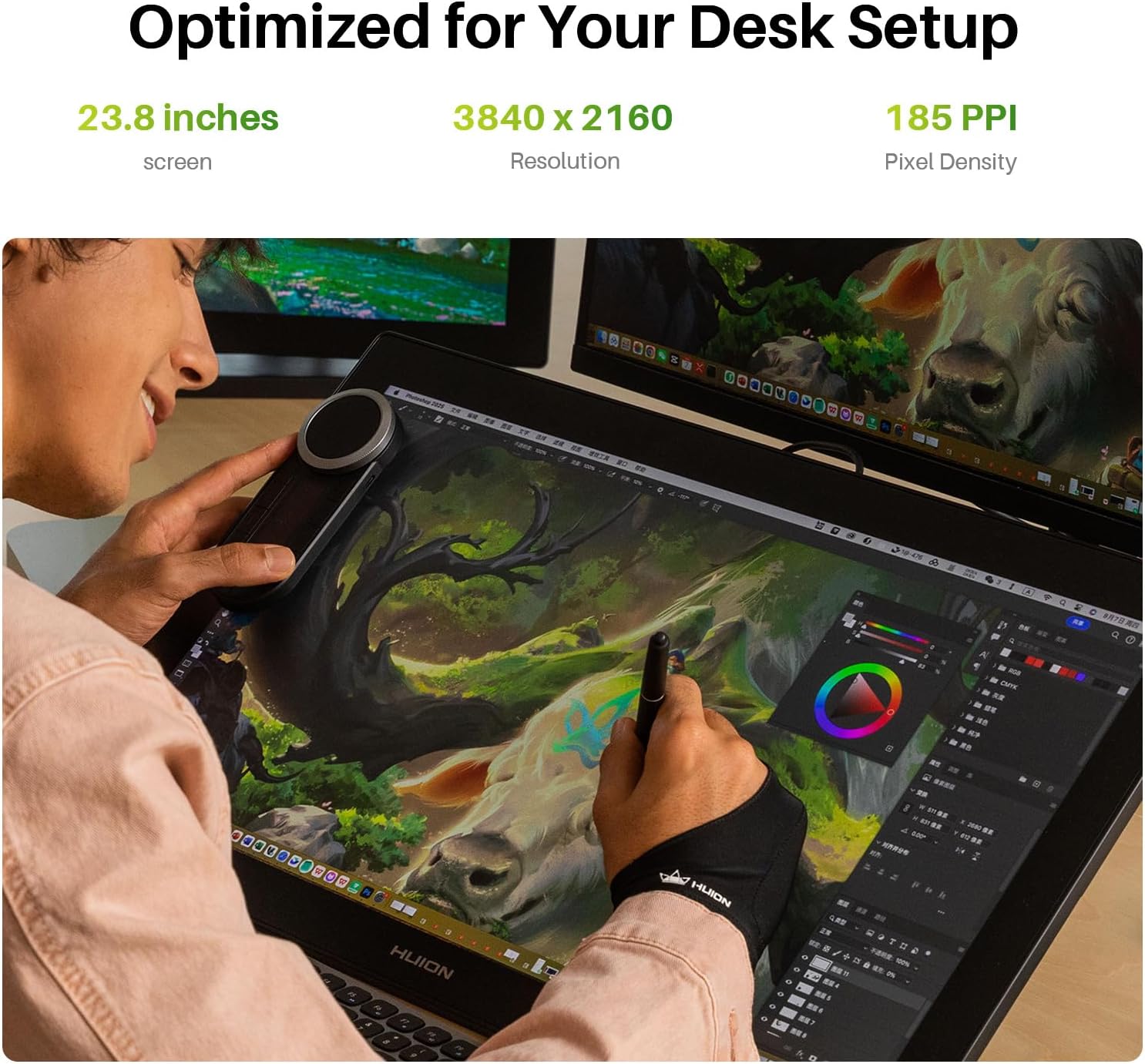
For artists working in 3D modelling, animation and design, a generous on-screen workspace can make detailed projects easier to navigate. The HUION Kamvas Pro 24 (Gen 3) combines a 23.8-inch 4K UHD display with pen input and multi-touch. Its screen surface and colour features support focused work across both drawing and visual review.
What you’ll notice day to day
The 23.8-inch display gives you room to work directly on screen, while its 3840 x 2160 resolution presents fine details clearly. That extra canvas is useful when arranging a complex illustration, refining an animation frame or keeping more of a design visible as you work. For a desk-based setup, it offers a different approach from a smaller drawing display: more screen area for the artwork itself, rather than relying on a compact canvas.
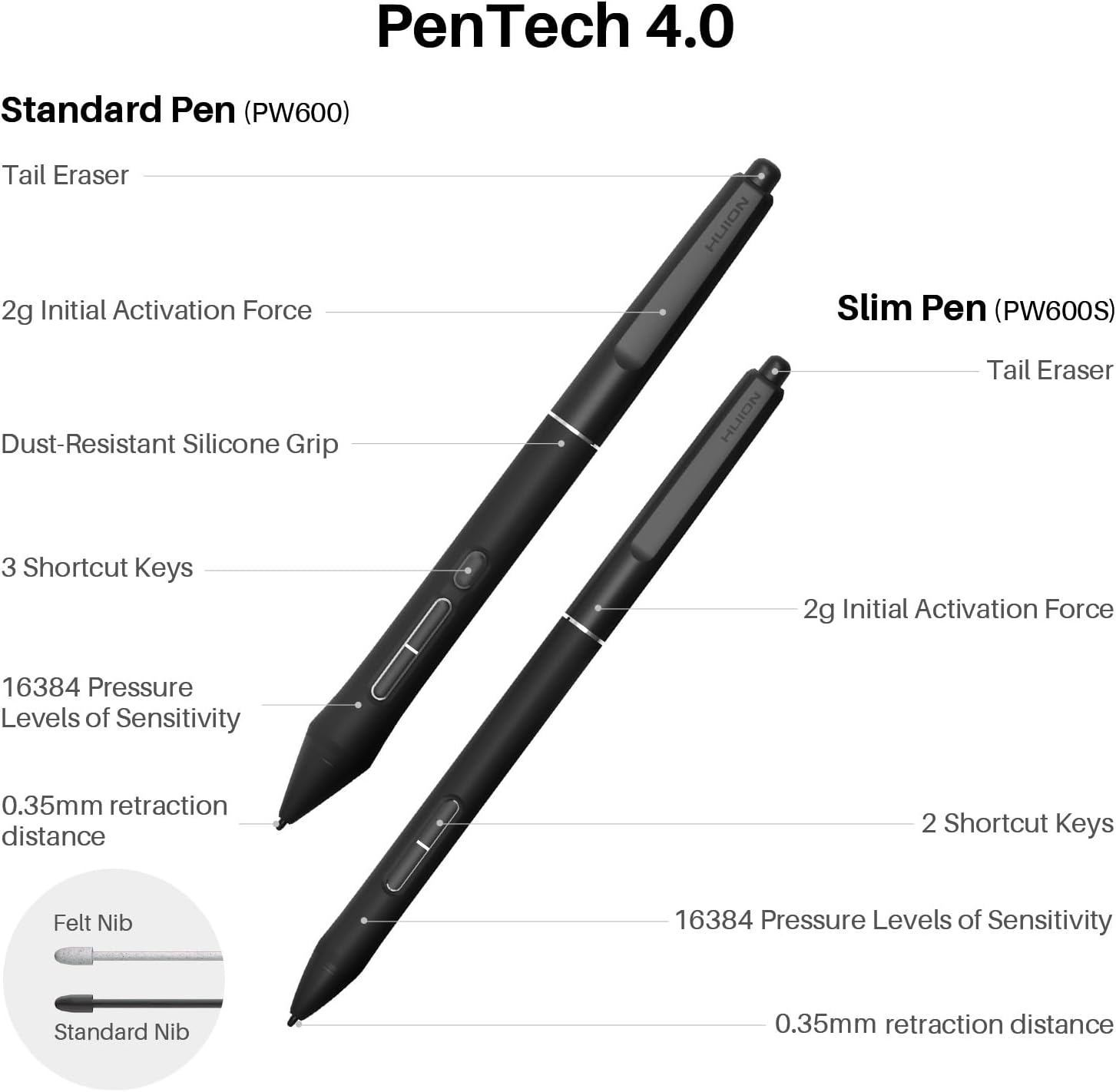
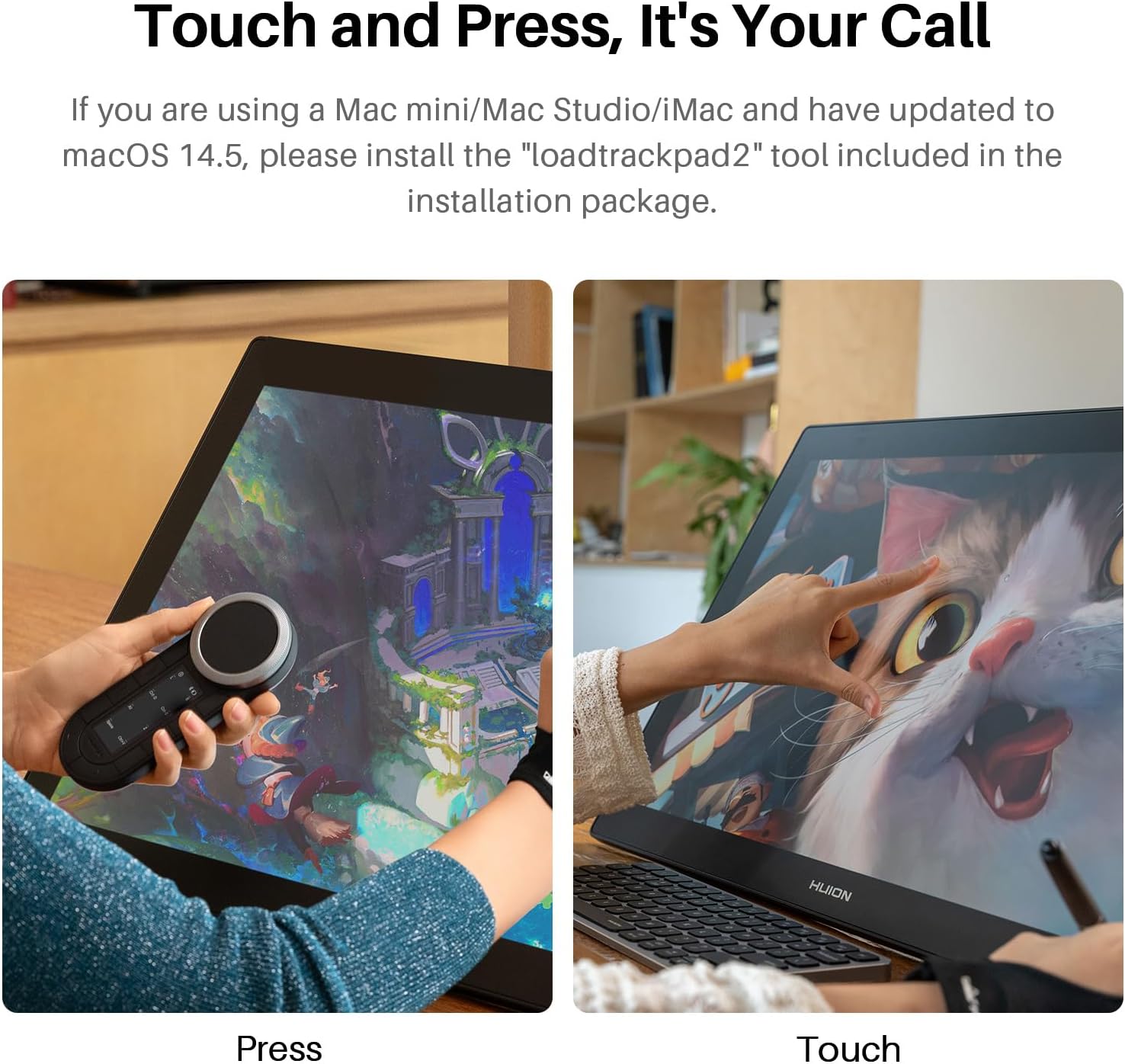
The PW600 and PW600S styluses use PenTech 4.0 and support 16,384 levels of pen pressure. They activate with 2g of force, and the pen tip has a retraction distance of no more than 0.35mm. Together with tilt auto-alignment and improved edge precision, these details are designed to make pen placement feel controlled across the display. Multi-touch gestures let you swipe, rotate and zoom the canvas, while the wireless Express Key provides shortcuts without requiring every command to be selected on screen.
Key takeaways
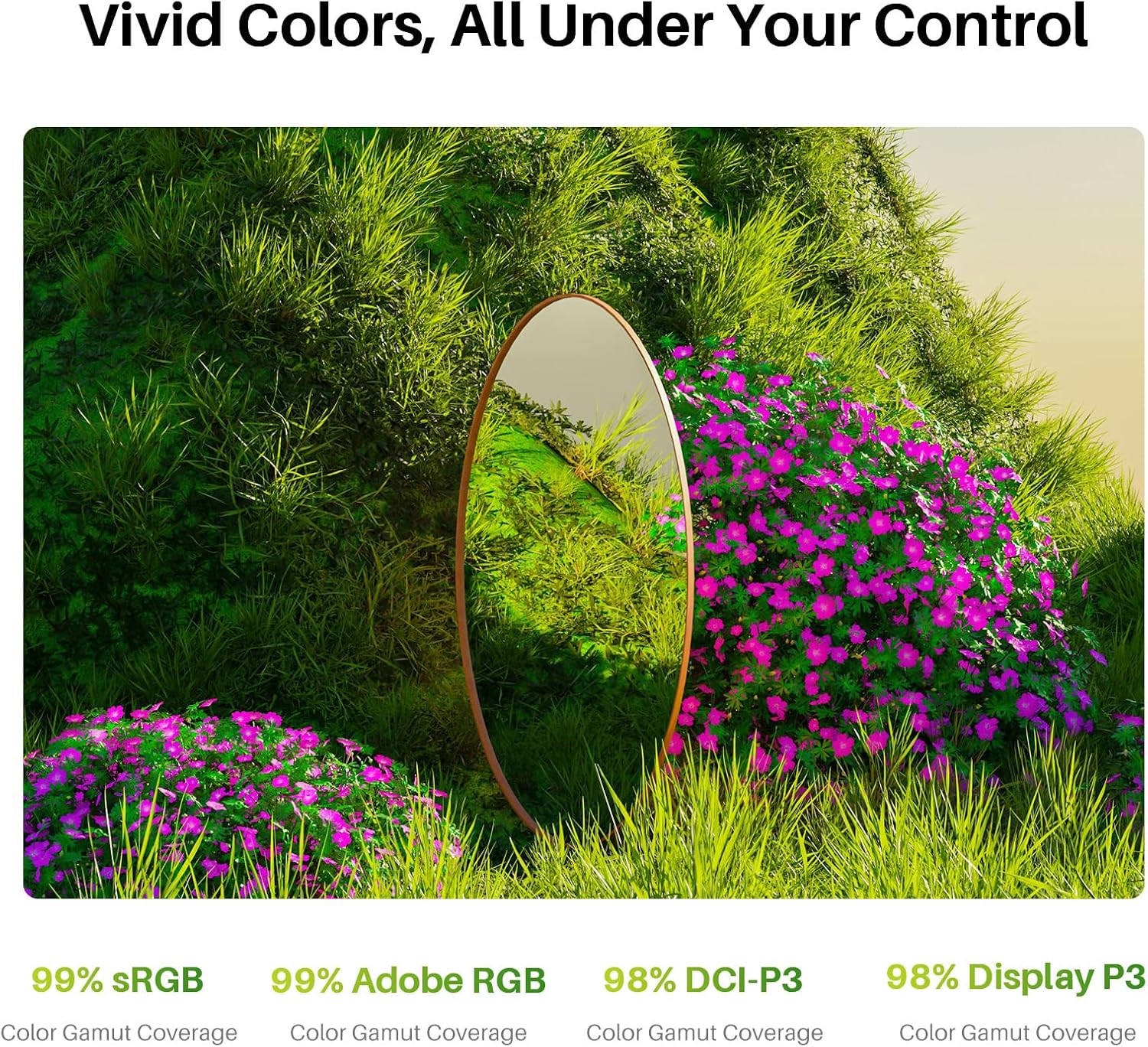
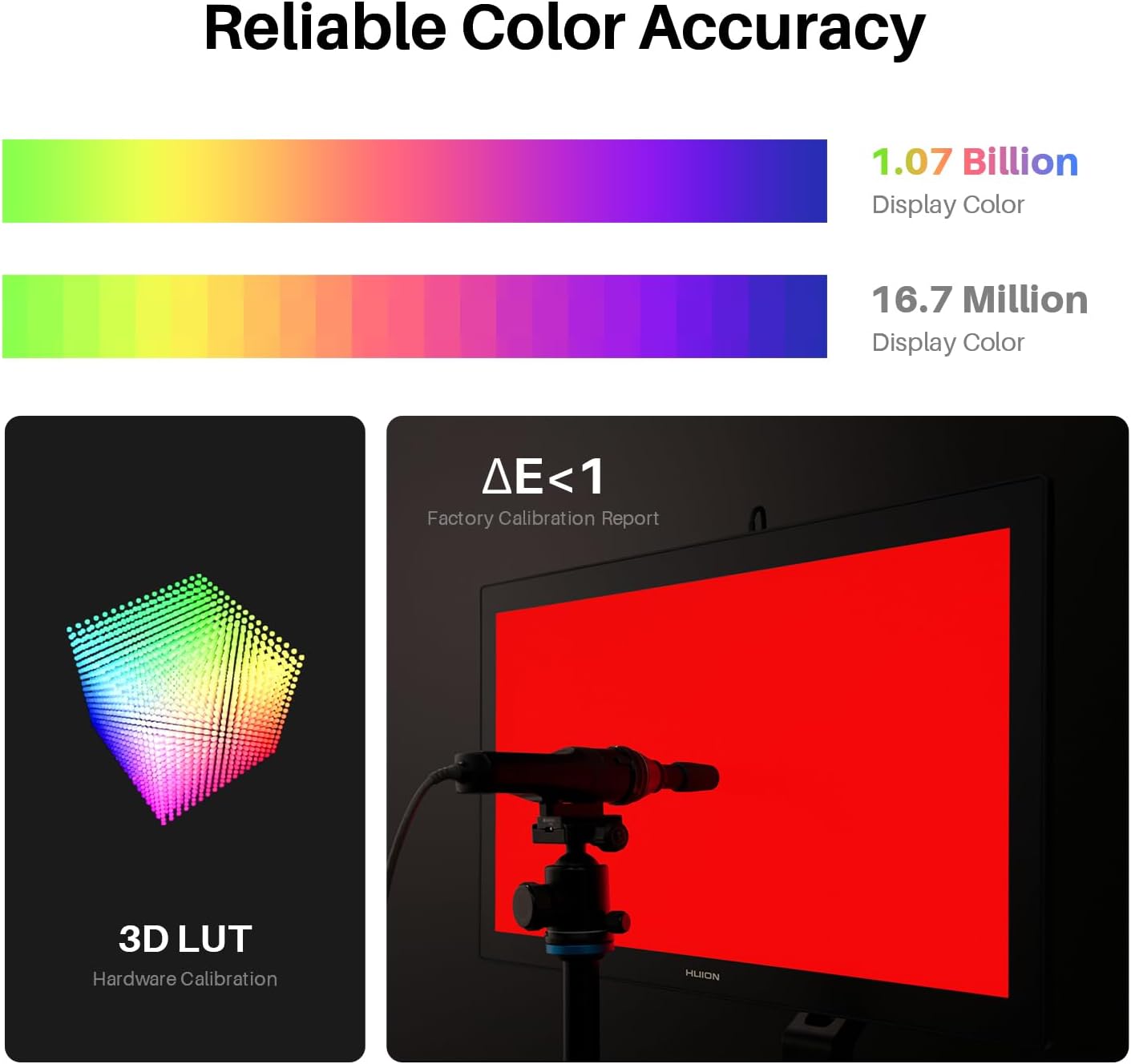
Quantum Dot technology supports a vivid display, with coverage of 99% sRGB, 99% Adobe RGB, 98% DCI-P3 and 98% Display P3. The display shows 1 billion colours and is professionally hardware-calibrated using a 3D LUT, with a stated ΔE<1. A factory calibration report is included, making the colour specifications especially relevant for design work where reviewing colour is part of the process.
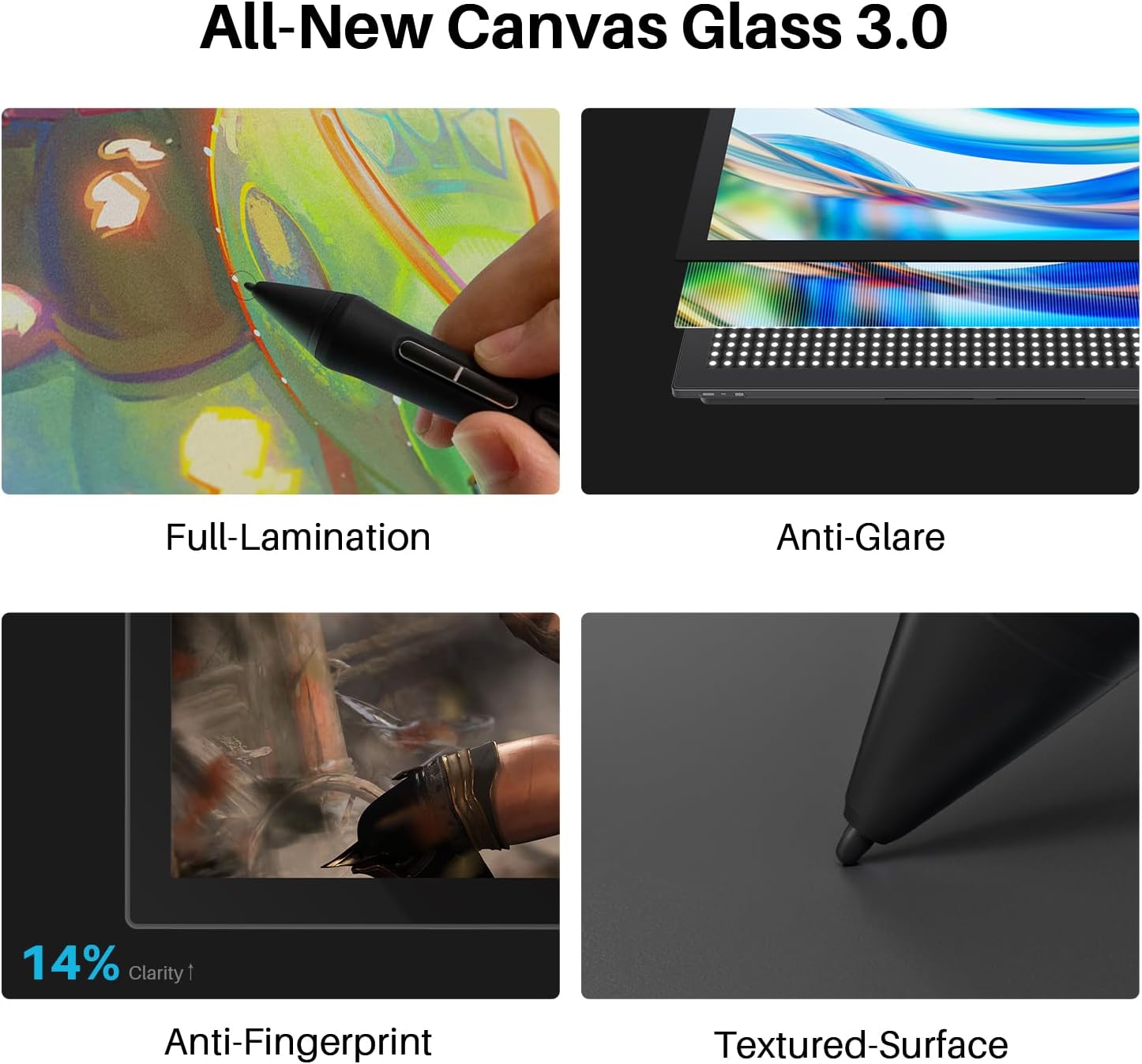
Canvas Glass 3.0 has a nano-etched surface that scatters intense light to reduce glare and minimises graininess on solid backgrounds. Its anti-fingerprint coating helps keep the working surface cleaner during regular touch and pen use. When the display is used as a secondary monitor, black-and-white mode offers a quick way to view light and dark contrast.
The display is compatible with desktop computers and laptops. The listed connections include USB-C to USB-C, USB-C to USB-A and HDMI cables, alongside the power adapter and cable. A cleaning cloth, palm-rejection glove, pen case, felt and standard nibs, and colour calibrator are also included to support setting up and using the drawing display.
Best use cases
This display is suited to a dedicated creative desk for drawing, 3D modelling, animation and design. For example, an illustrator can zoom and rotate a canvas with touch, then switch to pen input for detailed strokes, a designer can use the large 4K workspace to inspect layouts while benefiting from the documented colour coverage. The independent Express Key adds shortcut access alongside these on-screen controls.
If you are choosing between a screen-based drawing display and a graphics tablet without a built-in screen, the Kamvas gives you a direct view of the artwork beneath the pen. Its 23.8-inch size makes it particularly relevant when a larger desk-based canvas and touch navigation are central to your workflow.
Is it worth it?
For artists and designers who want to draw on a large, detailed screen, the Kamvas Pro 24 (Gen 3) brings together 4K resolution, two PenTech 4.0 styluses, multi-touch navigation and broad colour coverage. The calibrated display and nano-etched glass add practical value for work involving colour review and long sessions at a creative desk. It suits a setup built around hands-on drawing, animation or design, with the screen area to keep detailed work in view.