

Acer OCB256 USB-C to DisplayPort Cable, 2m, 8K@60Hz, braided
Product description
If you want a direct connection from a USB-C device to a DisplayPort screen, the Acer OCB256 keeps the setup simple with one 2-metre cable. It is made for sending video from your device to a monitor or TV with a DisplayPort input.
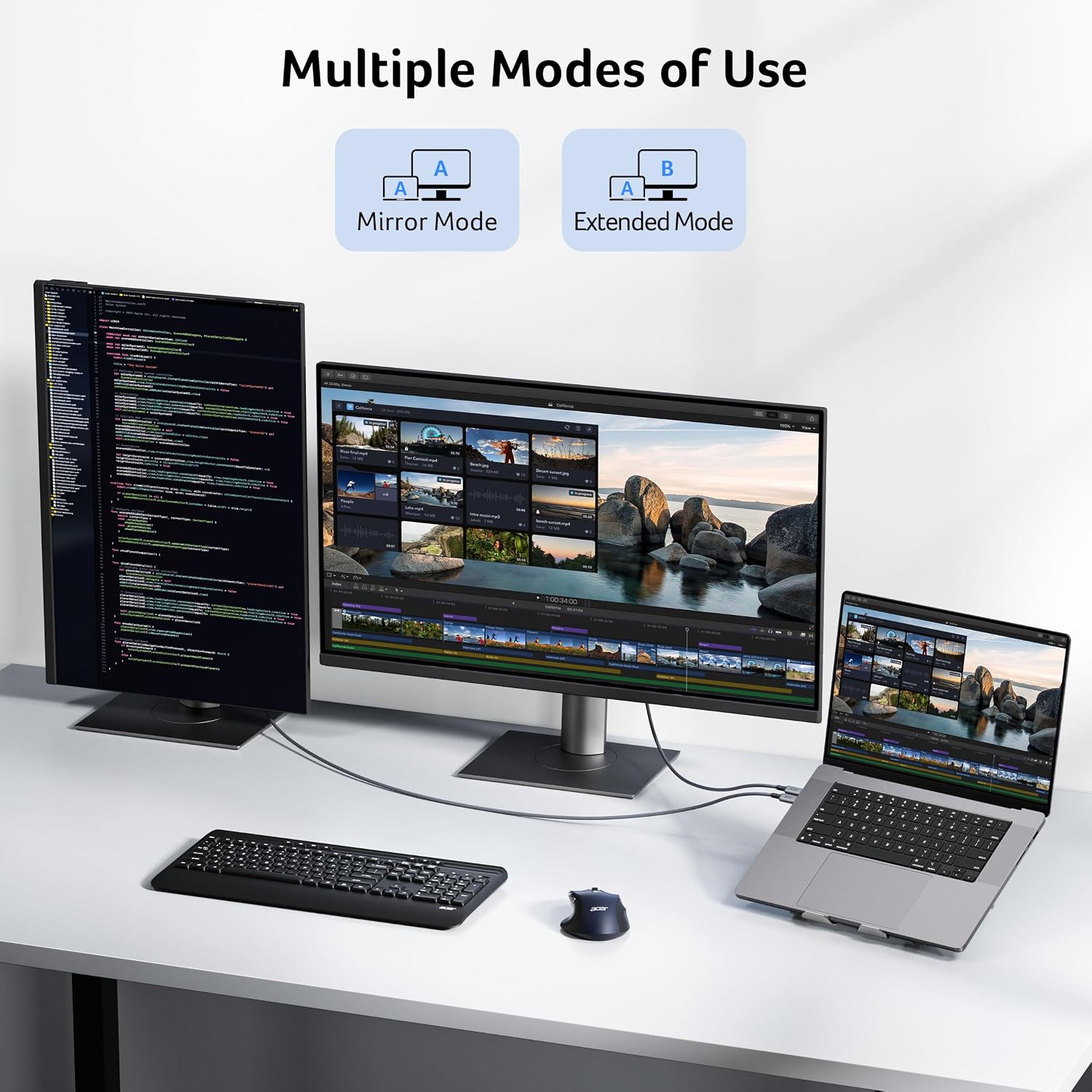
For everyday work, use mirror mode to share what is on your screen or extended mode to spread windows across a larger workspace. For gaming and high-refresh displays, support for FreeSync and G-SYNC, VRR and high resolutions gives you a flexible connection, subject to the capabilities of your devices.
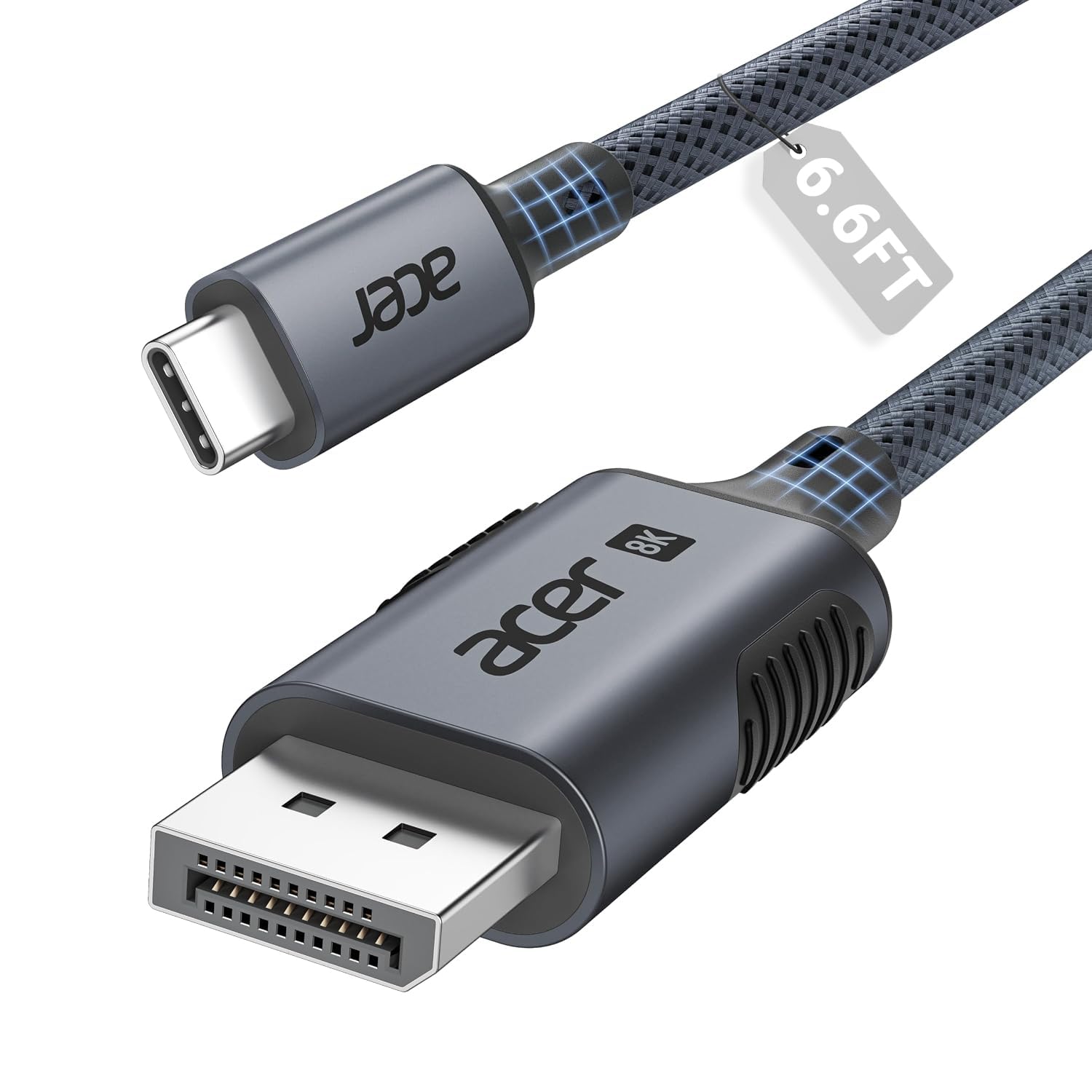
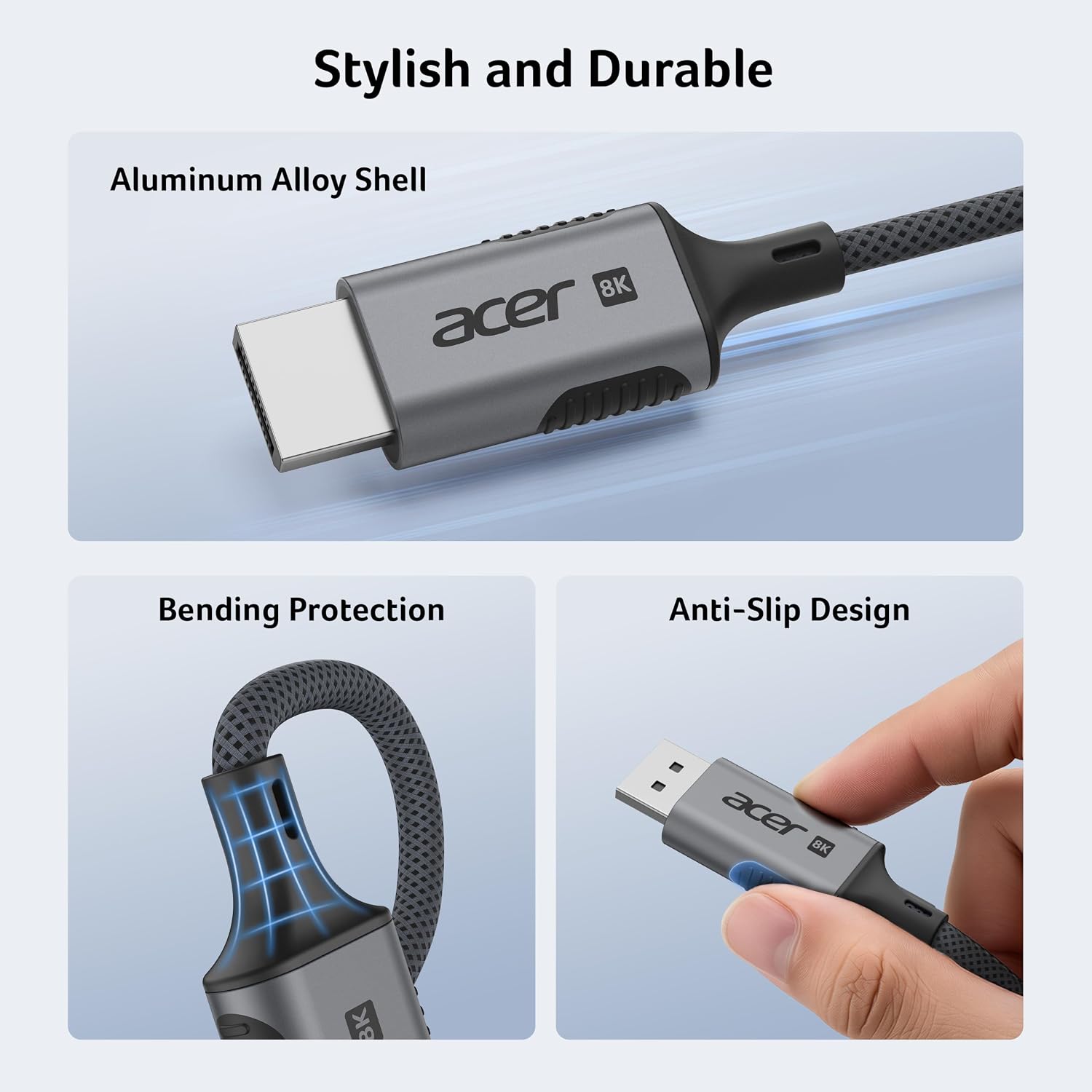
The braided grey cable has an aluminium housing and supports a range of display modes, including MST daisy-chaining. That makes it useful for desk setups where you want to connect directly, rather than build a connection around separate adapters.
Key specifications
- Model: OCB256
- Type: USB-C to DisplayPort 1.4 cable
- Length: 2m
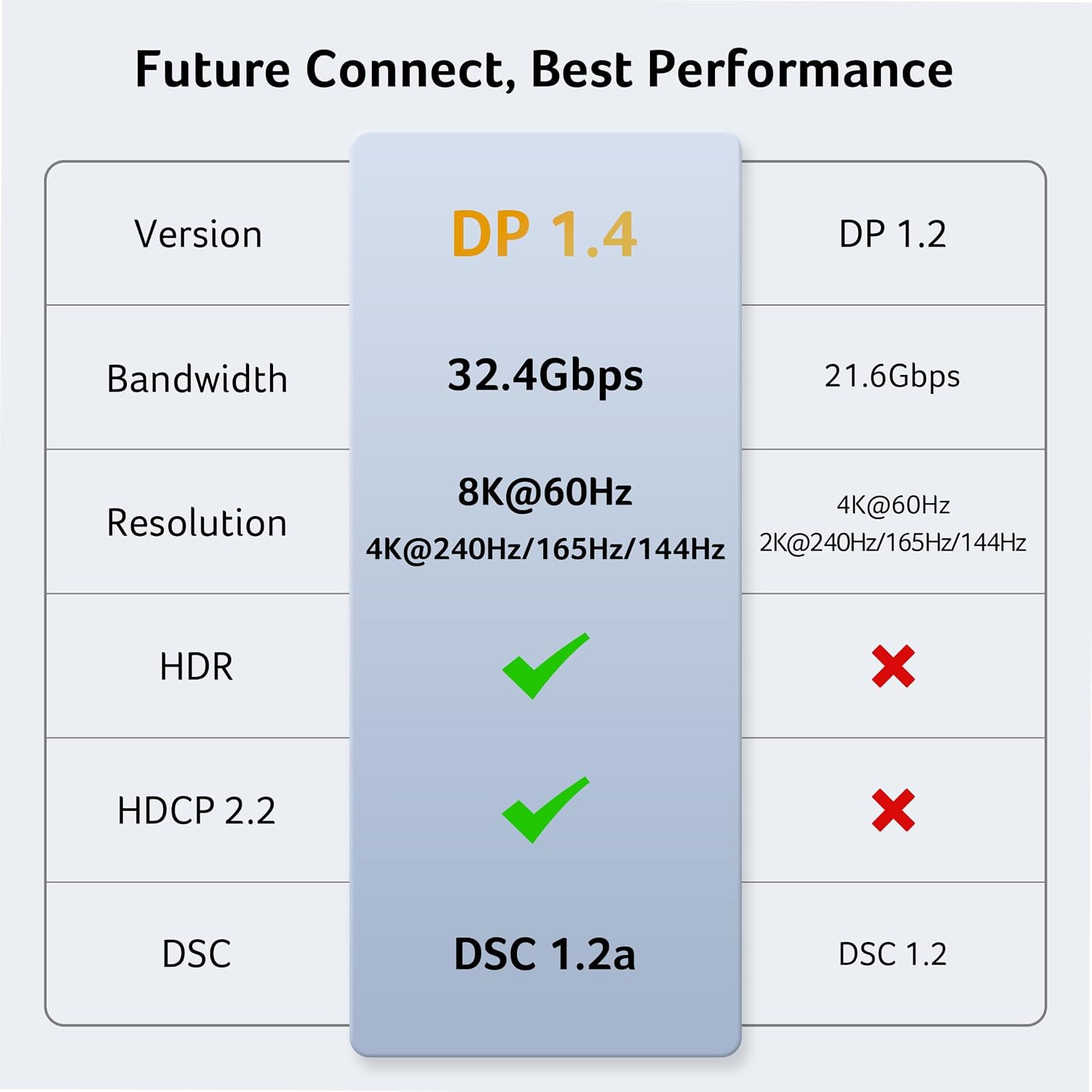
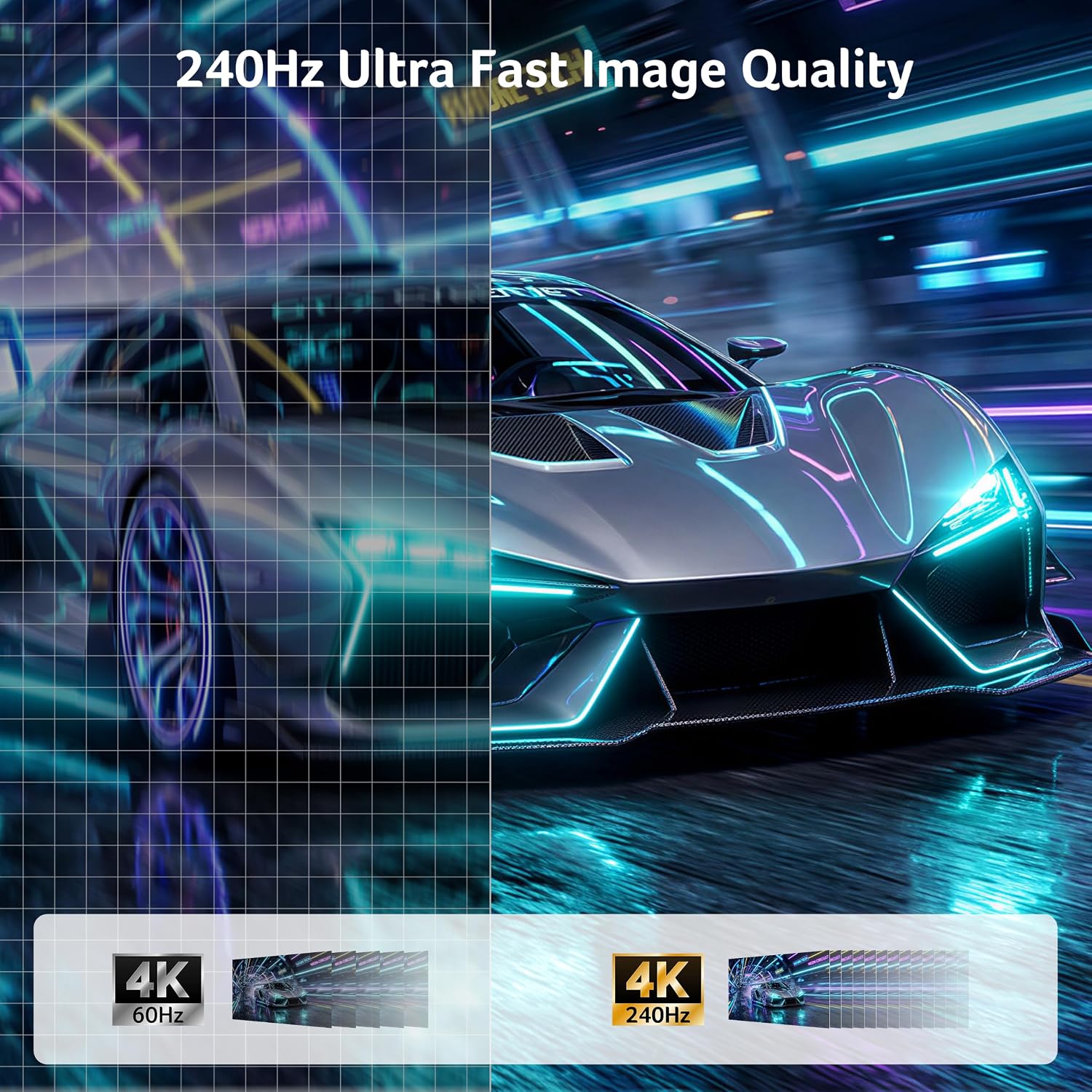
- Resolution and refresh rate: Up to 8K@60Hz, supports up to 4K@240Hz
- Bandwidth: Up to 32.4Gbps
- Features: HDR10, HDCP 2.3, FreeSync, G-SYNC, VRR and MST
- Design: Braided cable with aluminium housing
Compatibility & requirements
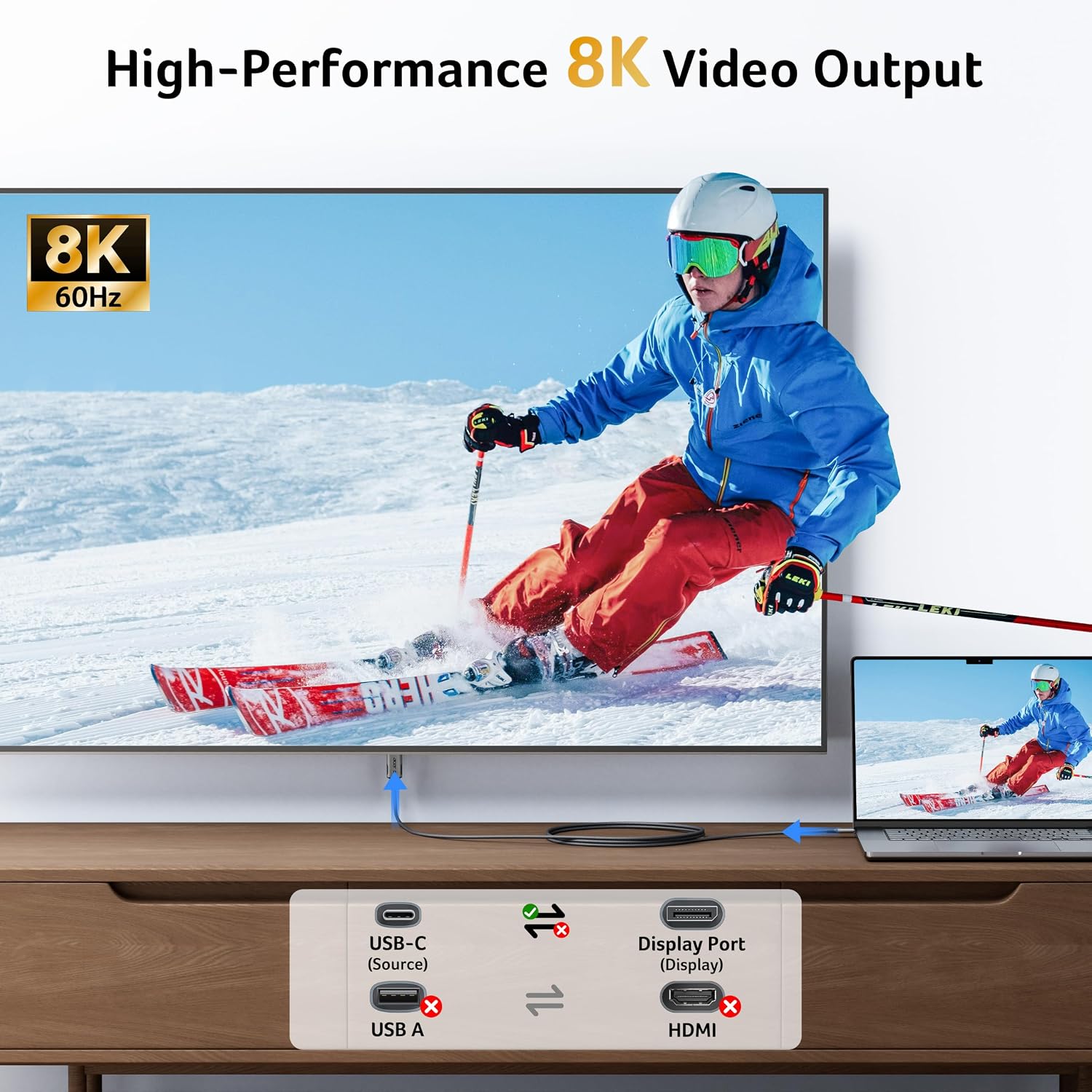
Use the cable to send a video signal from a USB-C device to a DisplayPort monitor or TV. The USB-C port must support DP Alt Mode, and the display needs a DisplayPort input. The connection is unidirectional, so it does not carry a signal from a DisplayPort device to a USB-C display. Display resolution and refresh rate depend on the capabilities and settings of the connected device and screen.
It is listed for devices including MacBook Pro, MacBook Air, Mac mini, iMac, iPad Pro, iPad Air, iPhone, Dell XPS, Surface, Galaxy S, Pixel, Steam Deck and ROG Ally. For an 8K display, both the source device and the display need to support 8K. DisplayPort is distinct from HDMI, so match the cable to a screen with a DisplayPort connection.
How to use it
Connect the USB-C end to your compatible laptop, tablet or phone, then connect the DisplayPort end to the screen. Choose mirror mode to show the same content on both screens, or extended mode to use the display as additional workspace. For supported multi-screen setups, MST daisy-chaining can connect compatible displays in sequence. Apple Clamshell and Samsung DeX modes are also listed, giving compatible devices additional ways to work with an external display.
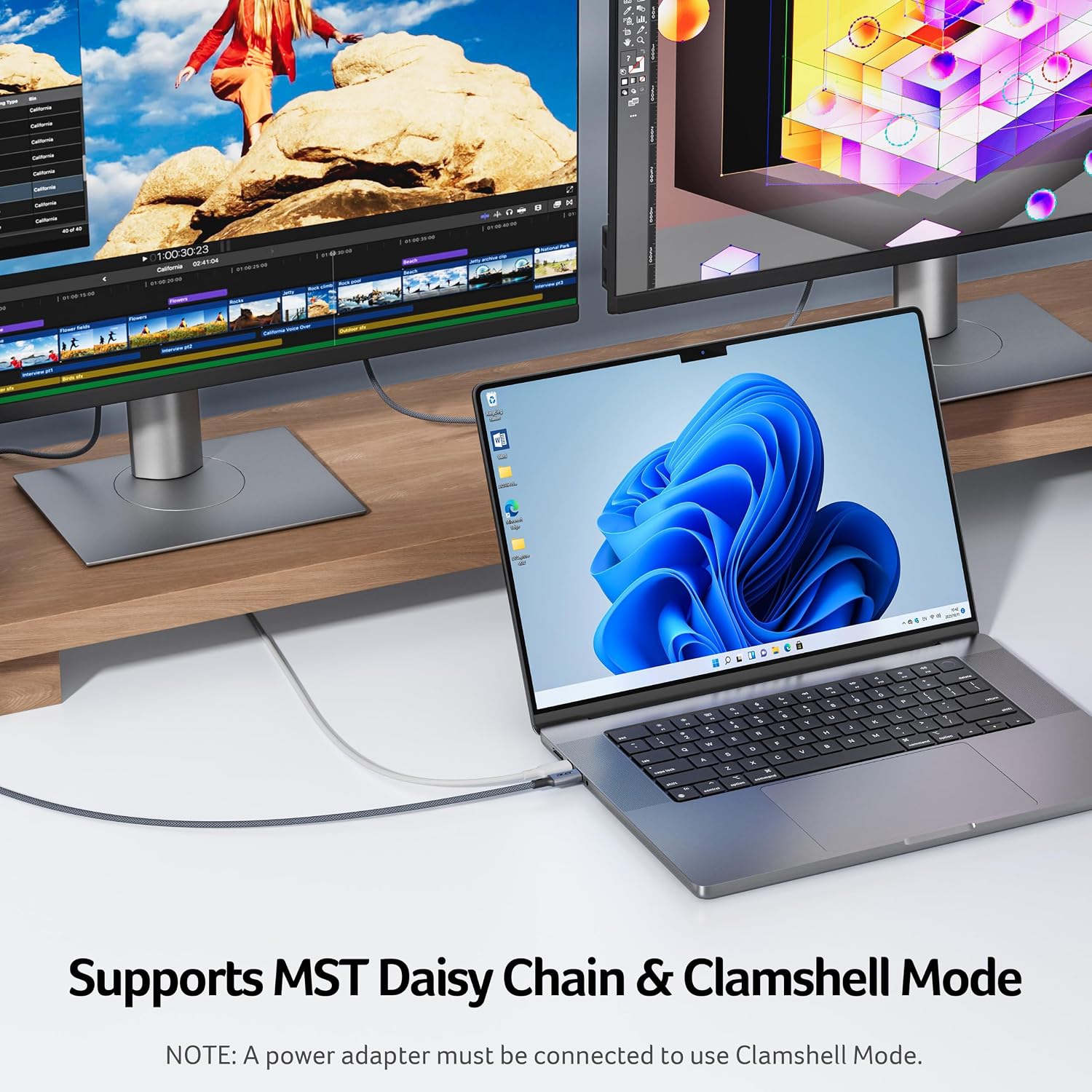
For a practical desk setup, connect a laptop to a DisplayPort monitor for documents, research and video editing, then use the larger screen to organise your open windows. Gamers can make use of the supported variable refresh technologies when their device and monitor support them. Buyers’ feedback is positive about how the cable works and its build, while comments on bandwidth stability are mixed, some mention resolving HDMI bandwidth issues, and others report difficulty above 144Hz.
Practical questions
Can it deliver 8K at 60Hz? The cable supports up to 8K@60Hz. The source device and display must also support that resolution and refresh rate, and be set to compatible values.
Can I use it with a USB-C monitor? No. This cable sends video from a USB-C source to a DisplayPort display, it is not designed for the reverse direction or for connecting to a USB-C display.
Does it support gaming features? It supports FreeSync, G-SYNC, VRR and ALLM. These features are available when supported by the connected device and display.
Should you buy it?
Worth considering if your laptop, tablet or phone has USB-C video output and you want a direct link to a DisplayPort screen for work, creative tasks or gaming. Its 2m length, braided construction, high-resolution support and display modes make the Acer OCB256 a practical fit for a home or desk setup built around DisplayPort.