

USB computer speakers with dual 3 W drivers
Product description
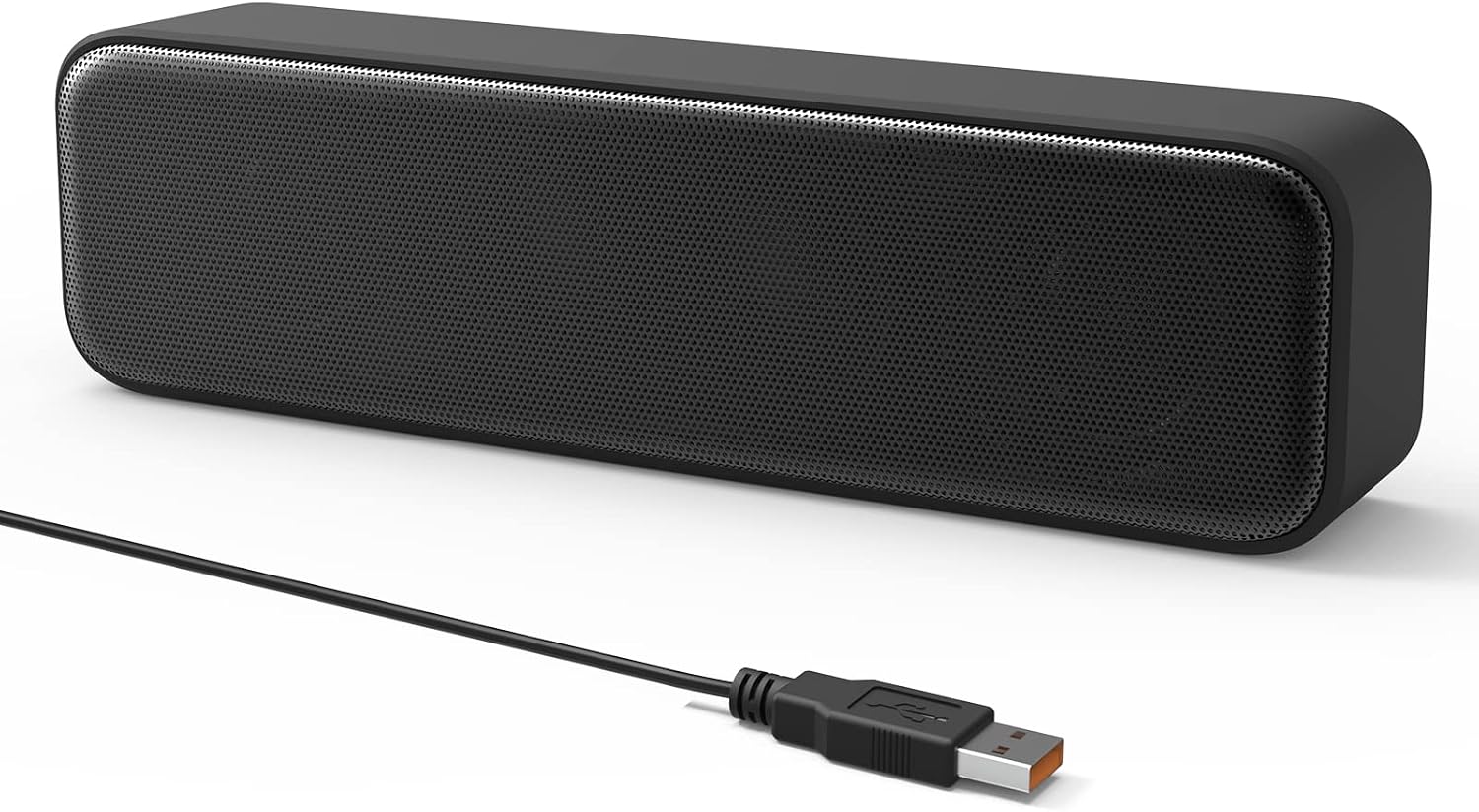
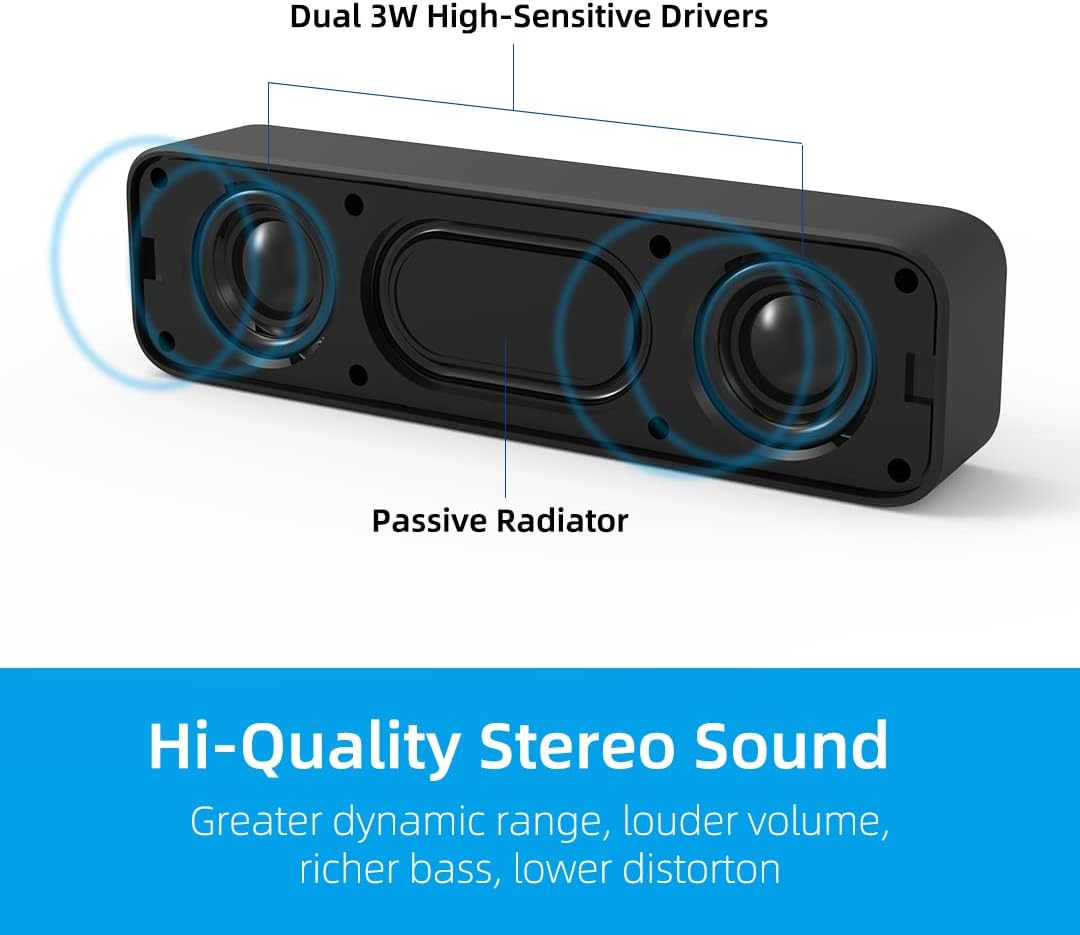
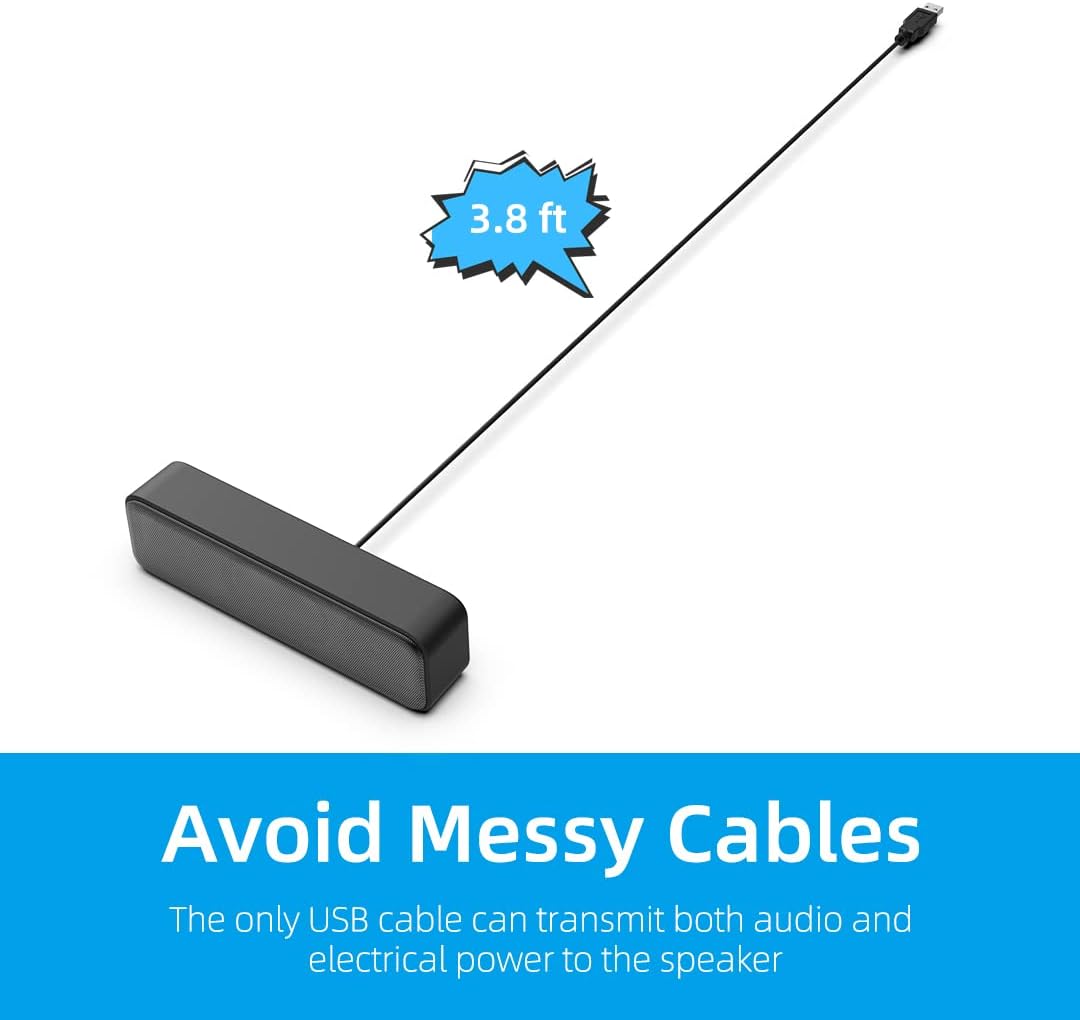
The single USB cable carries both audio and power, so these compact computer speakers avoid the separate audio lead used by many basic desktop setups. Dual 3 W high-excursion drivers and a passive radiator are intended to provide fuller sound, stronger bass and less distortion than a small speaker design might otherwise deliver. For a desk where space and cable clutter matter, that combination has a clear appeal. Set them beside a laptop, choose the USB speaker as the playback device, and adjust the level from your computer rather than reaching for a separate speaker control.
Technical details
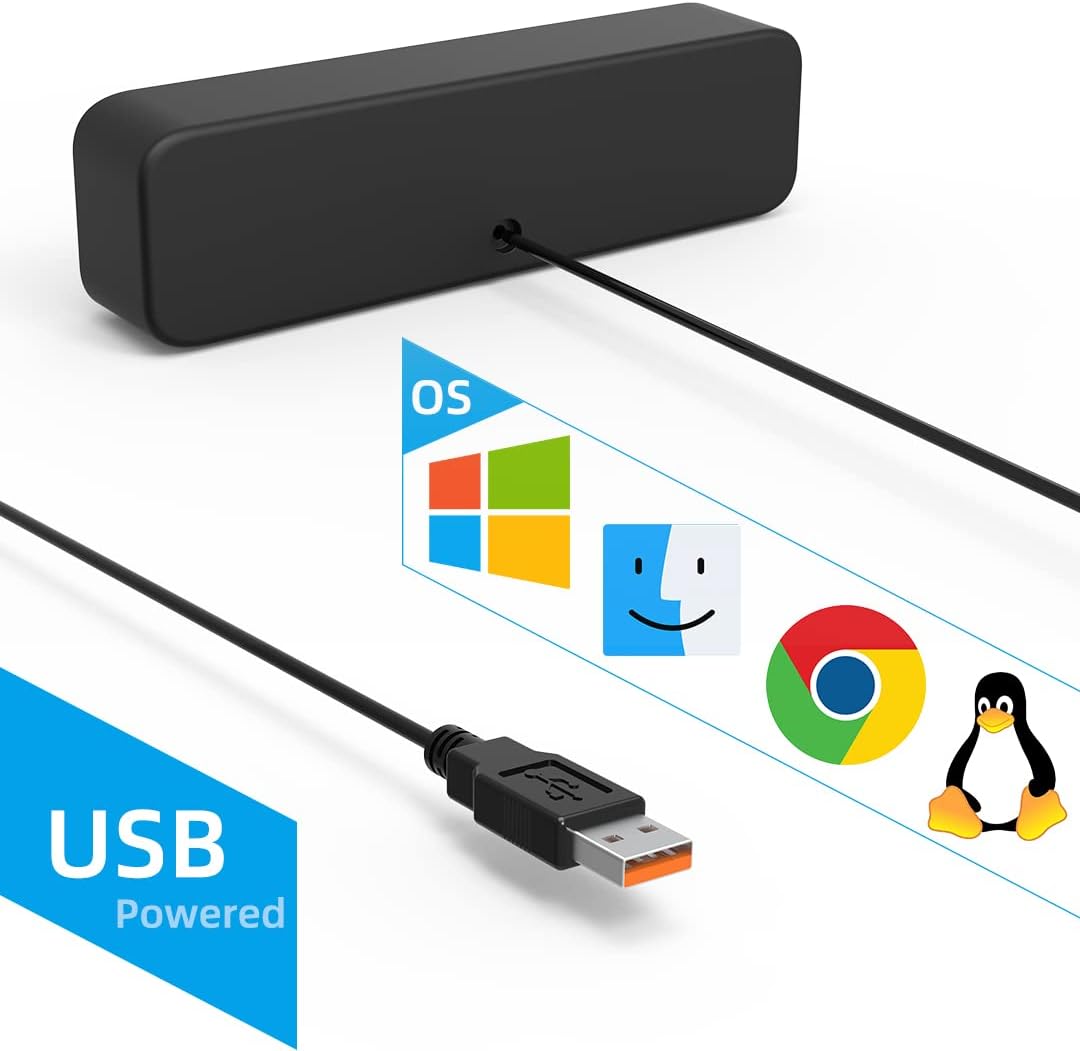
The speaker uses dual 3 W drivers and a passive radiator. Audio and power run through one USB cable, the listing says a 3.5 mm AUX connection is not needed. Volume is adjusted through the computer’s system controls, which keeps operation simple but leaves no separate speaker-volume adjustment described in the supplied details.
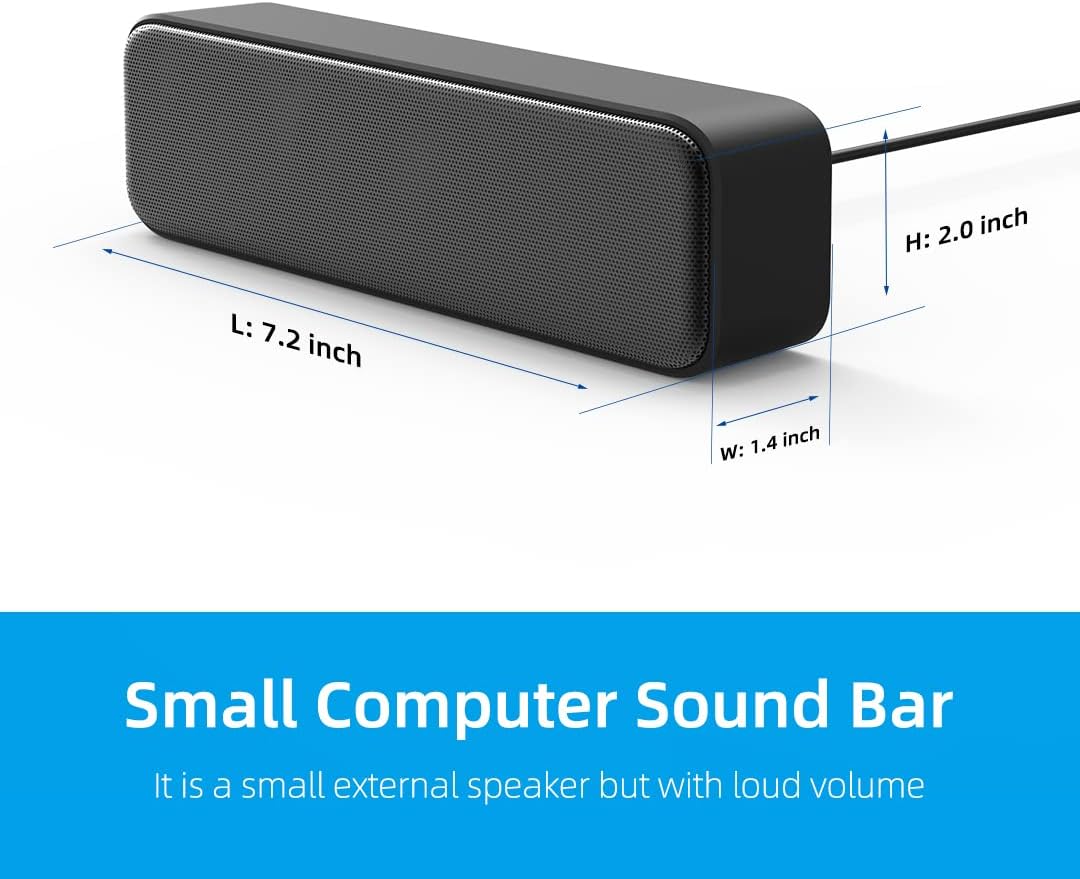
The stated operating-system compatibility includes Windows PCs running Windows 7, 8, 10 or 11, as well as macOS, Linux and Chrome OS laptops. The description notes that the latest audio driver should be installed. It doesn’t provide dimensions, cable length or information about physical controls, so those details can’t help distinguish this model from other compact USB speakers.
Getting the most from it
Connect the cable to a USB port, then select “USB2.0 device” as the computer’s playback output. On a Windows PC, this option is available from the speaker icon in the taskbar. Once selected, change the volume in the system settings. For example, at a shared desk, you can plug in the speakers for a video call or a short listening session without adding a separate audio cable or adjusting a dial on the speaker.
It's a good fit if you want a straightforward external speaker setup for a computer and prefer fewer cables. If you switch between several audio sources, though, the stated setup is centred on computer USB playback rather than a separate AUX input.
Usage tips
If there’s no sound after connecting, check that “USB2.0 device” is selected as the playback device and that your computer’s audio driver is current. Then adjust the system volume. The supplied information doesn’t describe a hardware mute button or independent speaker controls, so plan to manage playback from the computer.
The claimed bass enhancement comes from the passive radiator and driver design, but no frequency range or listening measurements are provided. That makes these easier to assess as convenient desk speakers than as a substitute for a more capable audio setup when detailed sound or stronger low-frequency output is the priority.
Before you decide
Do they need a separate audio cable? No separate 3.5 mm AUX cable is required, the stated connection uses USB for audio and power.
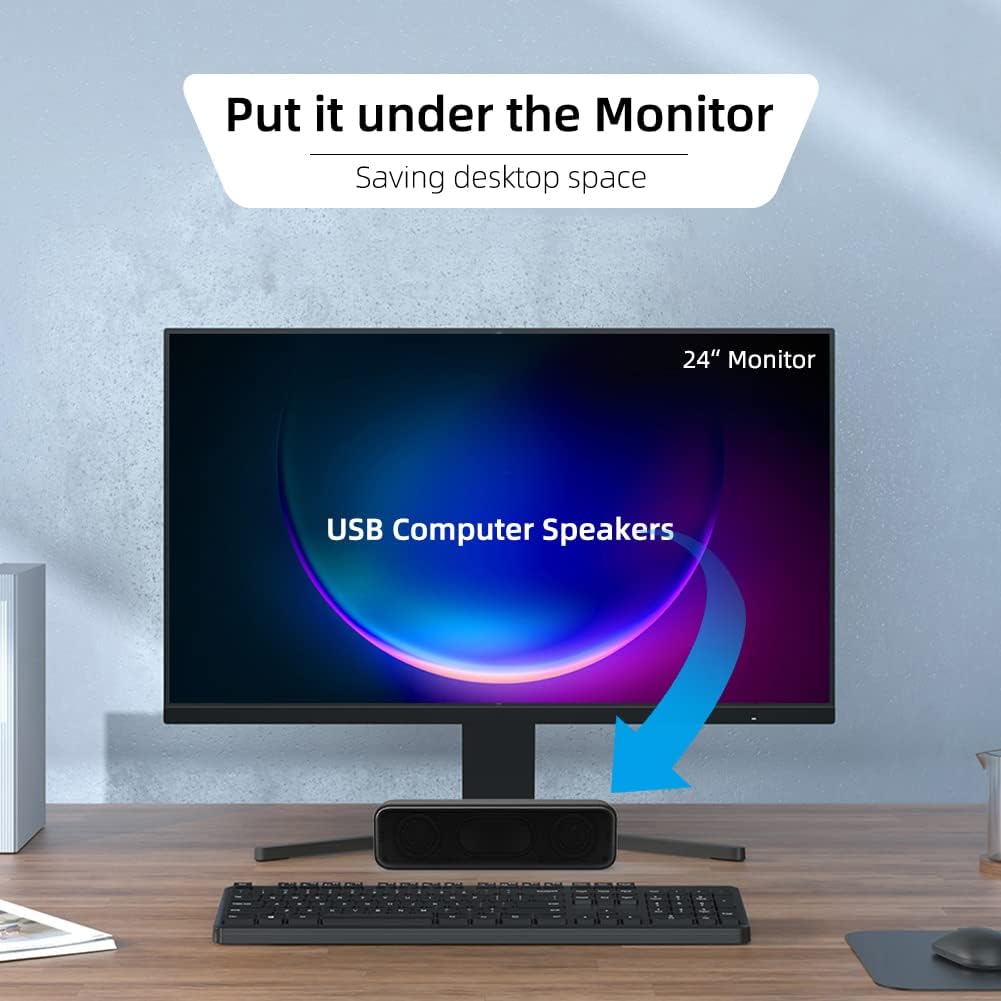
Can you control volume on the speakers? The description specifies computer system volume control and doesn’t identify a separate speaker-volume control.
Which operating systems are listed? Windows 7, 8, 10 and 11, macOS, Linux and Chrome OS are named, with the latest audio driver noted as a requirement.
Before buying
This is a practical choice for basic computer listening when a single USB connection and simple setup matter more than flexible inputs or dedicated controls. It may suit a compact workspace where built-in laptop audio isn’t enough for everyday playback, while keeping the setup uncomplicated. No te encajará si you need a separate AUX connection, physical speaker-volume controls or detailed sound specifications to guide your choice. Those omissions matter more if you’re buying for a particular desk layout or a more demanding listening setup.