

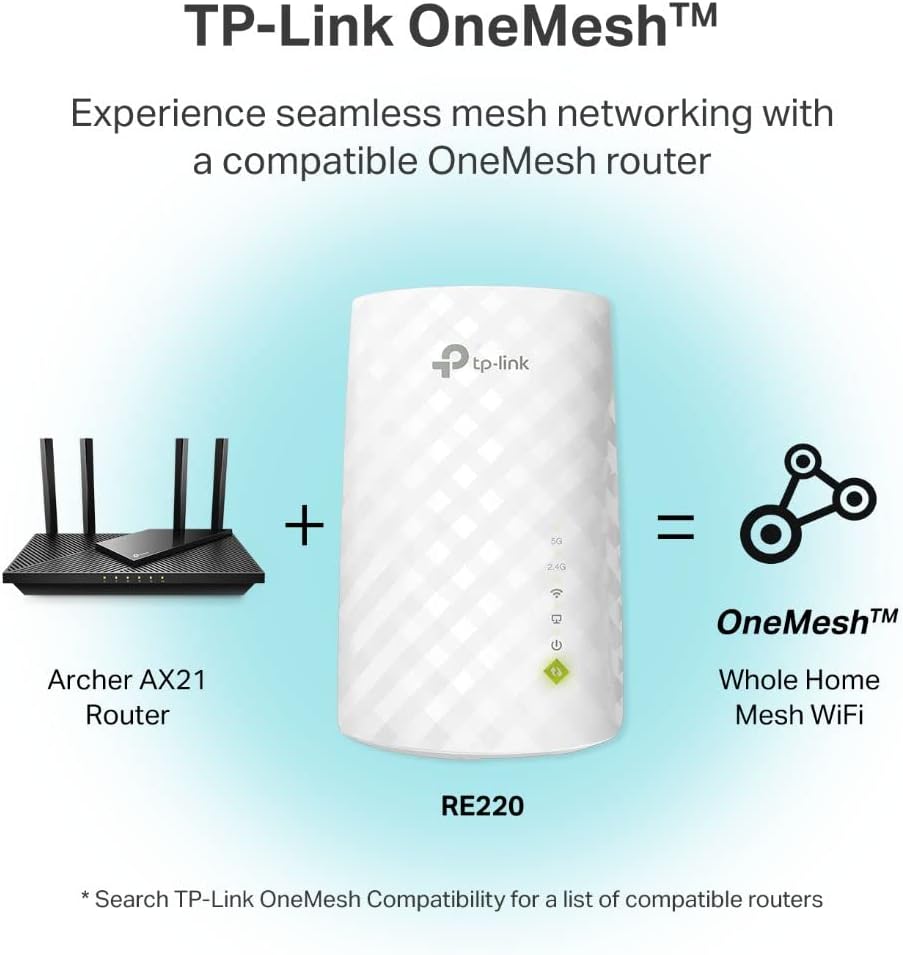
TP-Link RE220 AC750 Dual-Band Wi-Fi Range Extender with Ethernet Port
Reviews
Price
Product description
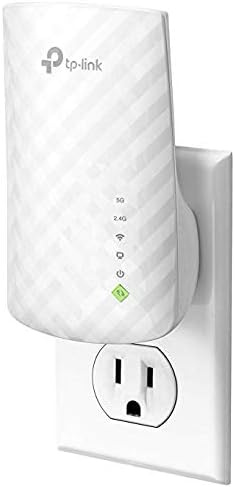
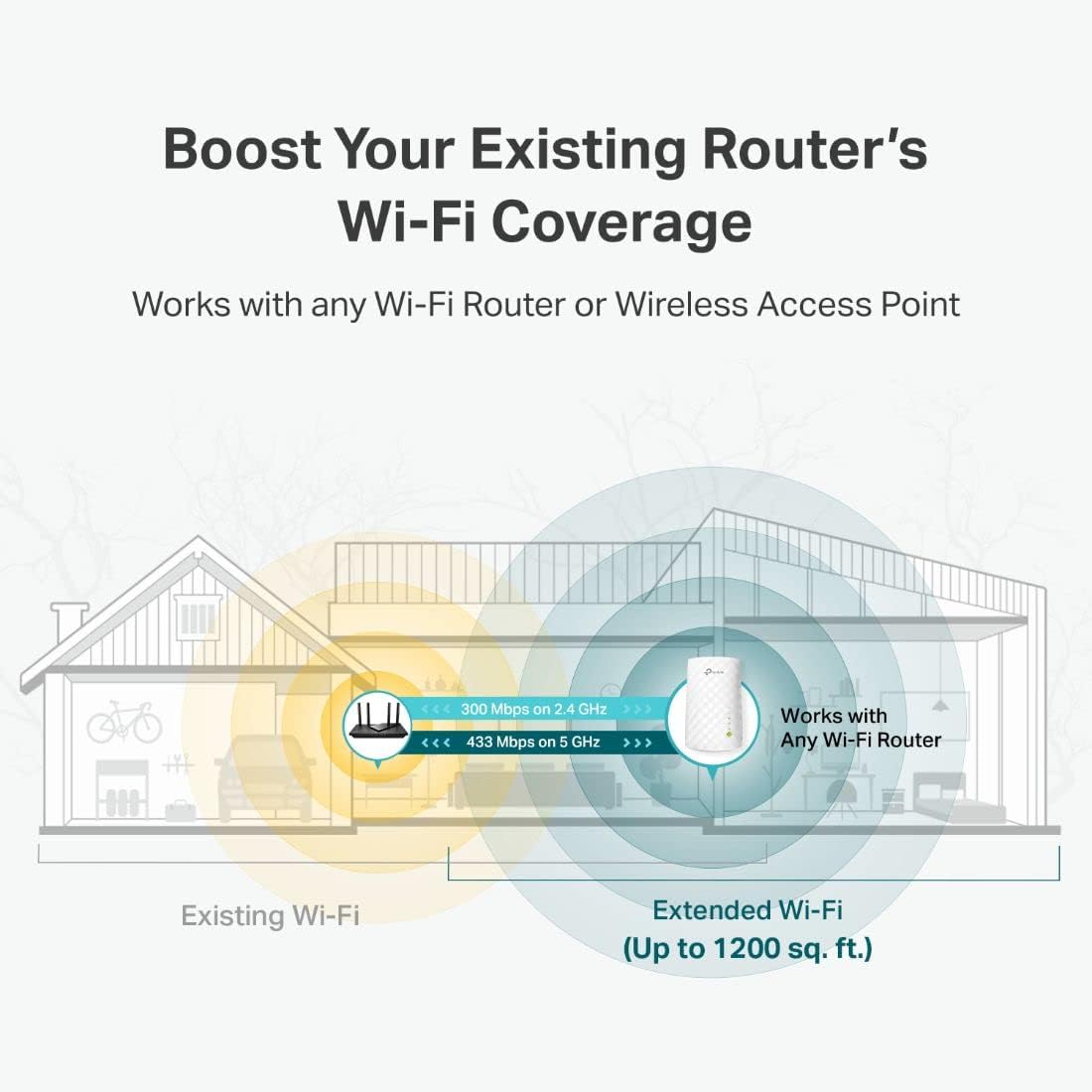
Bring a stronger Wi-Fi connection to a bedroom, basement office or other hard-to-reach area with the TP-Link RE220. Its dual-band AC750 design extends coverage for up to 20 devices across up to 1,200 sq. ft. An Ethernet port also gives you a way to connect a wired device or set up an access point.
Technical overview
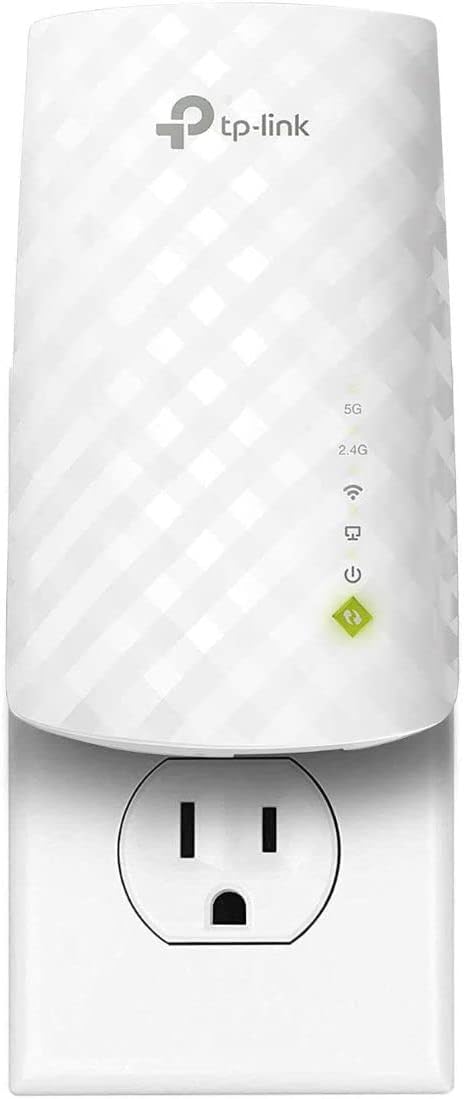
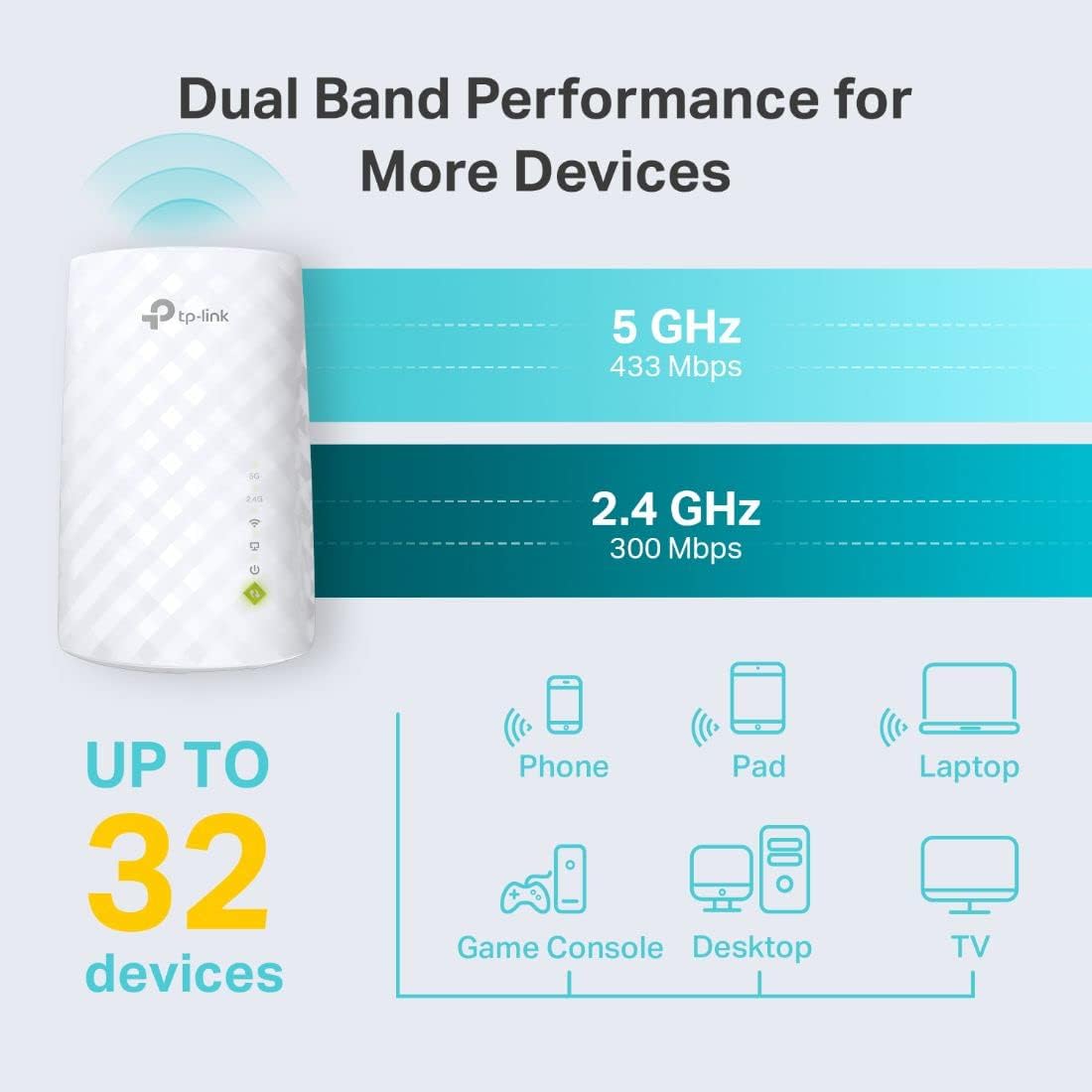
The RE220 works with a standard Wi-Fi router, gateway or access point and broadcasts on both 2.4 GHz and 5 GHz bands. Its stated wireless rates are up to 300 Mbps on 2.4 GHz and 433 Mbps on 5 GHz, for an AC750 class rating. That dual-band setup supports a mix of everyday connections, such as phones and smart-home devices alongside a laptop or streaming device.
A built-in Fast Ethernet port adds flexibility beyond extending Wi-Fi. Connect a wired device such as a smart TV or gaming console to the extender, or use Access Point Mode to create dual-band Wi-Fi from a wired internet connection. The integrated signal indicator helps you find a suitable position between the router and the area where coverage is needed.
Getting the most from it
Set up and manage the RE220 through the TP-Link Tether app for Android or iOS. For placement, start between the router and the weak-signal area, then use the indicator to guide positioning. This makes it practical to bring coverage towards a converted garage office, a camera location or a room where phones and tablets are used away from the main router.
The choice here is between extending an existing wireless network and adding a separate access point over Ethernet. The RE220 can do either, so you can choose the approach that suits the room: extend Wi-Fi where running a cable is inconvenient, or use its Ethernet connection when a wired network feed is available. Its compact white housing measures 6.6 × 7.6 × 10.9 cm, making it easy to place near the area you want to serve.
Buyers often describe setup as straightforward, while feedback on signal strength, range, speed and connectivity varies. That makes thoughtful placement particularly useful: the signal indicator offers a practical way to find a position that still receives a usable connection from the router while reaching further into the target area.
What’s included
The package includes the AC750 Wi-Fi Range Extender RE220 and a Quick Installation Guide. The guide supports initial setup, while the Tether app provides another way to configure and manage the network.
Before you decide
Will the RE220 work with my router? It is described as compatible with standard Wi-Fi routers, gateways and access points. It supports 802.11ac and dual-band wireless connections.
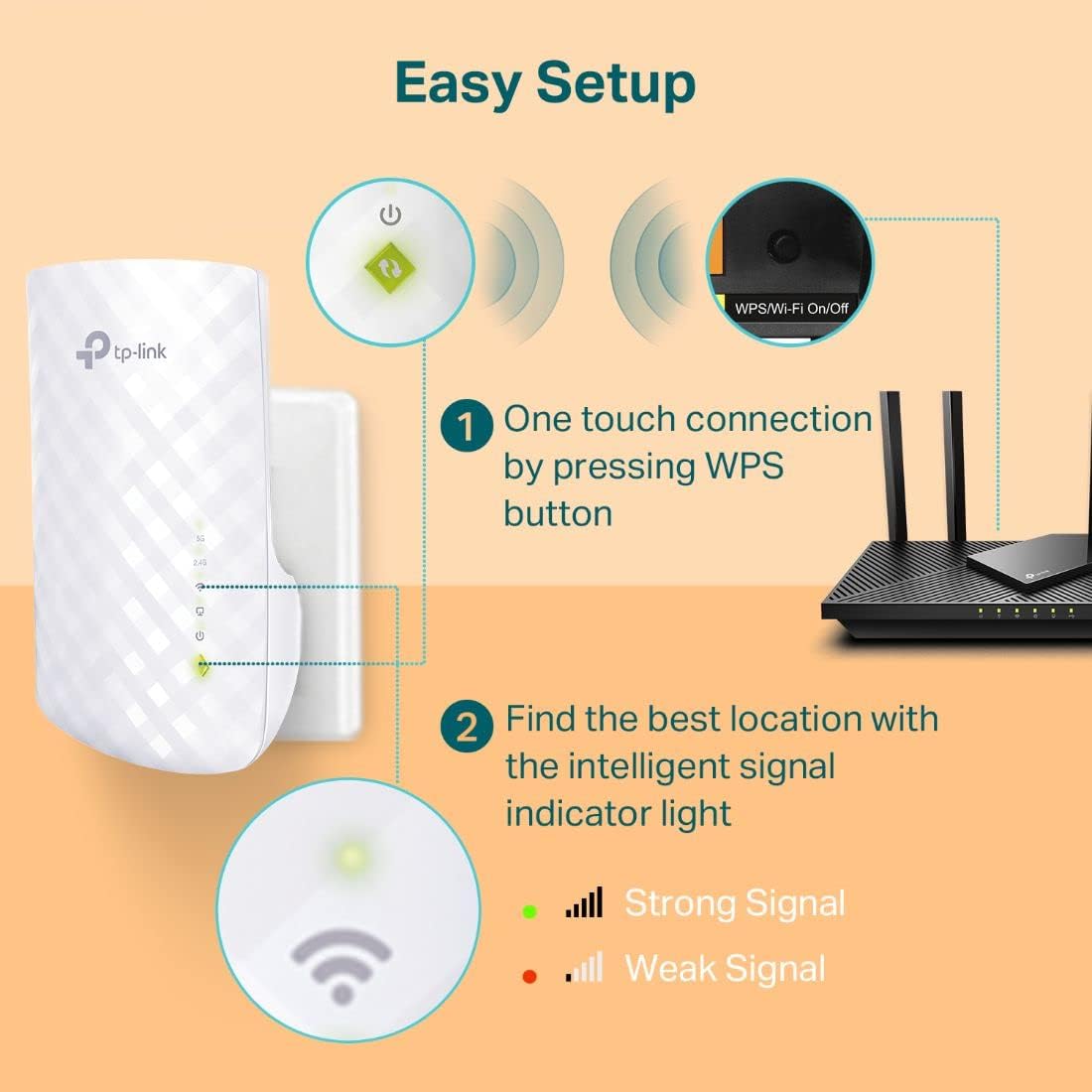
How do I choose where to plug it in? Place it between the router and the area that needs better coverage. Use the built-in signal indicator to help find a suitable location.
Can I use it with a wired device? Yes. Its Ethernet port can connect a wired device such as a smart TV or gaming console, and Access Point Mode can create dual-band Wi-Fi from a wired internet connection.
Should you buy it?
Choose the RE220 if you want to extend a standard home Wi-Fi network without making coverage improvement a one-purpose purchase. Its dual-band support serves a variety of connected devices, the signal indicator helps with placement, and Ethernet with Access Point Mode gives you an alternative when a wired connection is available. It’s a practical fit for bringing Wi-Fi closer to everyday devices in rooms beyond the router’s reach.