

TP-Link ER605 Multi-WAN VPN Router with Gigabit Ports and Omada SDN
Reviews
Price
Product description
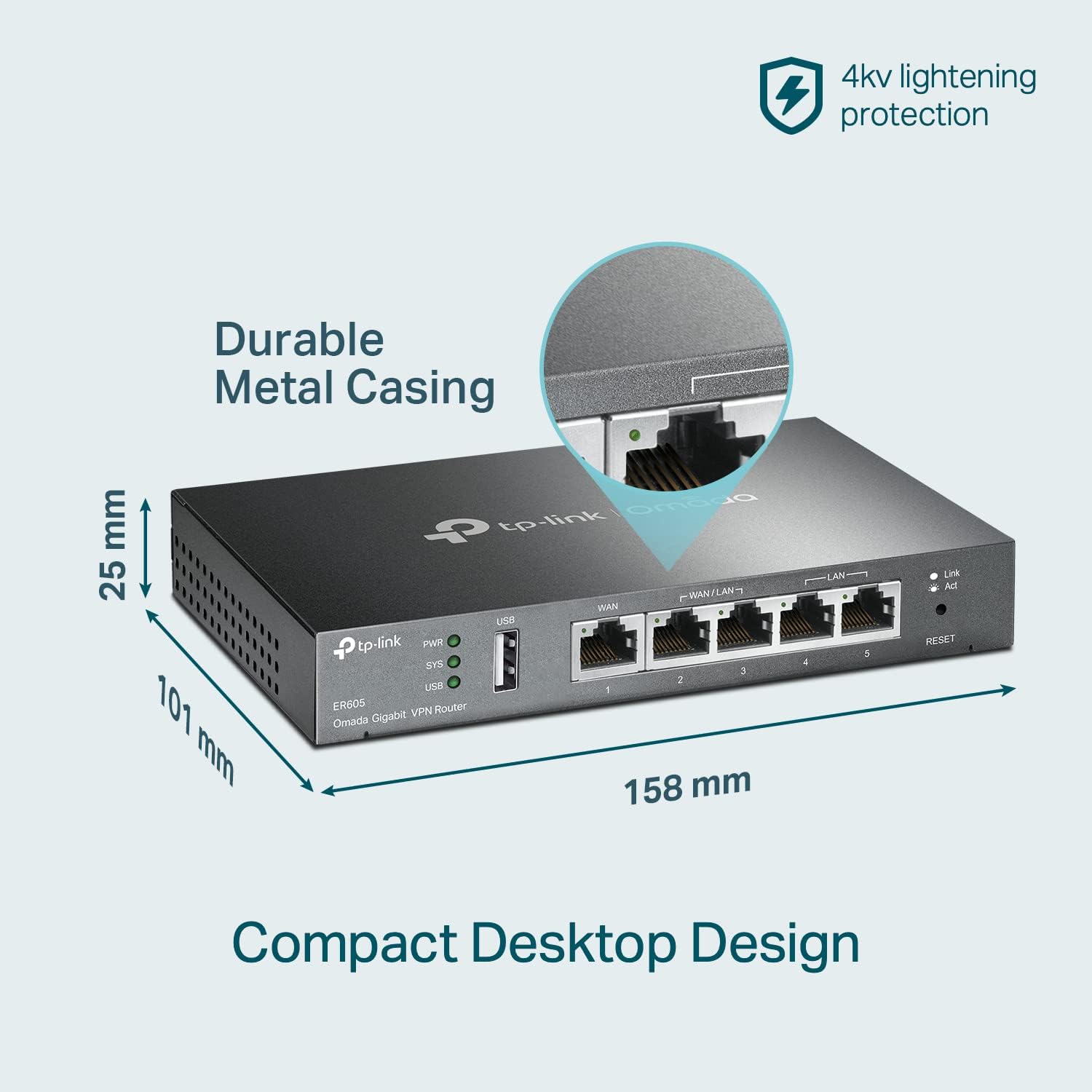
For a small office connecting several internet lines or linking remote sites, the TP-Link ER605 provides a wired gateway with multi-WAN support and VPN functions. Its Gigabit ports let you configure network connections around your setup. Choose it for centralized Omada management, or use it in standalone mode.
Tech specs
- Type: Wired multi-WAN VPN router
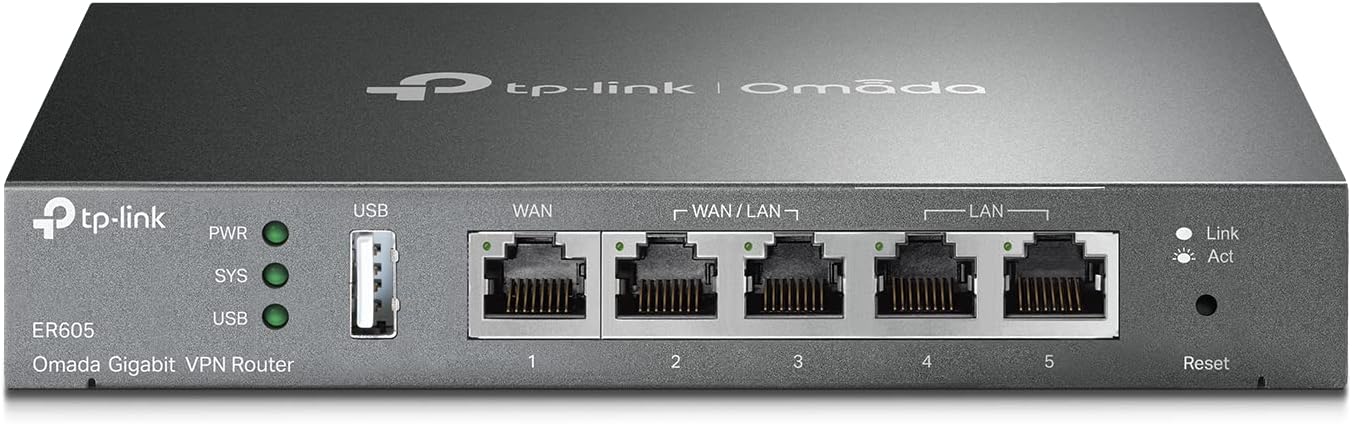
- Ports: Five Gigabit ports: one WAN, one LAN and three configurable WAN/LAN ports, supports up to three WAN Ethernet ports plus one USB WAN
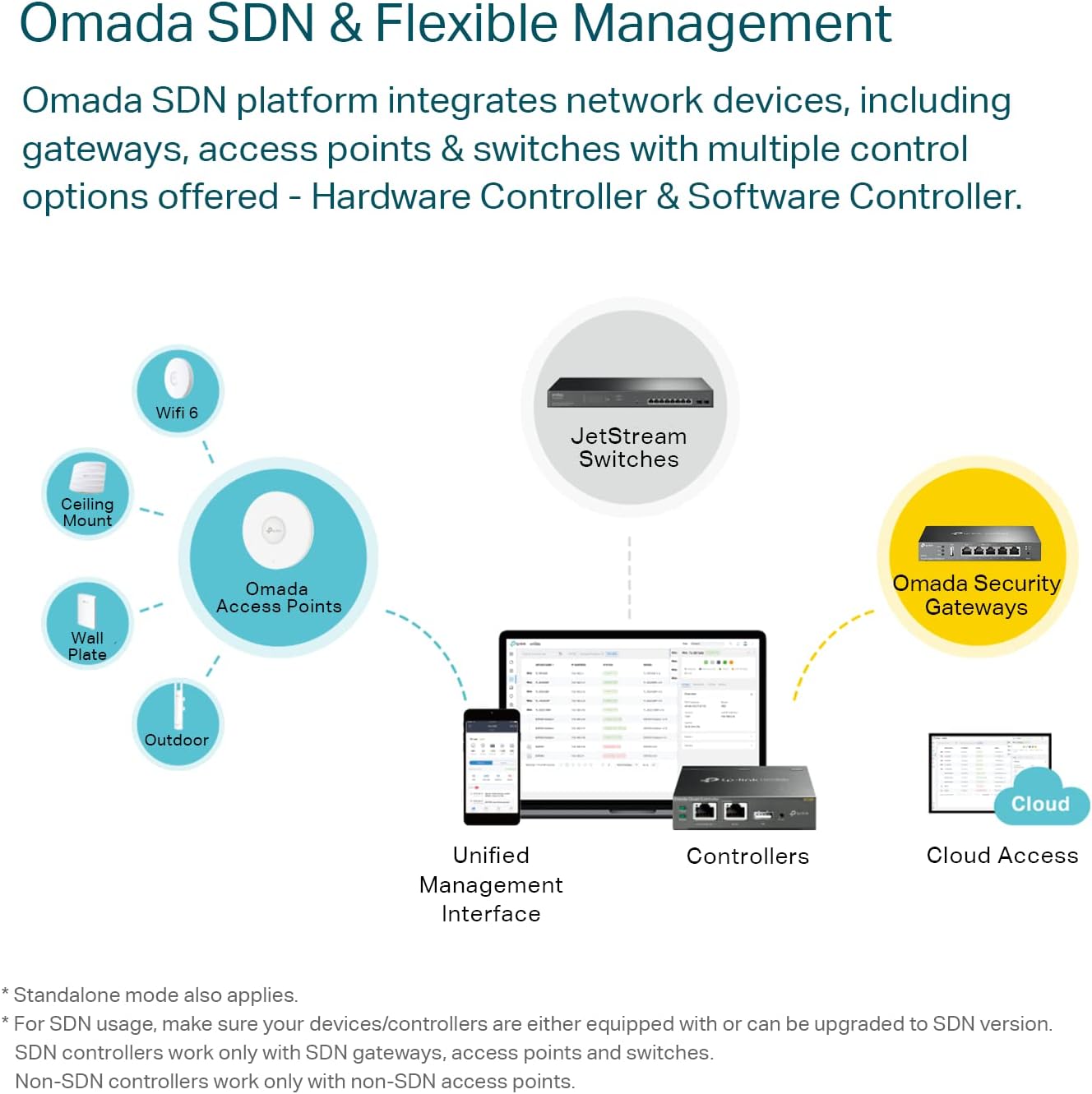
- Management: Omada SDN with hardware, software or cloud-based controller options, standalone mode is also available
- VPN: Supports up to 20 LAN-to-LAN IPsec, 16 OpenVPN, 16 L2TP and 16 PPTP connections
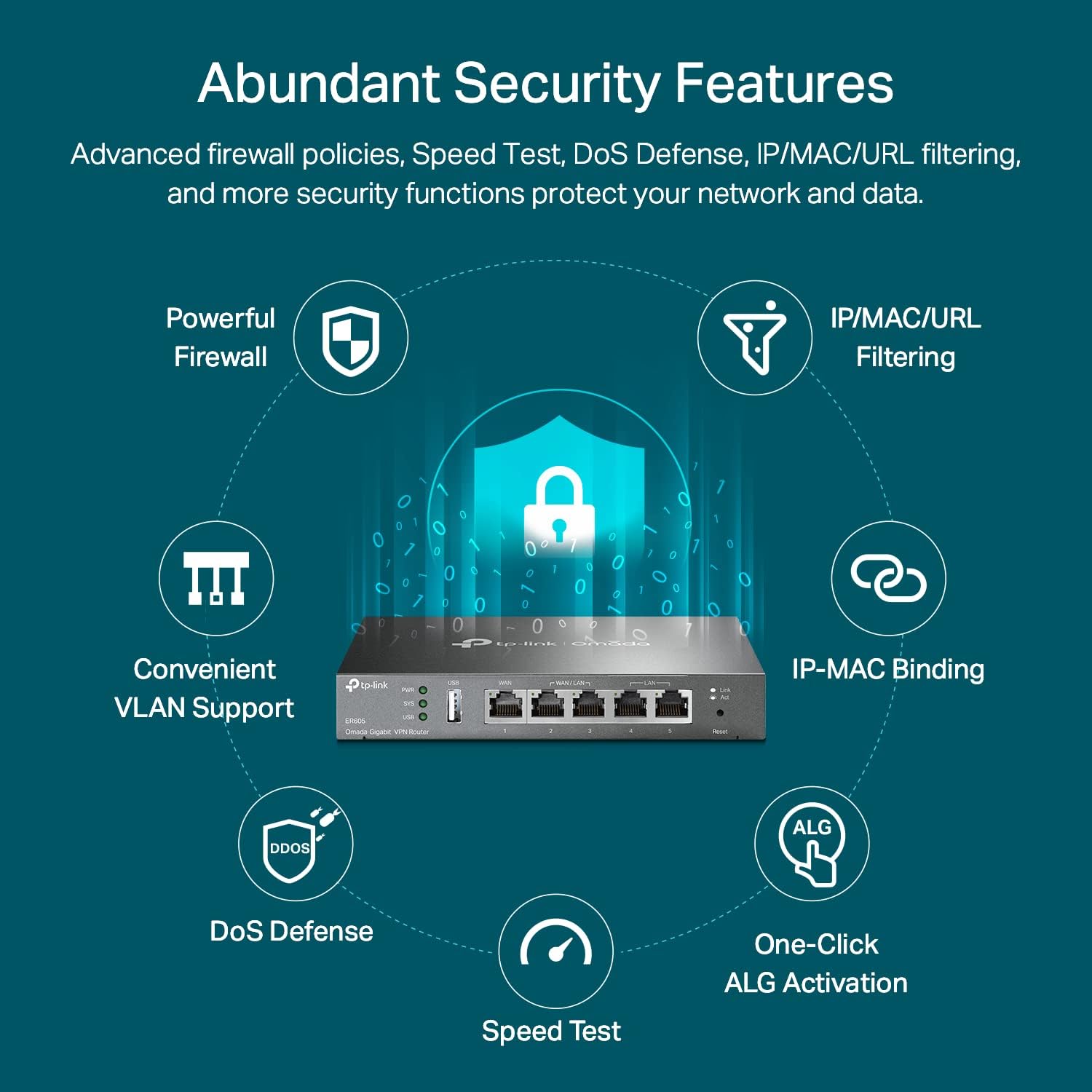
- Security: SPI firewall, DoS defence, IP/MAC/URL filtering and access control lists
- What’s included: Router, power adapter, quick installation guide and RJ45 Ethernet cable
Multiple WAN connections and load balancing help administrators make practical use of available internet links through one router. The three configurable WAN/LAN ports allow the port arrangement to suit the network, while a USB WAN connection provides another WAN option. This is a useful approach when managing more than one internet connection, a simpler single-WAN router may suit a setup that only needs one connection and basic routing.
Tips for day-to-day use
In an office, the ER605 can sit at the network edge, handling internet access while VPN connections link staff or branch locations to the wider network. Its IP/MAC/URL filtering, firewall policies and access control lists give administrators tools to set internet access rules and manage network traffic. Bandwidth control and session limits also support more deliberate allocation of network resources.
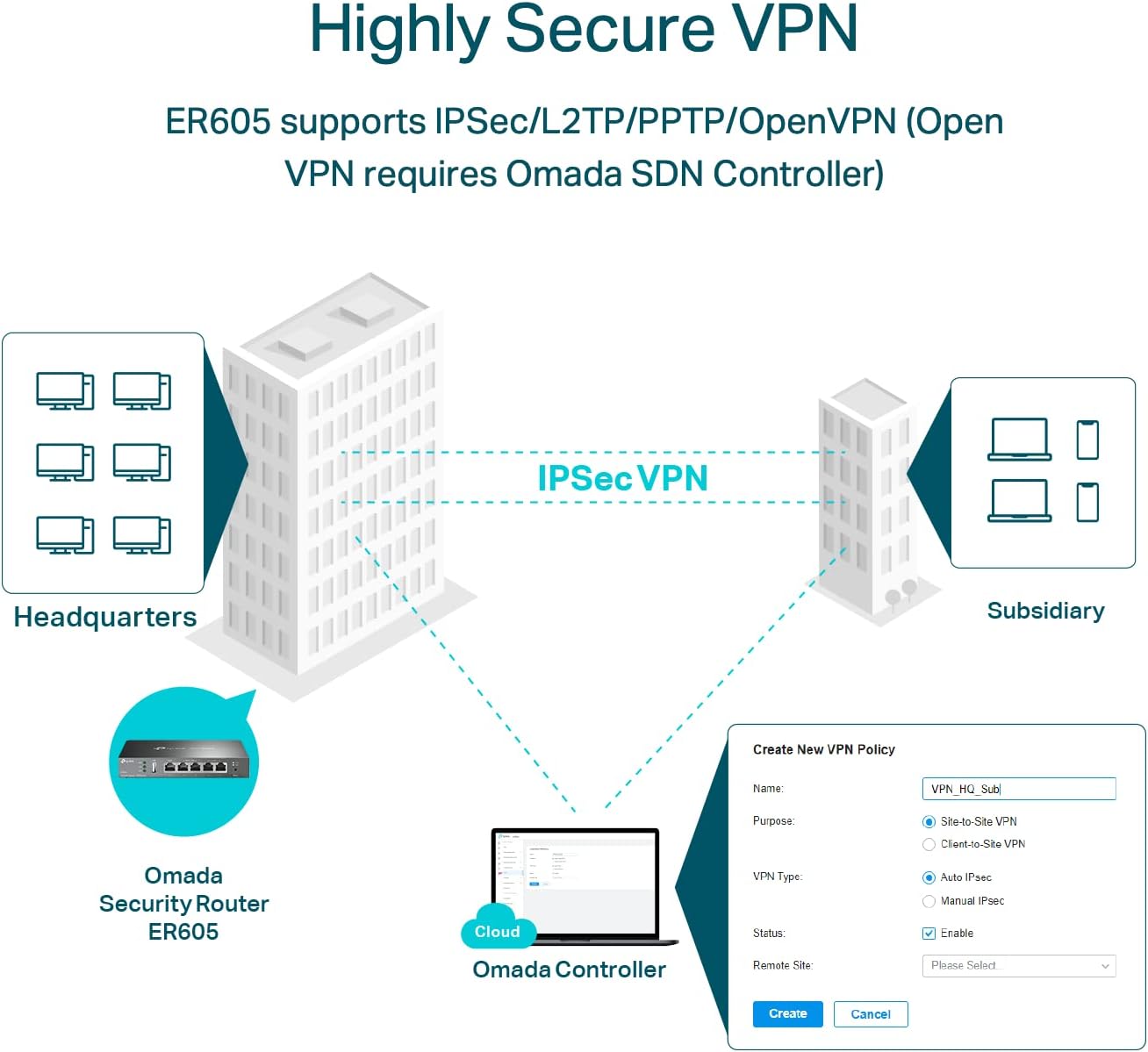
Omada SDN brings compatible network devices into a shared management platform. Administrators can choose a hardware, software or cloud-based controller, use remote access and manage multiple sites through a central interface. Zero-touch provisioning supports remote deployment and configuration. For SDN use, devices and controllers need to use or support the SDN version, SDN controllers work with SDN gateways, access points and switches. Standalone mode is another way to operate the router.
Buyer feedback often highlights straightforward setup and a useful feature set. Experiences with speed and network connectivity are mixed, and some buyers report slow startup or differing views on security features. Those impressions are individual experiences, the documented firewall, filtering and VPN functions describe the router’s available tools.
What you get
The package includes the ER605 router, power adapter, quick installation guide and RJ45 Ethernet cable. The guide provides a starting point for connecting the router, while the Ethernet cable supports a wired connection as you set up the network.
What to clarify
How can the WAN ports be configured? The router has one WAN port, one LAN port and three WAN/LAN ports that can be assigned for WAN or LAN use. It also supports a USB WAN connection, allowing up to four WAN connections in total.

Can it be managed remotely? Yes. With an Omada cloud-based controller, the router can be managed remotely as part of a network, Omada also offers hardware and software controller options. Standalone operation is available as well.
Which VPN connections does it support? It supports up to 20 LAN-to-LAN IPsec, 16 OpenVPN, 16 L2TP and 16 PPTP connections. OpenVPN requires an Omada SDN Controller.
When it makes sense
The ER605 is suited to small and medium-sized business networks that need flexible WAN configuration, VPN links between locations and central administration. It brings those functions together in a compact wired gateway, making it a practical fit for offices or multi-site teams building a managed network around Omada SDN.