

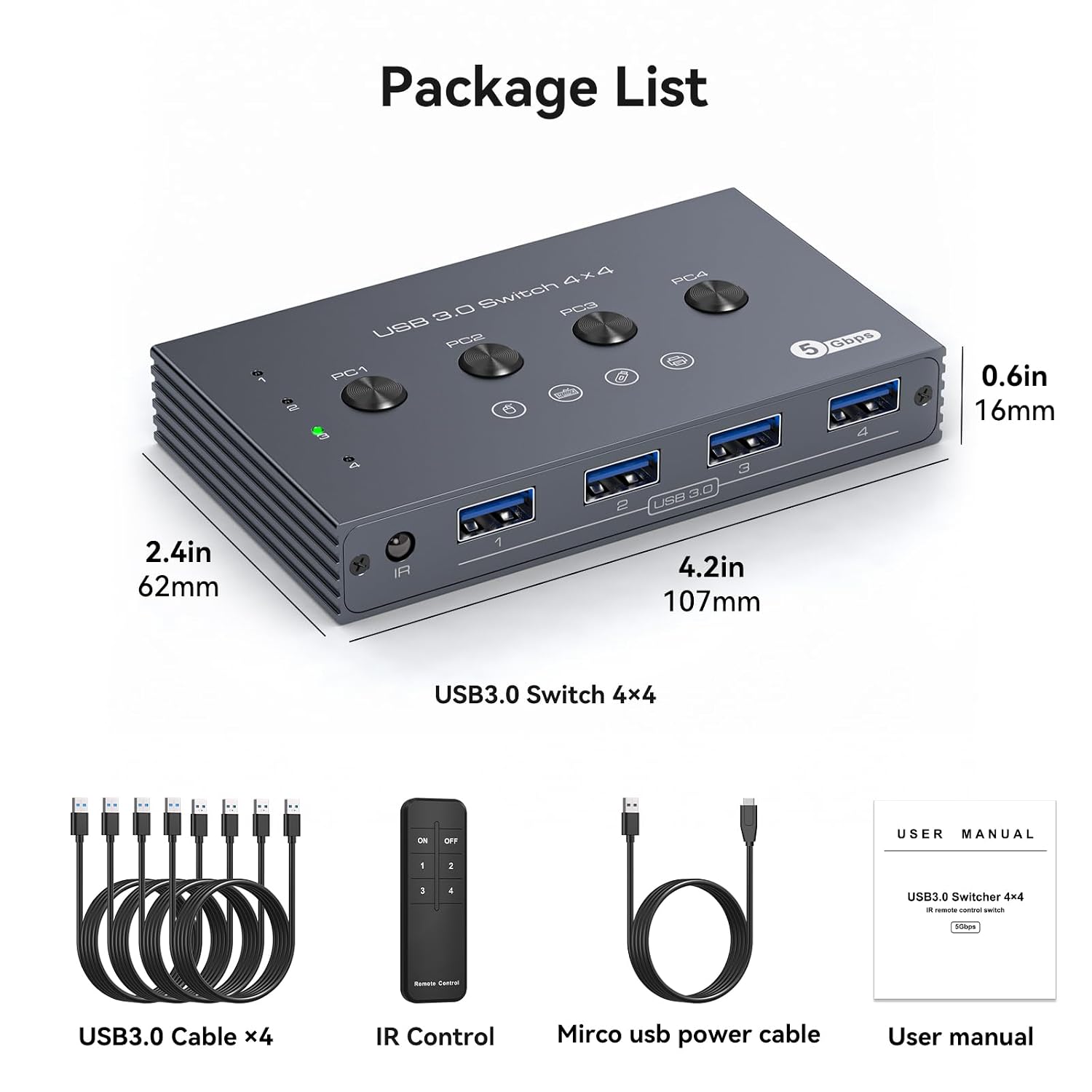
USB 3.0 switch for four computers
Product description
Technical details
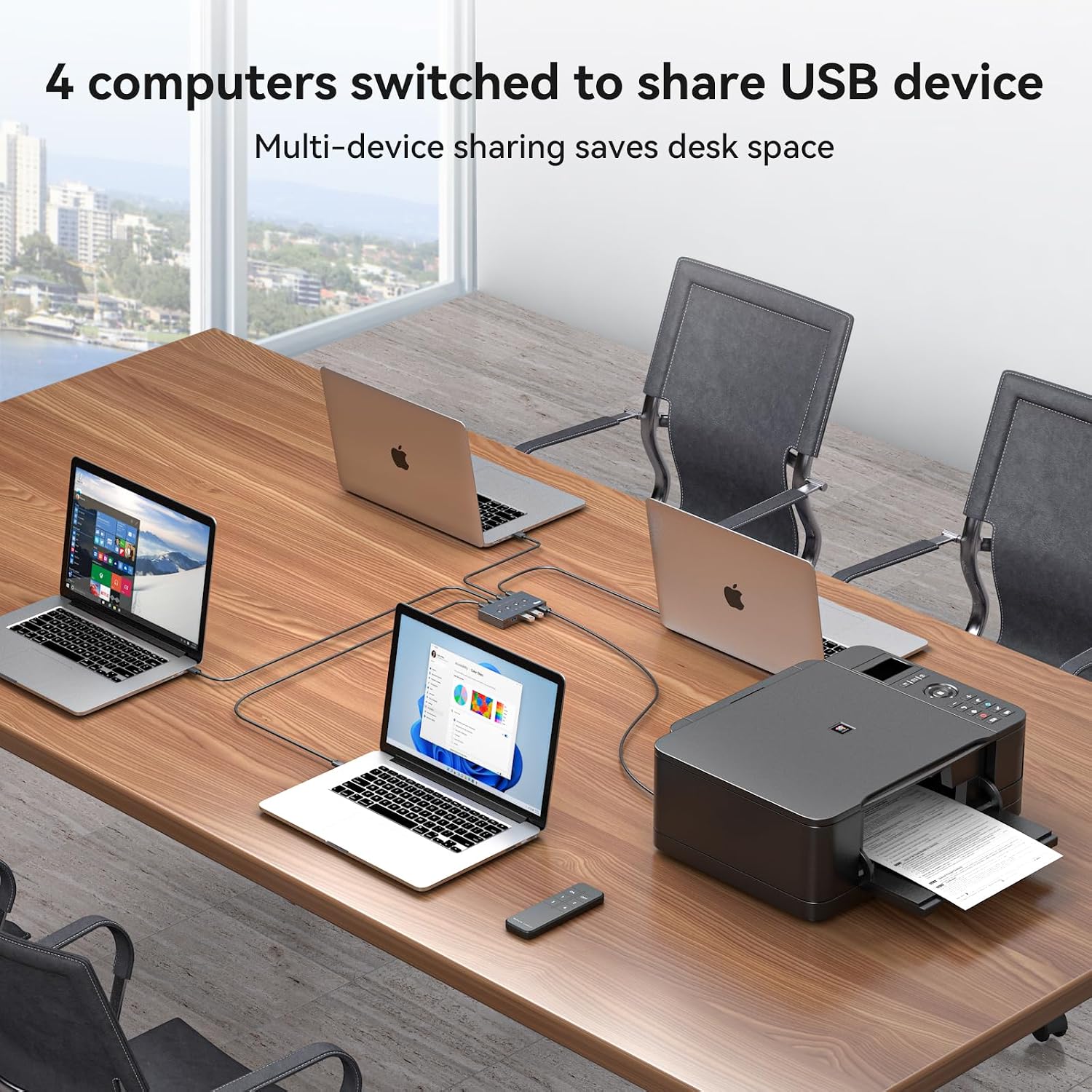
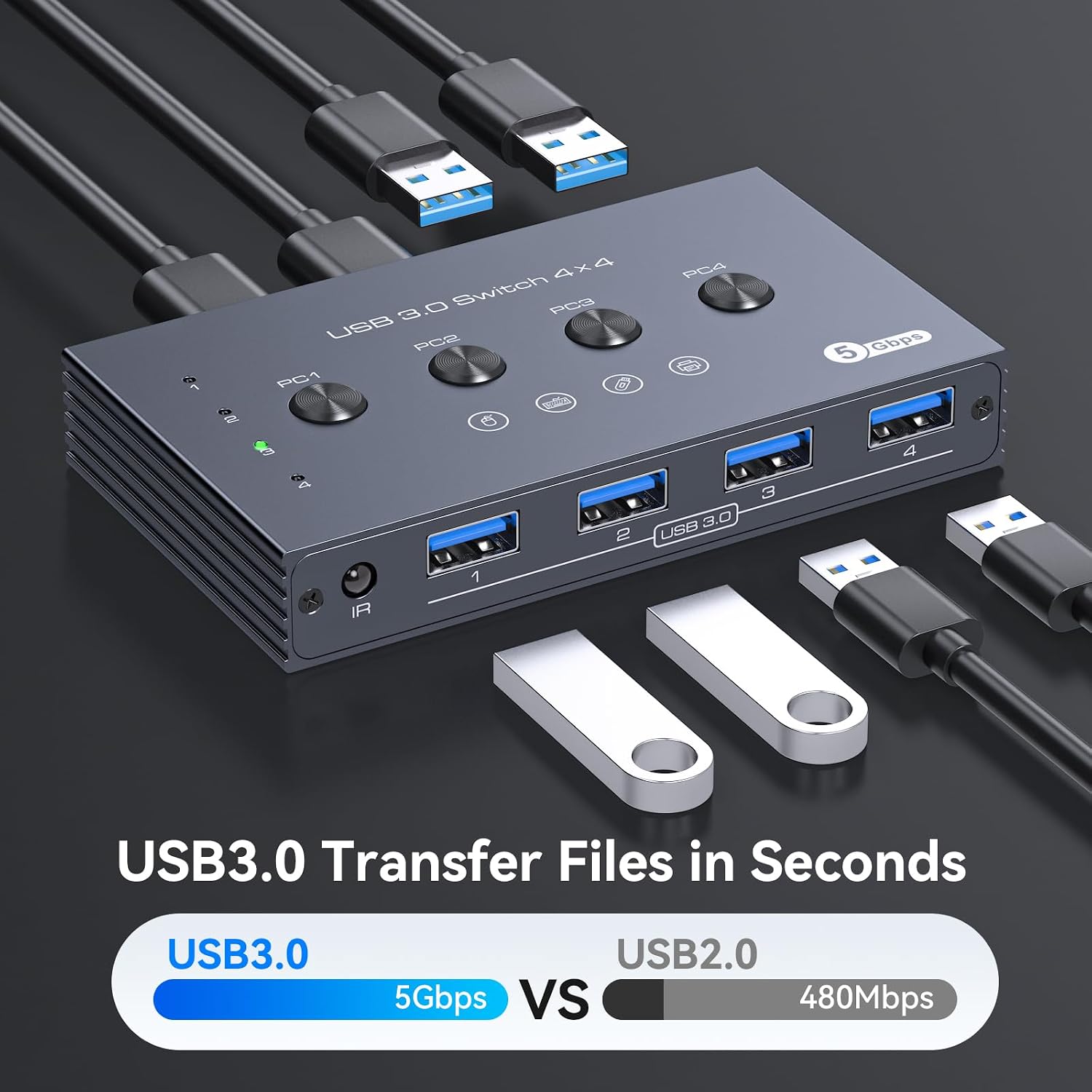
Moving a keyboard, mouse or printer between several computers can mean unplugging and reconnecting cables throughout the day. This USB switch lets four computers share up to four USB peripherals, with switching by button or wireless remote.
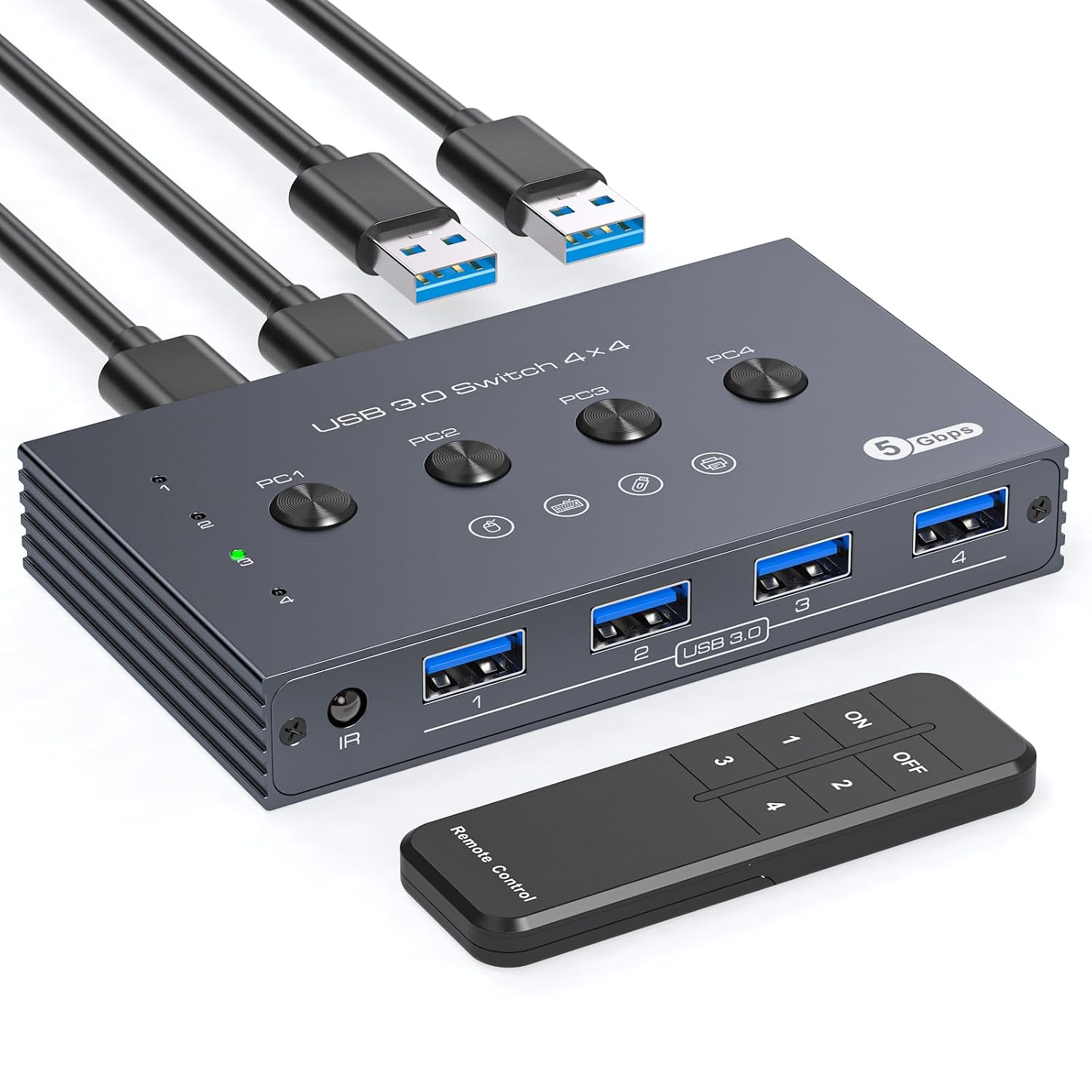
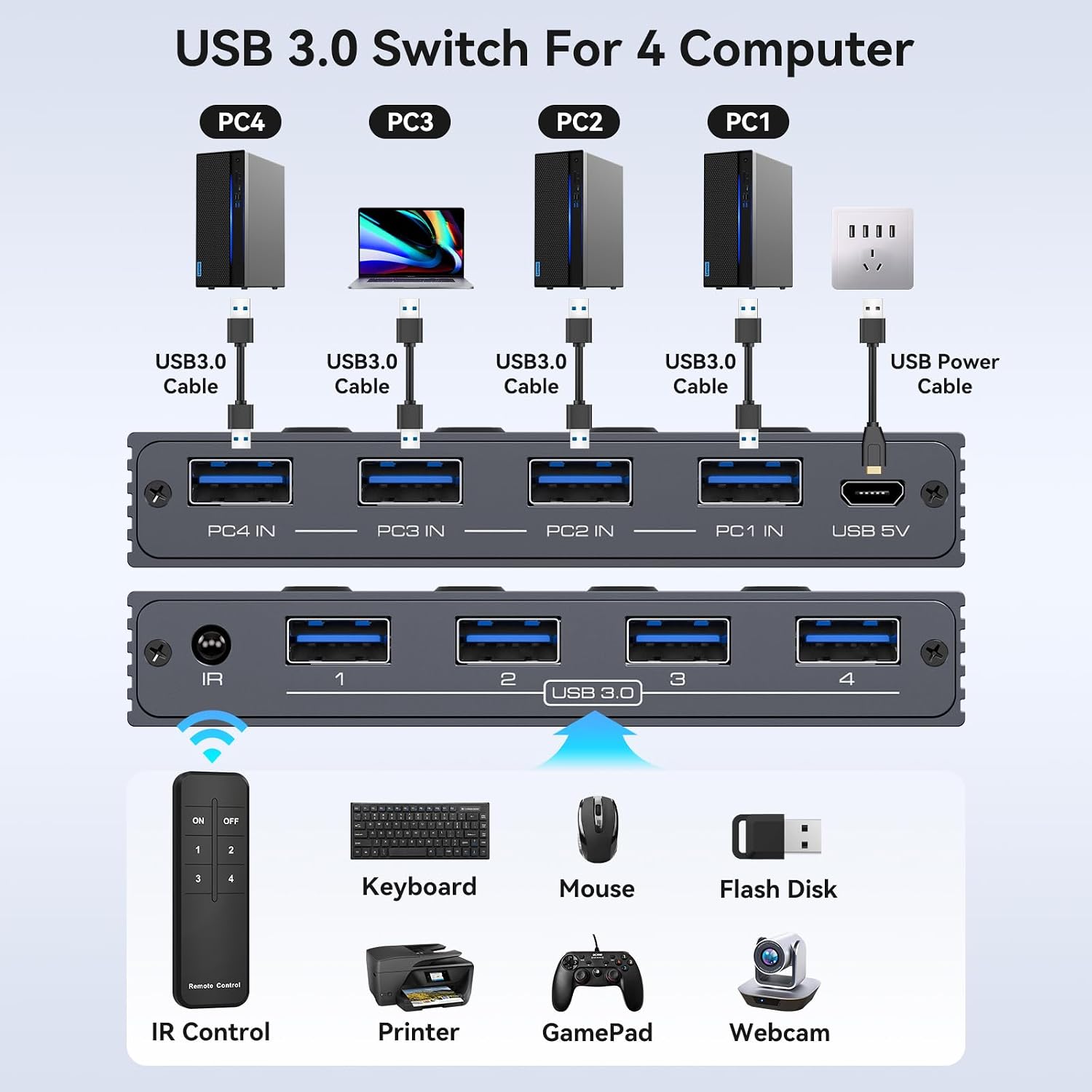
The idea is straightforward: connect your computers and USB devices to the switch, then select which computer uses the shared peripherals. It avoids setting up network sharing just to pass basic USB accessories between machines.
The switch has four USB 3.0 ports and supports data transfer up to 5 Gbps. It is backward compatible with USB 2.0. The product name lists four USB 3.0 cables as included, the remote’s batteries are not included.
Compatibility
This is a USB peripheral switch, not a KVM switch. It does not handle HDMI, DisplayPort or VGA, so it will not switch a monitor or carry video. If your setup needs one button to move both the screen and USB accessories between computers, this is the wrong type of device, you would need a separate display solution or a KVM switch.
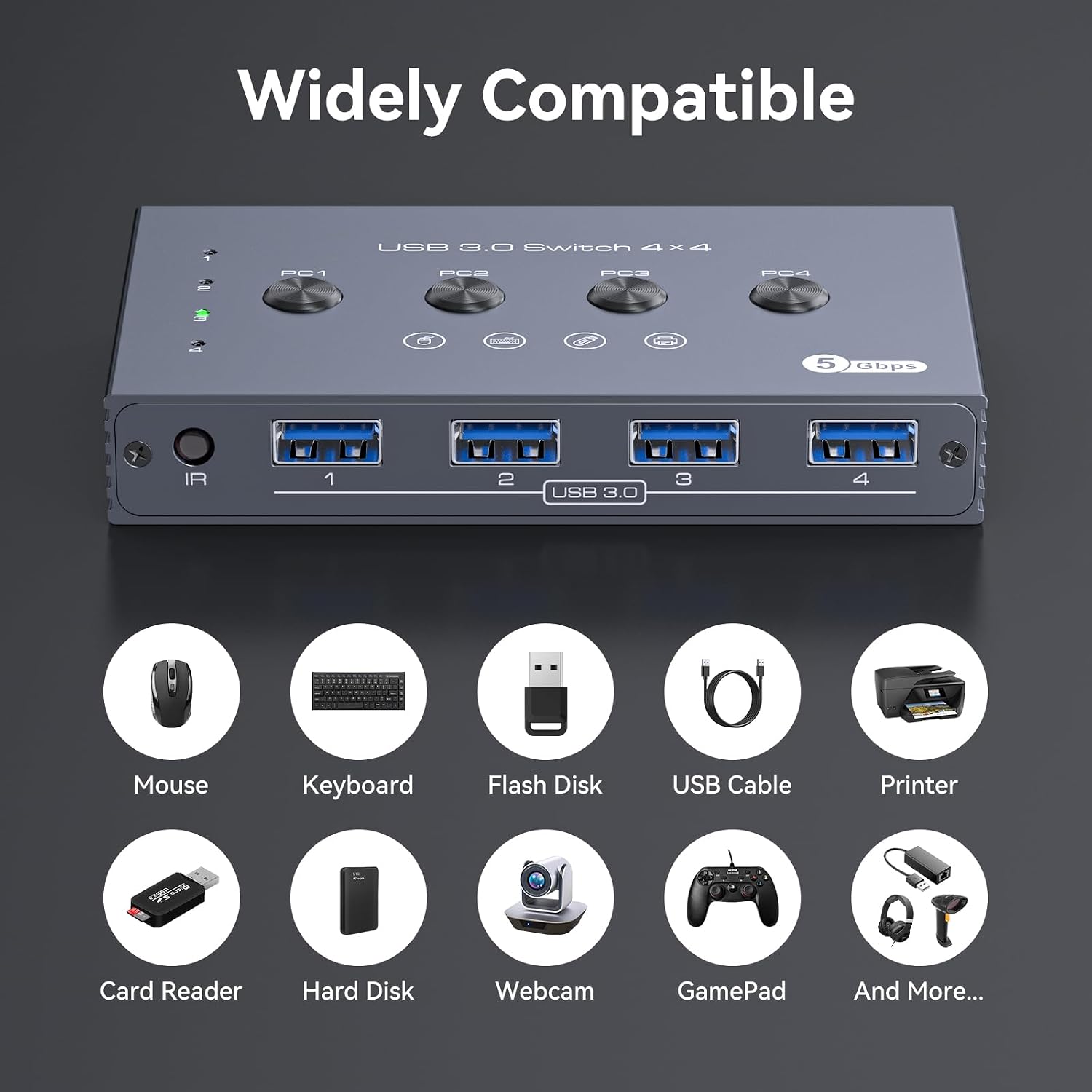
The listed peripherals include keyboards, mice, printers, scanners, external hard drives, flash drives, card readers, webcams and gamepads. After connecting everything, allow the computer to install the USB driver automatically. The description does not specify operating systems or particular computer models, so it does not establish compatibility beyond USB peripherals.
Usage tips
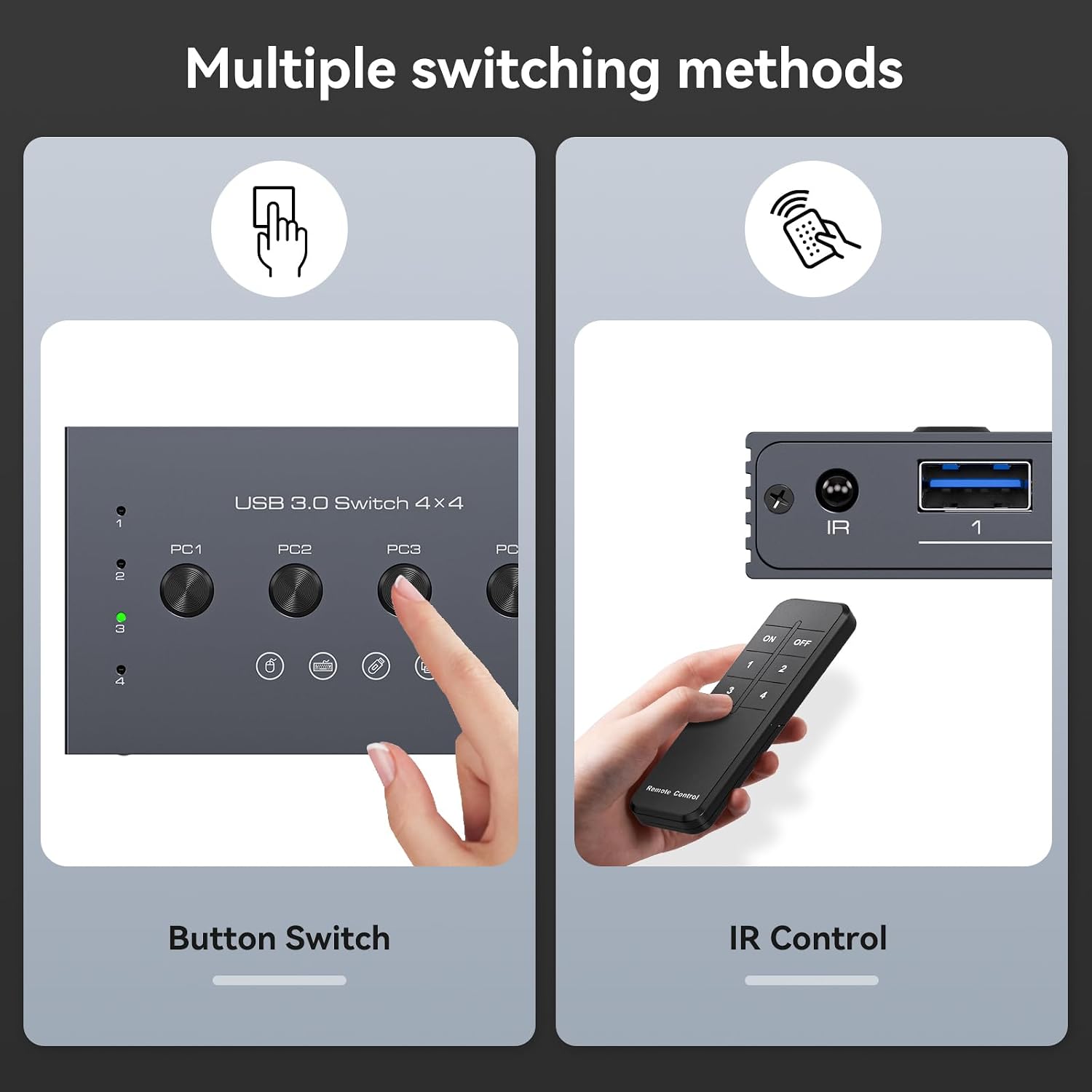
For a tidy desk, place the switch out of sight and use the wireless remote to change computers. The top button provides a direct alternative if you prefer to keep the switch within reach. For example, you could leave a printer and keyboard connected, then select the computer you need without moving their cables each time.
A Micro USB 5V power connection is provided for supporting higher-power devices such as external hard drives and printers. If a connected device does not work reliably, the product information recommends connecting that power supply. The remote needs batteries, which are not included, so plan for that before relying on remote switching.
It suits you if you want to share USB accessories across several computers and do not need to switch video. It may not suit you if your priority is a single control for both a monitor and peripherals, or if you need confirmed compatibility with a specific operating system.
Before you decide
Does it switch a monitor between computers? No. It handles USB peripherals only and does not support HDMI, DisplayPort or VGA video connections.
Can I switch without reaching the unit? Yes. The included wireless remote provides another switching method, but its batteries are not included. You can also use the button on the switch.
Will it power an external hard drive or printer? A Micro USB 5V power connection is available to support higher-power devices. The description does not clarify whether a power adapter is included.
Before buying
Choose this if your main frustration is sharing USB accessories among four computers and you are comfortable keeping monitor switching separate. Its practical advantage is avoiding repeated cable swaps, its clear limitation is that it cannot manage a screen. If video switching is part of the job, look at a KVM-style setup instead. Without a stated operating-system list, treat device-specific compatibility as something the product details do not confirm.