

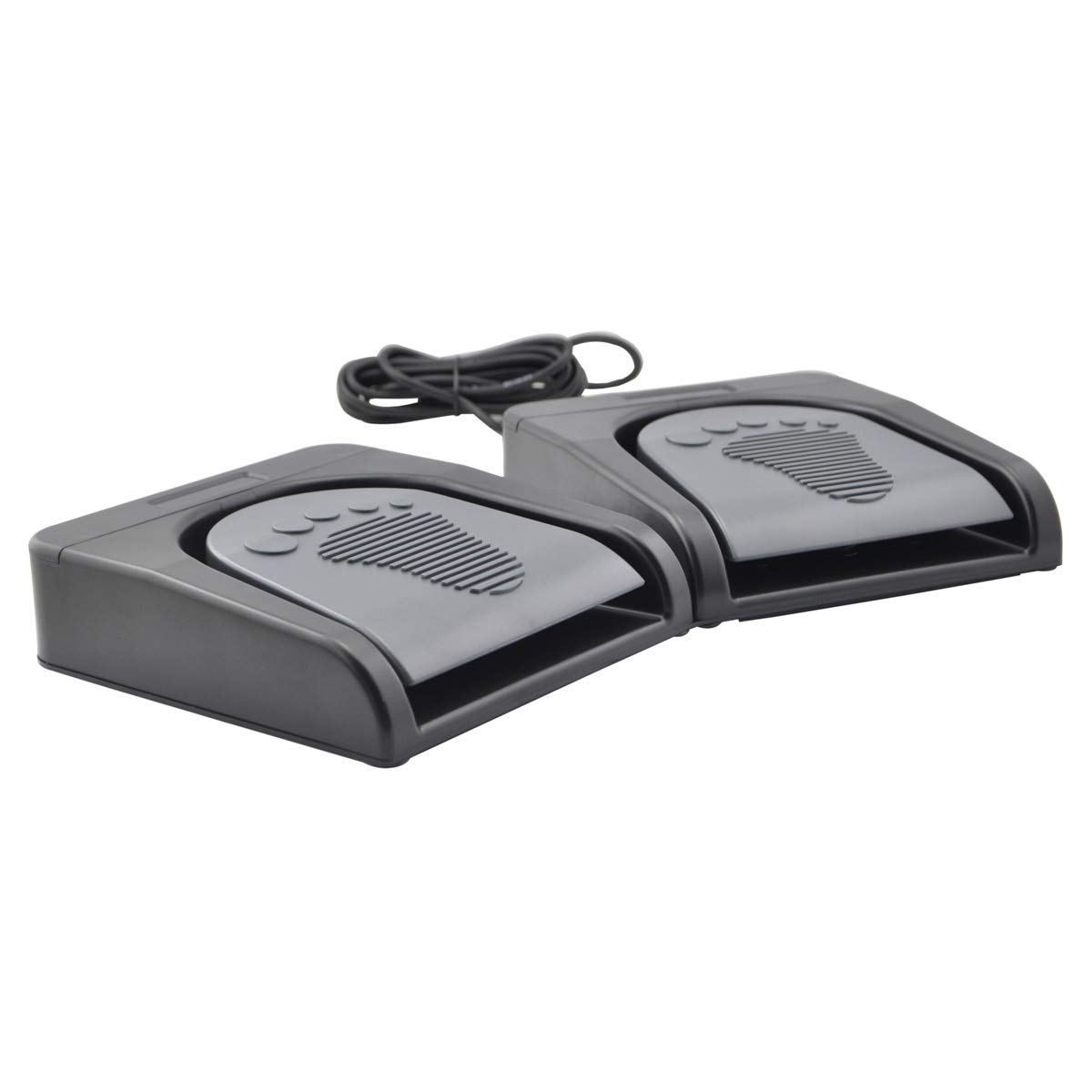
iKKEGOL dual-pedal USB foot switch
Product description
If you want to keep both hands on a keyboard, mouse or other task, a foot switch offers a different kind of control than adding another button within reach. The iKKEGOL dual-pedal USB foot switch lets you assign keyboard keys, key combinations and shortcuts to its two pedals, with functions also listed for mouse, multimedia and game-controller use. That could be useful for push-to-talk during a call or a play/pause command while you are working. The trade-off is that you need to configure it on a Windows PC before using it with Mac, Linux or another system.
Where it shines
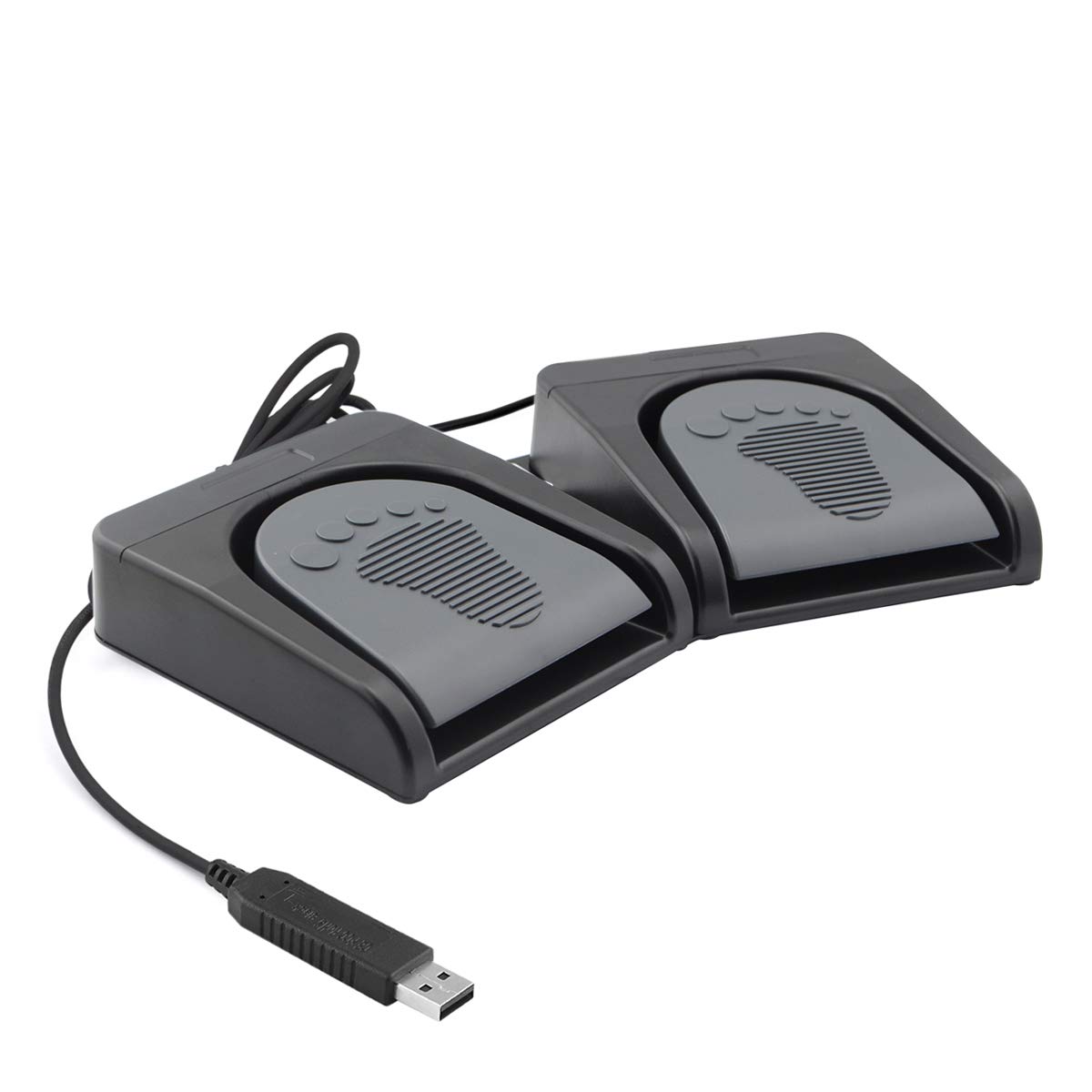
The main appeal is hands-free input: a pedal can trigger a command while your fingers stay on the work in front of you. For example, during transcription, you could assign a shortcut to a pedal and press it without reaching away from the keyboard. The description also points to uses such as gaming, Zoom, image scanning, medical or instrument control, and operating machinery. Those are possible application areas, not a guarantee that a particular programme or piece of equipment will work with your chosen assignment.
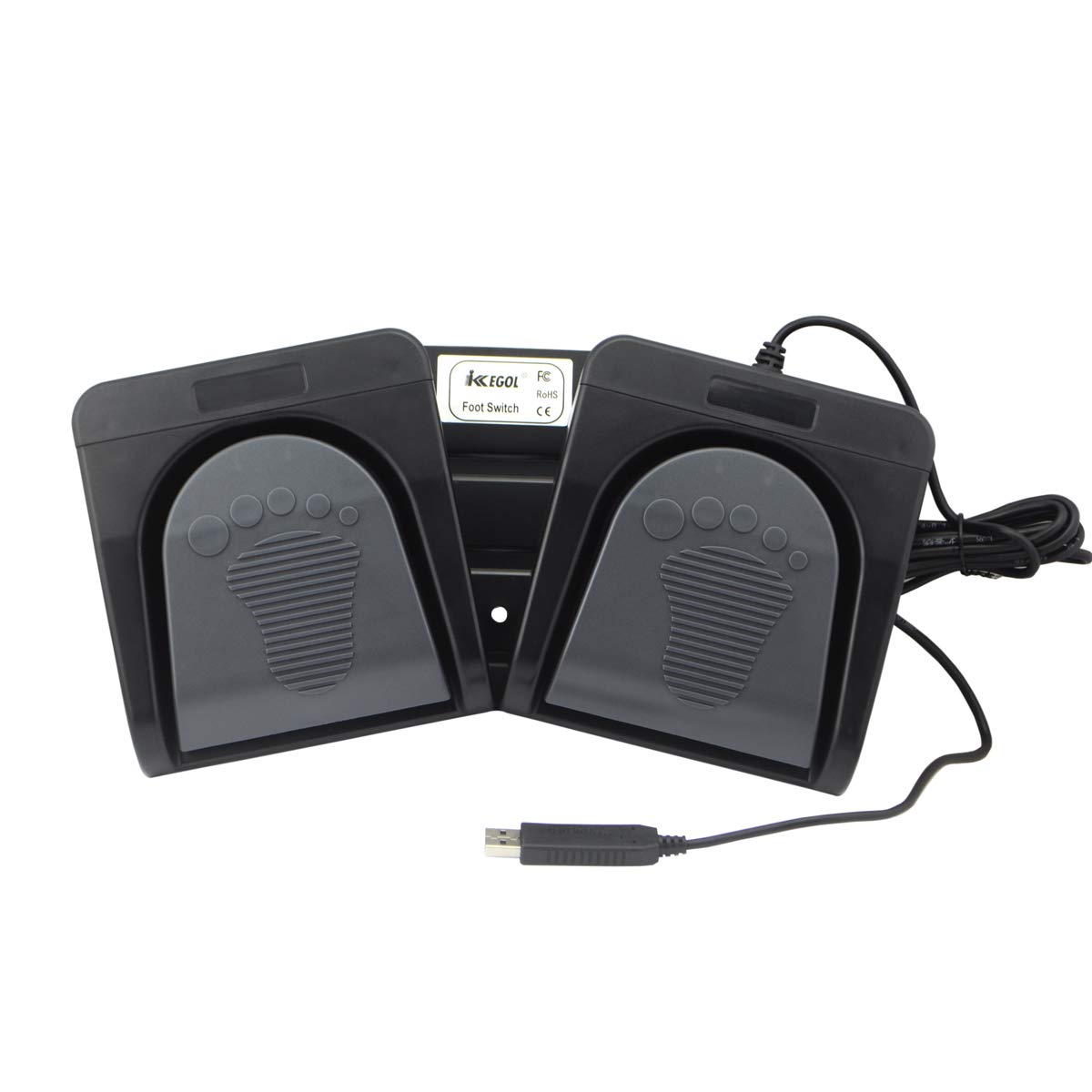
You can set one key or a combination of keys, including hotkeys and shortcuts. That gives the two-pedal layout more flexibility than a basic switch with a single fixed action. If you prioritise quick access to a repeated command, foot control may help, if you prefer controls that are immediately visible and easy to remap by hand, a keyboard shortcut or mouse button may be simpler.
What matters most
Setup is the key buying consideration. The product is described as compatible with DOS, Windows 2000, XP, Vista, Windows 7, 8 and 10, as well as Mac and Linux, but the manufacturer says configuration must first be completed on a Windows PC. If you do not have access to one, factor that into your decision rather than assuming the pedals are ready to customise on every system.
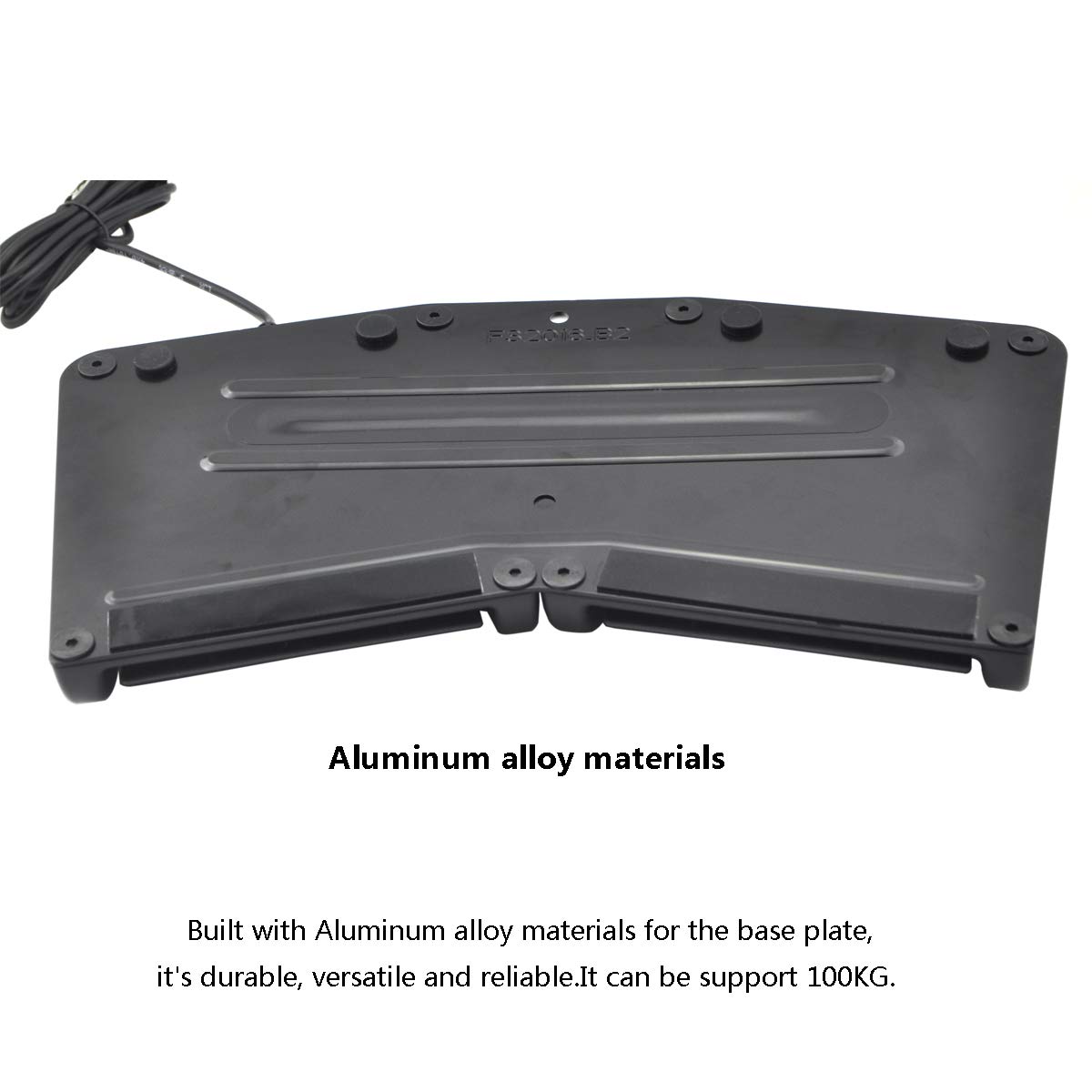
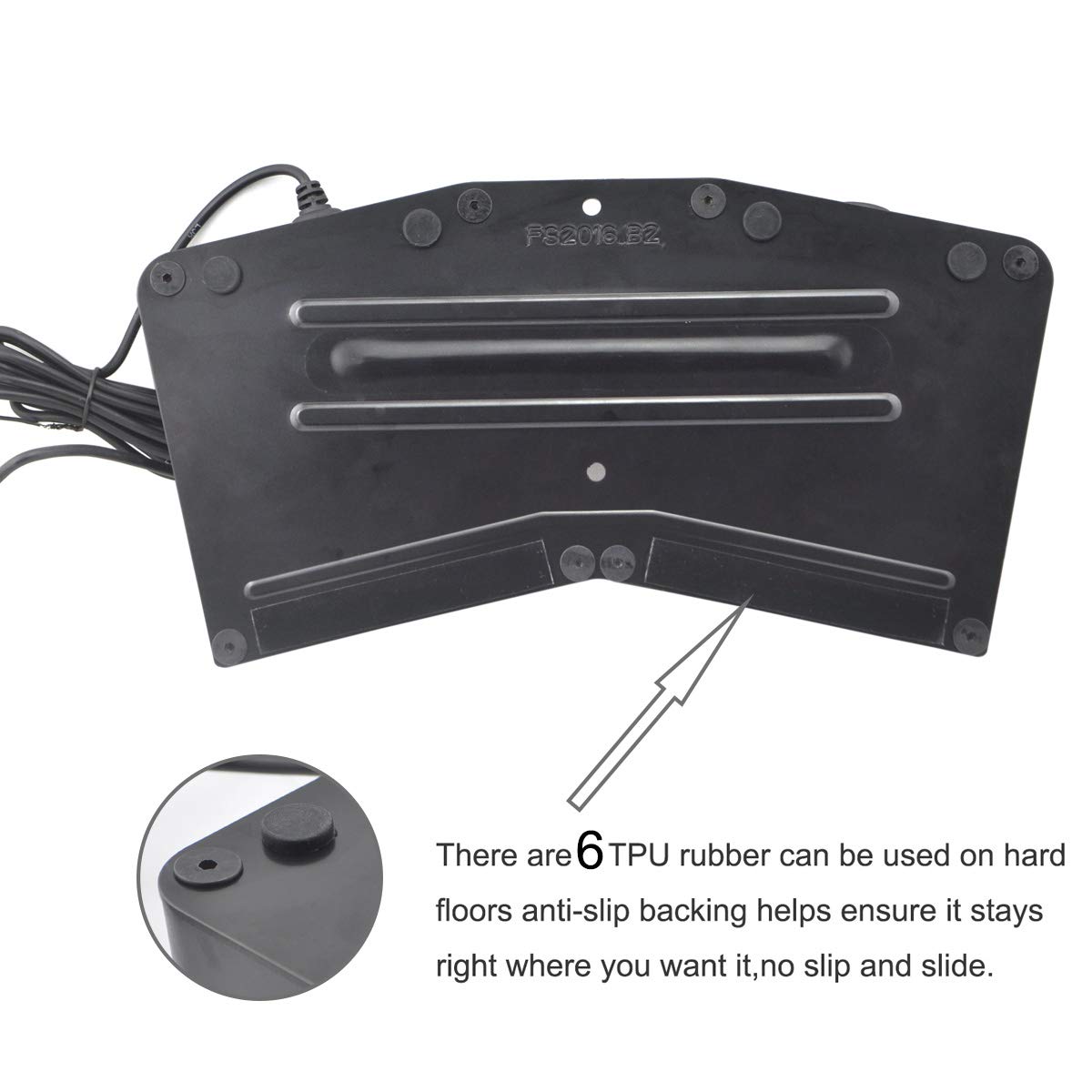
The base plate is aluminium alloy, and the manufacturer states that it can bear more than 100 kg. FCC and CE certifications and a one-year warranty are also listed. These details describe the unit, but the supplied information does not explain the programming process, how assignments are saved, or how the pedals feel underfoot. That leaves some practical questions open, especially if you need a particular key mapping for specialist software. It suits you if you have a clear, repeatable command to assign and are comfortable setting it up first. It won't be worth it if you need a ready-to-use control with no configuration step.
Best use cases
This setup makes most sense when a foot press can take over a command you otherwise repeat with your hands: push-to-talk, media play/pause, a transcription key or a game action are examples named in the product description. It may also suit a workstation where hands need to stay on instruments, equipment or a keyboard. Start by identifying the exact command you want each pedal to send, if the software does not accept that key or shortcut, the extra control will not solve the problem.
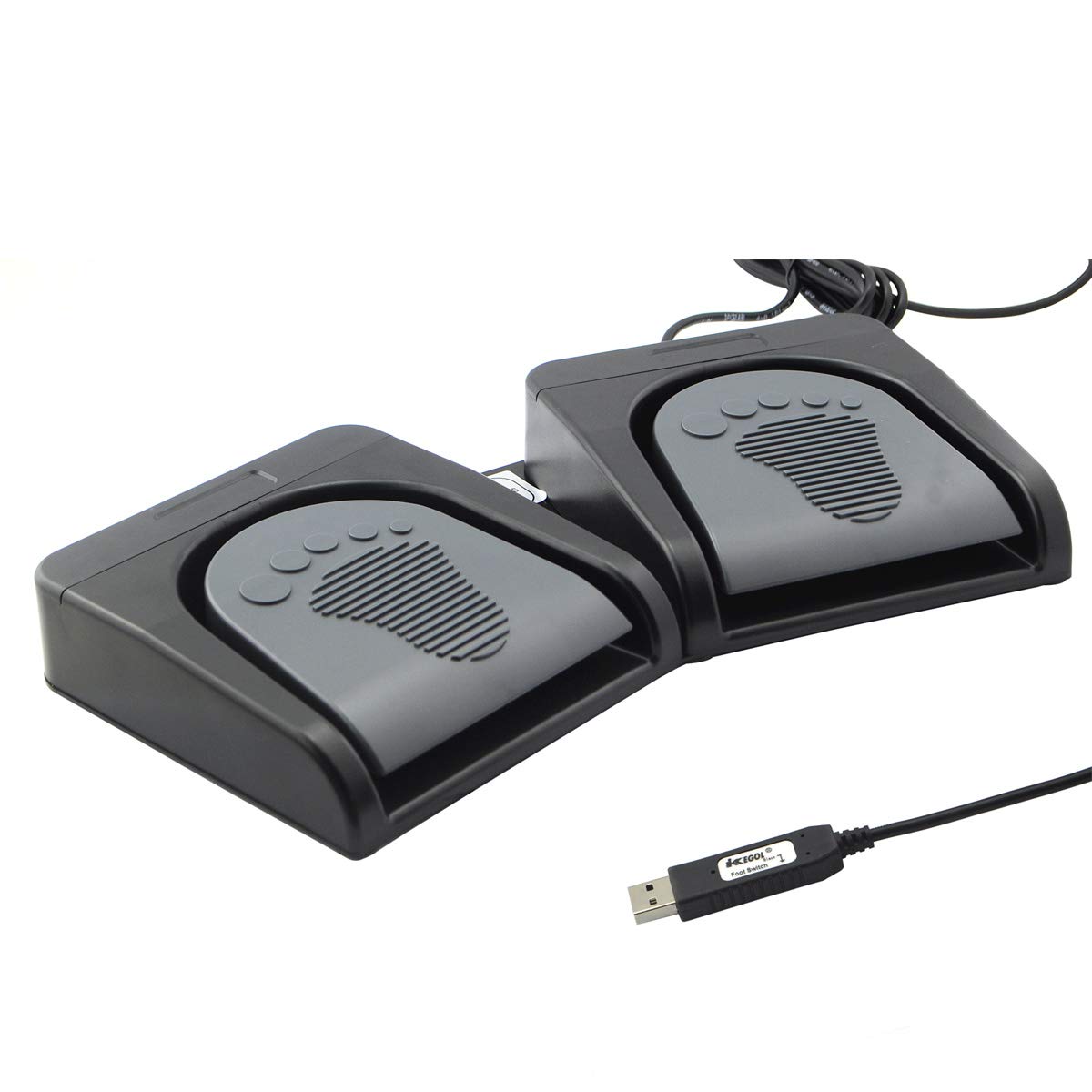
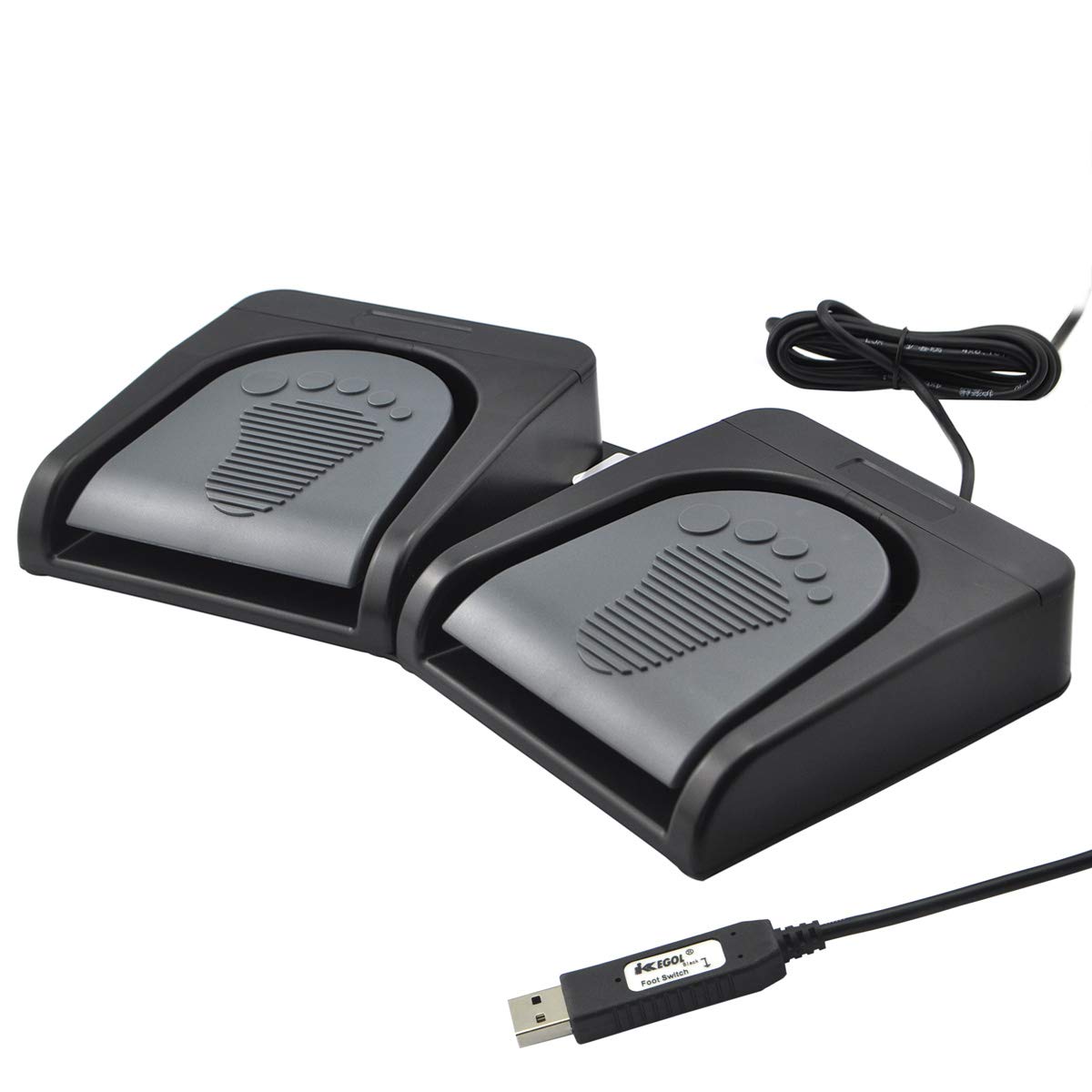
Compared with a simpler single-action foot switch, two configurable pedals offer another assignment and the option of using different commands side by side. In return, you take on the setup work and need enough foot space to operate both controls comfortably. For occasional use, a standard keyboard shortcut may be less fuss. For a repeated action that interrupts hand work, the pedals have a clearer purpose.
Bottom line
Choose the iKKEGOL if two foot-operated commands would make a specific hands-busy task easier and you can configure the device using a Windows PC first. Skip it if you expect customisation to happen directly on Mac or Linux, or if you cannot confirm that your software responds to the keys you plan to assign. The deciding point is less the list of possible applications than whether you have a suitable shortcut and a workable setup path.