

UGREEN USB hub, 4 ports
Product description
Technical details
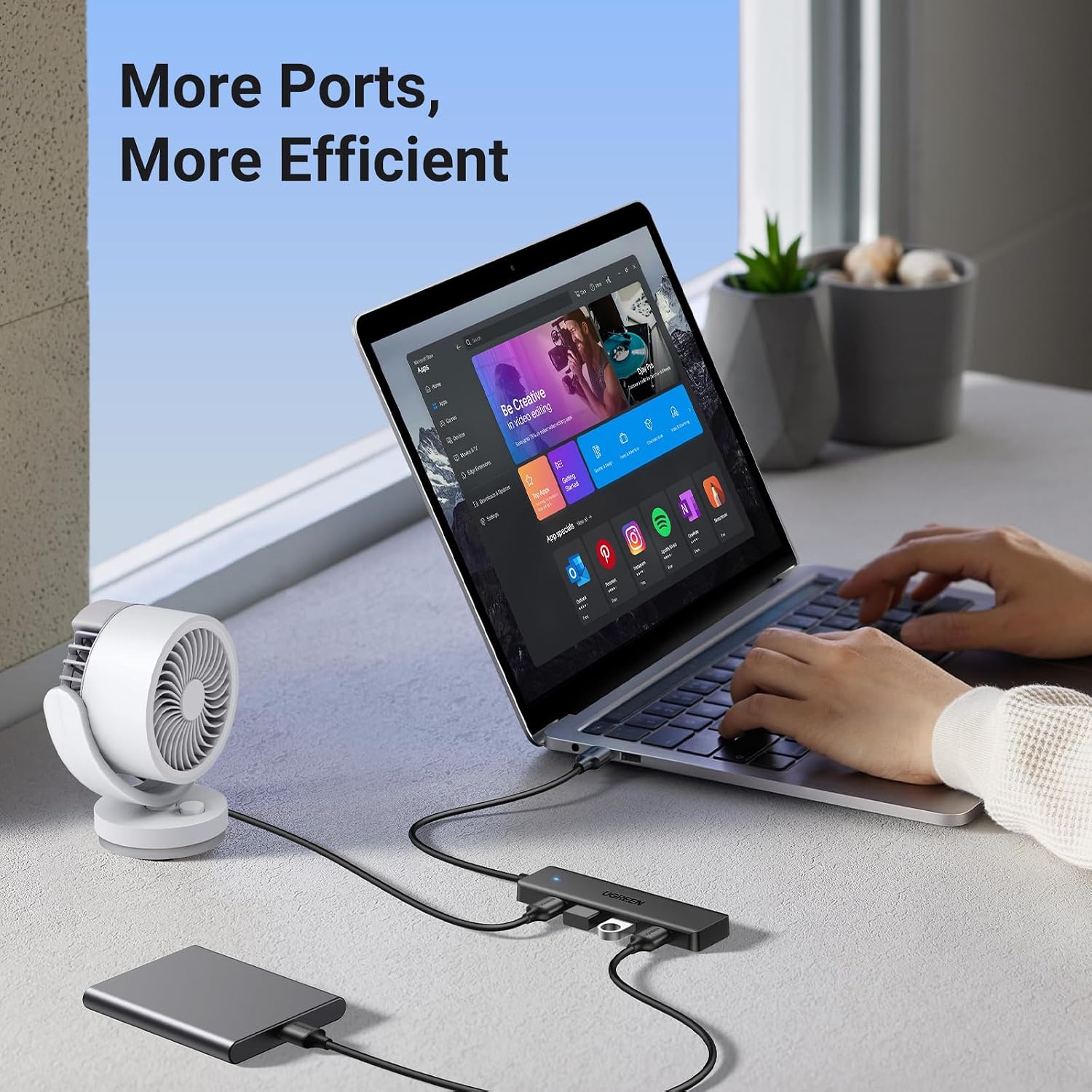
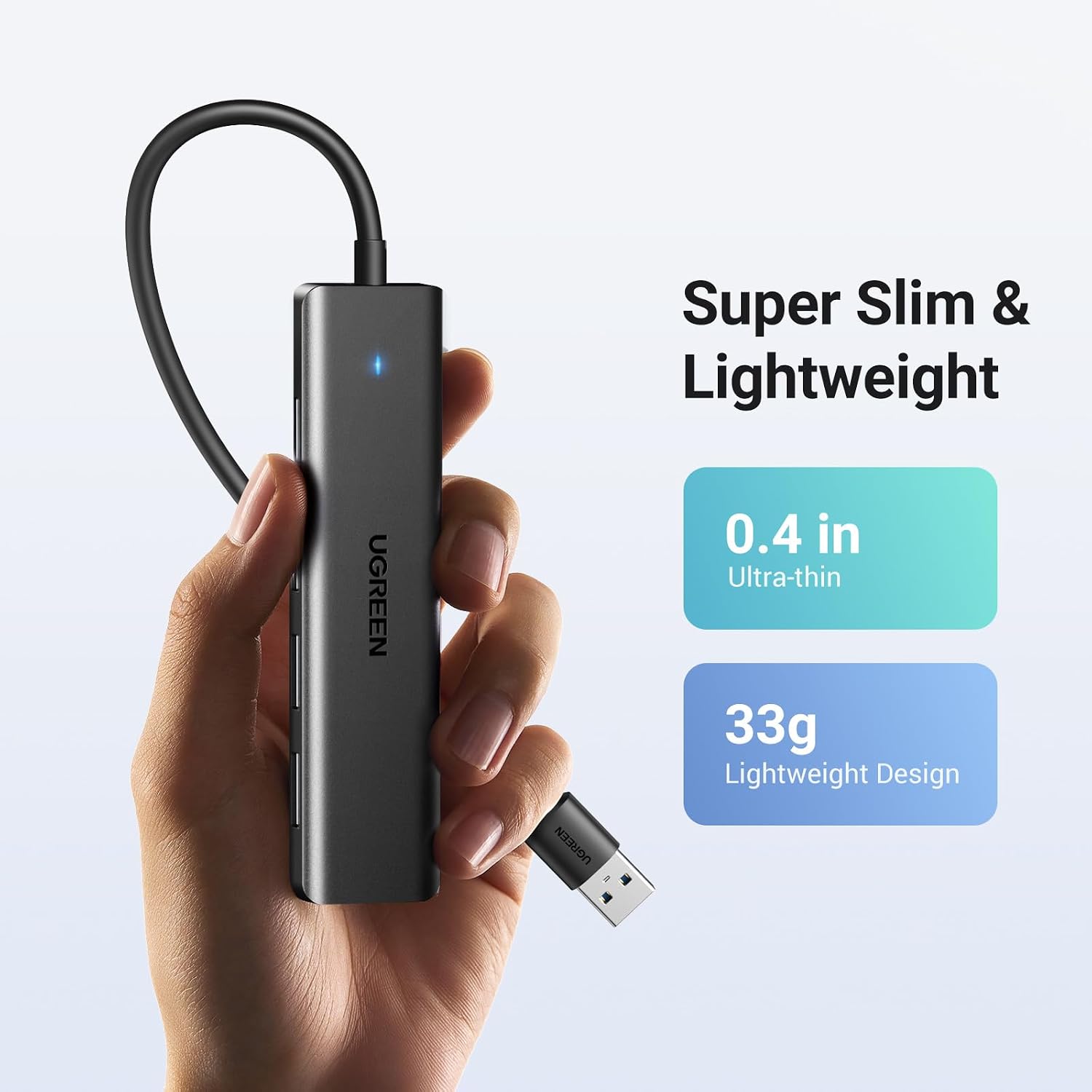
When a laptop or desktop runs short of USB-A connections, this UGREEN hub adds four USB-A ports through a single USB-A connection. Its 0.5 ft cable keeps the hub close to the host device, while the slim body is listed as 0.4 inches thick and 33 g. That compact format suits a desk setup that needs a mouse, keyboard or flash drive connected without adding a larger dock. The main trade-off is the connection type: all four added ports are USB-A, so this won’t help with devices that need a different port.
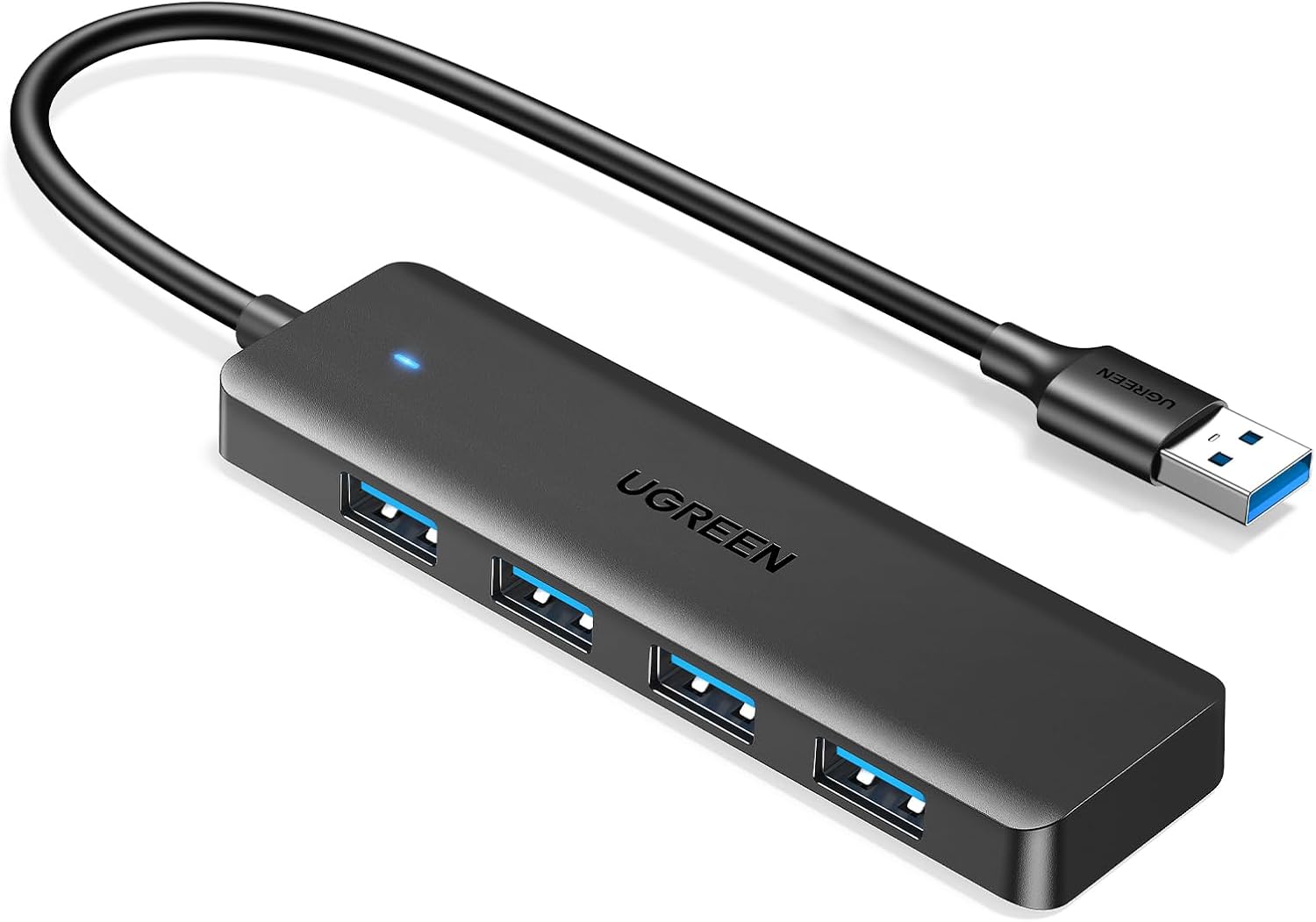
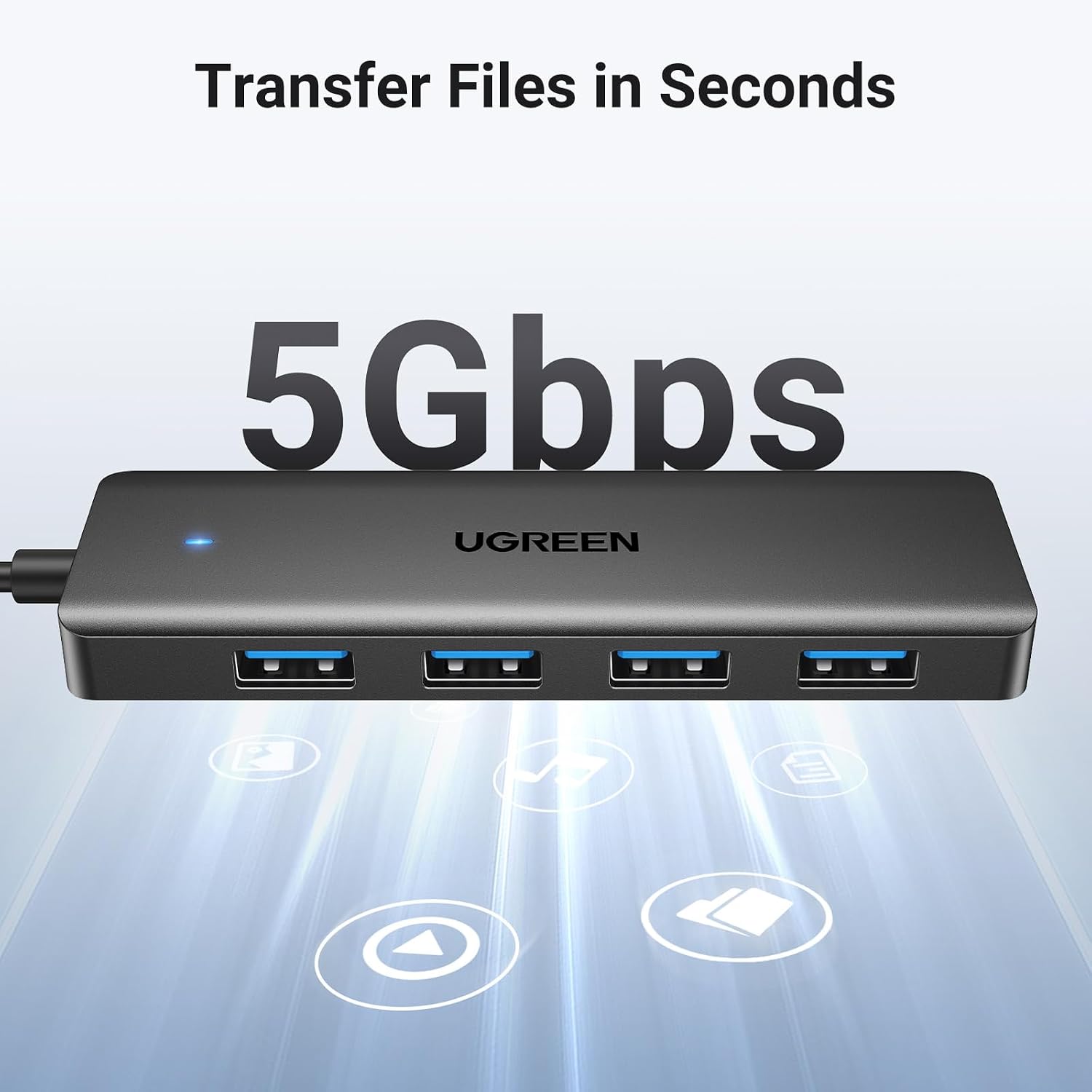
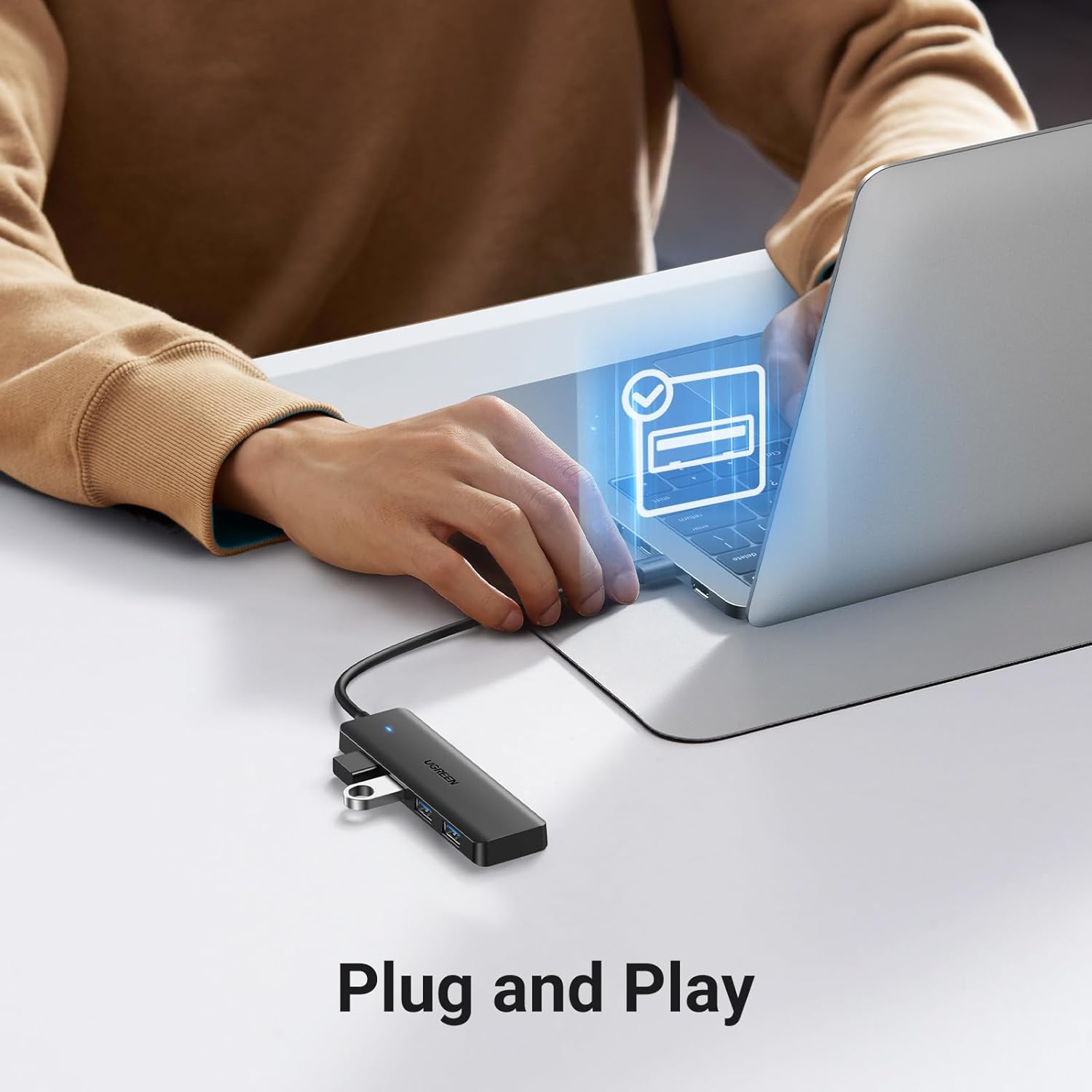
The hub supports USB 3.0 transfer speeds of up to 5 Gbps, according to the manufacturer. Treat that as a stated maximum rather than a promise for every file transfer, the actual result can depend on the devices and connection in use. It is described as plug-and-play, with no extra driver or software required.
Compatibility and requirements
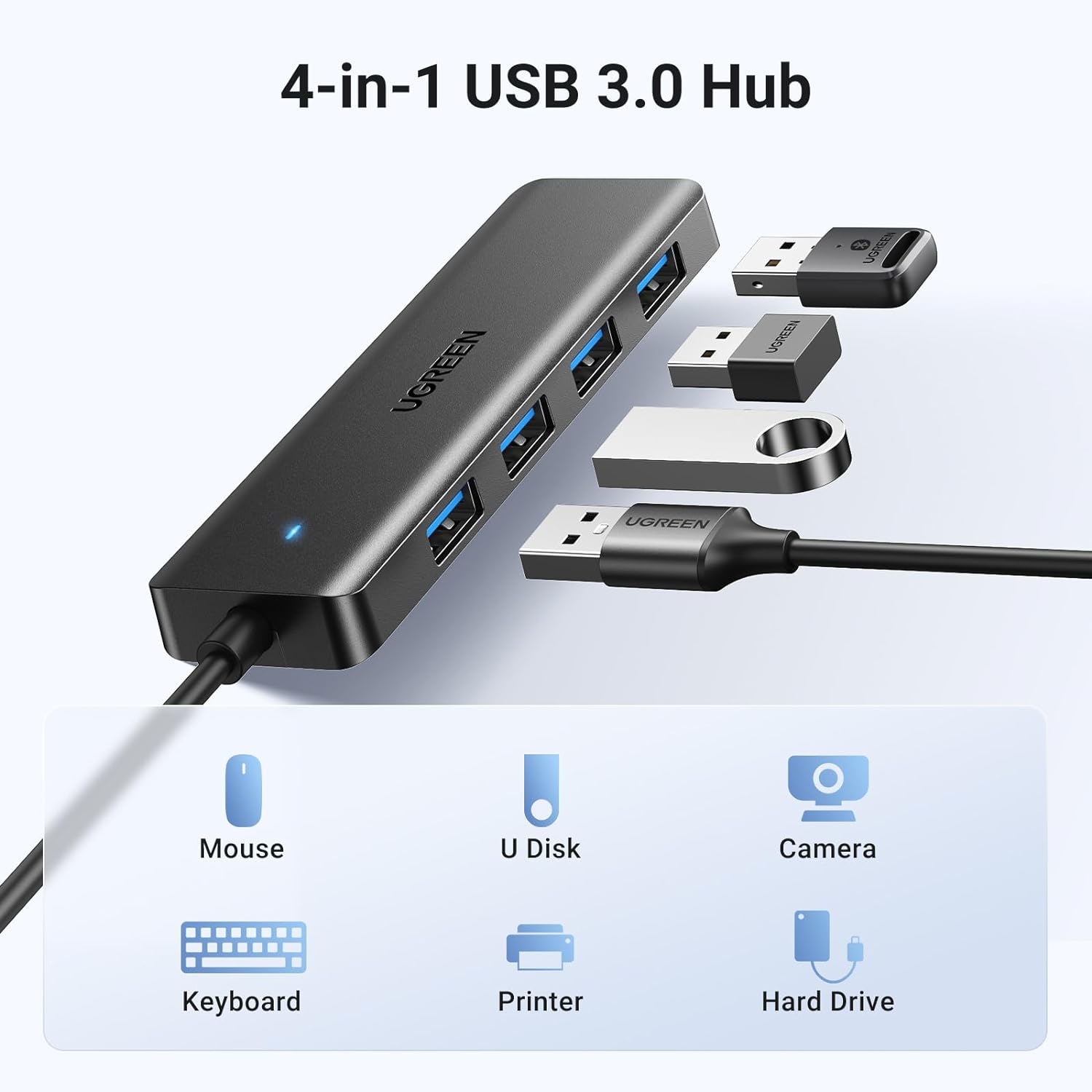
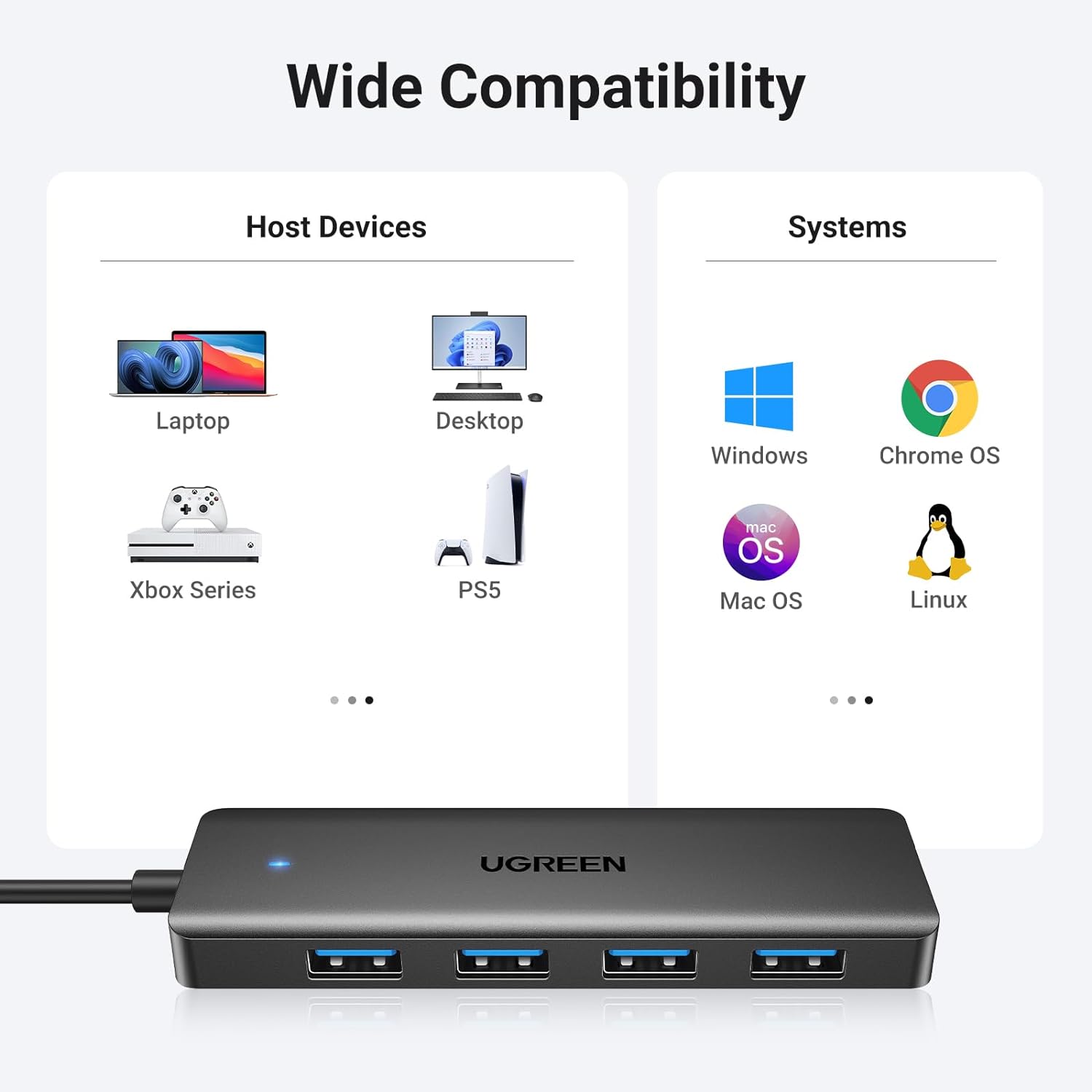
The listed operating systems include Windows, macOS, Linux and Chrome OS. The hub is also described for laptops and desktop PCs, as well as USB-A-equipped devices such as Xbox Series consoles, PS5 and car systems. That range makes it worth considering if you want one small USB-A expander for more than a computer, but compatibility with every peripheral or console use case is not established by the available details.
For a simple everyday setup, picture connecting a mouse and keyboard to a computer, then using one of the remaining ports for a flash drive. The hub is intended for USB peripherals such as these, including U disks and PS5 disc drives. The listing does not specify a dedicated power input or charging support, so don’t choose it on the assumption that it can power or charge connected devices.
Usage tips
Keep the hub near the computer or console: its 0.5 ft cable is short, which helps avoid a long cable run but limits where you can place the ports. It is a practical fit when several USB-A accessories need to share one host connection, especially in a travel bag or a crowded workspace. If your setup calls for a longer reach, more port types or a larger dock, a different style of hub may suit it better.
It suits you if your priority is adding USB-A ports in a compact form for everyday peripherals. It won’t suit you if your devices rely on non-USB-A connections or you need a stated charging or dedicated-power feature.
Three specific questions
How many ports does it add? Four USB-A ports connect through one USB-A port on the host device.
Does it need driver installation? It is described as plug-and-play, with no additional drivers or software required for the listed operating systems.
Can it be used with a console? Xbox Series and PS5 are listed among compatible device types, though the details do not promise support for every peripheral or function.
Before you buy
Choose this hub when the problem is straightforward: one available USB-A connection, several USB-A peripherals, and little room for a bulkier accessory. Its short cable and slim, lightweight body favour a close, portable setup rather than a hub positioned across a desk. If your buying decision depends on charging, extra power, a longer cable or ports beyond USB-A, those needs are not addressed in the product details, a more fully specified dock would be a safer match.