

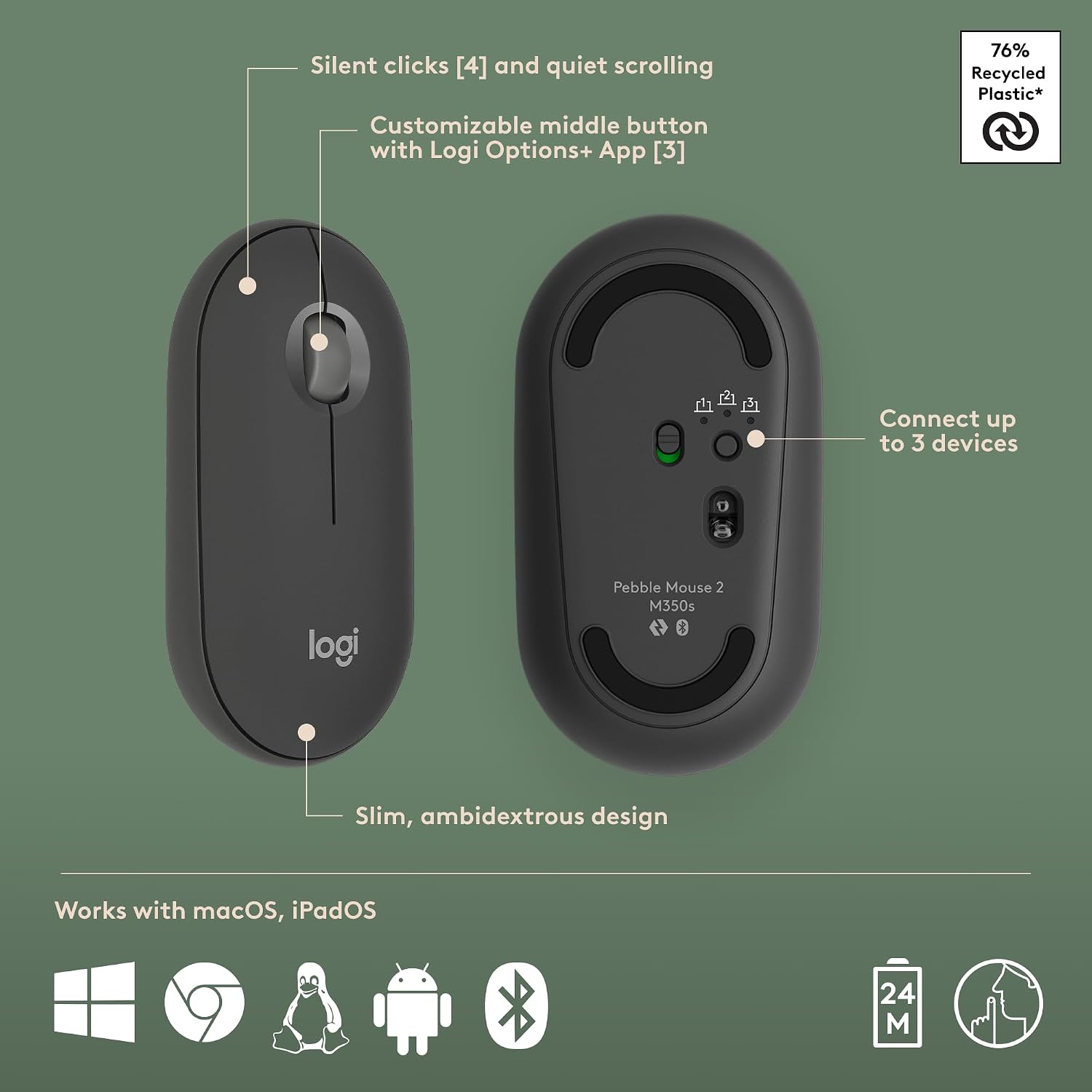
Logitech wireless keyboard and mouse combo, Graphite
Product description
Highlights
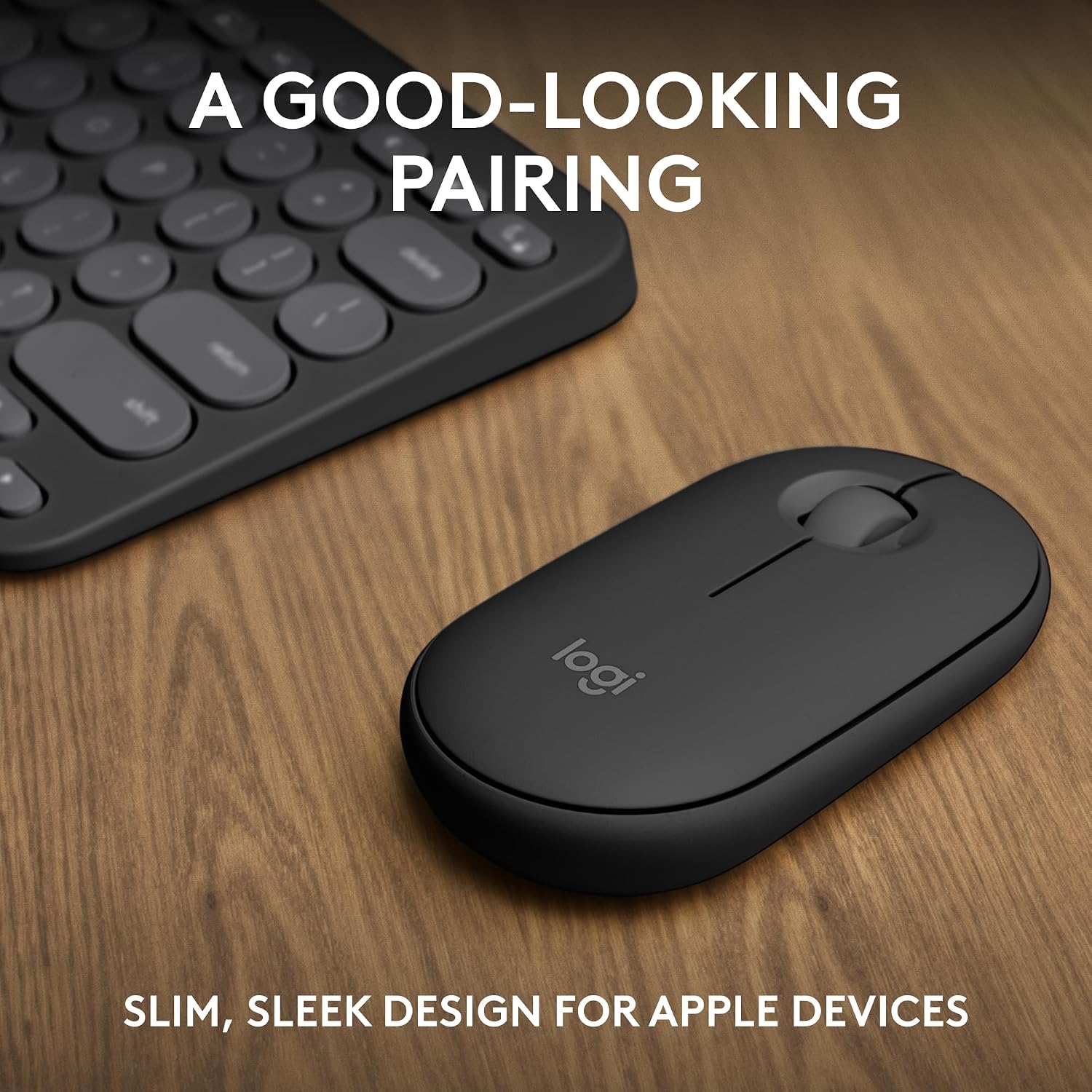
For Mac and iPad users who move between Apple devices, this Logitech keyboard and mouse combo is designed to keep a compact setup easy to carry. Its graphite finish and slim format suit a desk that doubles as a work spot elsewhere.
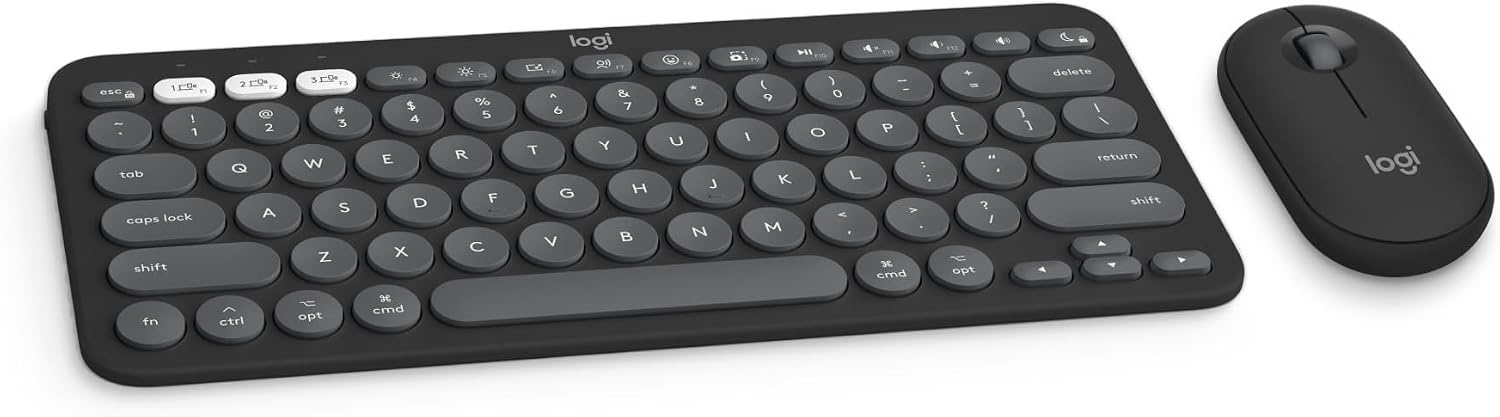
The keyboard has quiet, laptop-like typing, while the mouse uses Silent Touch Technology. That makes the pair worth considering if you want to keep typing and clicking less noticeable in a shared room or during a call, it doesn’t promise a different feel from a full-size desktop keyboard.
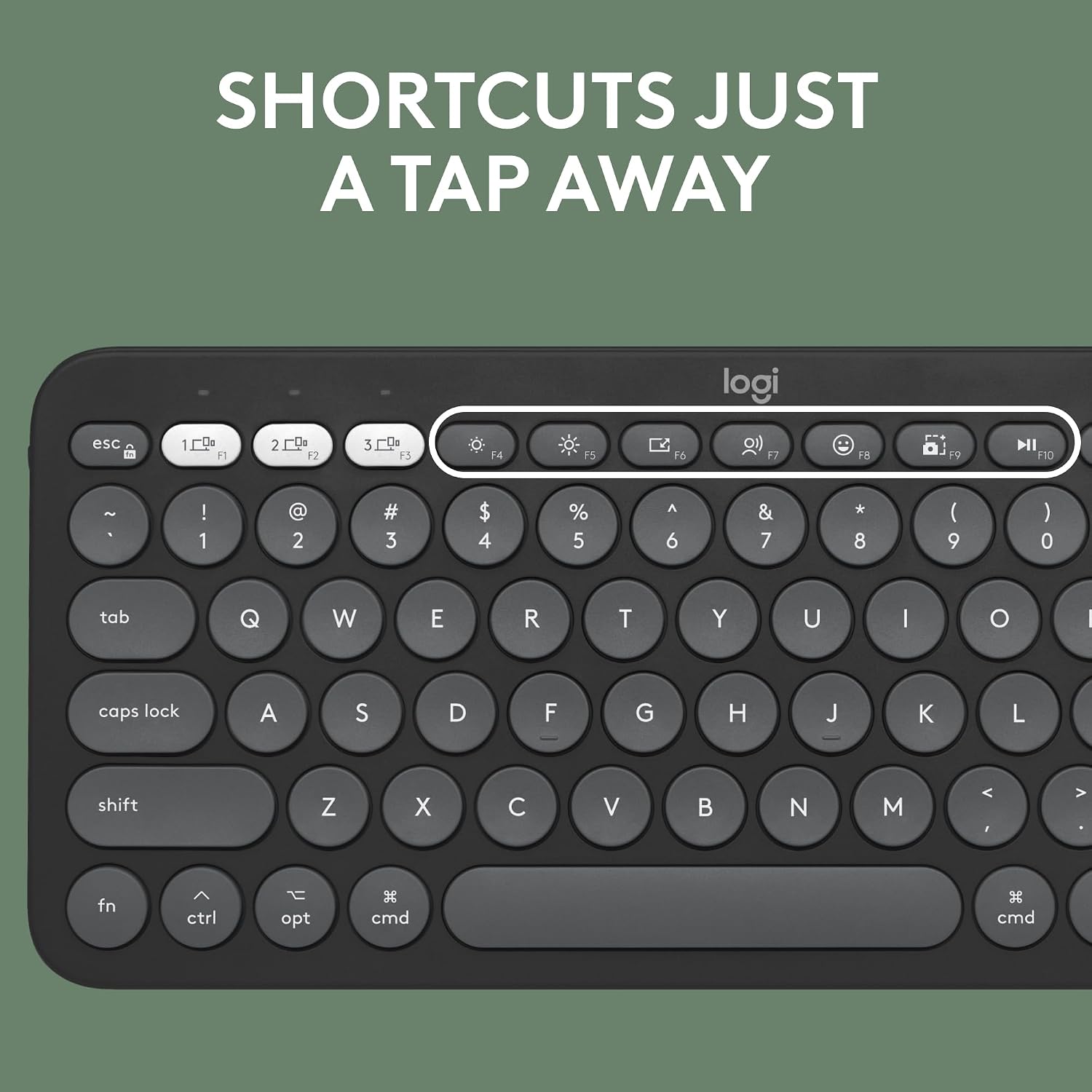
Both devices connect over Bluetooth and can switch between up to three Apple devices using Easy-Switch buttons. The product description lists macOS, iPadOS and iOS, so it’s aimed at an Apple-centred setup rather than a general-purpose multi-platform kit.
How to use it
Pair the keyboard and mouse with your Apple devices over Bluetooth, then use the Easy-Switch buttons to move between connected devices. For example, you could type on a Mac, switch to an iPad to reply to a message, then return to the Mac without relying on a separate keyboard and mouse for each.

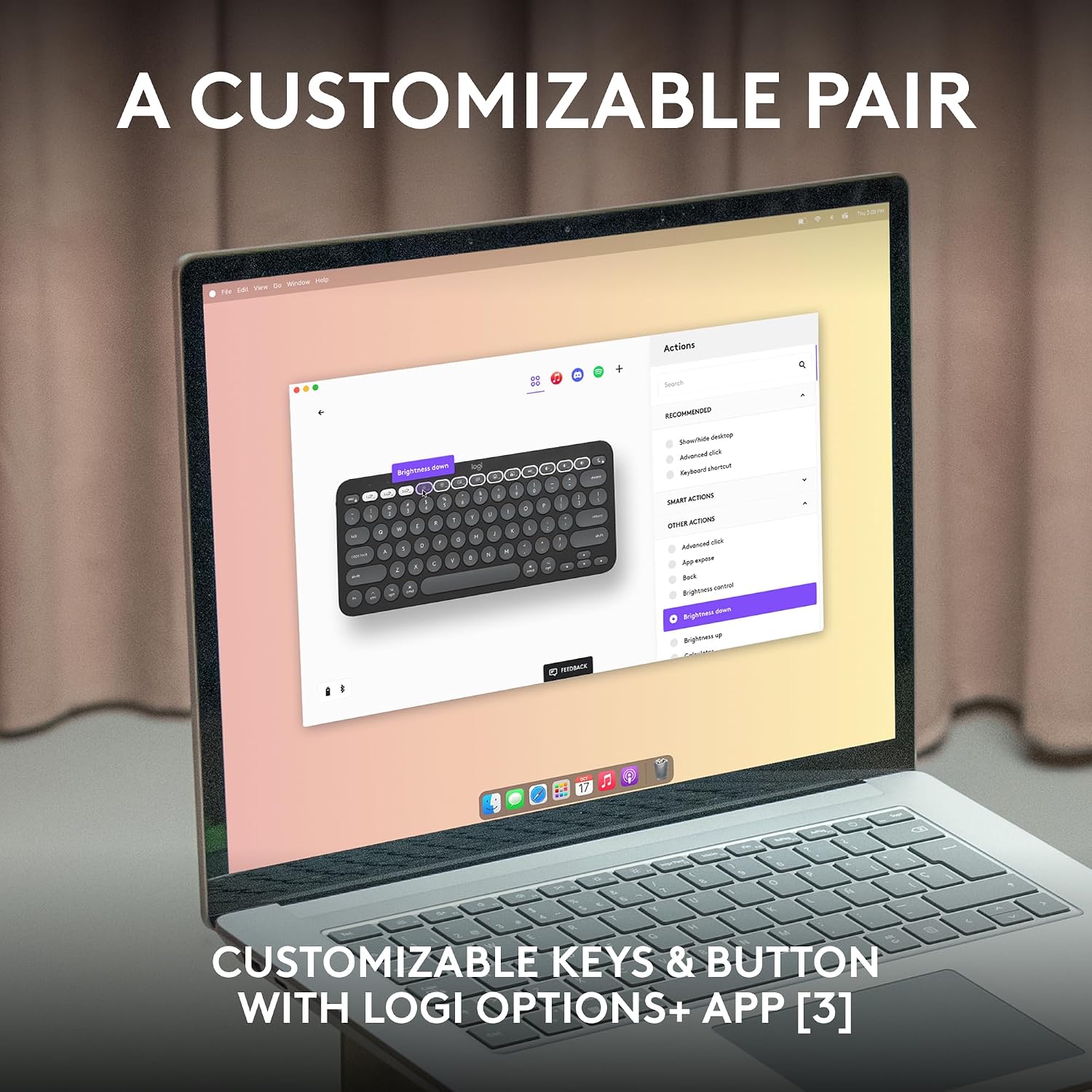
The keyboard’s Fn keys provide shortcuts such as search and screen capture. The 10 Fn keys and the mouse’s middle button can be customized with the Logi Options+ app. Keep in mind that customizing those controls depends on using that app, if you prefer to leave shortcuts as they are, the customization feature may not add much for you.
Practical tips
The combination is especially handy when a laptop or tablet setup needs to stay uncluttered: the compact keyboard and mouse are described as lightweight and portable, and their quiet operation may be welcome in a library or shared workspace. Batteries are included. Logitech lists a three-year battery life for the keyboard and two years for the mouse, but those figures are manufacturer estimates rather than a guarantee of how long they’ll last in every routine.
The plastic parts include certified post-consumer recycled plastic: at least 49% in the Pebble Keys 2 K380s for Mac and at least 58% in the Pebble Mouse 2 M350s. If recycled content matters to your purchase, those are useful specifics, the description doesn’t give a total product weight or dimensions to compare with other travel sets.
It’s a good choice if you want one compact set for switching among Apple devices and value quiet typing and clicking. It may not suit you if you need a full-size keyboard, or if your setup depends on a platform beyond the listed Apple operating systems. The description also identifies compatibility with MacBook Neo laptops.
Buying questions
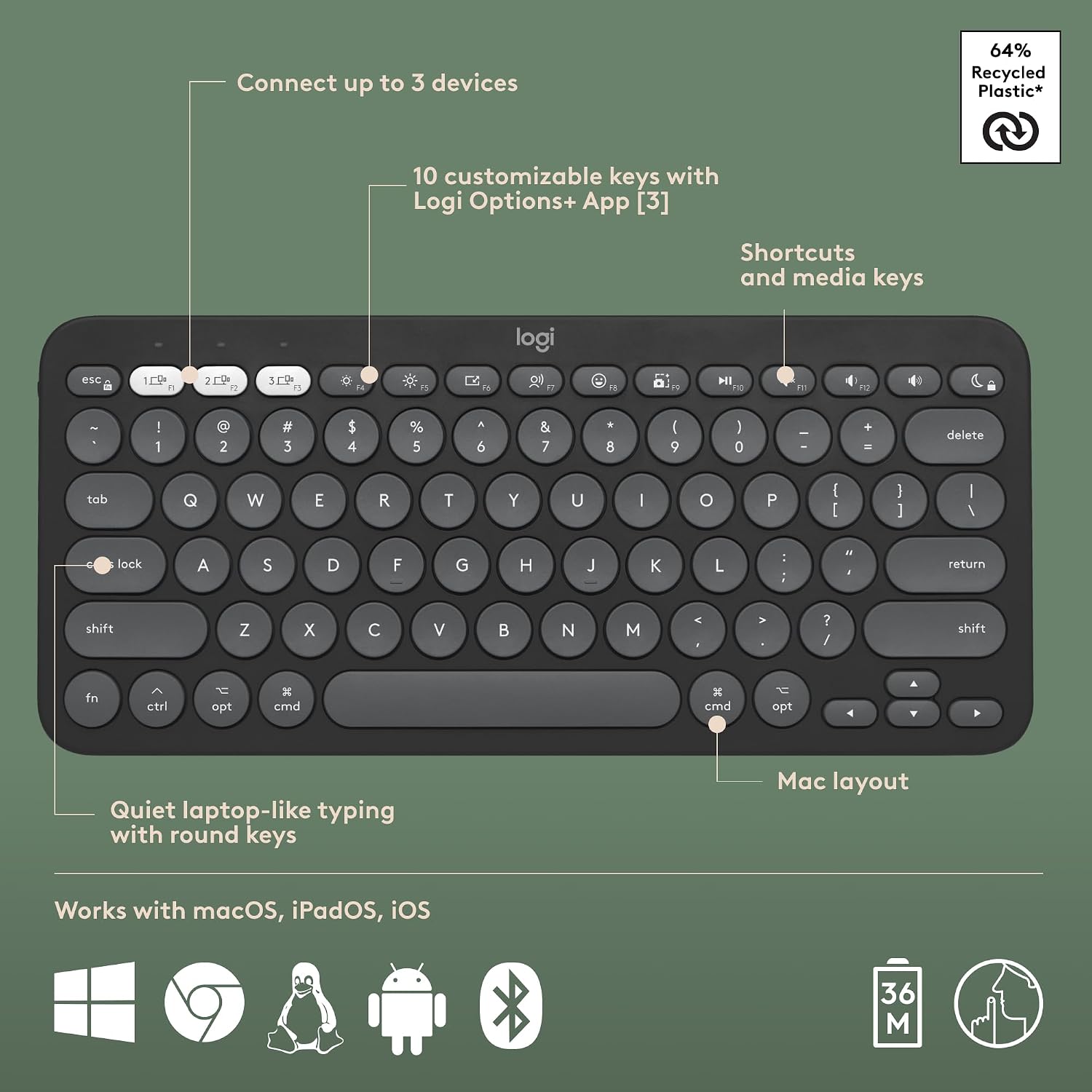
How many devices can it connect to? The keyboard and mouse can connect to up to three Apple devices over Bluetooth, with switching handled by Easy-Switch buttons.
Can I change the shortcuts? Yes. The 10 Fn keys and the mouse’s middle button can be personalized through the Logi Options+ app.
Are batteries included? Yes. The product description says batteries are included and lists three years for the keyboard and two years for the mouse.
In your case
Choose this combo if you want a portable keyboard-and-mouse setup for a Mac, iPad or other listed Apple device, and switching between them is part of your day. If quiet operation and customizable shortcuts are secondary to getting a larger keyboard or broader, clearly stated platform support, a different style of setup may fit your needs better.