

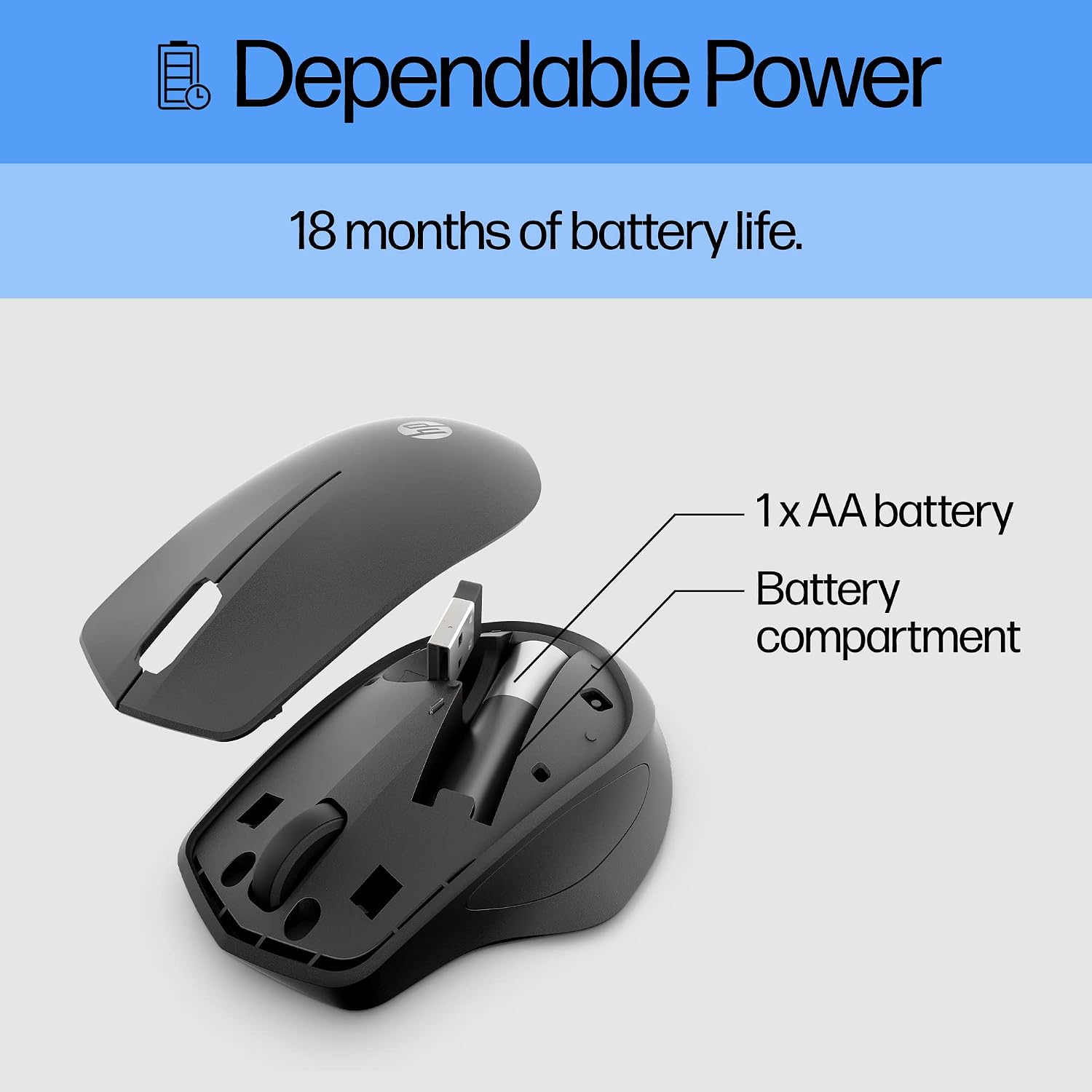
HP wireless mouse 280
Product description
For right-handed users who want a quieter mouse for work, study or everyday browsing, the HP 280 keeps its controls straightforward. It connects wirelessly through a 2.4 GHz USB-A receiver and has a three-button layout with a scroll wheel.
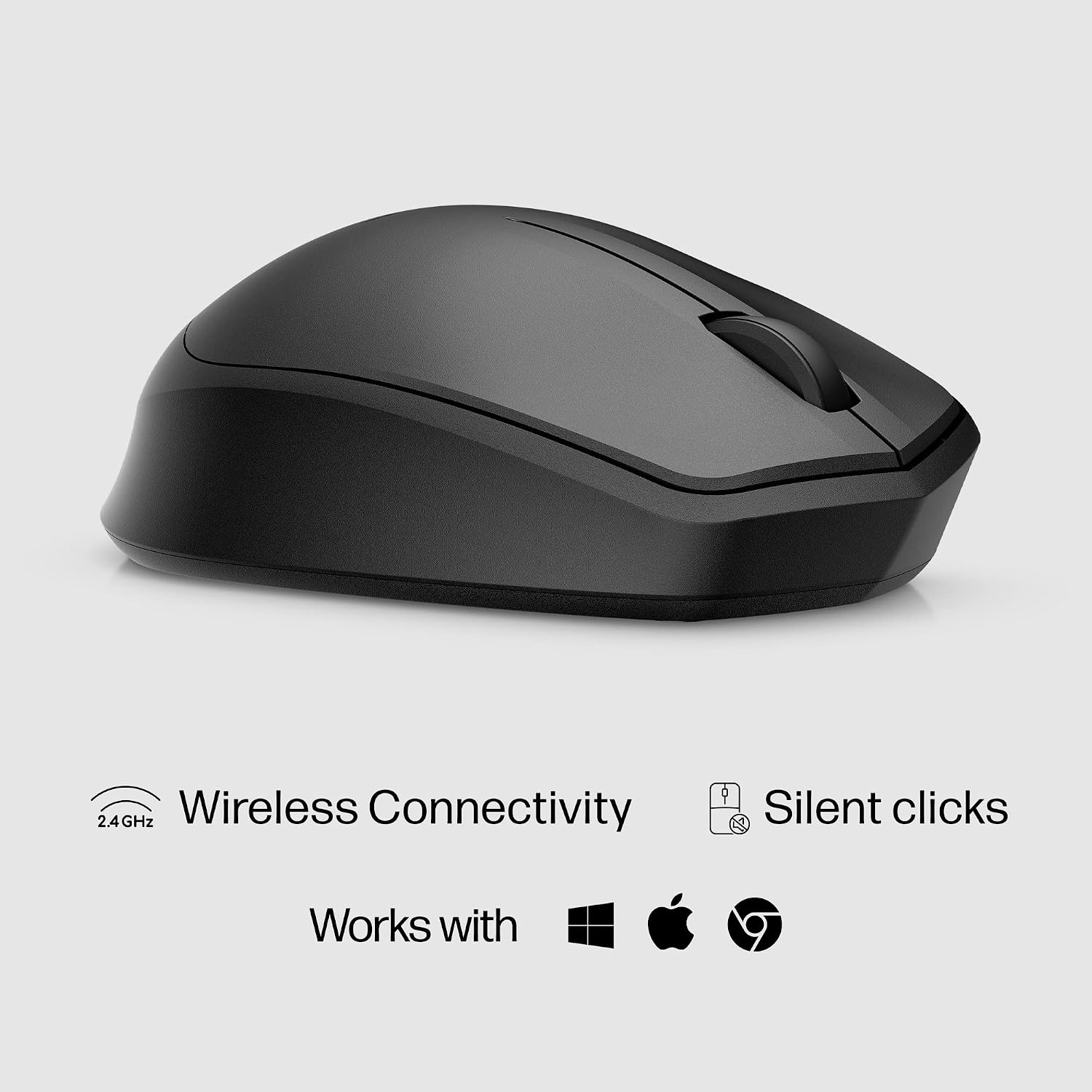
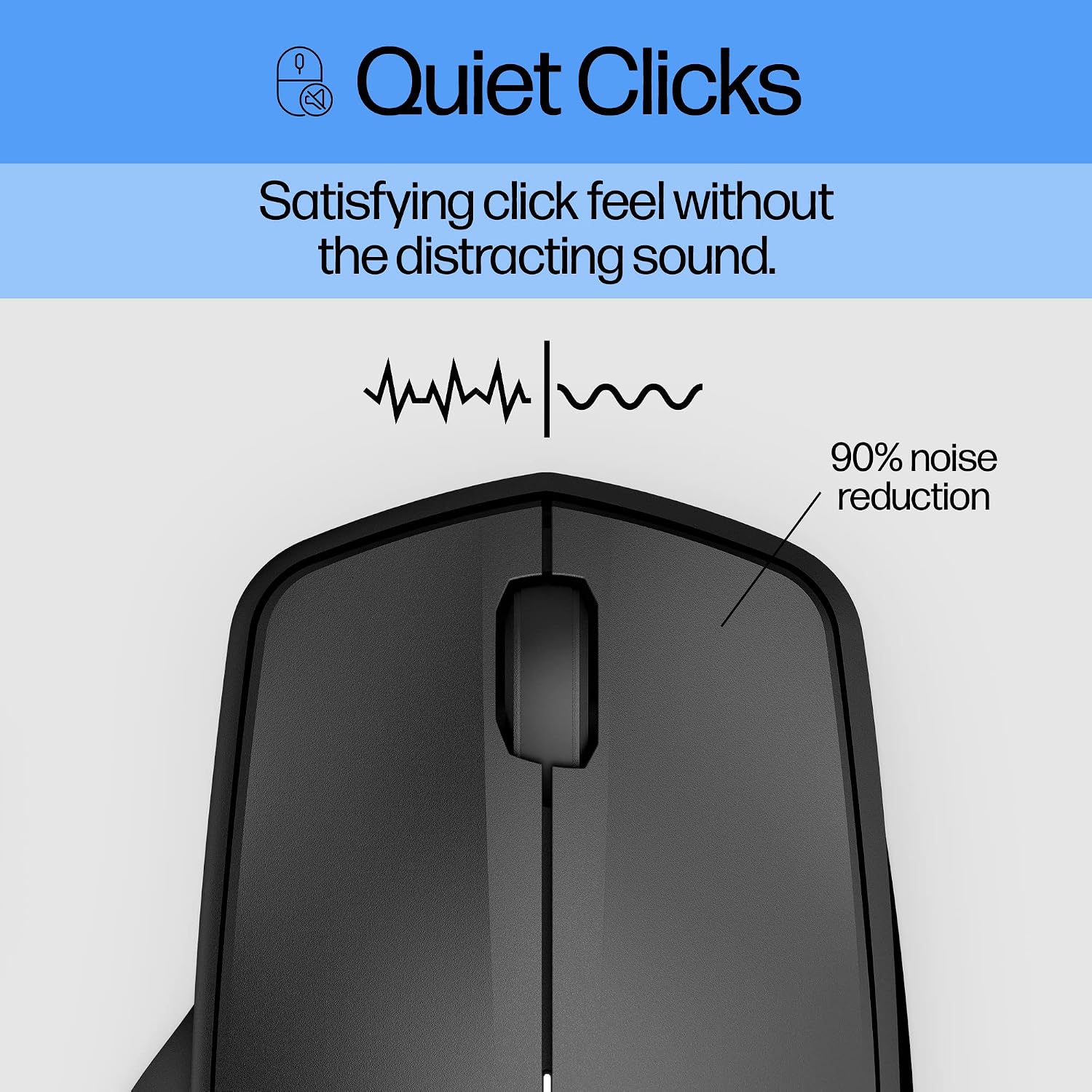
Its left and right buttons are designed to reduce click noise by up to 90%, which may be useful in a shared office or while working nearby someone else.
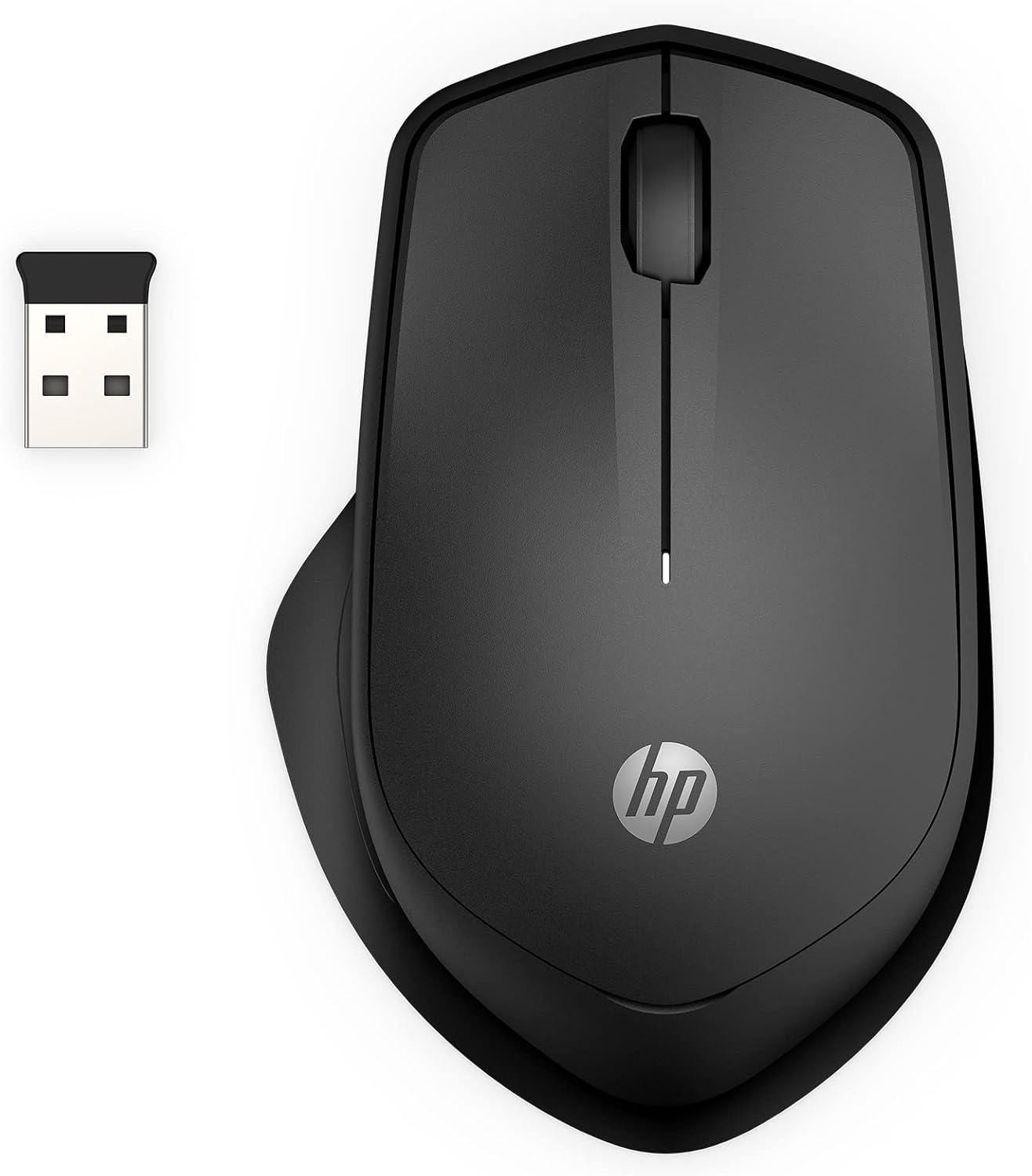
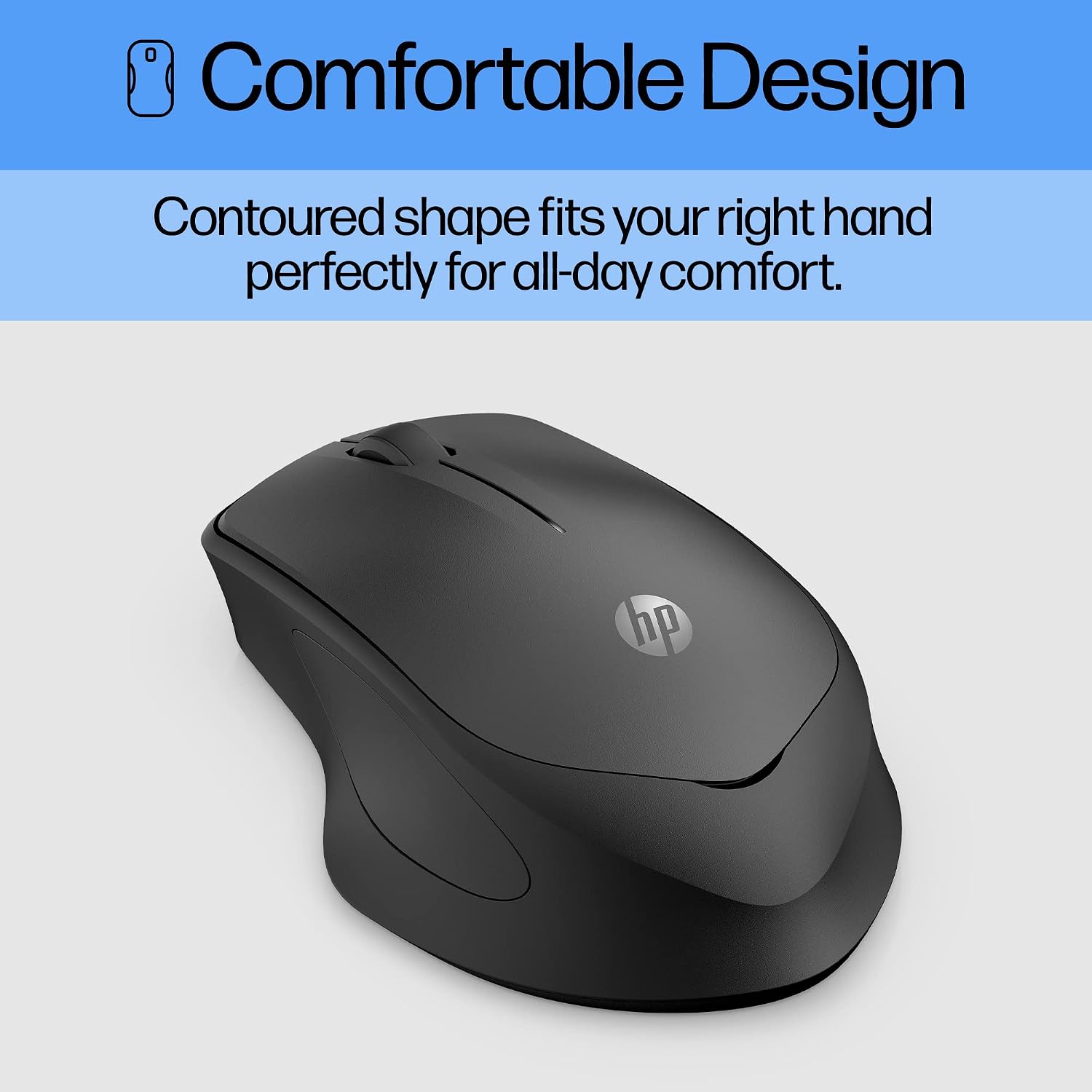
The shape is specifically right-handed, and the receiver stores inside the mouse when it’s time to pack it away.
Key specifications
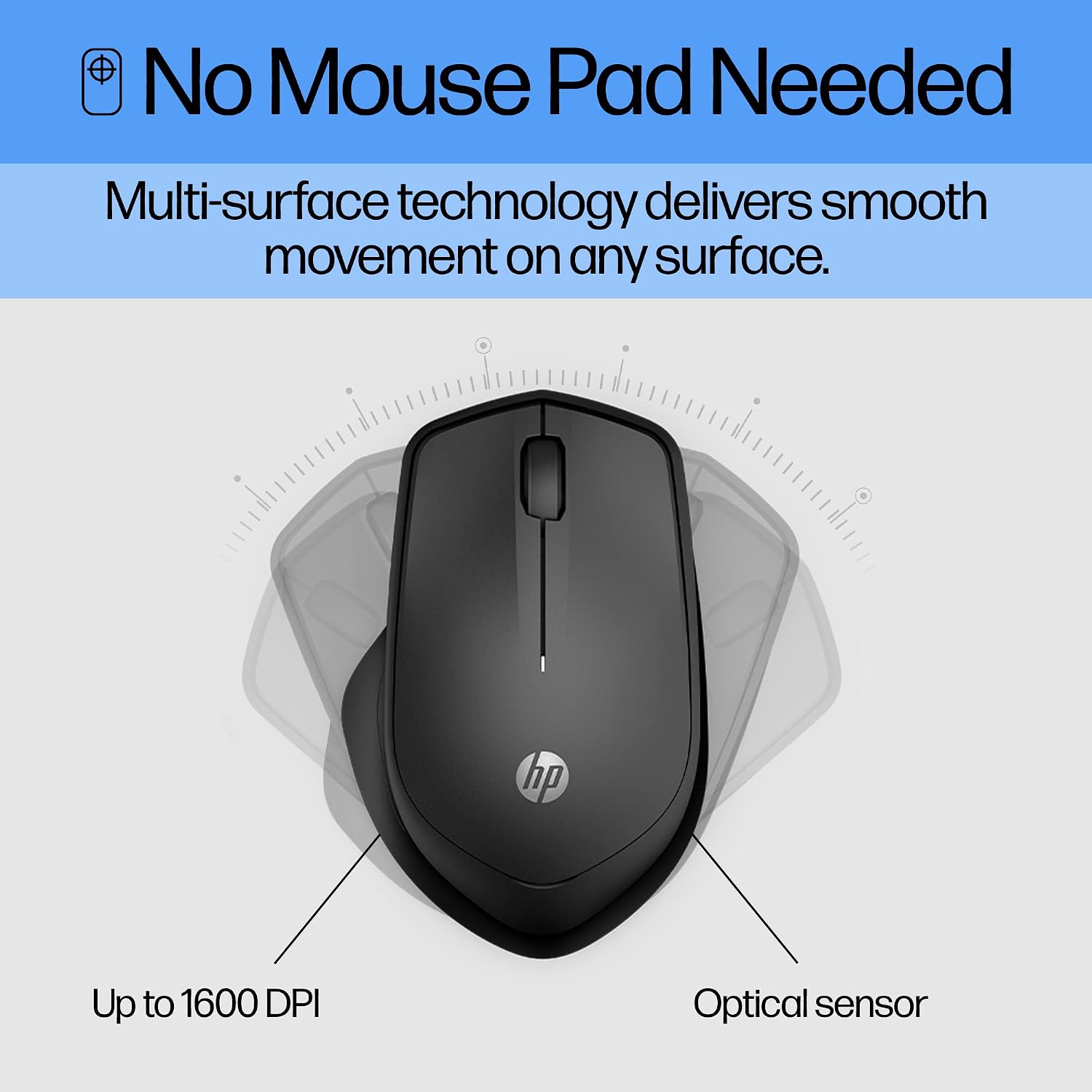
The HP 280 uses a 1600 dpi optical sensor and multi-surface technology, so it’s designed to track across a range of surfaces without requiring a mouse pad. That can make a difference when moving between a desk, a table and other suitable work areas, though the product information doesn’t promise reliable tracking on every possible surface.
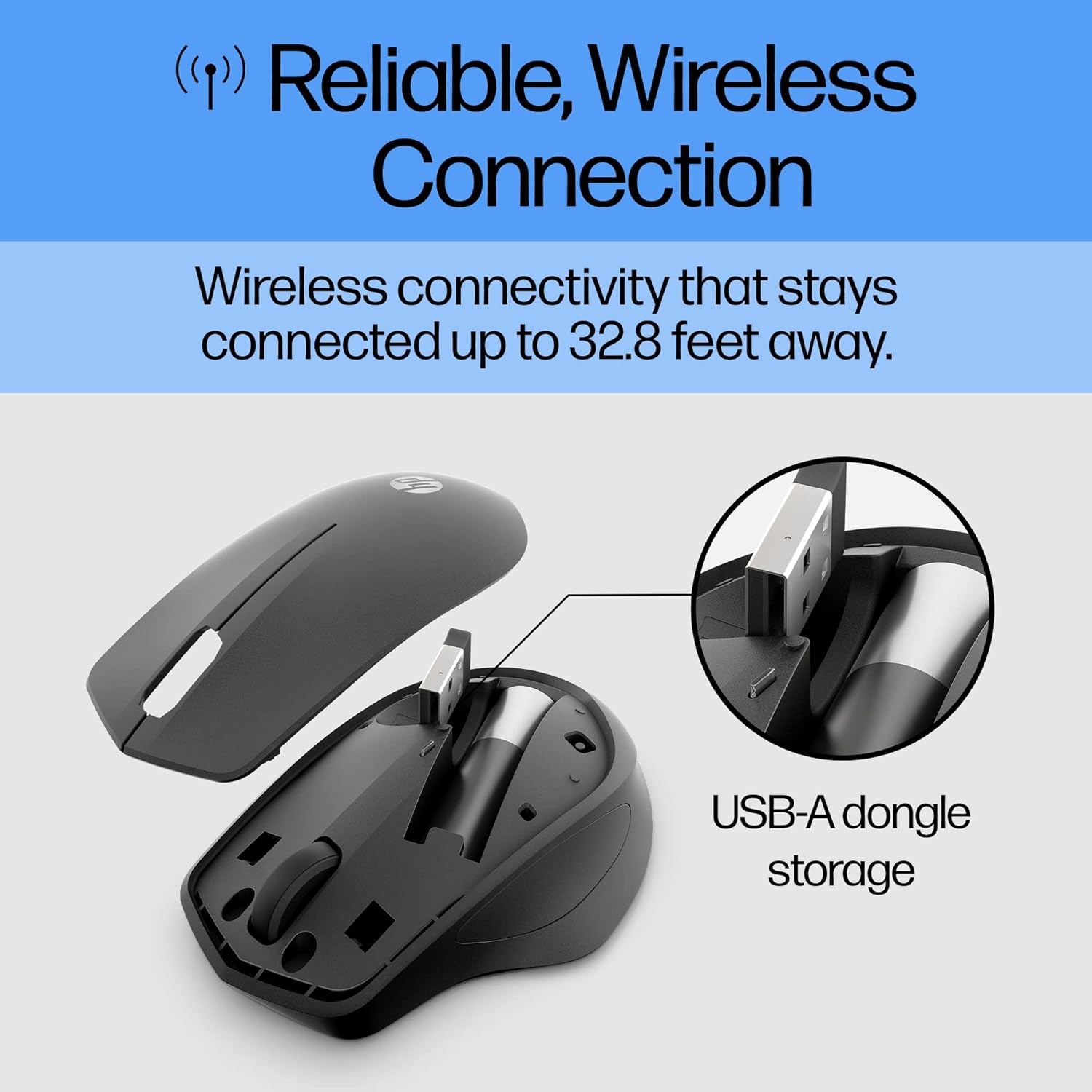
The connection is wireless via a USB-A nano receiver, with a stated range of up to 32.8 feet. The receiver fits inside the mouse for storage. Power comes from one AA battery, with up to 18 months of use claimed, actual battery life will depend on use. It’s listed for Windows, Chrome and Mac OS.
Who it’s for
This is a practical fit for someone who prefers a traditional mouse over a touchpad and wants fewer audible clicks without moving to a more feature-heavy design. For example, you could use it at a shared desk, then tuck the receiver into the mouse before putting it in a laptop bag. The ergonomic shape and right-handed layout are central to the choice, rather than optional details.
It may suit you if a simple three-button mouse, quiet clicks and a USB-A connection cover what you need. It may not be the right fit if you use your left hand, need a receiver-free Bluetooth connection or want extra buttons for shortcuts, none of those features is listed here. The receiver also means the computer needs a suitable USB-A port.
Everyday use
The controls keep the learning curve low: point, click and scroll, without extra controls to configure. Multi-surface tracking is intended to reduce the need to carry a separate mouse pad, which is useful when your work spot changes during the day. Compared with a basic wired mouse, this design avoids a cable and stores its receiver inside the body, a wired model may make more sense if you’d rather not manage a battery or wireless receiver.
The quiet-button design is the clearest reason to choose this particular mouse over a standard clicky model. Its limitation is the right-handed shape, so it’s not a universal fit for everyone sharing a workspace.
Buying questions
Does it connect over Bluetooth? The listed connection is 2.4 GHz wireless through a USB-A nano receiver, Bluetooth isn’t specified.
What operating systems are listed? Windows, Chrome and Mac OS are named in the product information.
Does it include a mouse pad? No mouse pad is mentioned. The mouse is described as using multi-surface technology, so it’s intended to work without one on suitable surfaces.
Final verdict
Choose the HP 280 if you want a straightforward, right-handed wireless mouse with quieter clicks, receiver storage and a stated battery life of up to 18 months. Its appeal is less clear if you need a left-handed shape, Bluetooth or more than three buttons. The listed features favour uncomplicated desk and everyday computer use, not a customisable setup with specialised controls.