

CORSAIR Wireless Gaming Mouse IRONCLAW
Product description
Technical details
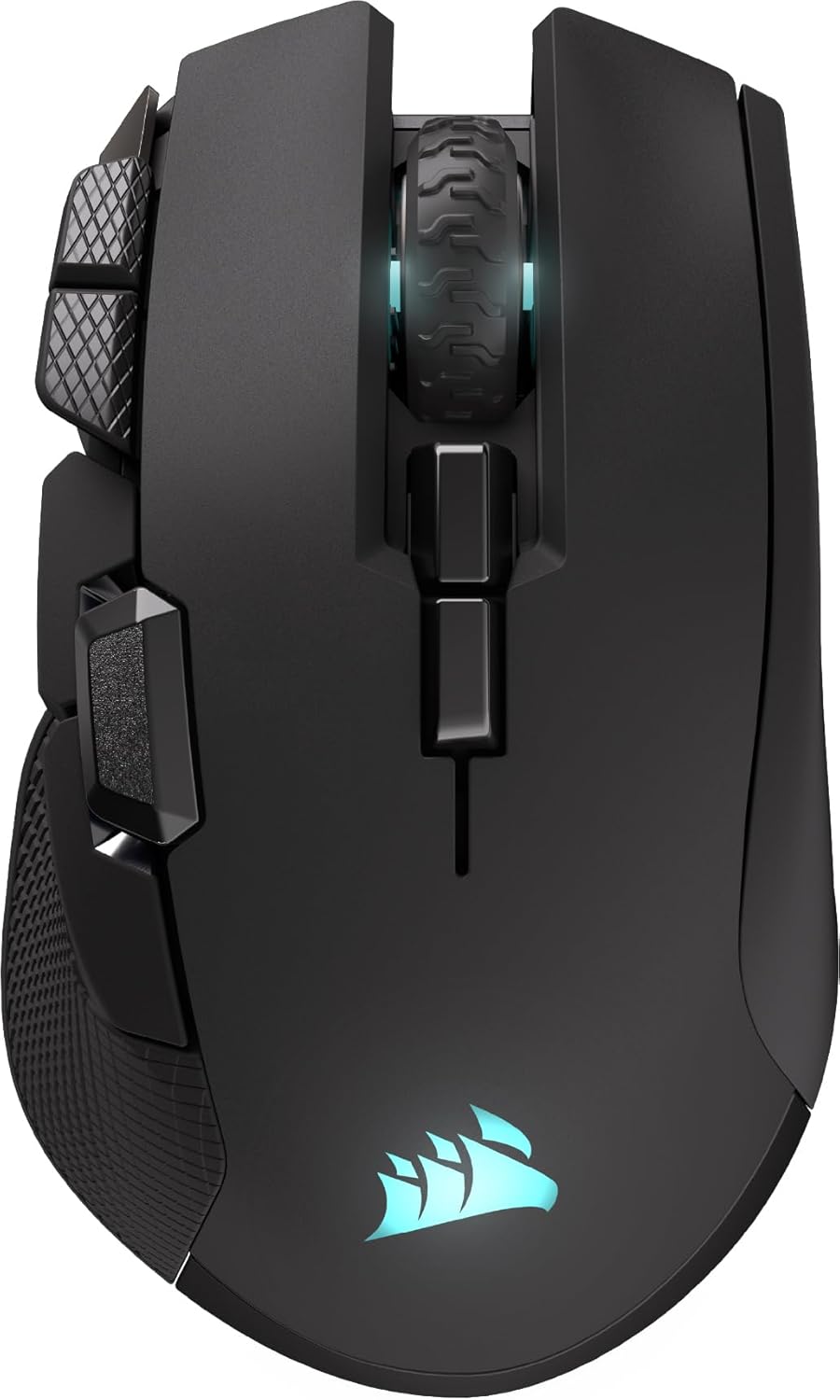
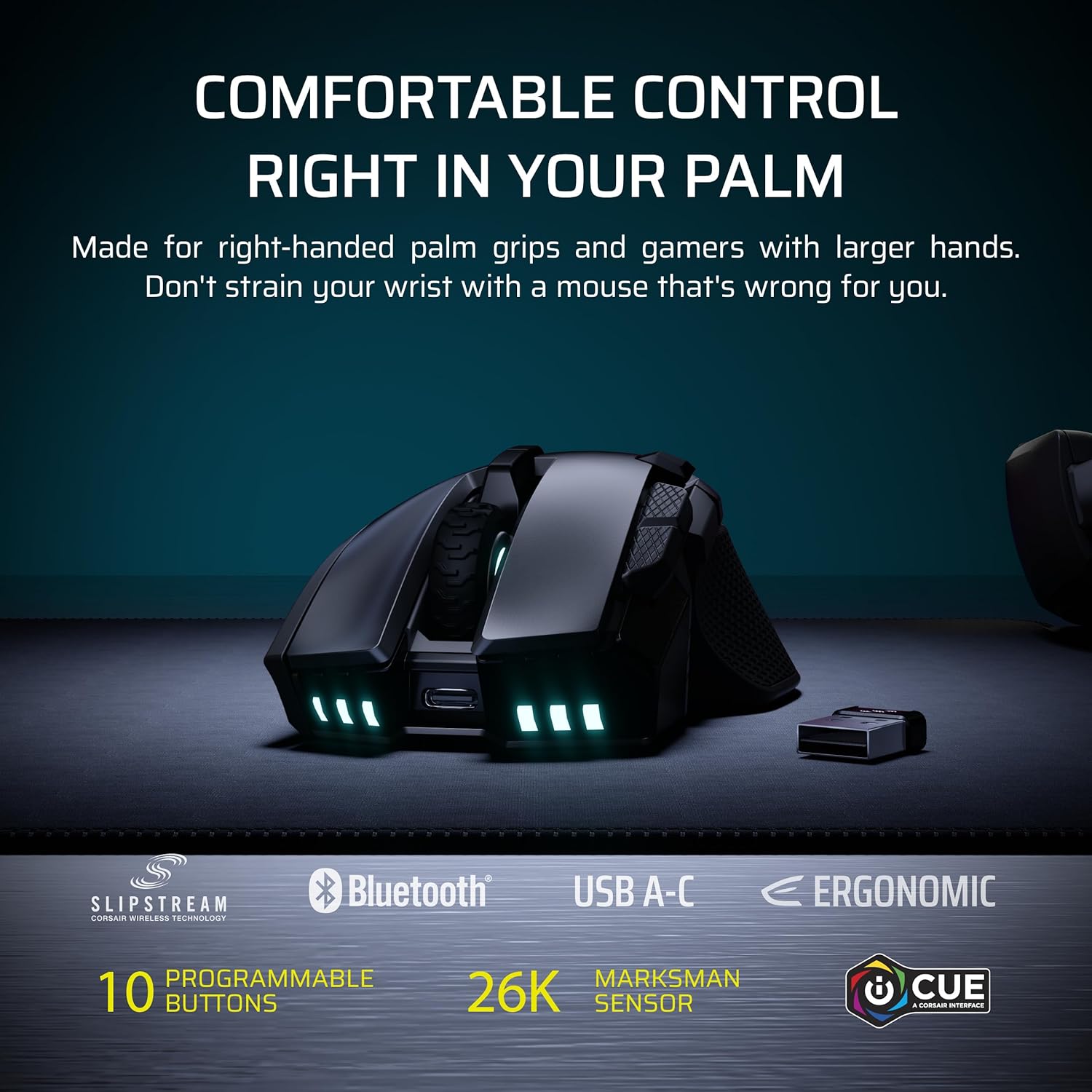
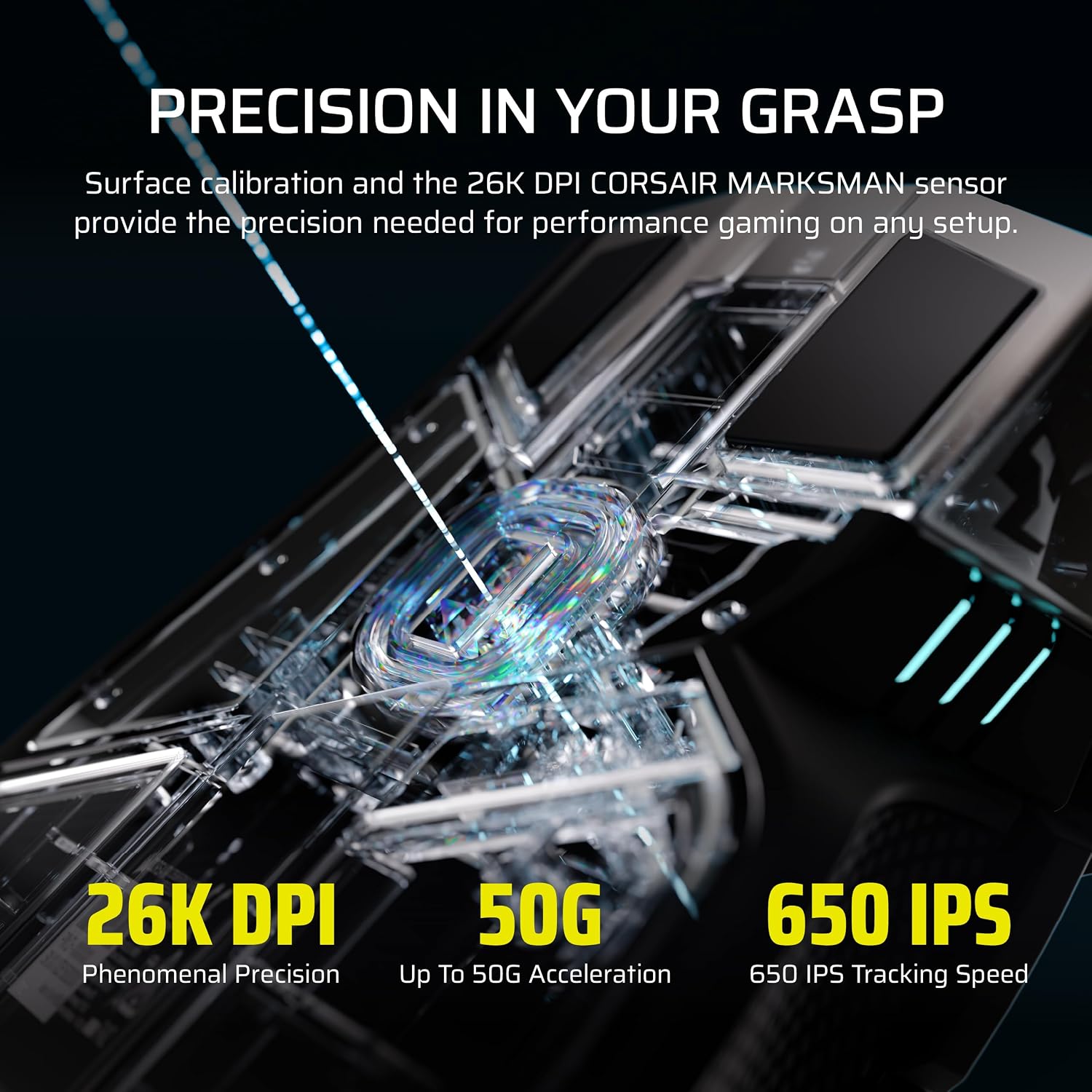
For a right-handed player who likes to rest their whole hand on the mouse, the CORSAIR IRONCLAW Wireless SE is built around a larger, asymmetric shape. It has 10 programmable buttons and a CORSAIR MARKSMAN sensor rated up to 26,000 DPI. The shape and button layout are the main things to weigh here: this is a more specialised fit than a compact, ambidextrous mouse.
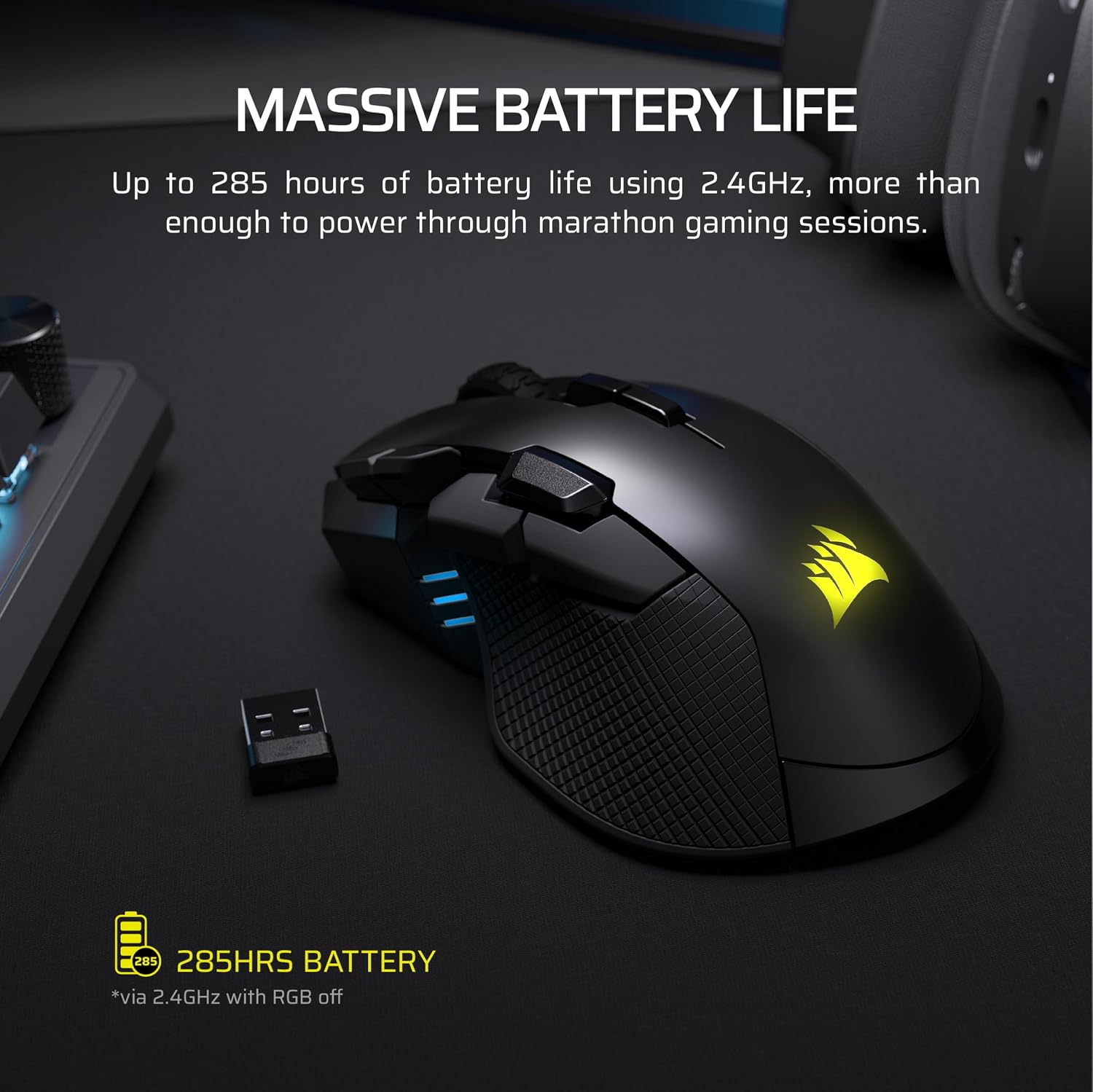
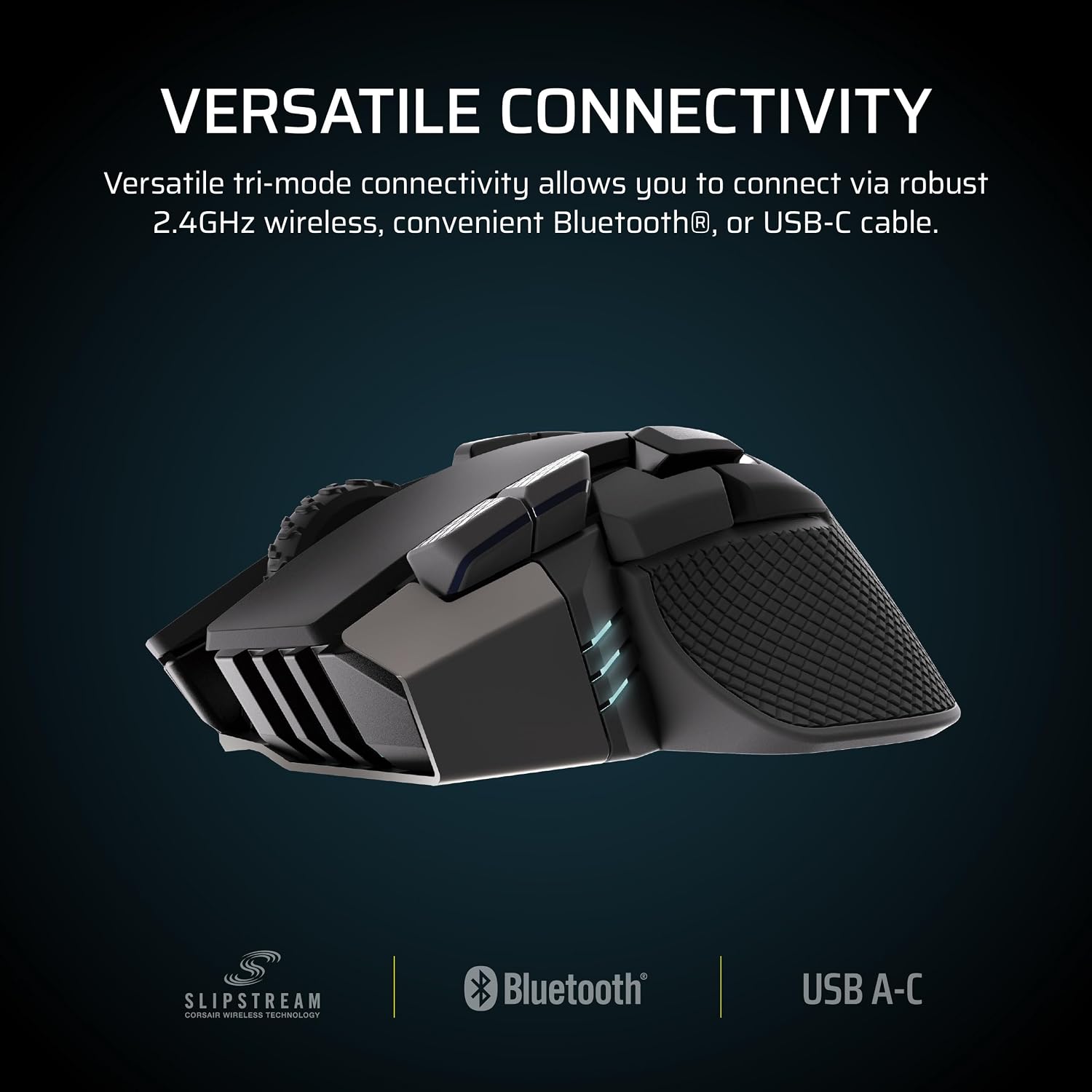
It connects wirelessly over 2.4GHz or Bluetooth. According to the manufacturer, battery life is up to 285 hours over 2.4GHz and up to 532 hours over Bluetooth. These are stated maximums, not a guarantee of the time you will get in every setup.
The sensor supports surface calibration, while customisable RGB lighting covers the scroll wheel, logo and front grille. Three-stage indicators show DPI and profile cues. The 10 buttons can be assigned macros or keybinds through CORSAIR’s iCUE software, which also offers productivity customisation.
Getting the most from it
The extra buttons are most useful when you have actions worth assigning. For example, you could map frequently used keybinds for a MOBA session rather than reaching for the keyboard each time. If you mainly play games that use few mouse controls, those buttons may matter less than comfort and shape.
DPI is adjustable up to 26,000, but the maximum figure alone does not determine whether a mouse will feel precise to you. Surface calibration is a useful setup feature, it does not replace choosing a sensitivity that suits your game and habits. RGB is also a visual extra rather than a reason to choose this model, though the lighting can be customised in several areas.
Usage tips
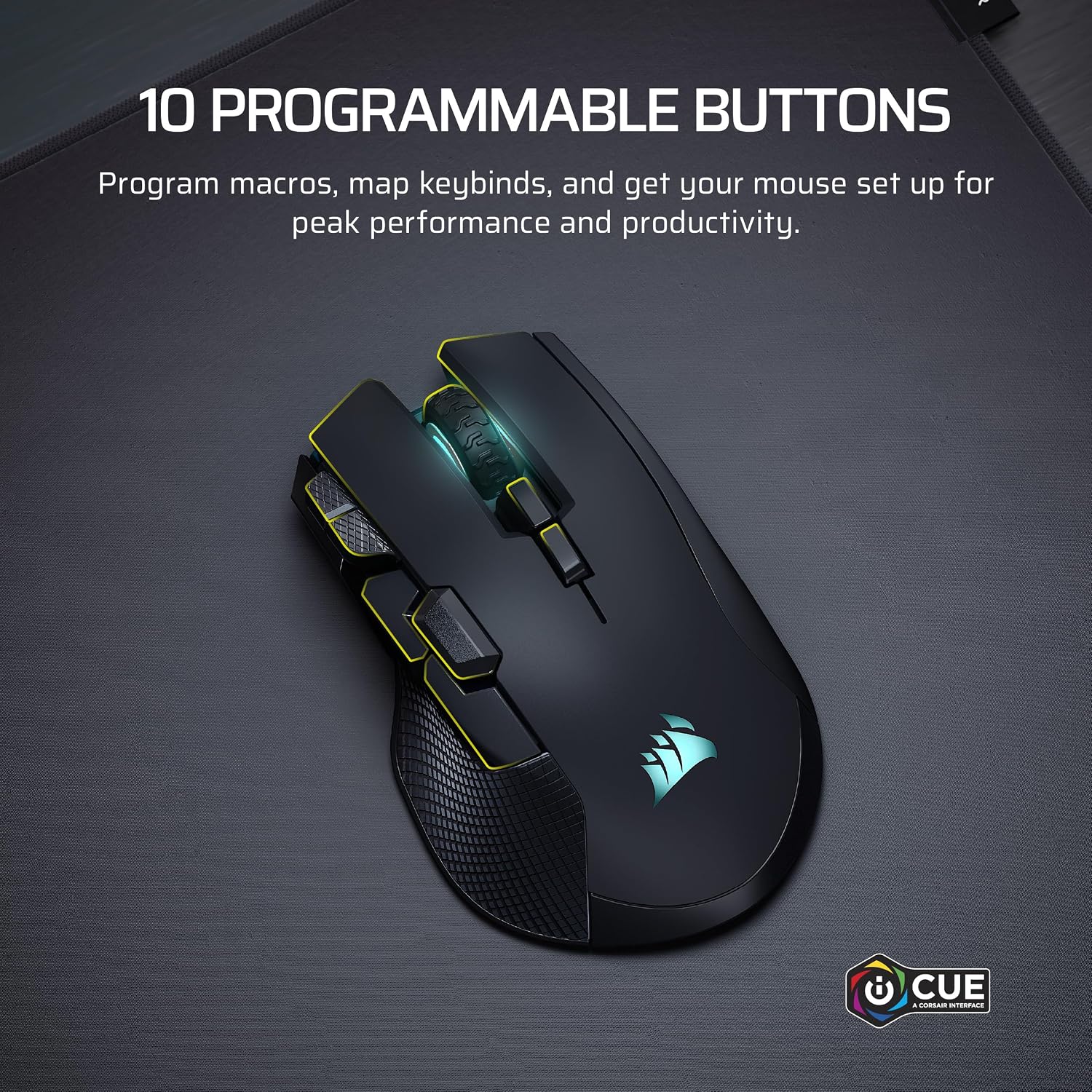
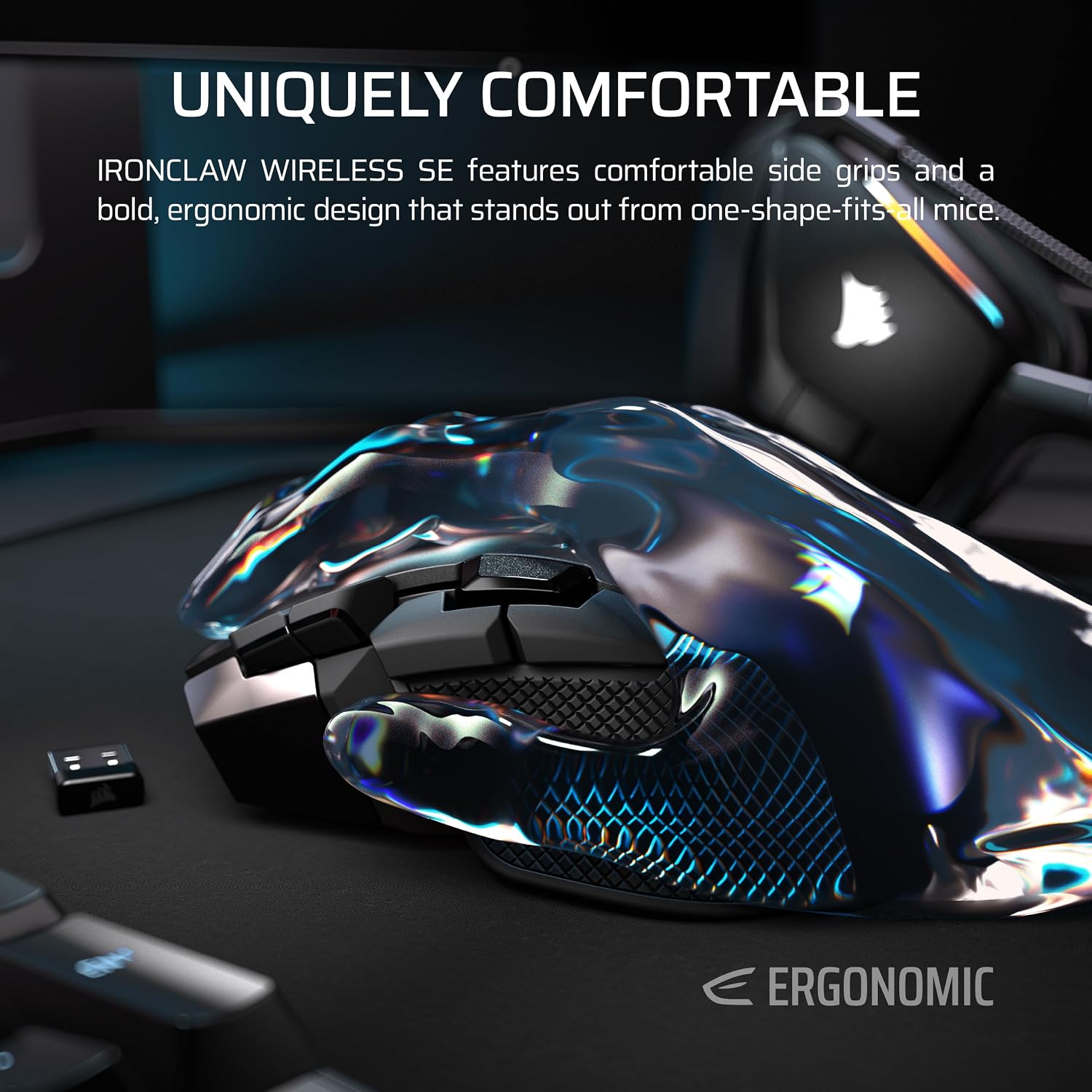
Start by checking how the mouse sits in your hand before assigning all the buttons. Its ergonomic shape is intended for larger hands and a palm grip, so a relaxed, full-hand hold is a more natural match than a fingertip style. Once the fit feels right, use iCUE to map only the controls you will actually reach for, leaving unused buttons unassigned can keep the layout simpler.
If you switch between 2.4GHz and Bluetooth, choose the connection mode that suits the session and keep the different stated battery-life figures in mind. The product information does not specify charging time or whether lighting and settings affect runtime, so those details should not be assumed from the maximum figures.
Three specific questions
Is it designed for left-handed use? The listed shape is asymmetric and intended for right-handed players, so left-handed users should look for a shape made for their grip.
Can the buttons be customised? Yes. The 10 programmable buttons support macros and keybinds through iCUE.
Does it work over Bluetooth? Bluetooth is listed as a wireless connection option, alongside 2.4GHz. The product details do not specify device or operating-system compatibility.
Before you buy it
It's a good choice if you want a wireless gaming mouse with a larger right-hand palm-grip shape, programmable controls and both 2.4GHz and Bluetooth connections. It may not be right if you have smaller hands, prefer a left-handed or ambidextrous design, or use a grip that does not suit its ergonomic shape. Compared with a simpler mouse with fewer controls, the IRONCLAW offers more scope for mapped actions, if you will not use those assignments, a less specialised design may be the more sensible fit. Check that the intended shape and iCUE customisation match how you play before choosing it.