

Acer ODK550 USB 3.0 SD Card Reader with Dual Slots and Aluminum Housing
Product description
For photographers and anyone moving files from memory cards to a computer, a dependable USB-A reader makes everyday transfers simpler. The Acer ODK550 connects through USB 3.0 and has separate SD and microSD slots. Need to transfer files without swapping cards between readers? Both slots can read and write cards at the same time. Its extended cable also helps keep the reader clear of neighbouring accessories.
Why it makes sense
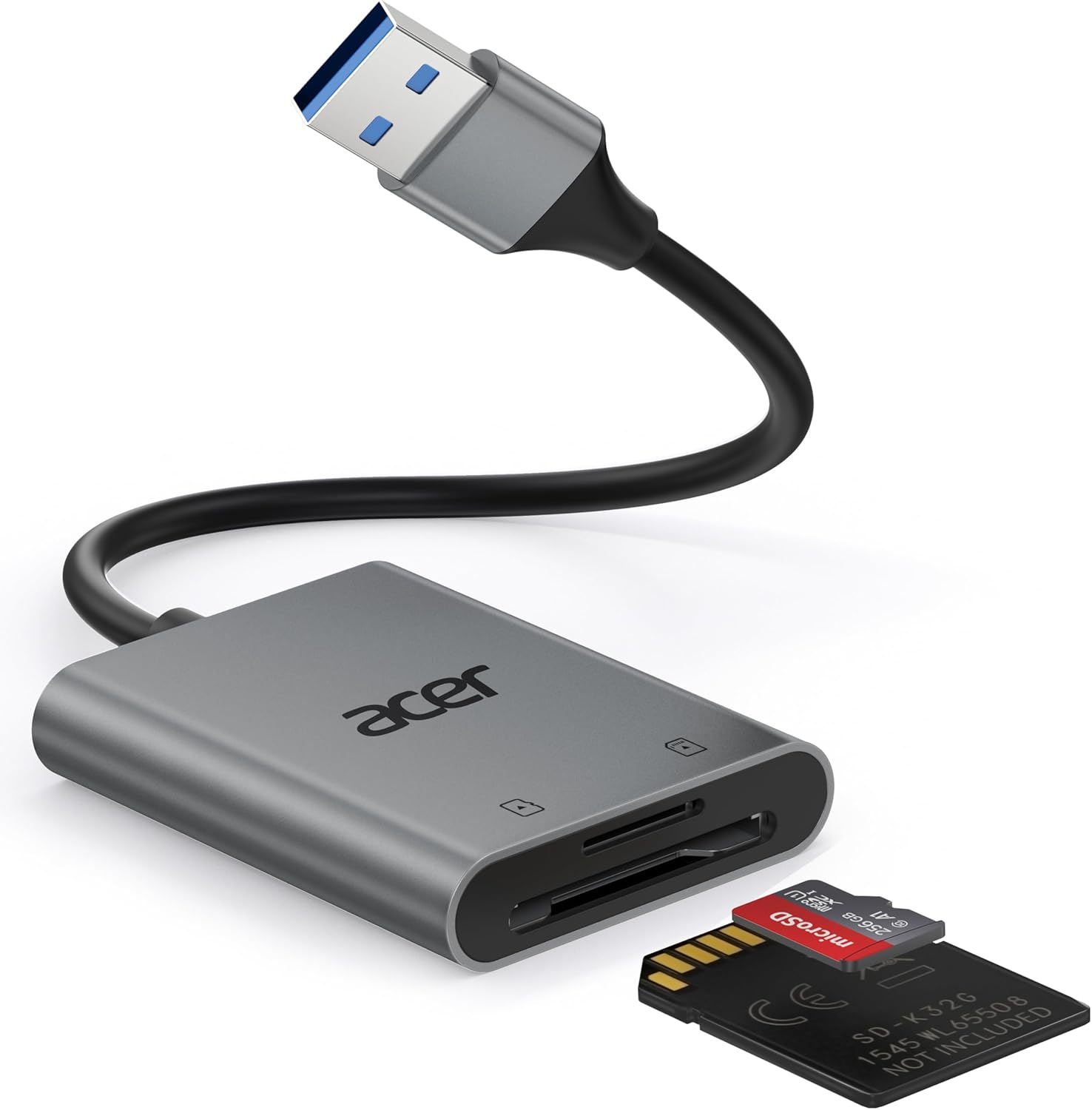
Use the ODK550 to move photos, videos and other files from compatible memory cards to a laptop or PC with a USB-A port. With two card slots, you can work with an SD card and a microSD card in one place instead of carrying separate readers or repeatedly changing cards. That is useful when organizing camera files, copying content between cards or bringing media onto a computer for editing.
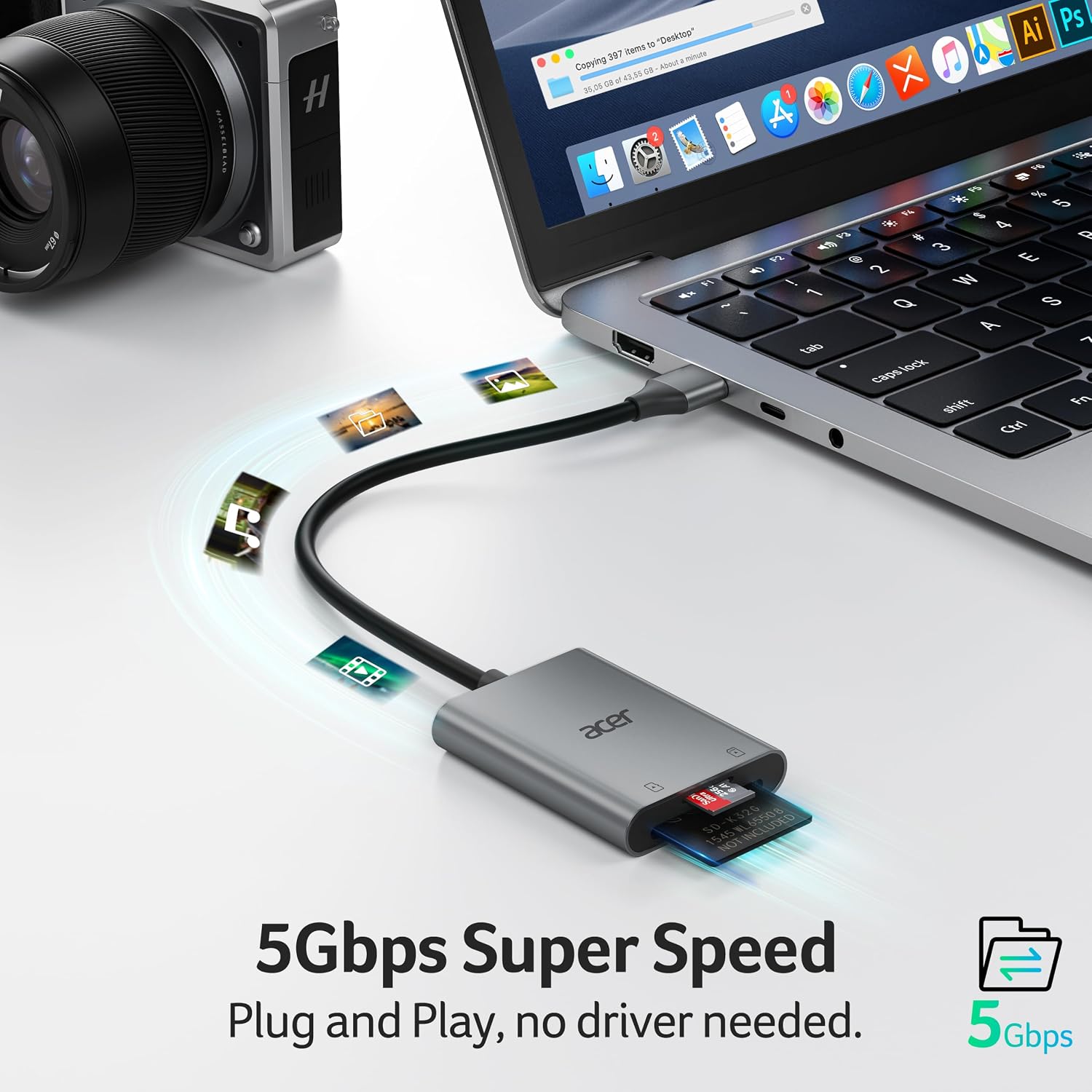
The reader is plug and play, with no additional driver or power supply required. It works with Windows, macOS, Chrome OS and Linux, and is backward compatible with USB 2.0 and 1.1 ports. For a practical desk setup, connect it to a USB-A port, insert the supported card and access its files on your computer. Customer feedback commonly highlights straightforward setup, ease of use and useful everyday operation.
Key features
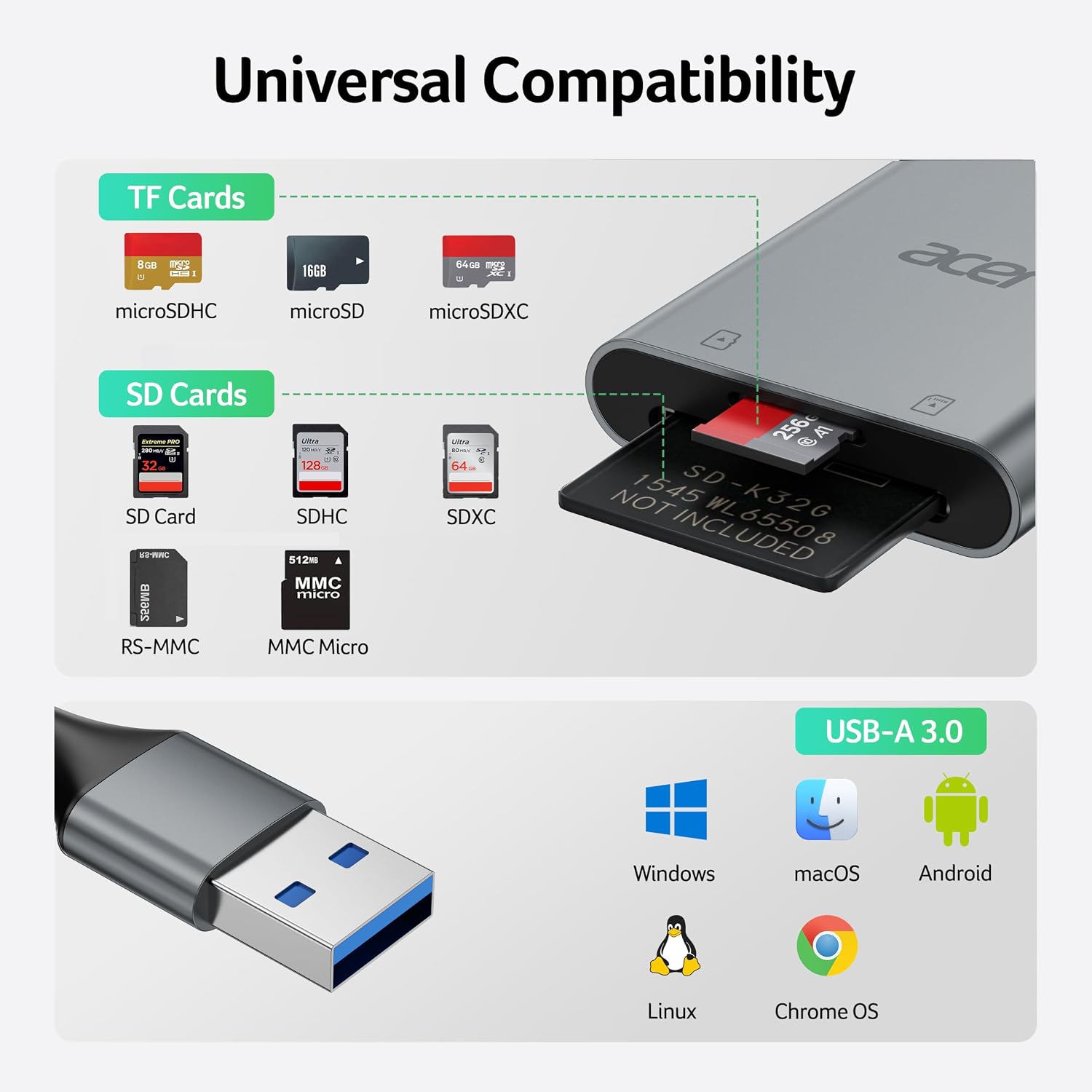
The USB 3.0 Type-A interface has a stated transfer rate of up to 5 Gbps. Actual transfer speed also depends on the memory card and the computer’s USB port. The card slots support SD, SDHC, UHS-I SDXC, microSD, microSDHC, microSDXC, MMC and RS-MMC formats, among others. UHS-II cards can be read at UHS-I speed, and the reader supports cards up to 2TB.
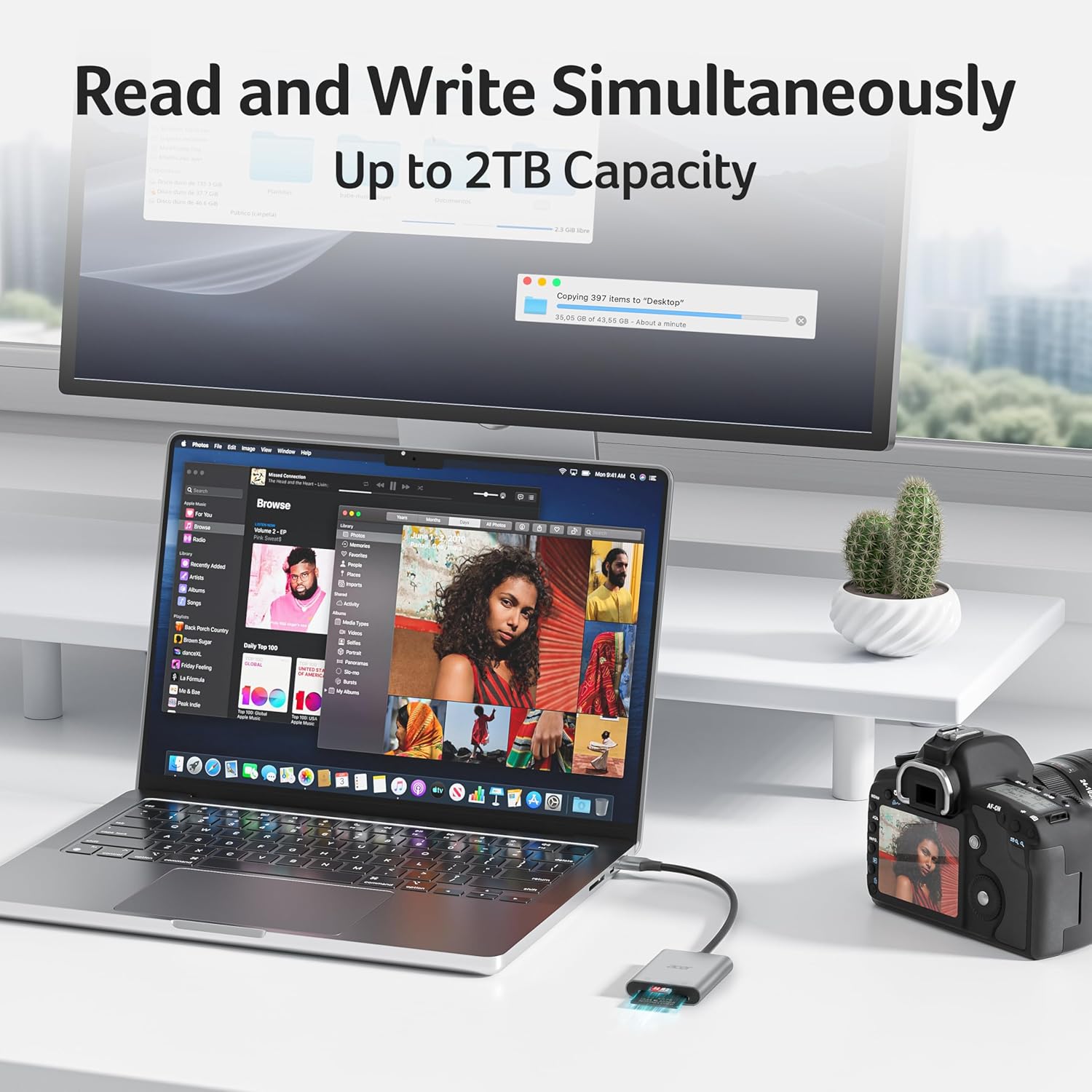
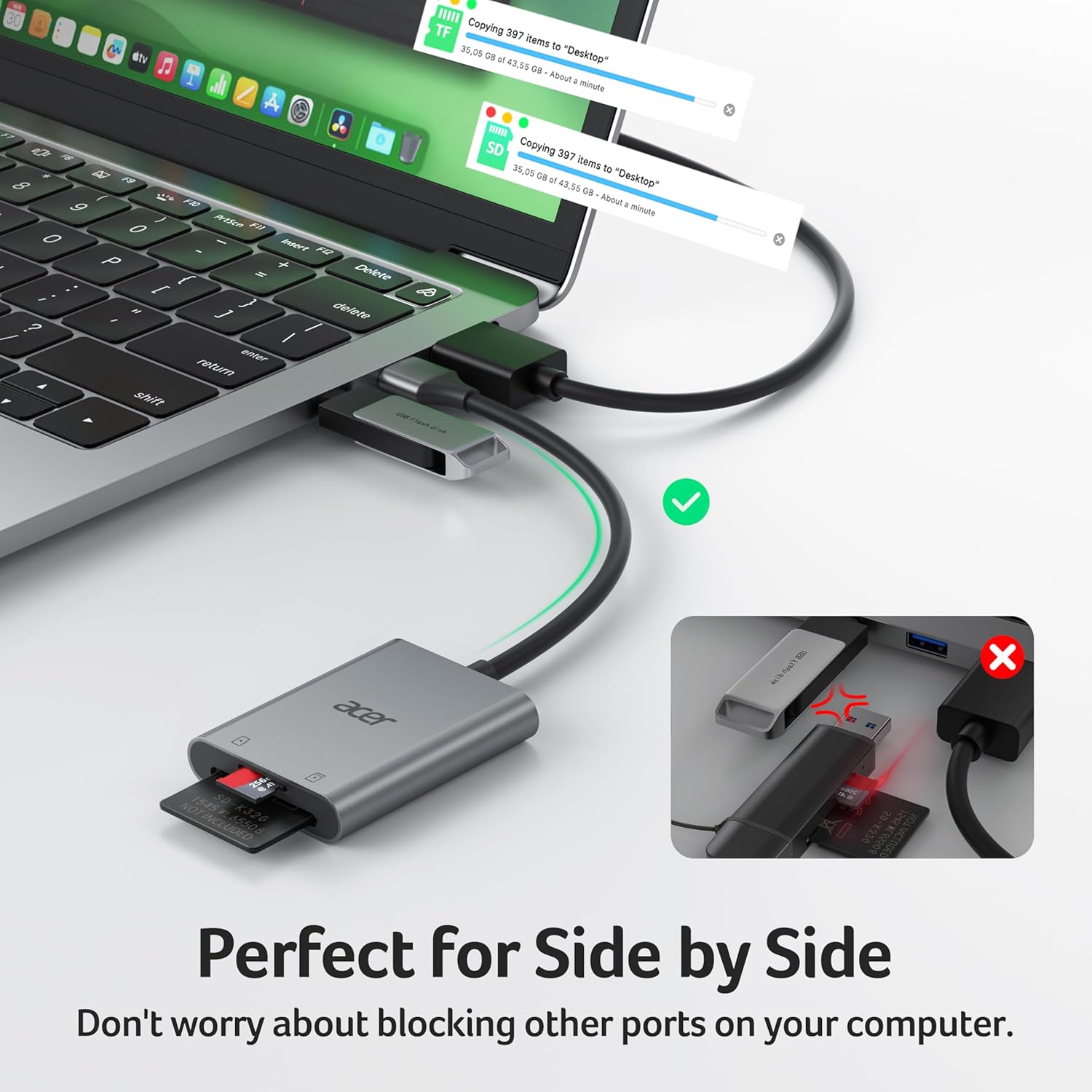
The two slots allow simultaneous reading and writing, so compatible files can be handled across both cards without re-inserting them one at a time. An aluminum housing and compact design suit a workspace or travel kit, while the extended braided cable helps position the reader without crowding nearby accessories. A spring-loaded mechanism makes inserting and removing cards straightforward.
Compatibility depends on the connection and card format: the reader is designed for USB-A ports and does not support Lightning or USB-C connections. It is also not compatible with Memory Stick Pro Duo. For Mac users, macOS reads NTFS by default but does not write to it, choose a file format suited to the device and transfer task.
Tips for day-to-day use
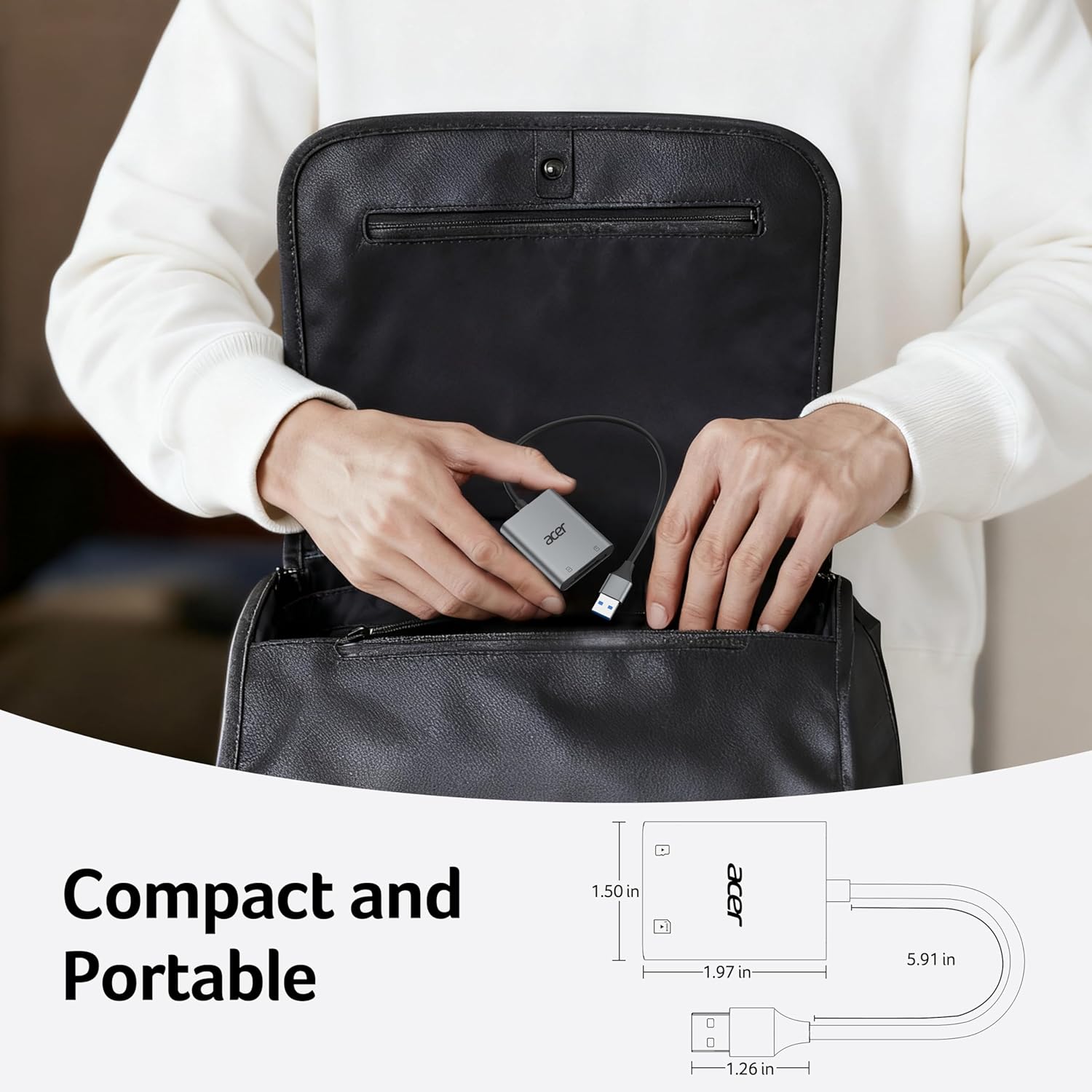
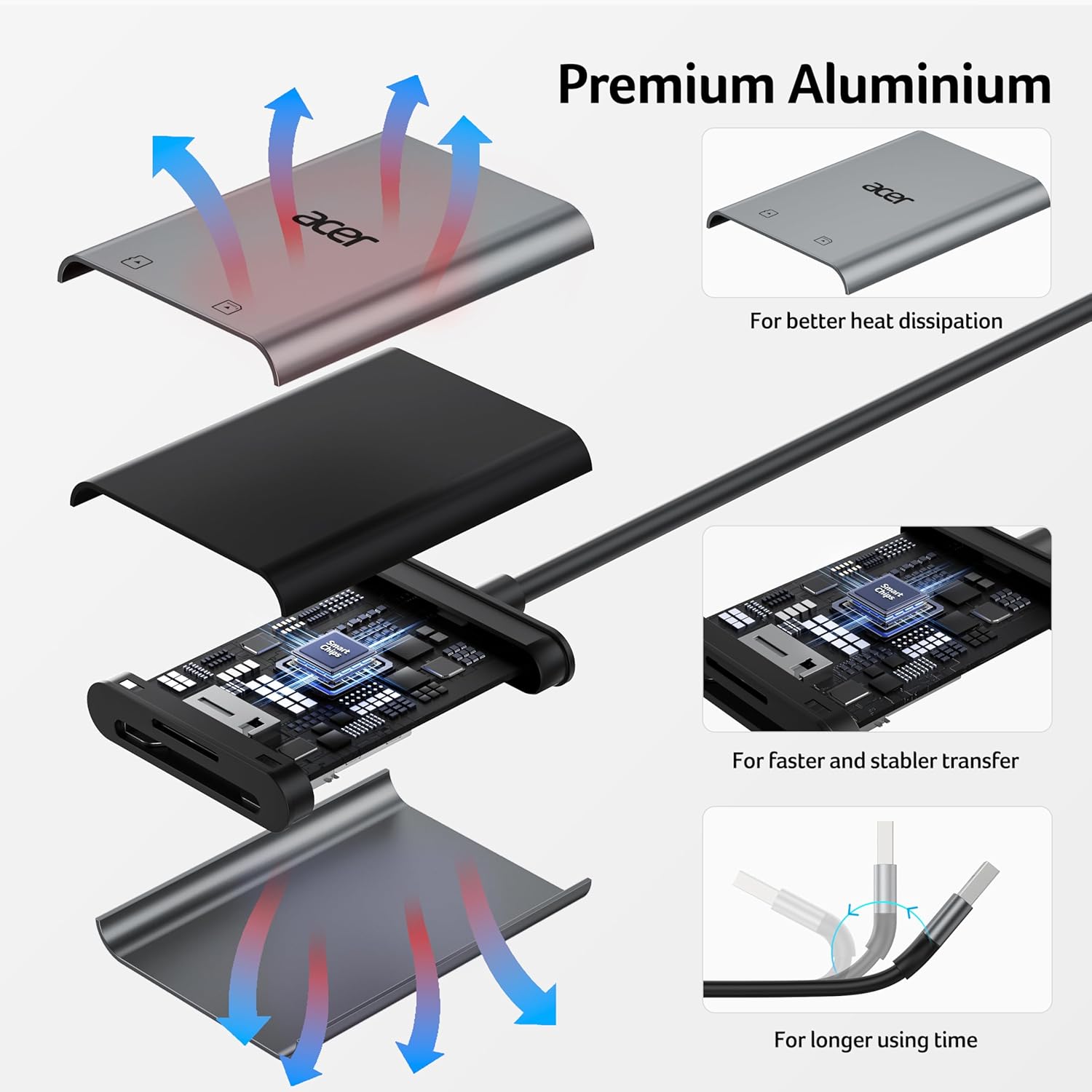
Match the card to its slot: SD cards go in the SD slot, while microSD or TF cards use the smaller slot. Insert each card in the correct orientation, then connect the reader to a computer’s USB-A port. The plug-and-play setup means there is no separate driver installation to manage, making it convenient for regular transfers between a camera card and a computer.
For a portable workflow, keep the reader with the computer or camera gear you use to handle card files. When transferring large files, the card’s speed and the computer’s USB port affect the transfer rate. Choosing a card format supported by the device you plan to use also helps keep files accessible across your workflow.
Is it worth it?
The ODK550 is a practical fit for people who regularly handle both SD and microSD media and want one compact reader for a USB-A computer. Its dual slots support simultaneous card access, while the USB 3.0 connection, broad operating-system support and driver-free setup make routine transfers uncomplicated. Buyers often describe it as easy to use and appreciate that it works as a straightforward plug-and-play reader. For moving camera or microSD files at a desk or on the go, its two-slot layout and extended cable are the details that make this model useful.