

VPFET MAX-1317 HDMI Extender over Cat5e/6, up to 200 ft with EDID copy
Reviews
Price
Product description
The essentials
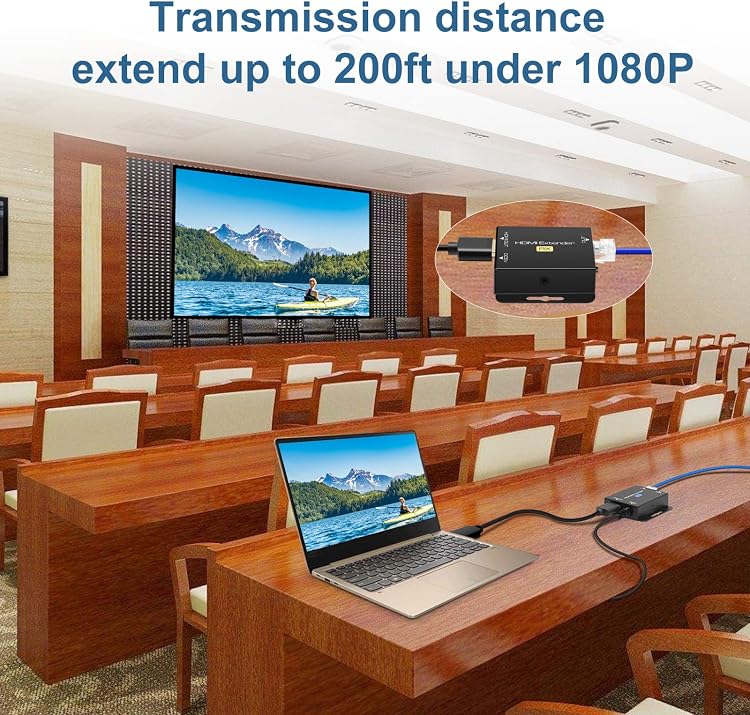
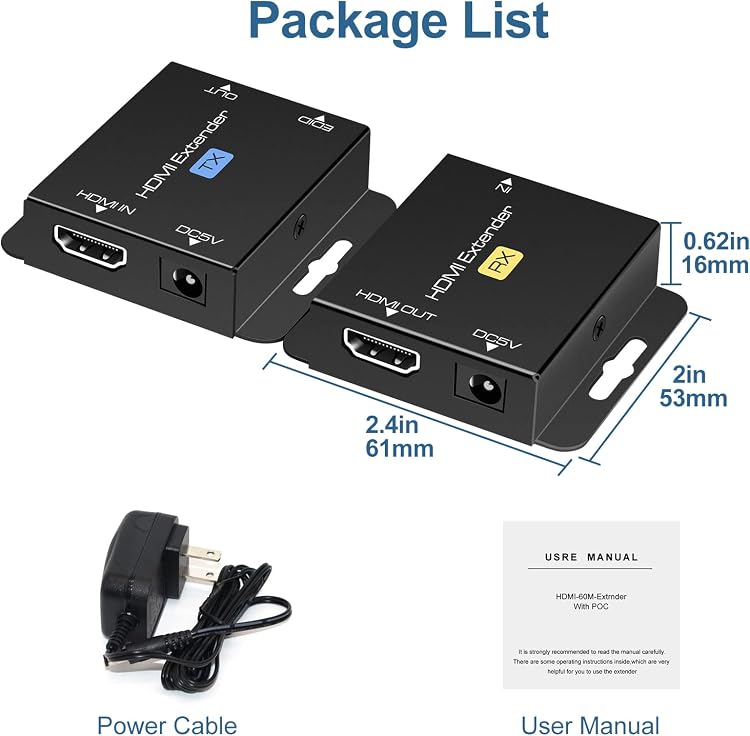
For a projector in a classroom or a display across a conference room, the VPFET MAX-1317 sends HDMI audio and video over a single Cat5e/6 cable, with a stated reach of up to 200 ft. The transmitter and receiver form a practical link between an HDMI source and a screen, helping place the display where it works best without running a long HDMI cable.
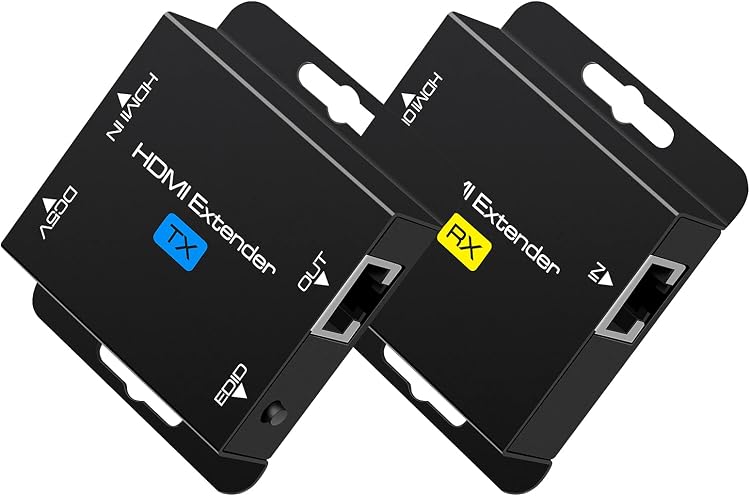
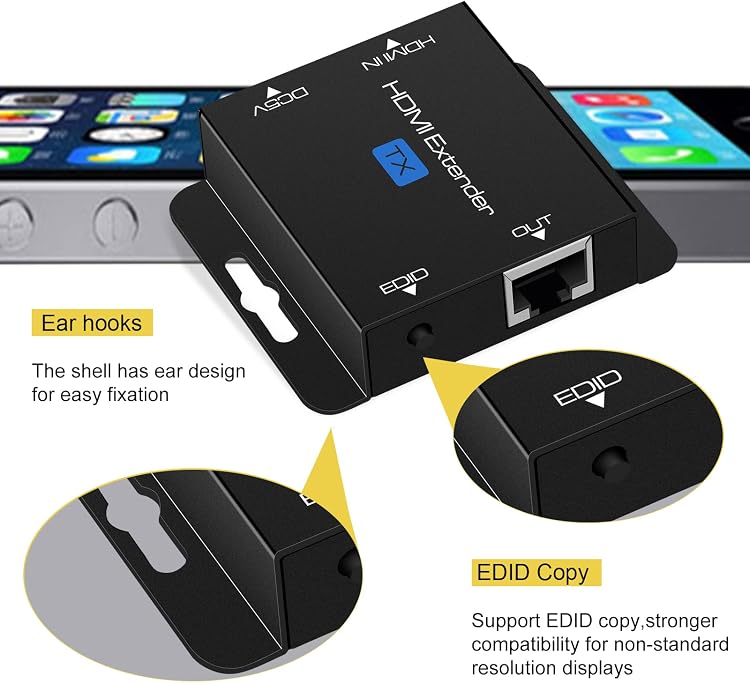
It supports Full HD 1080p and uses EDID copy to store the display’s information at the transmitter. This can help the source and display establish a suitable video and audio signal for the installation.
Tips for day-to-day use
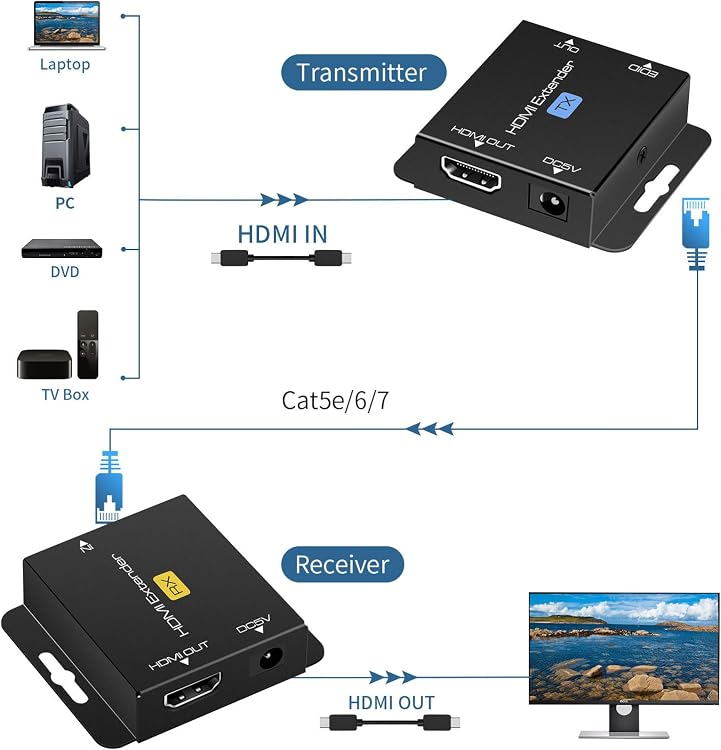
Choose an oxygen-free copper Cat5e, Cat6 or Cat7 cable for the connection, Cat6 is recommended for the long-distance setup. The extender is intended for a direct connection between its transmitter and receiver, rather than use as an IP network device. Its listed applications include PCs, DVD players, PS3 and PS4 consoles, HD and satellite boxes, Android boxes, digital signage, projectors and video production setups.
For example, connect a PC at one end of a meeting room to a projector at the other, using the Cat cable between the extender units. The same approach can help position a display for a classroom or digital signage installation. Compared with relying on a long HDMI run, this setup uses Cat cable for the distance between the source and screen.
Getting the most from it
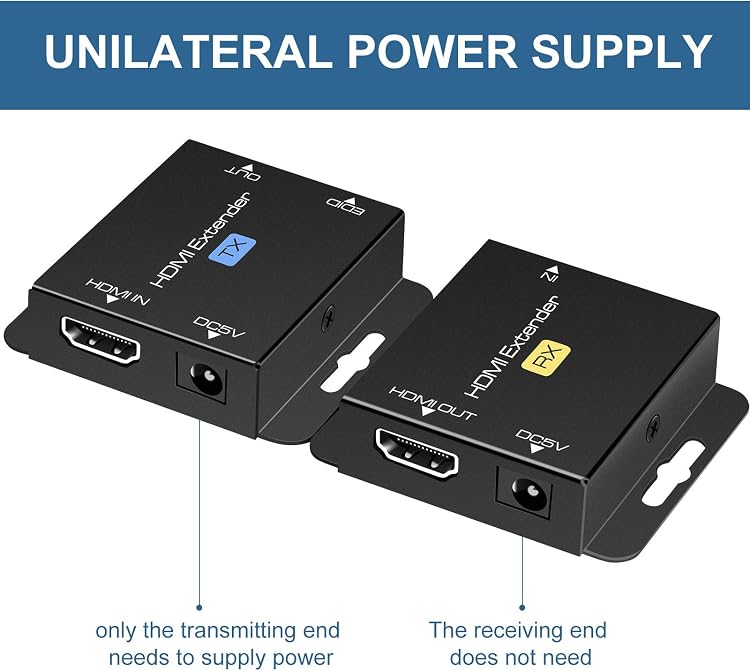
The Power over Cable design uses one power supply at the transmitter, the receiver gets power through the Cat cable. For EDID setup, connect the transmitter to the display by HDMI, connect the power supply, then press the EDID button. The indicator flashes three times, and the copied information is stored after three seconds. This gives installers a straightforward way to capture the display’s EDID for the connection.
Supported video formats include 1080p, 1080i, 720p, 576i and 480p. The product description also lists 1920x1200 at 60 Hz for the extender’s signal transmission. Supported audio formats include DTS-HD, Dolby TrueHD, DTS, Dolby AC-3 and DSD. Buyers often describe the setup as easy to use, while reports on signal stability and picture quality are mixed. A careful cable choice and the EDID setup are useful parts of planning a longer run.
Practical questions
How far can the HDMI signal travel? The stated maximum is up to 200 ft over the Cat cable. Cat6 is recommended, and the cable should be oxygen-free copper.
Does the receiver need its own power supply? The POC design is described as requiring one power supply at the transmitter. Power is carried to the receiver through the Cat cable.
How do I copy the display’s EDID? Connect the transmitter to the display with HDMI, connect power and press the EDID button. The indicator flashes three times, the setting is stored after three seconds.
Buying verdict
The MAX-1317 suits installations that need an HDMI source and display separated by a longer cable run, such as a projector in a classroom, a conference-room screen or a digital signage display. Its Cat-cable reach, single-supply POC design and EDID copy function bring distance and display setup into one transmitter-and-receiver system.