

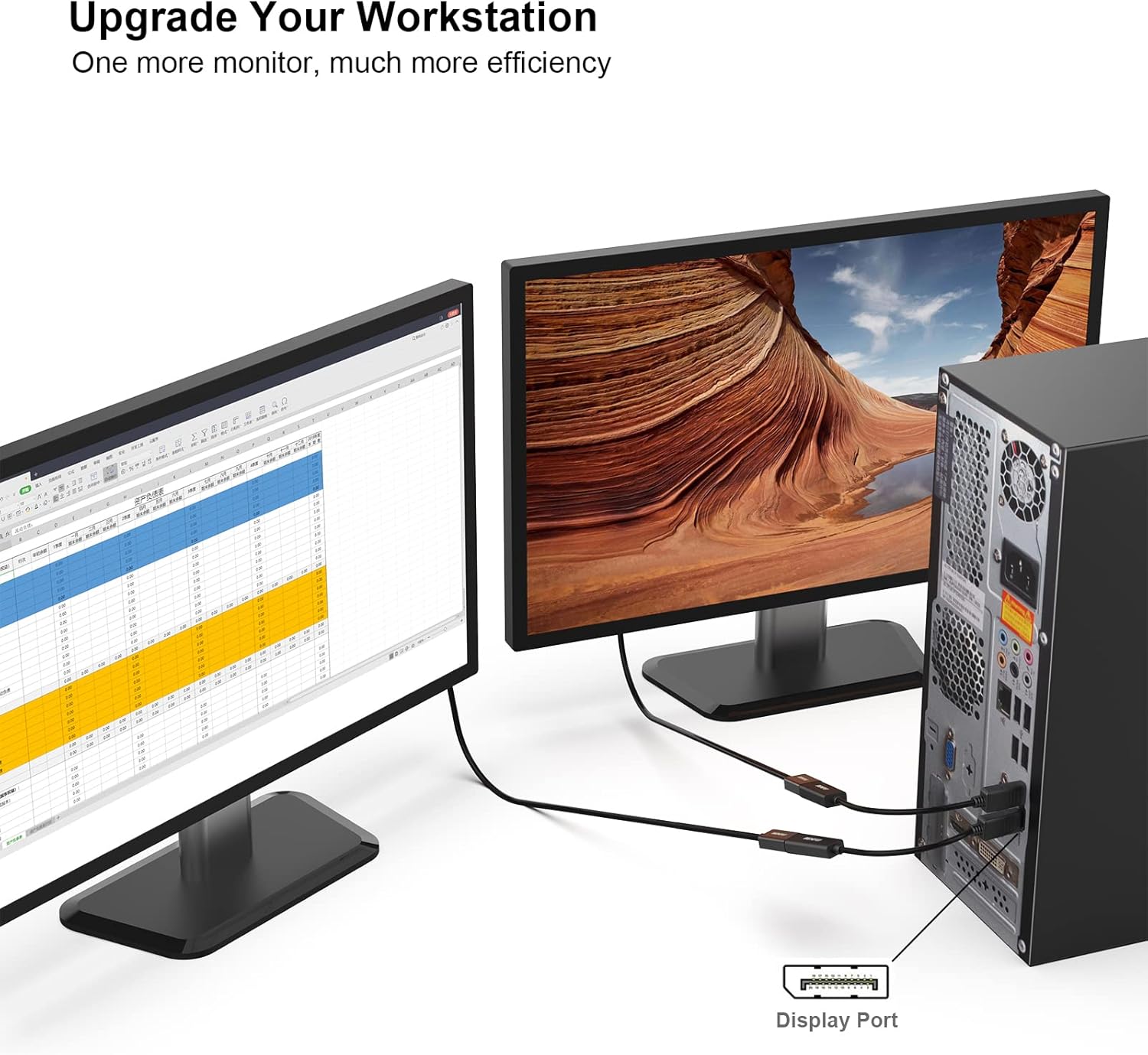
BENFEI 000095black DisplayPort to HDMI Adapter, 4K at 30 Hz
Reviews
Price
Product description
Choosing a display connection for a presentation is different from setting up a permanent desk monitor. This compact BENFEI adapter is made for either situation: connect a computer or laptop with DisplayPort to an HDMI monitor, projector or TV, then move the adapter between setups when needed.
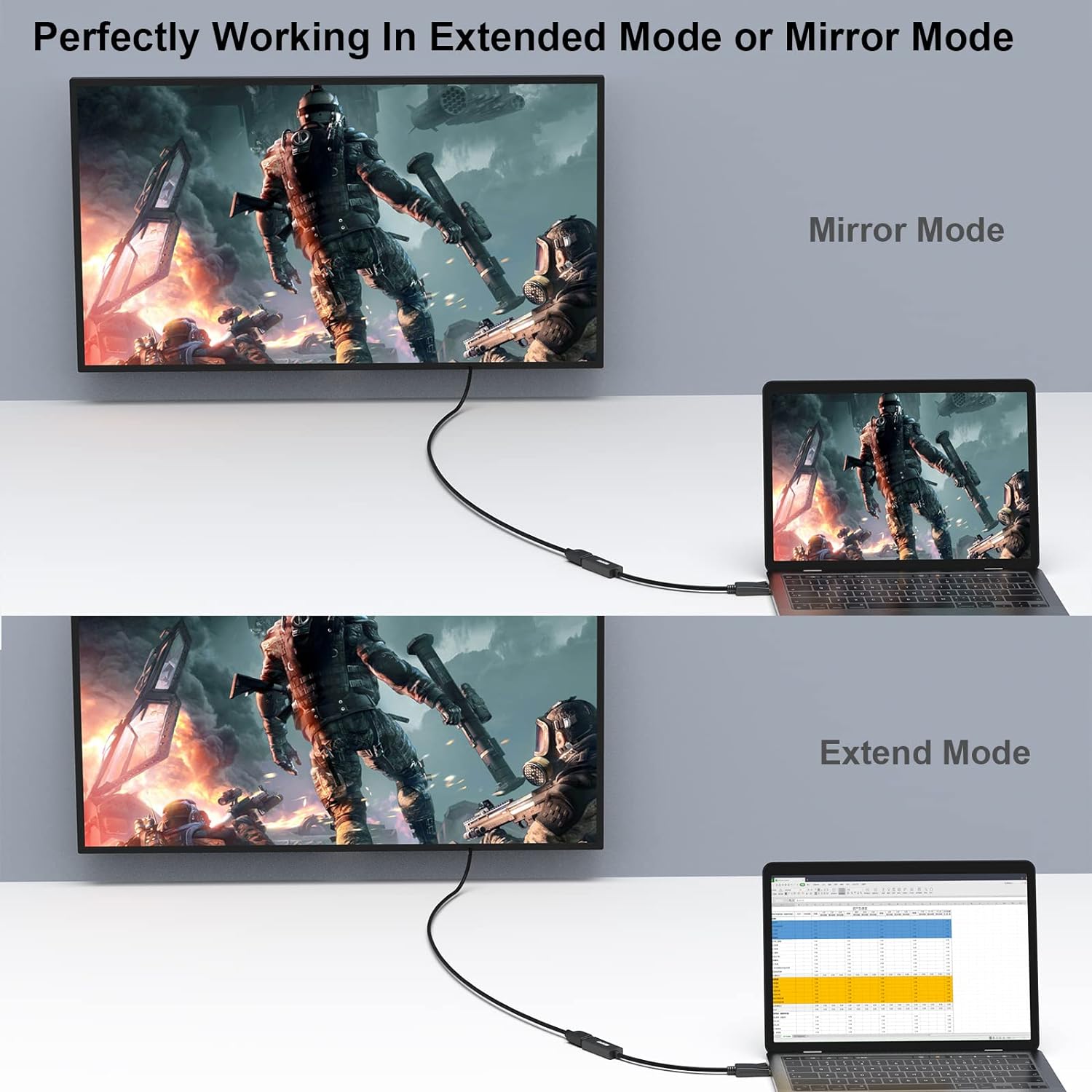
It carries video in one direction, from DisplayPort to HDMI, with support for 4K resolution at 30 Hz or 1080p at 60 Hz. That makes it a practical fit for displaying a computer’s output on an HDMI screen, whether you’re sharing slides in a meeting room or extending your desktop at home.
Everyday use
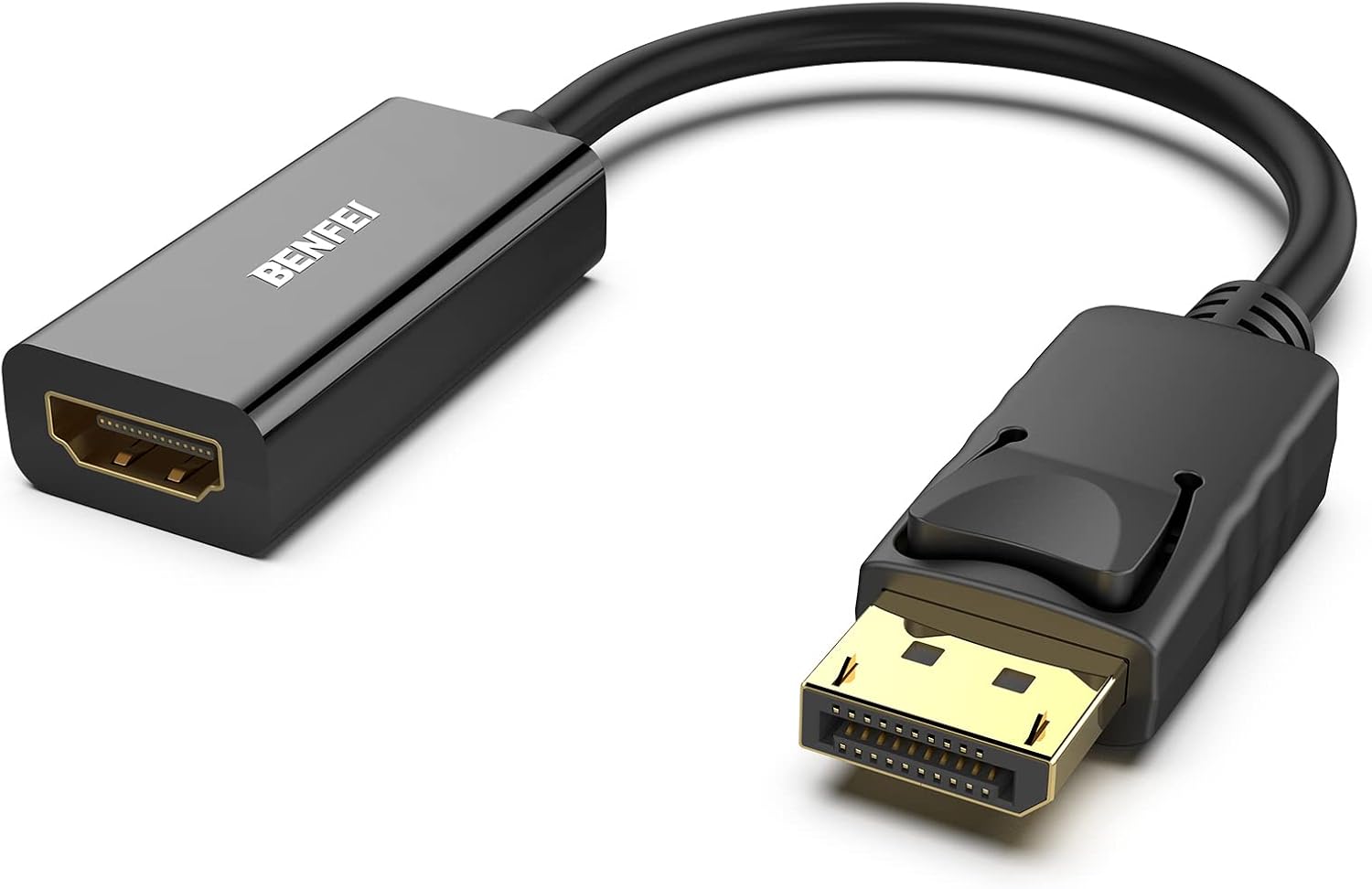
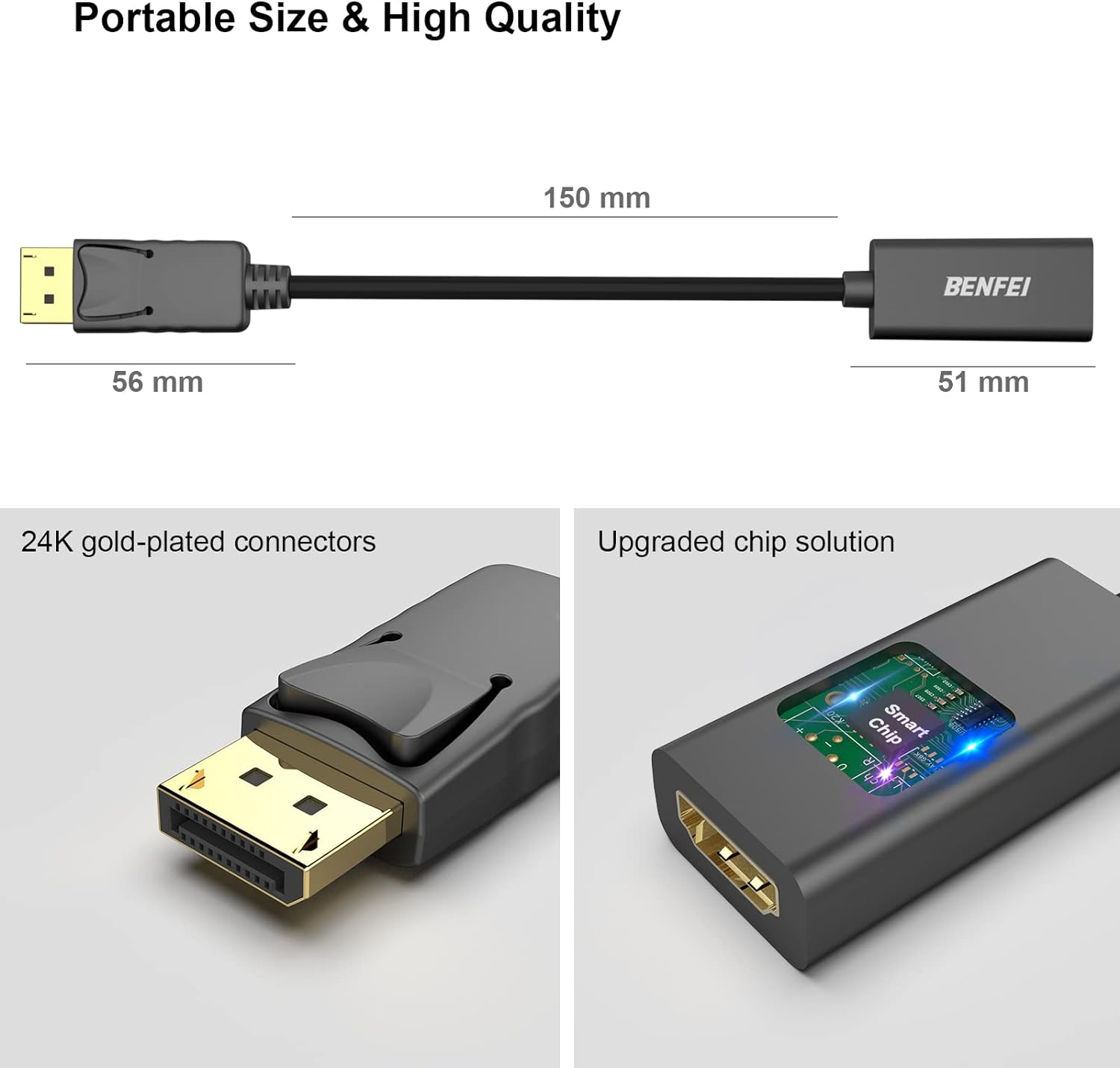
For a presentation, connect the adapter’s DisplayPort male end to the computer and attach an HDMI cable from its female port to the projector or TV. At a desk, the same arrangement can link a DisplayPort-equipped computer to an HDMI monitor. Its compact design and 27 g weight make it easy to carry between workspaces, while the gold-plated DisplayPort connector is designed to resist corrosion and abrasion.
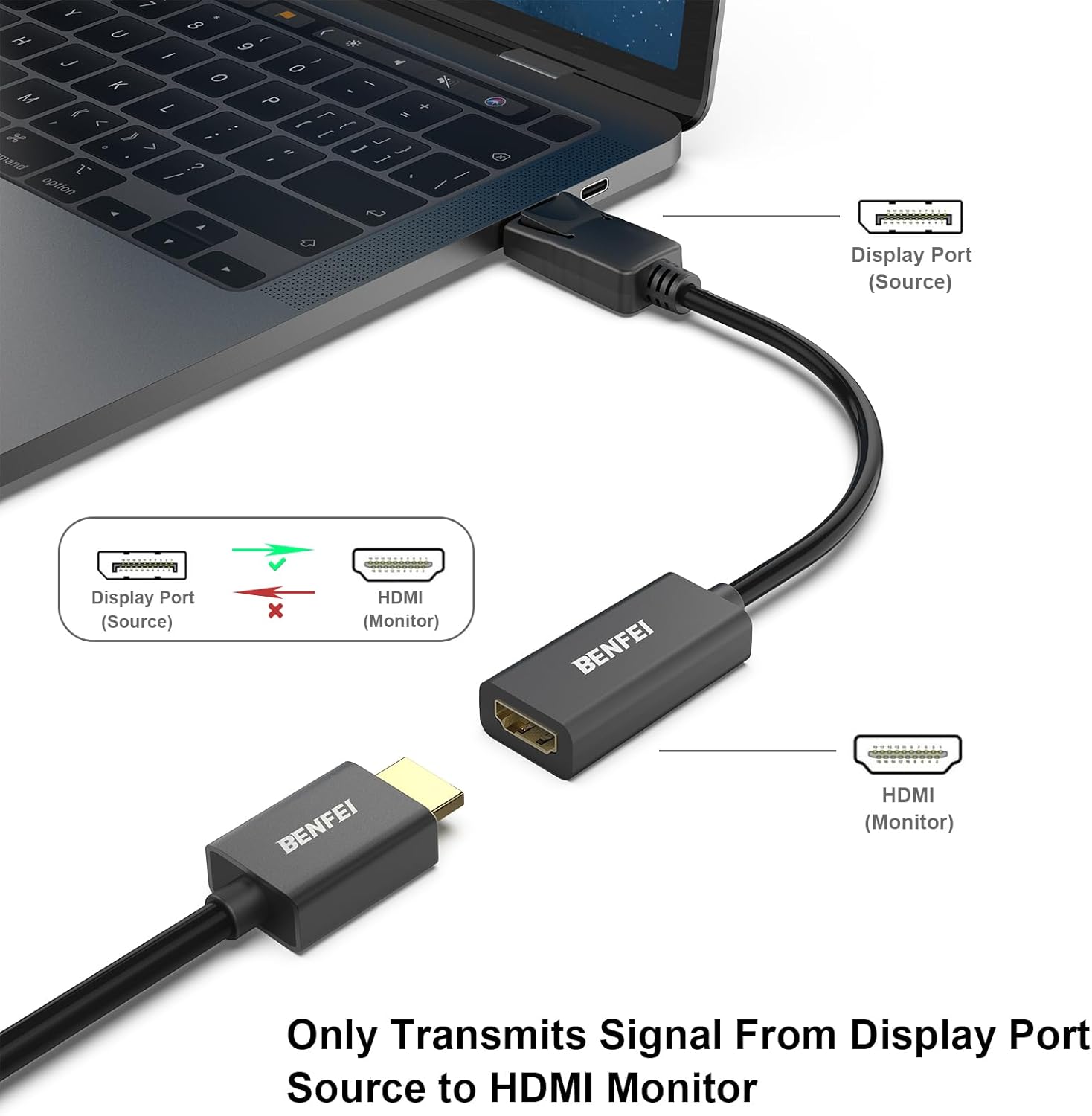
This is a direct, single-purpose connection rather than a converter for switching between both display standards. If you need to send a computer’s DisplayPort signal to an HDMI display, its defined direction and straightforward setup keep the connection uncomplicated. Buyers often describe the adapter as easy to use, while feedback on durability, reliability and compatibility is mixed. The practical takeaway is to match the source and display ports and use it in the supported direction.
What stands out
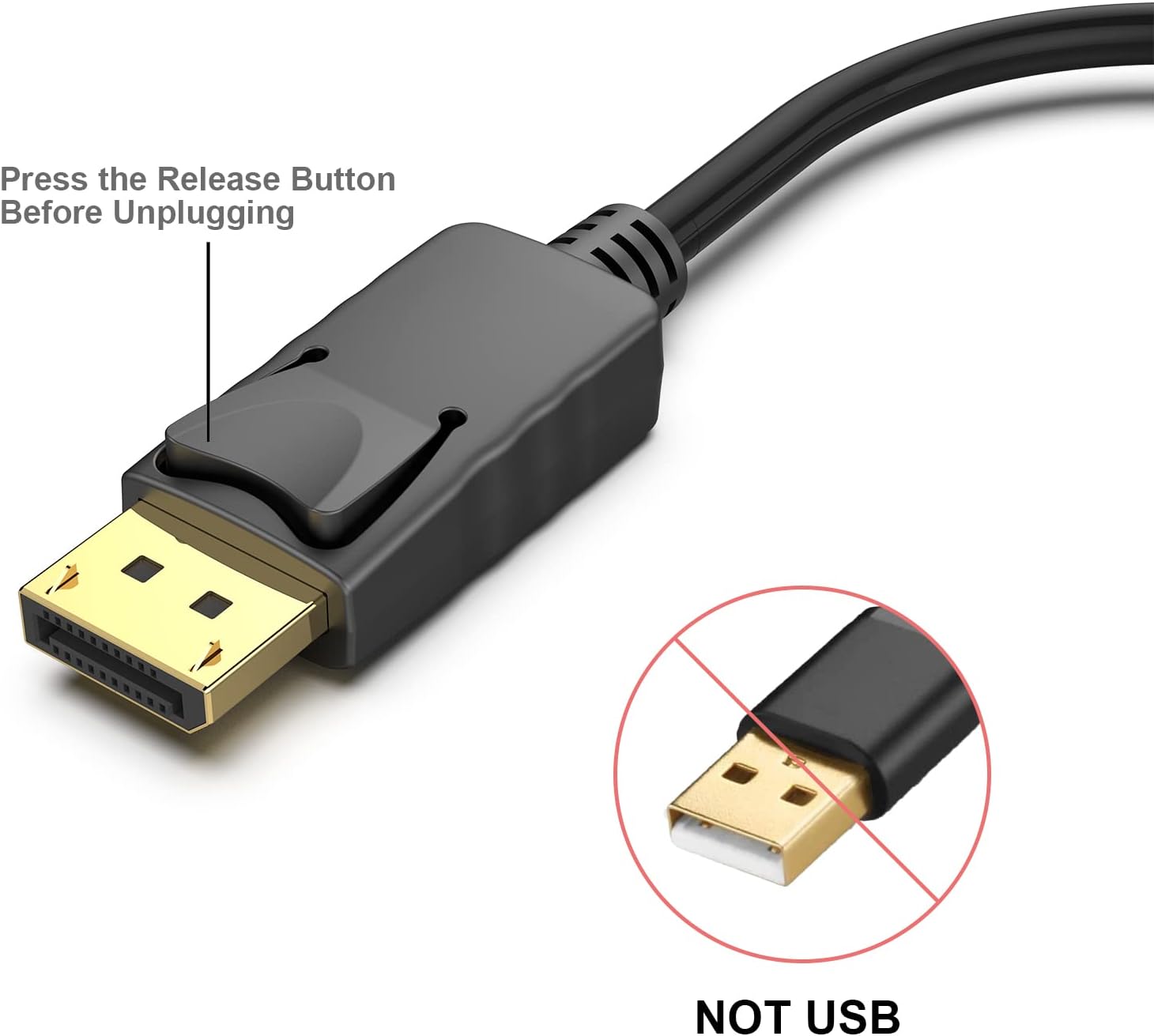
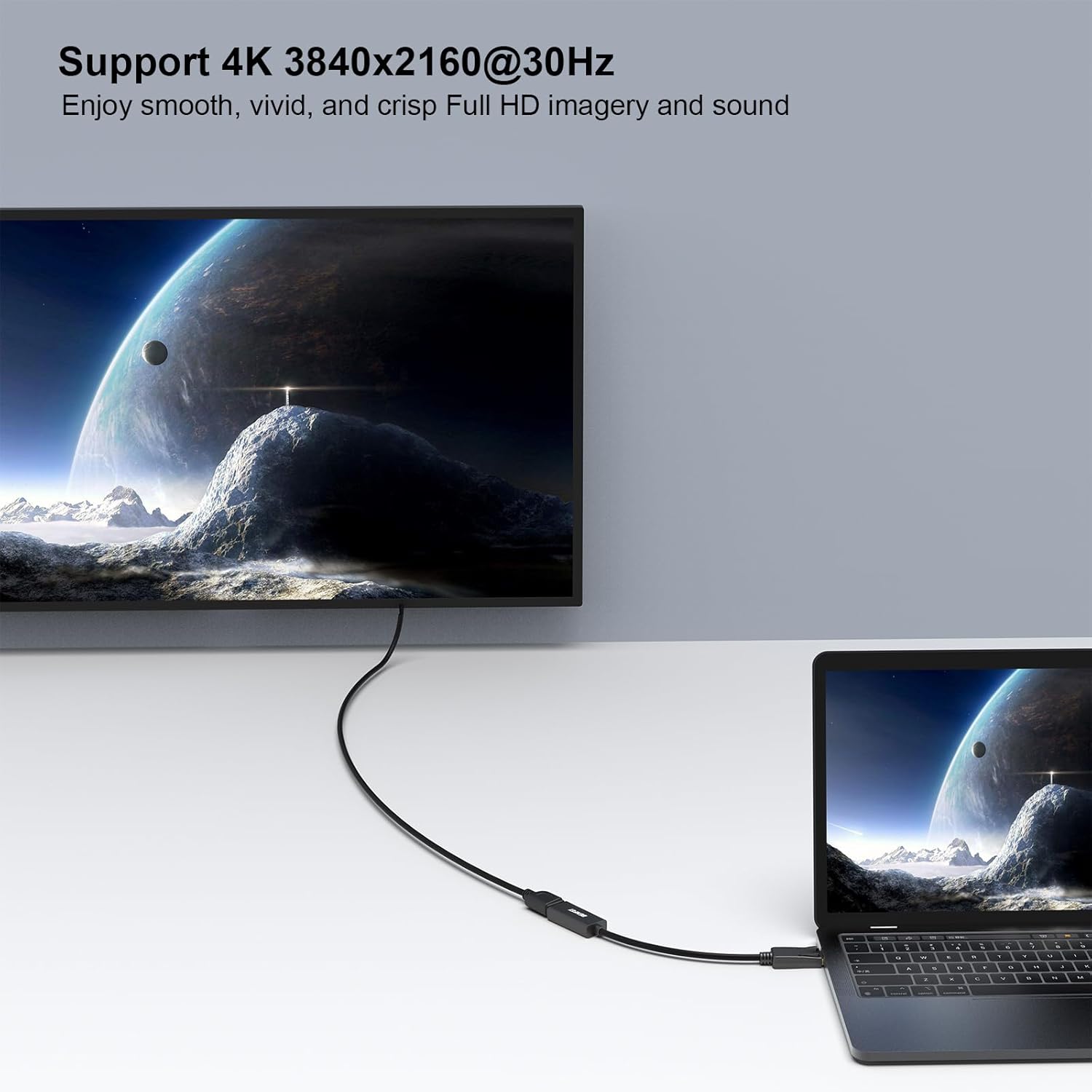
The built-in IC chip converts the DisplayPort signal to HDMI, and the adapter supports several display modes, including 3840 x 2160 at 30 Hz and 1920 x 1080 at 60 Hz. Lower listed resolutions include 720p, 1600 x 1200 and 1280 x 1024, offering options for different monitors and projectors. The latching DisplayPort connector helps hold the connection in place during use. To unplug it, press the release button before pulling the adapter out.
A fixed desk installation may call for a longer-term cable arrangement, while this small adapter is suited to users who want to connect a computer to an HDMI screen and keep the adapter easy to carry. It is especially useful when the computer provides DisplayPort and the screen accepts HDMI, the ports and signal direction are the key details to match for a smooth setup.
Technical details
- Type: DisplayPort male to HDMI female adapter
- Connectivity: One-way DisplayPort source to HDMI display
- Display: Up to 3840 x 2160 at 30 Hz or 1920 x 1080 at 60 Hz
- Weight: 27 g
Before you decide
Can it connect an HDMI computer to a DisplayPort monitor? No. This adapter sends a signal from a DisplayPort source, such as a computer or laptop, to an HDMI display. It does not work in the reverse direction.
Which display modes does it support? It supports up to 3840 x 2160 at 30 Hz and 1920 x 1080 at 60 Hz, as well as 720p, 1600 x 1200 and 1280 x 1024.
How do you disconnect it from the computer? Press the release button on the latching DisplayPort connector, then pull the adapter out.
Buying verdict
For a computer-to-screen setup that needs DisplayPort on the source side and HDMI on the display side, the BENFEI adapter brings together a compact carry-friendly format, latching connection and clearly stated display modes. It suits presentations, desktop extension and connecting a compatible computer to an HDMI TV or projector, with its one-way signal path making the intended setup clear.