

StarTech.com SV231DDVDUA Dual-Monitor KVM Switch with DVI, VGA and USB 2.0 Hub
Reviews
Price
Product description
The metal chassis gives the StarTech.com SV231DDVDUA a compact desktop footprint for a workstation or server setup. Its dimensions are 16 x 9.9 x 5.6 centimetres, making it straightforward to position alongside your computers and displays.
This two-port KVM switch lets you share a keyboard, mouse and two displays between two computers, with one VGA and one DVI connection per computer. Switch between systems while keeping your dual-screen setup in place.
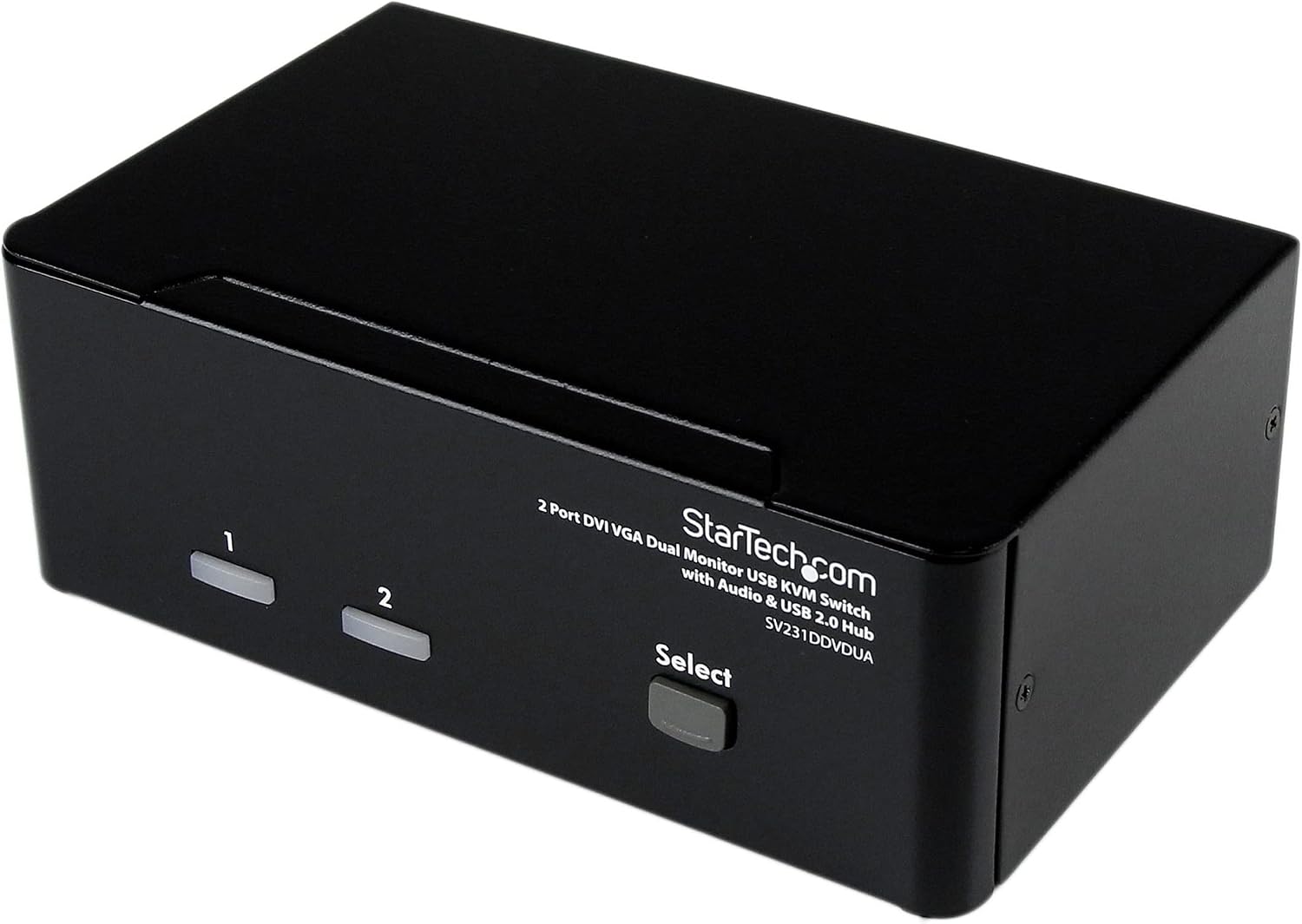
An integrated USB 2.0 hub lets connected peripherals be shared between the computers, and audio switching is also supported. That means fewer duplicated connections when moving between work and another connected system.
Tech specs
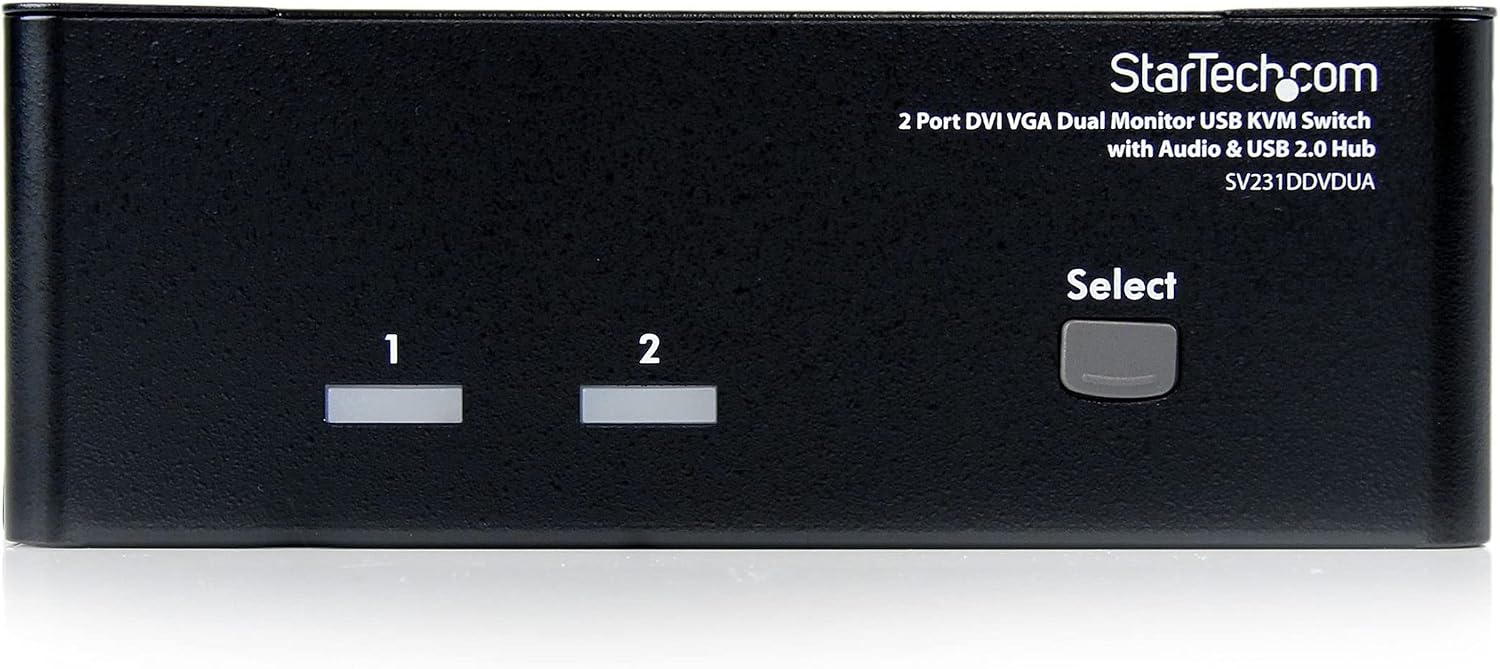
- Type: Two-port dual-monitor KVM switch
- Video connections: One VGA and one DVI-I per computer
- Maximum resolution: 1920x1200
- USB: Integrated two-port USB 2.0 hub
- Audio: Switching between connected computers
- Control: Push button
- Installation: Plug-and-play, with no additional software or drivers
- Material: Metal
- Dimensions: 16 x 9.9 x 5.6 centimetres
- Warranty: 3 years
Getting the most from it
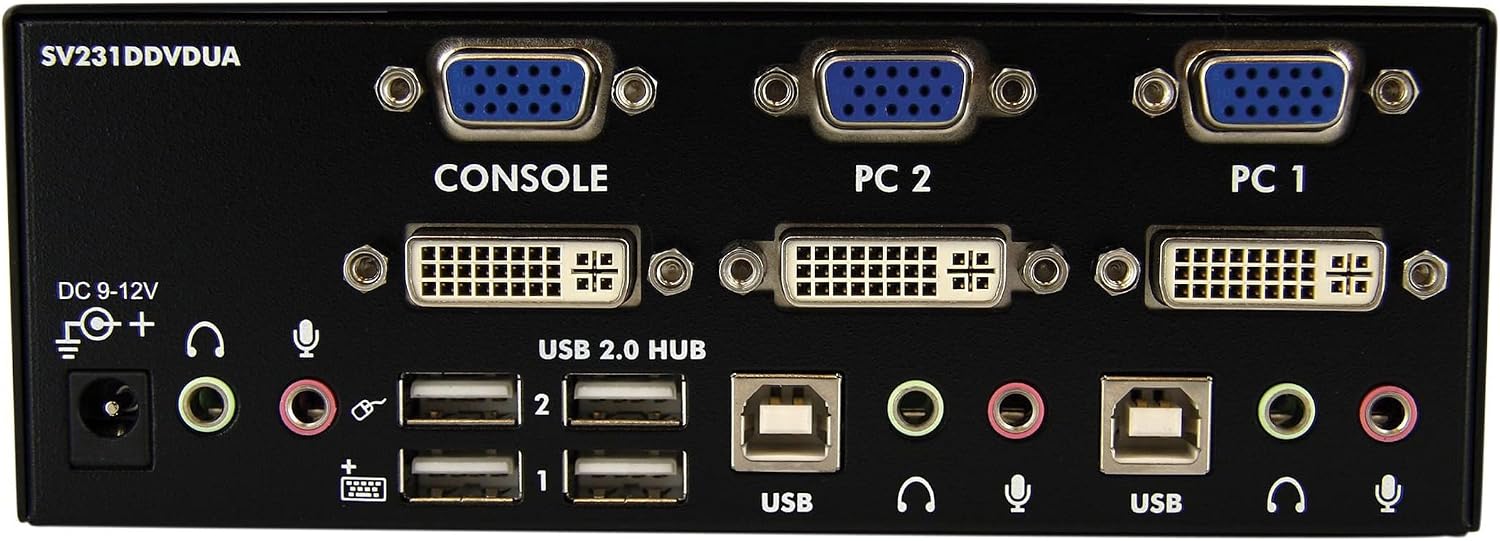
Connect two computers that have VGA or DVI digital display ports, then use the switch to share your keyboard, mouse and dual displays between them. The DVI and VGA connections support a dual-screen arrangement, with resolutions up to 1920x1200. Audio switching and the USB hub add useful flexibility when your desk also uses speakers or USB peripherals.
For a home office or workstation, this setup can make it easier to move between two computers without keeping separate keyboards, mice and USB accessories at hand. It offers a different approach from using separate desk peripherals for each system: one shared set can serve both connected computers. Plug-and-play installation means no additional software or drivers are needed.
Buyers often describe the switch as easy to use and appreciate its switching mechanism. Experiences with installation and compatibility are more mixed, including reports relating to DVI adaptors and keyboards. Match the connections on your computers and displays to the VGA and DVI-I ports when planning the setup.
Tips for day-to-day use
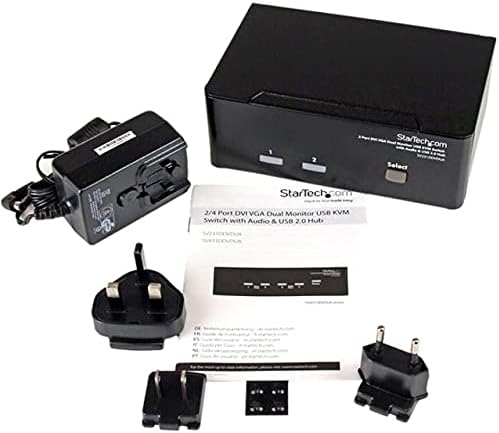
Place the switch where its push button is easy to reach, then connect the display, keyboard, mouse and any USB peripherals you want to share. A practical use is keeping a work computer and a second multimedia computer on the same desk, with the same dual-display arrangement available for either system. The metal chassis and compact dimensions suit a desktop workspace where keeping equipment together matters.
Questions before you buy
Can it run two displays from each computer? Yes. The switch is designed for dual-display computers, with one VGA and one DVI-I connection per computer, and supports resolutions up to 1920x1200.
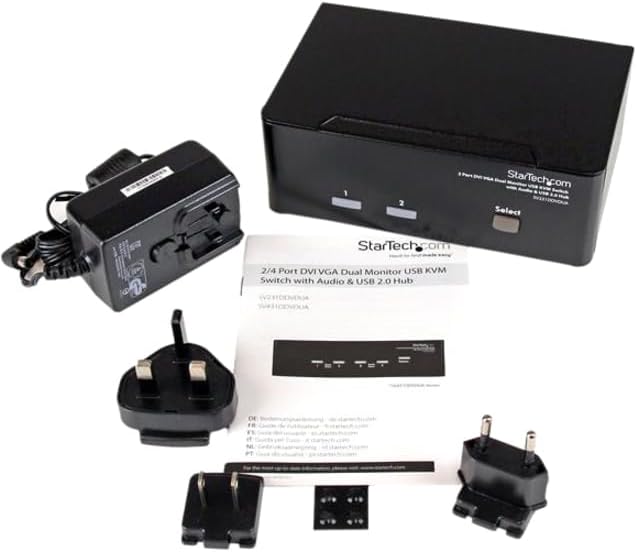
How do you change between computers? Use the push button on the KVM switch to select the connected computer. The keyboard, mouse and shared peripherals can then be used with that system.
Does setup require software or drivers? No additional software or drivers are needed for plug-and-play installation. The computers should have VGA or DVI digital display ports for the stated connection arrangement.
When it makes sense
The SV231DDVDUA is a useful fit for a desk with two computers and a dual-monitor setup, especially when you want to share a keyboard, mouse, USB peripherals and audio switching between them. Its combination of VGA and DVI-I connections, push-button control and built-in USB hub brings those everyday workstation connections into one compact switch.