

WAVLINK WL-UG7701 Triple Monitor Adapter, 3× 4K@60Hz, 95W Charging
Reviews
Price
Product description
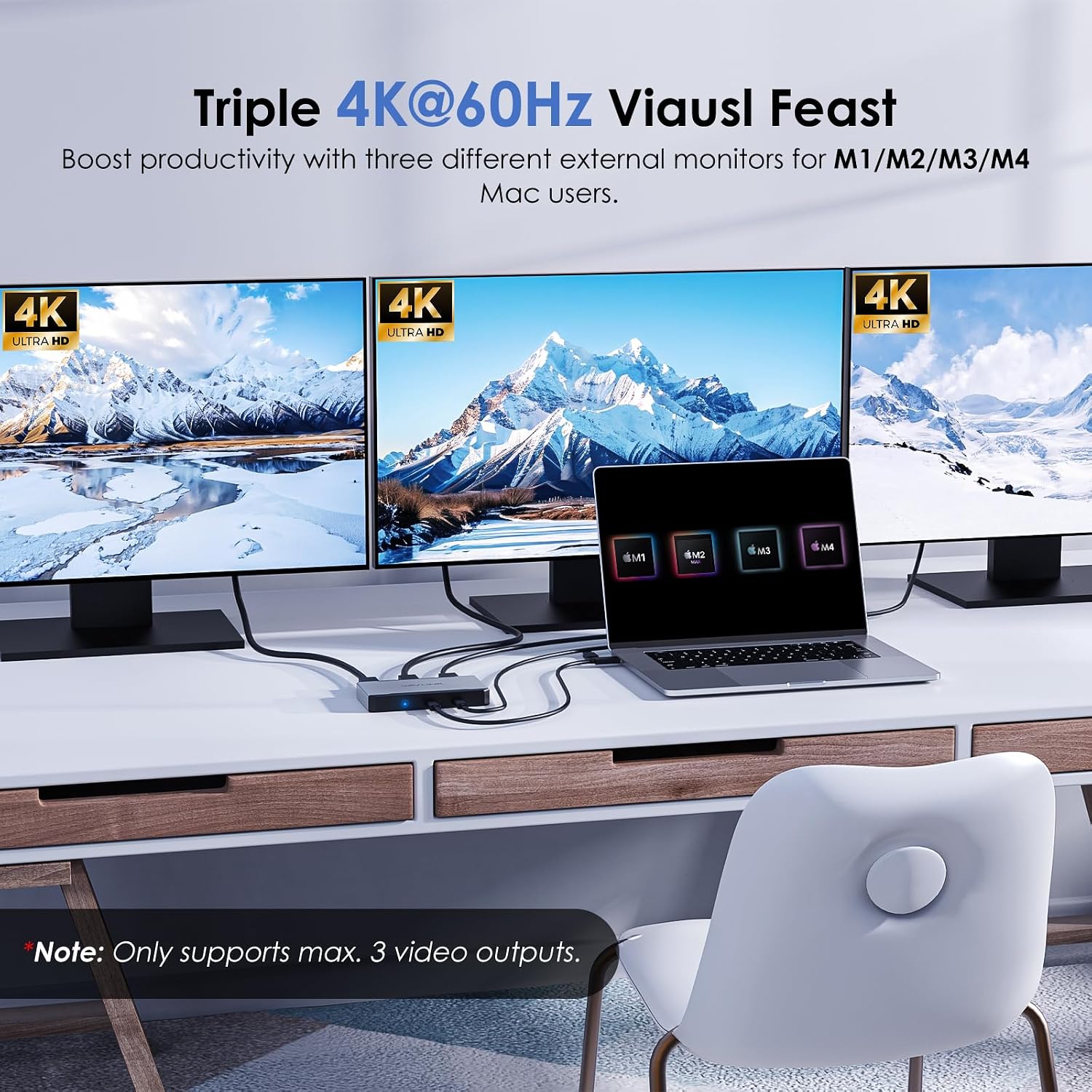
For Mac users with M1, M2, M3 or M4 systems who need a three-screen workspace, the WAVLINK WL-UG7701 connects up to three displays at 4K@60Hz. It also supports Type-C and Type-A host connections, giving you a flexible way to bring multiple monitors together for work or study.
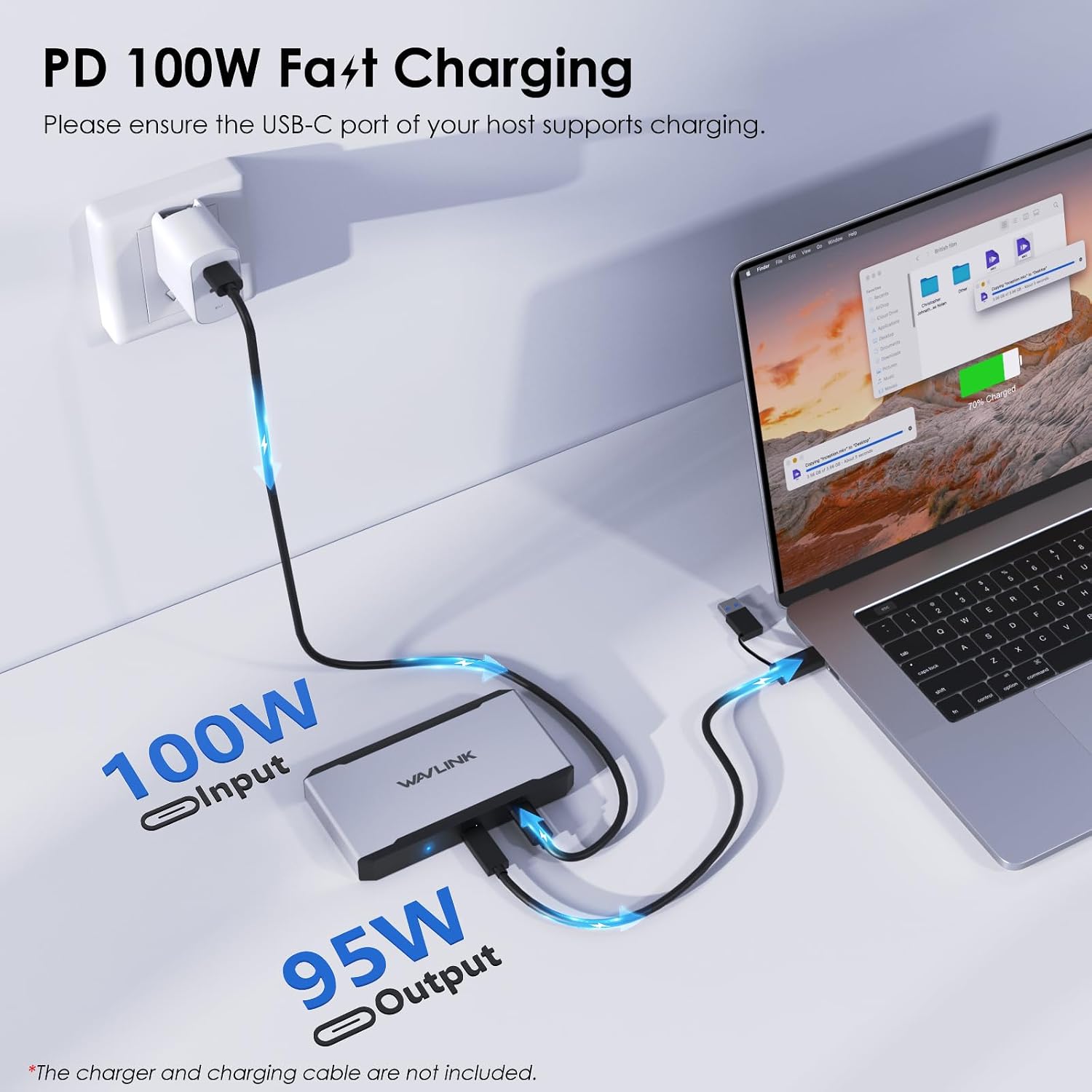
Its 95W laptop charging support can help keep a compatible computer powered while you work, so display connections and charging can share the adapter.
Technical details
- Model: WL-UG7701
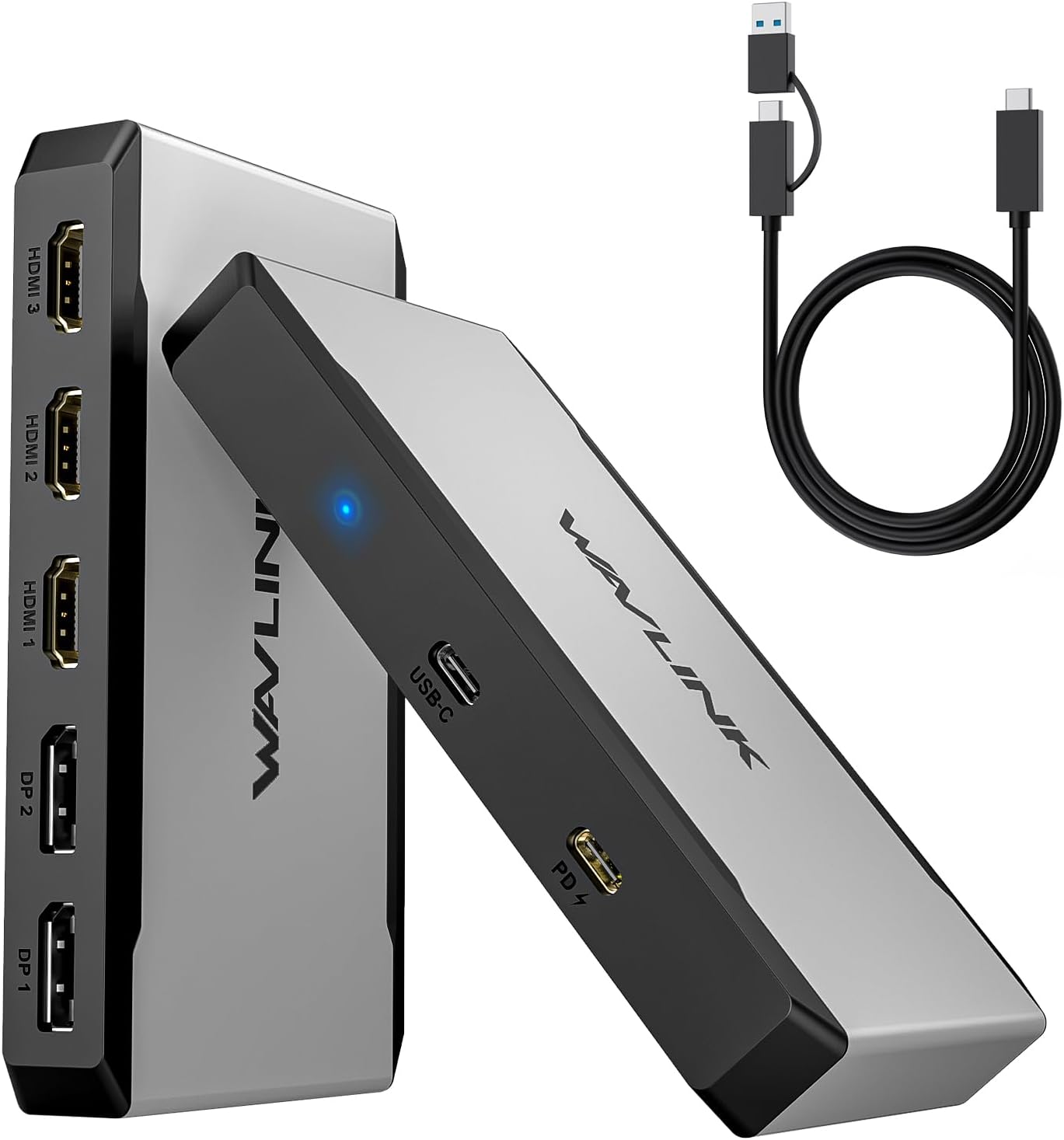
- Video outputs: 3 HDMI and 2 DisplayPort ports available, supports up to 3 video outputs
- Display support: Up to 3 displays at 4K@60Hz
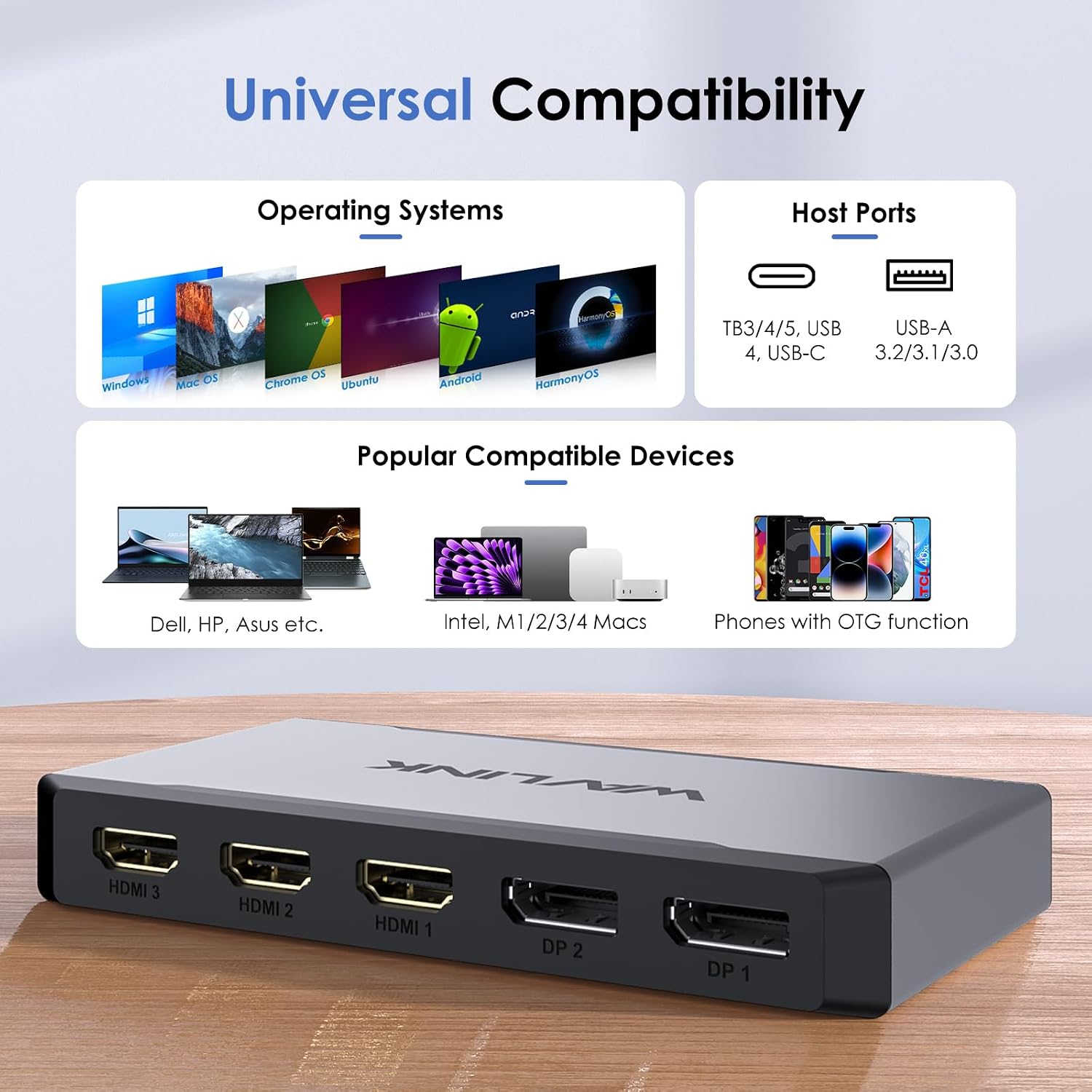
- Host connections: USB Type-C and Type-A
- Power delivery: Up to 95W laptop charging through USB-C
- Operating systems: Windows 10/11, macOS 13 or later, Android, Chrome OS and HarmonyOS
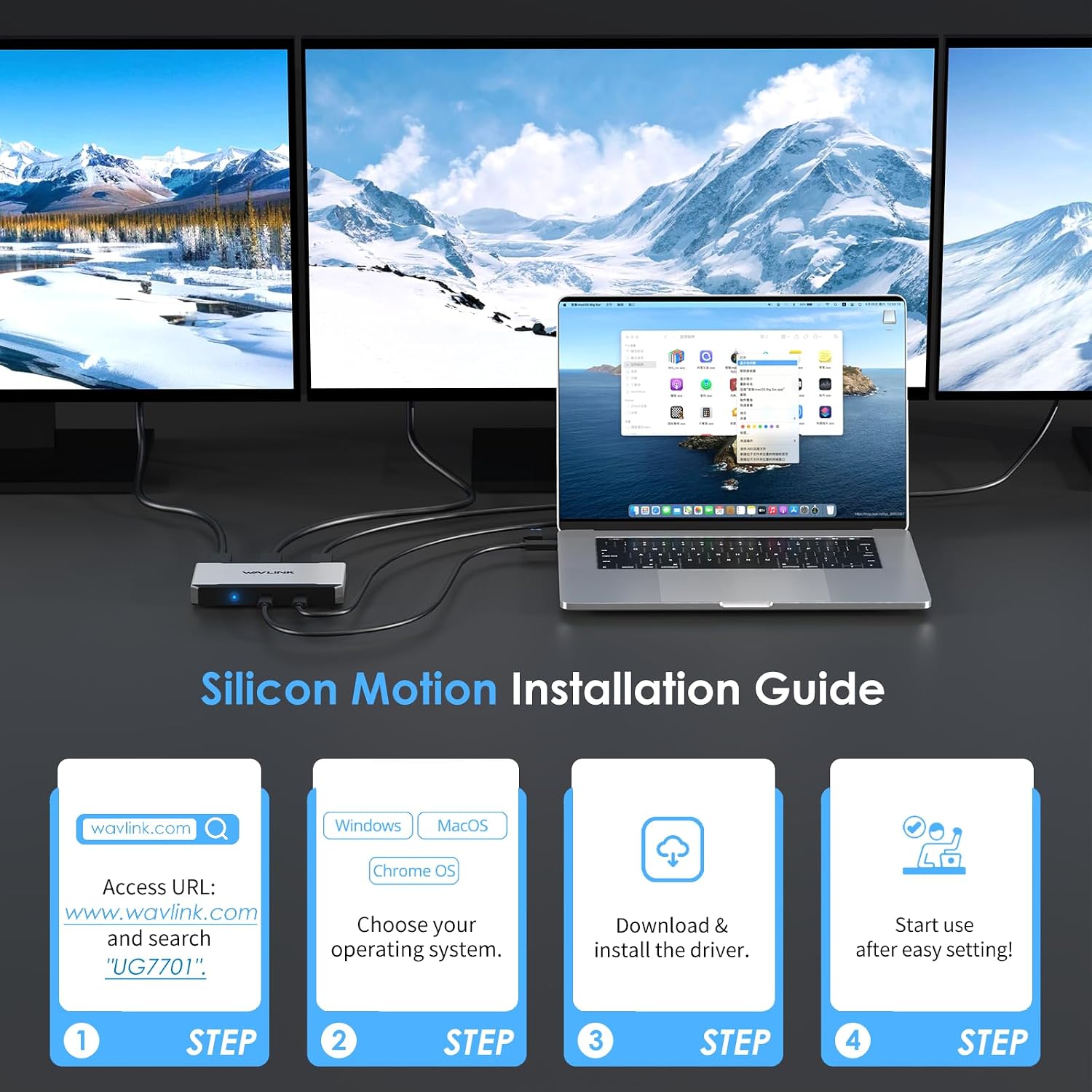
- Driver: SMI driver required, this is not a plug-and-play adapter
Everyday compatibility
Connect the adapter to a Type-C or Type-A host, then use the available HDMI and DisplayPort connections to set up your screens. The USB-C upstream connection supports Thunderbolt 3/4 and USB4, as well as USB 3.2, 3.1, 3.0 and 2.0 Type-C hosts. Install the required driver by following the instruction manual before use.
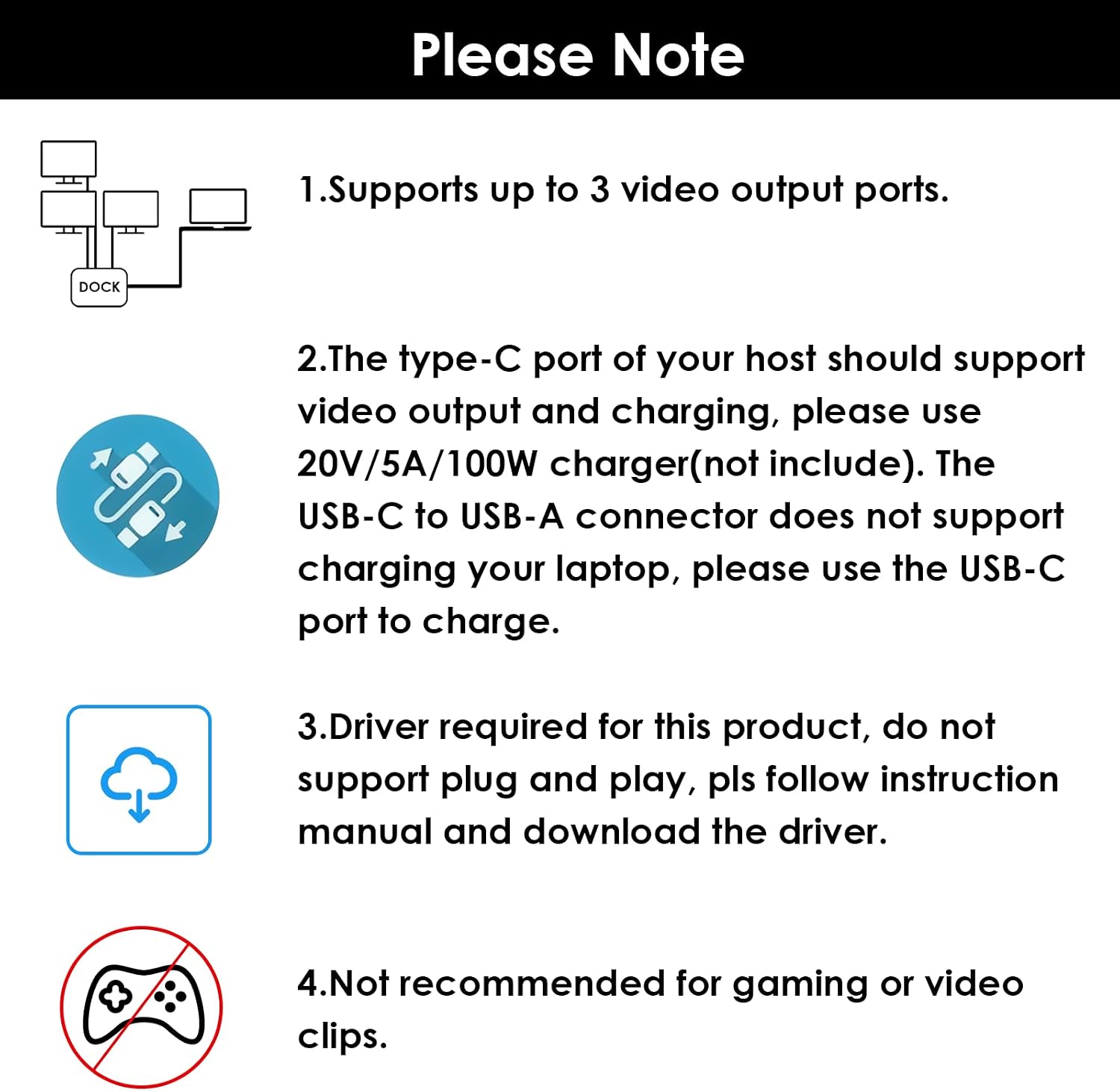
For laptop charging, the computer’s Type-C port must support charging and you’ll need a 20V/5A power adapter. The Type-C-to-Type-A connection does not charge the laptop. On Mac, screen rotation is unavailable, clamshell mode is supported on macOS 13 or later. These practical details help you plan the setup around your computer and working style.
Best use cases
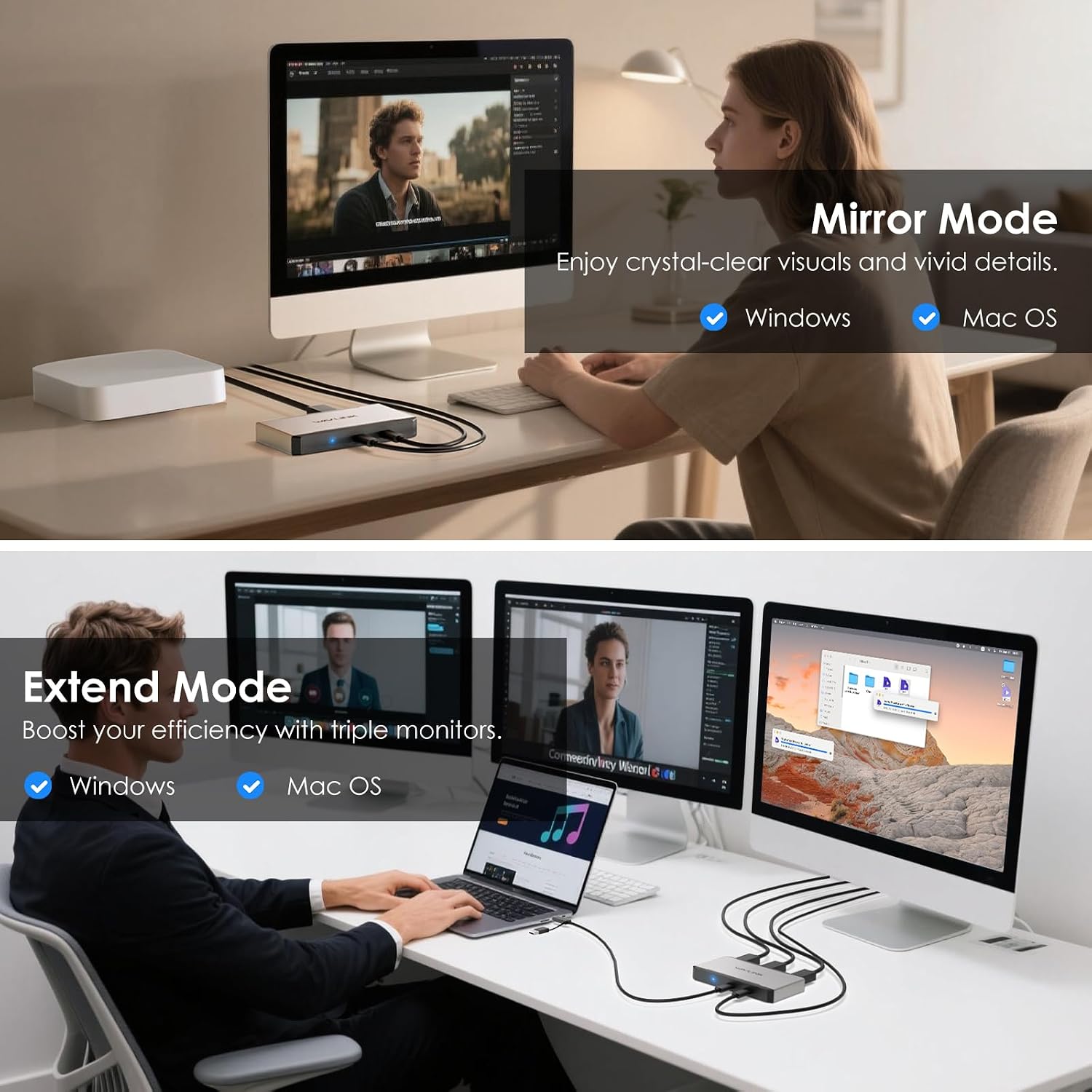
A multi-display setup can make it easier to keep documents, reference material and communication tools visible at the same time. For example, you could use one screen for a video meeting, another for notes and a third for the task you’re working on. With three displays supported at 4K@60Hz, the WL-UG7701 suits users who want a broad desktop arrangement rather than a basic adapter for a single monitor.
It’s a good fit if you want multiple display connections and USB-C laptop charging in one adapter, and are comfortable installing a driver as part of setup. The manufacturer does not recommend it for gaming or video clips, so its strongest use case is productivity-focused screen expansion.
Is it worth it?
The main reason to choose the WL-UG7701 is its combination of three-display support, a choice of HDMI and DisplayPort outputs, Type-C and Type-A host connections, and up to 95W charging for a compatible laptop. It offers a more expansive approach than a simple single-screen adapter, particularly for a desk where several displays are part of the daily workflow.
Buyer feedback describes the adapter as straightforward to use and install, while opinions on reliability and value are mixed. For a work or study setup that needs several screens and the connection options to match, its documented display and charging features make it a practical adapter to consider.