

Belkin Thunderbolt 5 cable, 1 m
Product description
Its headline feature is support for data transfer up to 120Gbps in one direction, giving this 1 m Belkin Thunderbolt 5 cable a clear focus on demanding transfers and display setups. It also supports up to 80Gbps bi-directionally and power delivery up to 240W, so it could suit a desk where one cable needs to handle more than basic charging. The figures describe the cable’s supported limits, though, the connected computer, display and other equipment still need to support the relevant performance. Given its design, it makes most sense when you have devices that can use those higher capabilities rather than simply needing a standard USB-C charging lead.
Technical details
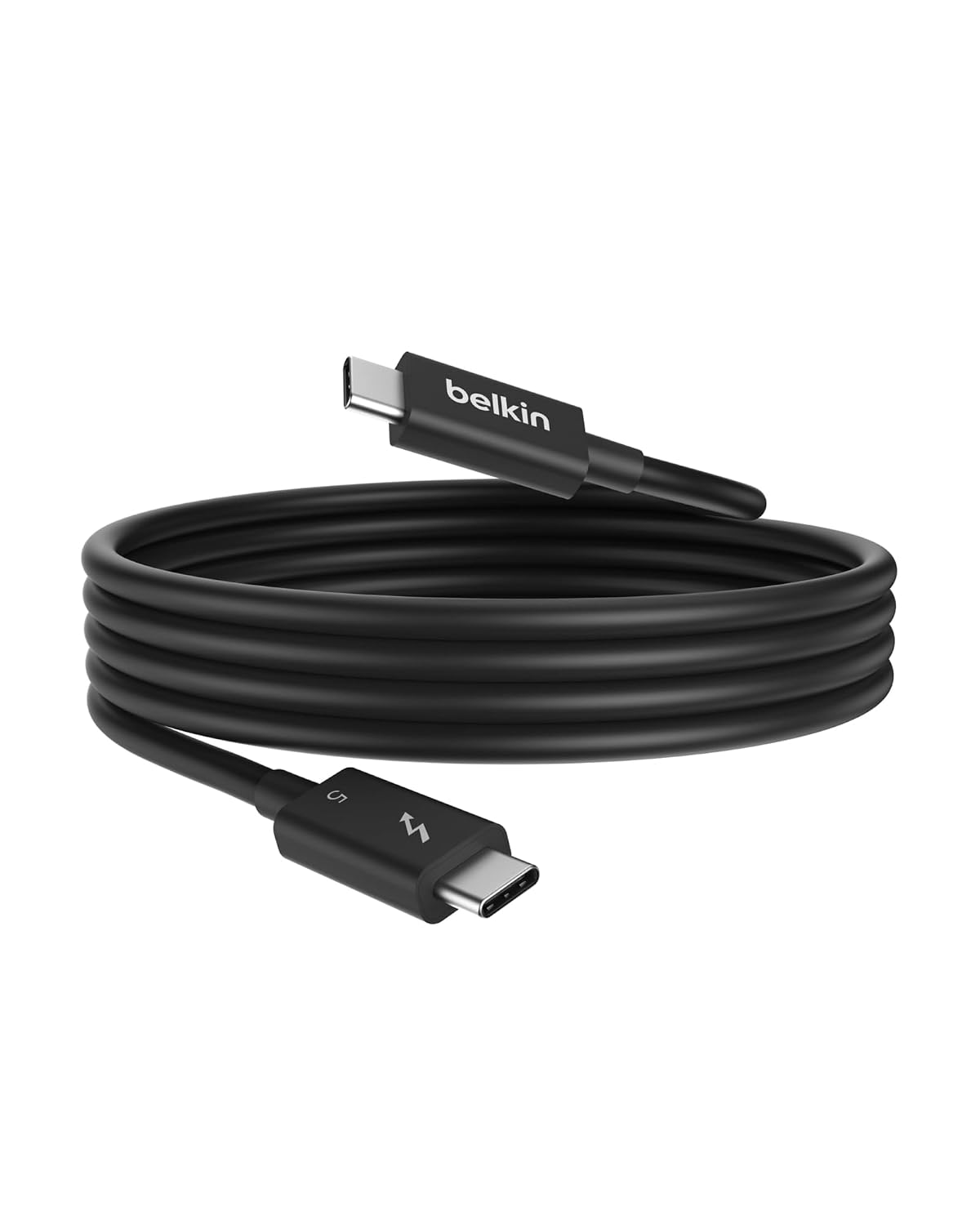
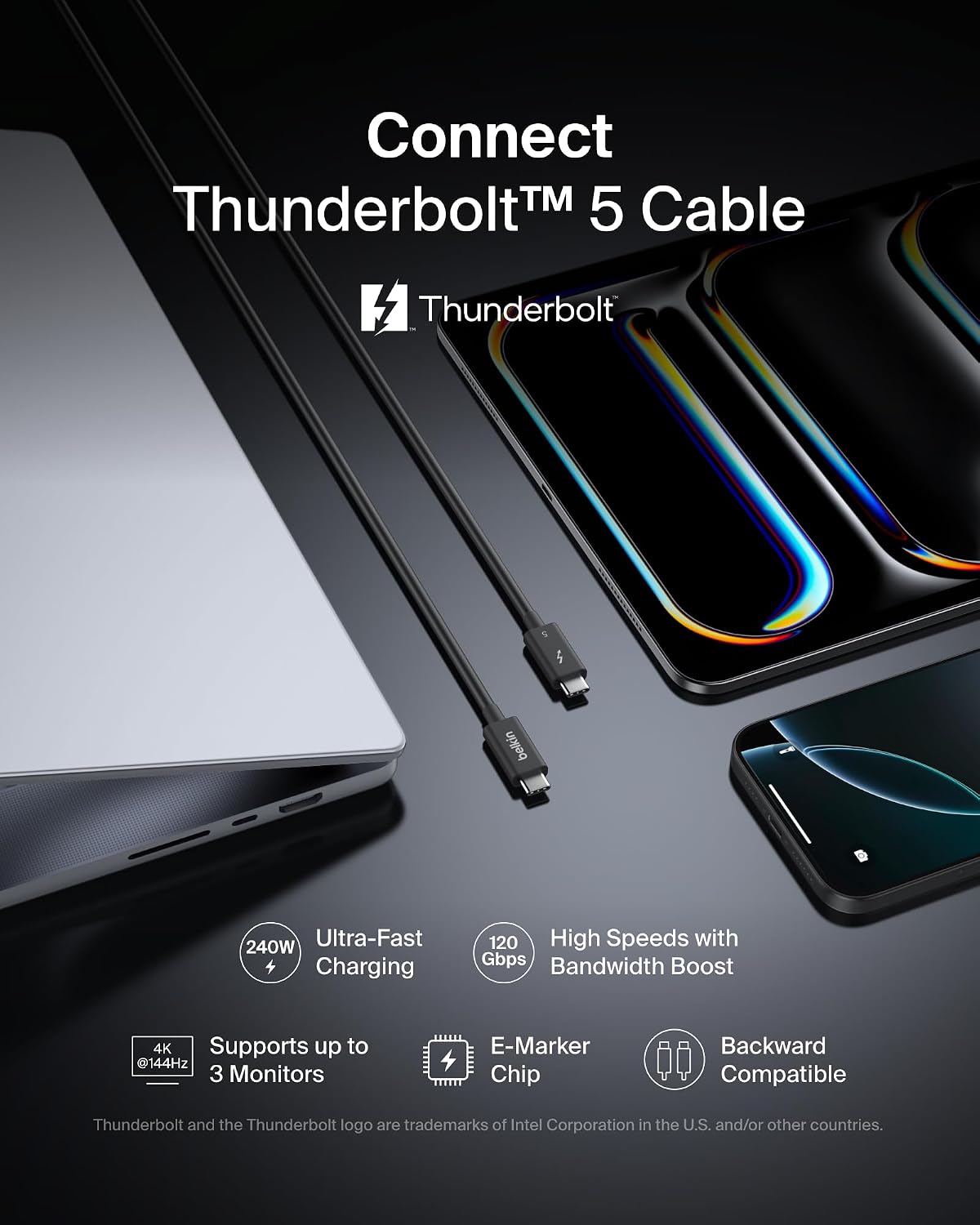
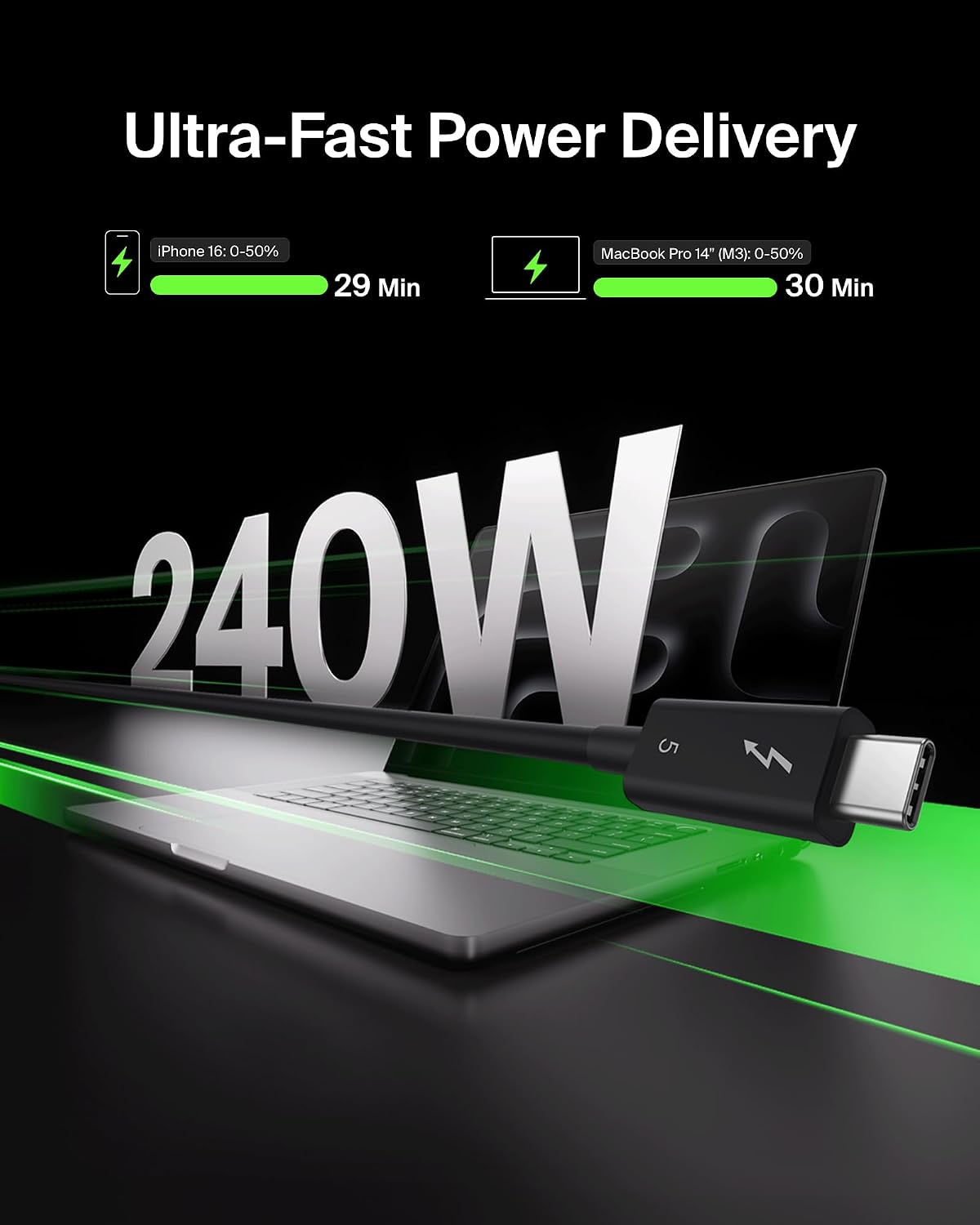
The cable is listed as Thunderbolt 5 and USB-C, with support for USB4 and backward compatibility with Thunderbolt 4 and USB4. Its stated data rates are up to 120Gbps in one direction and up to 80Gbps bi-directionally. For charging, it supports output up to 240W, although the product description specifies use with some high-output PCs rather than claiming that every device will draw that amount.
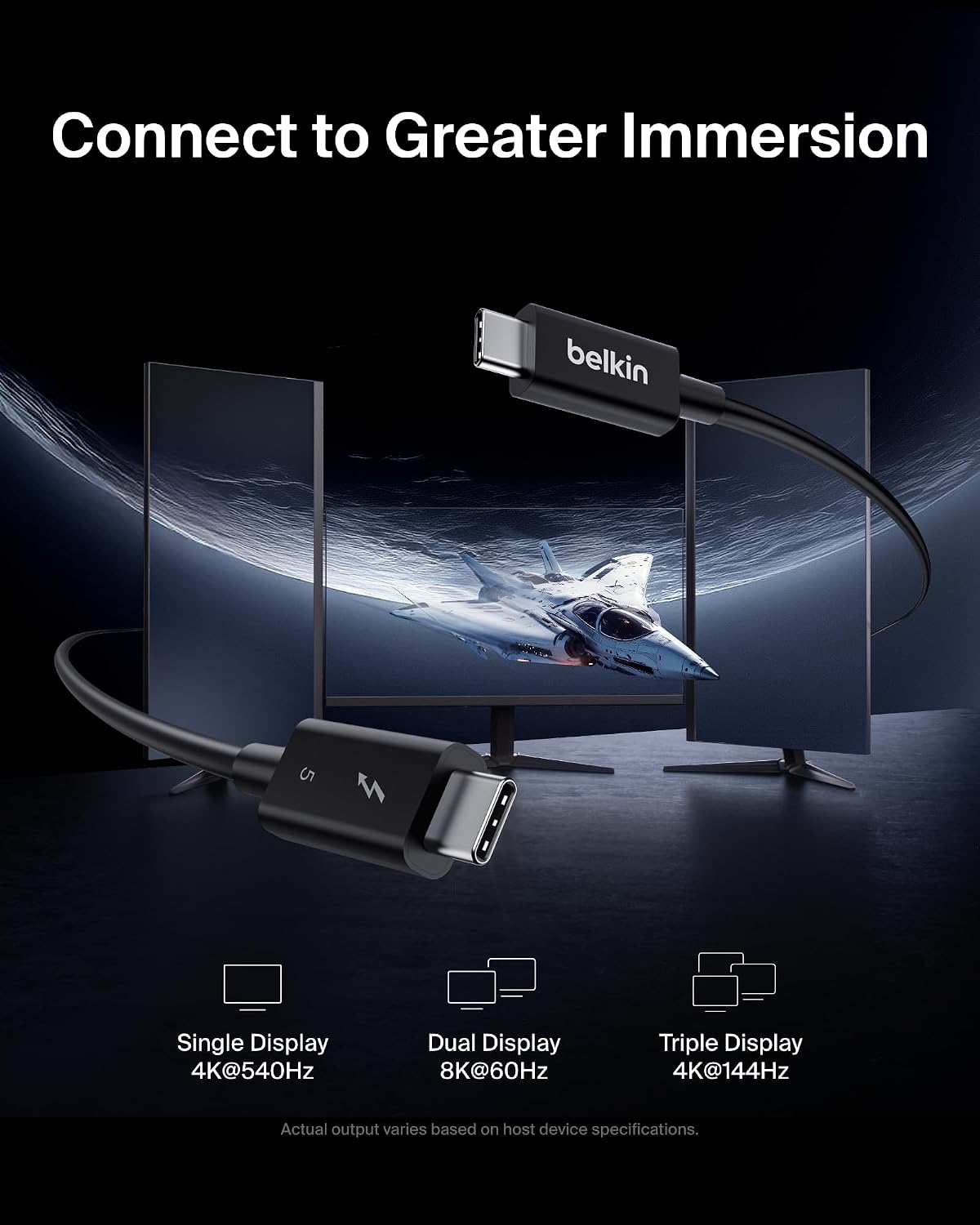
For displays, the listed maximums are 4K at up to 540Hz with a single monitor, dual 8K at 60Hz, or triple 4K at 144Hz. Treat these as supported configurations, not a guarantee that any attached screen will run at those settings. The computer, display and connection setup all affect what you can actually use. The cable is 1 m long, so it is suited to a nearby connection rather than a long run across a room.
Getting the most from it
The product description names smartphones, tablets and laptops, including iPhone 16, MacBook, iPad Pro, iMac and Windows devices. It also states backward compatibility with Thunderbolt 4 and USB4. That makes it relevant if you want one cable for a compatible laptop setup and plan to connect storage, power or a display. Compatibility is not the same as every listed device reaching the maximum transfer, charging or refresh-rate figures: the ports and other equipment in the chain matter too.
Compared with a basic USB-C cable, this one is aimed at setups where higher bandwidth or power support matters. If your devices only need everyday charging or routine data transfer, those headline limits may not add much practical value. May interest you if you’re building a workstation or creator setup around compatible equipment, perhaps it won’t suit you if you need a longer cable or only want a simple lead for low-demand use.
Usage tips
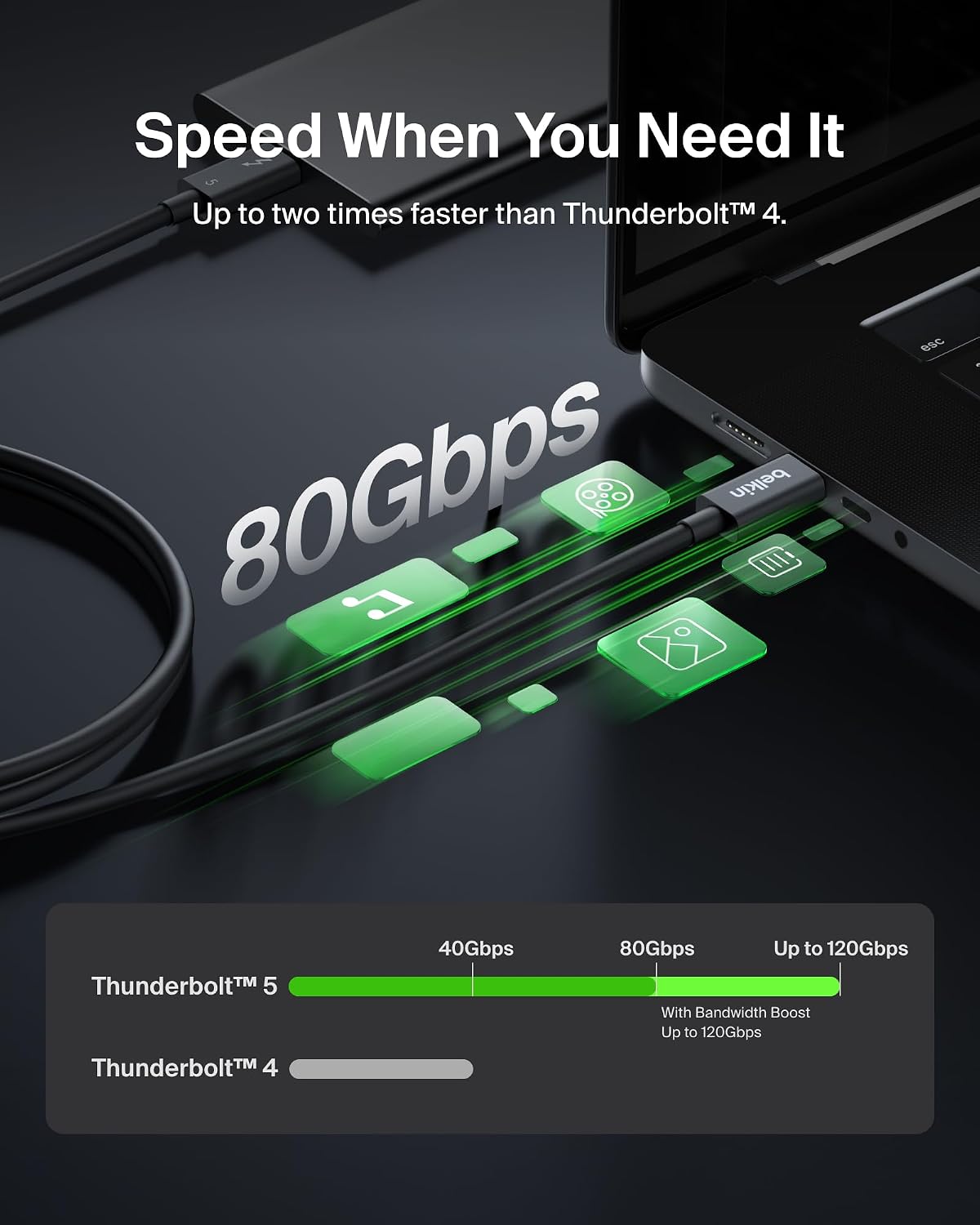
For a large file transfer, connect the cable directly between compatible equipment and check which port you’re using, the cable alone cannot raise a slower port’s limits. For a high-refresh gaming display, confirm that the computer and monitor support the chosen resolution and refresh rate before relying on the stated 4K at 540Hz figure. The same applies to multi-monitor arrangements: match the display setup to the capabilities of the connected system.
At 1 m, it can keep a laptop close to a dock or monitor without leaving much spare reach. That is handy on a compact desk, but less convenient if your devices sit further apart. For charging, the supported 240W ceiling is most relevant when the connected computer and power source can make use of it.
Buying questions
Does it transfer data at 120Gbps in both directions? The listing gives up to 120Gbps in one direction and up to 80Gbps bi-directionally, so the higher figure is not stated as a two-way rate.
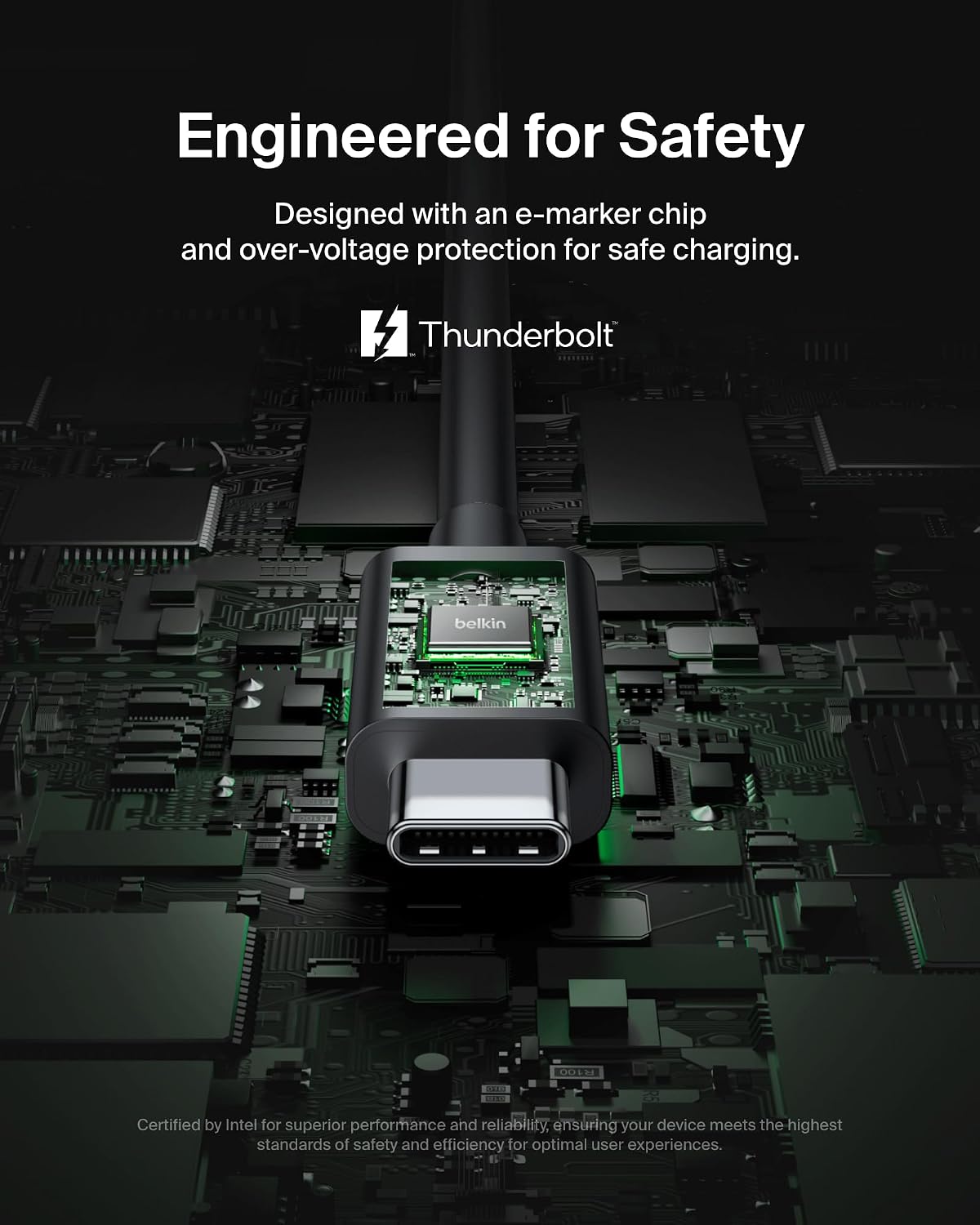
Will it charge every laptop at 240W? No such universal claim is made. The cable supports output up to 240W, with the description referring to some high-output PCs, the laptop and power source also need to support the required charging level.
Can it run a 4K monitor at 540Hz? That is the stated single-monitor maximum, but the connected computer, monitor and ports must support that configuration.
Before you buy
Choose this cable when its Thunderbolt 5, USB4 compatibility, high stated bandwidth or 240W support matches equipment you already own or plan to use. It is a more performance-focused choice than a basic USB-C lead, but that distinction only pays off when the rest of your setup can use it. The practical trade-off is the 1 m length and the need to check device capabilities for the advertised top-end figures. If your priority is simply a longer cable or everyday charging and transfers, a less specialised option may be a better fit.