


xTool Laser Engraver 20W
Product description
Quick overview
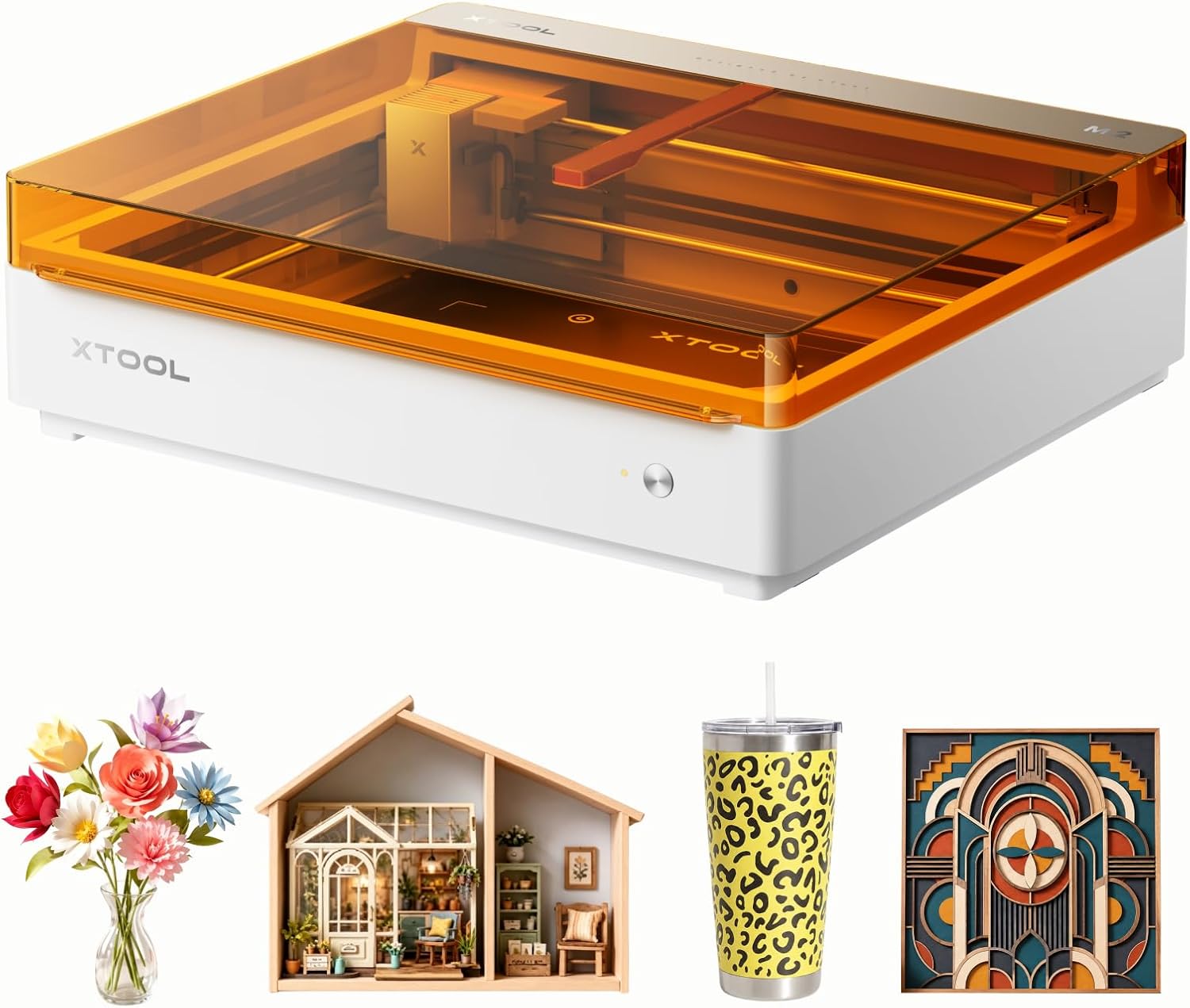
For personalized gifts, small home decor projects, or craft materials that need engraving or cutting, the xTool M2 pairs a 20W diode laser with an enclosed design and built-in dual cameras.
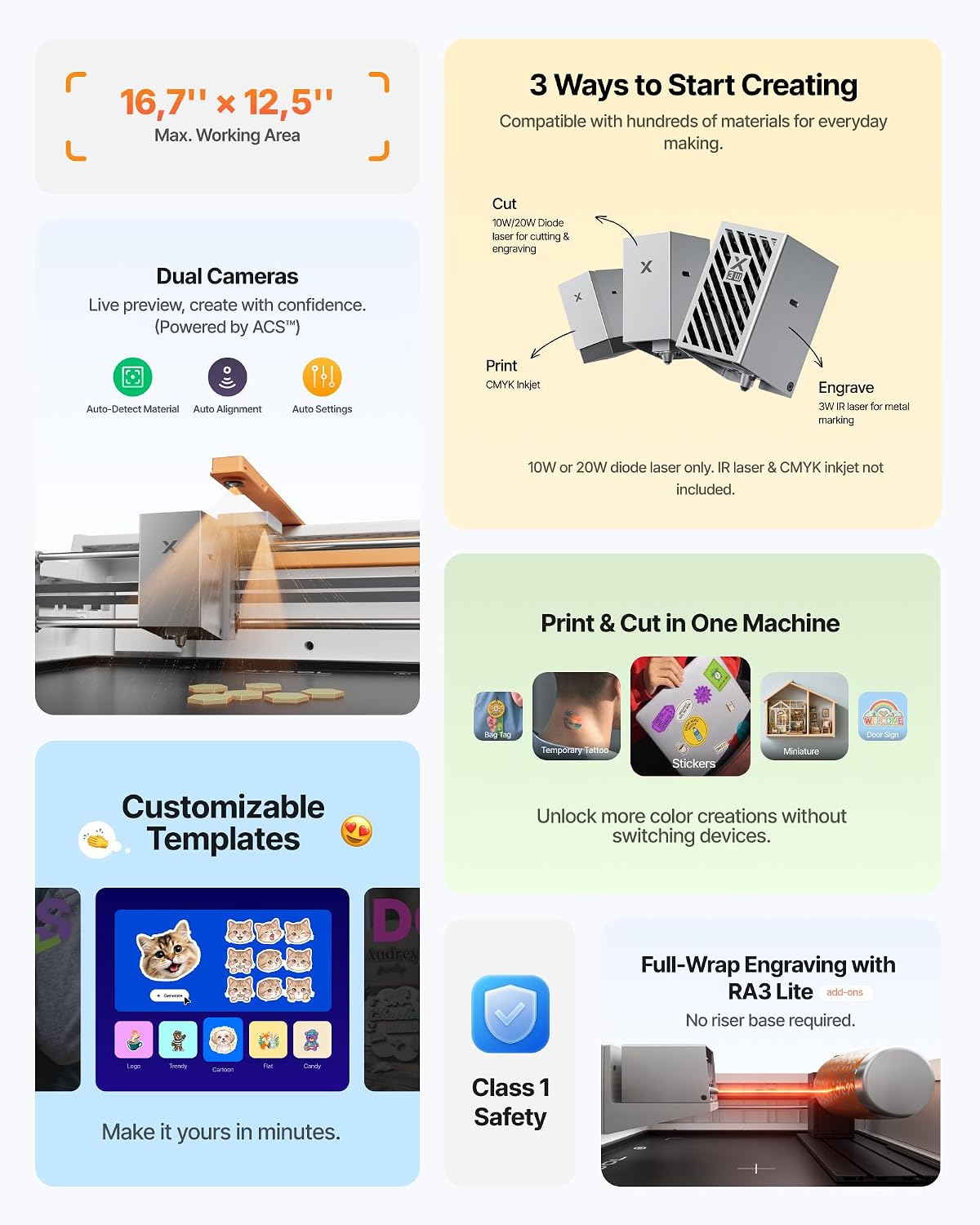
The cameras provide a real-time workspace preview. The stated ACS system combines that visual input with motion control to help position a design without as much guesswork.
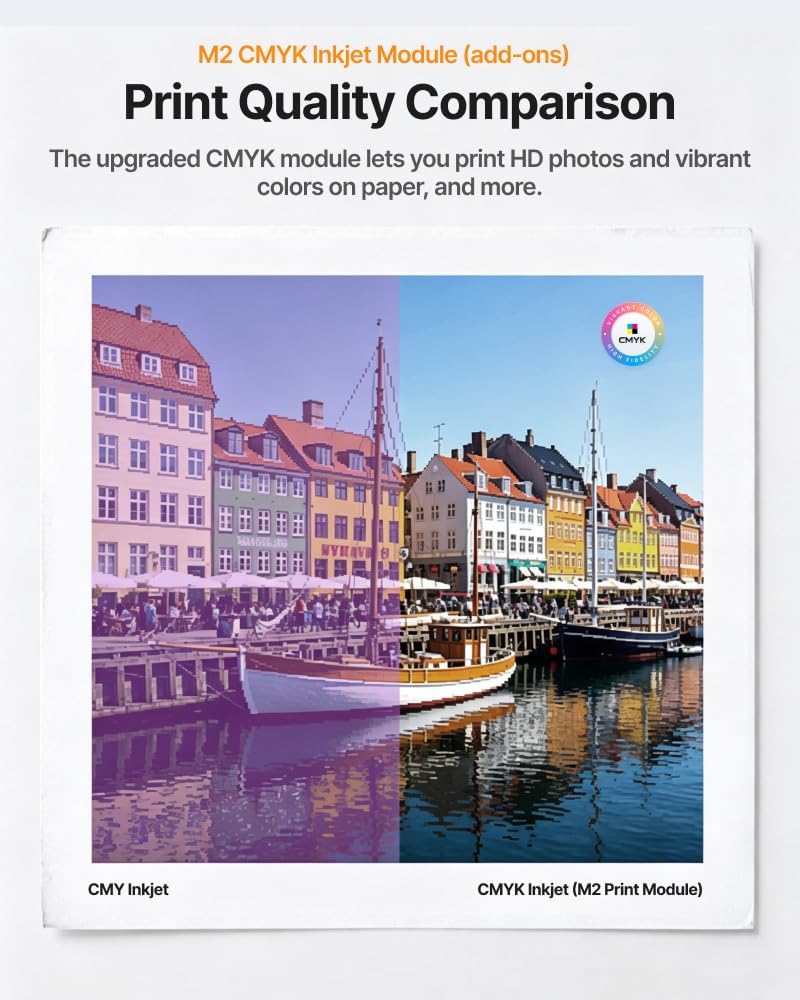
It’s a standalone laser setup, not the complete print-and-cut configuration described in the product listing. Full-color printing requires a separate CMYK Inkjet module.
How to use it
The M2 works with xTool Studio, which includes ready-to-use templates and an AI image generator. A practical project might be choosing a template for a small wood sign, previewing its placement in the workspace, then engraving it. That workflow could be useful when you want to personalize an item without building every design from scratch.
The included 20W diode laser is the base configuration. The optional CMYK Inkjet module adds full-color printing, while the separately sold 3W IR laser is described for fine engraving on metal and plastic. Keep in mind that neither module is included with the standalone M2, so those capabilities require an additional purchase.
Practical tips
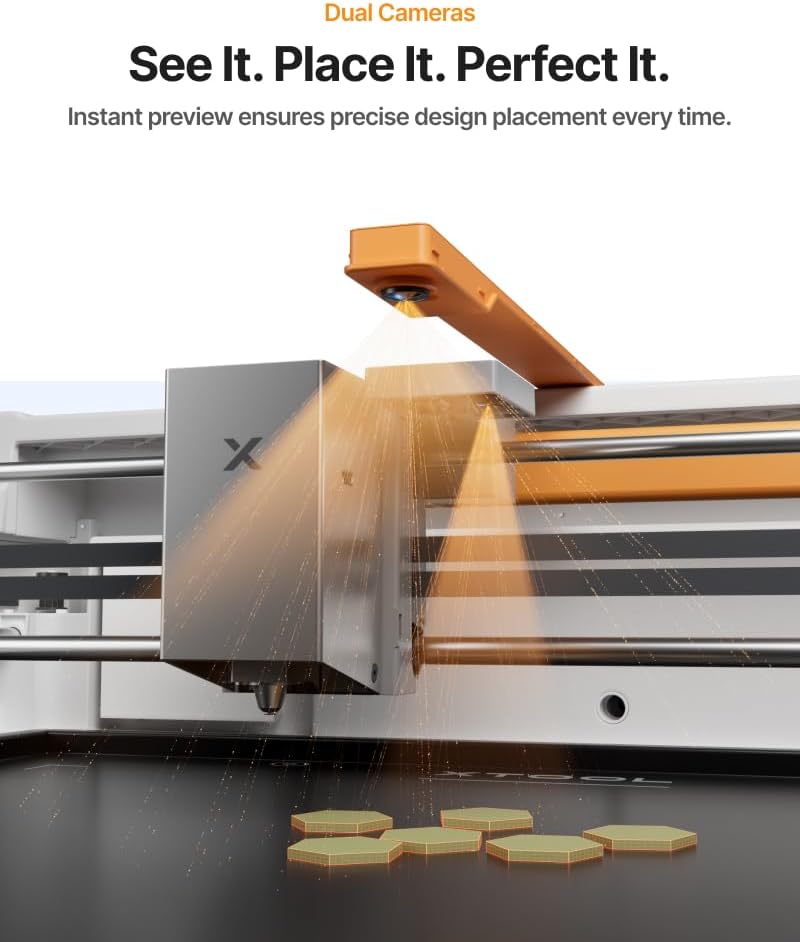
Start by matching the project to the materials named for the laser: wood, leather, felt, fabric, paper, and cardstock. For example, a fabric or felt label can be laid out using the camera preview before engraving or cutting. The preview may help with placement, but the listing doesn’t provide material-specific settings, so don’t assume one setup will suit every surface.
The enclosure and Class 1 safety classification are relevant if you plan to craft at home, and the product description also mentions real-time monitoring. Still, consider your workspace and the materials you intend to use, the listing doesn’t spell out ventilation requirements or operating instructions.
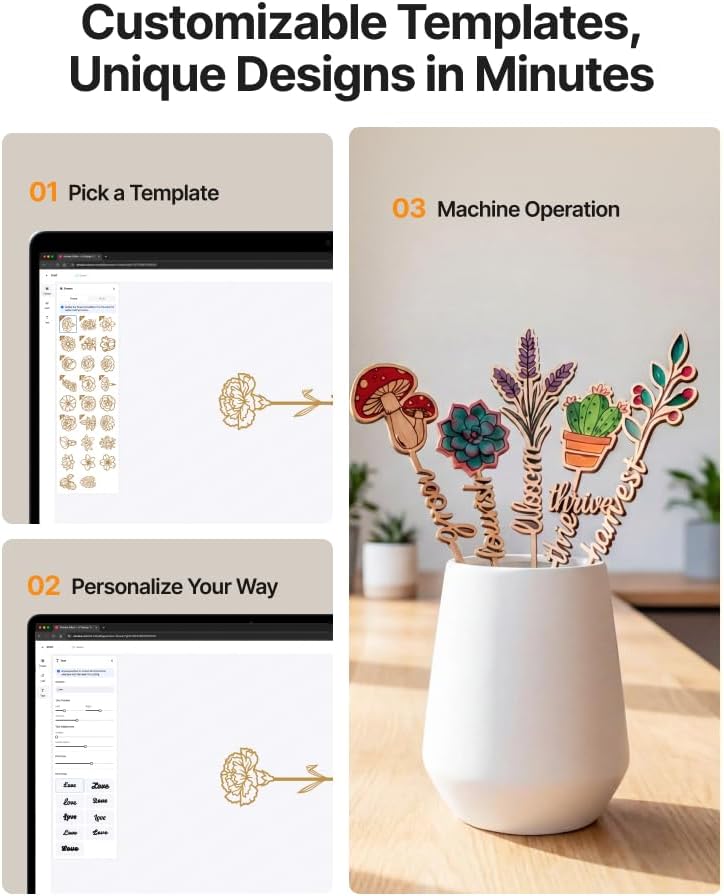
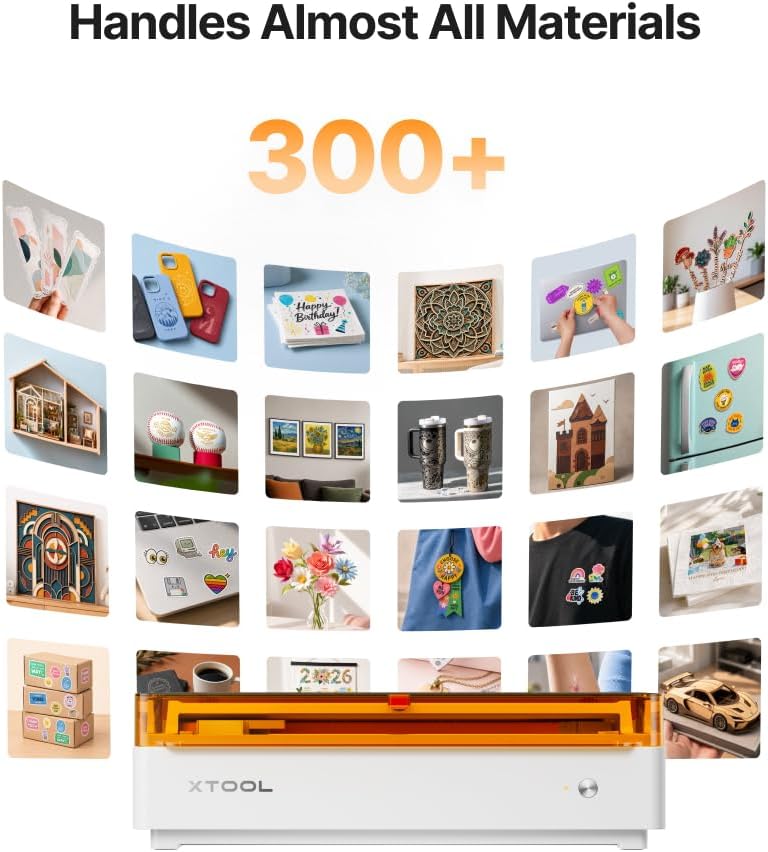
If you’re comparing it with a more basic laser engraver, the dual cameras and template-focused software are the features that may make setup feel more guided. If your main goal is color printing or engraving metal and plastic, the M2 alone doesn’t provide those add-on functions. According to the maker, the system can work with more than 300 materials, but the specific material settings and results aren’t detailed here.
Before you decide
What comes with the standalone M2? The listed configuration includes a 20W diode laser. The CMYK Inkjet module and RA3 Lite Rotary are not included, the 3W IR laser is also listed as a separate add-on.
Can it print in color? Full-color printing is described as a capability when paired with the separately sold CMYK Inkjet module, not as a built-in function of the standalone version.
Which materials are named for the laser? The product information lists wood, leather, felt, fabric, paper, and cardstock. It doesn’t provide settings for each material.
Should you buy it?
It makes sense if you want an enclosed diode laser with camera-assisted placement and software templates for personal craft projects. The built-in preview and guided design tools may suit someone who values a more visual workflow over a bare-bones machine that leaves more setup to the user.
You may want to skip it if you need full-color printing or fine metal and plastic engraving right away without buying separate modules. The M2’s appeal depends on whether its included laser and camera-based workflow cover your projects, don’t choose it on the assumption that every advertised add-on capability comes in the box.