

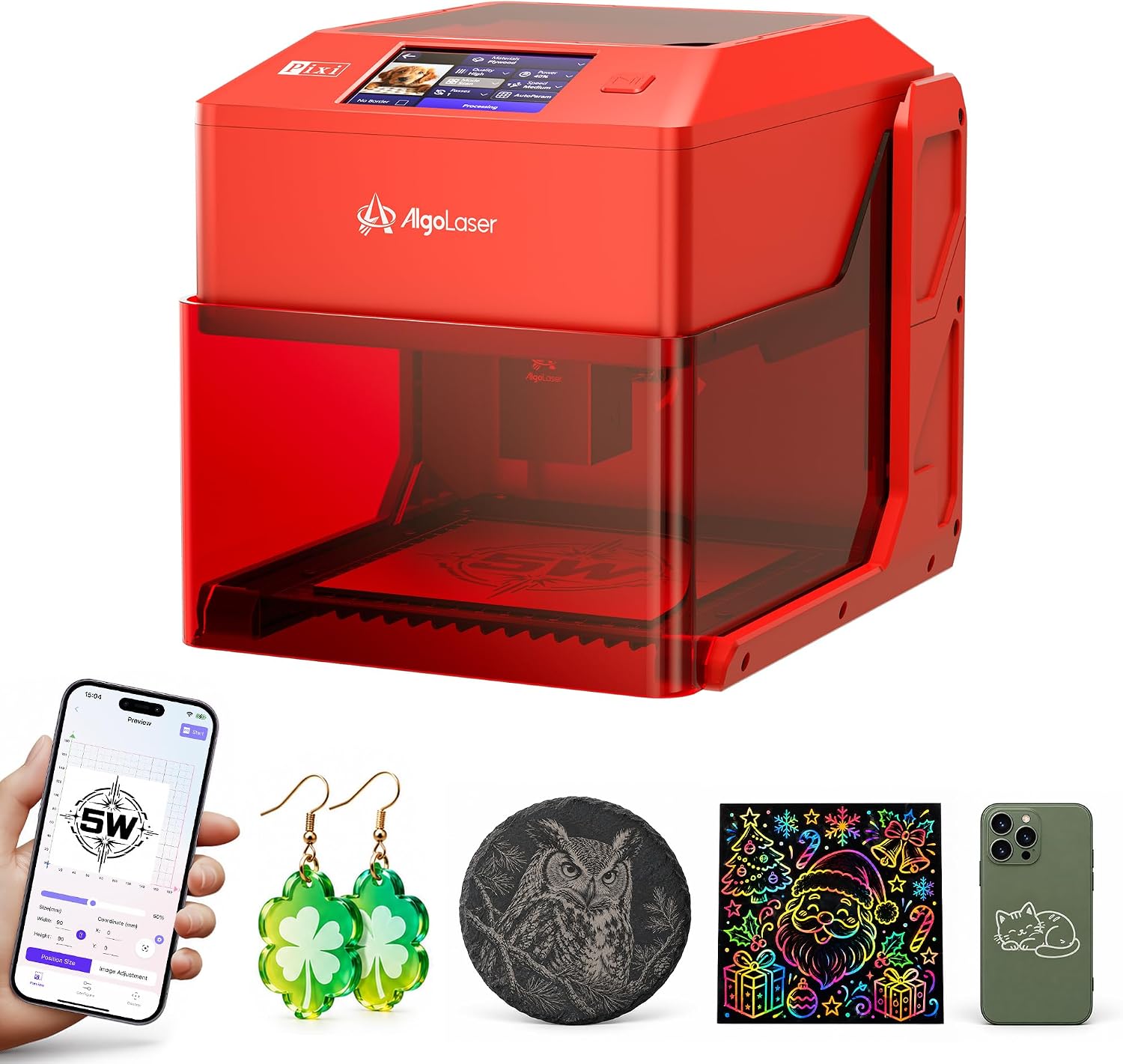
AlgoLaser Laser Engraver 5W
Product description
Quick overview
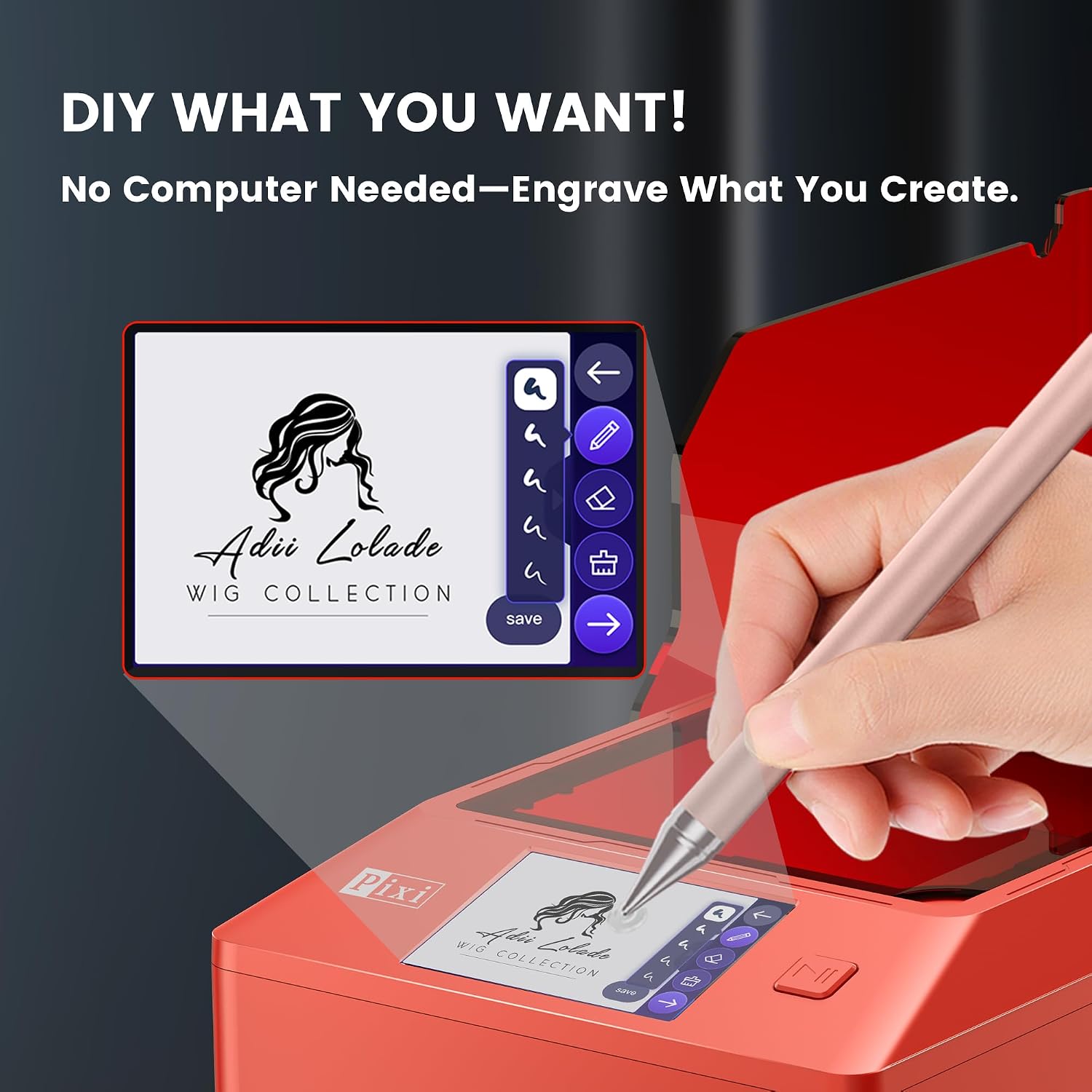
For DIY beginners, makers, and small businesses that want to personalize small projects without setting up a computer, the AlgoLaser Pixi 5W puts basic design and engraving controls on a 3.5-inch touchscreen. You can type text, draw a motif, or choose from more than 300 built-in designs, then position it and preview the layout before engraving. That makes a quick custom name on a bookmark or gift tag feel more approachable than preparing every design on a separate computer.
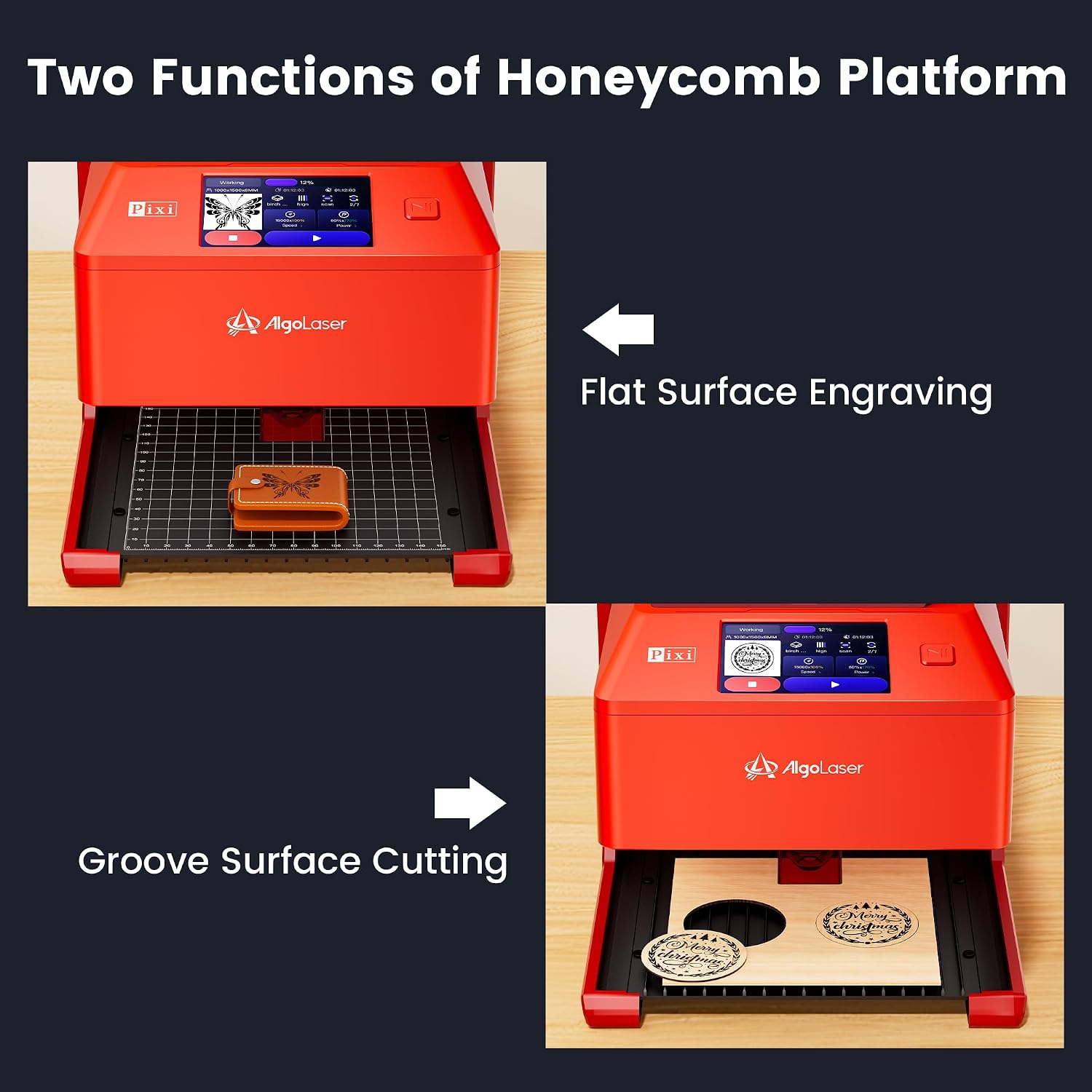
It also supports light cutting, so a simple wooden ornament can be shaped and then finished with an engraved name. It arrives assembled and weighs about 3 kg, which helps if you need to put it away between projects rather than dedicate a bench to it.
Fit and sizing
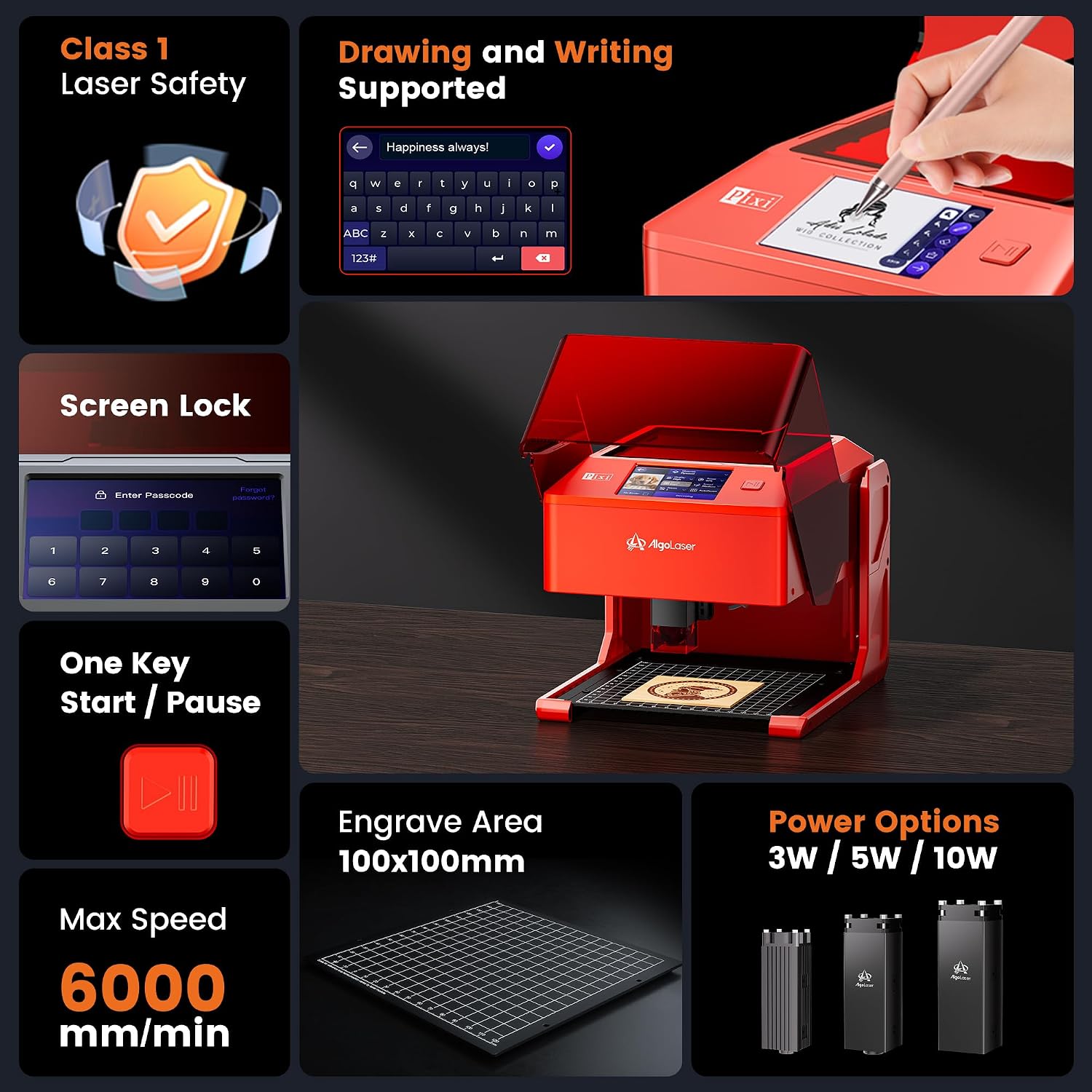
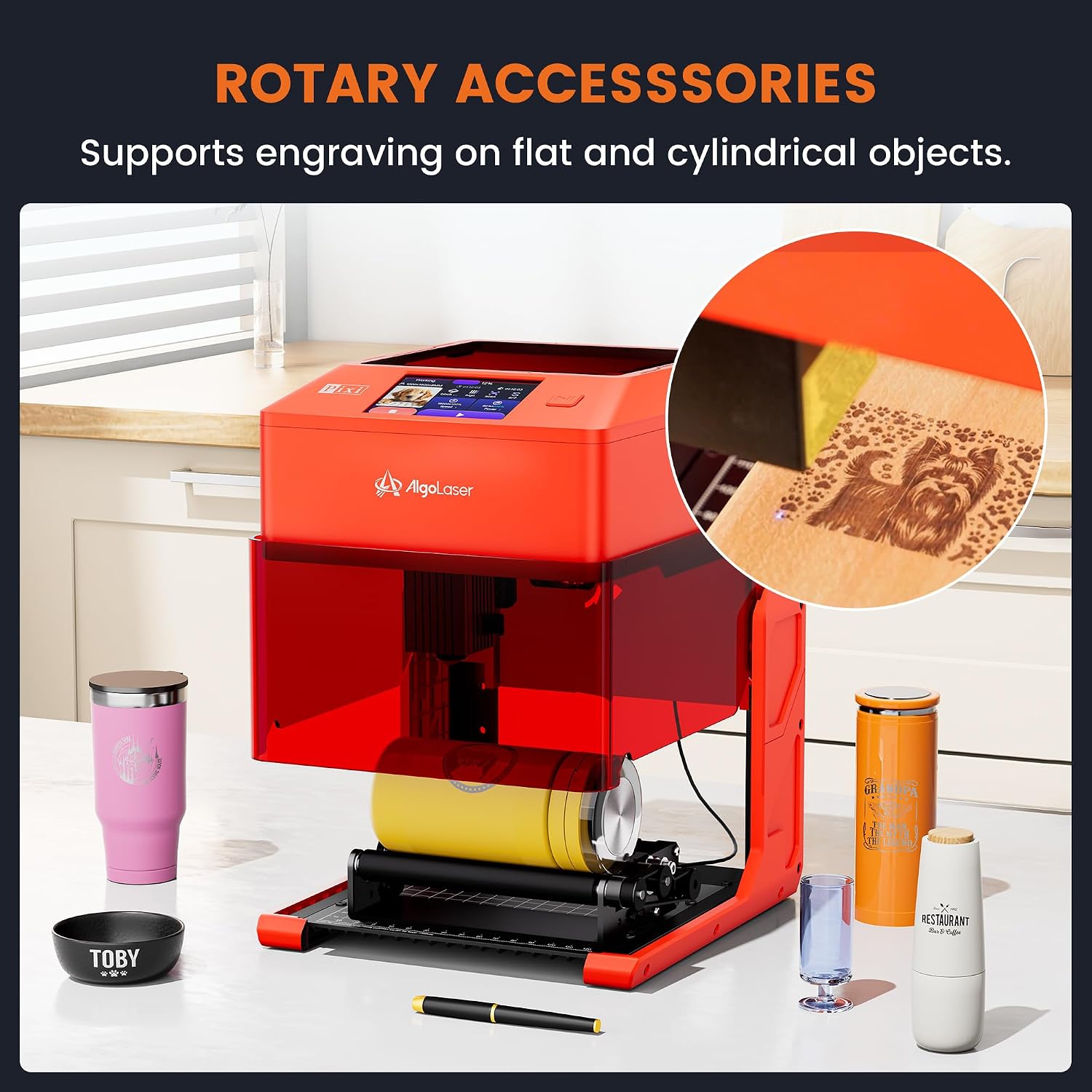
The machine measures approximately 265 x 214 x 196 mm, while the engraving area is 100 x 100 mm. That work area suits small blanks and compact designs, it is not a way to engrave a large surface in one pass. For a larger wooden object, you can remove the base and set the Pixi on a suitable flat surface, but the engraved detail still needs to fit within that 100 x 100 mm area.
Six height settings allow engraving objects up to 134 mm tall. Keep in mind that this height range does not make the engraving area wider or longer. It suits you if your projects are mostly small, personalized pieces or details added to a larger item. Not the best choice if you need to engrave broad designs across full-size materials or do substantial cutting.
Tips for day-to-day use
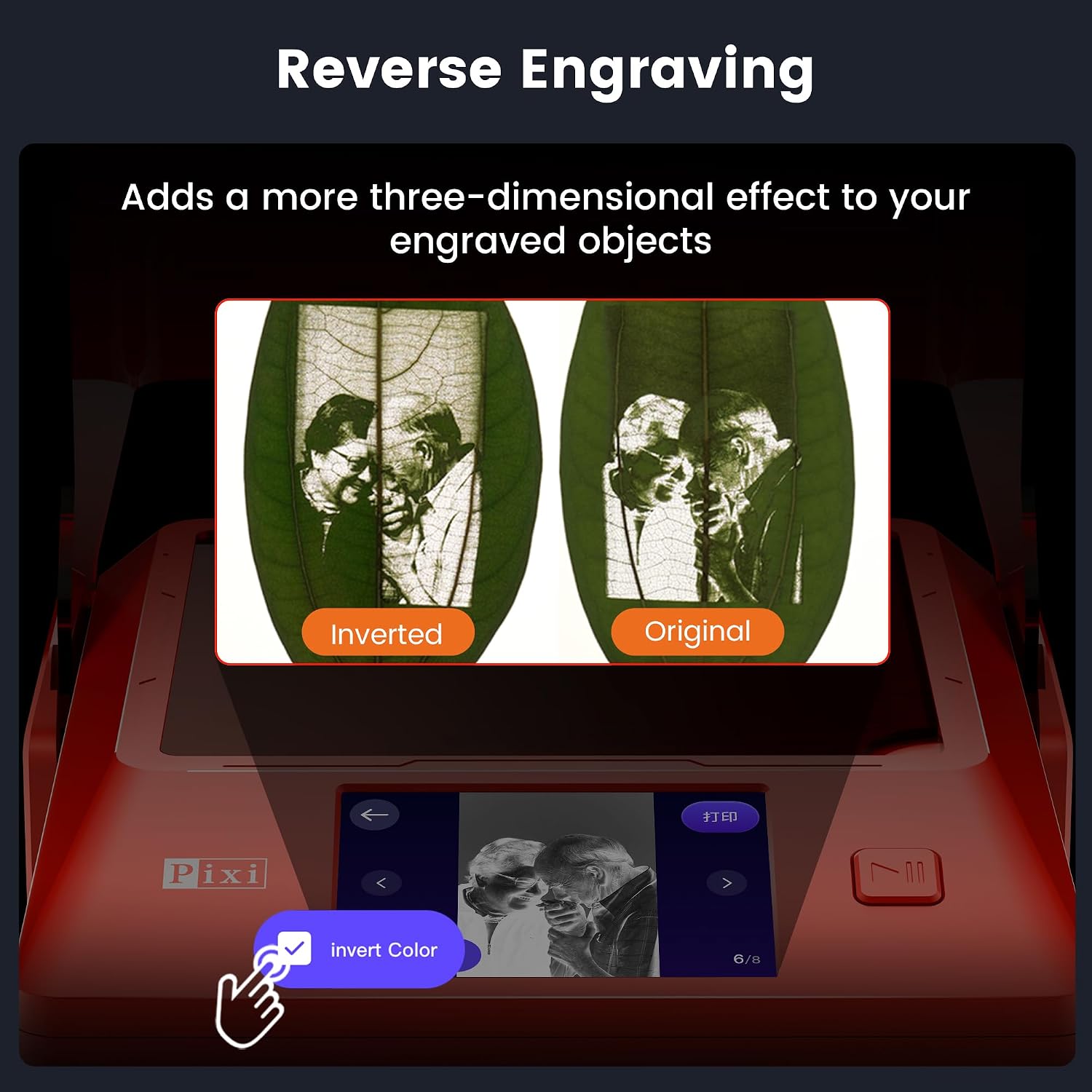
For a first project, choose a small blank, add a short name with AlgoType, and check its position in the preview before starting. AlgoSketch offers another simple route when you want to draw a basic motif, while the built-in designs can help when you do not have artwork ready. The stated materials include wood, leather, and dark acrylic, the description does not establish the same results for every material or color, so treat that list as a boundary rather than a promise of universal material support.
For more involved artwork, the Pixi is compatible with LightBurn and LaserGRBL, giving computer-based workflows a role when the touchscreen tools are not enough. That is a useful distinction: its no-PC approach is aimed at simple jobs, while users who already prepare detailed designs on a computer can use that route instead. The 0.03 x 0.07 mm laser spot is specified for fine lettering and line art, but it does not tell you how quickly a particular job will finish.
Before you decide
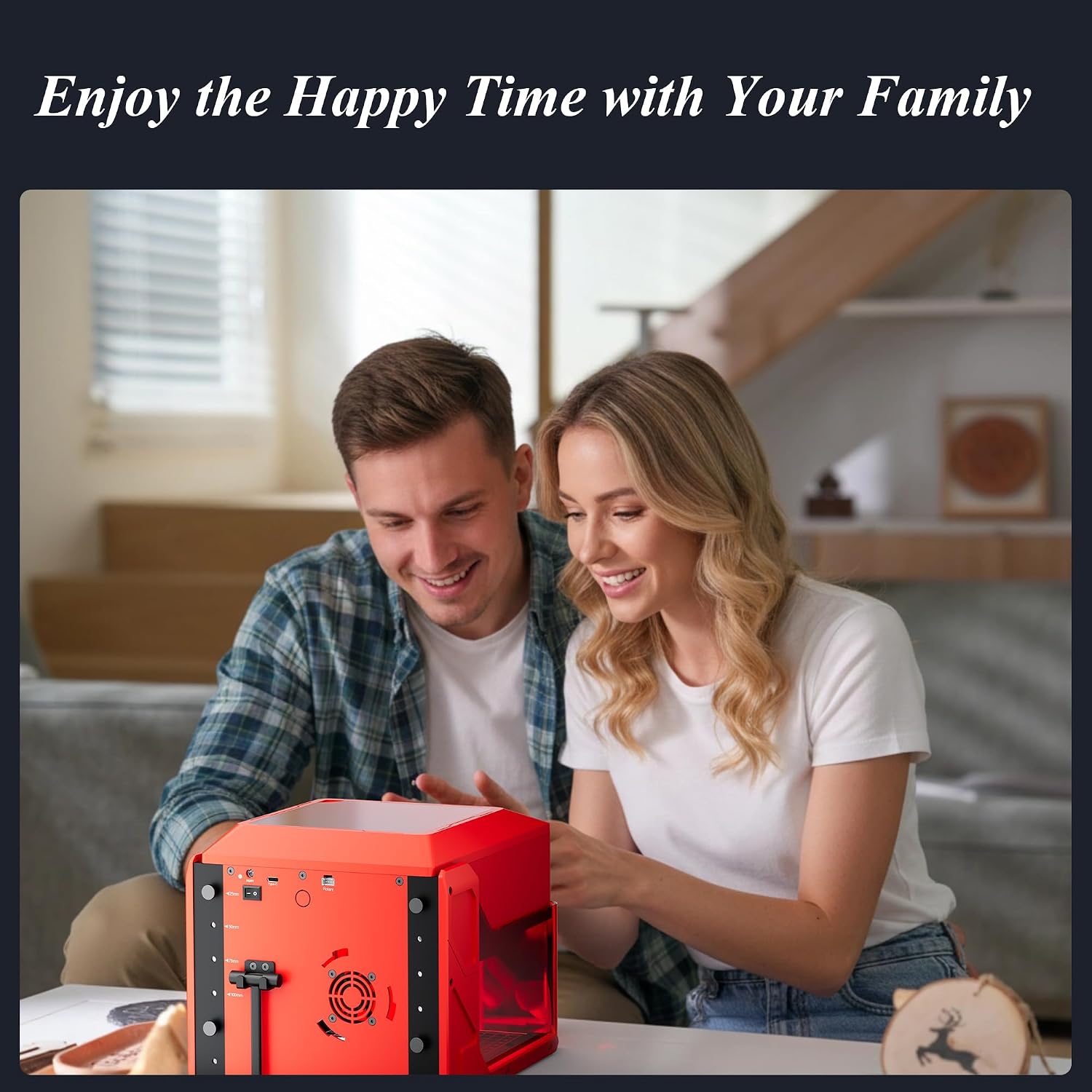
Can I use it without a computer? Yes, the touchscreen supports text entry, drawing, built-in designs, positioning, and preview for basic projects. A computer is an option for more involved artwork, not a requirement for those simple tasks.
Can it work on a larger wooden object? You can remove the base and place the machine on a suitable flat surface, but the engraving area remains 100 x 100 mm. It can add a small detail to a larger piece, not cover the whole surface at once.
Does it cut as well as engrave? The product is described as supporting light cutting as well as engraving. If cutting is your main priority, the supplied details do not specify cutting depth or speed, so those requirements need closer checking before you choose it.
Is it worth it?
The Pixi 5W makes most sense when compact size, touchscreen control, and straightforward personalization matter more than a large work area or detailed cutting specifications. For a maker producing occasional ornaments, tags, or small custom inscriptions, being able to type or sketch directly on the machine can remove a tedious setup step. Someone who mainly wants to process bigger designs or needs clearly stated cutting performance may be better served by a more specialized setup. Choose the Pixi for small, flexible craft jobs, pass if your projects depend on wider engraving or demanding cuts.