

Cricut Maker 4 Smart Cutting Machine (Seashell) — Engagement Plus Bundle with EasyPress 3
Product description
What this bundle is for
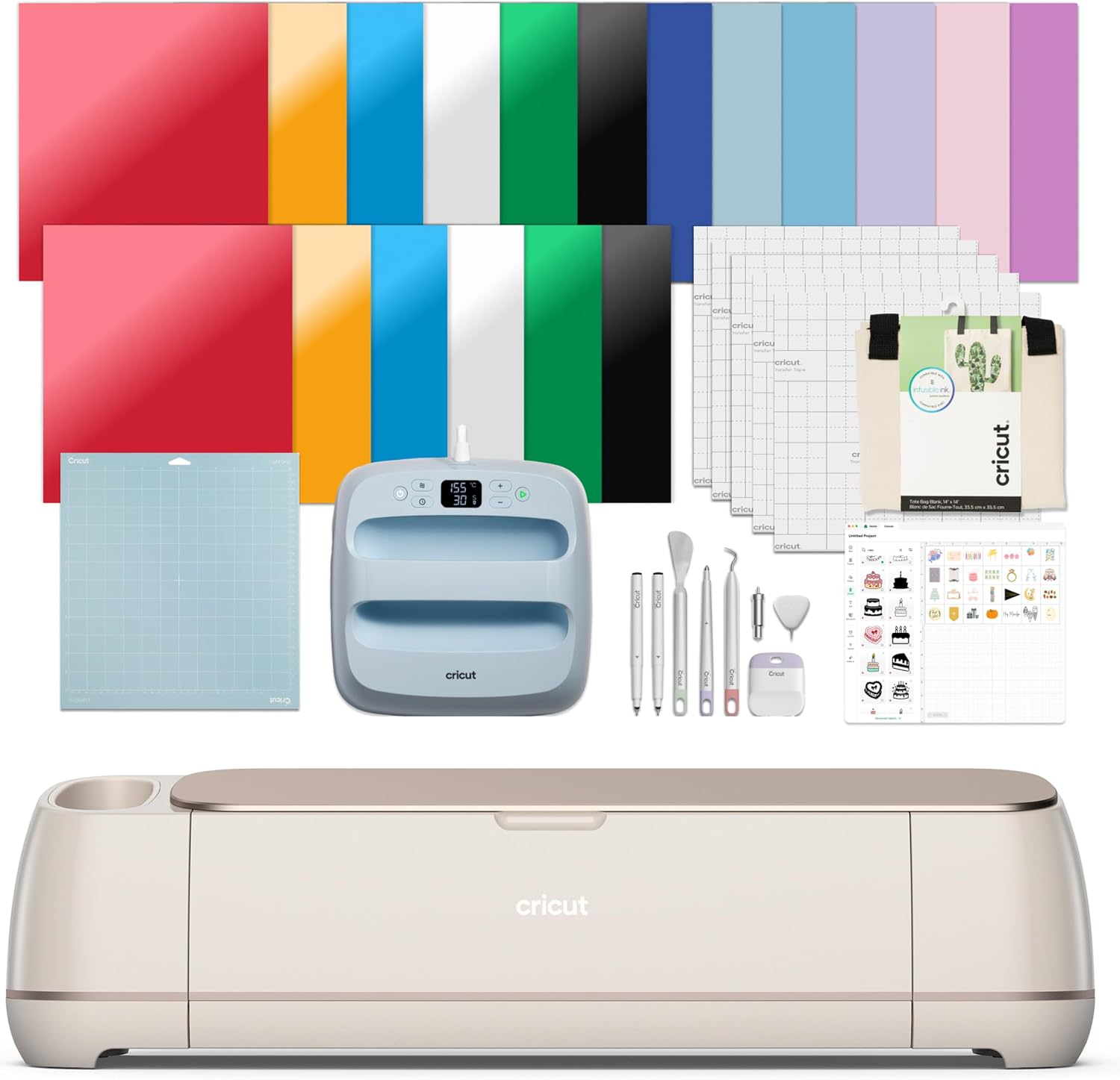
If you want a Cricut setup that can cut, write, and heat-transfer without jumping between multiple purchases, this Cricut Maker 4 bundle is built for that. On paper, you’re getting the Cricut Maker 4 smart cutting machine plus an EasyPress 3 heat press bundle (including a 9x9 pressing mat) and the usual “starter” add-ons like mats, tools, pens, and a batch of material samples and digital images.
What matters here is the combo: cutting for shapes and designs, drawing for custom details, and heat pressing for iron-on/HTV projects. It’s the sort of kit that makes sense when you already know you’ll use more than one craft method, not just plain cutting.
Key features and why they’re useful day to day
The Cricut Maker 4 is described as working with 300+ materials, including options like leather, wood, vinyl, iron-on HTV, cardstock, and stickers. That “many materials” angle is the main reason people buy a higher-capability Cricut—your project ideas aren’t locked to a single medium.
It also supports more than cutting. The bundle description mentions functions like drawing, foils, scoring, engraving, debossing, and perforating. In practice, that means you can go beyond “cut a decal” and build pieces with layered texture or mixed finishing styles—useful if you like designs that look more handcrafted.
And because this bundle includes EasyPress 3 plus a pressing mat, you have a dedicated heat-transfer path right in the box. The pitch is that EasyPress 3 is designed for pro-level transfer results that hold up even after repeated washes—so if you’re making shirts or wearable gifts, that durability claim is the one to pay attention to.
There’s also a Print-Then-Cut pathway: the Maker 4 is described as compatible with inkjet printers for full-color stickers and similar projects. If you plan to print images you design elsewhere (or use downloaded images) and then have Cricut align the cut, that feature is often the difference between “cool idea” and “finished product.”
A small limitation to keep in mind: bundles can be great for getting started, but the included consumables (materials/samplers, pens, and other items) may be just enough to get moving rather than enough to last through long-term use.
What’s included (and what you should check)
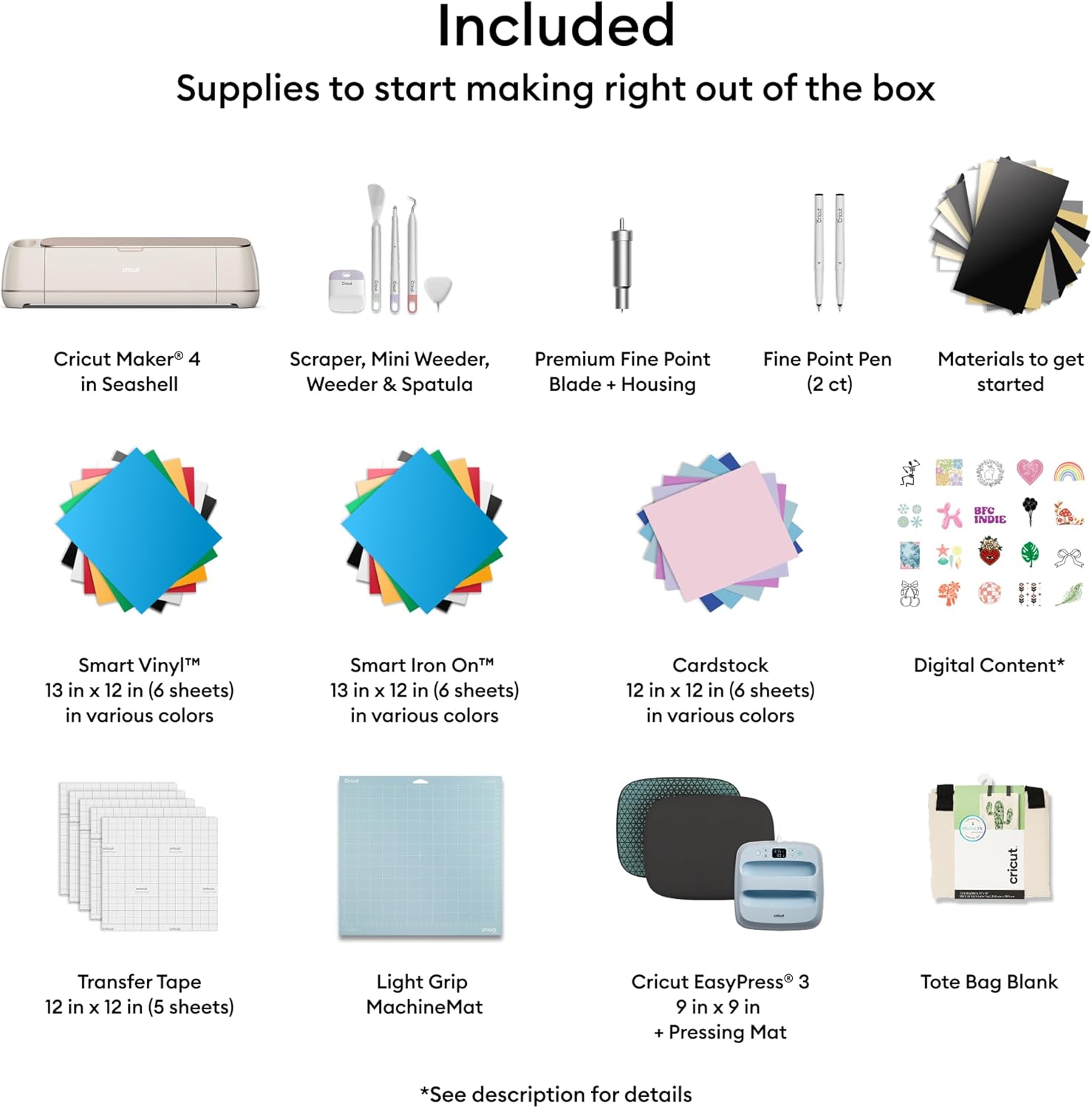
Included in the bundle are the Cricut Maker 4, a Fine-Point Blade, a Light Grip Machine Mat, 2 Fine Point Pens, tools, practice-cut materials, Cricut EasyPress 3, a pressing mat, a tote bag blank, Smart Iron-On, Smart Vinyl, cardstock, transfer tape, and 30 digital images.
Before you buy, it’s worth double-checking a few practical details in the listing: what mat types you’re getting (the description references a Light Grip machine mat and a Fine-Point blade), whether the digital images are delivered through the Cricut account/Design Space flow you’ll use, and whether the tote bag blank and other materials match the kind of projects you actually want to make.
If you’re building a long-term craft routine, think of this as a “launch kit.” If you’re only doing occasional stickers or one type of iron-on project, you might end up with extras you won’t touch.
Software and creative workflow (no design experience required)
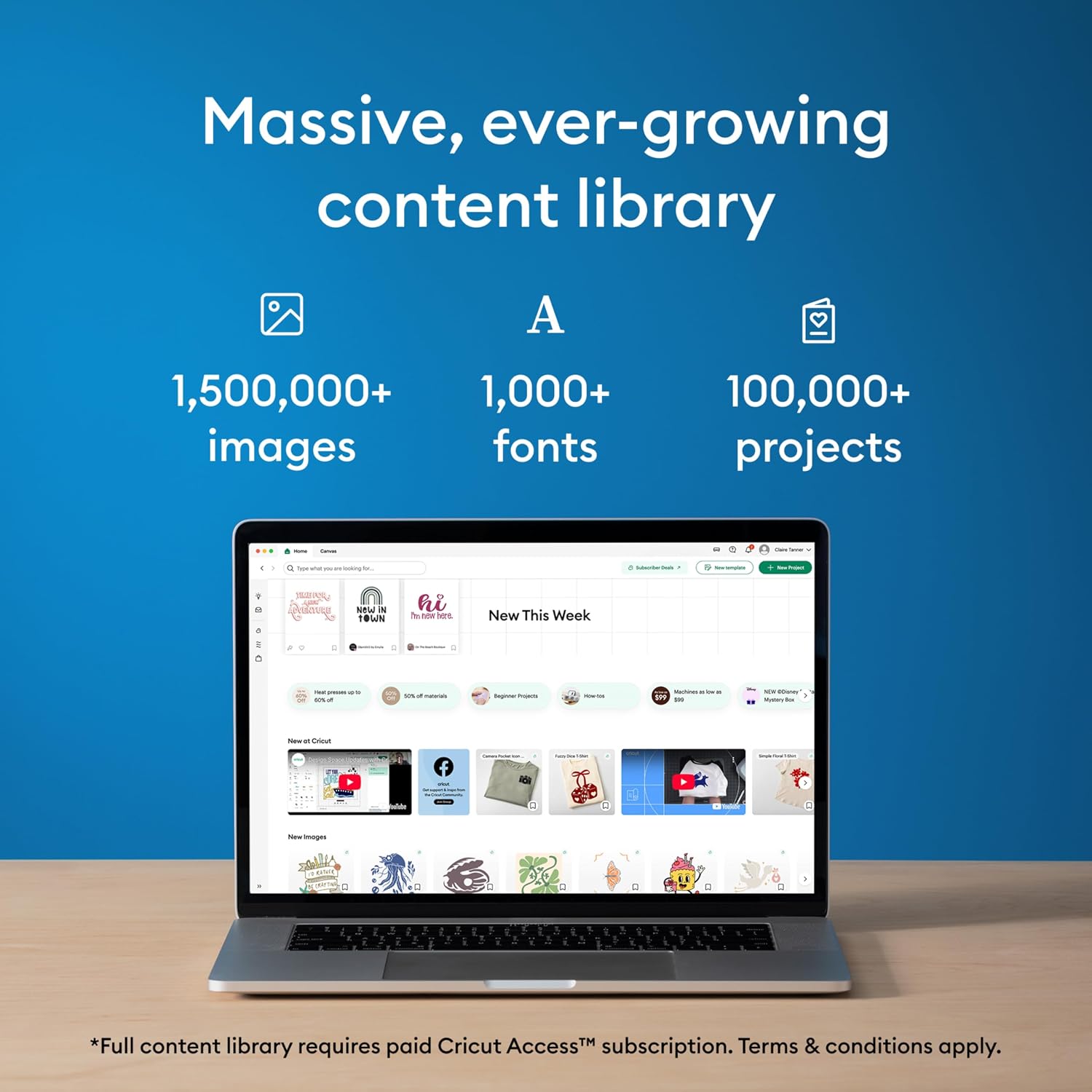
Cricut’s Design Space is described as easy to learn and connecting to all Cricut cutting machines. The bundle also references a free content library with 3,000+ images and 100+ fonts, plus an optional Cricut Access subscription to unlock more bonus digital content.
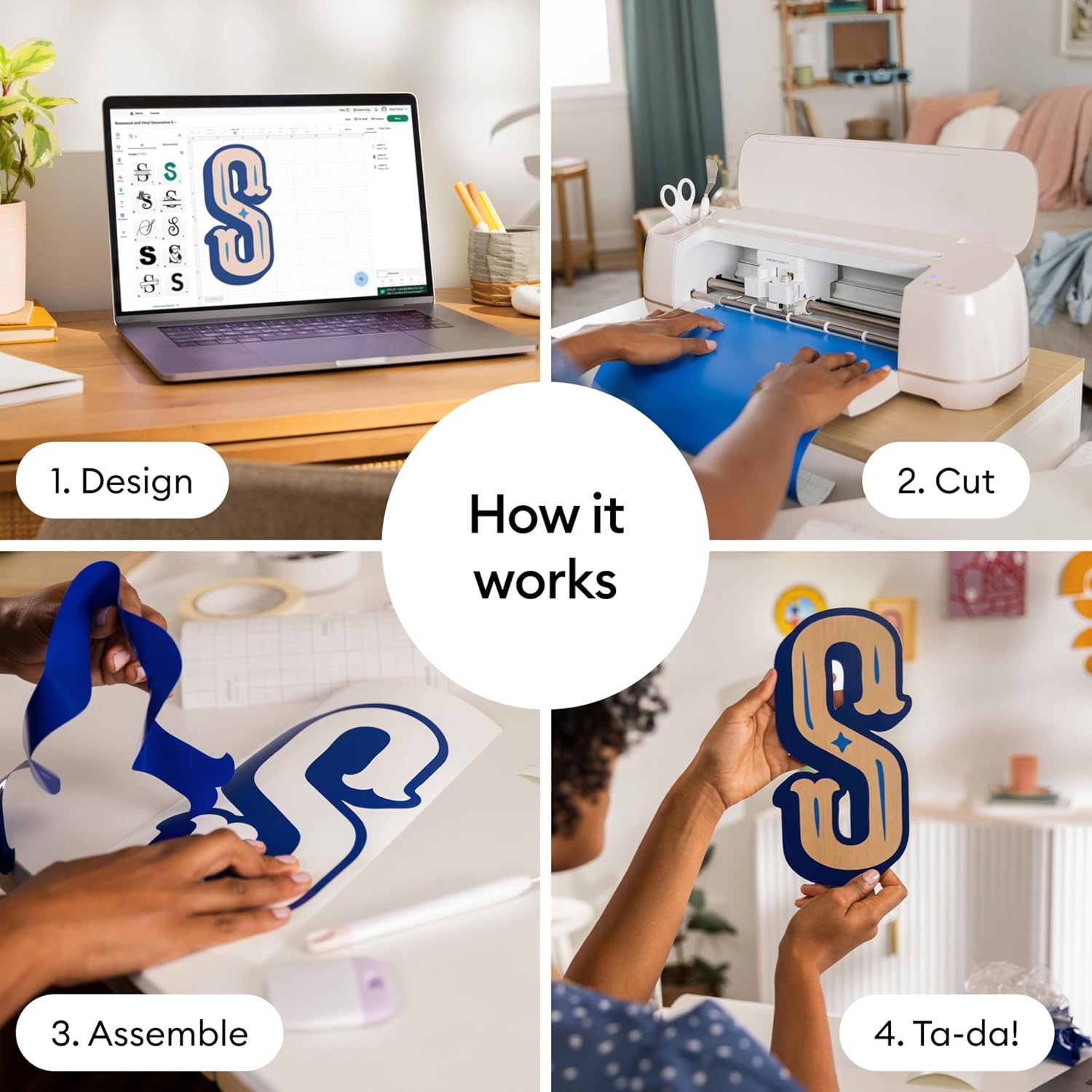
That’s the real-world point: the software isn’t just a driver—it’s where your design, images, and cut settings usually come together. So even if you don’t have design experience, you’ll still be learning how to choose materials, set projects, and work through the steps for cutting and heat pressing.
One quick micro-scenario: imagine you want a small label or custom sticker. You’d start with a Print-Then-Cut workflow for the color part, then let the machine handle the precise cutting. For a matching tote, you’d then switch to Smart Iron-On with EasyPress 3 to transfer the design where you want it.
How to decide if it’s worth it
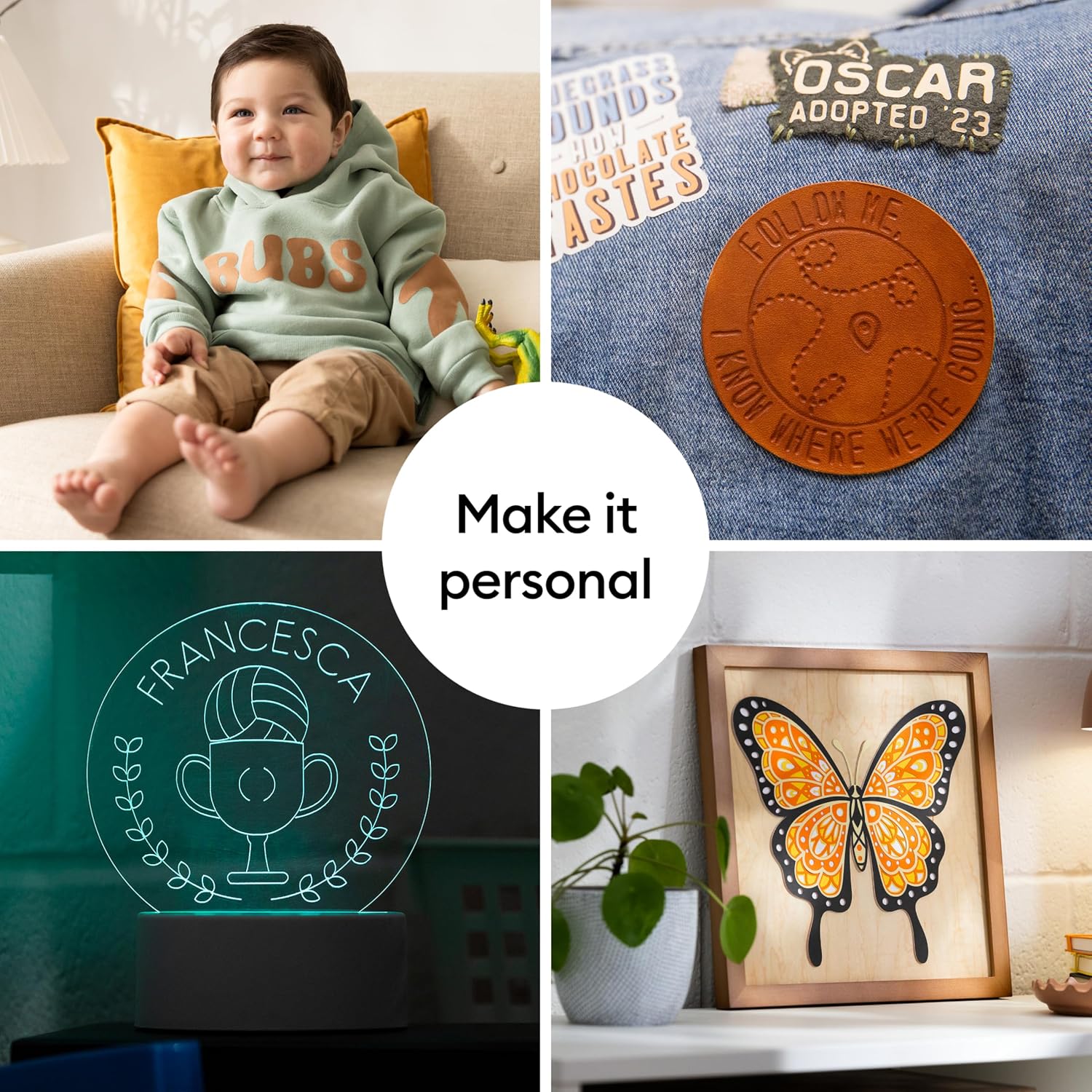
Not everyone needs a Maker 4 + EasyPress bundle. This setup shines if you want one system for multiple crafts—cutting plus drawing plus heat-transfer—and you’re likely to work with a range of materials, including iron-on HTV and cardstock-based projects.
It’s a solid pick if you care about full-color sticker potential (via inkjet Print-Then-Cut) and you’d rather not piece together a machine, a heat press, and supplies separately.
It may not be the best choice if you only plan to do one simple task occasionally, like basic paper crafts once in a while. In that case, you might find yourself paying for capabilities you won’t use. Also, if your main priority is something very specific, remember that the included bundle consumables are starters—your long-term costs will depend on the materials you keep choosing.
It makes sense to consider it when you want room to grow: more materials, more project types, and less friction between cutting and pressing.
Tech specs
- Name: Cricut Maker 4 Smart Cutting Machine (Seashell)
- Type: Smart cutting machine
- Format: Bundle (includes EasyPress 3 heat press and accessories)
- Size: 9x9 pressing mat included (for EasyPress 3)
- Resolution: Print-Then-Cut is compatible with most inkjet printers (full-color designs for stickers and more)
- Processor: N/A (not provided in the listing)
- Memory: N/A (not provided in the listing)
- Material: Works with 300+ materials including leather, wood, vinyl, iron-on HTV, cardstock, and stickers
- Color: Seashell
- Display: N/A (not provided in the listing)
Should you buy it?
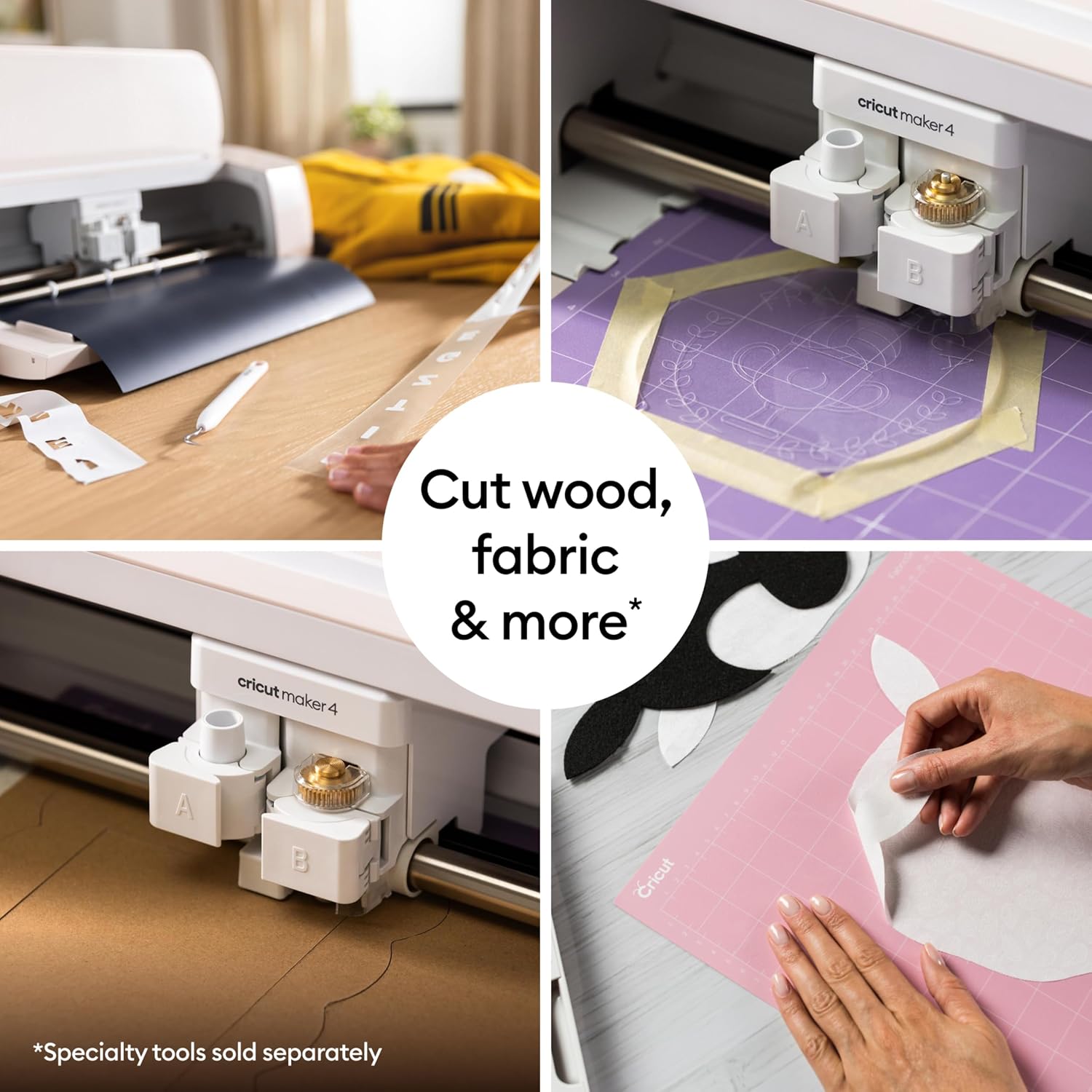
Worth considering if you want a single Cricut system that covers cutting plus drawing plus heat pressing, and you plan to make items like stickers (with Print-Then-Cut), iron-on apparel, cardstock crafts, and more. The bundle approach is especially helpful when you’re trying to get set up quickly with the machine, a heat press, and starter supplies in one go.
It’s not the best choice if you’re mainly doing very occasional, single-purpose projects—because bundles often include more than you immediately need. Also, if you don’t think you’ll use heat-transfer or full-color sticker workflows, the extra pieces may feel like extra cost.
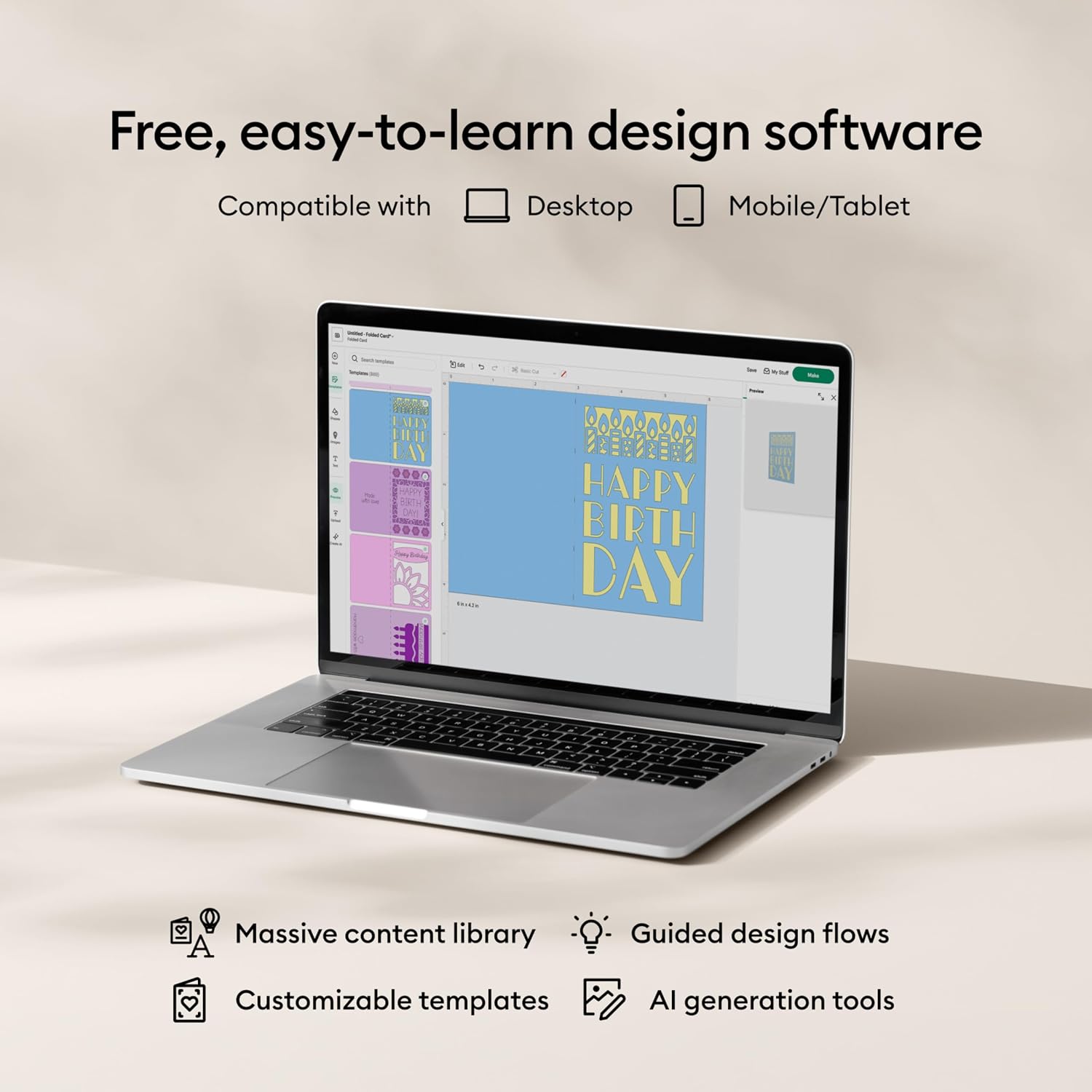
If you’re ready to commit to more than one craft method, this bundle looks purpose-built for that “start and keep going” path.
Mini FAQ
Is Print-Then-Cut included or supported on this machine?
The description says Cricut Maker 4 is compatible with inkjet printers for full-color designs using Print-Then-Cut, which is relevant for stickers and similar projects.
What materials can the Cricut Maker 4 work with?
It’s described as working with 300+ materials, including leather, wood, vinyl, iron-on HTV, cardstock, and stickers.
Does the bundle include the heat press?
Yes. The bundle includes Cricut EasyPress 3 along with a pressing mat (9x9).
Do I need design experience to use Cricut?
The listing states that no design experience is required and that Design Space is easy to learn, supported by a free content library.
What’s the 30 digital images part?
The bundle includes 30 additional premium-quality images with the purchase, which you’ll likely use through the Cricut Design Space content flow.