

Cricut cutting machine Joy Xtra
Product description
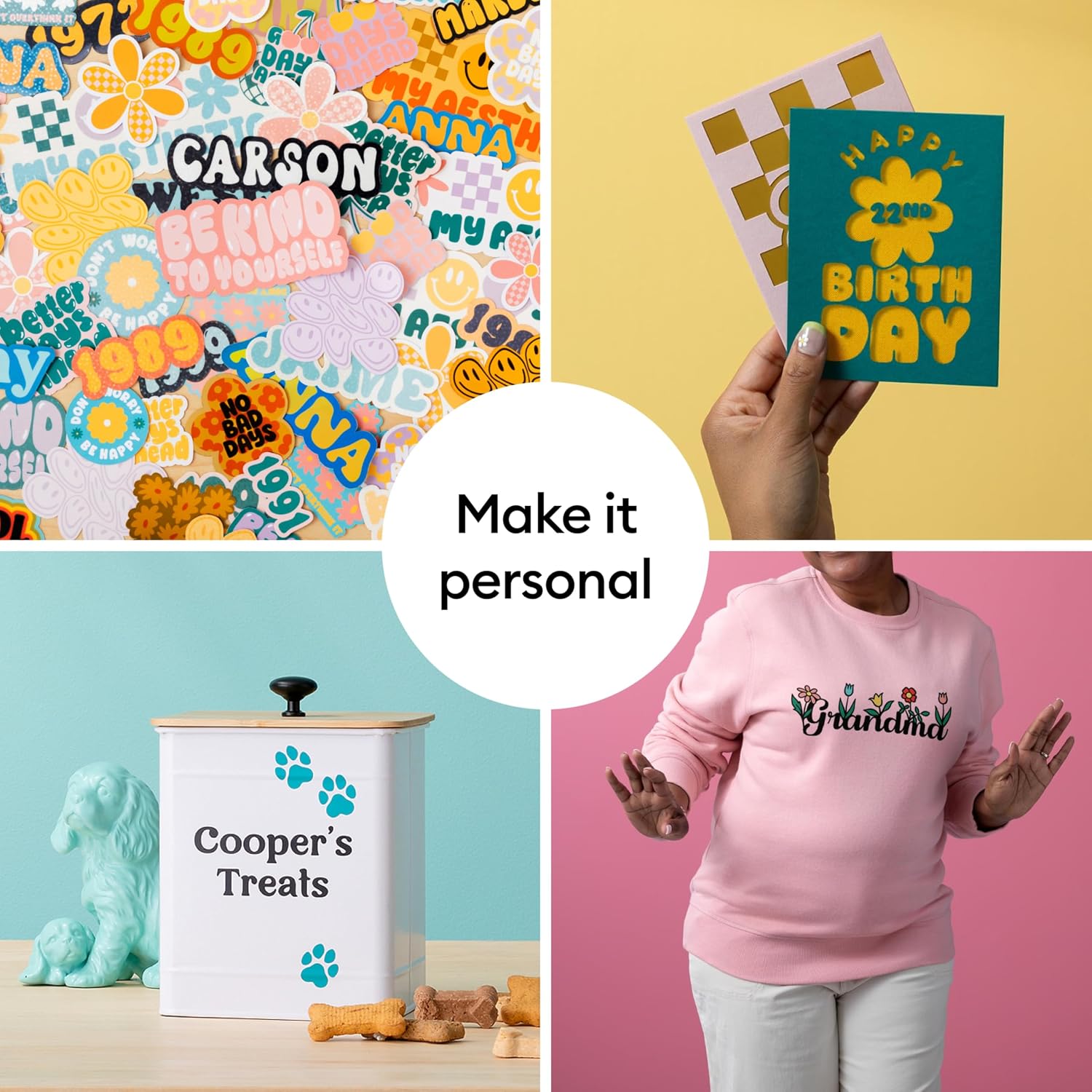
For crafters who want to make custom labels, decals, cards, or printed stickers at home, the Cricut Joy Xtra combines cutting with drawing and foiling in one compact crafting setup. It works with more than 50 materials, including vinyl, iron-on HTV, cardstock, and sticker materials, and its Print-Then-Cut feature can create full-color designs when paired with most inkjet printers. The bundle includes starter supplies, so you can begin with vinyl projects rather than sourcing every basic item separately. One practical limitation: the listing does not give the machine’s footprint, so judging desk fit is harder without that measurement.
Key specifications
The Joy Xtra is a smart cutting machine that can cut, draw, and foil. Cricut says it works with more than 50 materials, with examples ranging from vinyl and iron-on HTV to cardstock and stickers. That range makes it more flexible than a cutter bought solely for simple vinyl lettering, though the listing does not provide project-size limits or details about how each material must be prepared.
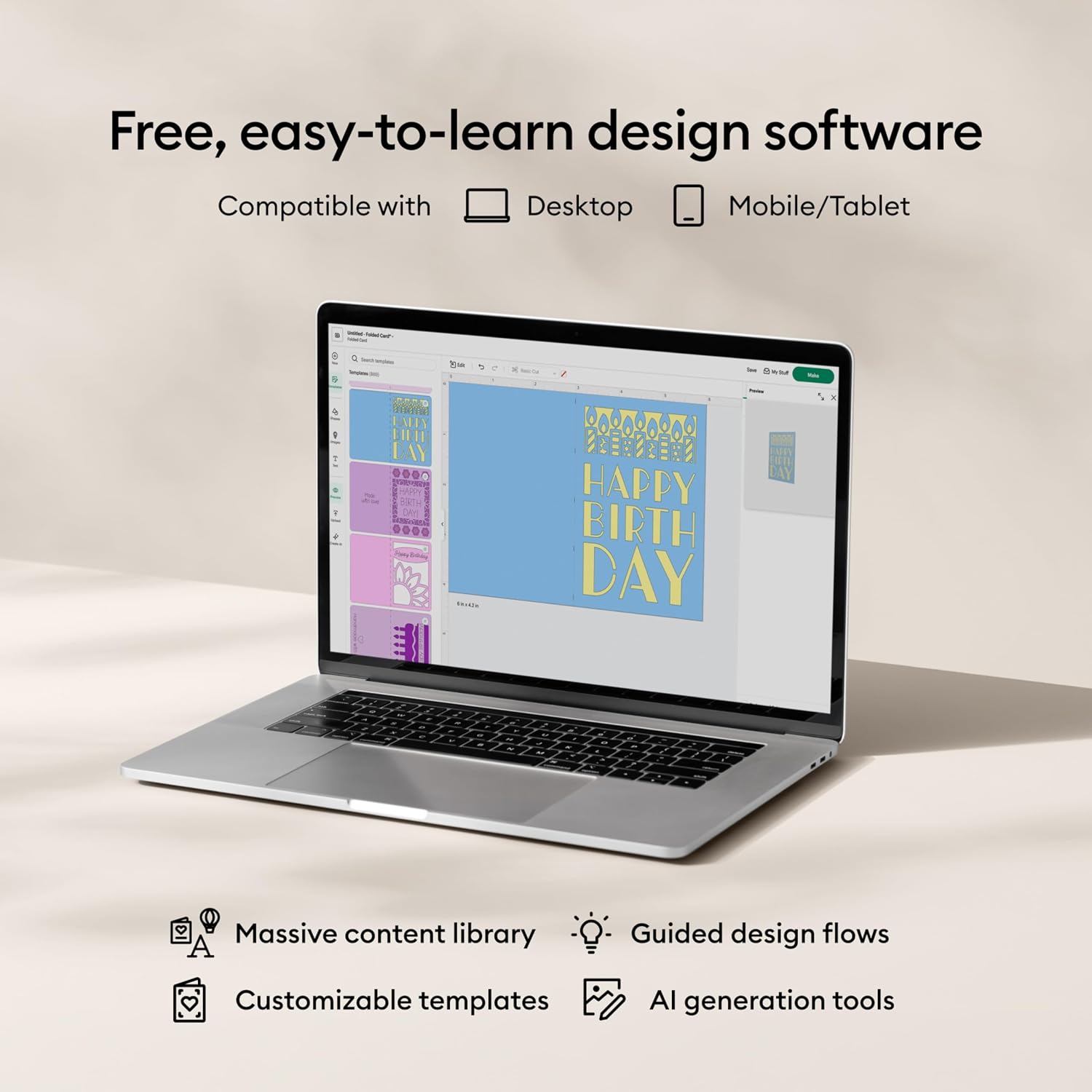
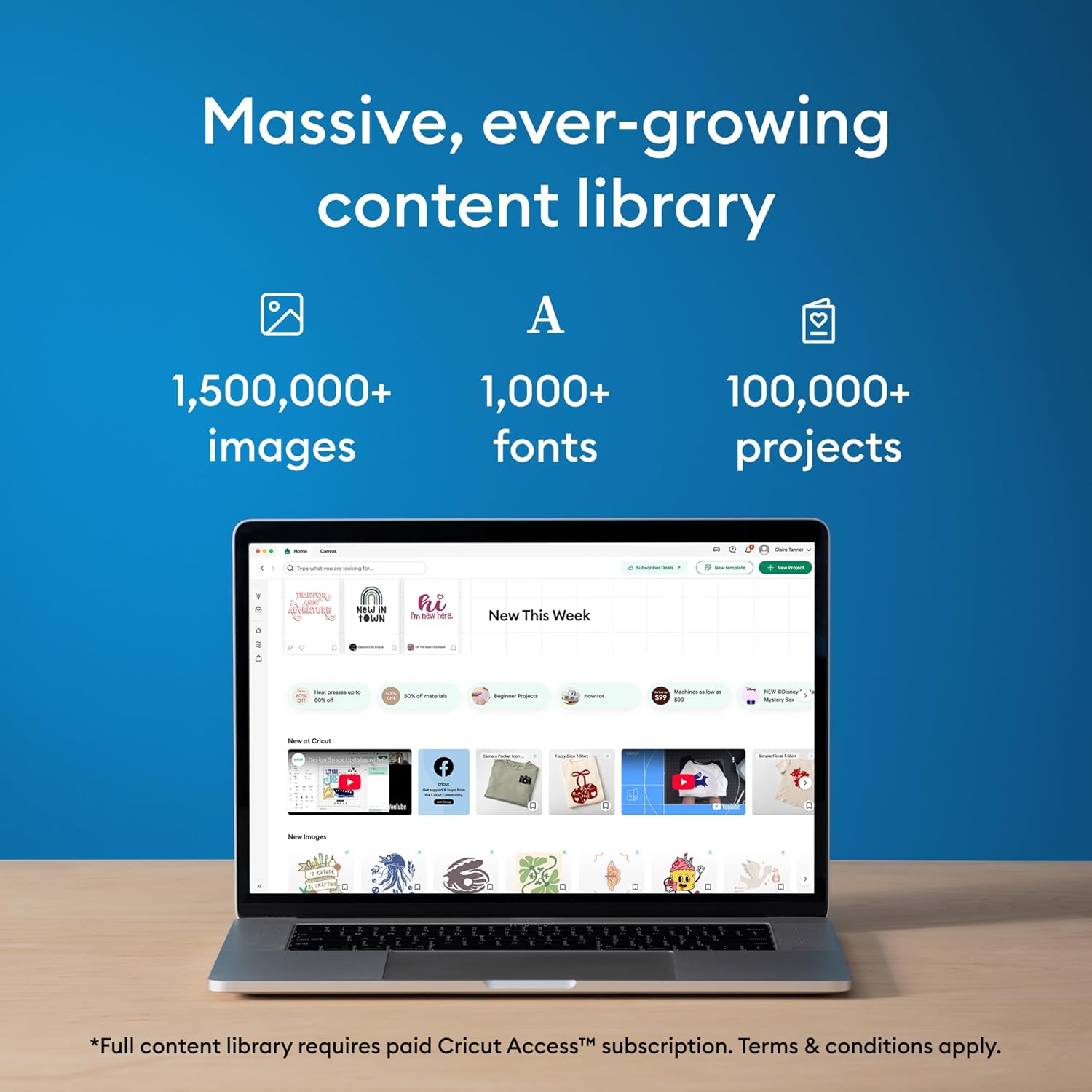
Print-Then-Cut adds another route: create a full-color design and use a compatible inkjet printer before cutting. The feature is described as compatible with most inkjet printers, not every model, so printer compatibility matters if stickers are your main reason for buying. Design Space is free and works on desktop and mobile, its guided design flows, templates, and included content are intended to help beginners get started. Access to the full content library requires the optional paid Cricut Access subscription.
Who it’s for
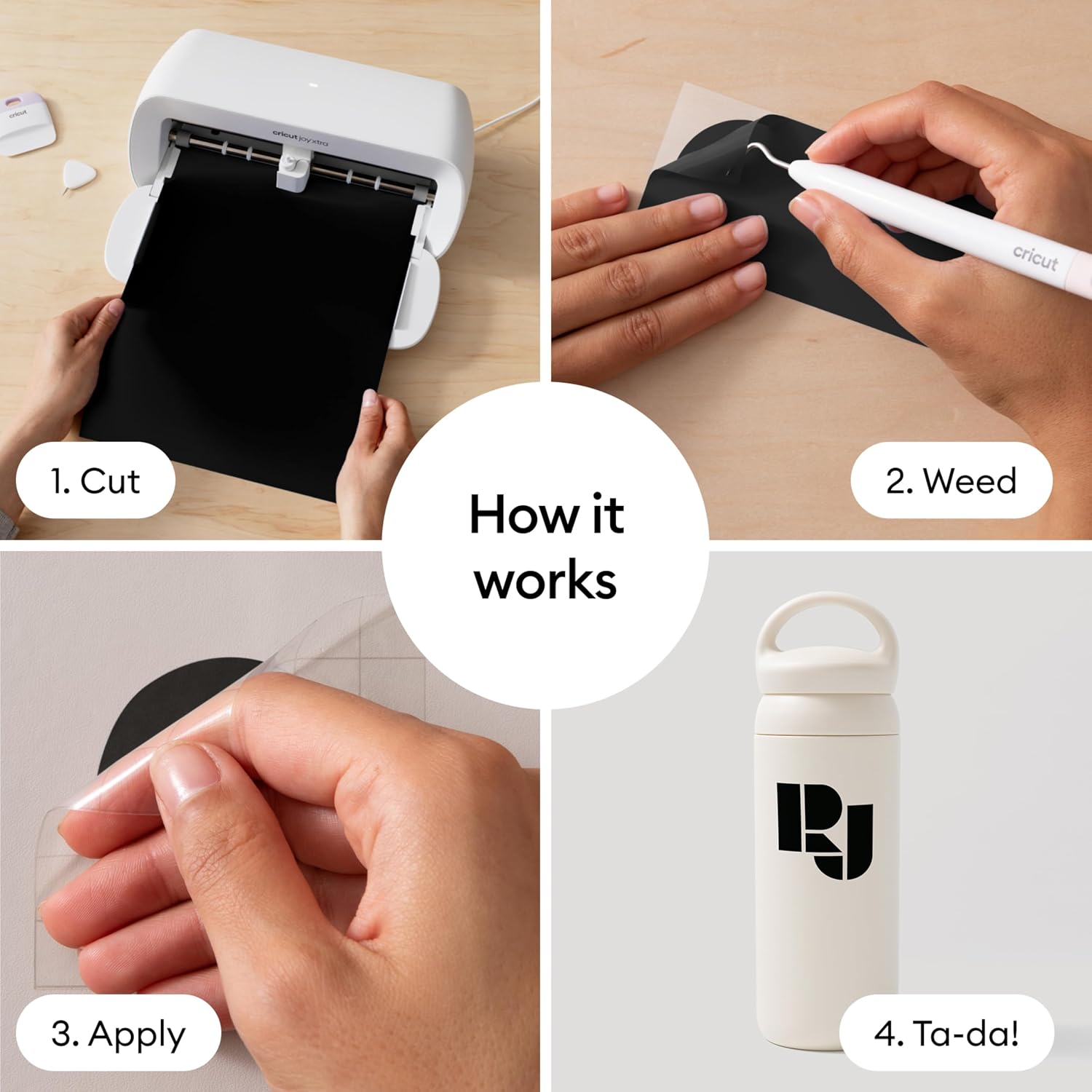
This bundle makes sense for someone who wants to personalize small household items, make stickers, or try several kinds of craft projects without choosing a vinyl-only workflow. Picture cutting a name decal for a storage bin, then using transfer tape to move the design onto the bin, the included sampler, mat, and tools support that kind of first project. It suits you if you want a guided design app and a range of creative functions in one machine.
It might not be a great match if you need a clearly stated machine footprint before planning a permanent workspace, or if you’re looking for detailed information on project dimensions and cutting capacity. A simpler hand-cutting setup may be enough for occasional, basic shapes, while a buyer planning larger or more demanding projects should look for those specifications before choosing.
What you get
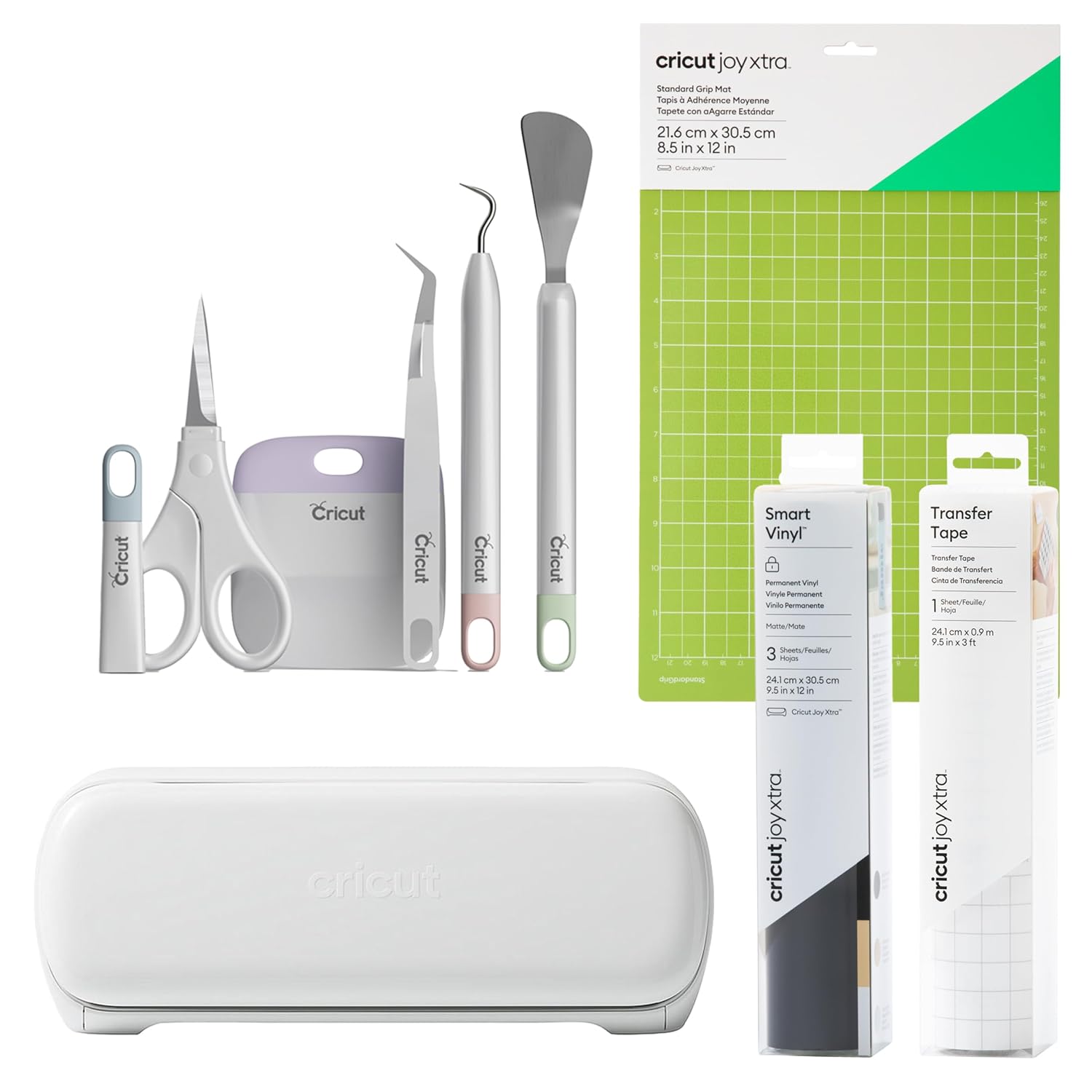
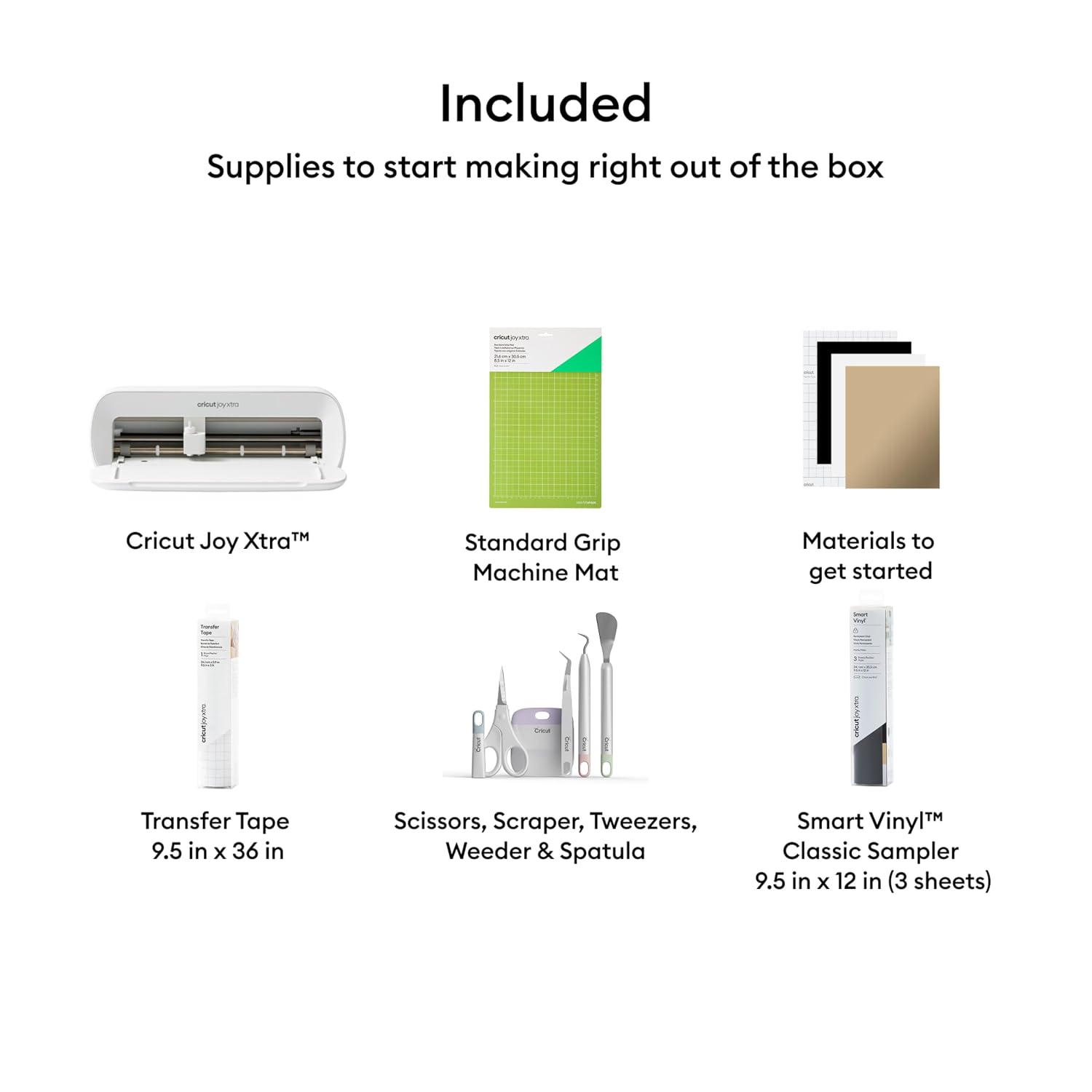
The bundle includes the Cricut Joy Xtra machine, a StandardGrip machine mat, a Smart Vinyl Sampler Pack, one roll of transfer tape, and a five-piece tool set. The transfer tape roll is listed as 9.5 in x 20 ft. That gives a new owner several of the basics for transferring vinyl designs, rather than requiring a separate first purchase for each of those items. The included supplies do not establish that every material mentioned is part of the bundle, so plan to source other project materials as needed.
Practical doubts
Can it make full-color stickers? Yes. Print-Then-Cut is designed for full-color designs and works with most inkjet printers. The listing does not identify specific printer models.
Do you need design experience? Not necessarily. Design Space includes guided design flows, customizable templates, and beginner-oriented tools, though learning to prepare a project may still take some practice.
Is Cricut Access required? No. Design Space is free to use, while the optional paid subscription unlocks the full content library.
Final verdict
The Joy Xtra bundle is a sensible starting point if you want a cutter that can handle vinyl and other craft materials, with drawing, foiling, and printed-sticker projects also in the mix. The included mat, sampler, transfer tape, and tools make the package more immediately useful than buying a machine alone. Choose it when those varied project options matter more than having fully specified dimensions, look elsewhere or gather more product details if workspace fit or project capacity is a deciding factor.