

WOLFBOX G850 PRO 4K Mirror Dash Cam 12-inch
Product description
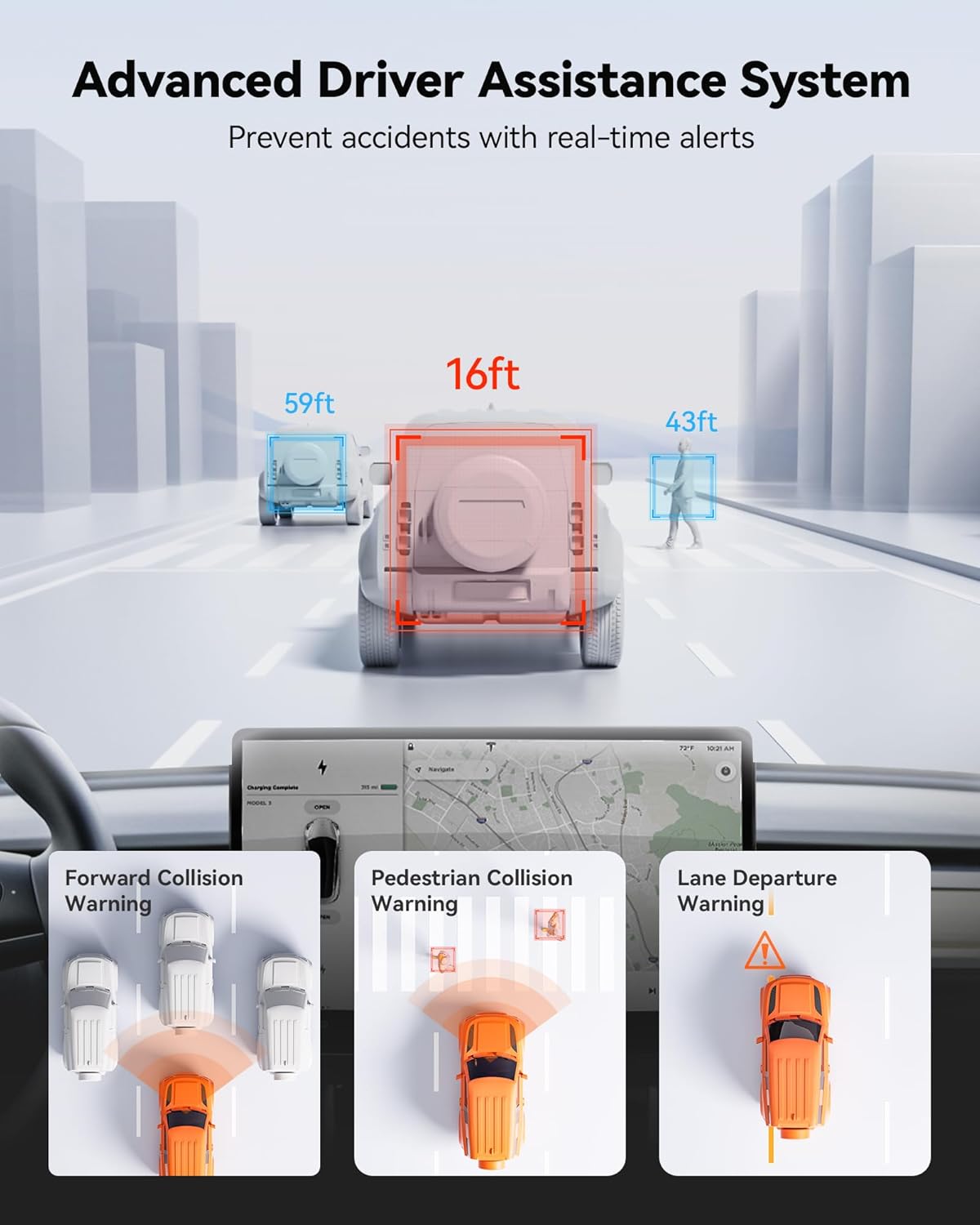
This smart rear view mirror dash cam combines a 12-inch touchscreen mirror with front and rear cameras to record driving events and help you stay aware on the road. It pairs high-resolution forward recording with advanced driver assistance alerts, giving clearer footage and active warnings while driving 🚗.
Key Points
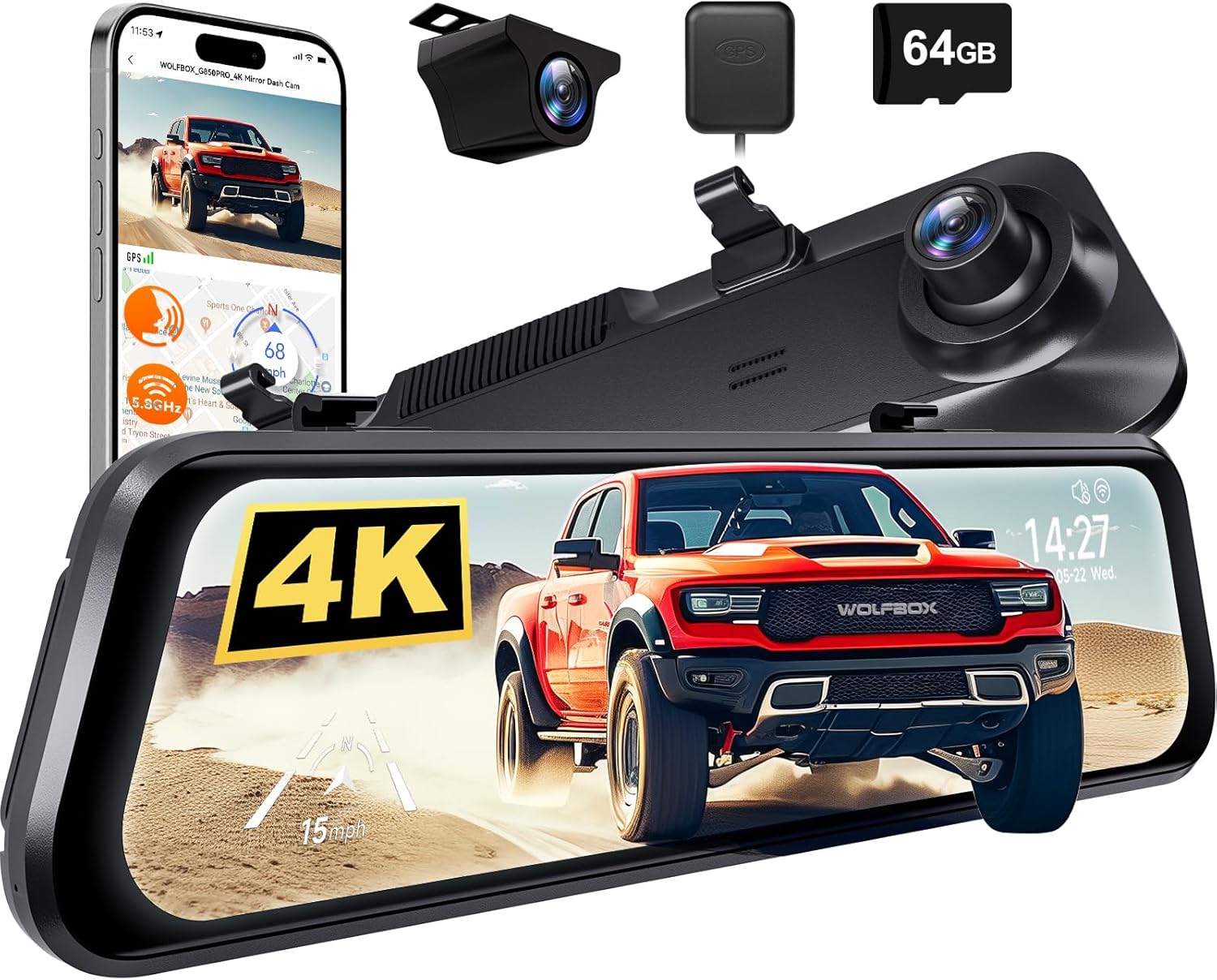
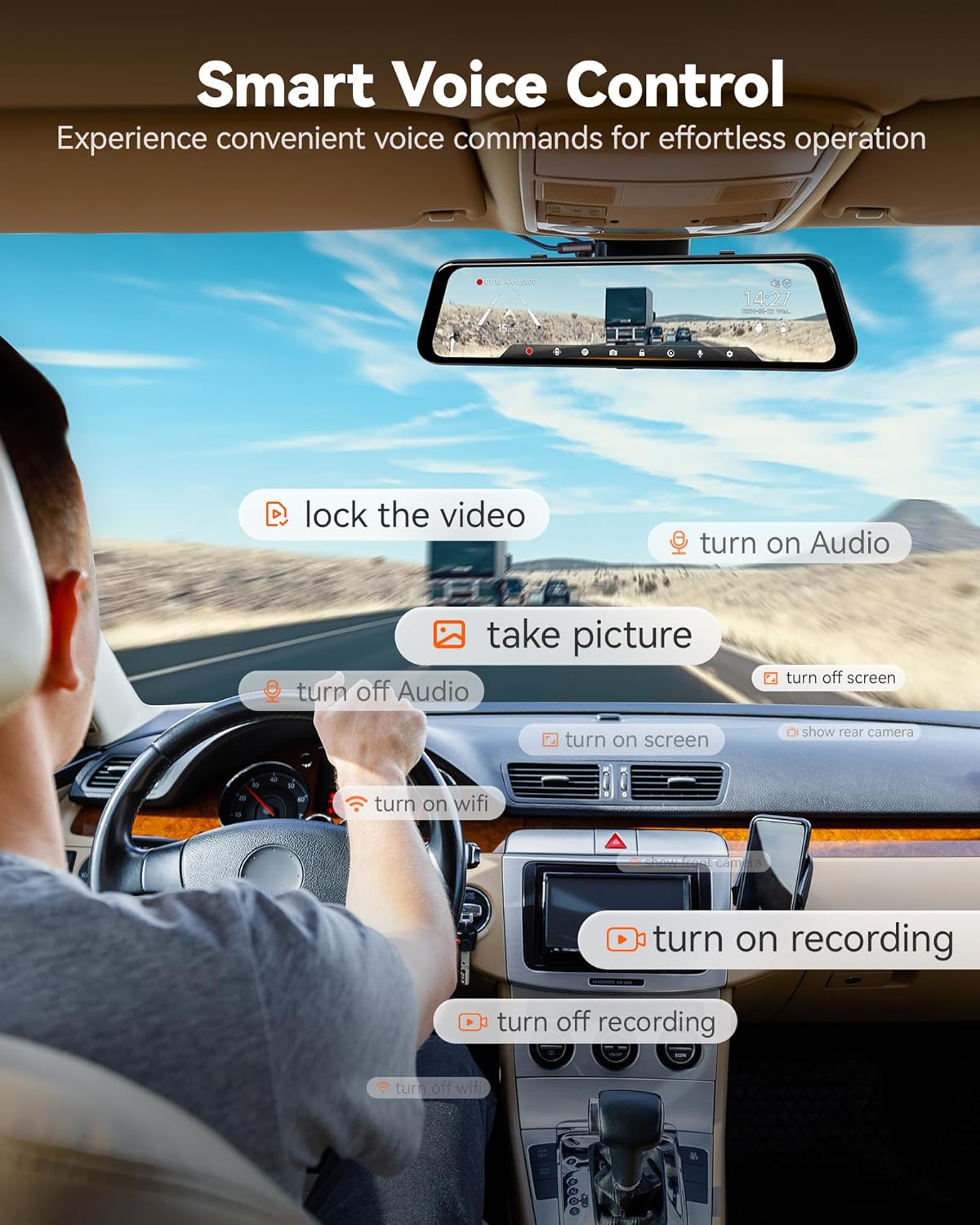
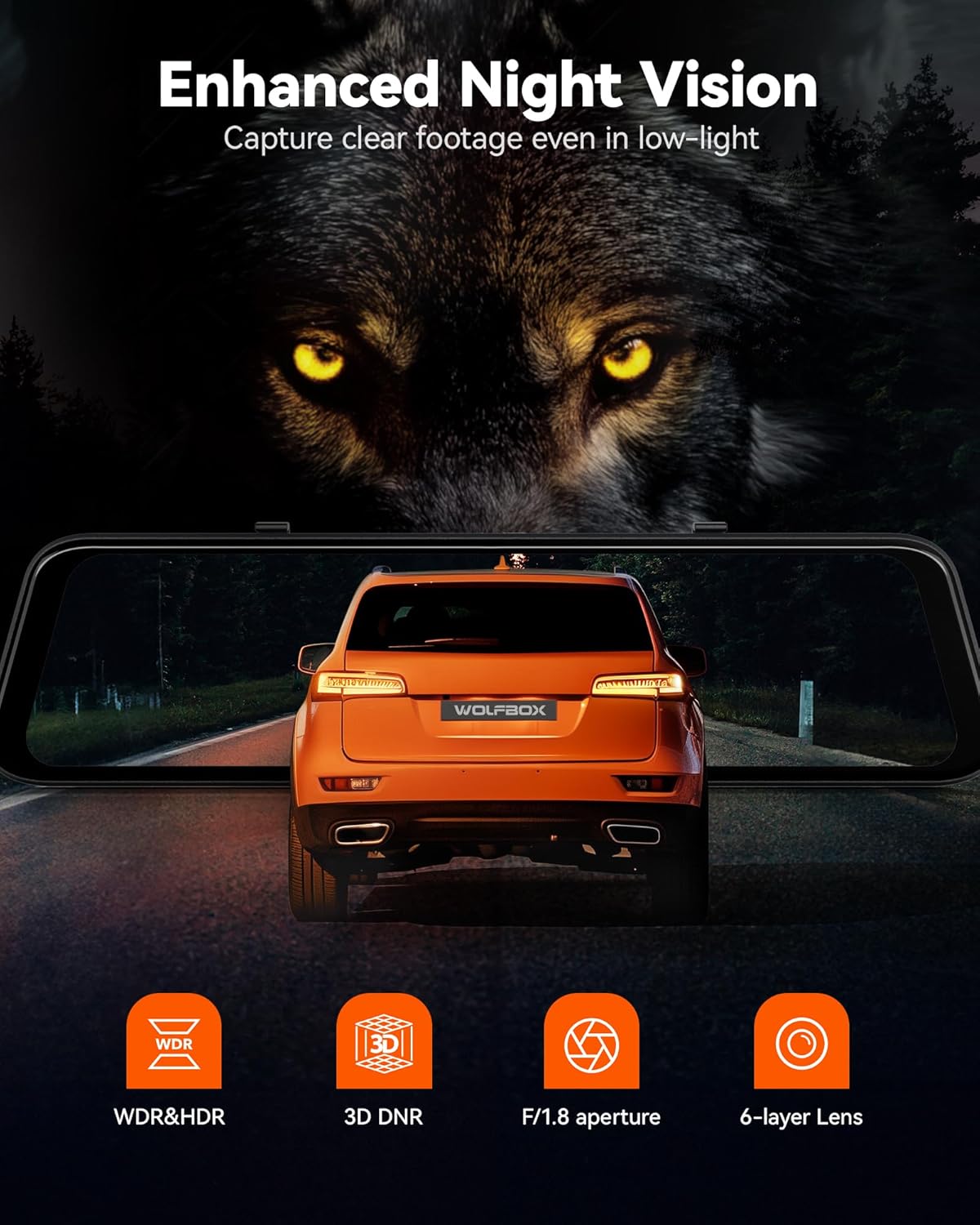
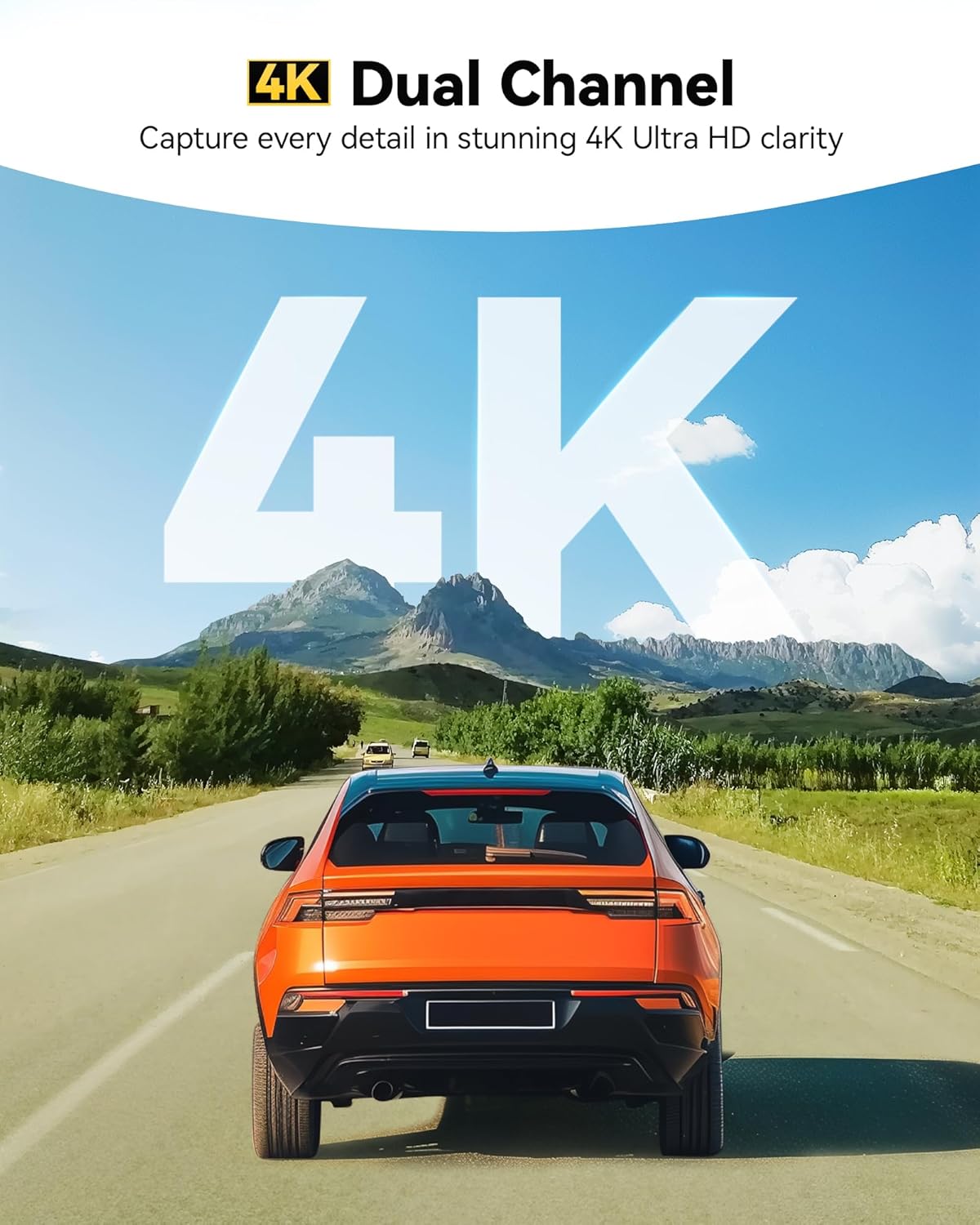
The mirror unit includes built-in ADAS alerts such as forward collision, pedestrian collision, lane departure, vehicle start monitoring, and distance monitoring. These camera-driven warnings work alongside an upgraded BSD algorithm that watches blind spots and detects rear collision risks, helping with lane changes and traffic behind you. The front camera records at high resolution and uses WDR/HDR processing to keep details readable in contrasting light and at night. The integrated voice control supports a dozen commands so you can operate core functions hands-free, and the touchscreen interface simplifies playback and settings 📷.
Technical Specifications
- Name: WOLFBOX G850 PRO
- Front camera: 2160P (2560×1440) @ 30 fps
- Rear camera: 1080P @ 25 fps
- Screen size: 12 inches touchscreen IPS
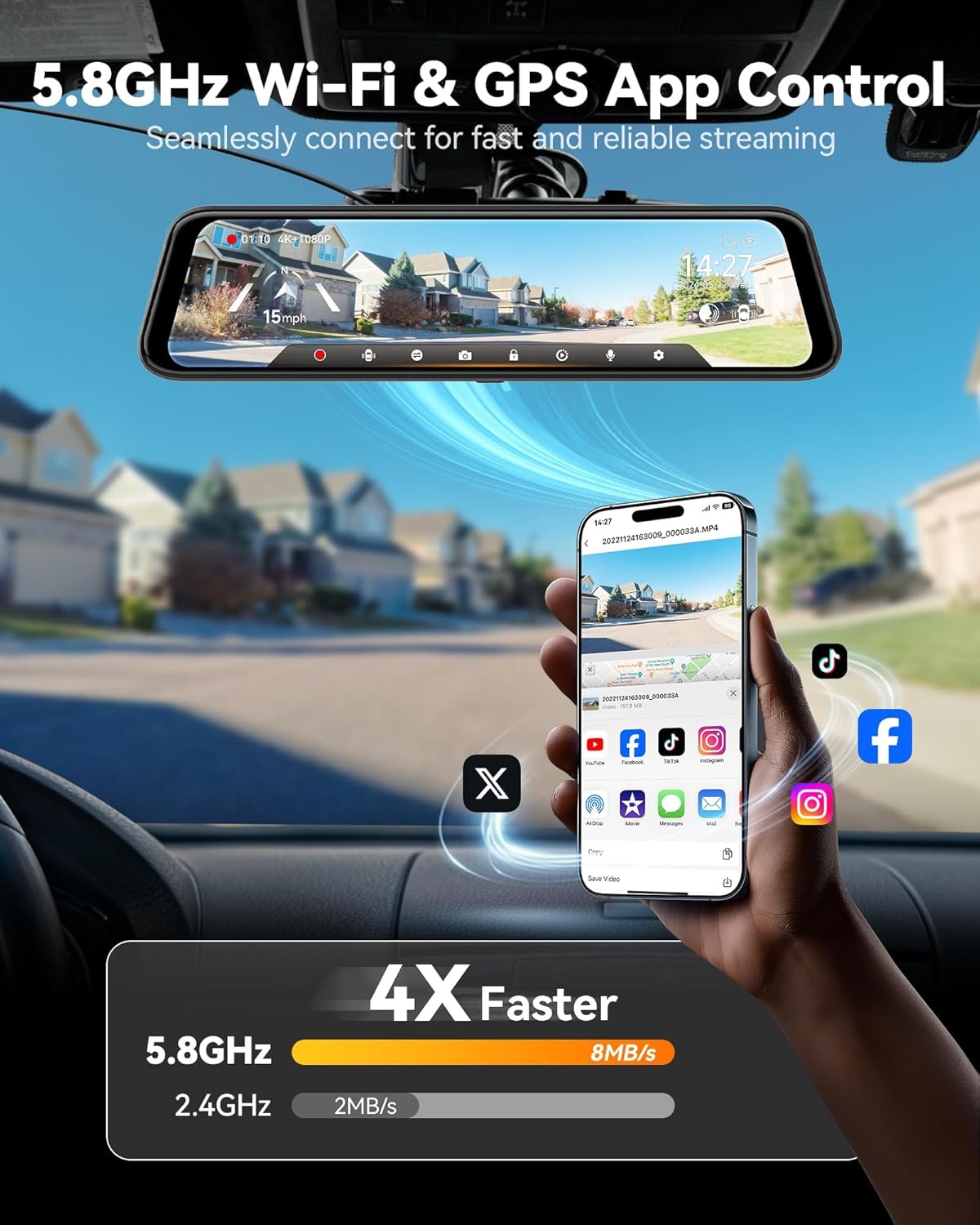
- Connectivity: 5.8GHz WiFi, GPS
- Storage: Includes 64GB card, loop recording, G-sensor
Usage Recommendations
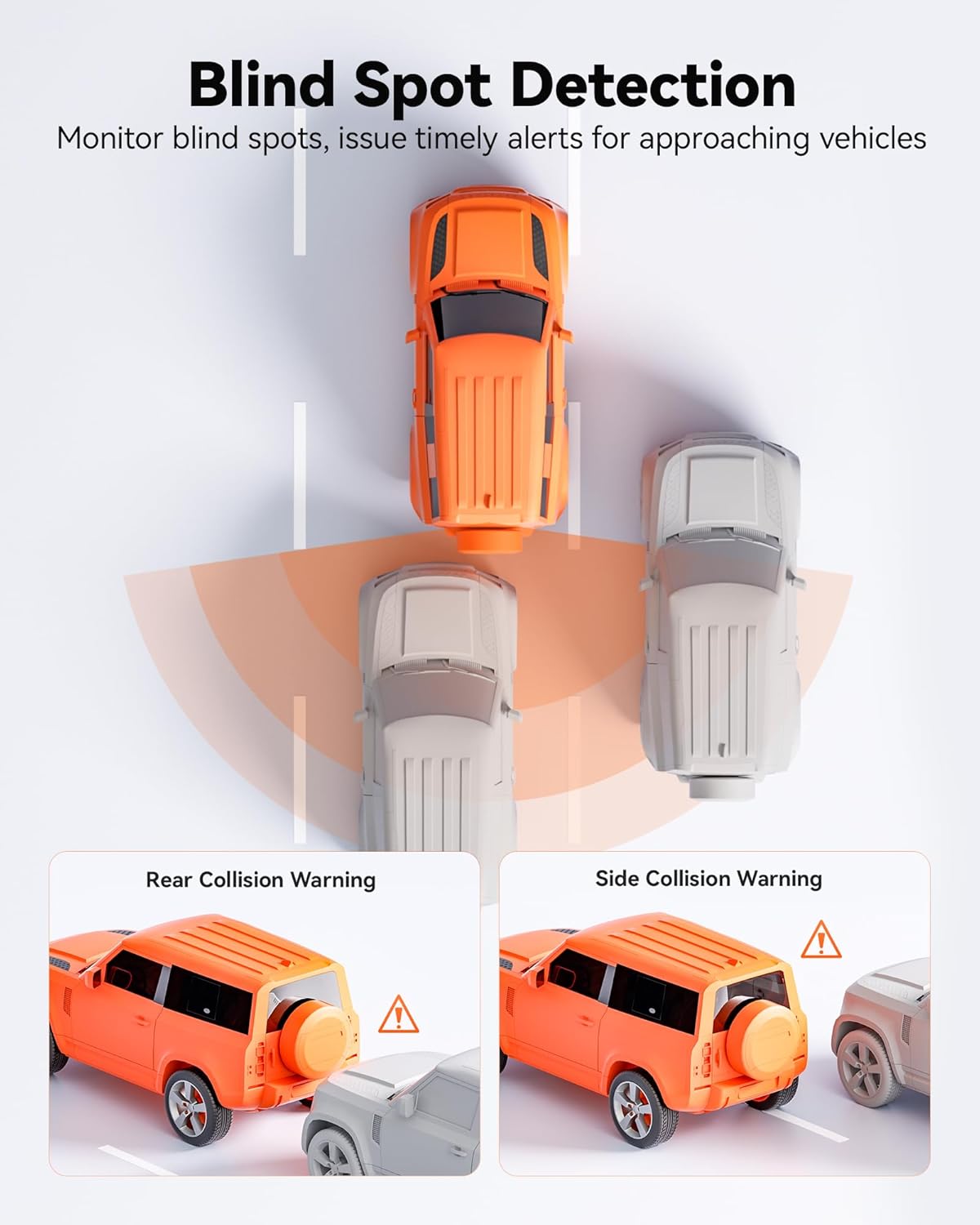
Use the WiFi connection to transfer clips to your phone quickly through the WOLFBOX app, especially when tagging incidents for review. For best performance, position the rear camera and adjust mirror angle so the BSD alerts have a clear view of adjacent lanes. Note that ADAS and BSD rely on camera visuals and algorithms, so alert sensitivity may vary with weather and lighting according to the manufacturer. Also consider that 5.8GHz WiFi gives faster transfers but may have a shorter effective range compared to lower frequency networks.
Practical Tips
Allow the unit to acquire GPS signal before beginning travel if you want precise location-stamped recordings. Enable G-sensor locking to preserve clips after sudden impacts or abrupt maneuvers. Remember that frequent overwriting is part of loop recording operation, so use the lock feature when you need to keep a file longer. Voice commands reduce interaction with the touchscreen while driving and can be used to toggle WiFi, capture photos, and lock recordings among other supported actions.