

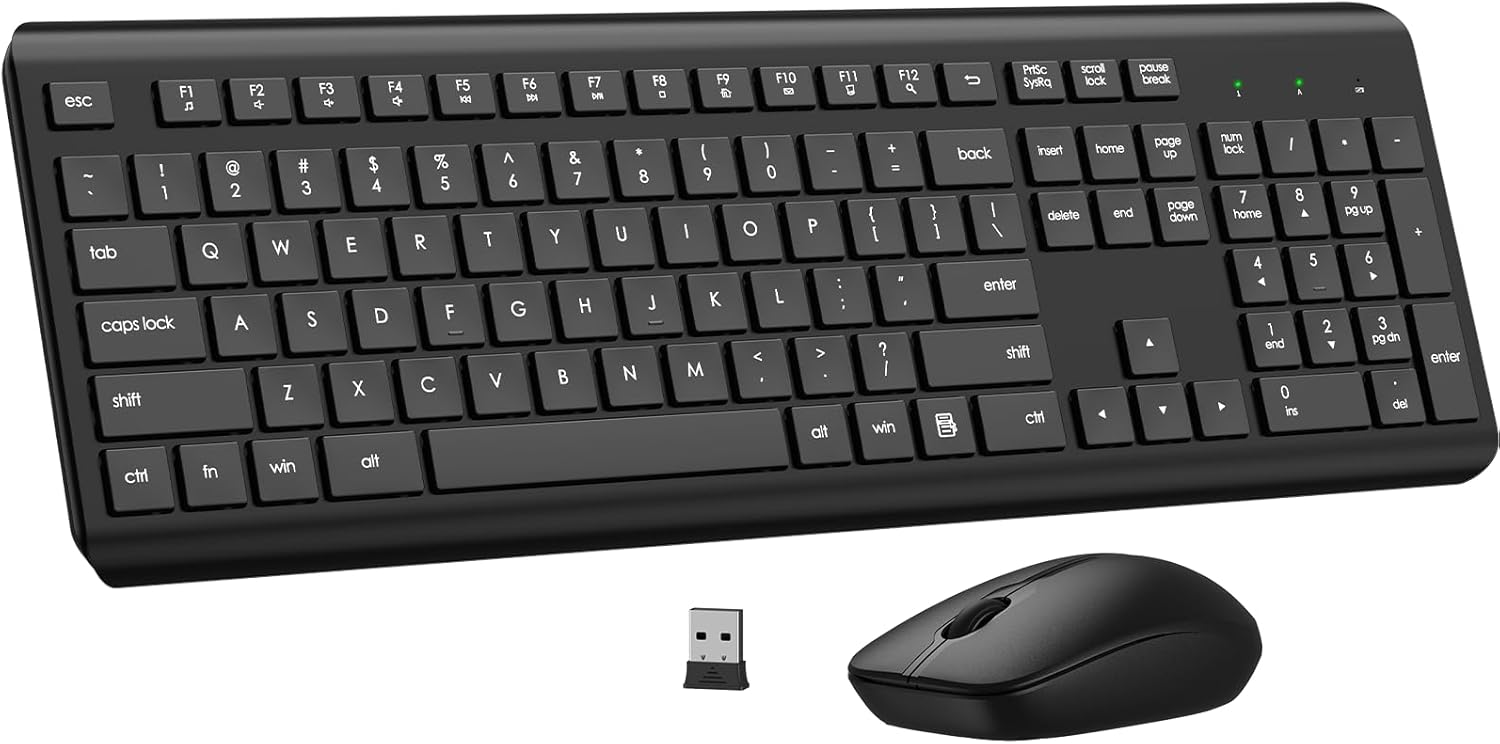
Wireless Keyboard and Mouse Combo 2.4G
Product description
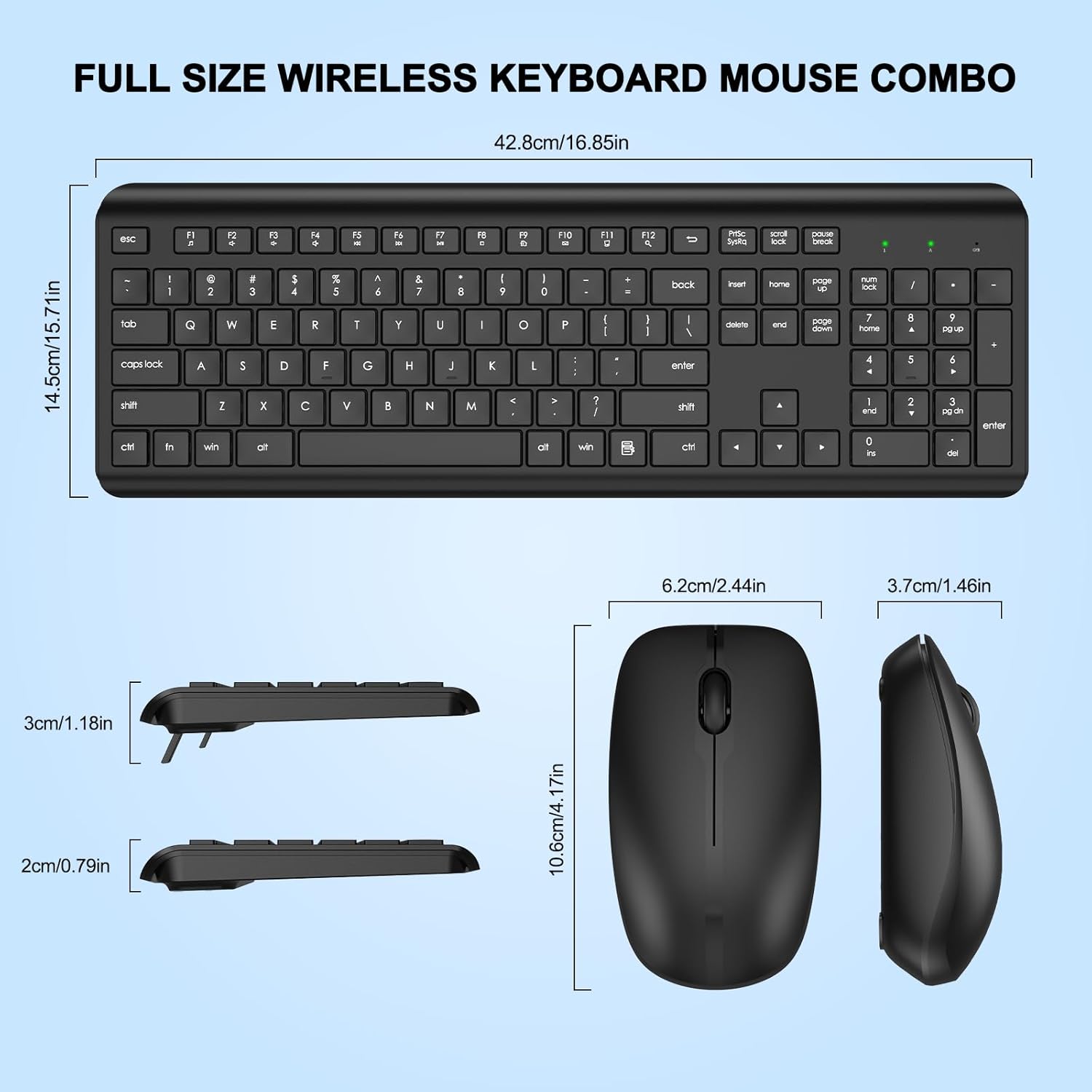
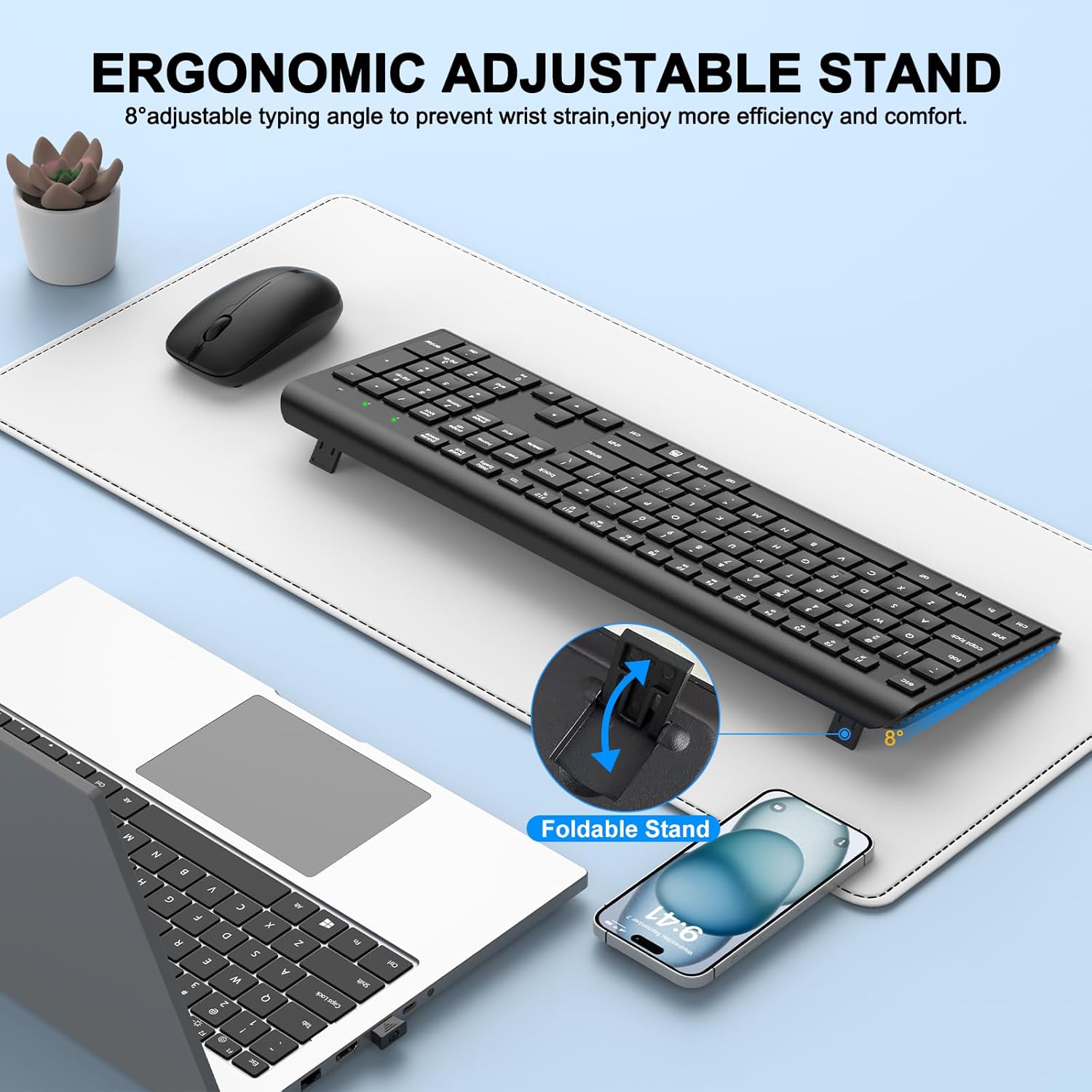
This wireless keyboard and mouse combo delivers a quiet full-size typing experience with a compact optical mouse for everyday office and home use. The ergonomic full-size keyboard includes an adjustable tilt and a numeric keypad, while the 2.4 GHz connection aims to keep input responsive up to 10 m for common tasks.
Key Points
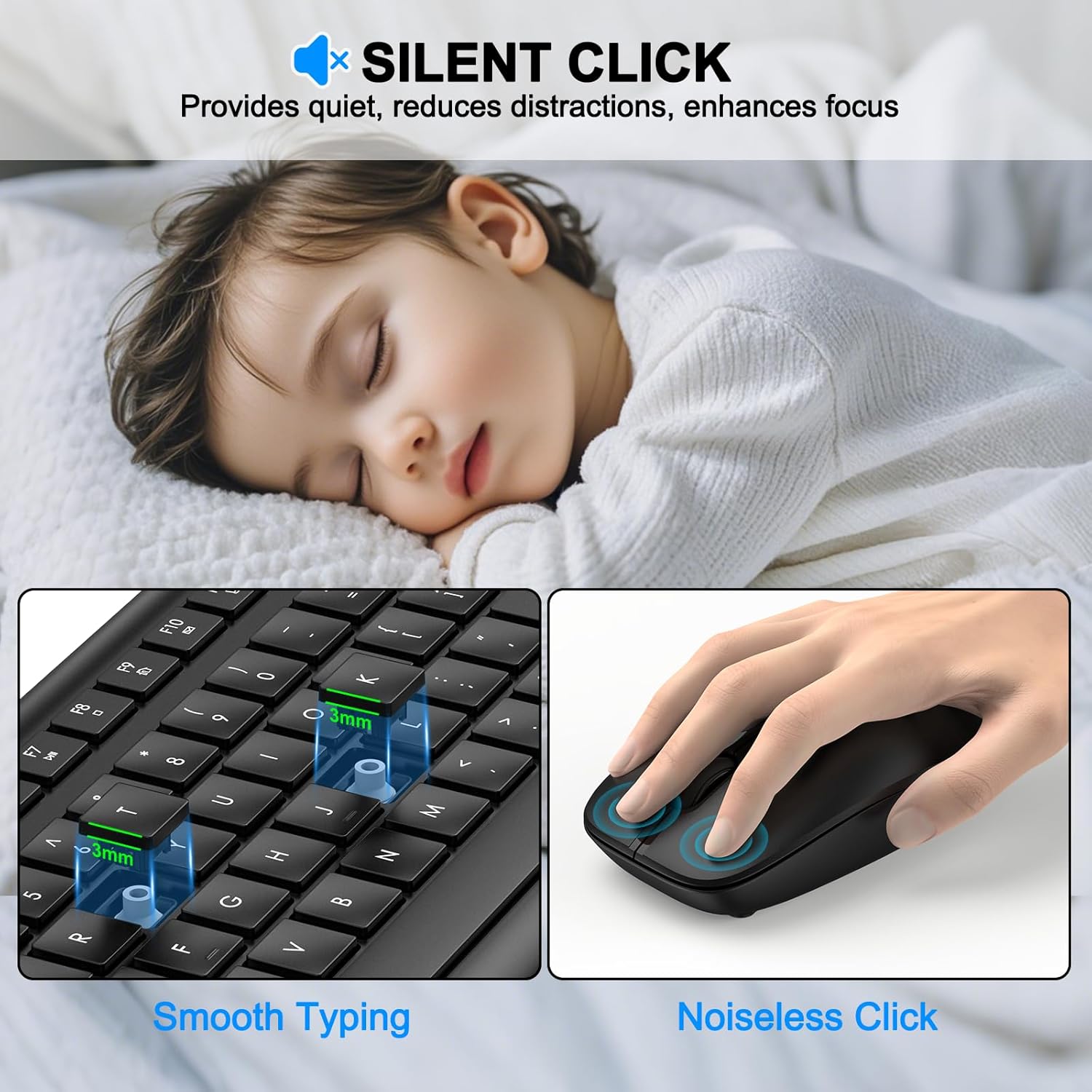
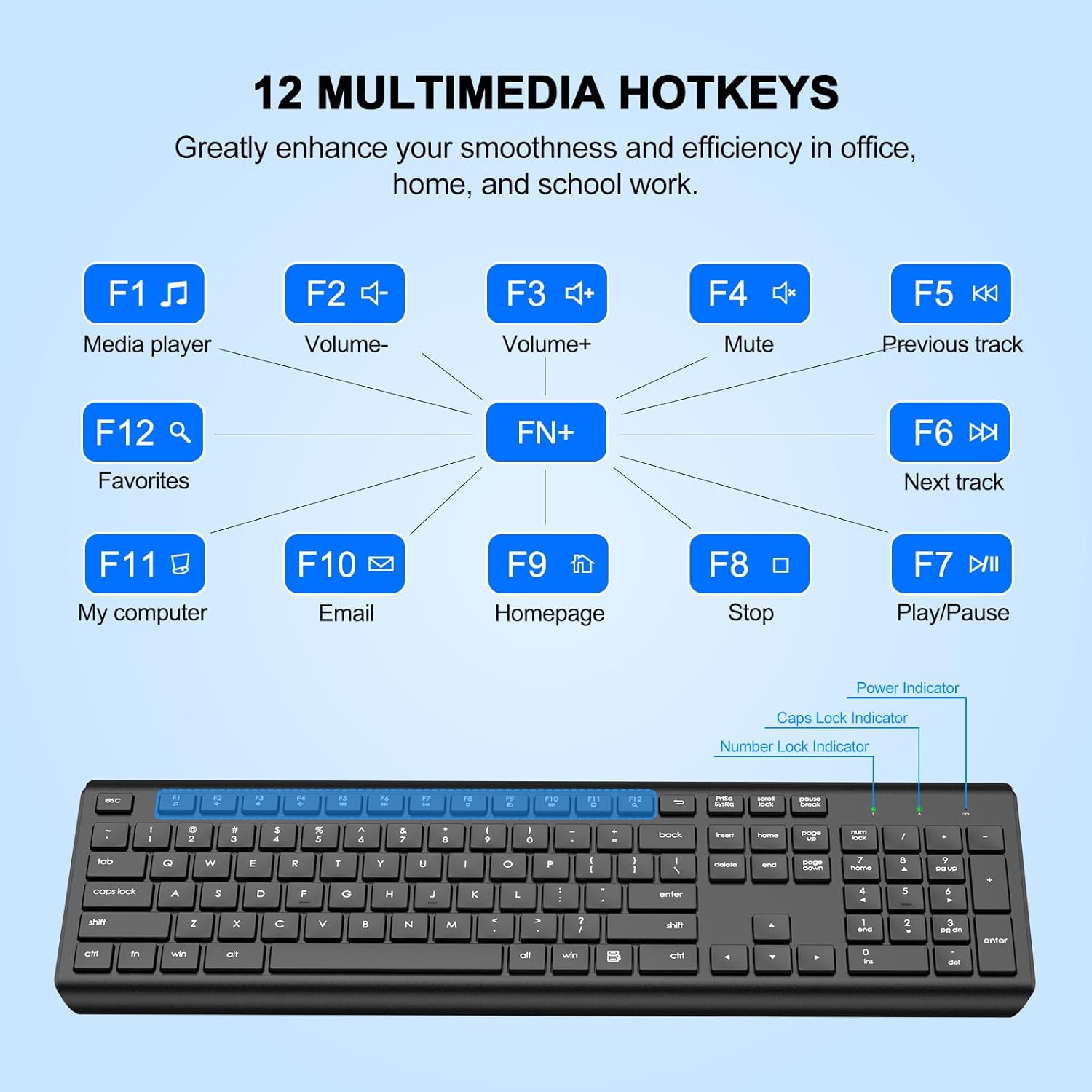
The keyboard uses soft membrane keys to reduce typing noise and lower finger fatigue during long sessions. It also has 12 multimedia hotkeys for quick control of media playback, volume, and email, which helps streamline routine workflows. The mouse features a contoured shape and light weight for comfortable daily use, with 1600 DPI sensitivity for smooth cursor movement during browsing and document editing. 🔋
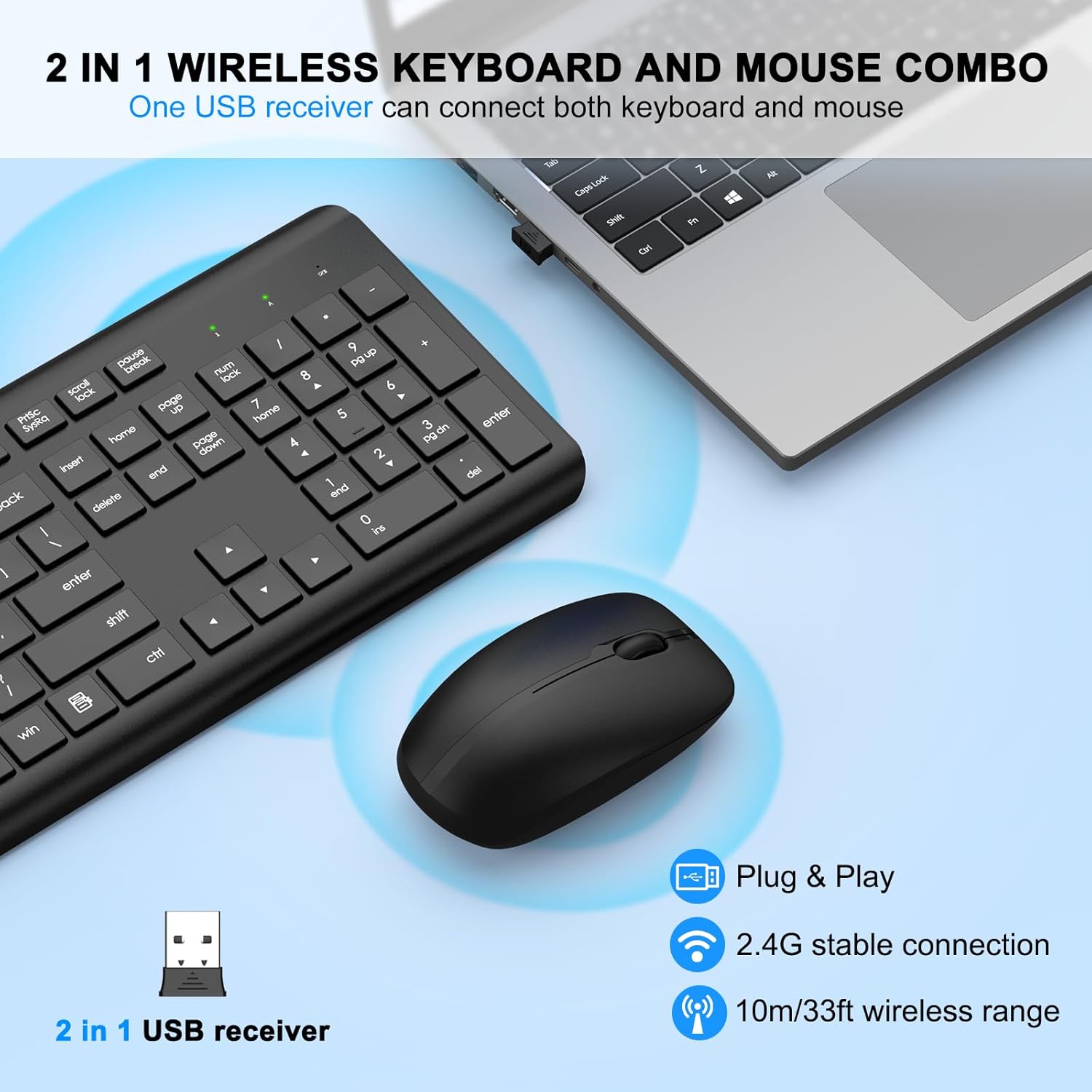
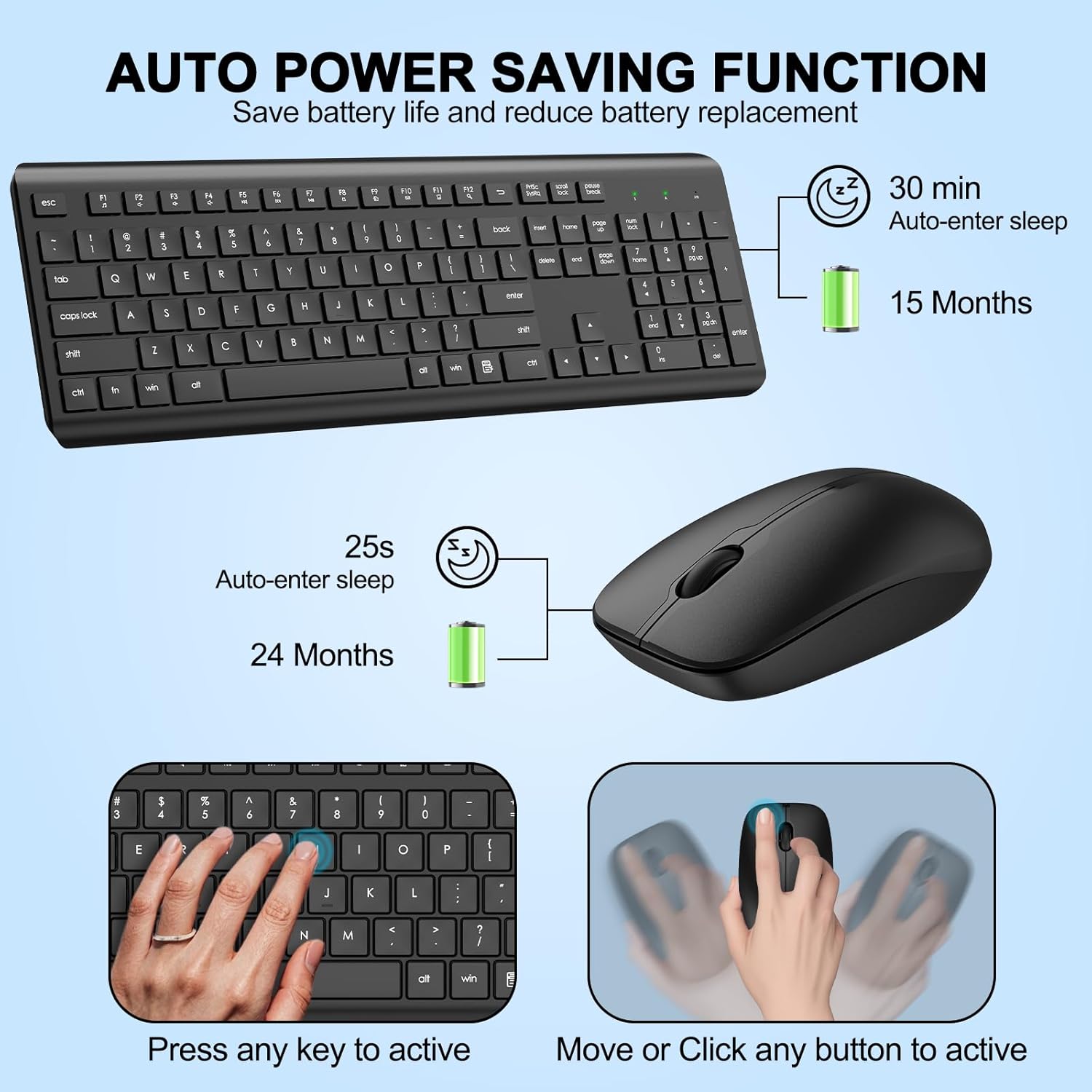
Battery life is claimed to reach up to 365 days for both devices when used according to typical patterns, and both peripherals enter sleep mode after short inactivity to save power. The shared USB receiver stores inside the mouse for portability and supports plug and play with no drivers required. 🖱️
Technical Specifications
- Name: EDJO wireless keyboard and mouse combo
- Connection: - 2.4 GHz USB receiver stored in mouse
- Mouse sensor: - 1600 DPI optical
- Keyboard layout: - Full-size with numeric keypad and 12 multimedia keys
- Power: - Keyboard uses AAA battery, mouse uses AA battery
- Range: - Up to 10 m according to the manufacturer
Usage Recommendations
For office or remote work, keep the mouse and keyboard on a stable surface to make the most of the optical tracking and the full-size keyboard layout. If you type for extended periods, set the keyboard at a gentle tilt and pair short breaks with wrist stretches to reduce discomfort. The compact mouse is better for standard productivity than for fast-paced gaming, as the membrane keys and mid-range DPI prioritize quiet operation and comfort over rapid mechanical responsiveness.
Positive Aspects
Compatibility covers a broad set of systems including Windows 11, 10, 8, 7, Mac OS, Chrome OS and Linux, which makes it flexible for mixed-device setups. The plug and play design avoids driver installation, so setup is usually straightforward. One nuance to consider is that membrane keys offer quieter typing and a softer feel, but they may not satisfy users who prefer a tactile mechanical response. Also, while the 2.4 GHz band offers reliable connectivity in most environments, performance can vary in spaces crowded with wireless devices.