

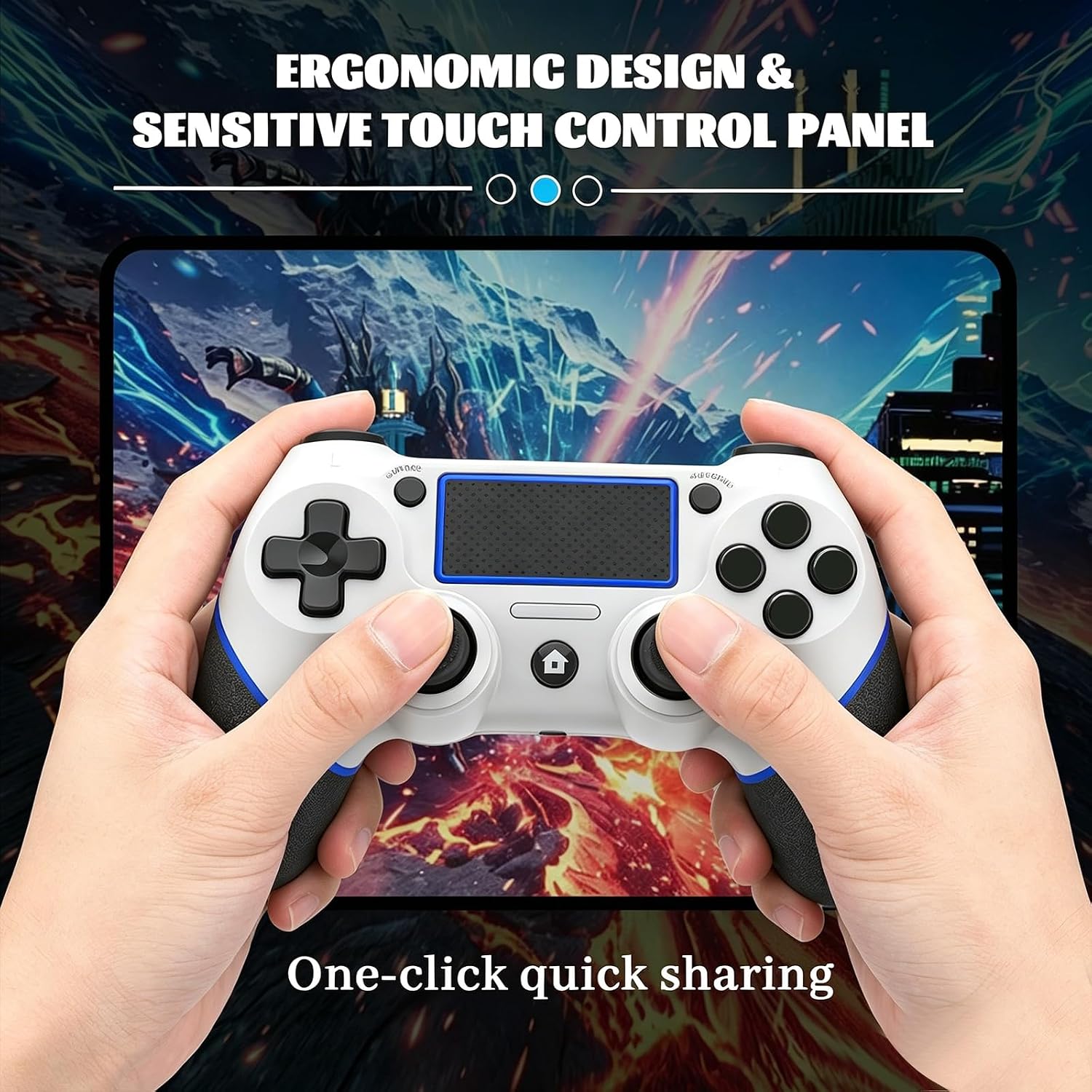
Wireless Controller for PS4 (White/Blue) — Multi-Platform Compatibility, Turbo, Built-in Speaker
Product description
What it is
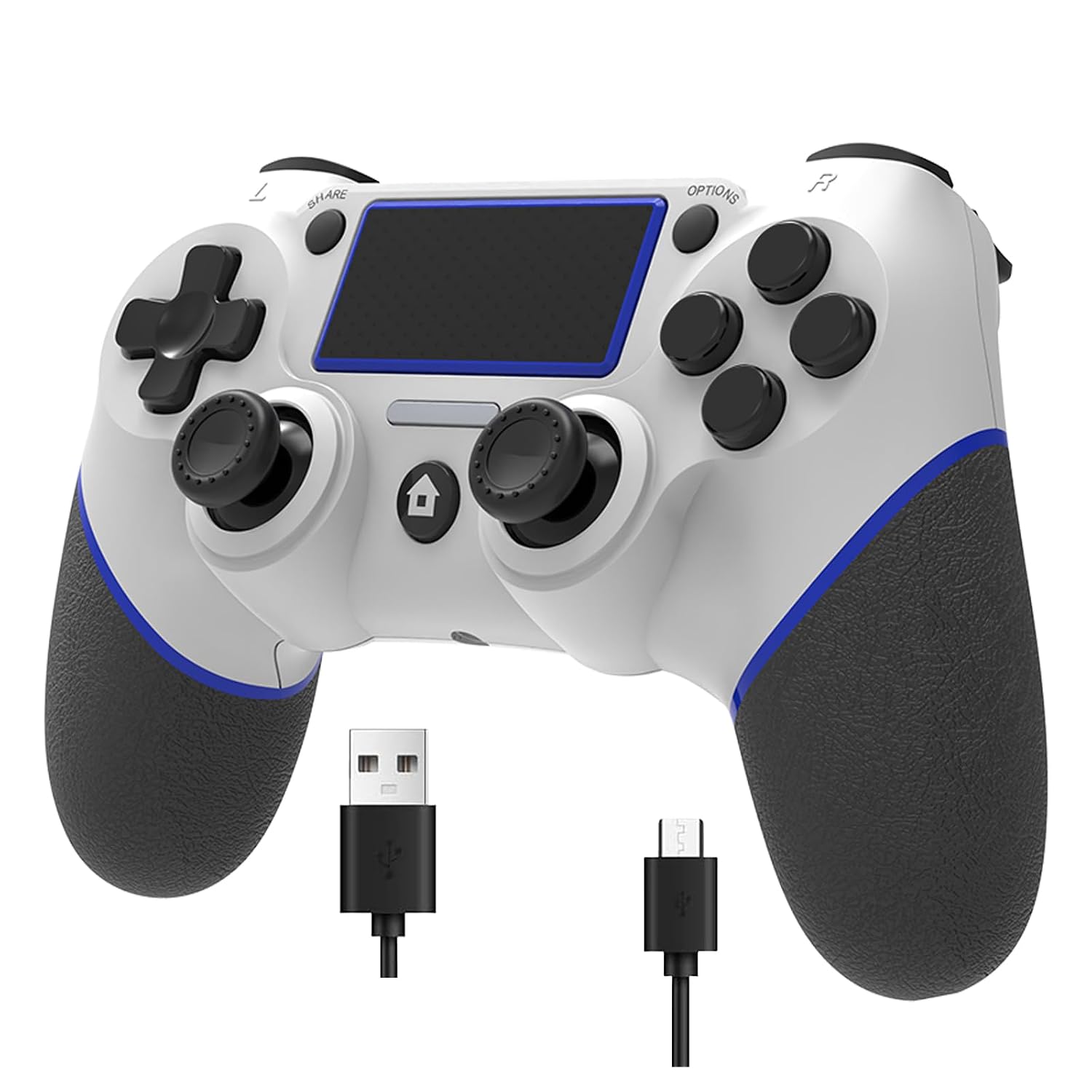
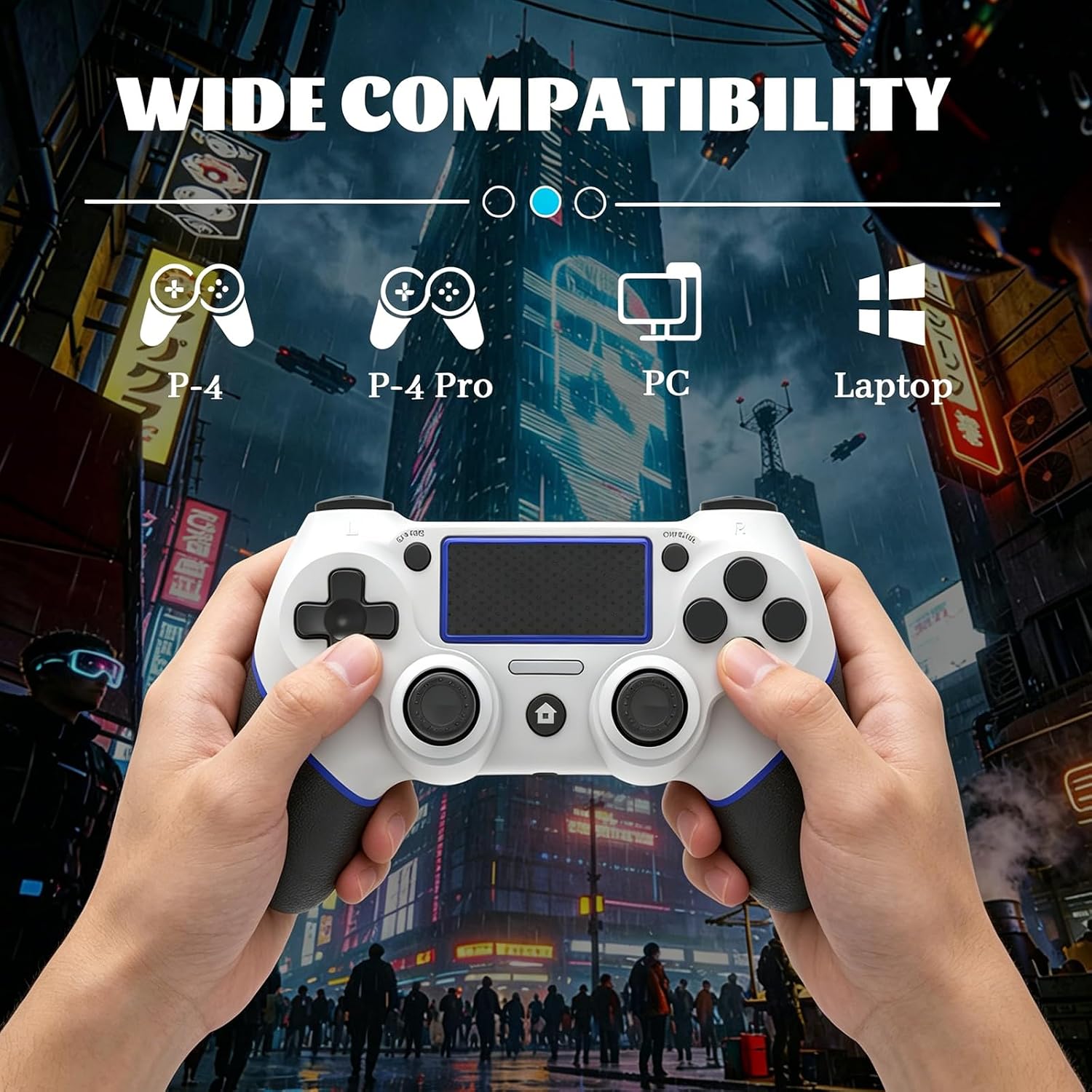
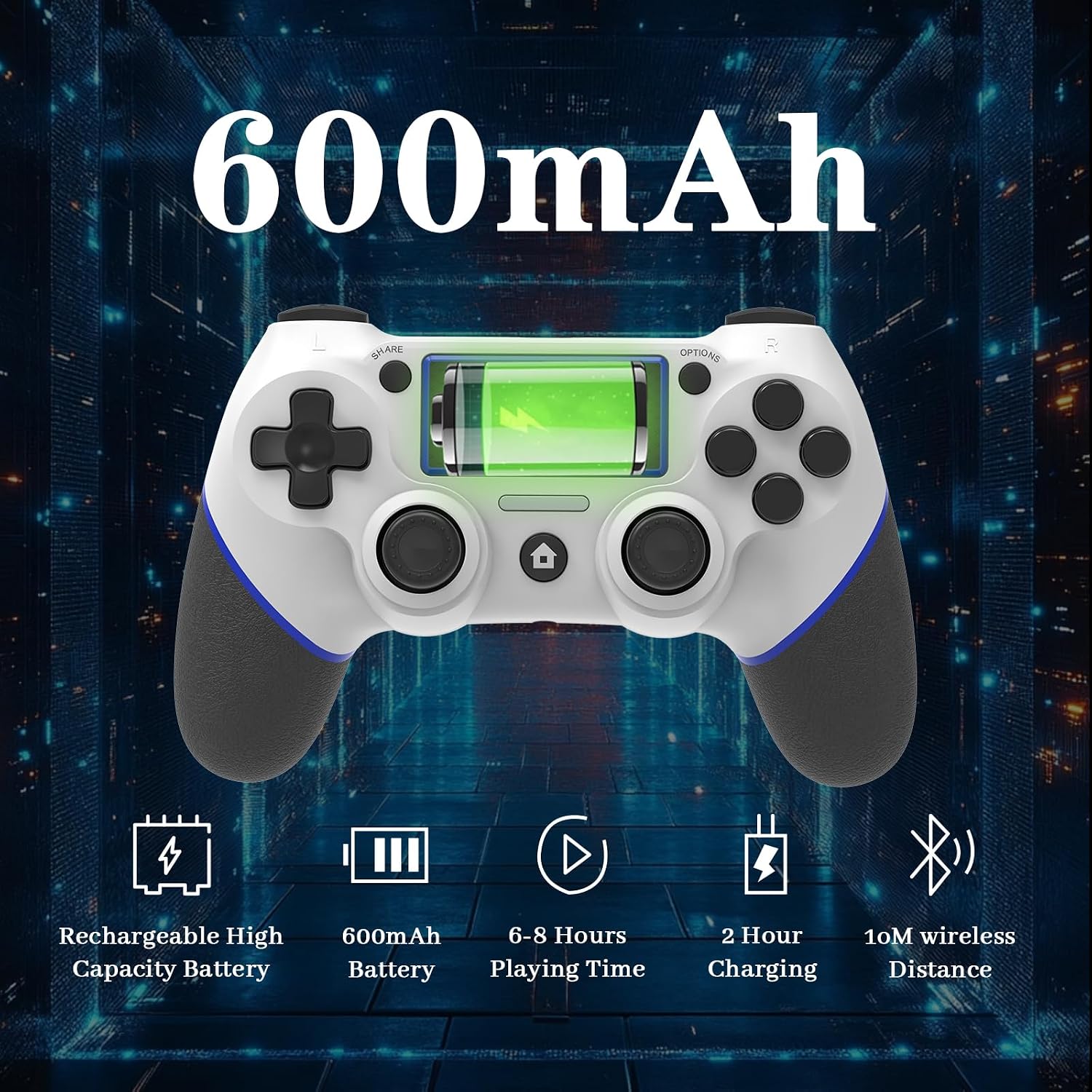
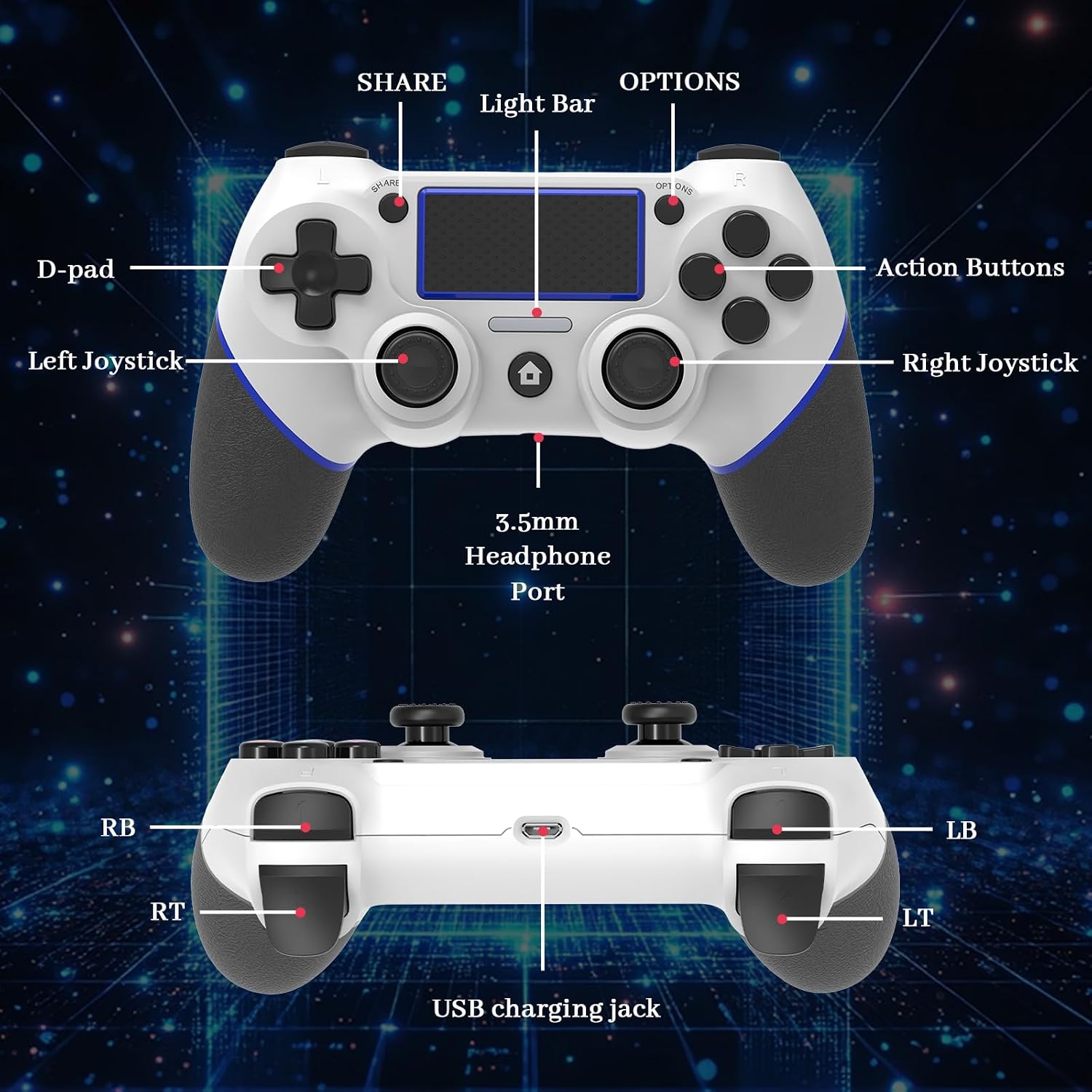
This is a third-party wireless controller designed for PS4 and compatible with PS4 Slim, PS4 Pro, and Windows PC. It brings the familiar console feel with some extra features like a built-in speaker, a 3.5mm headphone jack, and a USB-C charging cable. It can be used wired or wirelessly, expanding play options across platforms.
How it connects
The controller supports both wired and wireless use. For PS4, you can start with a USB connection to pair the controller with the host, then press the HOME button to complete the setup and switch to wireless use. On PC, you can connect via USB or Bluetooth with a separate Bluetooth receiver (not included). In Bluetooth mode, pair by holding HOME + SHARE until the light flashes and follow the device pairing steps on Windows.
What stands out
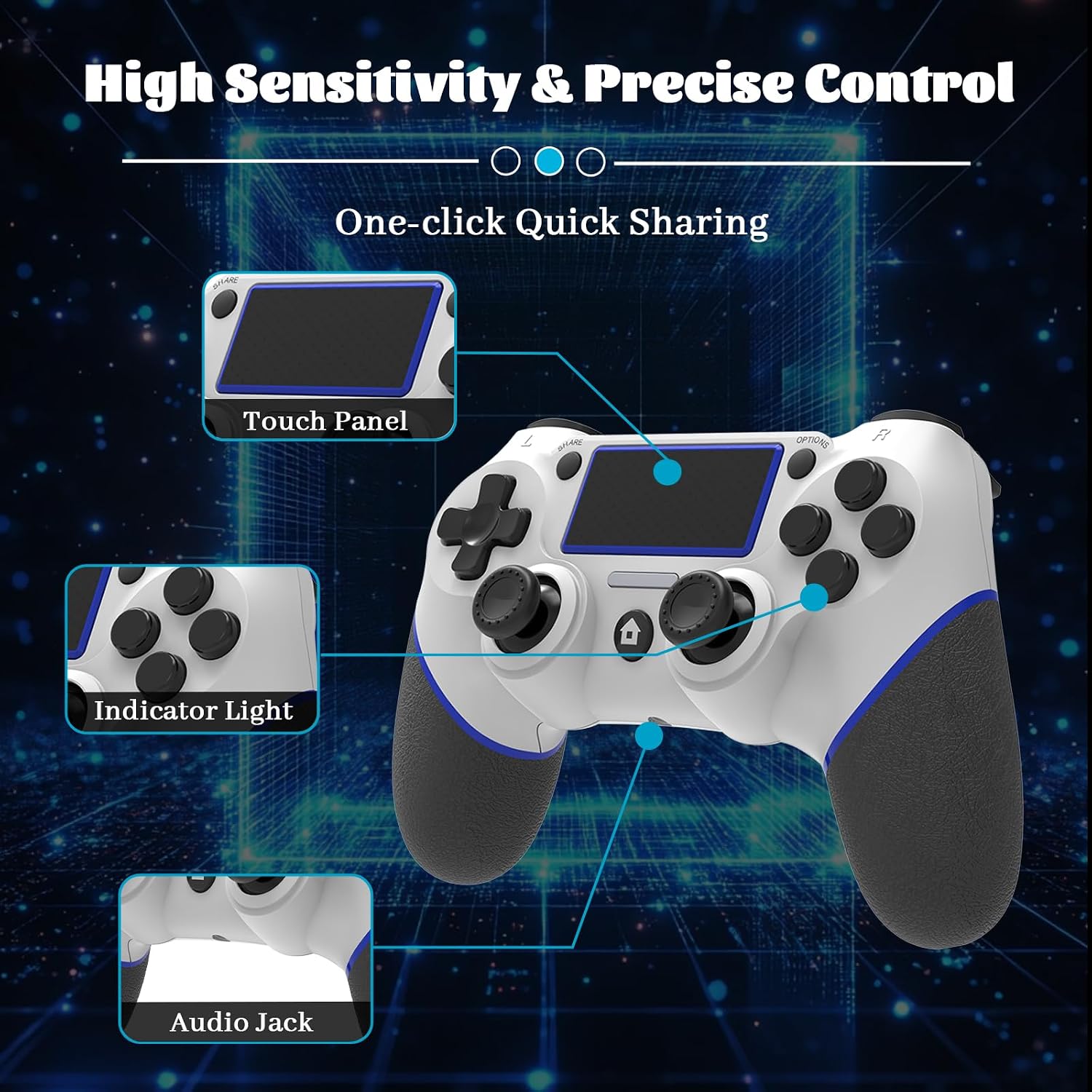
Its design emphasizes grip and comfort with an anti-slip surface intended for longer play sessions. There is a turbo/customizable button feature: hold the Share button and select a desired button to assign turbo, with three adjustable turbo speeds. The controller also supports a built-in speaker and a 3.5mm jack for headphones, plus USB-C charging for modern connectivity.
Who it’s for
This is a practical option if you want cross-platform flexibility (PS4 family and PC) without sticking strictly to first-party hardware. It may appeal to players who value additional customization (turbo) and built-in audio options for on-the-go or couch gaming.
When it makes sense to buy
Consider this controller if you prioritize multi-platform use, built-in audio features, and a configurable turbo function. It can be a cost-effective way to add a second (or backup) controller for PS4 and PC. If you mainly game on a single console and want the most official experience, a first-party controller might be preferable.
What to check before you buy
- Confirm compatibility with your PC setup (Windows version) and PS4 family models.
- Note that this is an unofficial third-party controller, so experiences may vary compared with official hardware.
- Consider whether you need Bluetooth pairing with a separate receiver (not included) for PC use.
- If you rely on precise inputs in competitive play, test the turbo configuration and see if it meets your timing requirements.
Practical use
Imagine settling into a cozy gaming session on PS4 or PC, using the built-in speaker for sound cues and chatting through a headset via the 3.5mm jack. You customize a button for a rapid-fire turbo sequence during a frantic moment, then switch to wireless play after a quick setup with the USB cable. The ergonomic grip helps reduce fatigue during longer sessions.
FAQ
- Is it compatible with PS5? (Not specified in the data, only PS4, Slim, Pro, and PC are mentioned.)
- Does it come with a Bluetooth adapter for PC? (Note indicates an external adapter is needed and not included.)
- Can I use it wired and wireless interchangeably on PS4? (Yes, via initial USB pairing and then wireless usage.)
Is it worth it?
Worth considering if you need multi-platform play and want extra features like a turbo function and built-in audio options, but keep expectations realistic since it’s an unofficial product. If you prioritize official compatibility and guaranteed support, this might not be the best fit.