

VITURE Beast XR/AR Glasses: Biggest, Brightest, Smartest Spatial Display
Product description
Overview
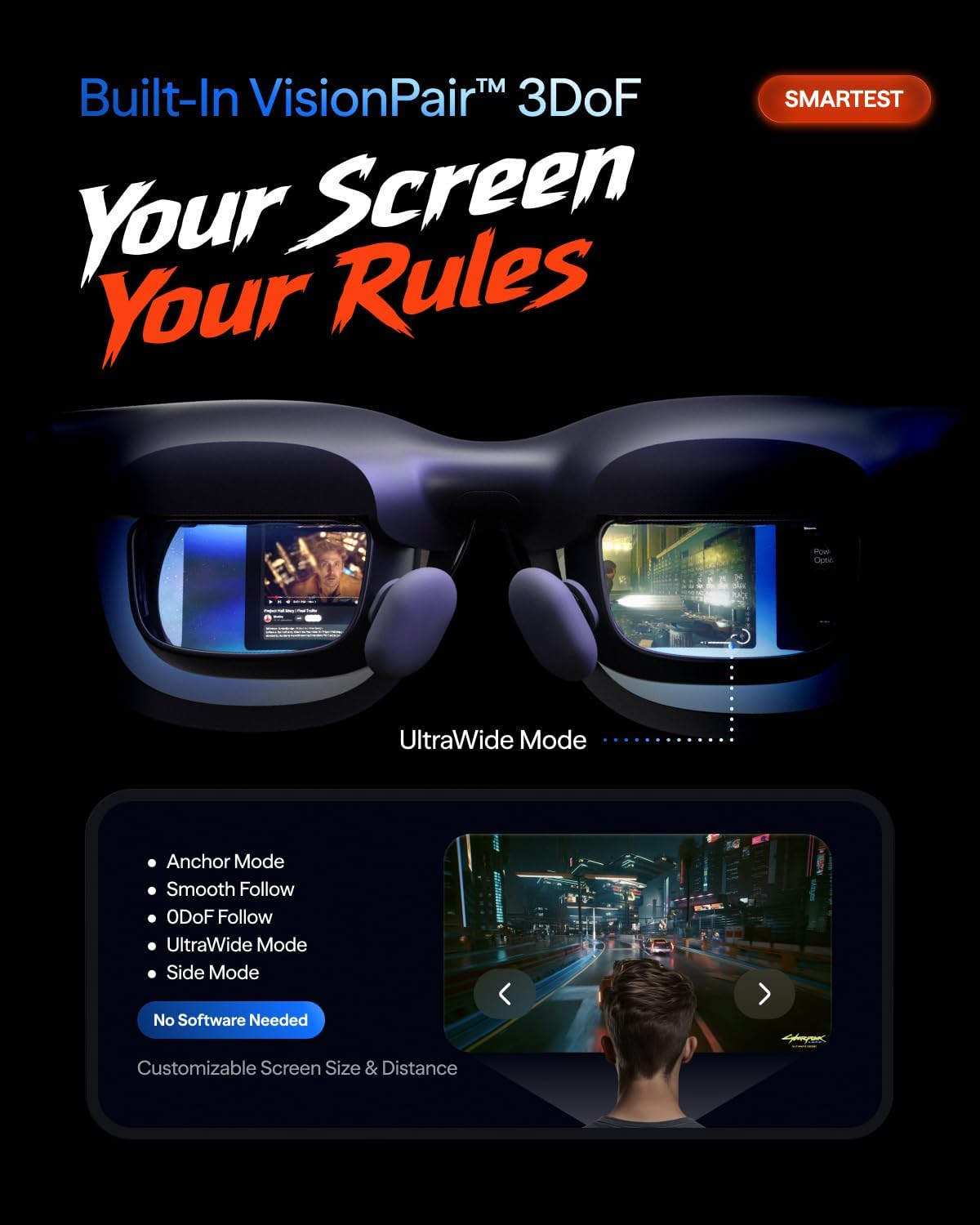
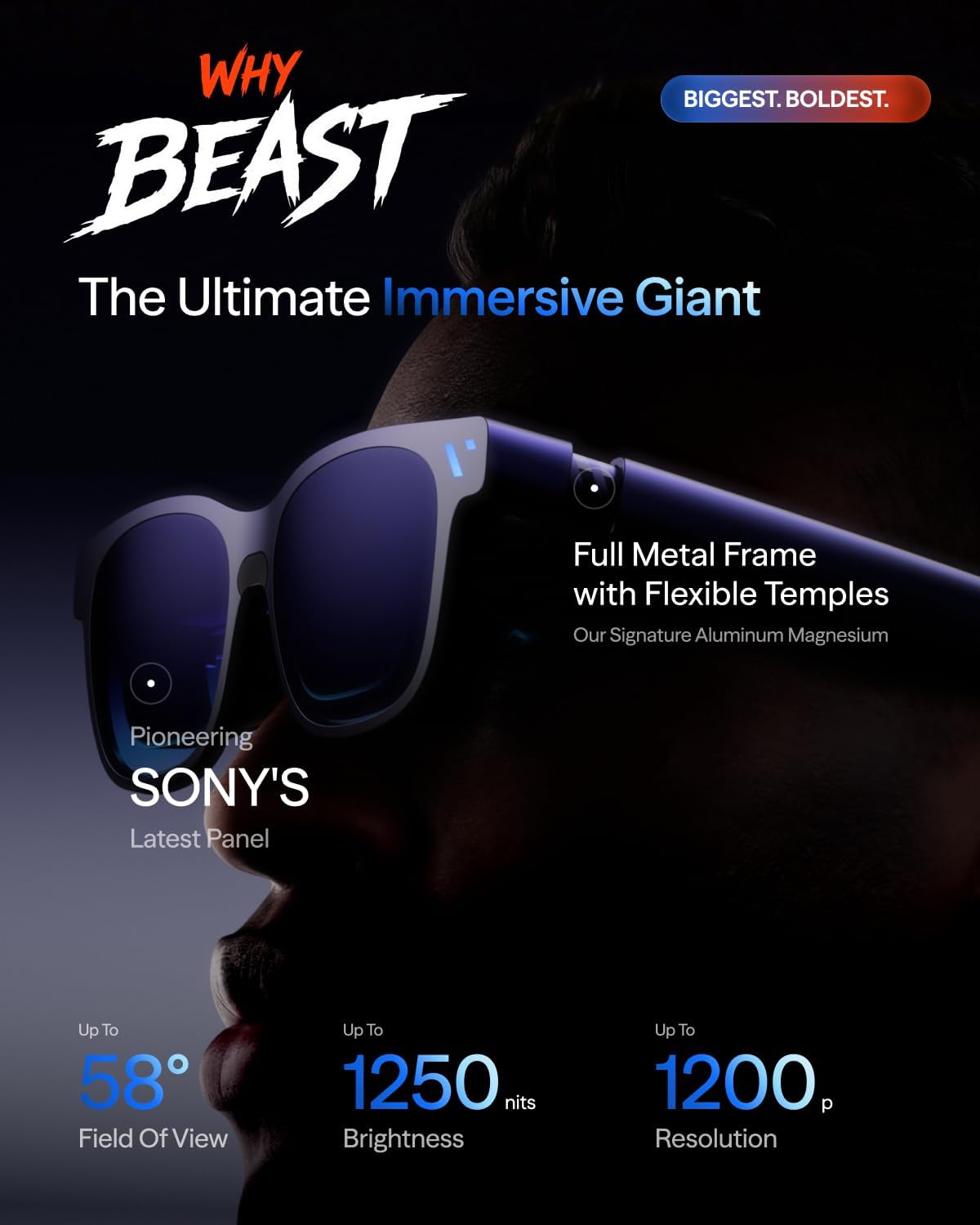
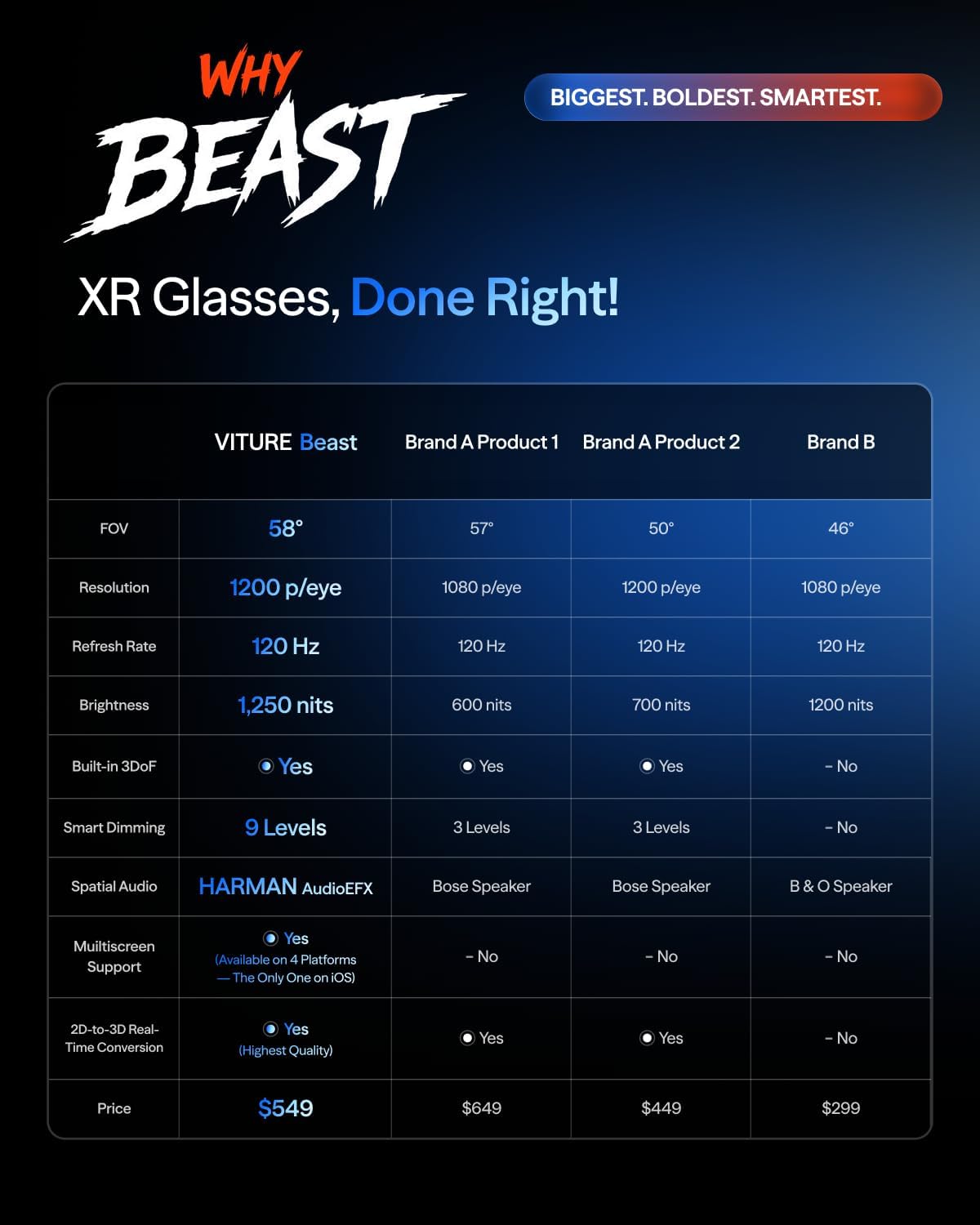
VITURE Beast XR/AR Glasses aim to redefine portable XR with a screen you can wear. Boasting a 174" virtual display at 1200p, a 58° field of view, and a peak brightness of 1250 nits, this device is positioned as one of the brightest consumer XR options. It combines built-in VisionPair 3DoF for positioning a large screen in mid-air without software or dongles and on-device screen customization features that let you tailor the viewing window to your needs. It’s designed to offer immersive cinema-like experiences while keeping a sense of presence in the real world through Auto Transparency and a responsive re-centering feature.
What it’s for
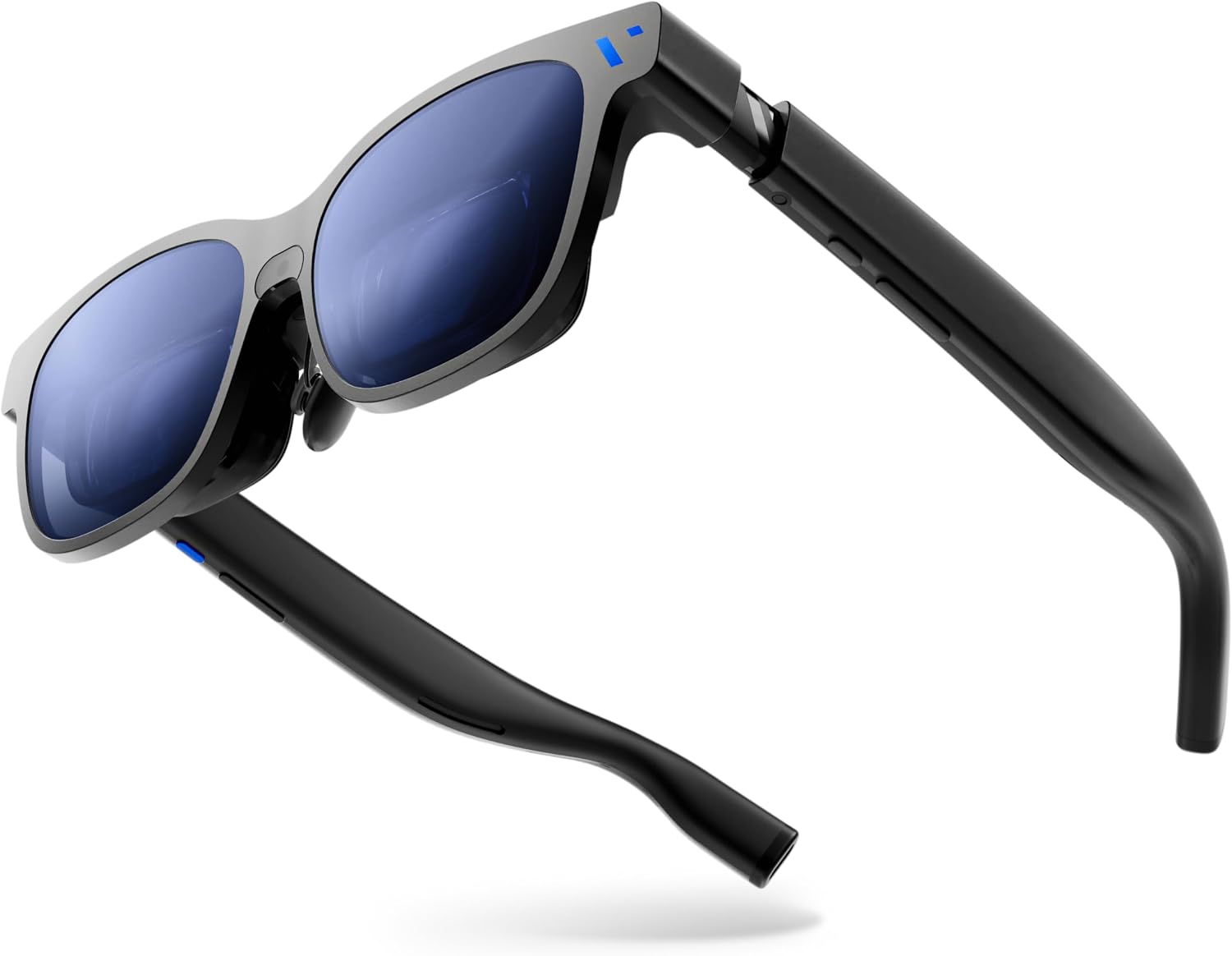
If you want a high-immersion viewing solution for movies, games, or productivity content without attaching a headset to a PC or phone, this setup targets users who value a giant display in a portable form. The combination of a large, bright screen and spatial features makes it appealing for lounge setups, shared media viewing, and occasional productivity tasks that benefit from a wide, externalized canvas.
How it feels in use
On paper, the Beast promises edge-to-edge clarity and smooth motion at 120 Hz, with a 1250 nit brightness level designed to combat daylight glare. The built-in 3DoF tracking means you can pin and resize a 174" screen in the air and rely on hardware-based stabilization rather than software. Auto Transparency lets you switch between full immersion and awareness of your surroundings with a single tap, which can feel like a practical compromise when you need to stay aware in a living space. A notable trade-off is that the experience hinges on a glasses-based display rather than a traditional monitor or standalone headset, so punchy light output and a very wide field of view come with a need to ensure comfortable fit for longer sessions.

What stands out vs. drawbacks
- What stands out: The combination of the largest consumer XR display (174"), high brightness (1250 nits), and a relatively tall field of view (58°) creates a unique, cinema-like feel. Built-in features such as 9-level dimming and Auto Transparency reduce the need for extra software or adapters. The 3DoF approach aims to minimize drift and setup friction, enabling quick, one-glance experiences.
- Potential drawbacks: You’re relying on a glasses-based form rather than a traditional headset, if you’re sensitive to weight or want ultra-precise tracking for fast, competitive games, you may notice trade-offs compared with dedicated headsets. Also, the claim of “no software needed” is tied to hardware-driven controls, which might limit customization for power users seeking deep tuning.
Who it’s for
This device tends to fit scenarios where a large, bright casual viewing surface is valuable without a tether. It suits a living room or media space where you want a single, giant canvas that can collapse into a more normal environment with Auto Transparency. It’s also attractive for early adopters who want a spatial computing platform that integrates multiple OS ecosystems without extra hardware.
Who it’s not for
If your priority is gaming with ultra-low latency, precise 6DoF/3D motion tracking, or head-mounted content that requires minimal chromatic aberration, a traditional VR/AR headset or dedicated gaming monitor might be a better match. If you’re very sensitive to latency or require long battery life in a compact form, the Beast’s glasses paradigm could feel limiting.
When it makes sense to buy
- You want a standalone, oversized viewing surface without external software or dongles.
- You value brightness and a large cinematic feel, particularly for in-home use where glare control is possible.
- You’re exploring spatial computing concepts and want a platform that supports real-time 2D-to-3D conversion and multi-screen experiences across devices.
When to hold off
- If you need a compact, travel-friendly solution or prioritize ultra-fast response time for competitive gaming.
- If you expect a fully customizable software ecosystem with frequent updates and app-level control.
- If you require guaranteed comfort for all-day wear and long sessions.
What to check before buying
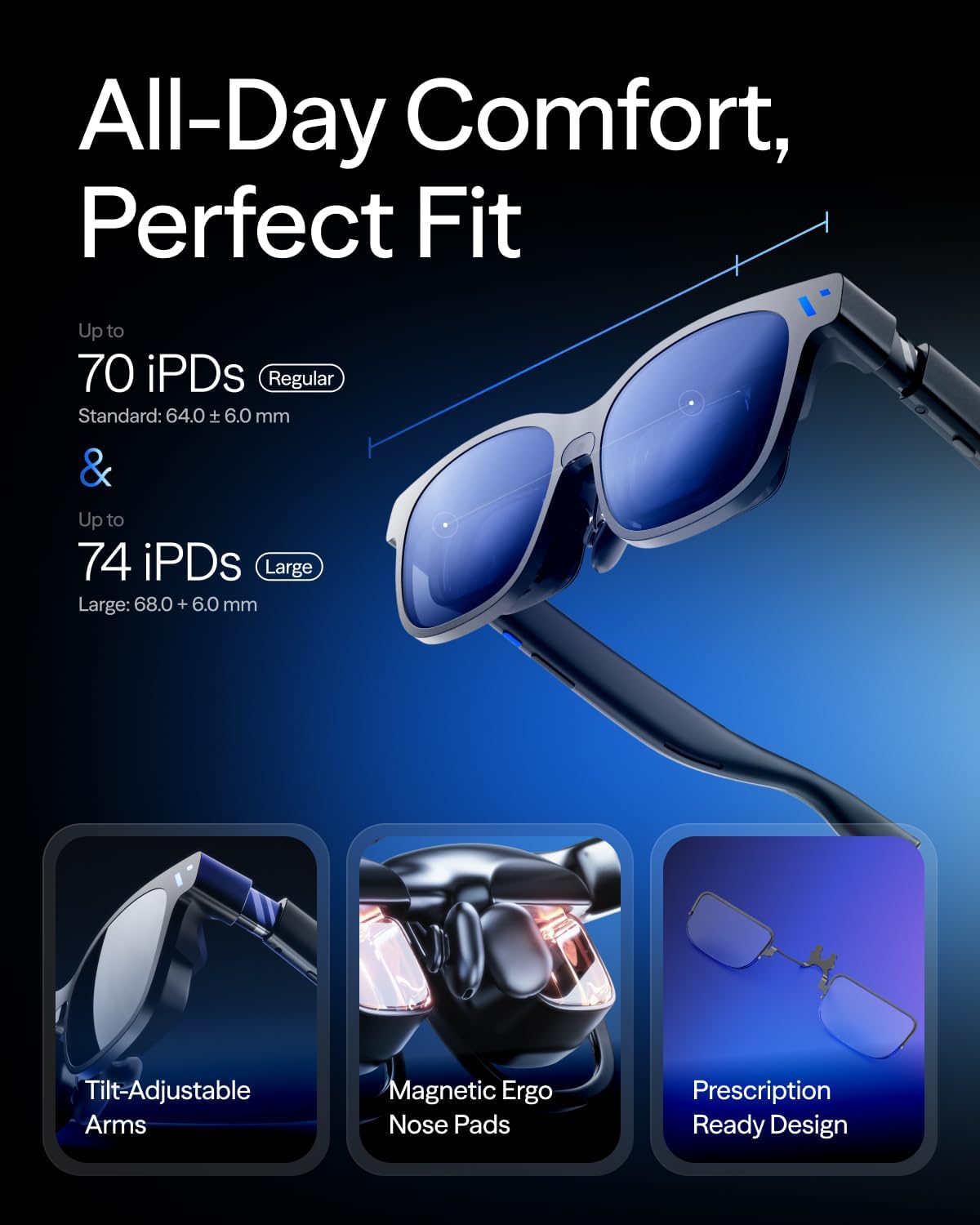
- Fit and comfort: ensure the glasses fit your face well and distribute weight comfortably for your typical session length.
- Viewing environment: the 174" virtual canvas is best utilized in a dimmer room or controlled lighting to preserve contrast.
- Compatibility and setup: while designed to minimize software, confirm your primary devices (iPhone, Android, Mac, PC, Nintendo Switch) can relay content smoothly and what kind of content works best in 2D-to-3D conversion.
- Durability and support: consider how the build holds up with daily handling and what warranty or service options are available for a premium XR product.
What you can compare against (conceptual)
If you’re weighing alternatives, think of it as choosing between a fixed big screen experience and a traditional AR headset. In practical terms, the Beast offers a portable cinematic surface with hardware-driven adjustments, whereas other approaches might rely more on software ecosystems or smaller, fixed displays. The best choice depends on whether you prize scale and brightness in a glasses form factor, or you prefer software-driven customization and a potentially lighter, more modular setup.
Final verdict
Is it worth it? Final verdict: It’s a bold, niche option for those seeking an enormous, bright, glasses-based viewing surface with minimal setup. If the concept of a giant, immersive screen that you can wear appeals and you’re comfortable with a hardware-led experience, the Beast is a strong candidate. It may not be the best fit if you want the most fluid gaming response or long-term wear comfort for daily use.
FAQ
- How does the 9-level dimming work? It’s a hardware-driven dimming system designed to shift between immersion and awareness without relying on software.
- Can content from other devices be converted to 3D in real time? Yes, VITURE markets a real-time 2D-to-3D conversion for supported content.
- Do you need software to operate it? No software is required for core features, though compatibility with certain apps or devices may enhance the experience.
Tech specs
- Name: VITURE Beast XR/AR Glasses
- Type: XR glasses with built-in 174" display
- Format: Micro-OLED display (Sony), 1200p per eye
- Size/Field of View: 174" screen, 58° FOV
- Brightness: 1250 nits peak
- Refresh rate: 120 Hz
- Tracking: VisionPair 3DoF (built-in, no software needed)
- Dim tuning: 9-level electrochromic dimming
- Transparency: Auto Transparency feature
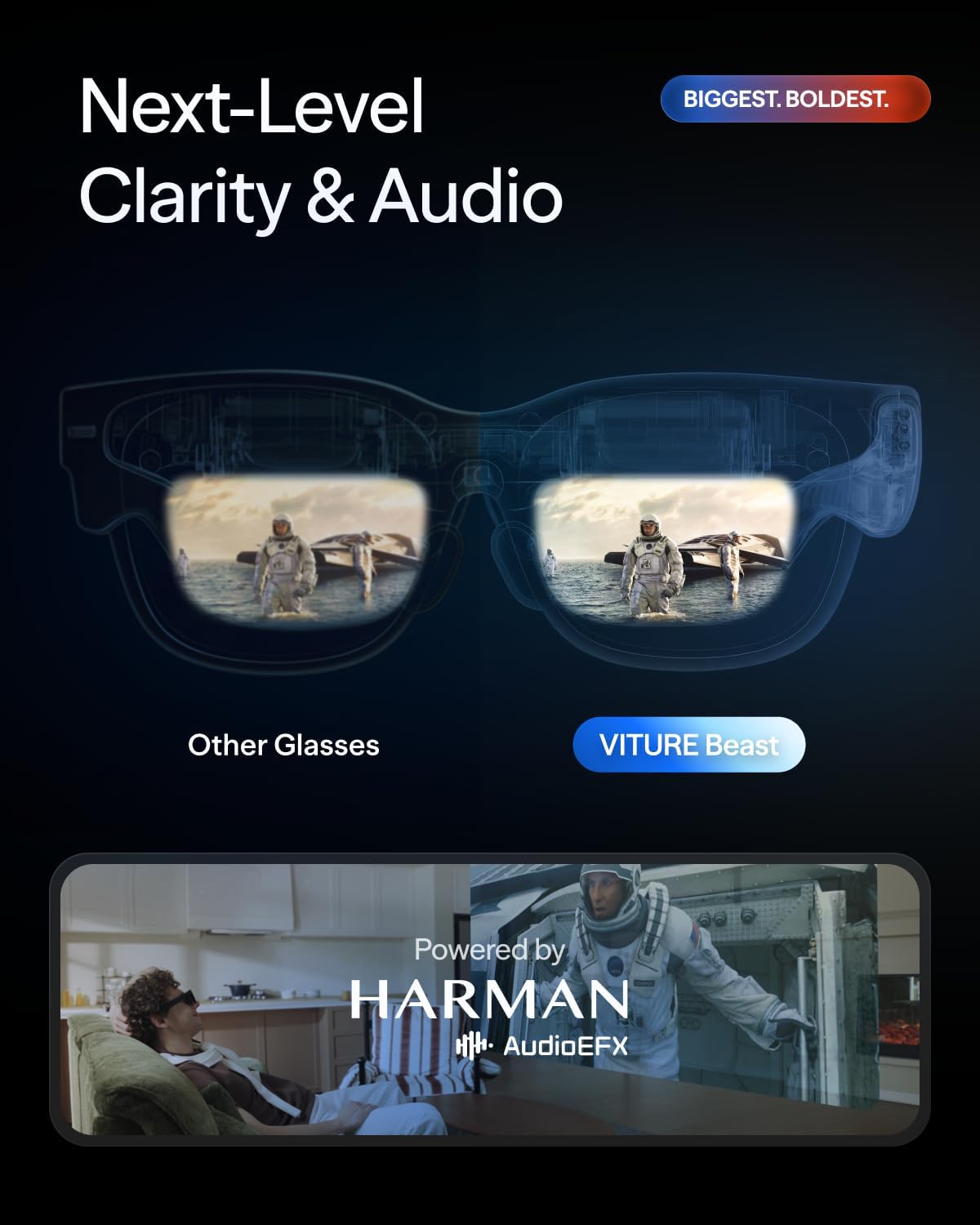
- Audio: Harman AudioEFX
- Compatibility: iPhone, Android, Mac, PC, Switch
- Special features: Real-time 2D-to-3D conversion, SpaceWalker multi-screen support
- Weight/ergonomics: Not specified in provided data
- Certification/ endorsement: Used by NVIDIA, Stanford Medicine in professional contexts