


USB B to USB C Printer/MIDI Cable 6ft for MacBook Pro, HP/Canon Printers and MIDI Controllers
Product description
What it is
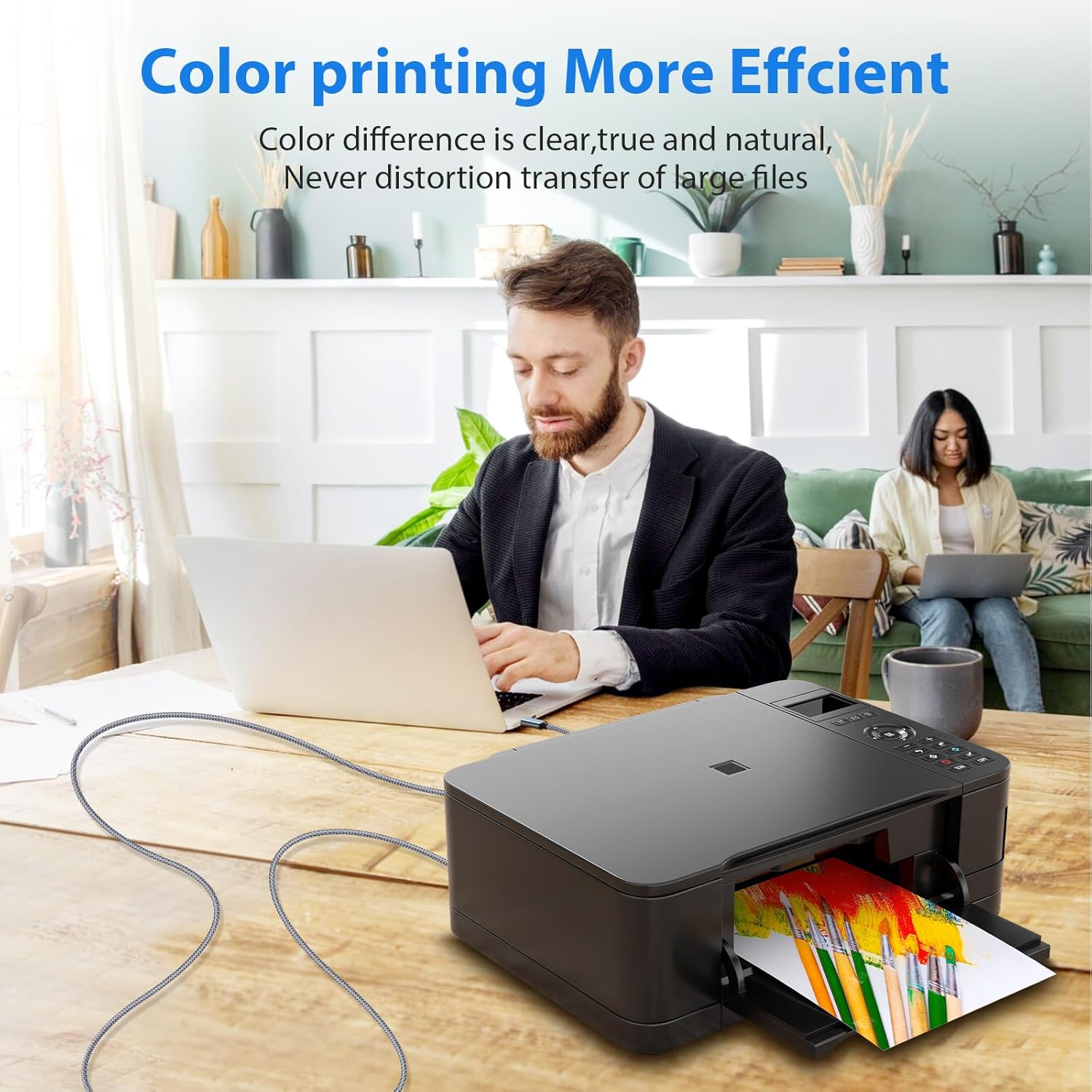
This is a 6-foot USB B to USB C cable designed to connect newer devices with USB-C ports to older USB Type-B peripherals. It’s marketed as a practical link between modern laptops (like MacBook Pro) and legacy printers, scanners, and certain MIDI devices. On paper, the cable combines a USB-C connector for a modern computer with a USB-B 2.0 port on printers, scanners, or MIDI gear, aiming to deliver a straightforward, driver-free setup for data transfer and basic printing or scanning tasks.
Who it’s for
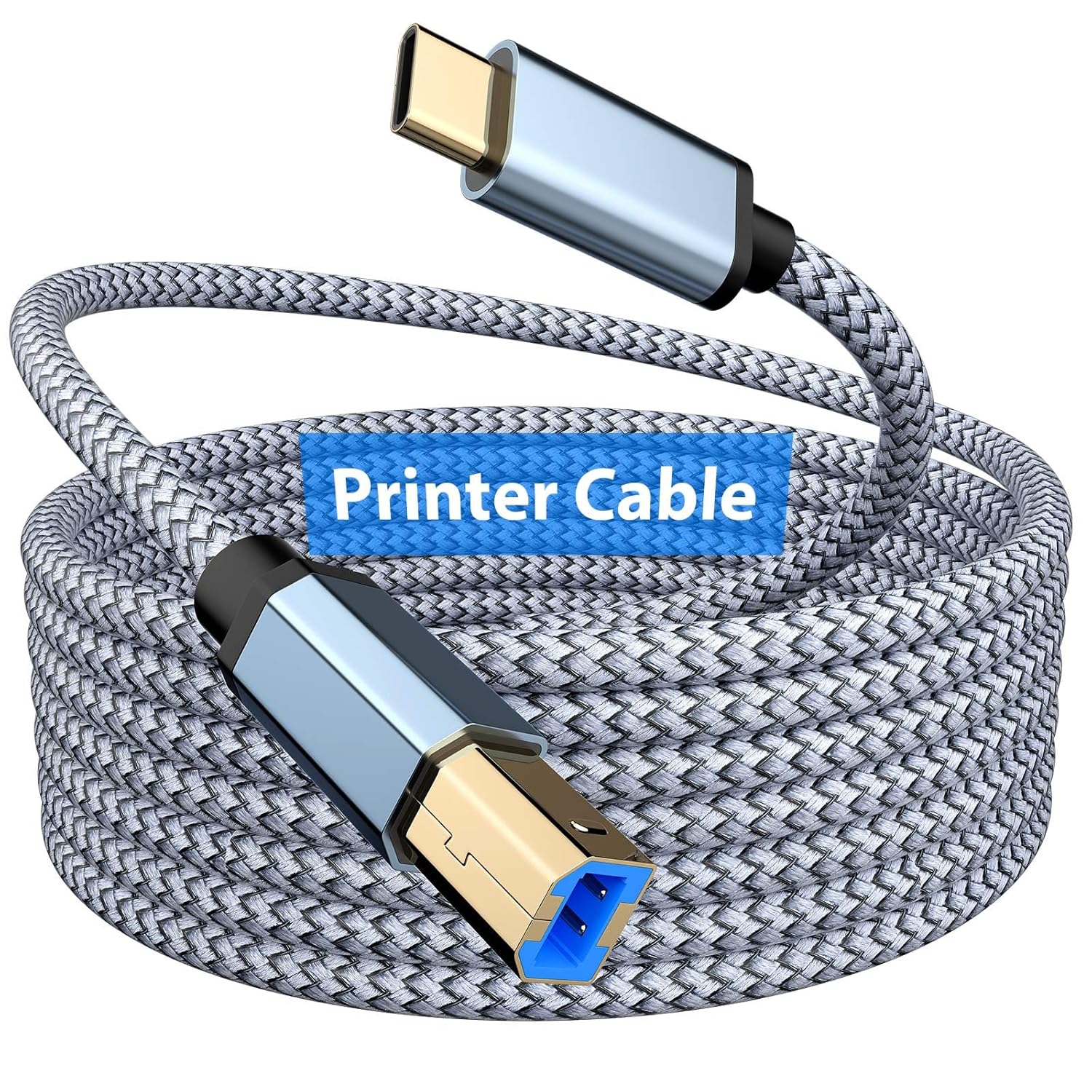
If you’re trying to print from a recent MacBook or Windows laptop that lacks a USB-A port, and you still rely on legacy USB-B devices, this cable can simplify your setup. It also targets users who want a direct wired connection to MIDI equipment or keyboards that use USB-B connections, without the extra bulk of adaptors. In practice, it’s most suitable for basic printing or scanning workflows and light MIDI controller data transfer.
What to expect in use
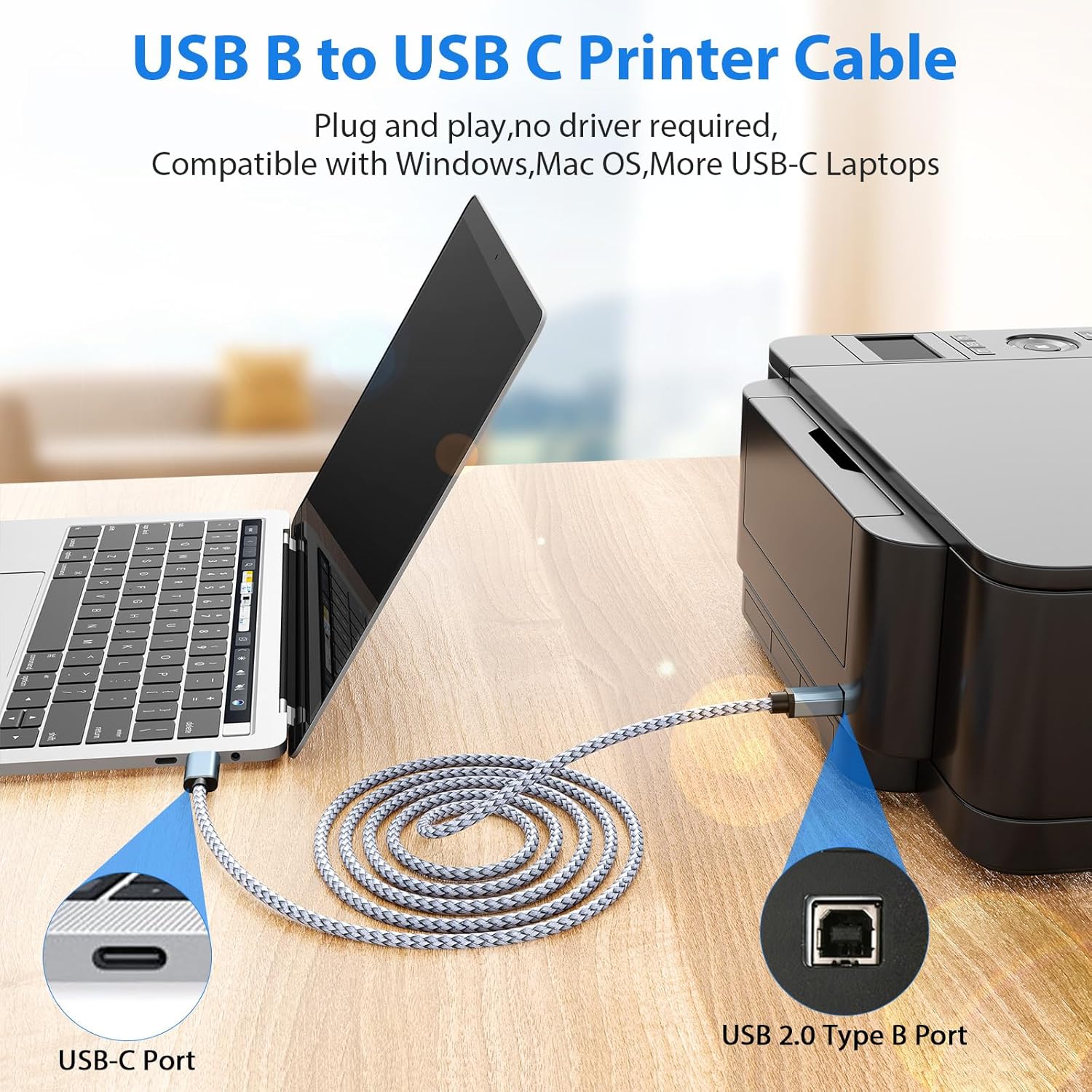
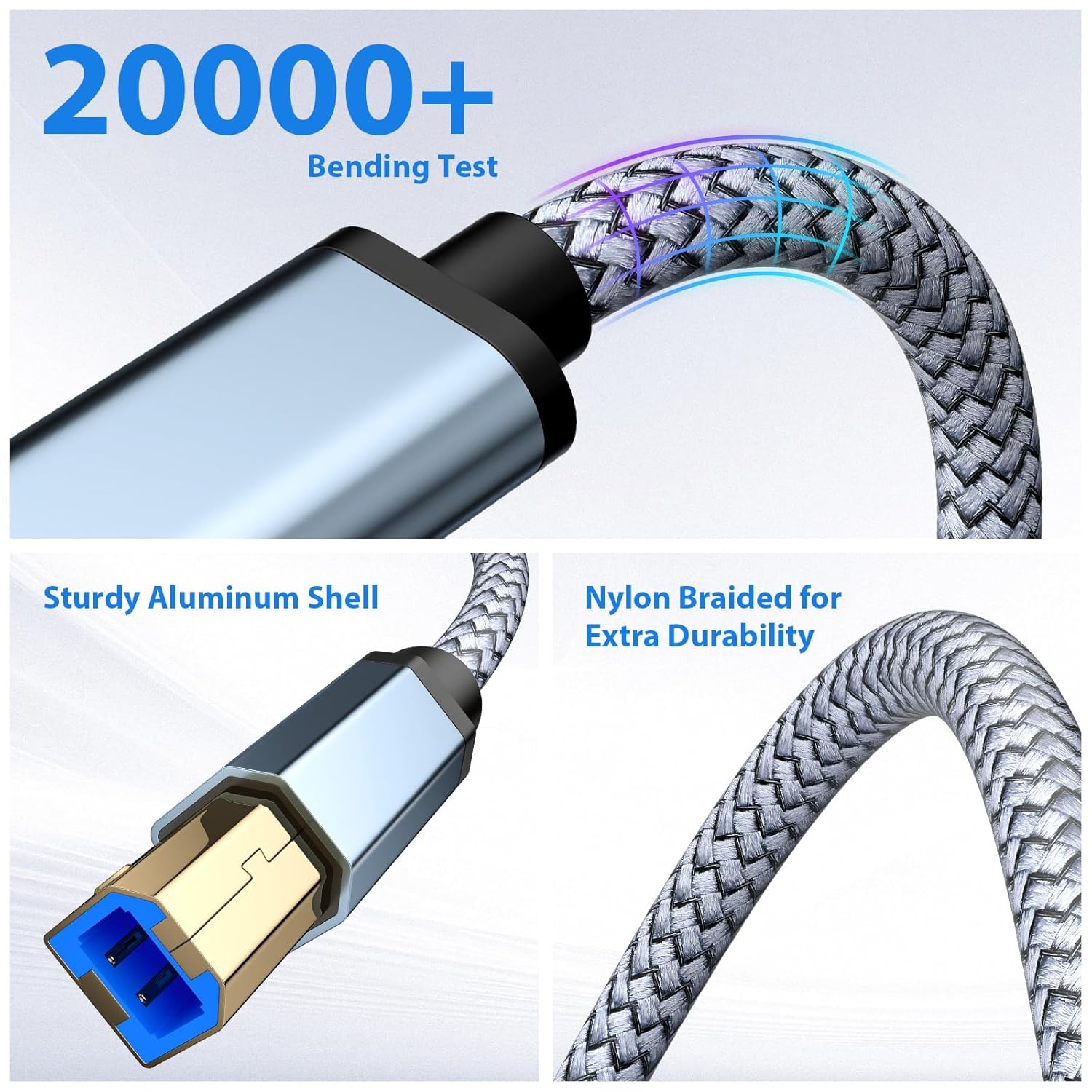
The build emphasizes durability: a nylon-braided exterior offers tangle resistance, and the aluminum shell on the connectors aims to improve wear resistance and signal integrity over time. It’s designed for plug-and-play use, meaning you can connect the USB-C end to your computer and the USB-B end to your printer, scanner, or MIDI device and start transmitting data without hunting for drivers in most typical setups. The claimed data rate aligns with USB 2.0 performance, up to 480 Mbps, which should cover everyday printing and scanning tasks as well as MIDI data streams.
Strengths you’ll notice
- Simplicity: a single cable replaces multiple adapters, reducing clutter and connection points.
- Compatibility with a broad range of devices that use USB-B peripherals, including many legacy printers and scanners.
- Convenience for modern laptops lacking traditional USB-A ports, especially Apple MacBook Pro models and Windows machines that prioritize USB-C.
- Durable construction that supports daily use and tangle-free handling.
Potential limitations
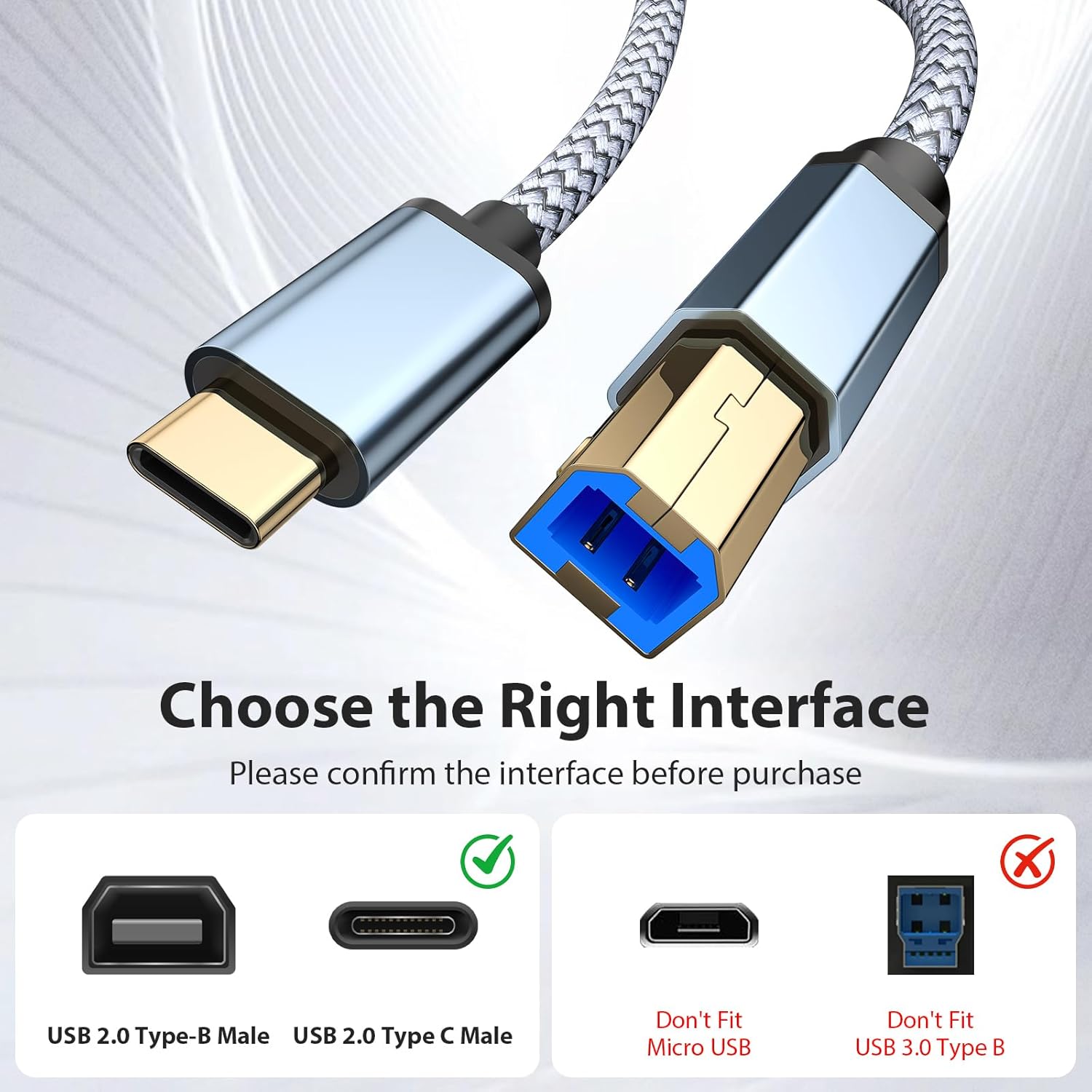
- Performance is aligned with USB 2.0 speeds, which may feel limiting for high-volume data transfers or advanced peripheral features. If your workflow benefits from USB-C direct drives or higher-bandwidth connections, you may notice a difference compared to newer USB-C to USB-C options.
- The cable length (6 ft) is a middle ground, if your setup involves distant printers or printers in a networked environment, you might still need wireless or network-based solutions.
- It’s not a universal high-speed solution for all USB-B devices, some printers or MIDI gear could require specific drivers or software to unlock full functionality beyond basic printing or MIDI data pass-through.
Quick use cases
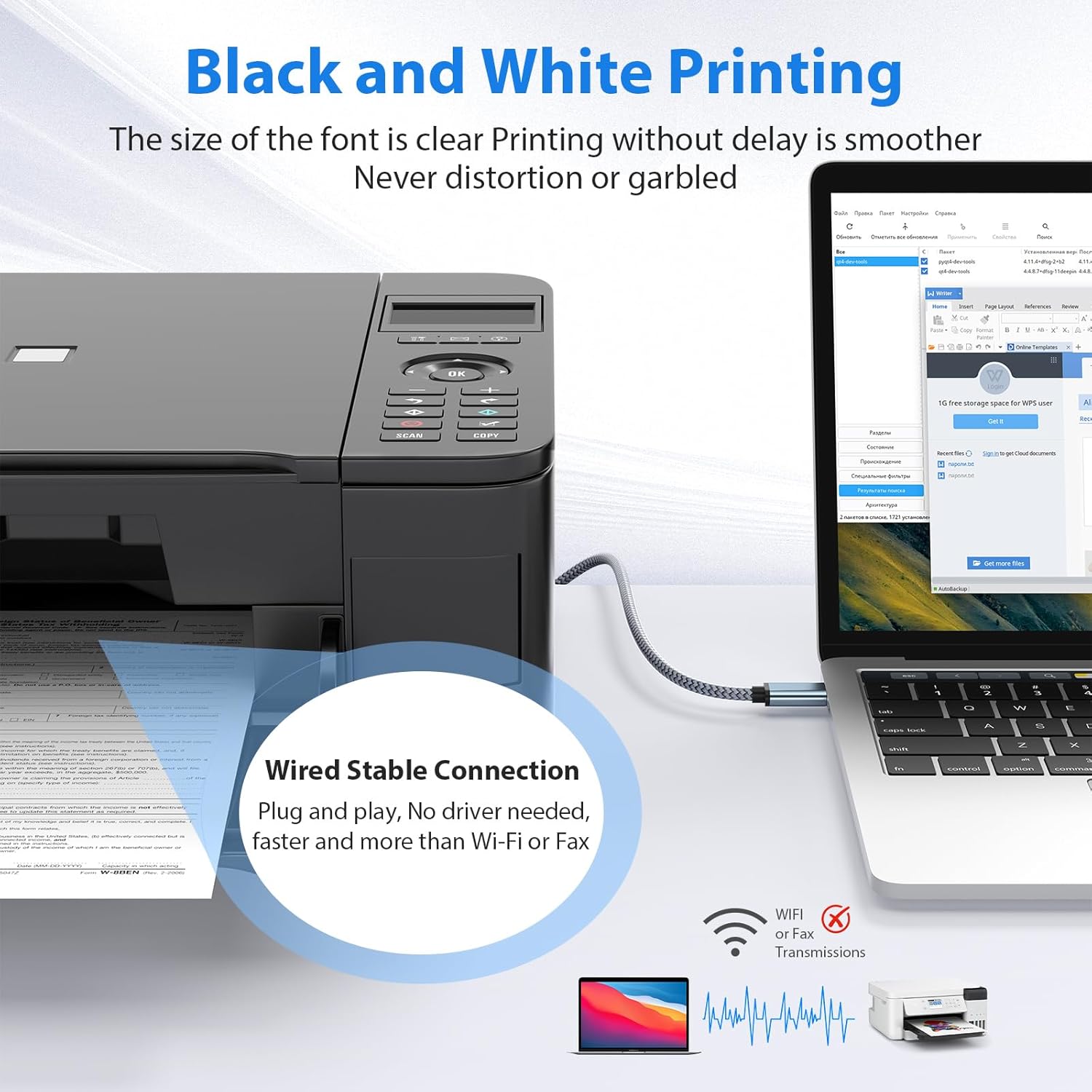
- A home or small office setup where a MacBook Pro connects to a legacy USB-B printer for occasional print jobs.
- A studio or classroom environment where a MIDI controller or keyboard uses USB-B and needs a reliable wired connection to a USB-C computer.
- A laptop with limited ports seeking a simple, direct cable solution rather than swapping adapters.
What to review before buying
- Confirm your USB-B peripheral is a standard USB 2.0 device compatible with a USB-C host via a basic USB-C to USB-B path.
- Check that your printer or scanner supports USB-C passthrough indirectly via USB-B, some devices may rely on specific drivers for full functionality.
- Consider the cable length relative to your workspace so you don’t end up with excess slack or tension on the connectors.
- If your work requires higher transfer rates or full-featured USB-C features, explore alternatives that advertise USB-C to USB-C or USB 3.x performance.
Competitor framing (without naming brands)
Compared to buying adapters or dongles, this dedicated USB-B to USB-C cable offers a cleaner, driver-free path for basic use cases. For users who simply need to print from a USB-C laptop to a legacy printer, this can be more straightforward than configuring network-based printing or multiple adapters. If your needs grow toward high-speed data transfer or advanced printer features, you might reassess in favor of higher-bandwidth options or a direct USB-C to USB-C setup.
Final decision – Is it worth it?
Final verdict
If your daily workflow relies on occasional printing or scanning from a USB-C laptop to USB-B devices, and you value a simple, plug-and-play solution with a durable build, this 6-foot USB B to USB C cable is worth considering. It’s not designed to be a universal upgrade for all USB peripherals, and the USB 2.0 ceiling means it won’t unlock the fastest possible transfers. You’ll want to opt for this when you prioritize a clean, direct connection over multi-device versatility, and when your setup benefits from eliminating extra adapters. If your use case involves frequent high-volume transfers, USB-C native devices, or printers that require advanced USB-C features, look for alternatives that offer higher bandwidth or direct USB-C support.
FAQ
- Will this work with all printers? It covers USB Type-B peripherals commonly used by printers and scanners, but compatibility can vary by device and driver support.
- Is it suitable for MIDI data? It can connect MIDI controllers that offer USB-B connections, but performance depends on the device and software expectations.
- Do I need drivers? The cable is designed for plug-and-play in many basic scenarios, but some devices may still require drivers for full functionality.
Is it worth it?
Final verdict: A practical, no-frills cable for bridging USB-C laptops with USB-B peripherals when you want to cut clutter and avoid extra adapters, not the best choice if you need high-speed transfers or USB-C native devices.