


ThePhotoStick Omni 32GB backup drive
Product description
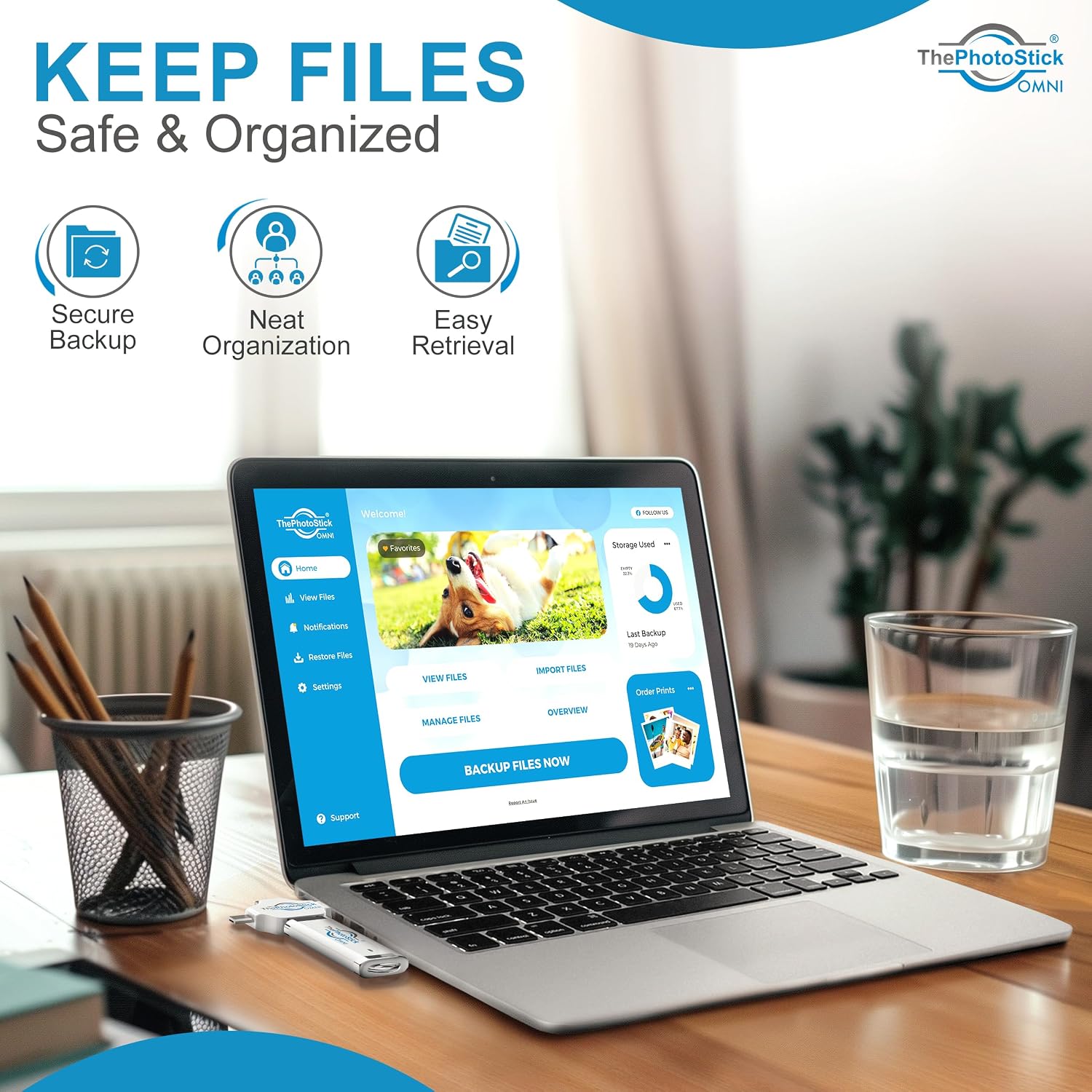
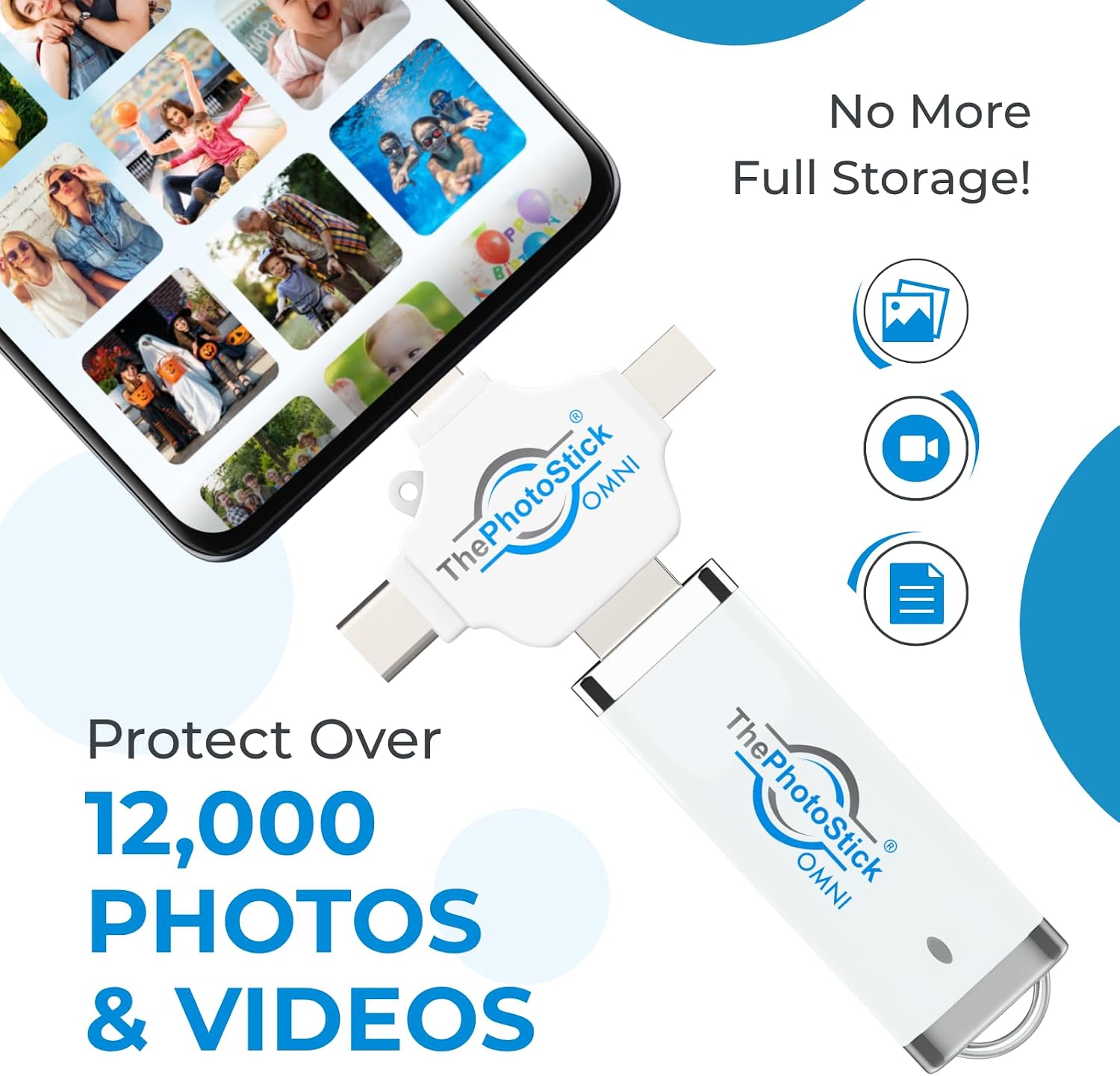
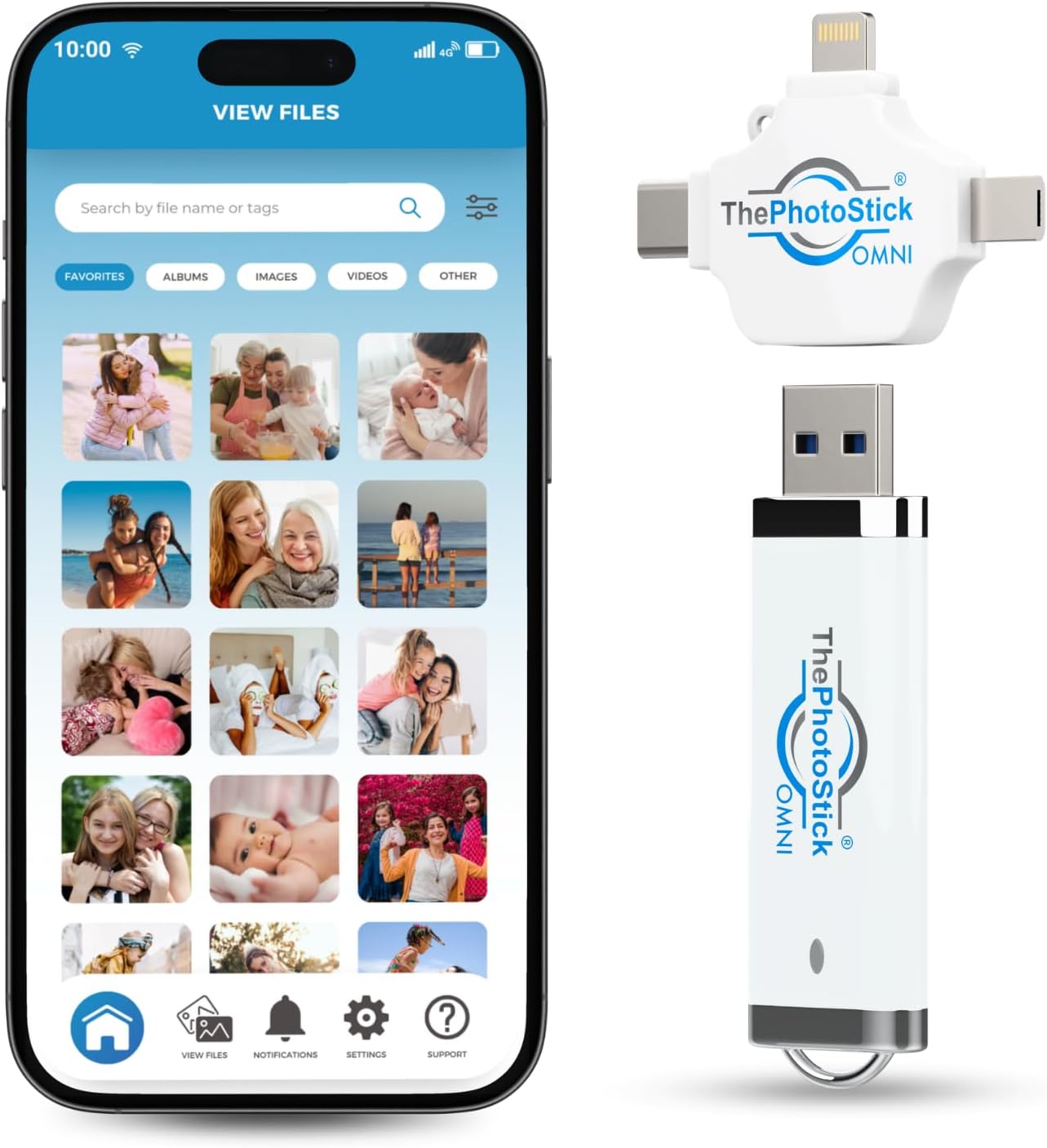
This multiport memory stick makes backing up photos and videos straightforward, whether you use a phone, tablet, Mac, or PC. It targets users who want a fast way to free device space and organize media, and it does so with a simple app and built-in adapters for common ports. The first step is connecting the drive to the device and following the on‑screen prompts to let the software locate and save files automatically.
Key takeaways
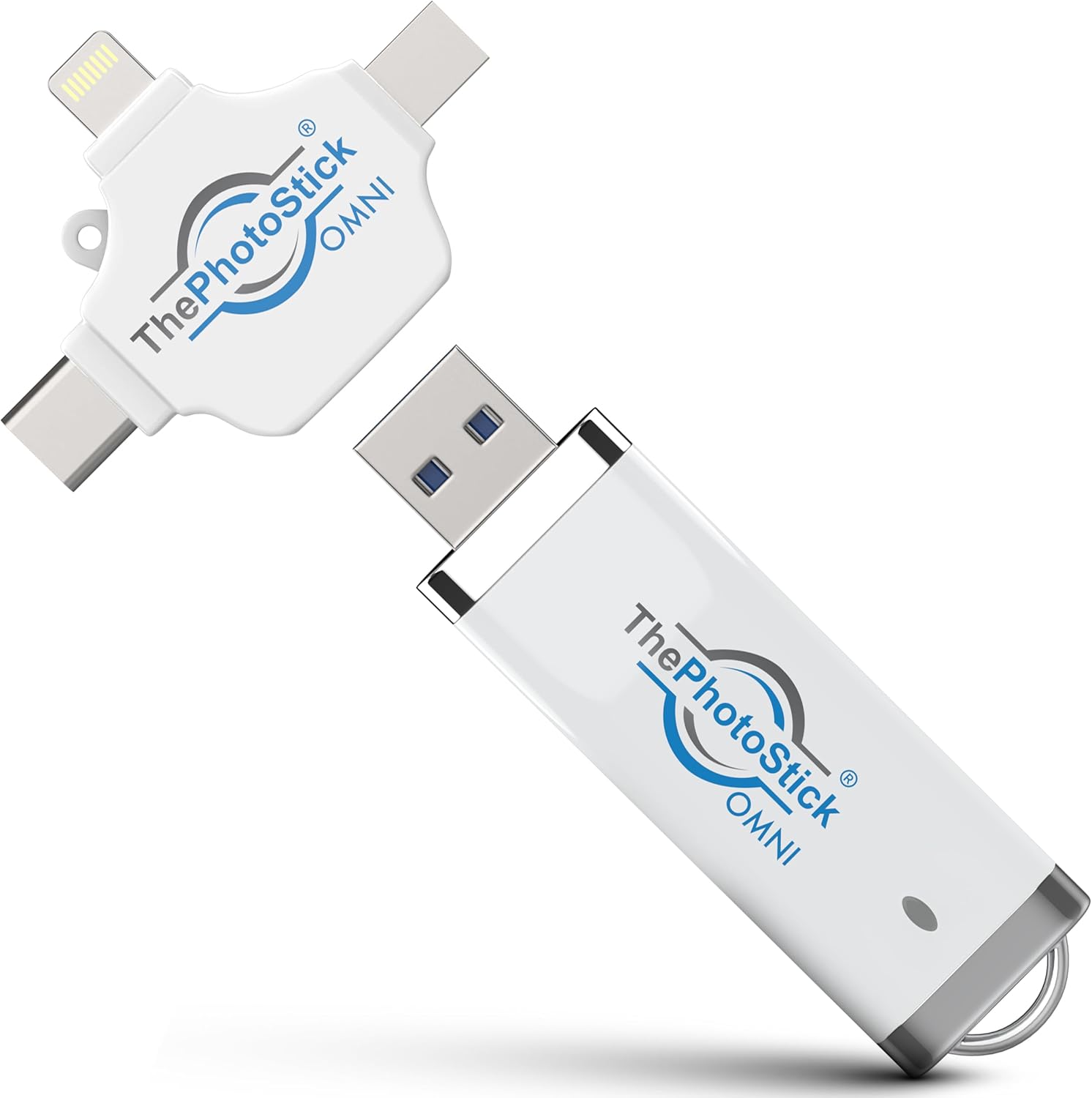
ThePhotoStick Omni offers an easy, device‑agnostic solution to keep memories safe and accessible. It stores thousands of images and videos on a single 32GB drive, and the included adapters mean you rarely need extra cables. It’s a low‑effort choice for those who prefer a physical backup rather than cloud services, but keep in mind that transfer speeds depend on your device and file sizes.
Tech specs
- Name: ThePhotoStick Omni 32GB
- Capacity: 32GB
- Compatibility: Android 8.0+, iOS/iPadOS 13.0+, Windows 7 SP1+, macOS 10.13+
- Connectivity: USB A, USB C, microUSB, Lightning
- Supported formats: JPEG, PNG, HEIC, GIF, MOV, MPEG4
Where it shines
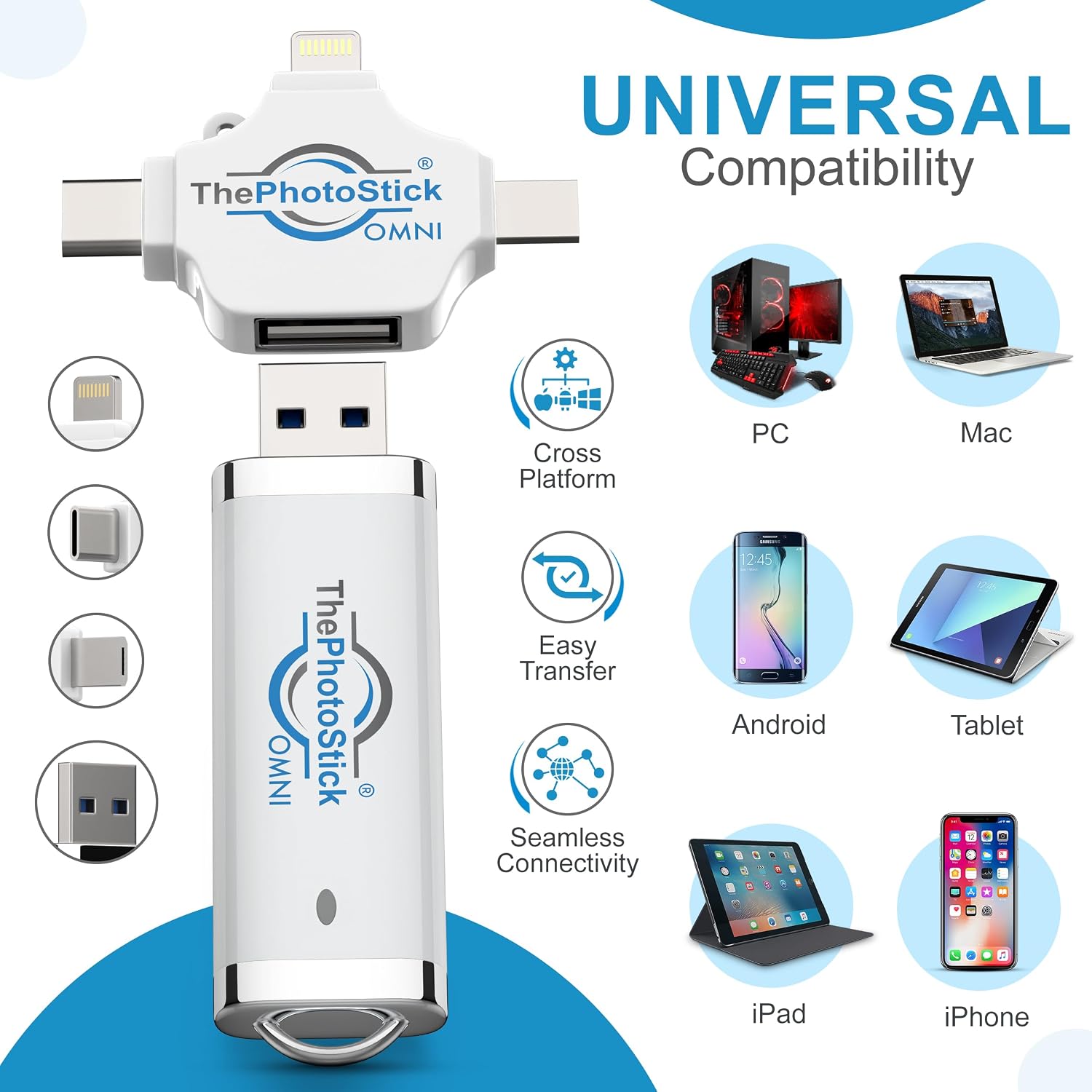

It reduces clutter by moving media off your device and into one physical keep‑safe, which can be useful when storage alerts appear. The automated scan and backup approach saves time compared with manual file management. Users who prioritize privacy may value local storage over online backup, and the kit format helps when gifting to family.
Getting the most from it
It makes sense if you need a no‑friction way to archive photos and videos from multiple platforms and want a tangible backup you can hand to relatives. You’ll appreciate its plug‑and‑play feel and the broad file type support for common camera and phone formats. It might not be for you if you require large‑scale archival beyond 32GB or want continuous cloud syncing, and those with very large video libraries may need additional storage options.