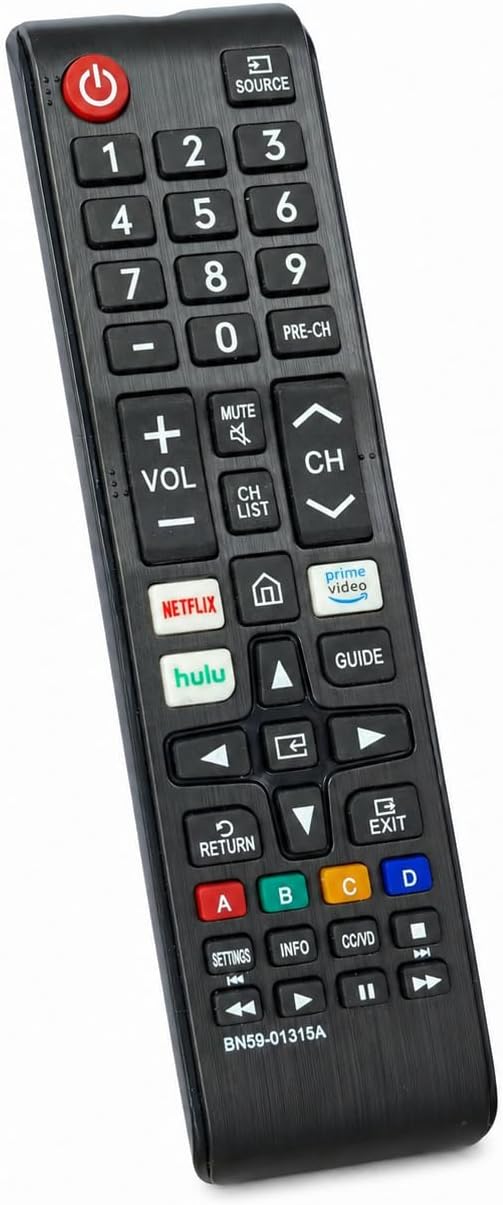
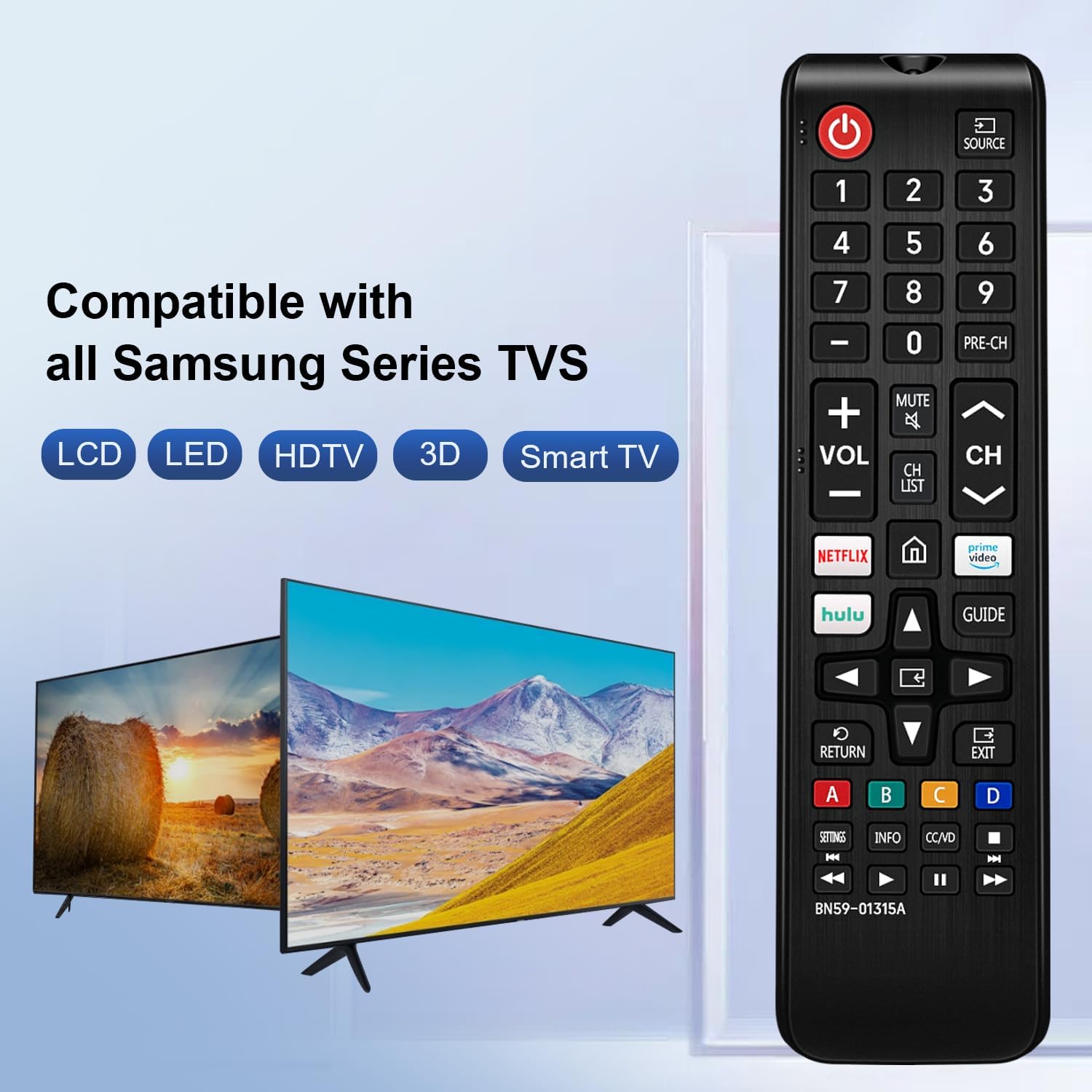
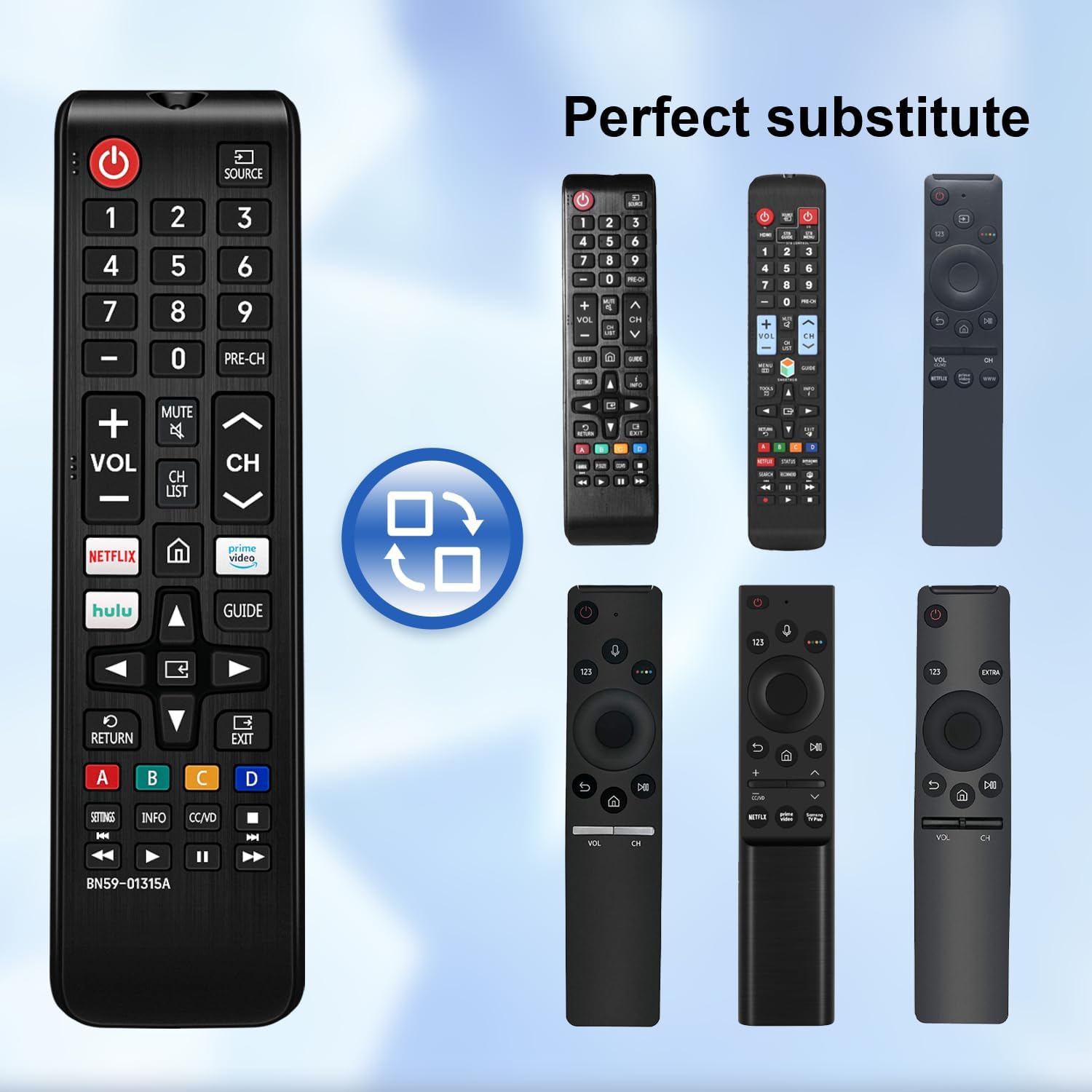
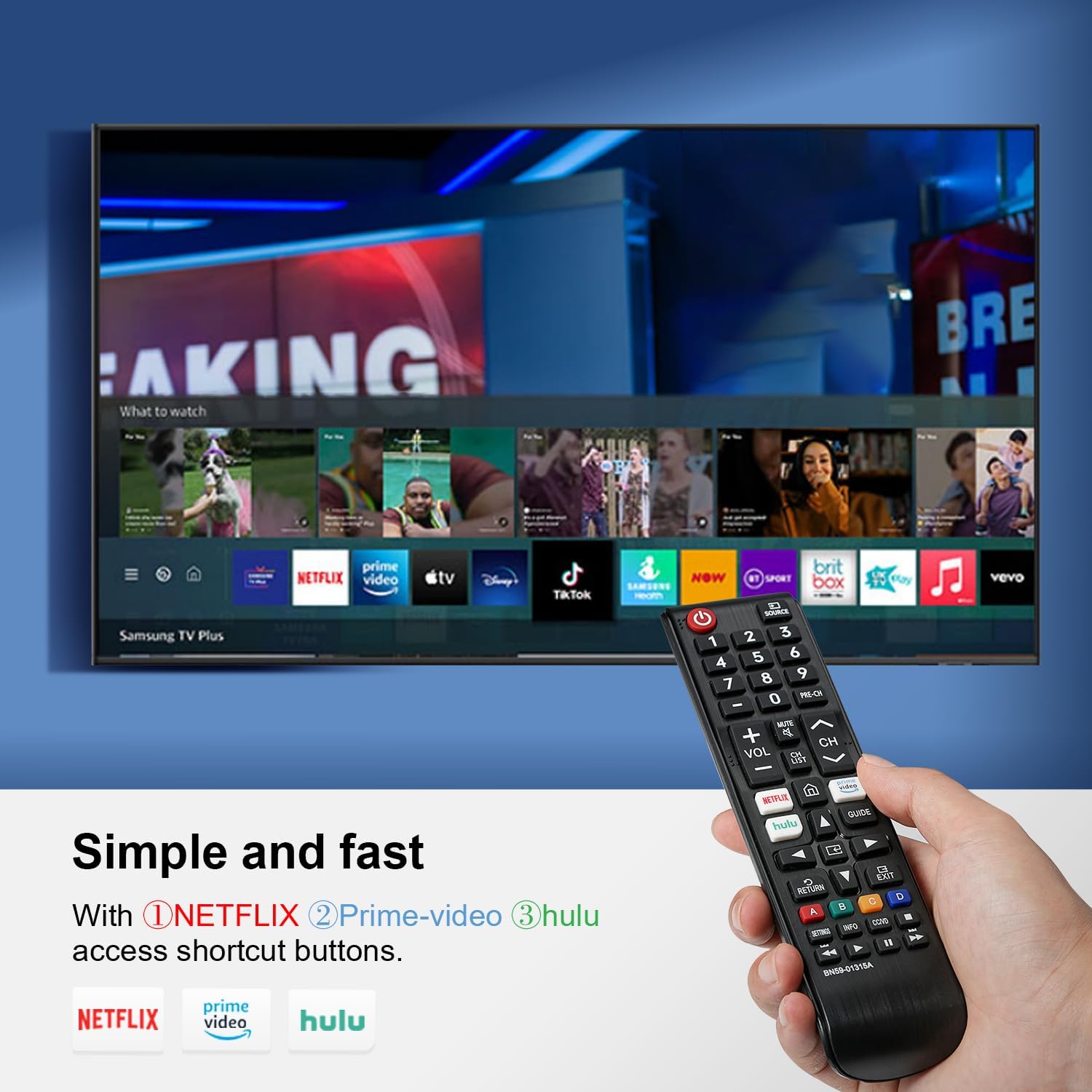
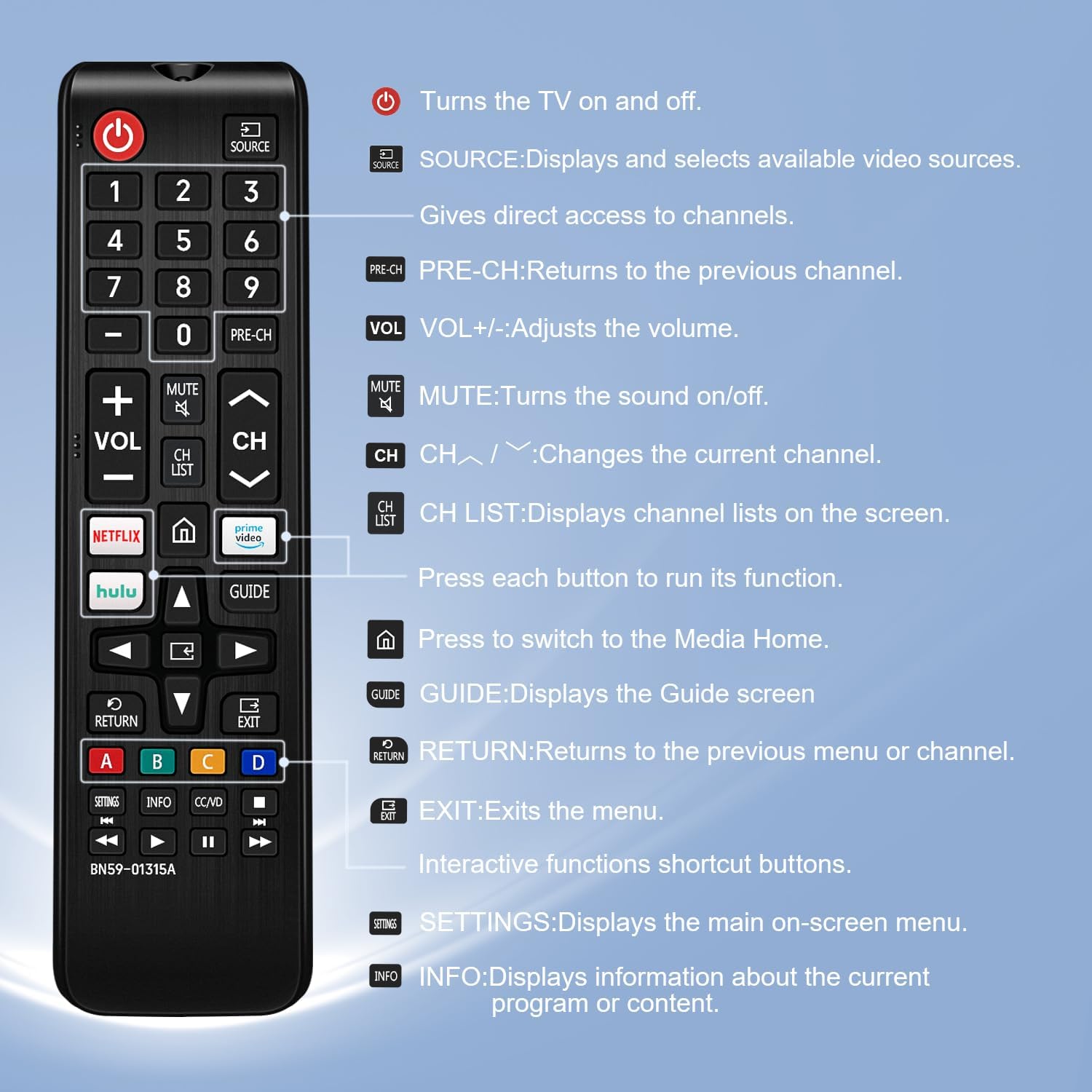
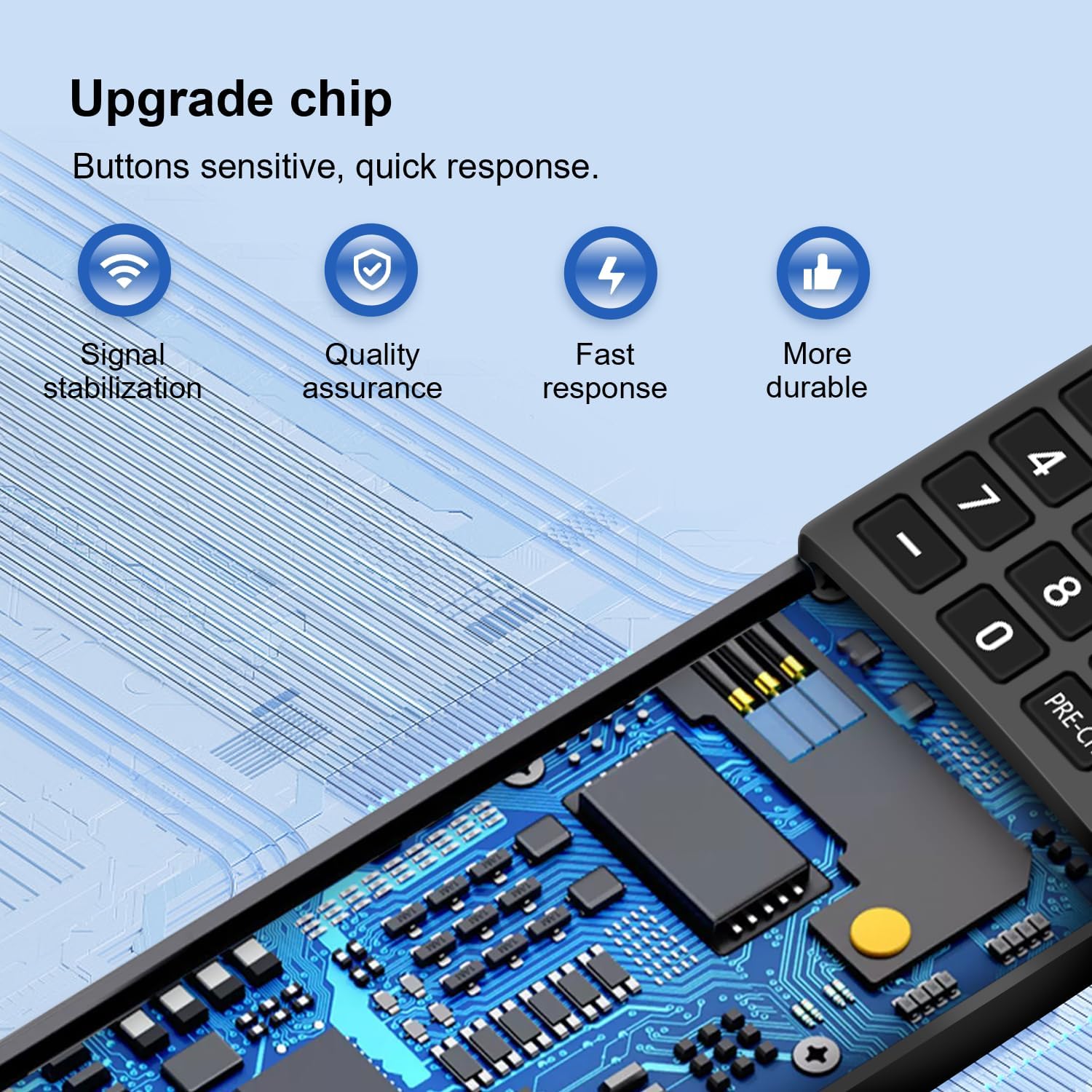
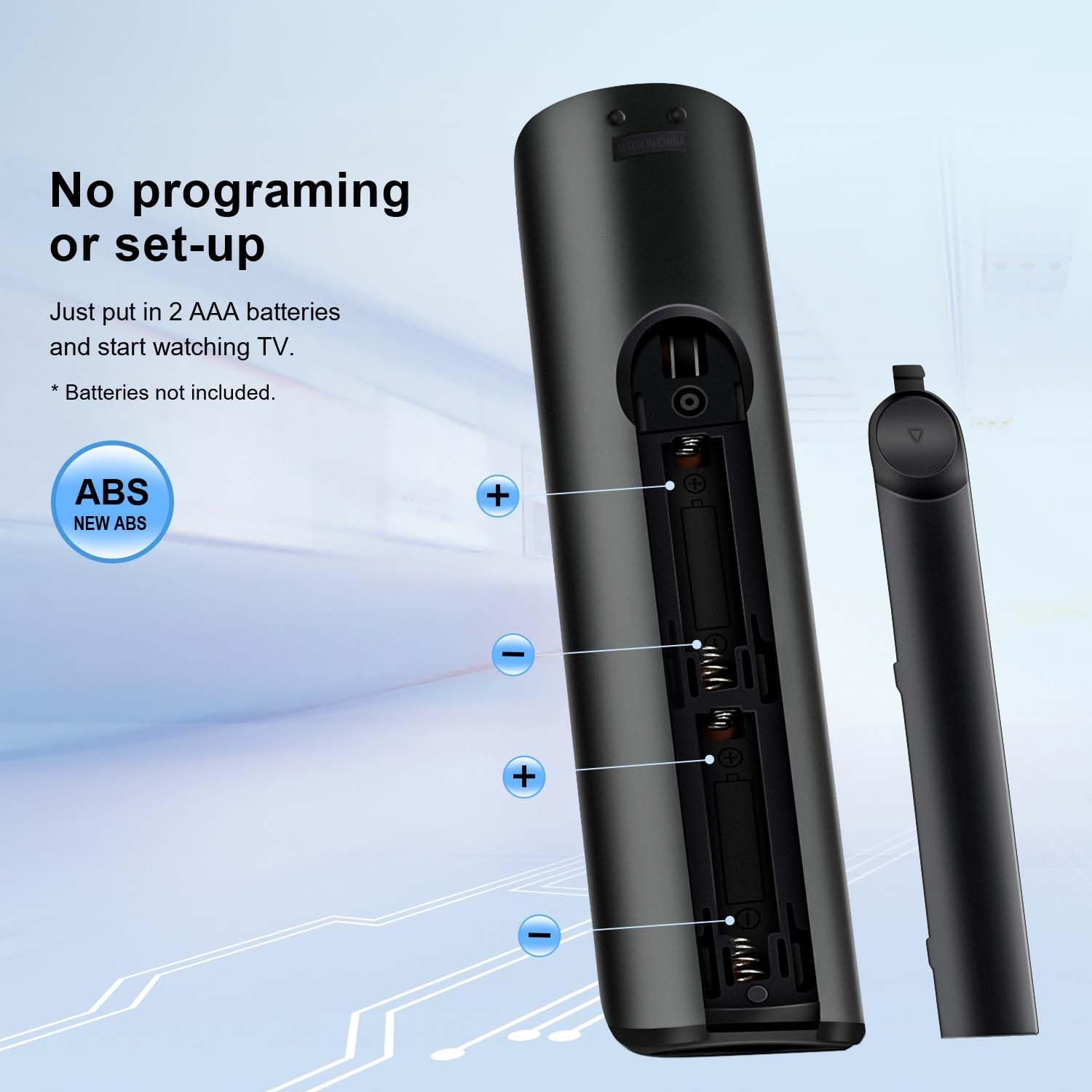
What this is and what problem it solves\nThis is a universal replacement remote designed for Samsung smart TVs, including LCD, LED, UHD, and QLED models. It replicates common control functions and adds dedicated Netflix, Prime Video, and Hulu buttons for quick app access. If your original remote is lost, damaged, or you just want a straightforward backup, this remote aims to restore everyday TV control without the hassle of complex setup. On paper, it supports a wide range of Samsung model lines—covering many years of 2017–2021-era TVs—and pretends to be ready to use right out of the box with batteries inserted.\n\n## How it works in practice\nThe setup is described as simple: insert batteries and start using. No programming or pairing is required, which can save time and potential frustration. For owners who want a drop-in replacement that prioritizes ease of use, this reduces the friction of finding a compatible model and learning a new remote layout.\n\n## What stands out day to day\n- Dedicated streaming buttons can speed up launching apps you watch most.\n- The claim of broad compatibility with multiple Samsung series and years suggests it could serve as a universal backup.\n- The lack of a need for programming may appeal to those who prefer plug-and-play.\n\n## What may be less convincing\n- It’s unclear how the device handles some advanced or less common Samsung features (e.g., voice control, motion controls, or IR learning functions) beyond standard navigation and app shortcuts.\n- Since the description lists many model numbers, real-world compatibility can vary by region or specific firmware, so it’s prudent to verify that your exact TV model is covered.\n\n## Who this is for\nThis remote is likely a good fit for households that rely on quick access to streaming apps and want a simple, low-maintenance backup remote for Samsung smart TVs. It may be especially useful if your current remote is hard to control due to wear, or if you prefer a spare in the living room that doesn’t require setup fiddling.\n\n## Who it isn’t the best for\nIf you need features beyond basic navigation and streaming shortcuts—such as extensive programmable macros, voice integration, or a premium ergonomic design—this replacement might not meet those expectations. It also may not be ideal if you require guaranteed compatibility with a very specific or newer Samsung model beyond the listed range.\n\n## What to check before buying\n- Confirm your Samsung model year and series align with the claimed compatibility.\n- Ensure the remote uses standard button labeling and ergonomics you’re accustomed to, a different layout can slow you down at first use.\n- Consider whether you want a dedicated backup remote with simple app shortcuts or a more feature-rich control experience.\n\n## Practical usage example\nImagine watching a movie and wanting to jump straight to Netflix. With the dedicated Netflix button, you can reach the app quickly without navigating through a home menu, which saves a few seconds each time and reduces interruptions during a tense scene.\n\n## In context: alternatives and why this might fit\nIf you’re weighing options, you could choose a universal remote with broader feature sets or a firmware-based control option. For many users prioritizing simplicity and streaming app access on Samsung TVs, a dedicated replacement remote that requires no programming offers a straightforward path back to normal viewing.\n\n## Final buying decision\nIs it worth it? If you want a low-fuss, plug-and-play backup remote with built-in streaming buttons for Samsung Smart TVs, this model could be a sensible addition to your living room setup. It may not be the best fit if you need advanced controls or guaranteed compatibility with every Samsung model year.\n\n## Quick FAQ\n- Does it require programming? No, the setup is described as battery-insert-and-use.\n- Which models are supported? It lists a wide range of Samsung Smart TV series and model numbers, but verifying your exact model is advised.\n- Can I rely on streaming buttons for frequent apps? The dedicated Netflix/Prime Video/Hulu buttons are designed for quick access, which can save navigation time.\n