

Unitek USB 3.0 to IDE & SATA Converter External HDD Adapter Kit (One Touch Backup, 12V/2A Power)
Reviews
Price
Product description
What it is and what problem it solves
This Unitek USB 3.0 to IDE and SATA Converter Kit is an external hard drive adapter setup designed to connect older drive types and more modern SATA drives to a computer through USB-A. It’s aimed at the very real situation where you’ve got an HDD/SSD in the wrong “connector world” and you don’t want to rip open a desktop or chase mystery cables.
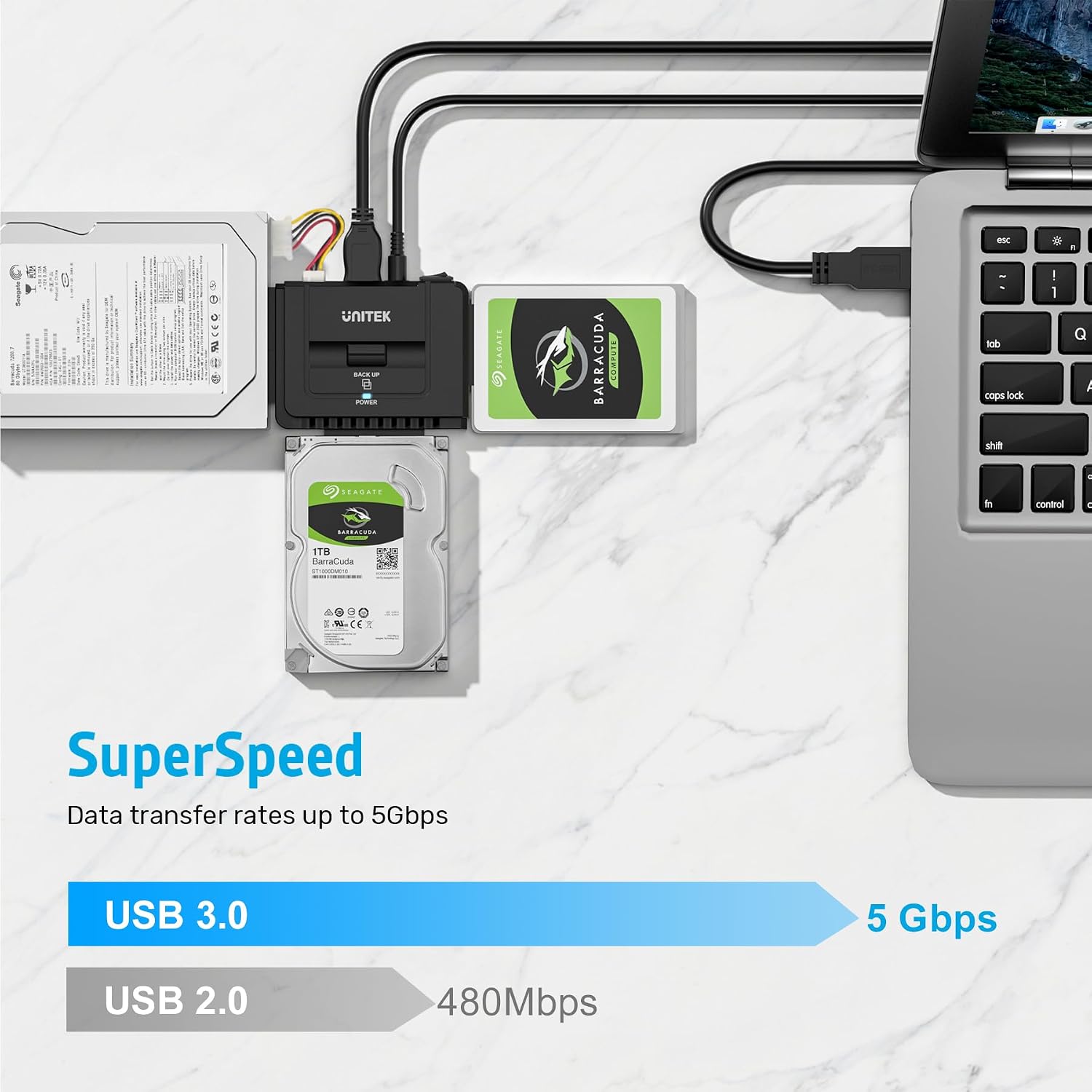
On paper, it supports both 2.5/3.5-inch SATA HDD/SSD and 2.5/3.5-inch IDE drives (with a dual-head IDE connector: 40-pin and 44-pin), plus optical drives (DVD-ROM, CD-ROM, CD-RW, DVD-RW, and DVD+RW). It also uses a USB 3.0 connection with backward compatibility for USB 2.0/1.1. That combination is the hook: one adapter approach for mixed drive types you may already own.
Key takeaways (the parts you’ll actually care about)
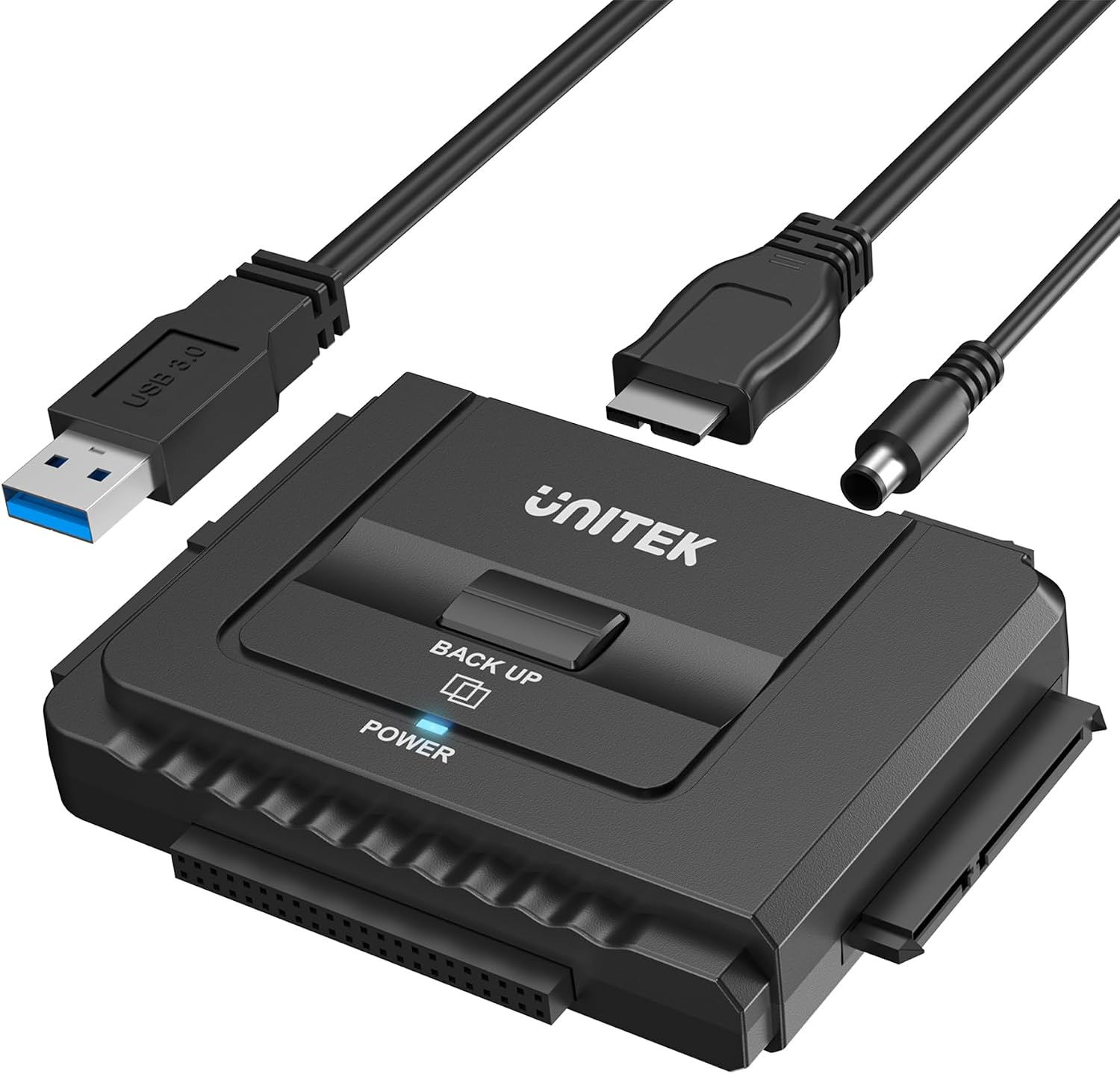
Where this kit stands out is its broad “in-between” compatibility and the practical touches that make it easier to use repeatedly. The kit includes a 12V/2A power adapter for stable power delivery, which matters especially when you’re dealing with spinning drives and multiple devices at once.
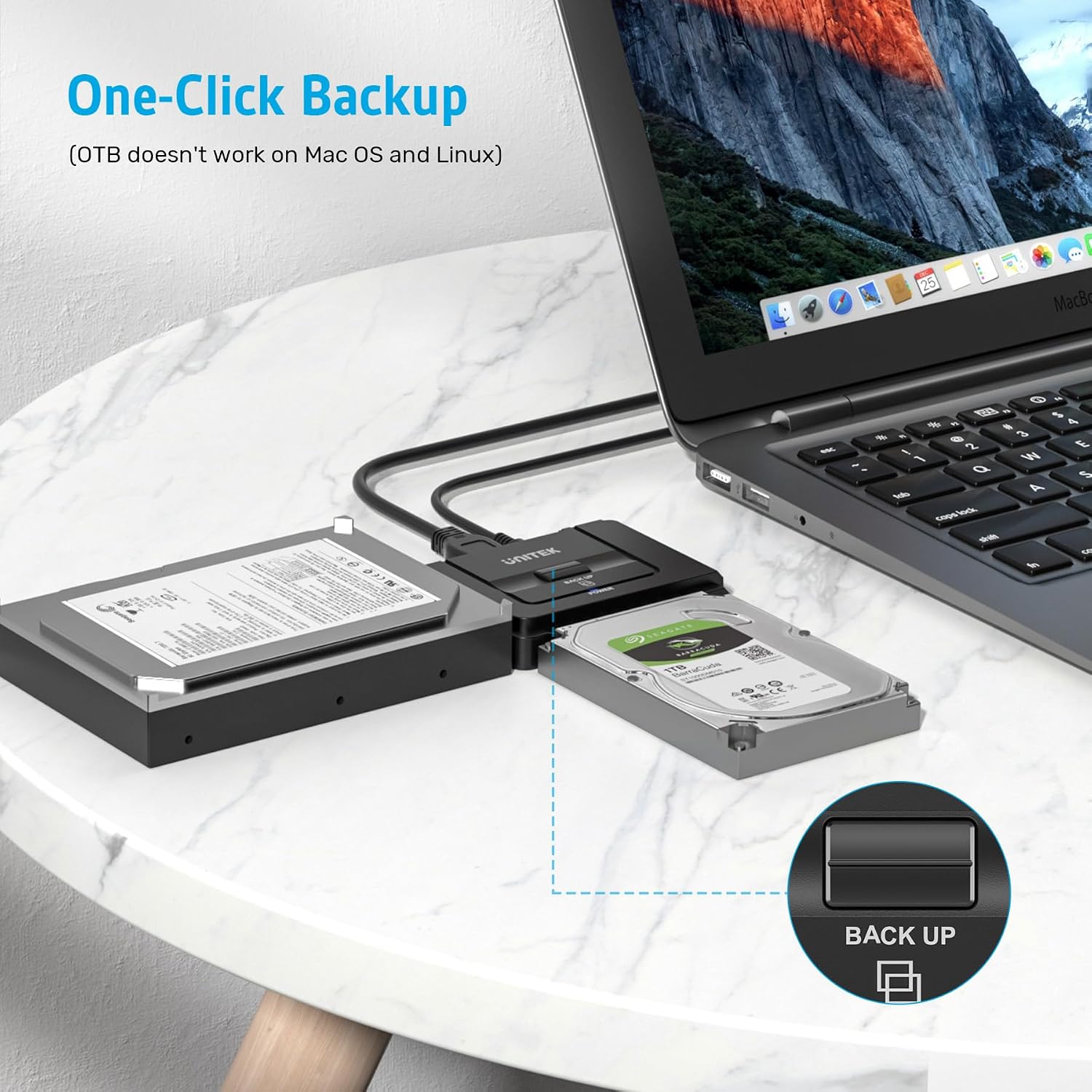
It also includes a One Touch Backup function and an on/off switch intended for HDD protection. A LED indicator shows power and activity status, so you’re not guessing whether the drive is reading.
Still, there’s a limitation worth noting: the included 4-pin power cable is designed for 3.5-inch IDE drives, and SATA drives are listed as not applicable for that cable. In other words, don’t assume every drive type takes the same power lead—make sure you match the right connector for the drive you’re trying to use.
Tech specs
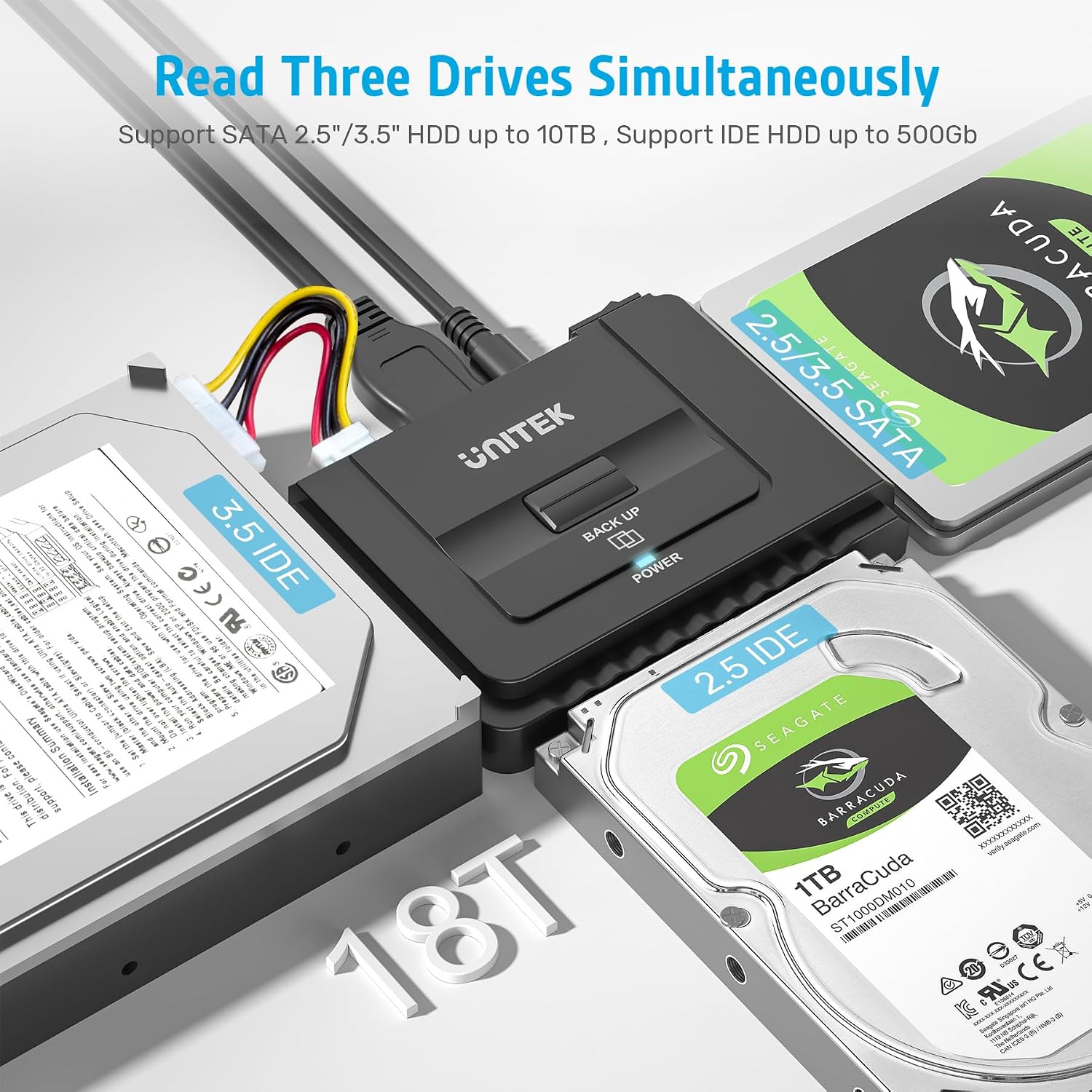
- Supports 2.5/3.5 SATA HDD and SSD
- Supports 2.5/3.5 IDE HDD
- Supports optical drives: DVD-ROM, CD-ROM, CD-RW, DVD-RW, DVD+RW
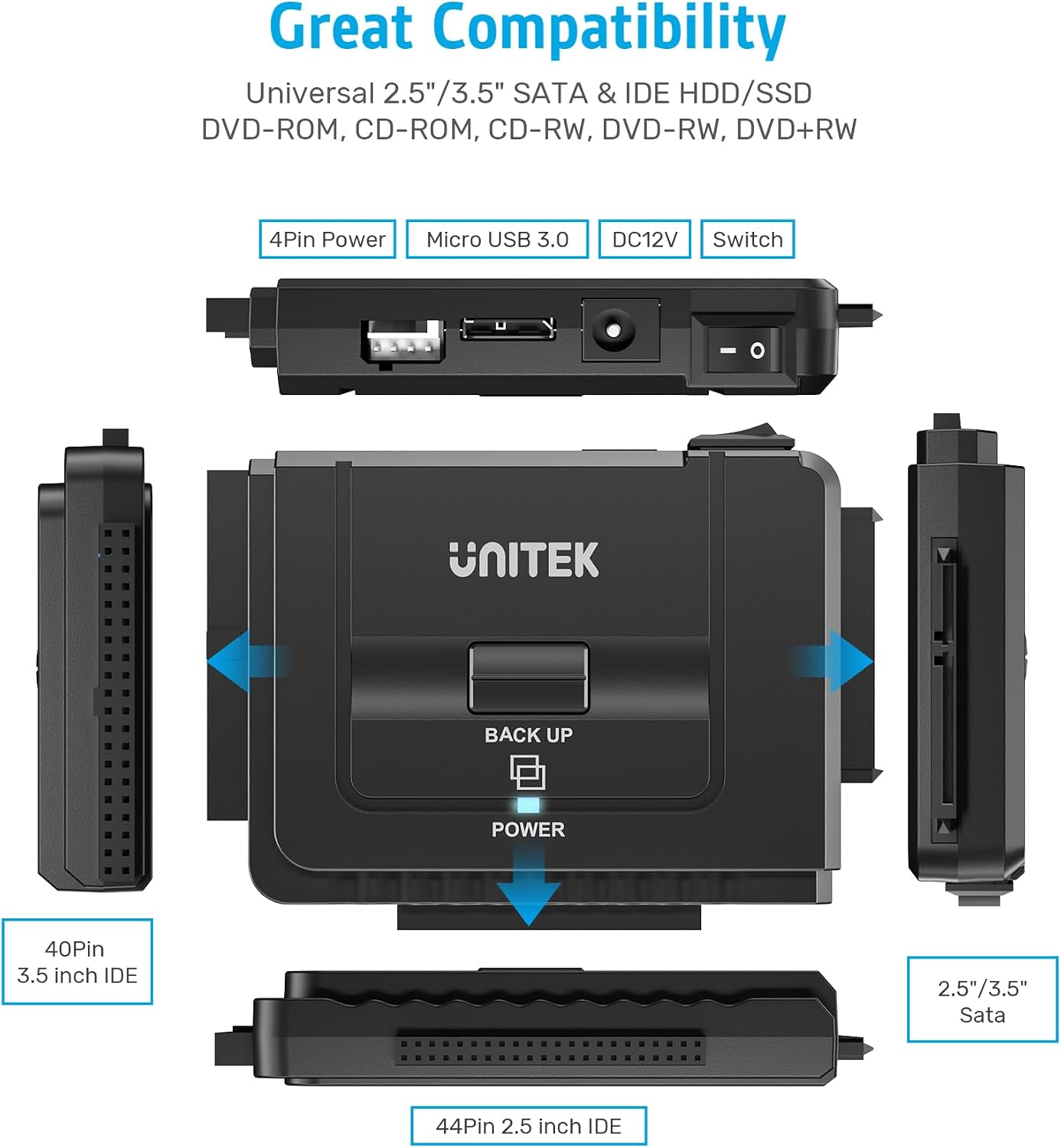
- IDE connectors: dual-head (40-pin and 44-pin)
- SATA connector: one SATA II connector
- Simultaneous operation: allow to operate three HDDs simultaneously
- Interface: USB 3.0 (backward compatible with USB 2.0/1.1)
- Data transfer rate: up to 5 Gbps
- Power adapter included: 12V/2A power adapter
- Power cable details: 4-pin power cable for 3.5-inch IDE drive, SATA drives are not applicable/unnecessary for that cable
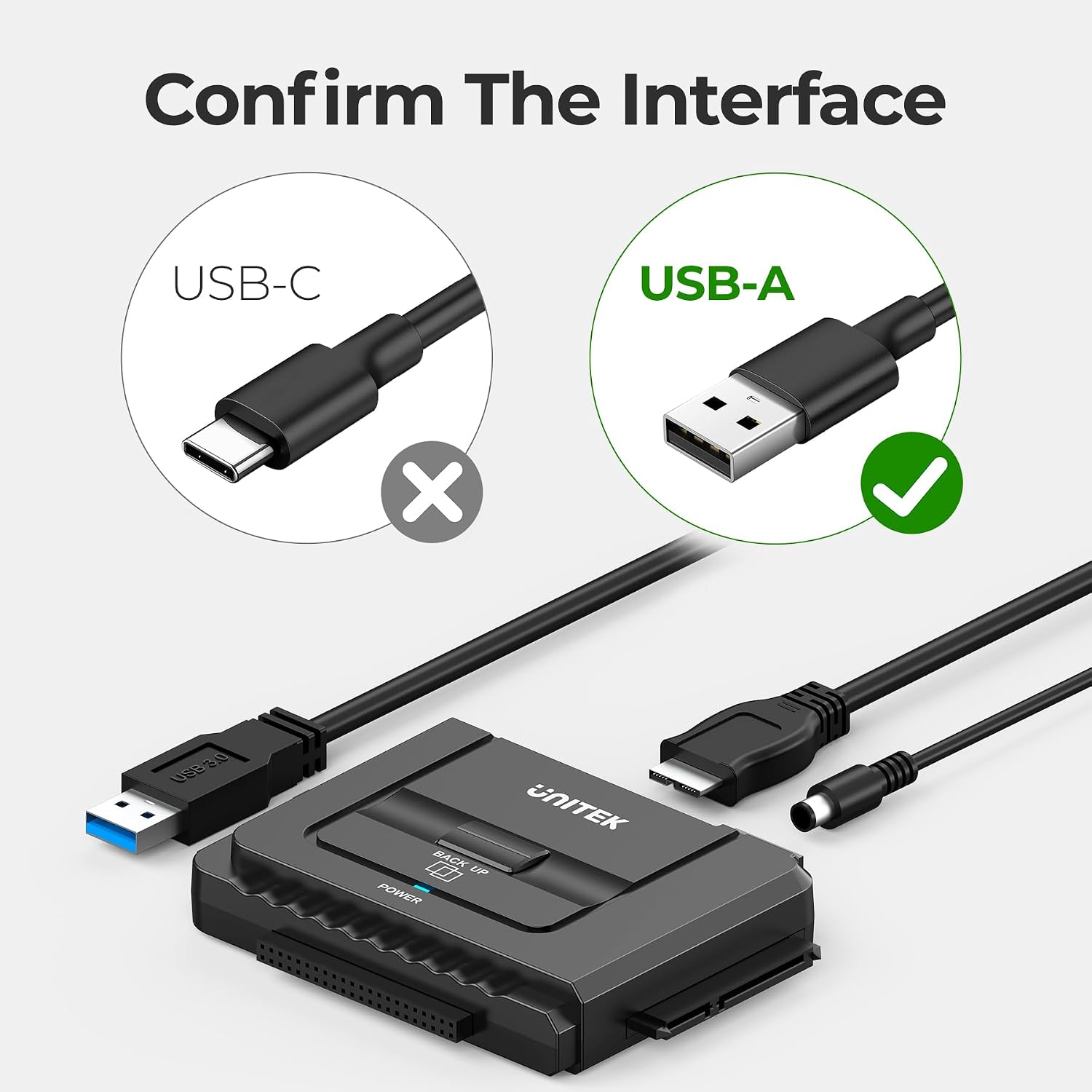
- Connection type: USB-A
- Functions: Plug and play, Hot Swap, One Touch Backup, On/Off switch for HDD protection
- Indicators: LED light for power and activity status
What you’ll notice day to day
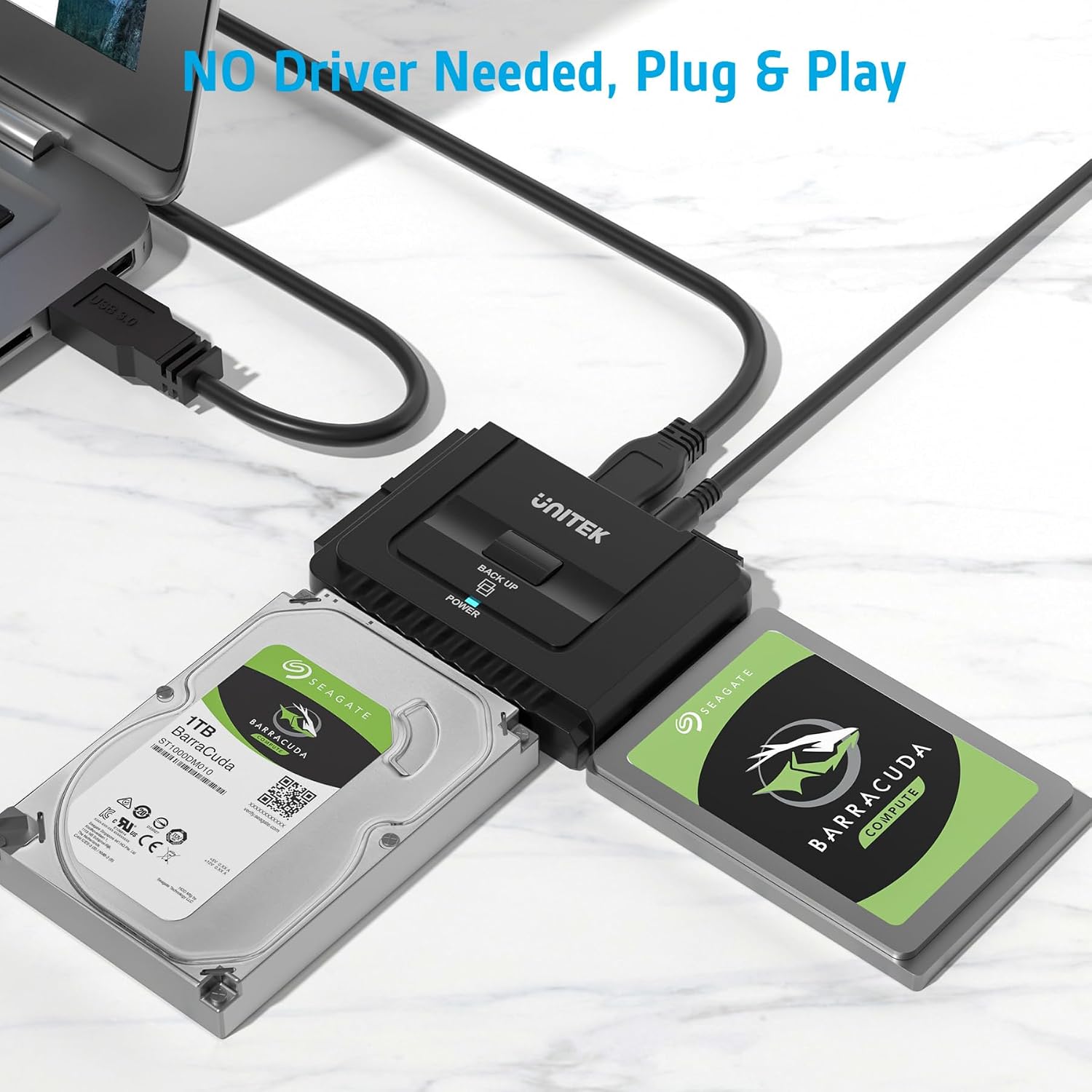
The “getting it working fast” experience is a big part of this kit’s pitch. It’s described as plug and play and hot swap, which generally means you can connect your drive and start working without a complicated install step.
In practical terms, imagine you’re trying to recover files from an older 2.5-inch IDE drive you removed from an older setup. With this kind of adapter, you’d plug in the USB-A side to your computer, connect the correct IDE head (40-pin vs 44-pin depending on the drive), and make sure you have the right power connection. Once powered, the LED activity indicator helps you confirm it’s doing something before you spend time troubleshooting file access.
Also, the ability to operate three HDDs simultaneously can be convenient if you’re doing batch copying, moving data from multiple drives in one session, or working through a backlog.
Where it shines, and where it might fall short
This is a solid pick if you need one adapter kit for mixed drive types—especially if you’re juggling older IDE drives alongside SATA drives. It’s the kind of product you buy once and keep around when tech archaeology becomes a hobby.
But it may not suit you if: - you only own SATA drives and you want a simpler, more straightforward setup (because this kit’s strengths revolve around broader connector support) - you don’t want to think about power matching (the kit specifically calls out that the 4-pin cable is for 3.5-inch IDE, while SATA doesn’t use it) - you can’t confirm your computer’s USB-A port availability (USB-A compatibility is explicitly stated, and you’re advised to check port compatibility before purchasing)
Buying verdict
If your goal is to connect IDE and SATA drives externally through USB-A—while also having One Touch Backup and the option to use multiple drives in one go—this Unitek USB 3.0 to IDE and SATA Converter Kit makes a lot of sense. The included 12V/2A power adapter and the clear indicator + switch features help it feel more “ready to use” than a barebones cable-only solution.
However, it’s not the best match if your drive situation is simple and you’d rather avoid connector/power decisions. In that case, you could end up paying for capabilities you won’t use.
Before you buy, double-check two things: that your computer has a USB-A port, and that you understand which IDE connector head (40-pin vs 44-pin) and which power cable apply to the specific drives you want to connect.
Frequently asked questions
Is this adapter compatible with USB-A computers only?
Yes. The kit is described as using a USB-A connection and being compatible with computers that have USB-A ports.
Does it work with both SATA and IDE drives?
It’s designed to support SATA HDD/SSD (2.5/3.5) and IDE HDD (2.5/3.5), using a dual-head IDE connector for different pin configurations.
What is the One Touch Backup function?
The product listing includes a One Touch Backup function, along with an on/off switch for HDD protection, intended to make repeating backup actions easier.
Do I need to use the power adapter?
Yes. The listing specifically says to connect the power supply when using it so it can work more stable, especially when reading multiple drives at the same time.
What if I’m using SATA drives—do I need the 4-pin power cable?
The listing says the 4-pin power cable is designed for 3.5-inch IDE drives, and that SATA drives are not applicable and unnecessary for that particular cable. Match power connections to your drive type.