

UGREEN Bidirectional 4K@60Hz HDMI to DisplayPort Cable Adapter (DP 1.2, HDCP 2.2) with USB Power, 6.6 ft
Product description
The essentials (what this cable adapter actually does)
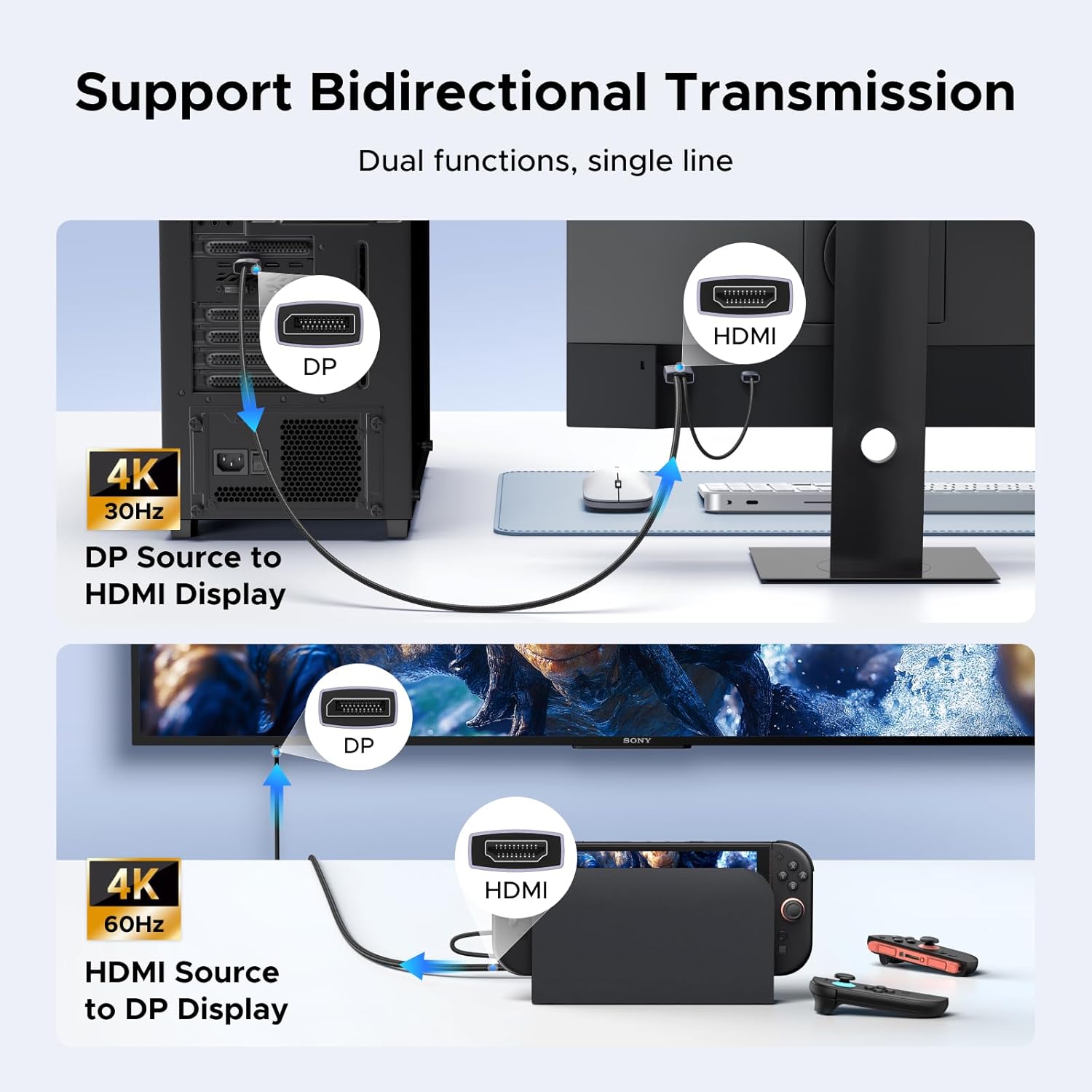
If you’re switching between devices with HDMI ports and displays with DisplayPort, this UGREEN HDMI-to-DisplayPort cable adapter is built for that specific headache. It’s a bidirectional HDMI ↔ DisplayPort setup, meaning it can send video/audio from an HDMI source (like a game console or laptop) to a DisplayPort monitor, and it can also move DP signals back to an HDMI display.
On paper, it’s a plug-and-play style adapter with no controller required. The biggest practical win is flexibility: you can keep one setup of cables and adapters around instead of rethinking your whole desk every time you swap sources.
Still, there are limits to keep in mind—especially around power/USB behavior and what it does (and doesn’t) support for audio features.
What you’ll notice: video quality and bandwidth
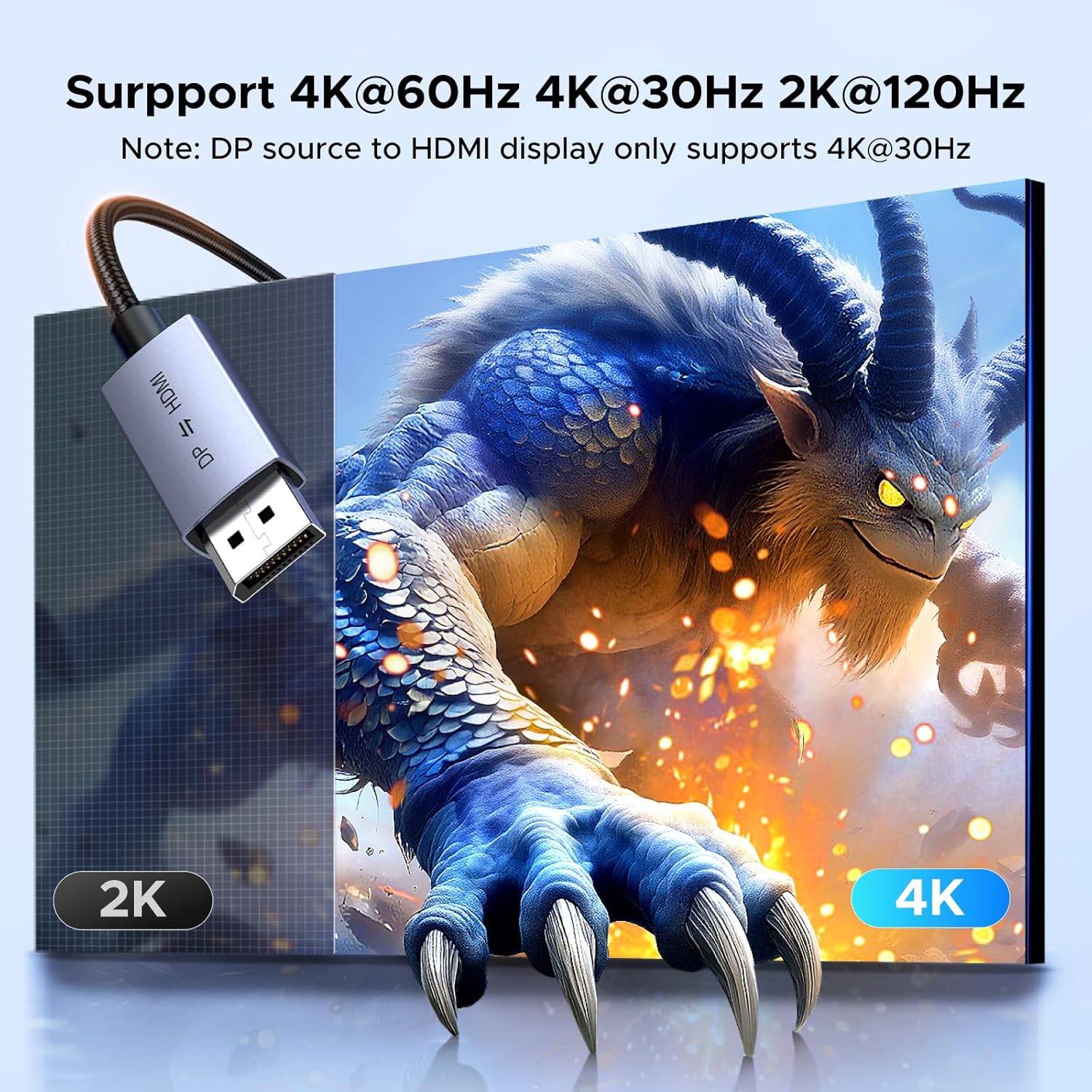
UGREEN positions this as a 4K-focused adapter. It supports 4K@60Hz overall bandwidth claims at 18 Gbps, and it lists several resolution/refresh combinations depending on direction:
- For HDMI → DP, it mentions 4K@60Hz (and also compatibility notes like 2560×1440@144Hz and 1920×1080@240Hz).
- For DP → HDMI, it calls out 4K@30Hz plus other listed modes.
So yes, you can get smooth high-refresh results—but you’ll want to pay attention to direction. A 4K@60Hz requirement typically makes you lean one way, if you’re sending DP into HDMI, the spec notes point to 4K@30Hz.
It also supports HDR and HDCP (including HDCP 2.2), which is a real consideration if you care about protected content or HDR presentation. No one should expect miracles from every display chain, but this is designed to stay compatible with modern signaling expectations.
Audio support: solid format coverage, but no ARC
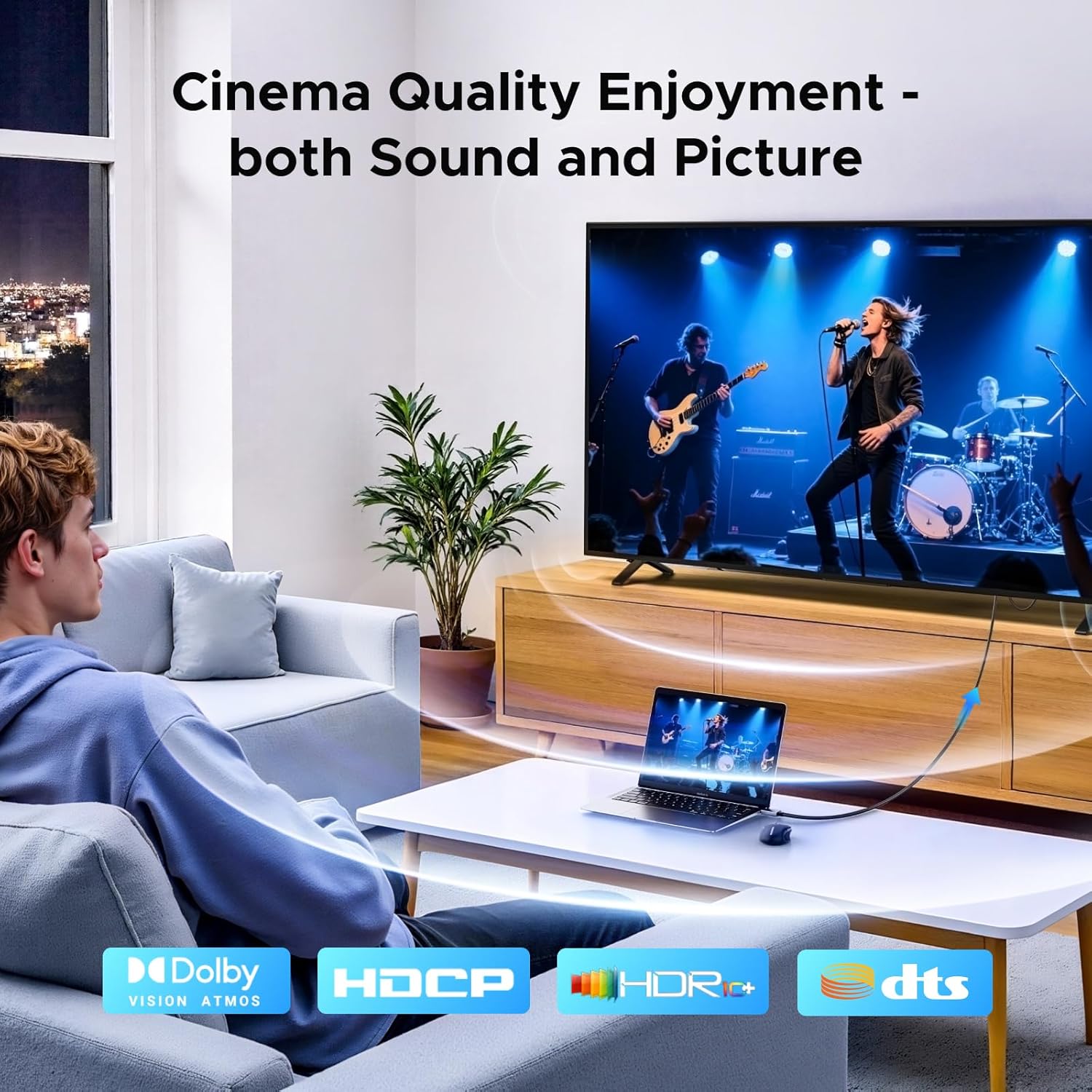
This adapter is described as supporting synchronized audio and video, and it lists multiple audio formats, including LPCM, AC-3, DTS, DTS-HD Master Audio, Dolby TrueHD, DTS:X, and Dolby Atmos. It even mentions an audio sampling rate up to 192 kHz/24 bits.
Where it may fall short: it specifically notes it’s not compatible with ARC. If your workflow depends on ARC (for example, using an HDMI ARC-enabled TV/soundbar style setup), you may want to skip this and look for a different approach.
A good real-world example: if you’re connecting a console to a DisplayPort monitor and want the sound to come through without extra audio wiring, this adapter’s audio handshake coverage is the kind of detail that matters.
USB power: what to know before you plug it in
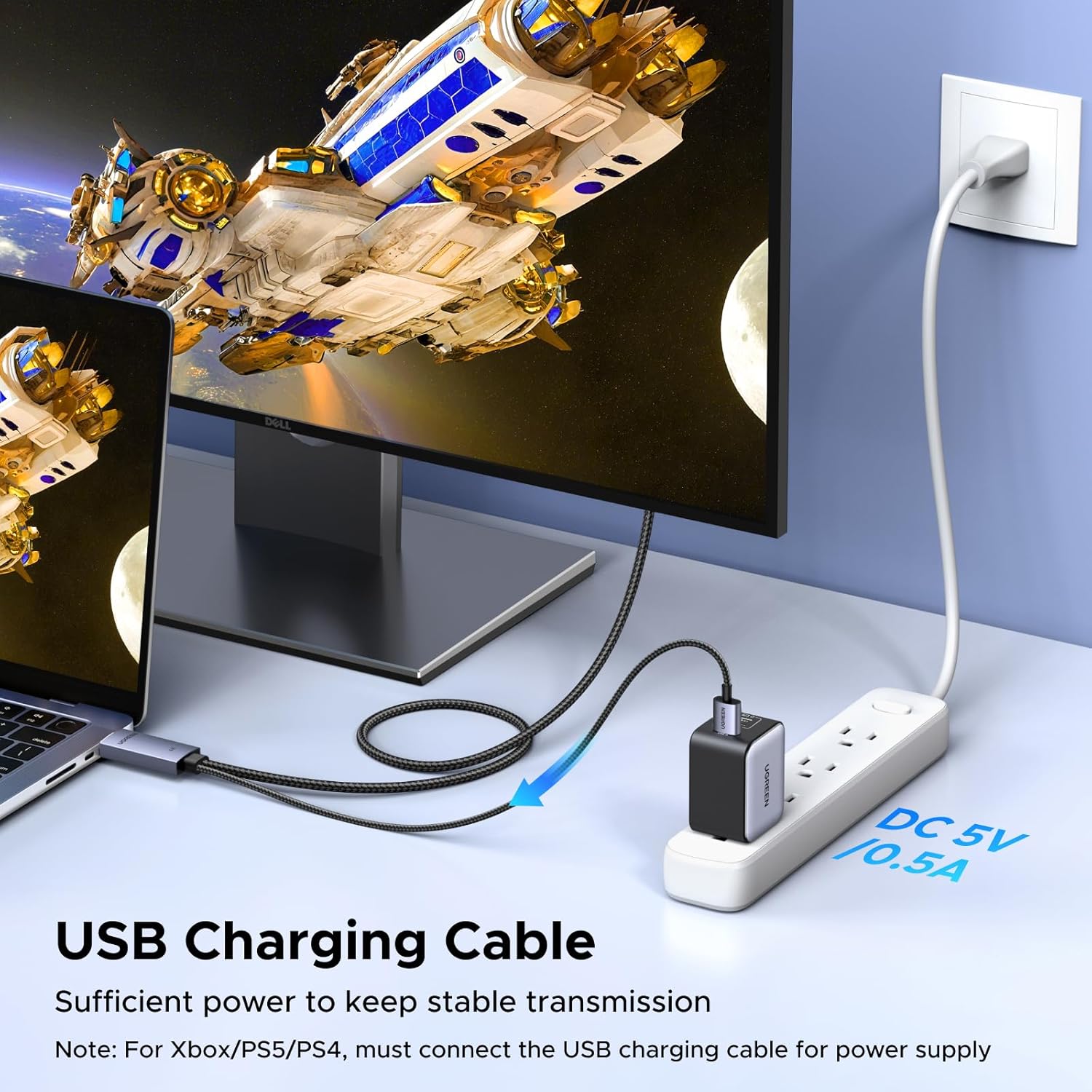
This model includes a USB A 2.0 power cable. The idea is straightforward: connect the USB A cable to your computer’s USB A port to power the adapter.

UGREEN also states you can power it from an adapter (5 V/0.5 A or higher) to keep signal transmission stable.
Here’s the important nuance: the note says the USB A port cannot be used to charge the host device and can’t transfer data. In other words, don’t expect it to act like a USB hub—its role here is power only.
If your setup has limited spare USB ports, you may end up needing a power adapter, which is worth factoring in.
Build and durability: braided cable + reinforced connections
This cable uses a braided nylon exterior meant to handle more than 5000 bends. The housing is an aluminum alloy for thermal isolation, and it uses a tinned copper connector for easier plug/unplug.
In day-to-day terms, that translates to a cable that’s less likely to feel flimsy when you route it behind a monitor stand or move devices around during gaming/work. Nothing is indestructible, but it’s clearly designed for regular cable management rather than “set it once and forget it.”
Key takeaways on compatibility (and where it may not fit)
The adapter is described as compatible with laptops, PC, Switch 2, PS5, Xbox, AMD/NVIDIA sources, and monitors that have a DisplayPort input—plus HDMI sources on the other side (like Switch 1/2, PS5/PS4, Xbox, DVD/Blu-ray players, laptops, and TVs).
That said, the decision comes down to your exact direction and your display’s expectations. If you’re trying to hit 4K@60Hz while going DP → HDMI, the listed notes point to 4K@30Hz instead. And if your system expects ARC over HDMI, this explicitly won’t cover it.
It’s a great fit if you want one bidirectional HDMI/DP solution for a desk or entertainment setup and you’re willing to match your desired resolution/refresh to the direction.
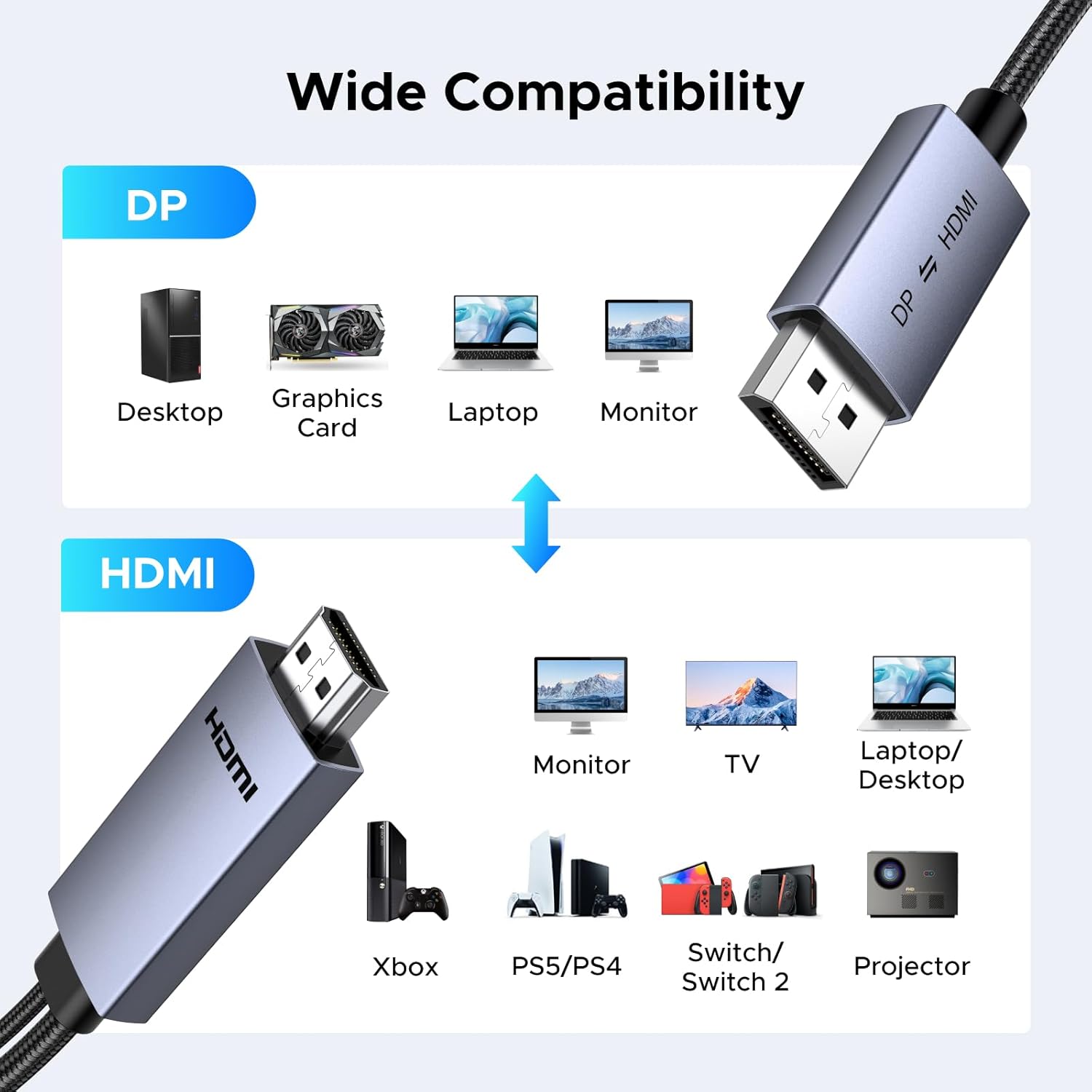
It might not be the best match if your priority is ARC audio routing, or if you need a guaranteed 4K@60Hz in both conversion directions.
Tech specs
- Type: bidirectional HDMI to DisplayPort cable adapter
- Standards: DP 1.2, HDCP 2.2
- Resolution focus: 4K (listed 4K@60Hz and 4K@30Hz depending on direction)
- Total bandwidth: 18 Gbps
- Audio support: synchronized audio/video, supports LPCM, AC-3, DTS, DTS-HD Master Audio, Dolby TrueHD, DTS:X, Dolby Atmos
- Audio sampling: up to 192 kHz/24 bits
- Power: USB A 2.0 power cable included
- Length: 6.6 ft
- Materials/build: braided nylon jacket, aluminum alloy housing, tinned copper connectors, shielding for signal stability
Mini FAQ
Is this truly plug-and-play?
UGREEN describes it as plug and play with no controller required, so you should be able to connect and use it without additional software.
Do I need the USB power cable?
It’s designed to be powered through the included USB A cable, or via a 5 V/0.5 A (or higher) adapter, to support stable signal transmission. If you skip power, you may not get reliable results.
Does it support ARC?
No. The notes specifically say it’s not compatible with ARC.
What’s the difference between HDMI → DP and DP → HDMI?
The listed resolution/refresh support varies by direction. The spec notes point to 4K@60Hz in one direction and 4K@30Hz in the other.
Should you buy it?
Final verdict
A solid pick if you need bidirectional HDMI ↔ DisplayPort conversion for a mixed-device setup and you care about higher-end video modes (including HDR) plus broad audio format support. It’s especially worth considering when your display inputs don’t match your sources, and you’d rather adapt than re-cable everything.
You may want to skip it if ARC is part of your audio plan, or if your setup requires guaranteed 4K@60Hz in the DP → HDMI direction. Also, if you can’t spare USB power (or don’t want to use a 5 V adapter), you’ll want to double-check how you plan to power the adapter before committing.