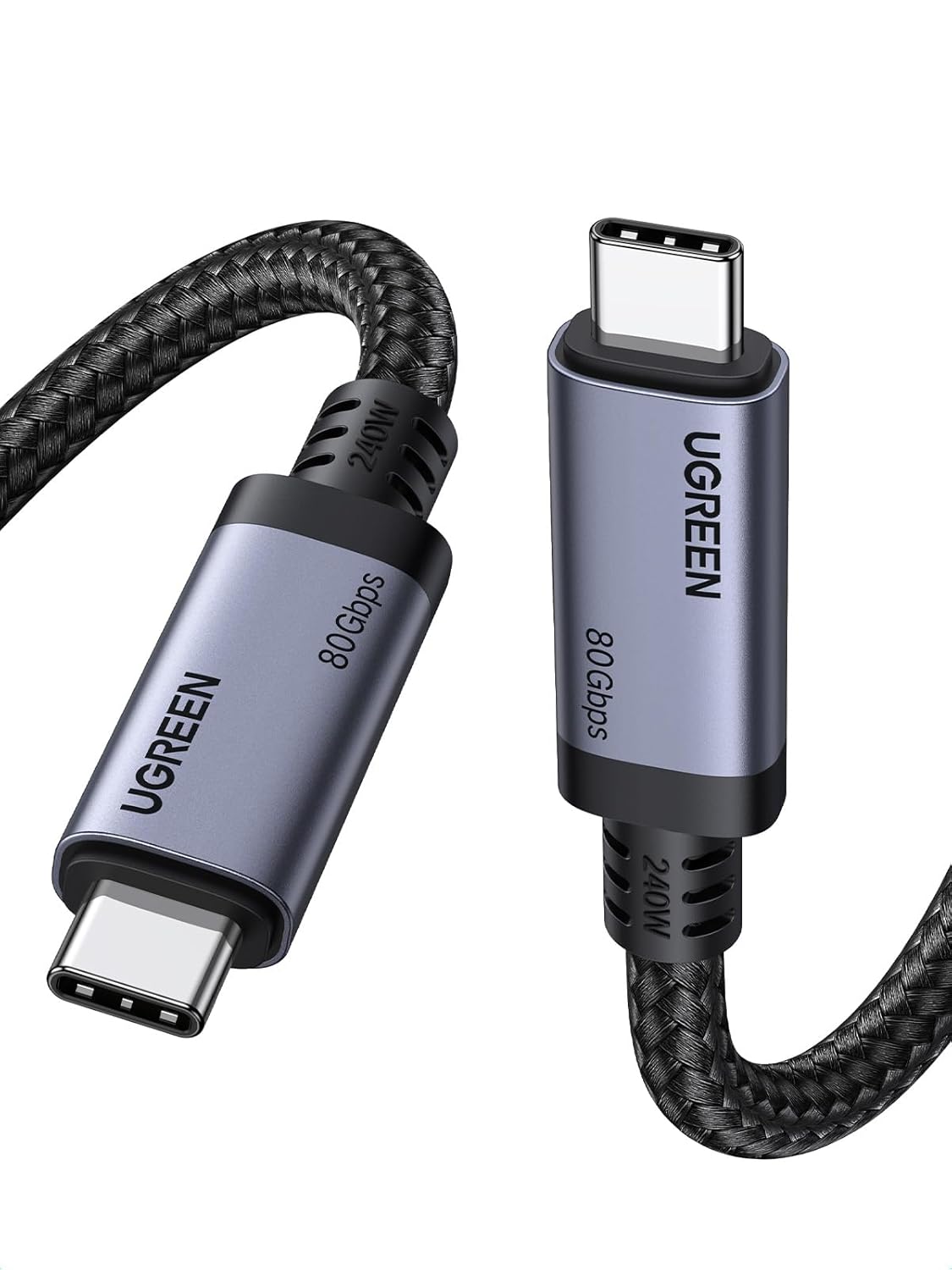
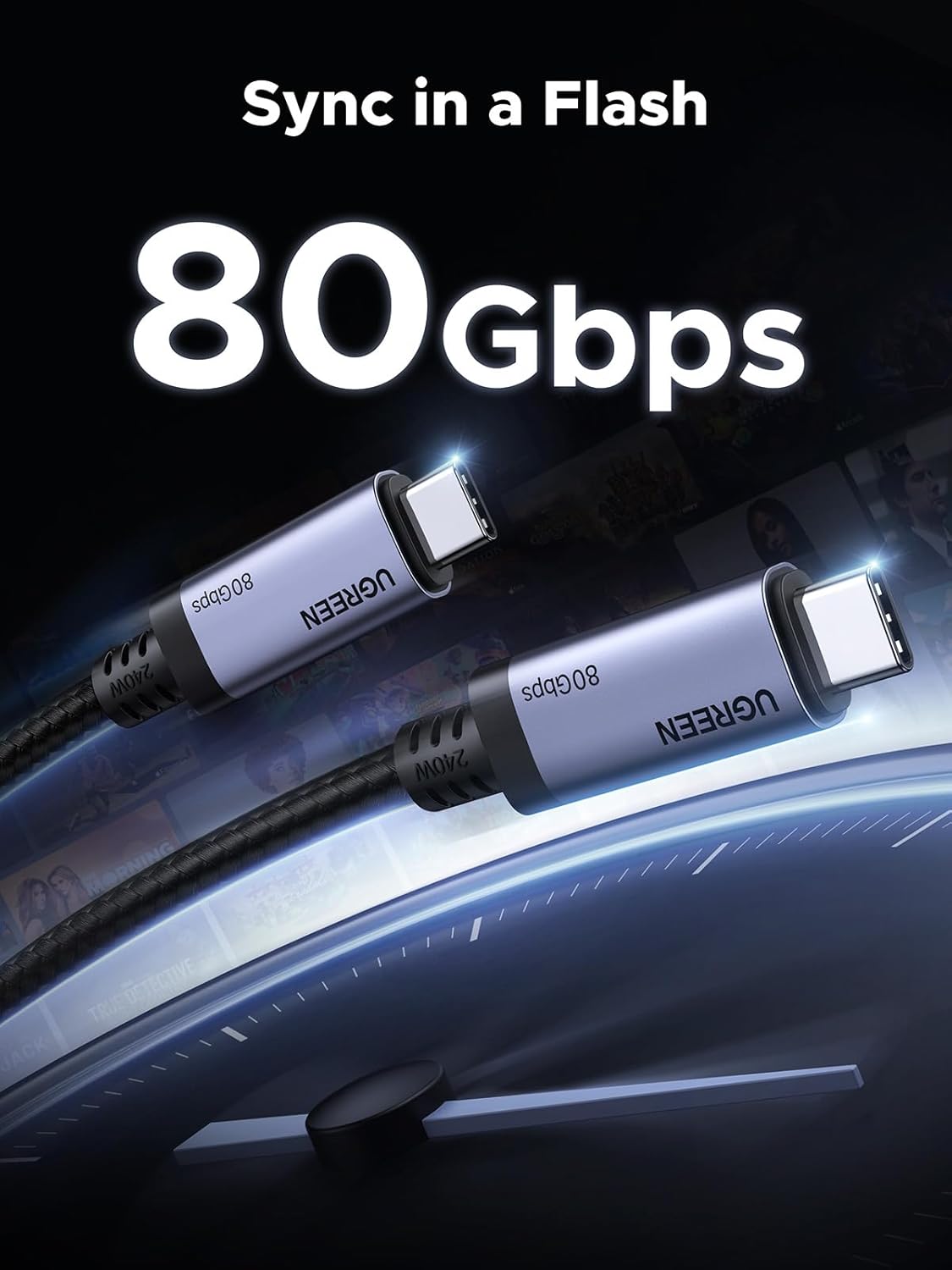
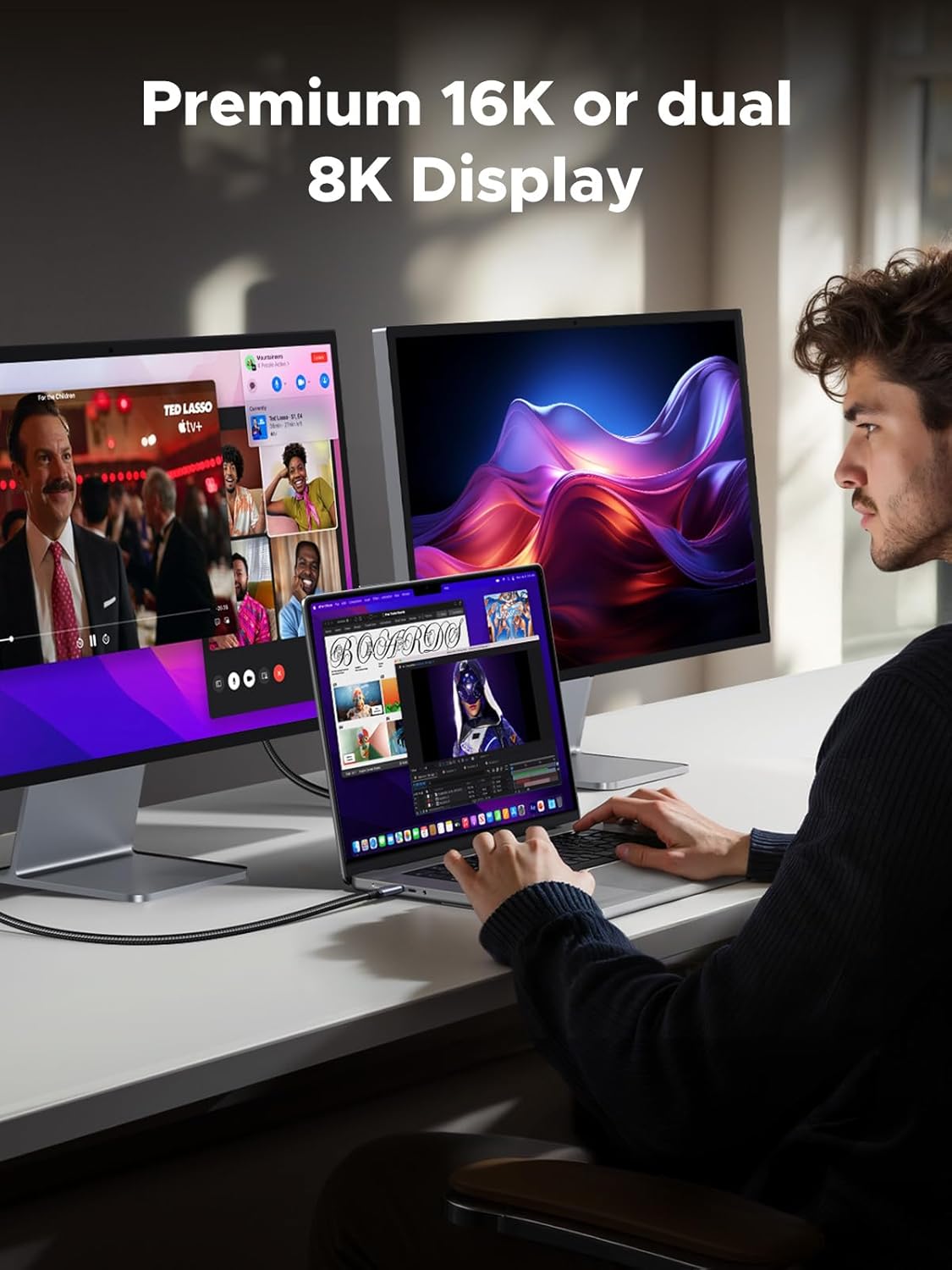
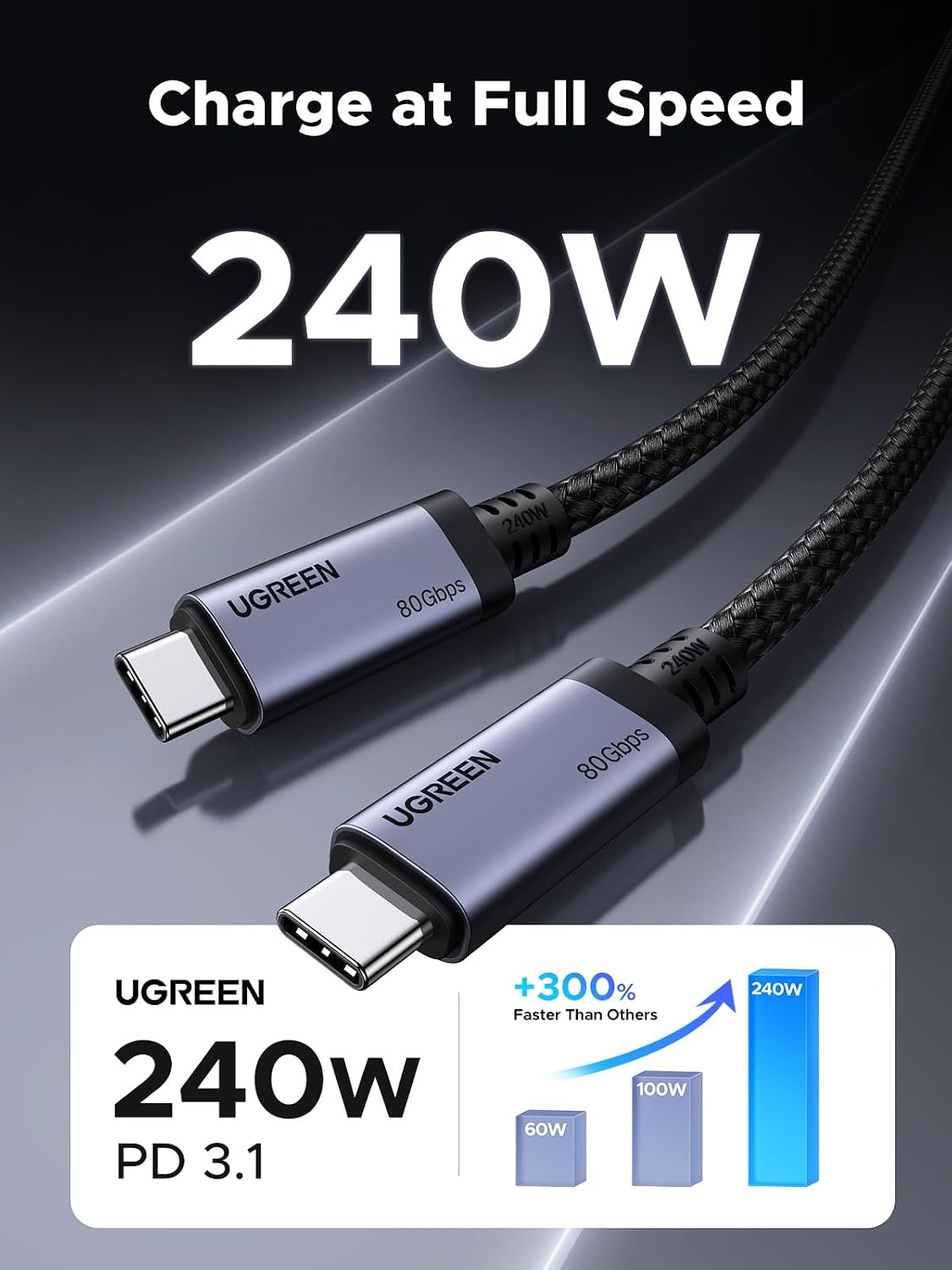
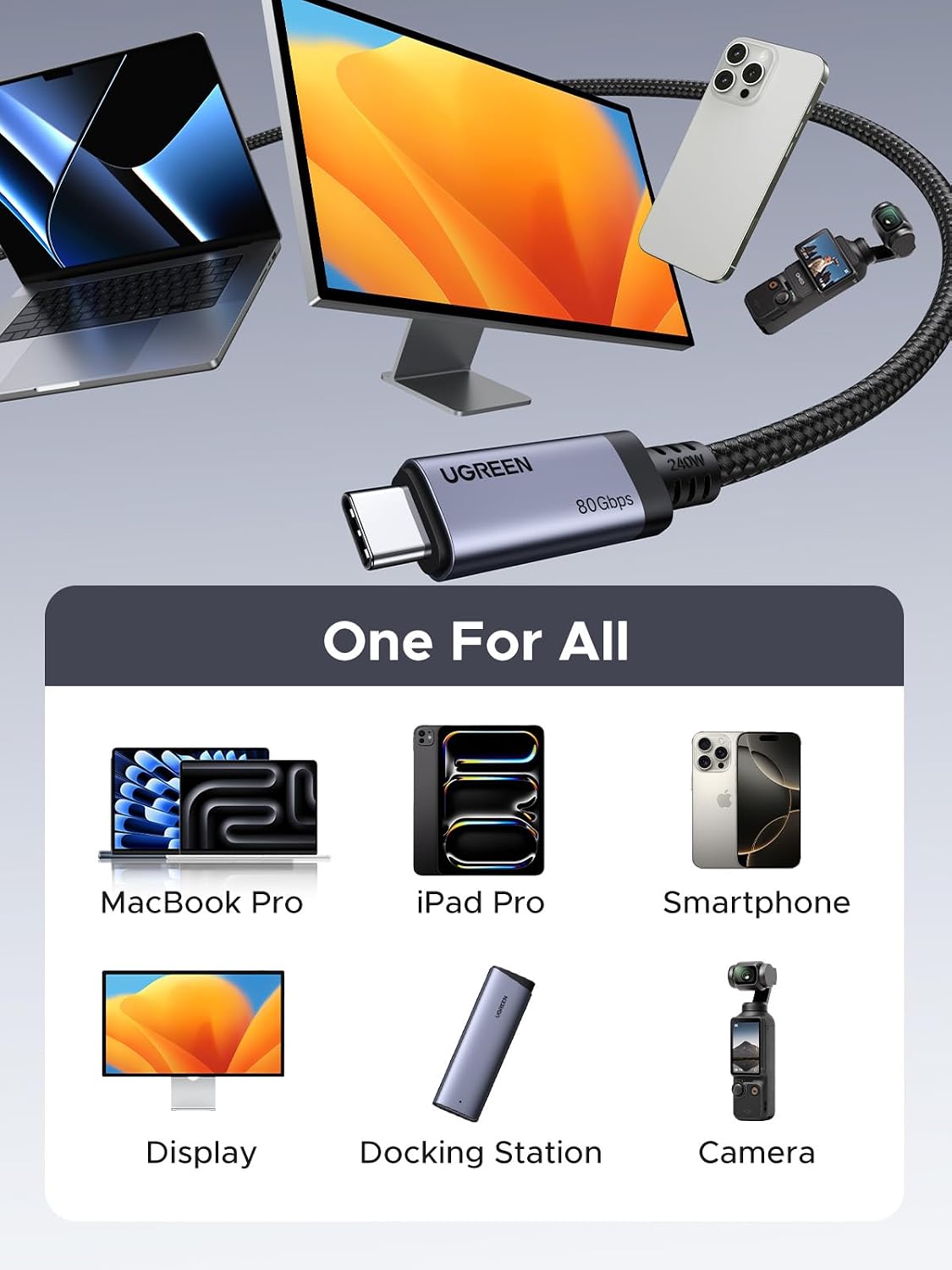
What matters most\nThis USB-C to USB-C cable from UGREEN is presented as a single solution for high-power charging, ultra-fast data transfer, and top-tier display output. On paper, it’s designed to handle 240W PD 3.1 charging, 80Gbps USB4 Gen4 data bandwidth, and DisplayPort 2.1-ready video. If you value fewer cables and one cable that can charge a laptop, sync large files, and drive a high-resolution display, this model aims to deliver all three. It’s worth noting that performance will depend on compatible devices and the power source you use, so the “240W” claim hinges on the right charging adapter and device compatibility.\n\n## Technical details\nThe cable uses double-sided USB-C connectors with reinforced strain relief and a durable nylon braid. The construction emphasizes longevity—allegedly with resistance to up to 10,000 bends—plus aluminum housing and triple shielding. It’s marketed as backward compatible with 140W/100W/65W charging targets, which suggests a broad range of devices can benefit from faster charging when paired with the right power brick. For data, the 80Gbps bandwidth under USB4 Gen4 implies very rapid file transfers, helpful for large media projects or fast disk-to-disk workflows. Video support is described as DisplayPort 2.1 capable, up to 16K@60Hz and dual 8K@60Hz or triple 4K@144Hz setups. In practice, this could matter if you’re connecting a high-end monitor setup or working with graphics-intensive tasks.\n\n## What stands out\nThe core promise is an all-in-one cable: 240W charging, 80Gbps data, and high-refresh video output. If you frequently shuttle massive files between SSDs or laptops and simultaneously run external displays, having a single, capable cable can reduce clutter and simplify desk setup. The inclusion of Thunderbolt 4/3 compatibility expands its potential use cases beyond standard USB-C devices.\n\n## Pros\n- Very high charging potential when paired with a suitable charger.\n- Extremely fast data transfer for large files or backups.\n- DisplayPort 2.1 support enables high-res external displays.\n- Durable build with reinforced connectors and shielding for longevity.\n\n## Cons and caveats\n- Real-world performance depends on compatible devices and an appropriate power source, the 240W figure isn’t guaranteed with every setup.\n- Display capabilities (16K/8K/4K) require compatible displays and rigs, not every desk setup will push that level of output.\n- The value hinges on needing all three capabilities in one cable, for many users, separate cables might suffice.\n\n## Who it’s for\n- Professionals who move very large media files between laptops and external storage.\n- Creatives and developers running high-resolution external displays or multi-monitor setups.\n- Power users with Thunderbolt-enabled devices or those aiming for a clean, single-cable desk.\n- MacBook Pro/MacBook Air, Dell XPS, iPad Pro users and anyone using USB-C monitors or docking setups.\n\n## Who it isn’t ideal for\n- If you don’t need ultra-fast data transfer or 240W charging, a more modest cable may be a simpler fit.\n- Users with older USB-C gear that doesn’t fully leverage USB4 Gen4 or DP 2.1 capabilities may not see the claimed benefits.\n- Those on a tight budget who don’t require high-end charging or multi-display outputs may prefer a less feature-rich option.\n\n## When it makes sense to buy\n- You want a single cable to handle charging, data, and display output for a capable workstation or creator setup.\n- You frequently transfer multi-GB files quickly and need robust performance for backups or migrations.\n- You run high-resolution monitors and want to minimize cable clutter without sacrificing speed.\n\n## What to check before buying\n- Ensure your charger supports 240W PD 3.1 and is compatible with your device.\n- Confirm your monitor and GPU setup can utilize DisplayPort 2.1 features at the resolutions you expect.\n- Consider cable length and routing to avoid signal degradation with long runs.\n\n## Practical usage example\nImagine editing 8K footage on a laptop while tethered to an external NVMe SSD and a 4K/8K monitor. With this cable, you’d expect fast file access, rapid project syncing, and smooth, lag-free video output, all through a single connection.\n\n## FAQ (quick answers)\n- Q: Is this compatible with Thunderbolt 4/3? A: Yes, the description notes compatibility with Thunderbolt 4/3 alongside USB4 Gen4 features.\n- Q: Can I use this for charging a laptop and powering a monitor at the same time? A: The cable is designed for 240W charging and video output, compatibility with your specific devices should be verified.\n- Q: How long is the cable? A: 3.3 feet.\n\n## Final verdict\nIf you need a high-performance USB-C to USB-C cable that can handle fast charging, rapid data transfers, and demanding display outputs in one package, this model from UGREEN is worth considering. It’s most compelling for users with Thunderbolt-enabled devices and multi-display workflows who want to reduce cable clutter without sacrificing performance. If your setup is simpler or your devices don’t support the highest PD, Gen4 data rates, or DP 2.1, you may find a more budget-friendly option meets your needs.