

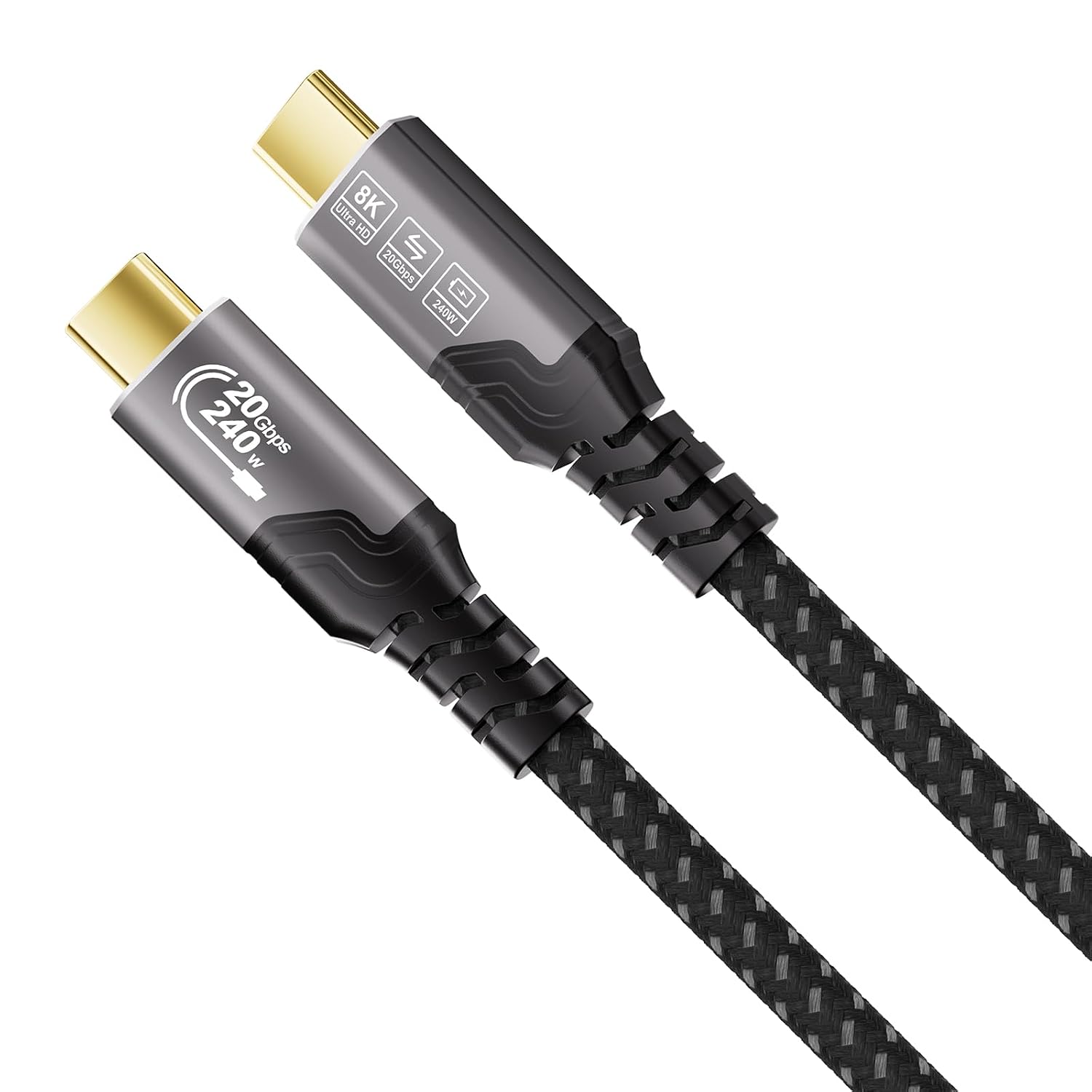
ZIKNYDO USB-C Cable, 20Gbps
Product description
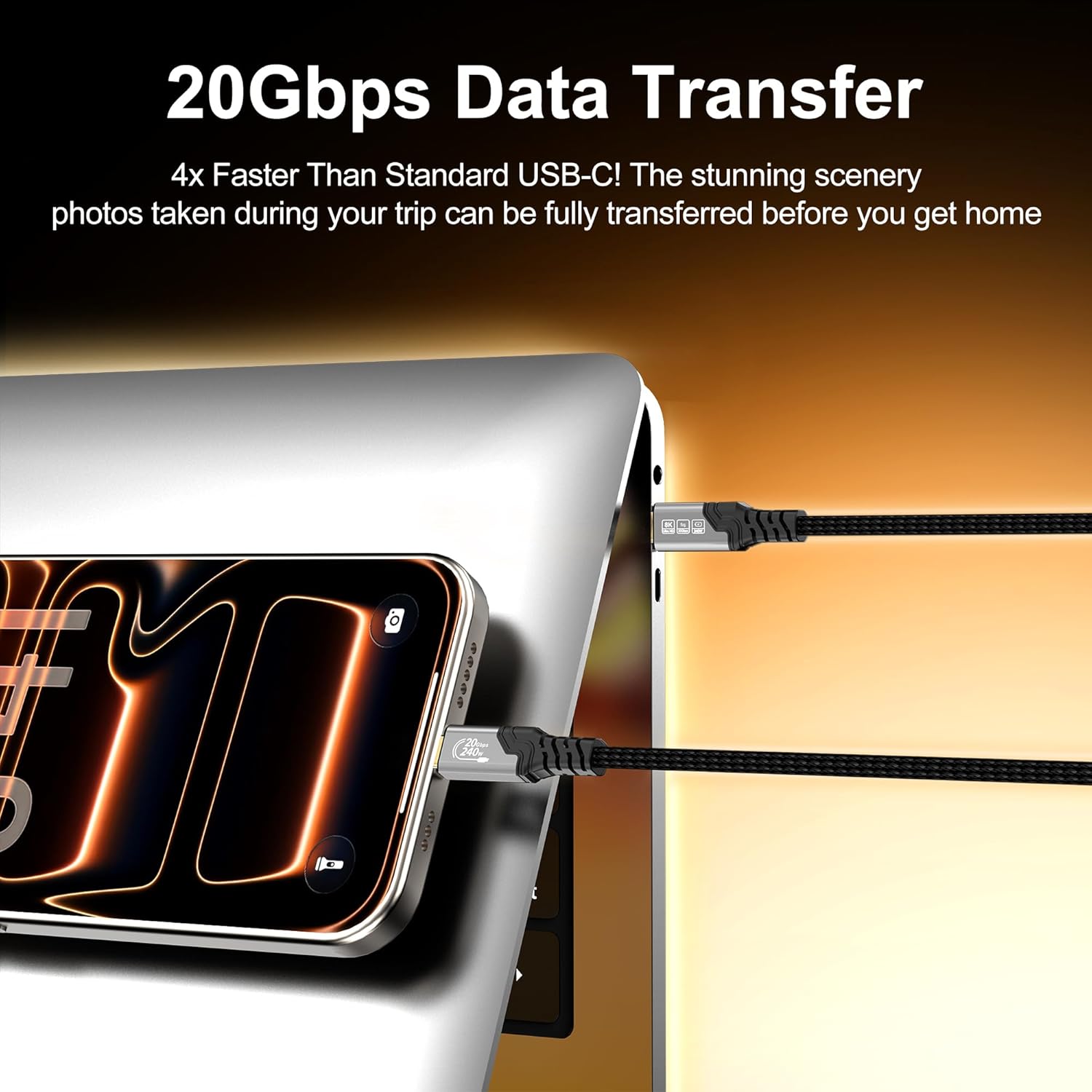
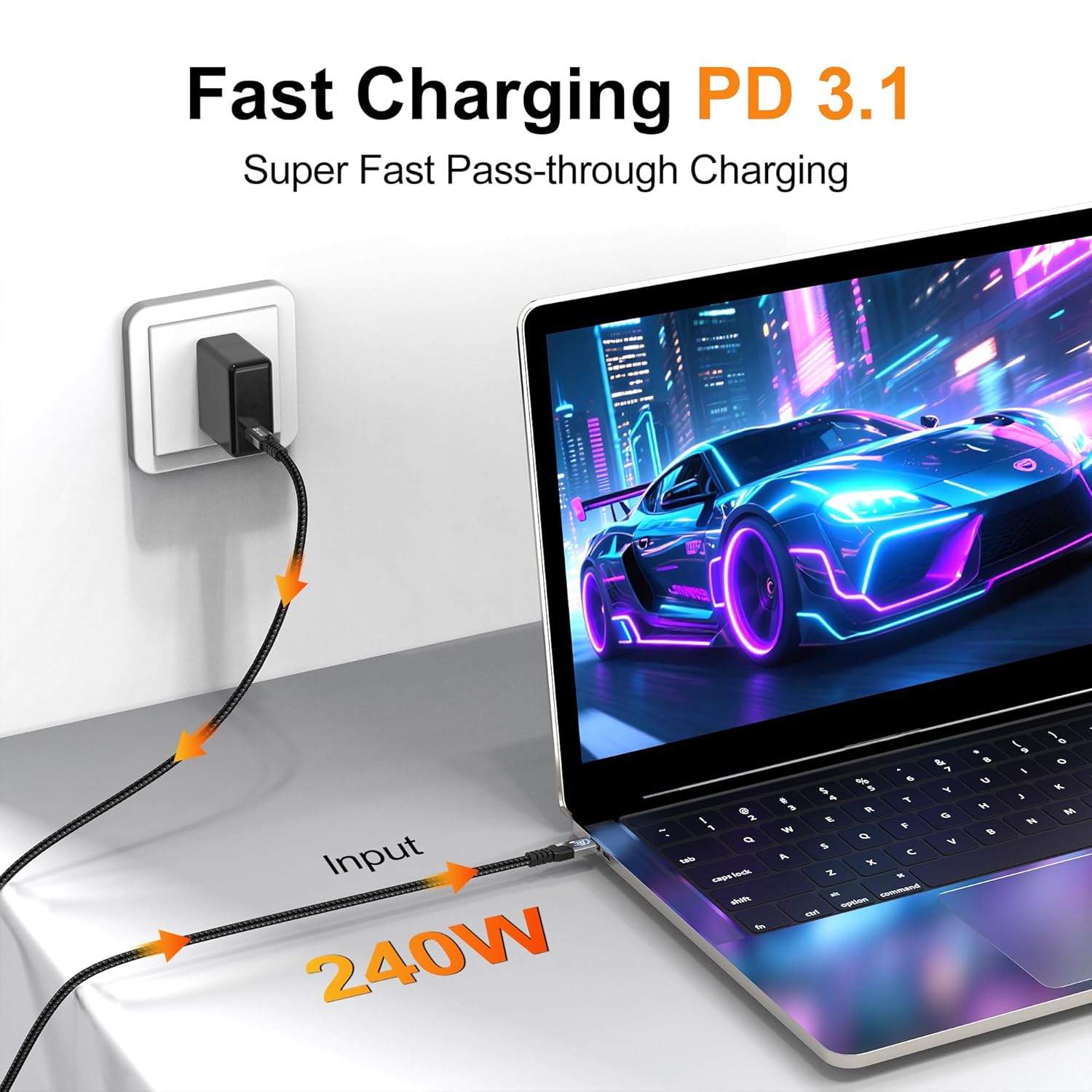
When a laptop, phone, external SSD, or display needs a USB-C connection, one cable that handles charging, data, and video can reduce the clutter on a desk or in a travel bag. The ZIKNYDO USB-C to USB-C cable is listed with up to 20Gbps data transfer, 240W charging, and video output up to 8K at 30Hz. Those figures describe its supported capabilities, the connected devices and other equipment also need to support the feature you want to use.
At 1.6 feet, it’s made for close connections rather than reaching across a room.
How to use it
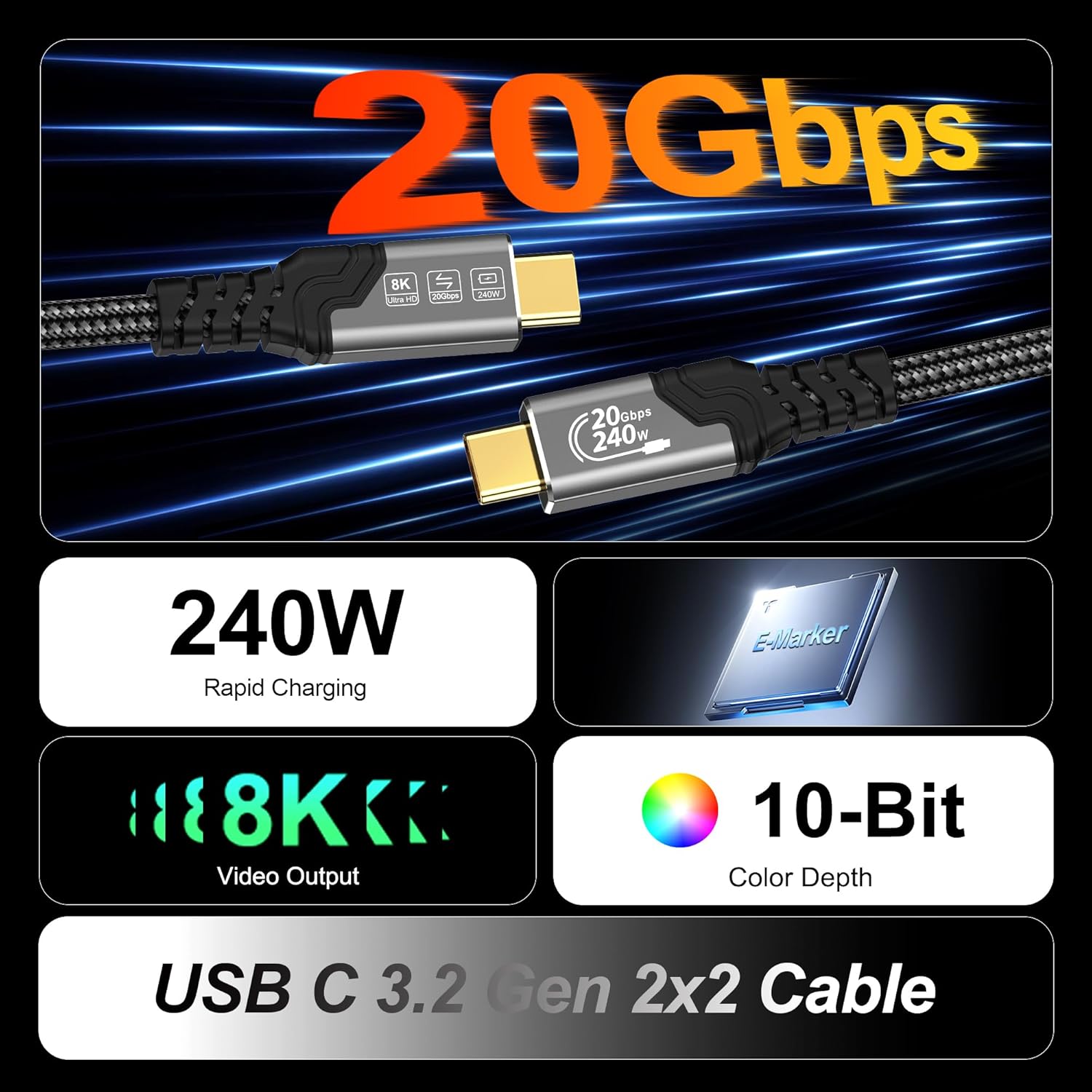
Connect two USB-C devices for charging or data transfer, or use it for video output with a compatible display setup. For example, it could link a USB-C laptop to an external SSD on a desk, or connect a compatible laptop to a monitor without keeping separate cables for each task. Is a short cable convenient here? If the devices sit side by side, its compact length can help keep a setup tidy, if a charger or display is farther away, that same length becomes a constraint.
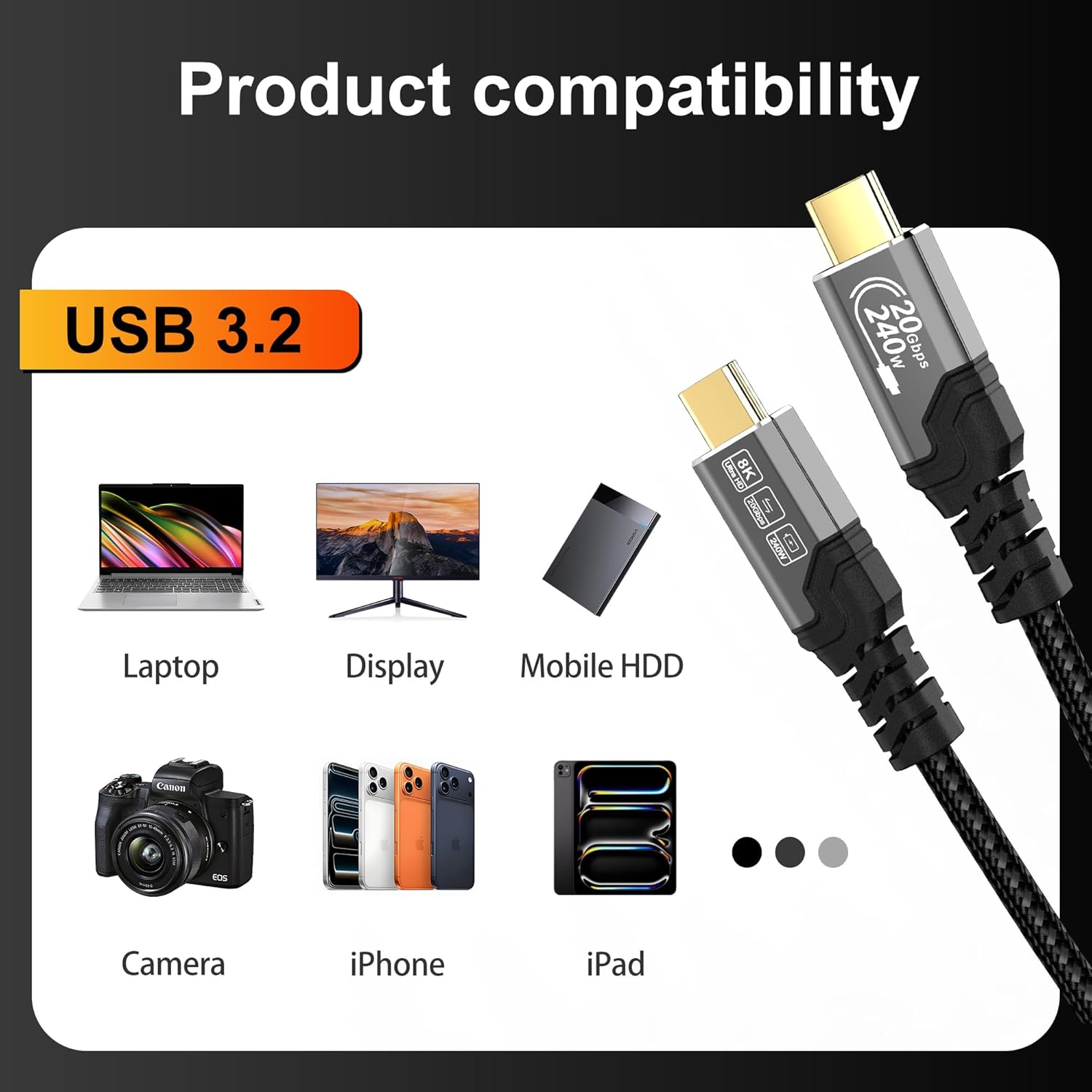
The listing also names phones, tablets, laptops, hubs, cameras, and portable monitors among possible uses. It claims compatibility with USB 4, USB 3, and Thunderbolt 3, 4, and 5 devices, but the actual speed, charging rate, and video mode depend on the connected equipment. A cable alone can’t add capabilities a device or display doesn’t support.
Pros

- Combines charging, data transfer, and video output in a single USB-C-to-USB-C cable.
- Listed data rates reach 20Gbps, which may suit large file transfers when both devices support that speed.
- The stated 240W charging capacity is useful for buyers seeking a cable rated for high-power USB-C charging, the charger and device still determine the power delivered.
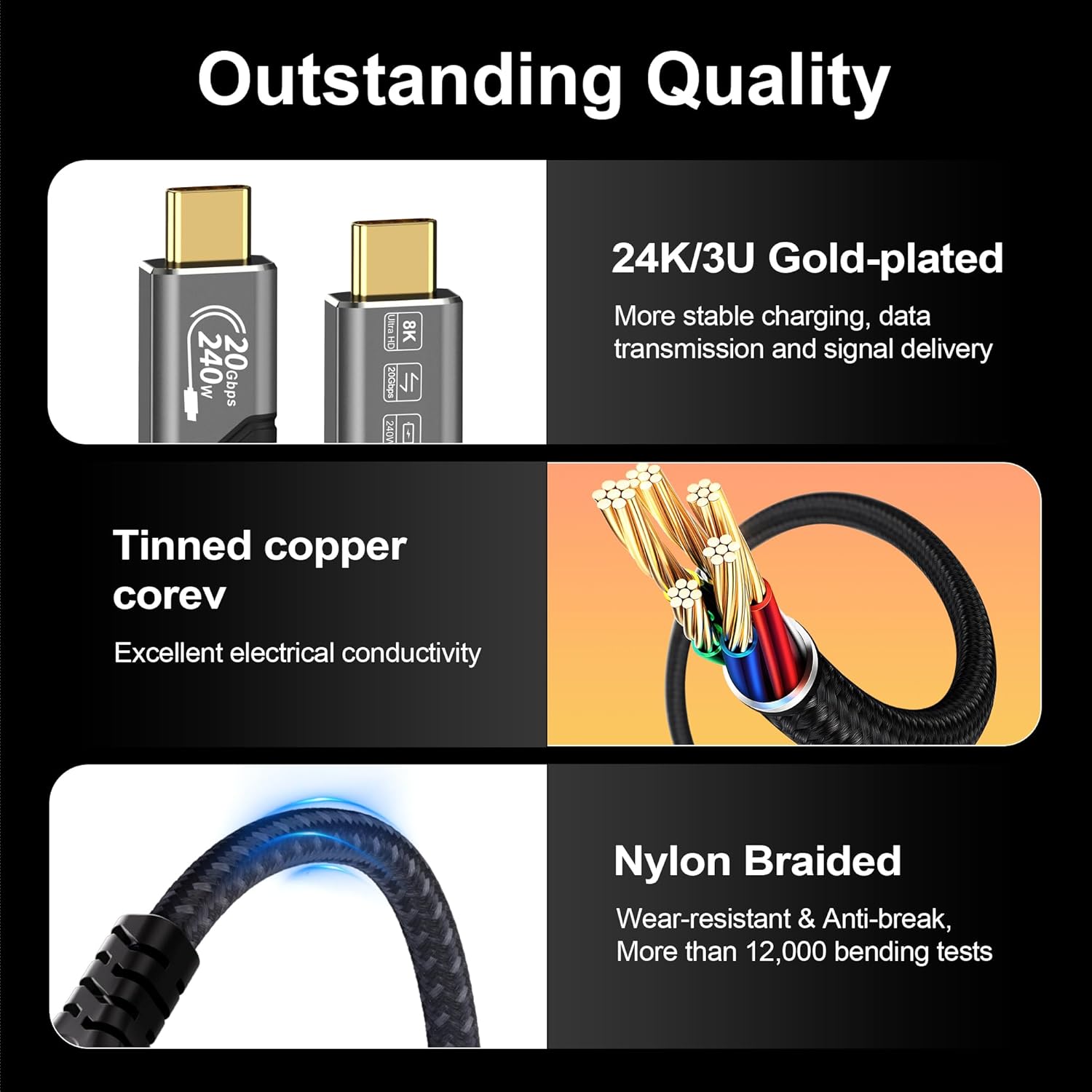
- The braided outer layer, aluminum-alloy shell, and reinforced plugs are intended to handle regular handling. The short length also suits a compact desk or travel setup.
One tradeoff is straightforward: 1.6 feet leaves little slack. For a setup where devices need to sit apart, a longer cable may be more practical. The durability materials are described in the listing, but no specific service-life figure is provided.
Spec sheet
- Type: USB-C to USB-C cable
- Data transfer: Up to 20Gbps, USB 3.2 Gen 2x2
- Video output: Up to 8K at 30Hz or 4K at 144Hz/60Hz
- Charging: Up to 240W
- Length: 1.6 ft (0.5 m)
- Construction: Braided outer layer, aluminum-alloy shell, gold-plated plugs
The video modes, transfer rate, and charging capacity are on the spec sheet, but they are not guaranteed across every device combination. Check that the host, display, charger, and receiving device support the mode or power level you plan to use.
Is it worth it?
It’s a great fit if you want one short cable for nearby USB-C devices and value having charging, file transfer, and display output available in the same connection. It may also make sense for a compact laptop-and-SSD setup where less cable slack is welcome. Better avoided if you need to connect devices across a desk or rely on a particular high-speed, high-power, or high-resolution mode without confirming support from the rest of your setup. Choose it for a close, multifunction connection—not as a substitute for checking the capabilities of your devices.