

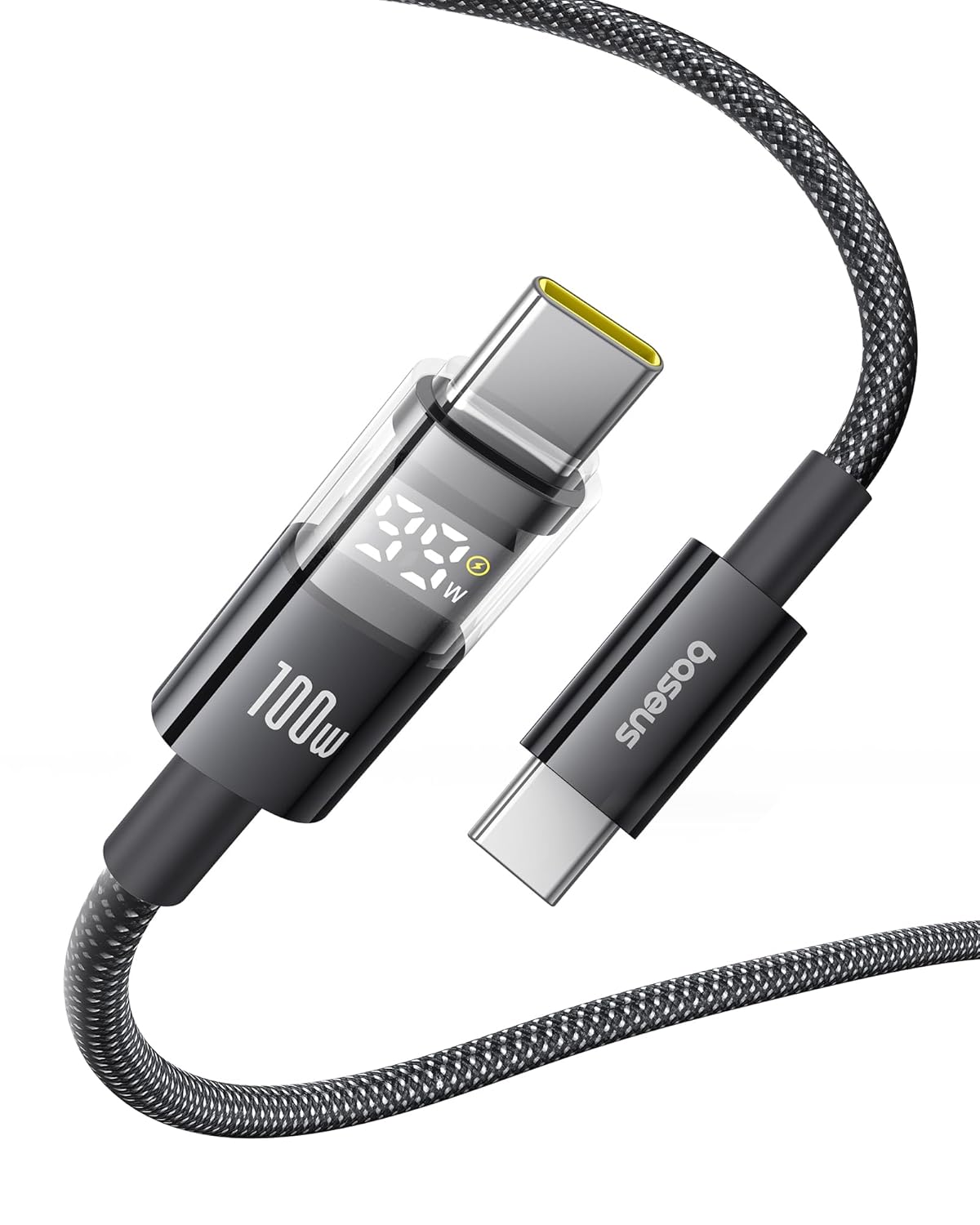
Baseus USB-C Cable (USB-C to USB-C) with LED Display, 100W 5A Fast Charging (3.3 ft)
Reviews
Price
Product description
If you’re tired of charging that feels slow or inconsistent, a higher-power USB-C cable can make day-to-day charging more predictable. The Baseus USB-C cable is built around fast charging up to 100W (5A) and includes an LED module that shows charging power, so you can see what’s happening instead of guessing.
That said, it’s still a cable—its real-world speed depends on what your charger and device can negotiate. Over the paper, this is the kind of USB-C cable you buy when you want more headroom and less worry than a basic cable.
The essentials: what this cable is for
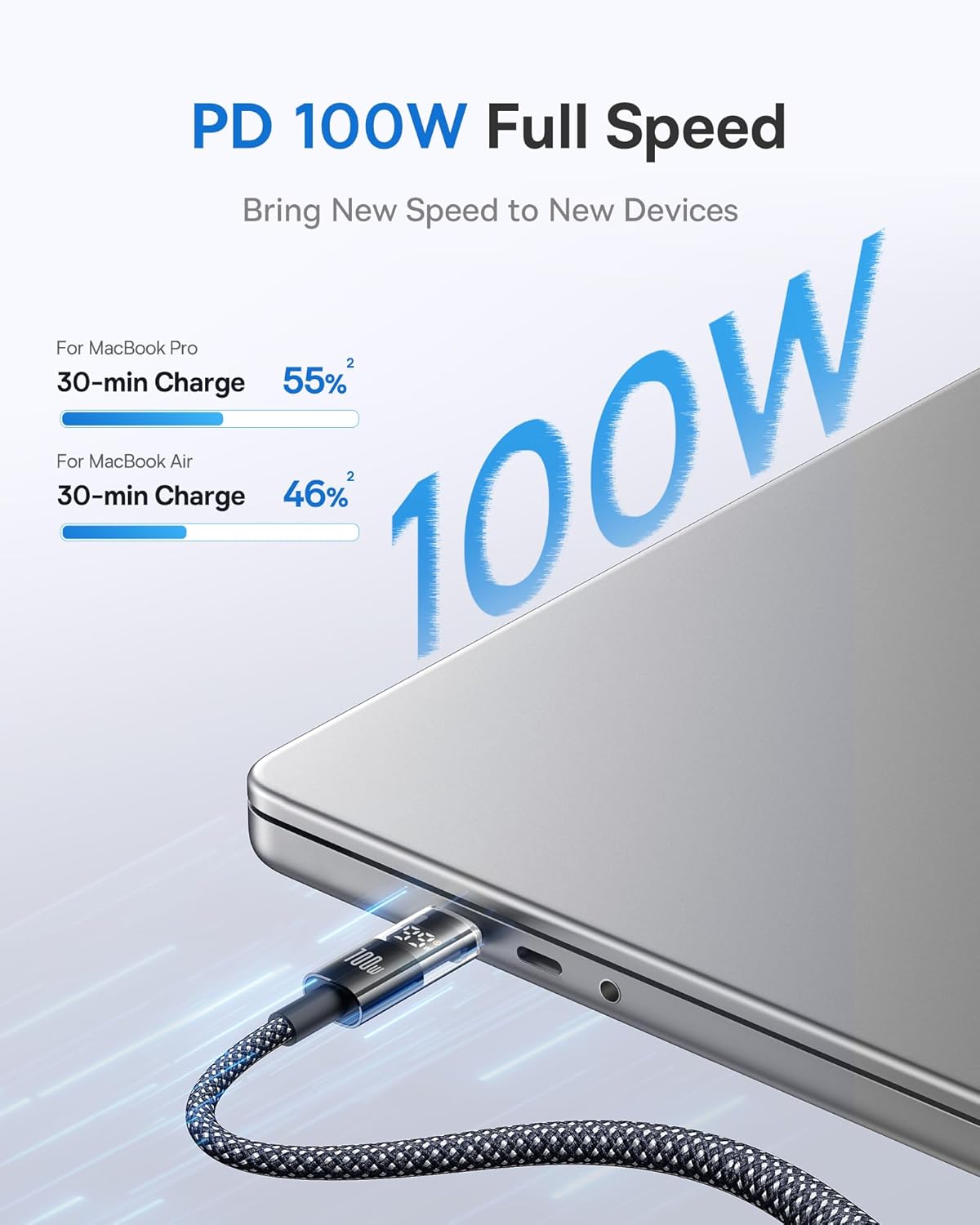
This Baseus USB-C to USB-C cable is designed for fast charging between USB-C power sources (like chargers and power adapters) and USB-C devices. It’s intended for everyday use across multiple device types—phones, tablets, and laptops that support USB-C charging.
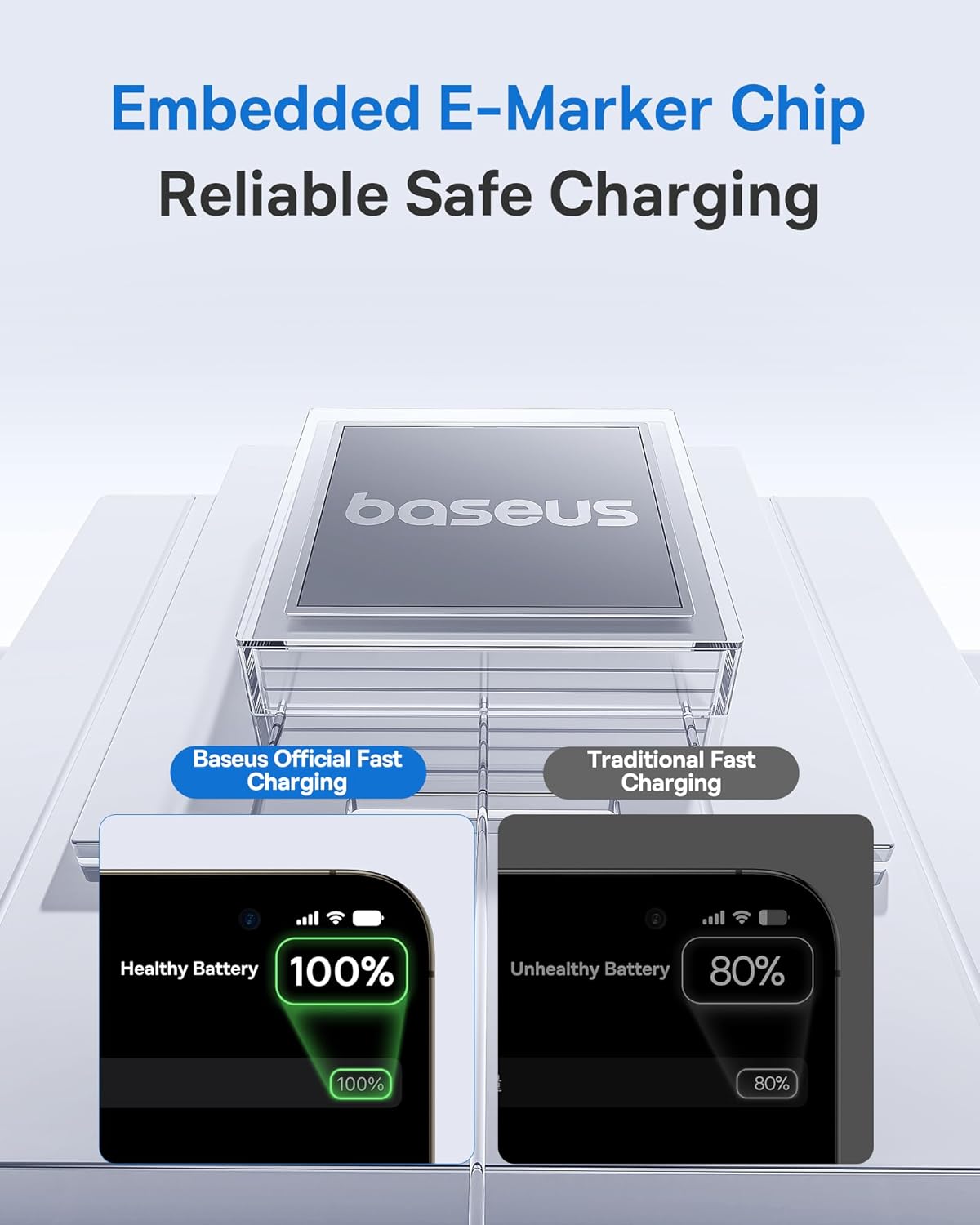
The standout idea here is the built-in E-Marker chip. It’s meant to support high power and current by helping identify the needed voltage and current for different devices, rather than relying purely on the power supply to figure everything out. On top of that, the LED display is meant to show the charging wattage.
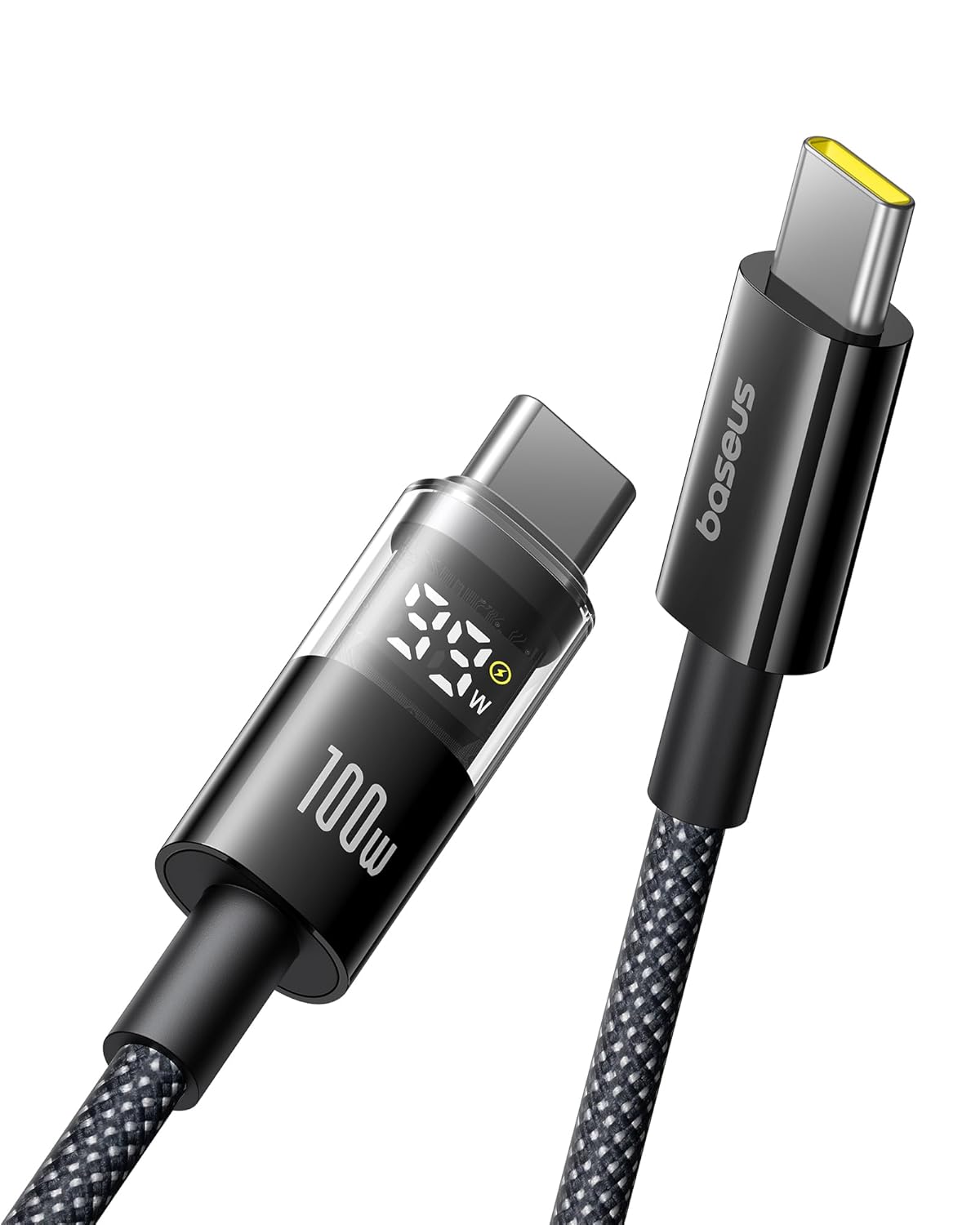
In practical terms: if you plug it in and the device supports fast charging, you should have clearer feedback on whether you’re actually getting the power level you expect.
Key takeaways: what you’ll notice day to day
The cable is positioned for people who care about fast charging behavior and cable durability.
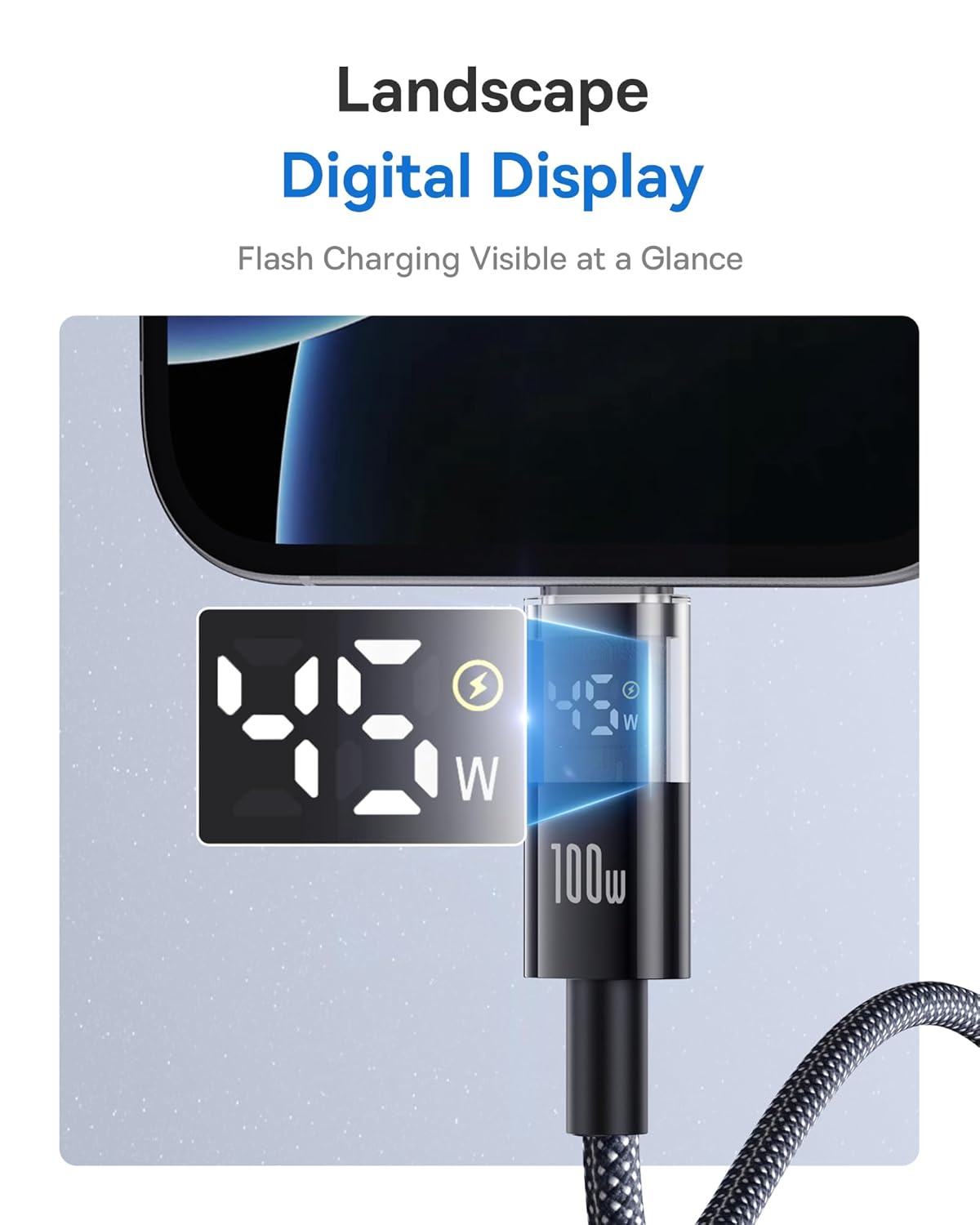
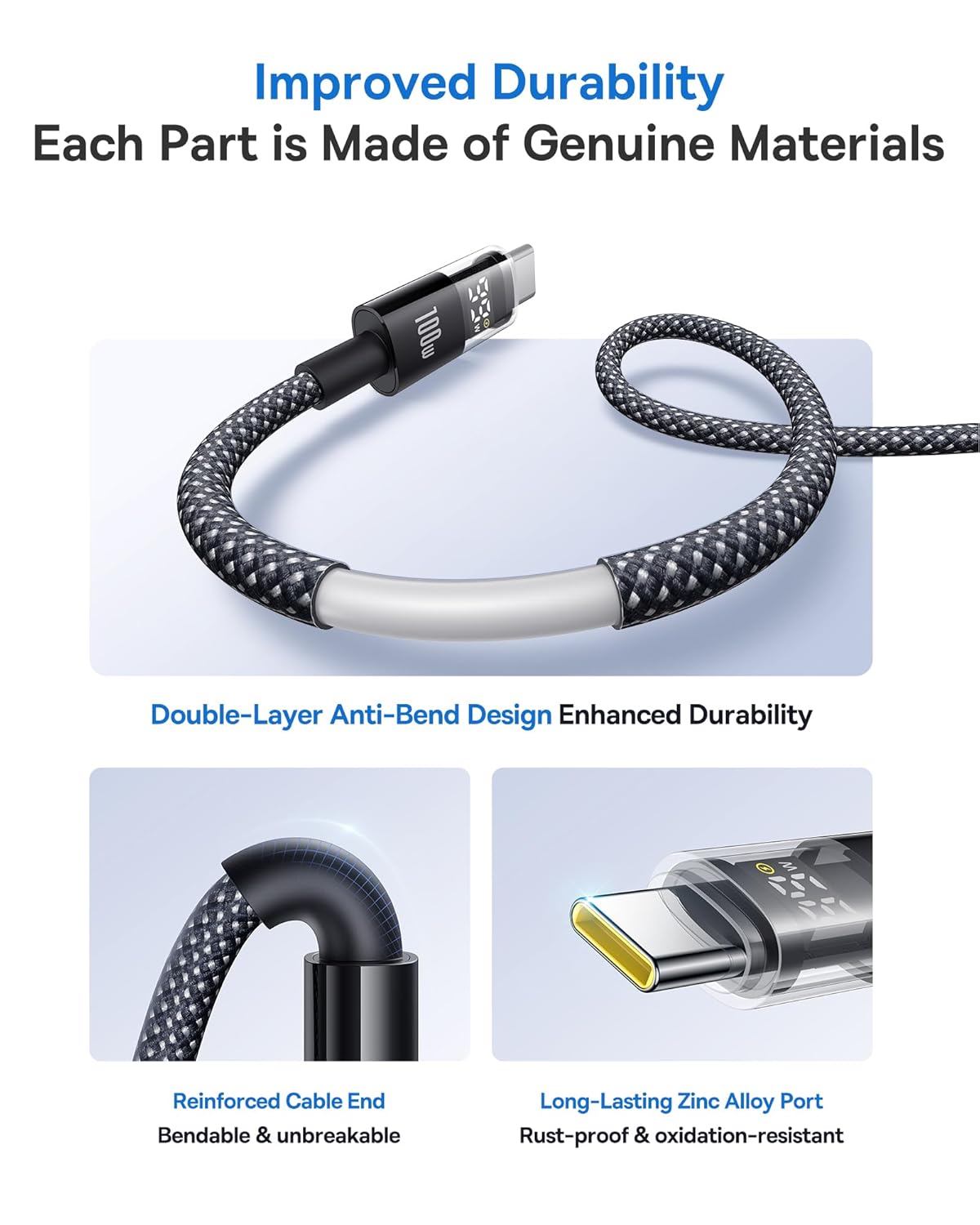
On a normal routine day, the experience is mostly about two things: stability and information. The reinforced connectors and the double-layer design are meant to resist flexing and wear, which is the stuff that typically kills cables long before the electronics do. Meanwhile, the LED module gives you a quick glance of charging power—useful when you’re switching chargers, cables, or devices.
Is it perfect? Not really—an LED display is helpful, but it can’t change the fact that charging speed still depends on the device and the charging brick’s capabilities.
Tech specs: the important numbers
- Type: USB-C to USB-C charging cable
- Fast charging support: up to 100W, 5A (with the included E-Marker chip behavior)
- E-Marker noted performance: supports high power/current up to 20V/5A
- Cable length: 3.3 ft
Where it shines (and where it may not)
This cable is most compelling when you want a single USB-C cable that can handle higher-power charging across a mixed setup. The included chip and the “auto identifies the needed voltage and current” concept are especially relevant if your household uses multiple USB-C devices and you don’t always want to keep swapping cables.
It might not be the best match if you mainly charge with older, lower-wattage chargers and don’t care about seeing wattage. In that scenario, the extra capability is there, but it won’t magically make slower chargers faster.
Also, if your goal is to charge a device that doesn’t support USB-C fast charging, you won’t get much benefit beyond basic connectivity.
Compatibility and requirements to double-check
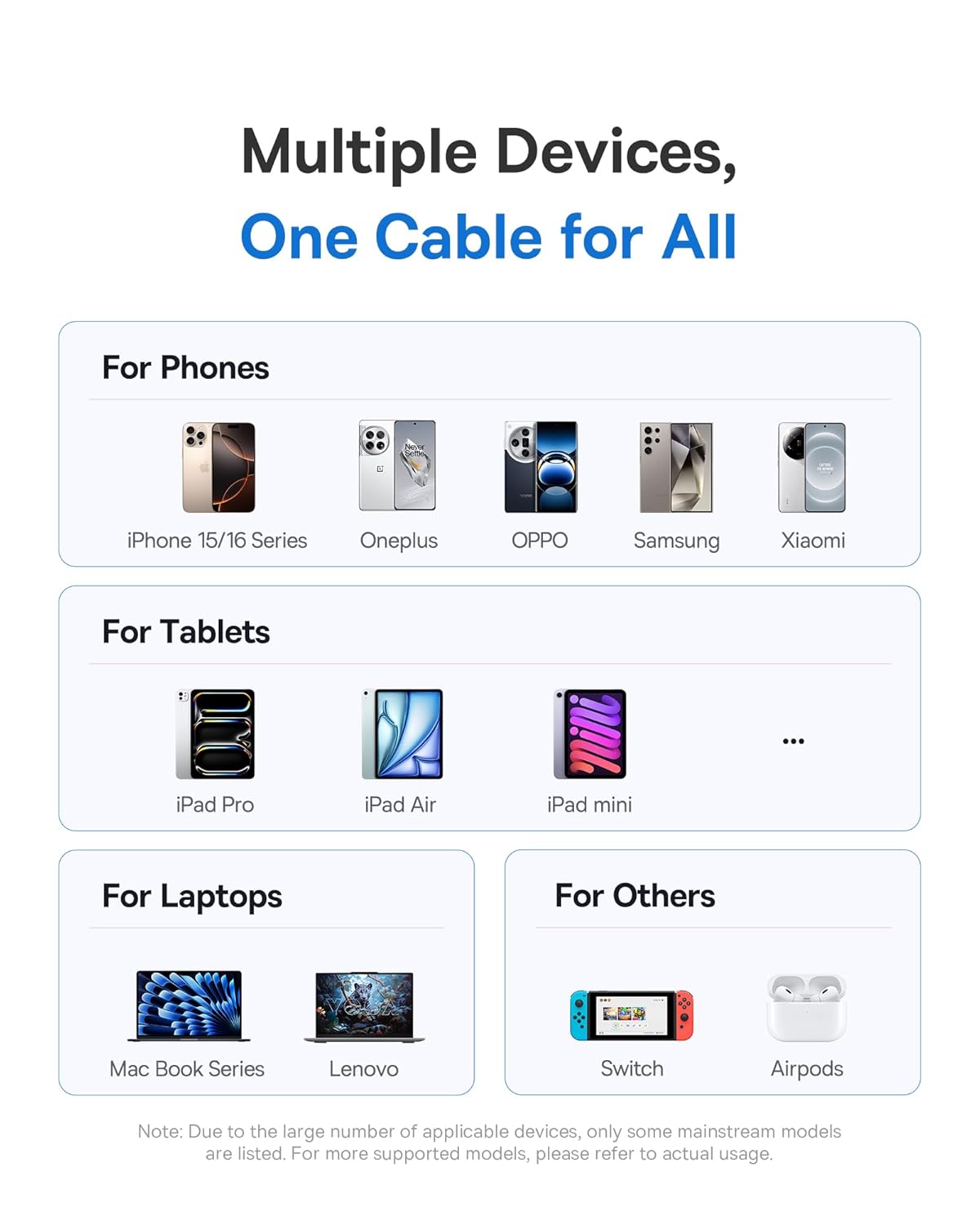
The brand positions this as compatible with most USB-C devices and lists iPhone 16/Pro/Plus/Pro Max, MacBook, iPad Pro, and Galaxy S24/S23. It also calls out that it’s meant for notebooks, tablets, and smartphones that charge via USB-C.
Before buying, the smart check is simple: confirm your specific device supports USB-C charging at fast rates, and that your power adapter can supply the power level you’re targeting. Otherwise, you may see lower wattage on the LED display than you expected.
Getting the most from it (quick practical example)
Imagine you’re commuting with a USB-C laptop charger and a phone in the bag. You plug in the laptop first—then switch to your phone using the same cable. With the LED display, you can glance at the charging power module and immediately tell whether the phone is negotiating a fast charging level.
That kind of quick verification is the real advantage here: you don’t have to rely on “it feels fast” or “maybe the charger is fine.” It gives you feedback while you use it.
FAQ
Is the LED display just decorative?
No—based on the product description, the LED module is intended to display the charging power so you can see the wattage while charging.
Will this cable make any charger faster?
Not necessarily. Fast charging behavior depends on what the device and charger support, even if the cable is rated up to 100W.
What devices is it meant for?
The description specifically mentions iPhone 16 series, MacBook, iPad Pro, and Galaxy S24/S23, and it’s generally framed for USB-C devices that charge via USB-C.
Is this good for daily use?
It’s designed for everyday durability, with reinforced connectors and a double-layer build meant to reduce flex and wear.
Is it worth buying if you only need basic charging?
If you’re always charging with low-wattage adapters and don’t care about fast charging confirmation, a simpler cable may do the job. This one mainly makes sense when you want higher-power support and clearer charging feedback.
Final verdict
You should buy the Baseus USB-C cable with LED display if you want higher-power headroom (up to 100W/5A) and you like the idea of seeing charging wattage while you use it—especially if you charge multiple USB-C devices and want one cable to cover more situations.
You may want to skip it if your setup doesn’t support USB-C fast charging or if your chargers are consistently low wattage, since the extra capability won’t fully translate. On balance, it’s a practical choice for people who prioritize fast charging behavior and cable durability, not just a cheap replacement cable that gets the job done quietly.