

UGEE S640PP Drawing Tablet, 10 Customizable Keys, 8,192 Pressure Levels
Product description
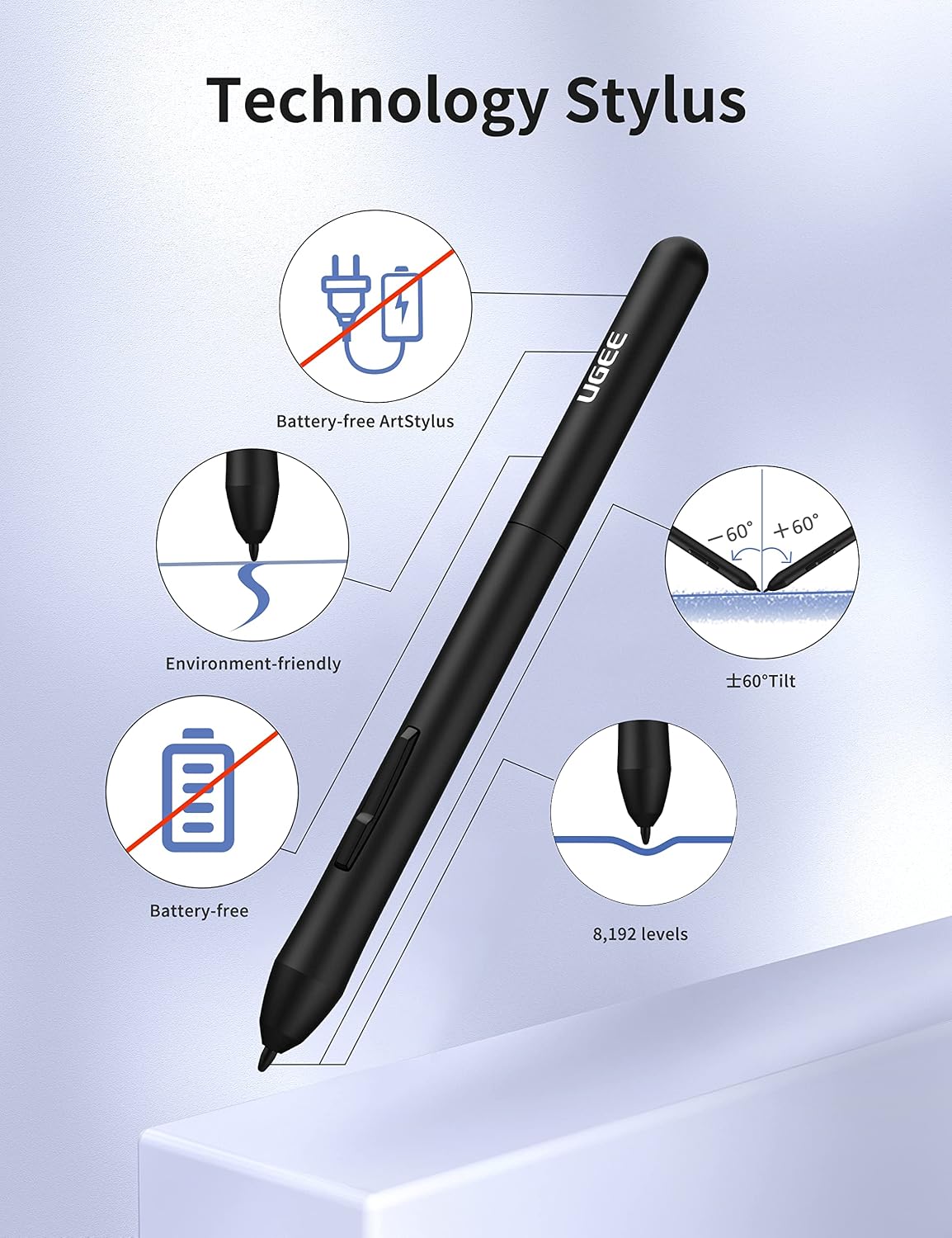
With 8,192 pressure levels and 60° tilt support, the UGEE S640PP gives digital artists control over line weight and brush angle as they sketch, paint, or edit on a computer.
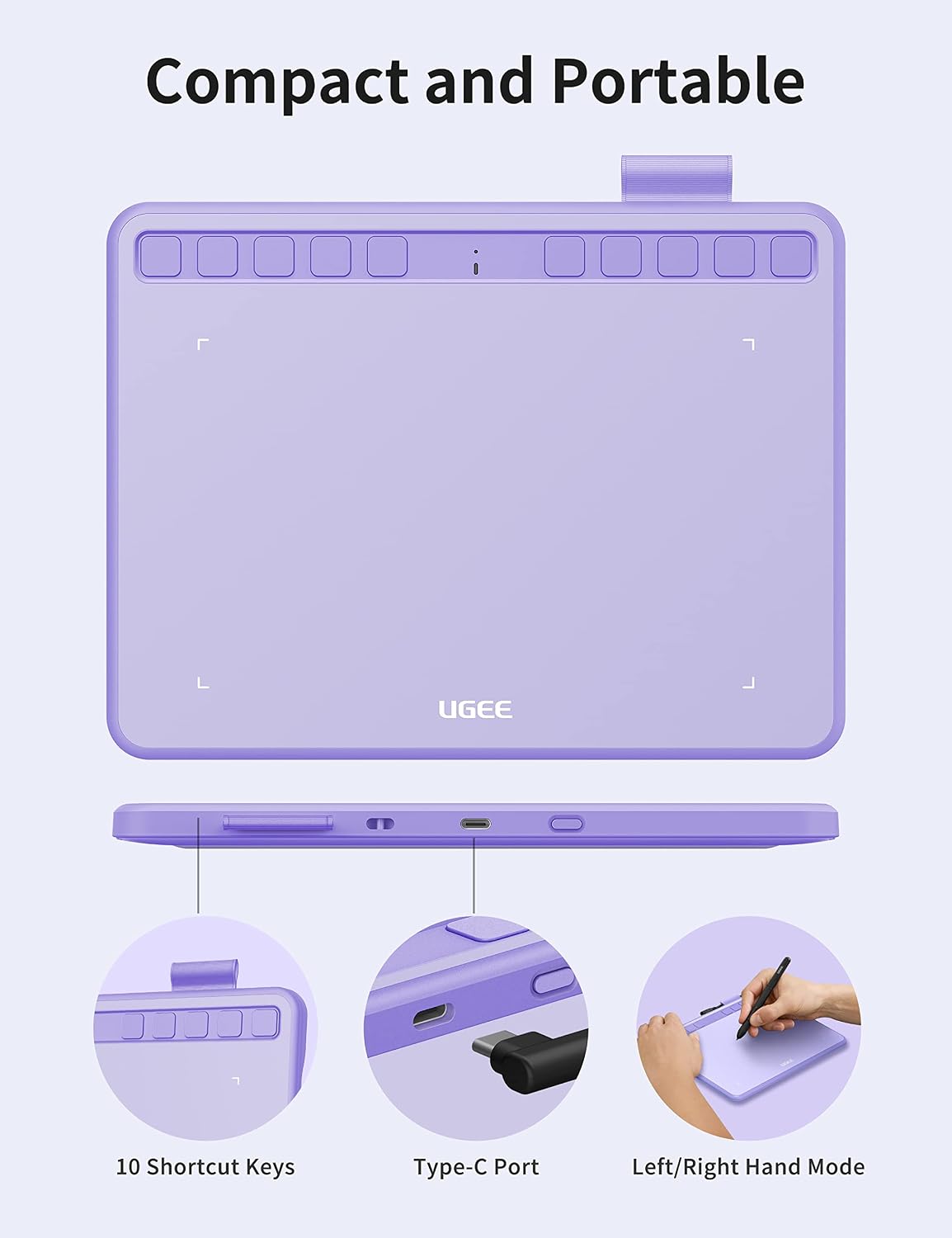
Its 6.5 x 4-inch format and slim, lightweight design make it easy to move between a desk, classroom, or work bag. The battery-free stylus keeps drawing simple without needing to charge the pen.
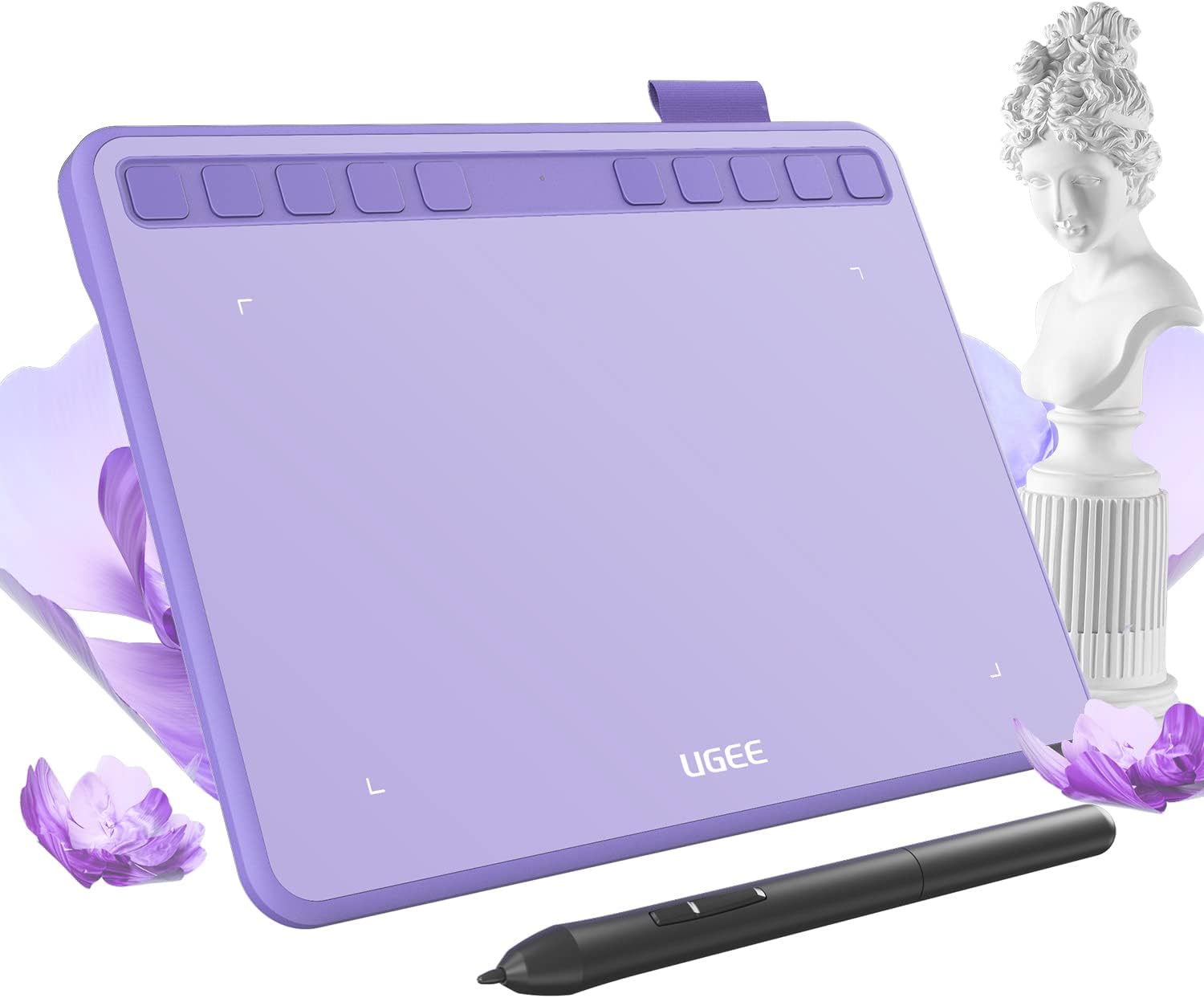
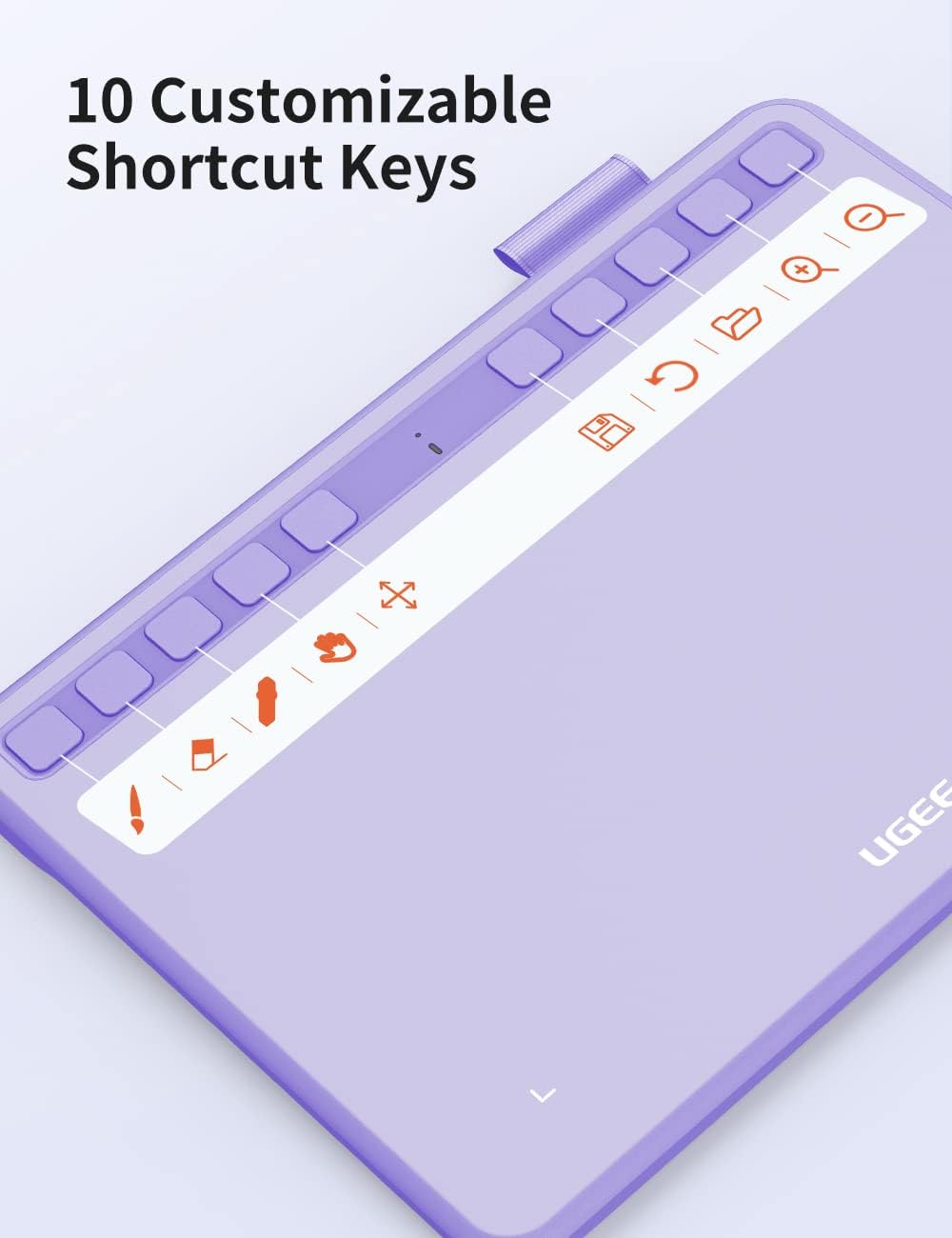
Ten customizable shortcut keys put frequently used commands within reach. Could that make a drawing or teaching workflow feel more direct? It gives you a way to set up the tablet around the actions you use most.
Who it’s for
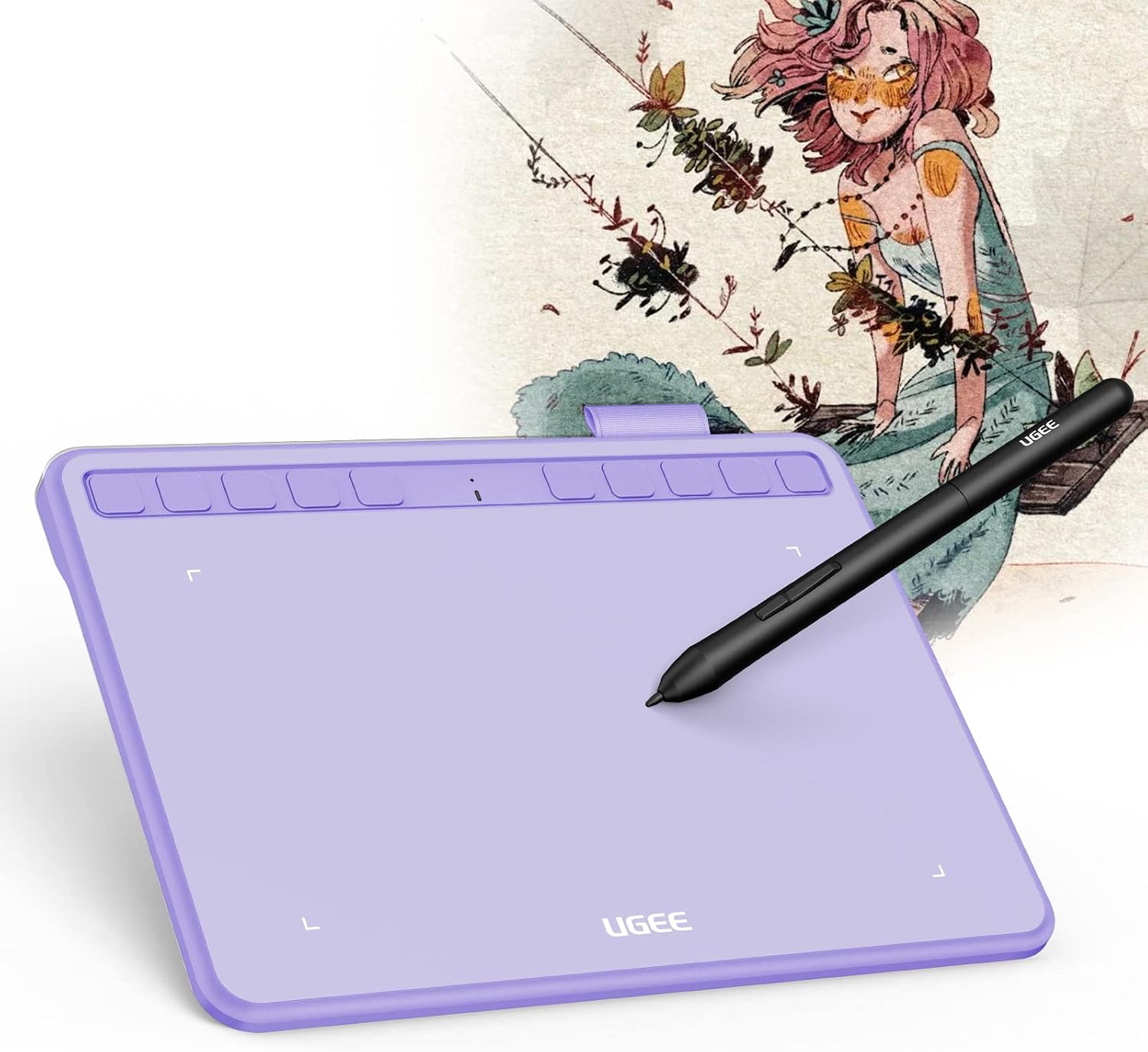
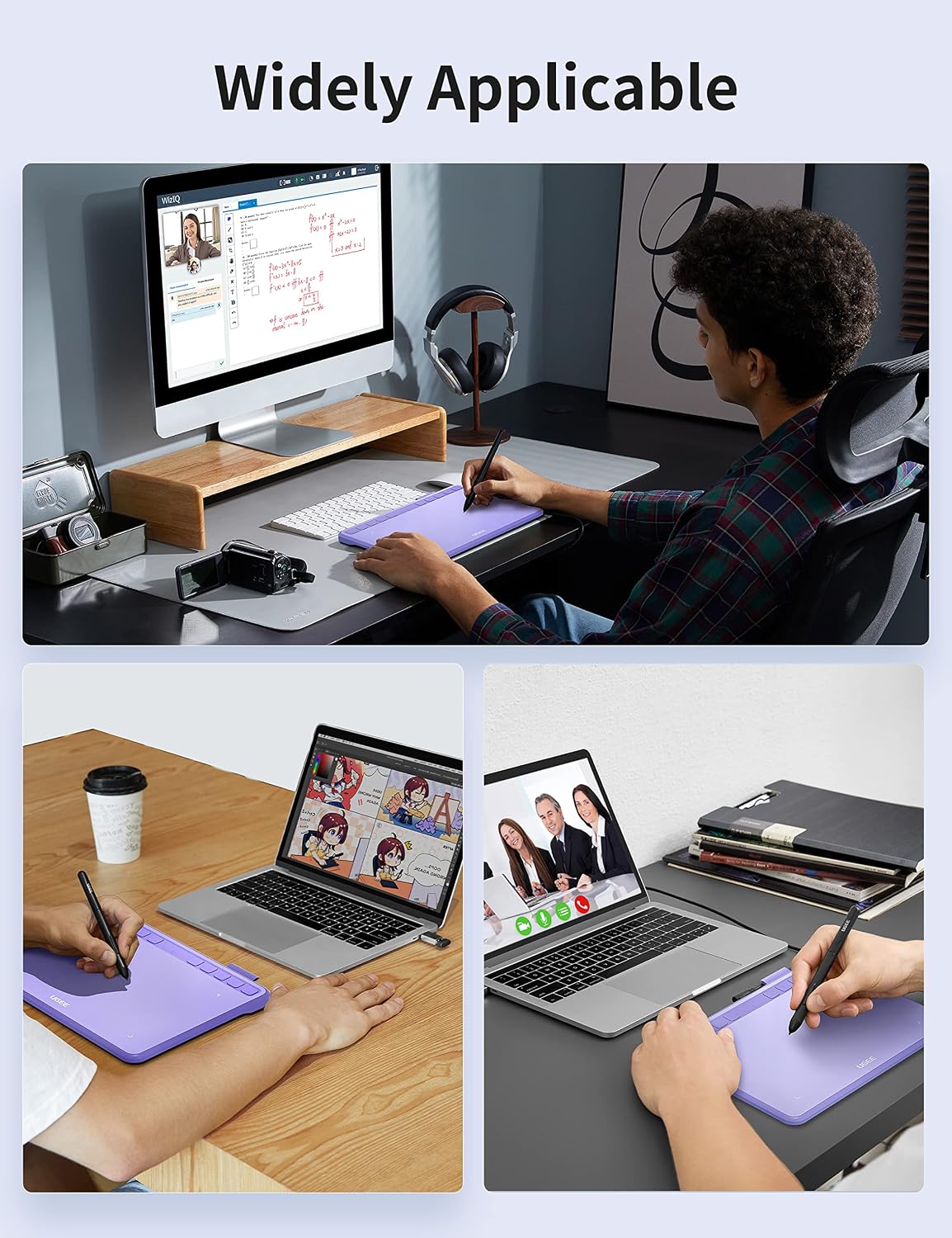
The S640PP is suited to beginners learning digital drawing as well as designers, students, teachers, and artists who want a compact input surface. Use it for illustration, painting, animation, photo editing, or design in compatible creative software such as Photoshop, Illustrator, Paint Tool SAI, and Clip Studio Paint.
It can also support online teaching and study tasks. Use the stylus to annotate documents or work with tools such as PowerPoint, Word, OneNote, and PDFs, making it useful for interactive lessons and remote classes. Its 280 g weight and slim build are practical when your workspace changes during the day.
Product specs
- Name: UGEE S640PP digital tablet
- Type: Computer graphics tablet
- Active area: 6.5 x 4 inches
- Pressure sensitivity: 8,192 levels
- Tilt support: 60°
- Shortcut keys: 10 customizable press keys
- Stylus: Battery-free
- Connectivity: USB A to USB-C
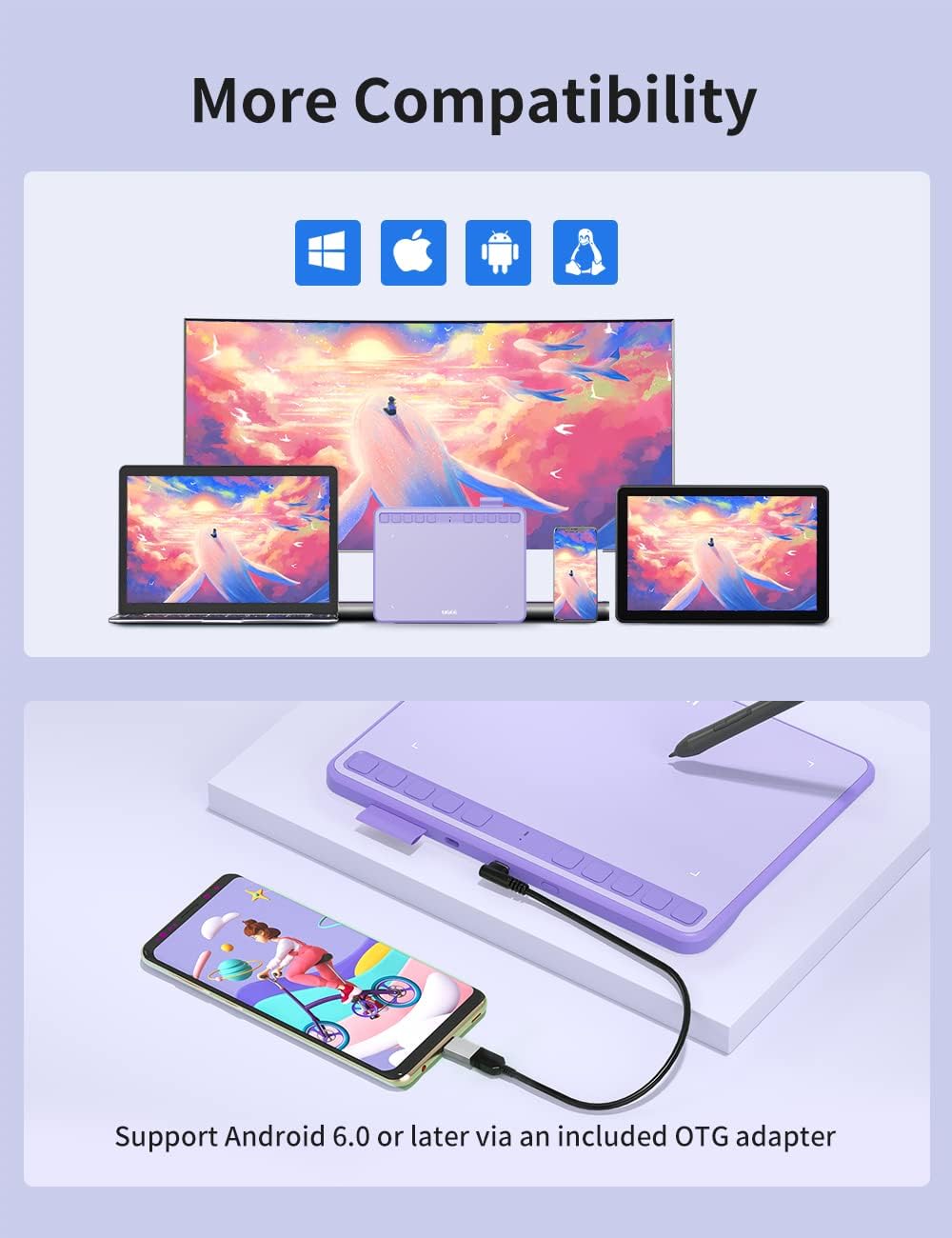
- Compatible operating systems: Windows 7 or later, macOS 10.10, Chrome OS 88 or later, Linux, and Android 6.0 or later
- Weight: 280 g
- Color: Purple
Benefits
Pressure sensitivity and tilt support give compatible drawing software input for varied strokes and brush angles, helping the stylus feel more expressive for sketching and painting. The 10 shortcut keys can be customized for commonly used commands, so you can tailor the controls to a creative app, lesson, or editing routine instead of relying only on keyboard shortcuts.
The small active surface suits focused tasks and compact desks, while USB A-to-USB-C connectivity provides a wired connection to a compatible computer or tablet. Buyers often describe setup and everyday use positively, and some appreciate the value, feedback about compatibility is mixed. Choosing it for a supported operating system and intended software helps keep the setup aligned with your workflow.
Questions before you buy
Which devices and operating systems does it support? It is listed for desktop computers, laptops, and tablets running Windows 7 or later, macOS 10.10, Chrome OS 88 or later, Linux, or Android 6.0 or later.
Does the stylus need charging? No. The included drawing method is described as a battery-free stylus, so the pen itself does not require charging.
Can the shortcut keys be customized? Yes. The tablet has 10 customizable press keys that you can set up for frequently used commands.
When it makes sense
Choose the UGEE S640PP when you want a compact tablet for drawing, photo editing, annotation, or teaching, with pressure-sensitive input, tilt support, and shortcuts in one portable workspace. It is especially practical for beginners building a digital-art setup and for students or instructors who want a stylus-based way to interact with compatible creative and learning software.