

Typing Instructor Platinum 21 by Individual Software: A Comprehensive Typing Tutor for All Ages
Reviews
Product description
What it is and the need it meets
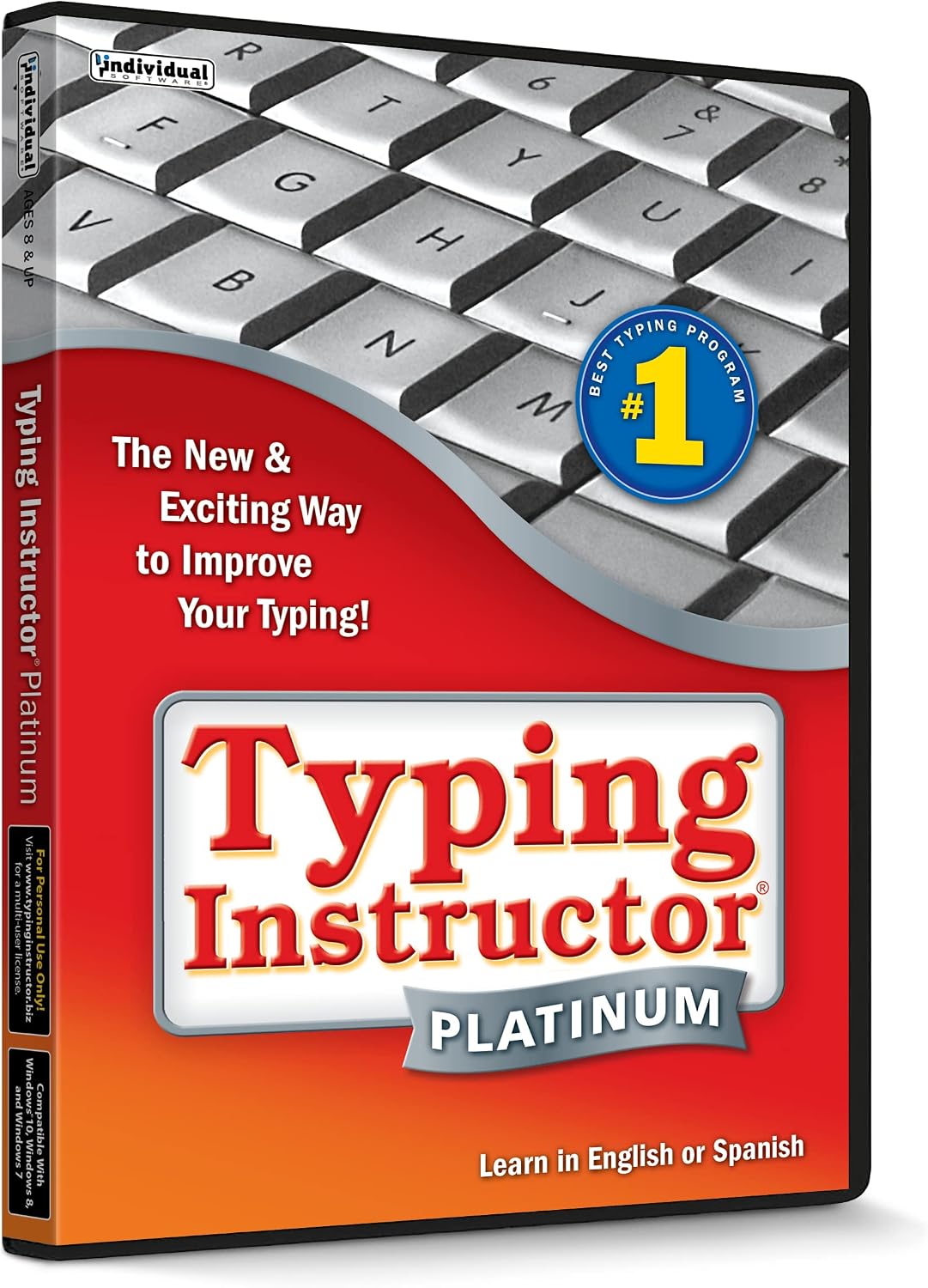
Typing Instructor Platinum 21 is a hands-on typing tutor designed for older kids and adults. It offers a wide range of typing plans—from home-row basics to specialized 10-key practice—and even a games-only option. If you’re looking to build touch typing skills, improve speed, and stay motivated through travel-themed adventures, this software presents a structured path that can adapt to different learning paces.
How it works and what you get
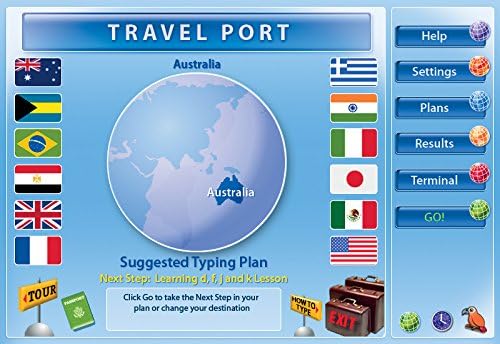
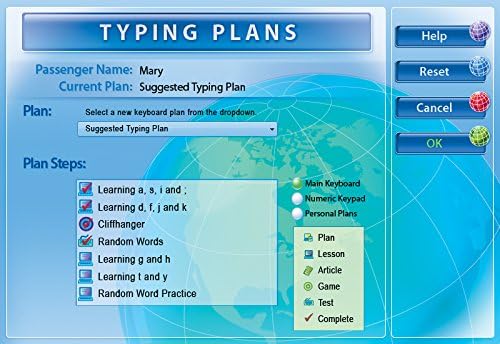
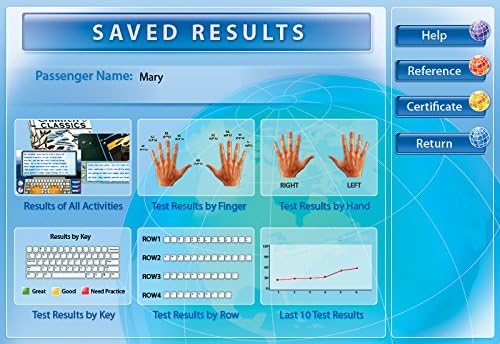
On the surface, you’re choosing from more than 20 typing plans, including customizable lessons, tests, and personalized plans. It features a travel-adventure motif to keep practice engaging, plus progress reports that highlight strengths and weaknesses. The library includes over 100 professional lessons and tests, designed to incrementally boost accuracy and speed. You can tailor content to topics you care about—sports, science, or anything you want to reinforce learning. The package is delivered in a factory-fresh box and includes the current version along with an unused activation code, plus free technical support if you need help installing or activating.
What stands out in daily use
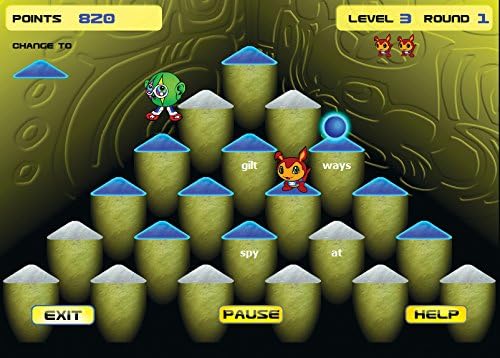
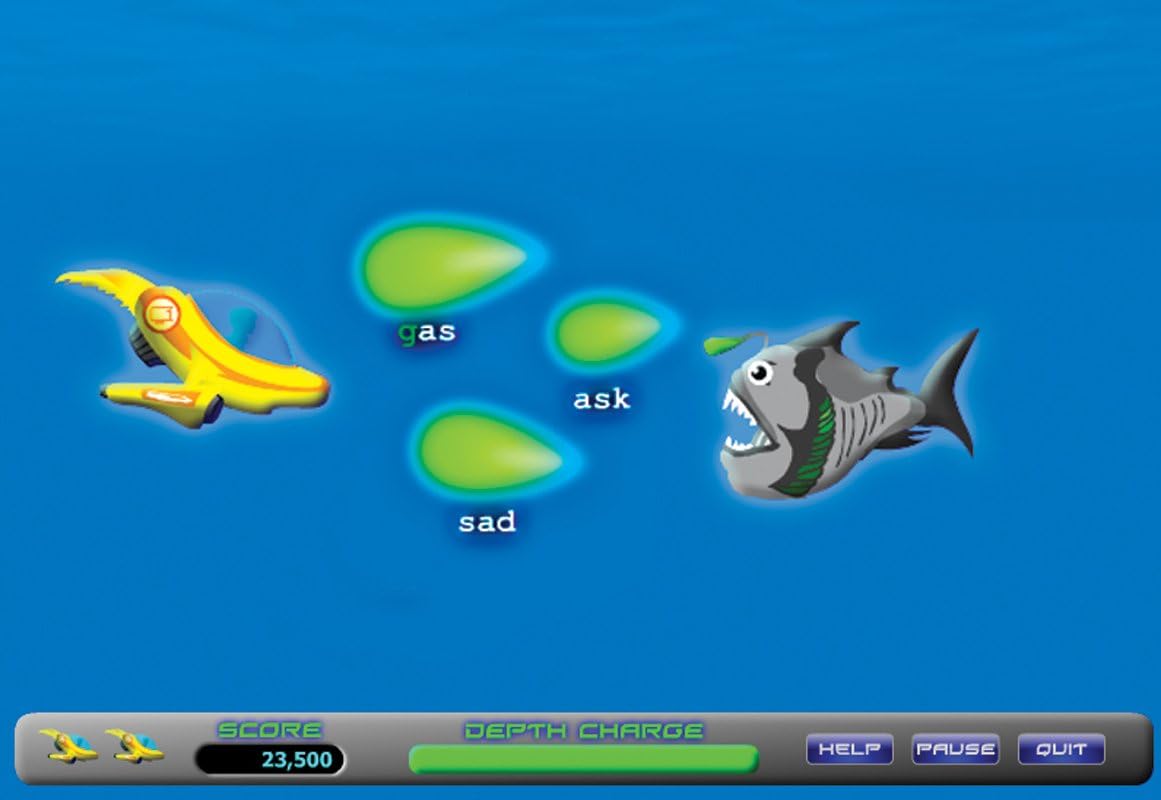
If you prioritize motivation alongside skill-building, the travel themes can help sustain practice sessions. The mix of guided plans and the option to customize lessons gives a sense of control over the learning journey. For someone who enjoys a gamified element, there are typing games at varying difficulty levels to challenge progress as you improve.
Strengths you’ll notice
- Broad plan catalog: more than 20 plans provide multiple starting points—from basics to advanced 10-key practice.
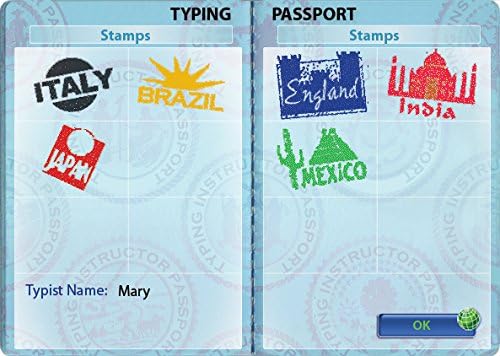
- Engaging theme: travel adventures keep sessions interesting and offer a narrative to practice context.
- Comprehensive content: 100+ lessons and tests cover speed and accuracy with progression tracking.
- Customization: you can create your own lessons, tests, and typing plans, and add content of personal interest.
- Support and reliability: official activation and free technical support help reduce setup friction.
Limitations and potential caveats
- It may not be perfect for users seeking a strict, minimal-setup typing solution, the breadth can feel overwhelming if you just want a single, focused plan.
- The effectiveness hinges on consistent practice, if you don’t routinely engage with the plans, progress may stall.
- Some advanced users might outgrow basic plans and require exploration of the more customizable options to keep improving at higher speeds.
Who it’s best for
- Learners who appreciate structured variety and built-in motivation (themes and games).
- Those who want to customize content to align with interests or school topics.
- Adults and older kids who prefer a robust set of plans and detailed progress feedback.
Who might want to consider alternatives
- If you’re looking for a minimal, strictly task-focused typing tool, a lighter option might feel more efficient.
- For users who don’t need travel themes or a large library of lessons, a simpler tutor could be a better fit.
When it makes sense to buy
- You value a broad, adaptive learning path with many plans and the ability to customize.
- You want a tangible package with an activation code and ongoing support.
- You’re motivated by progress reports and a gamified practice structure to stay engaged.
What to check before purchasing
- Confirm you’re comfortable with the home setup and activation process.
- Consider how often you’ll practice and whether the available plans align with your goals (speed vs. accuracy).
- Think about whether you’ll benefit from the 10-key focus or prefer a more general typing foundation.
Practical use case in plain terms
Imagine a learner who wants to mix practice with fun. They spend 20–30 minutes a few times a week moving through a travel-themed module, then switch to a customizable lesson focusing on a science topic they enjoy. Over weeks, they notice steadier keystrokes and fewer typos, with quick progress checks telling them where to tighten accuracy.
What you’ll compare against in real life
- A broad typing program with multiple plans vs a single, fixed curriculum.
- A gamified approach with themes vs a straightforward typing drill setup.
- In-product customization versus sticking to a fixed lesson path.
Final decision: Is it worth it?
It’s a solid pick if you want a feature-rich typing tutor with plenty of plans, customization, and motivational elements. It may stay a better fit for learners who respond well to structured variety and narrative themes. If you prioritize a minimal setup or a single, focused plan, you might look at simpler options.
FAQ
- How many typing plans are included? More than 20 typing plans are available, including a 10-key plan.
- Does it come with support after purchase? Yes, it includes free technical support for installation and activation issues.
- Can I create my own lessons? Yes, you can customize your own lessons, tests, and typing plans and add personal content.
Decision section
Is it worth it? If you want a comprehensive, customizable typing journey with engaging themes and detailed progress tracking, Typing Instructor Platinum 21 delivers a well-rounded experience. It’s especially fitting for learners who appreciate structure and motivation through gamified elements. If your needs are simpler or you prefer a single, narrow plan, you might consider alternatives with a lighter setup.