

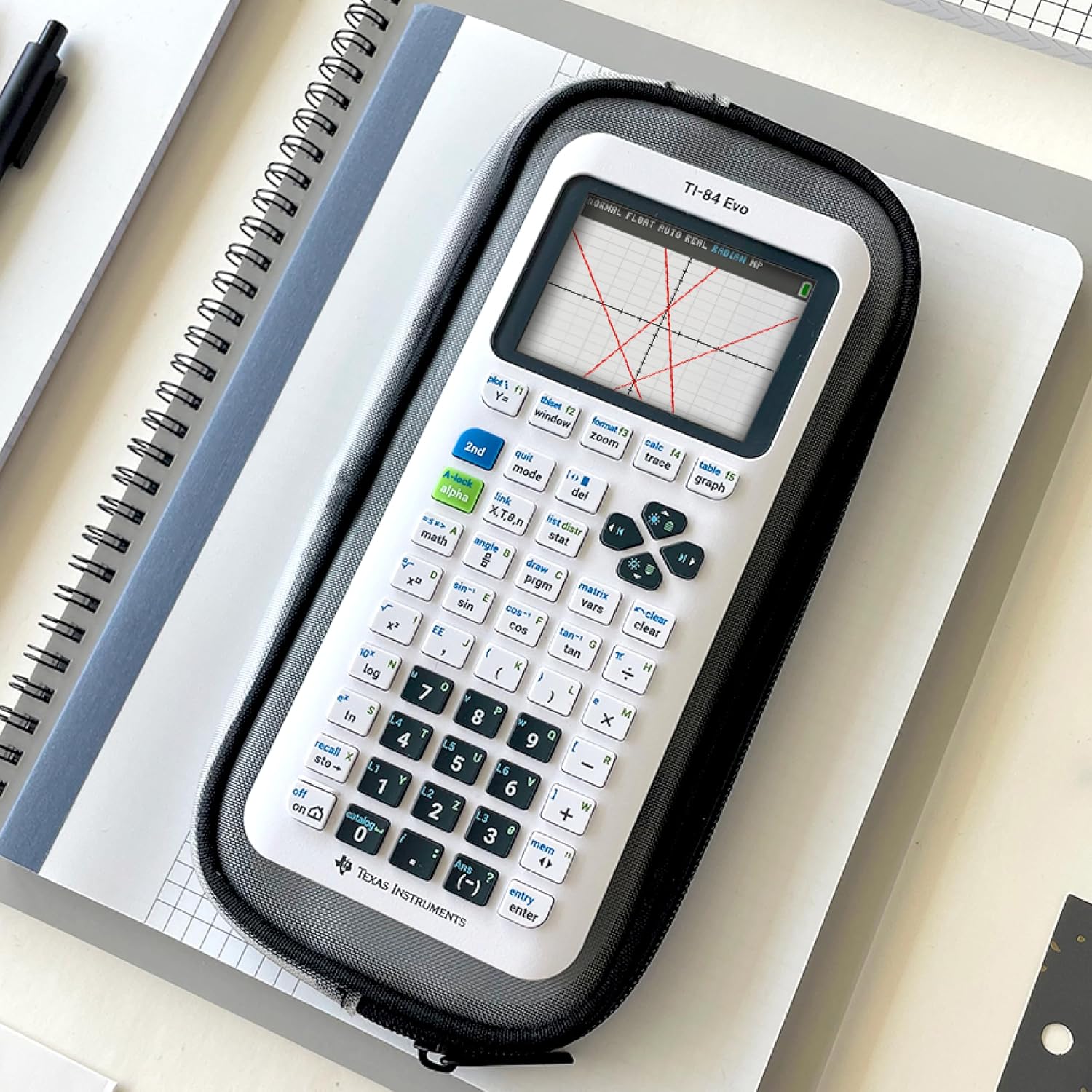
TI-84 Evo Graphing Calculator by Texas Instruments
Reviews
Price
Product description
Overview
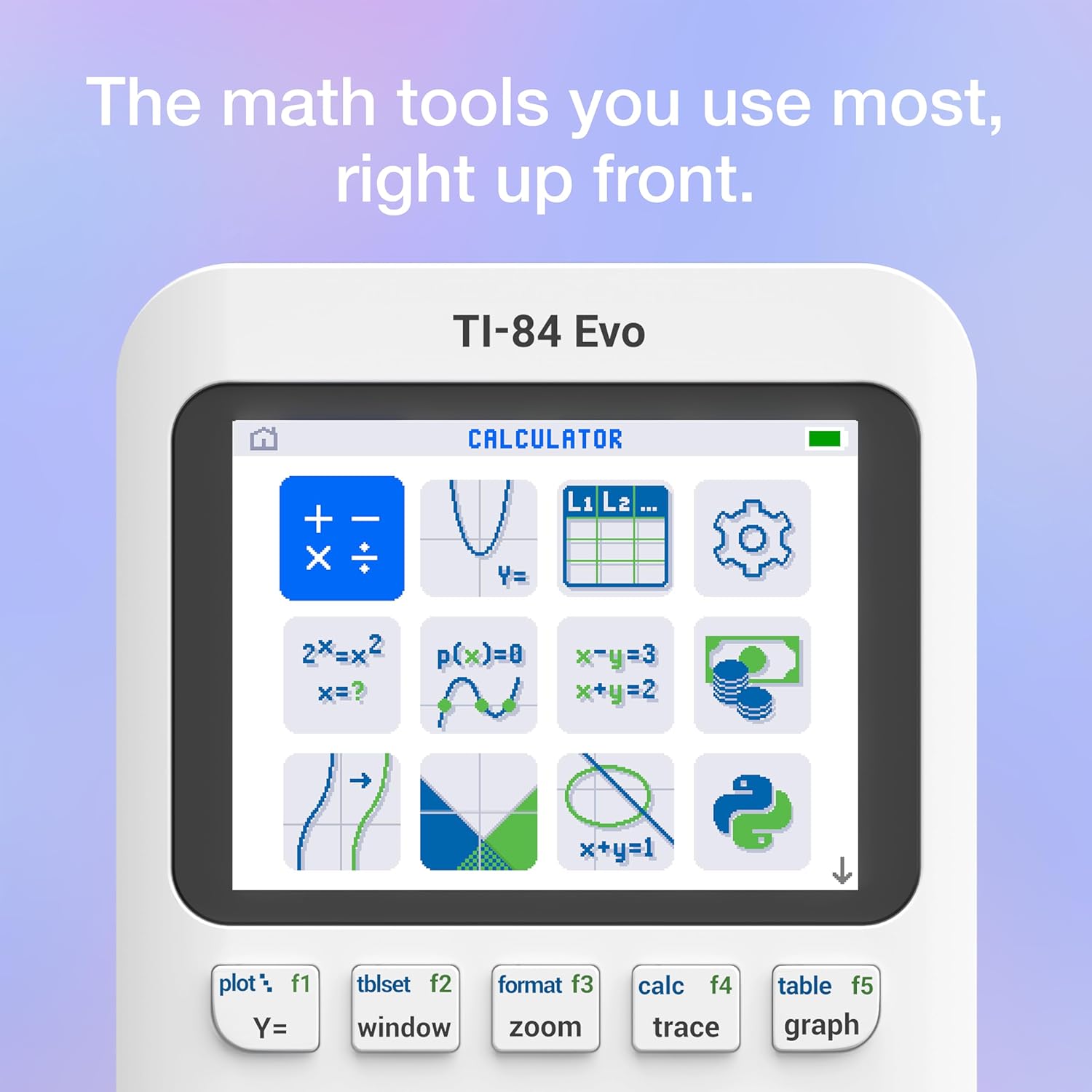
The TI-84 Evo is the latest addition to the TI-84 family designed for everyday classroom use. It centers on a familiar, icon-based home screen so students can find the tools they need quickly, without a long learning curve. If you’re upgrading from older TI-84 models or transitioning from a basic graphing calculator, this model aims to keep the workflow approachable while delivering improved performance.
What it is and why it matters
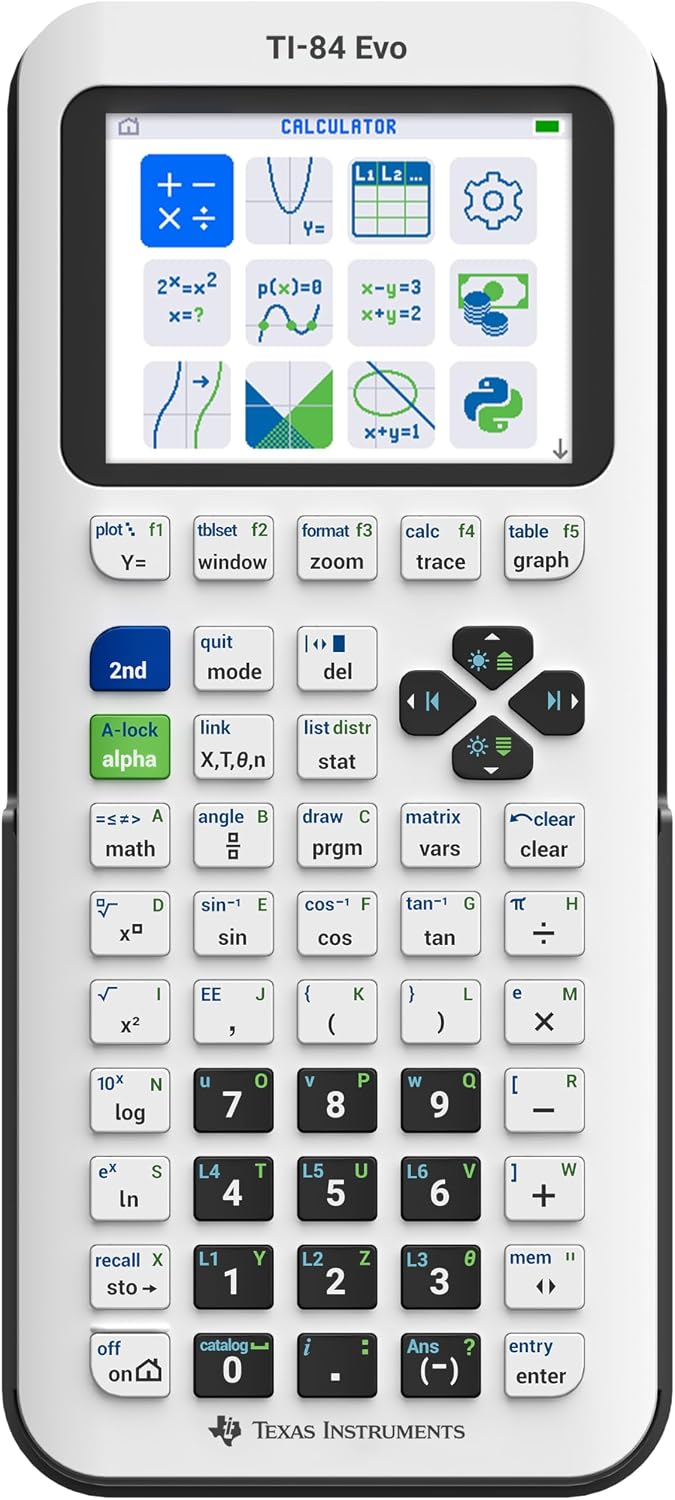
This calculator is a graphing-focused device built to handle common math and science tasks students encounter, from algebra and geometry to statistics. On paper, the Evo’s key advantage is a blend of faster processing and a clearer display, which translates to smoother graphing, quicker calculations, and fewer navigation steps during problem solving. If your day-to-day math involves graphing functions, analyzing patterns, or comparing multiple equations side by side, the Evo is designed to make those tasks feel less clumsy.
Performance and display
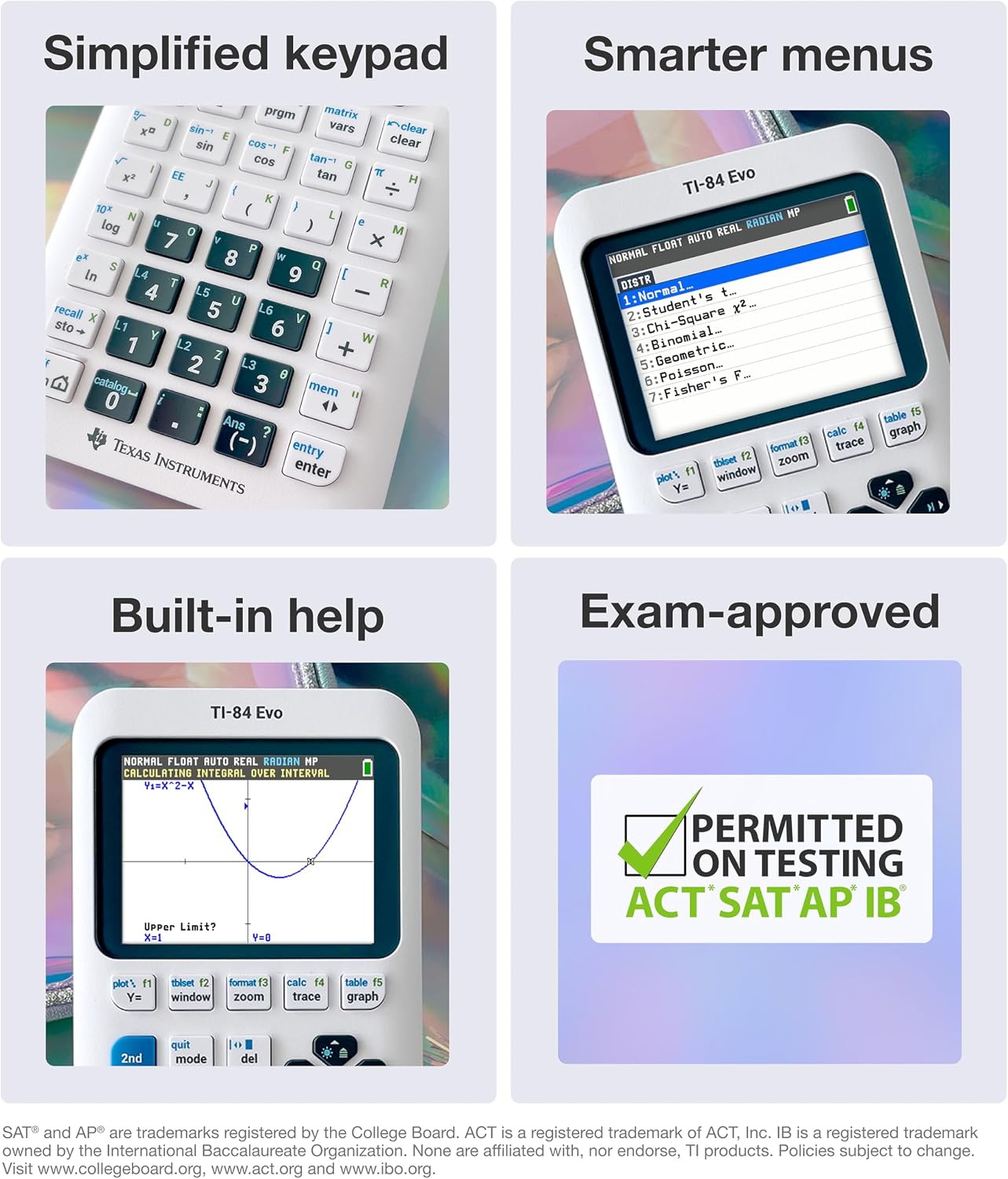
The Evo is described as having 3x faster performance than prior TI-84 models. That speed shows up as snappier calculations and less waiting when rendering graphs or evaluating expressions. It also provides 50% more graphing space than some predecessors, which can help you spot relationships and trends more easily. The larger, clearer graphs can be a real help when you’re trying to verify a solution or explain a concept to another student.
Design and usability
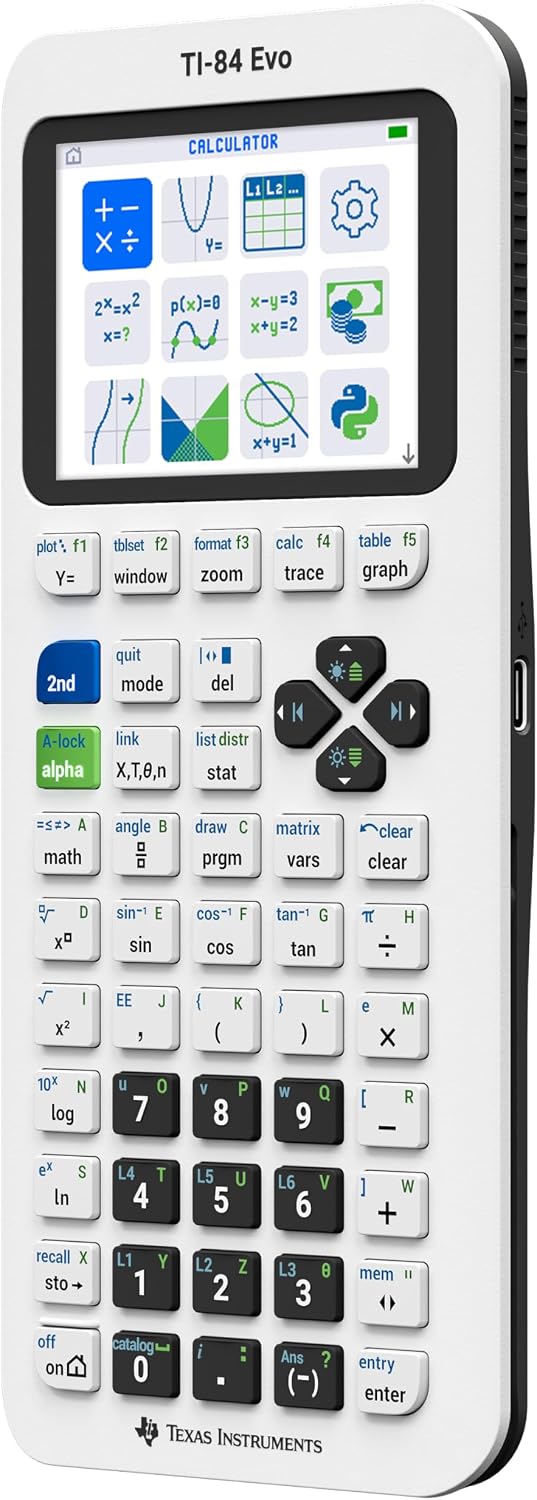
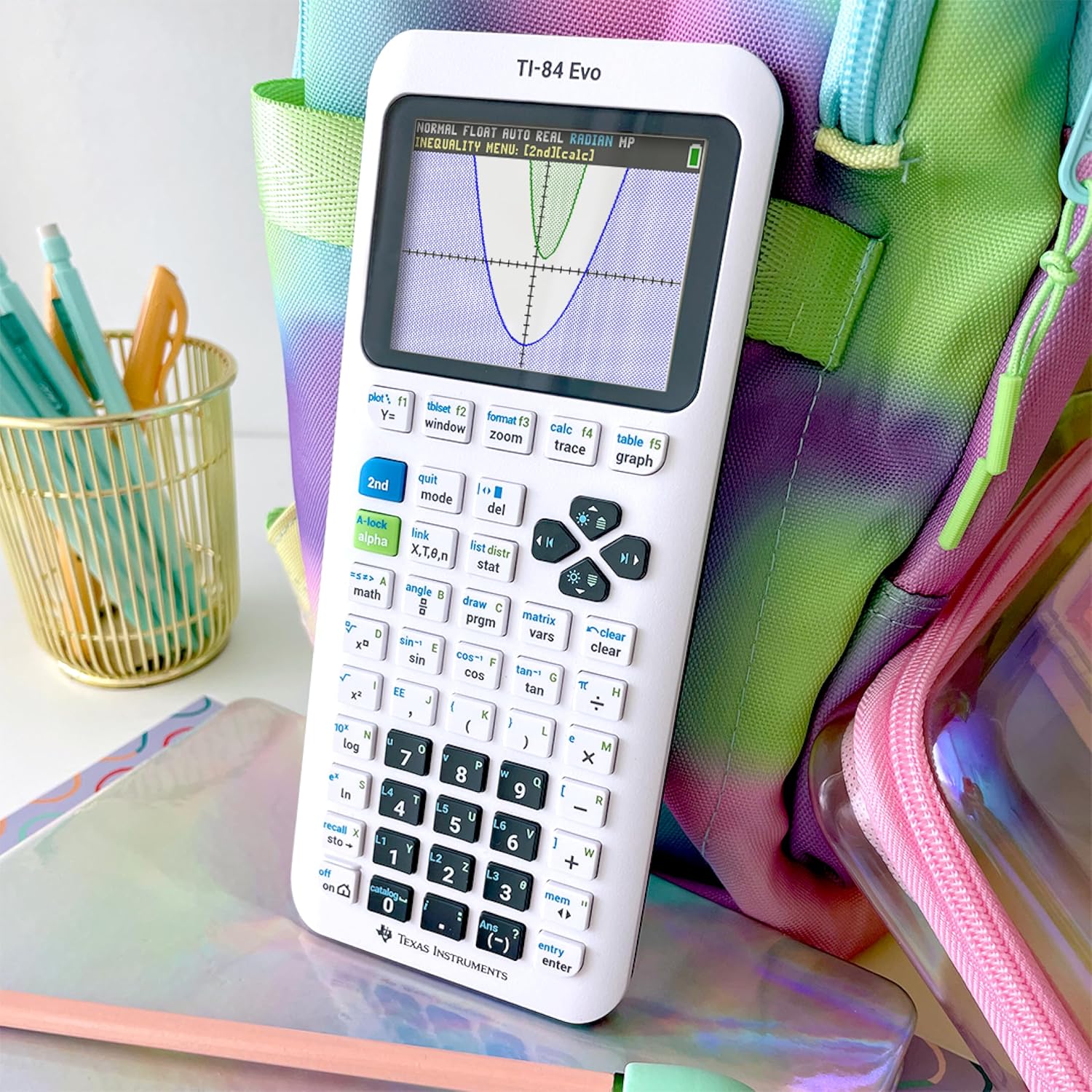
The device features a simplified keypad with larger buttons and less clutter. For classroom use, this can reduce mis-presses and speed up input, especially during timed quizzes or quick problem sets. The icon-based home screen puts the most-used math tools front and center, which may improve navigation for students who prefer a more visual approach to menus.
Who it’s for
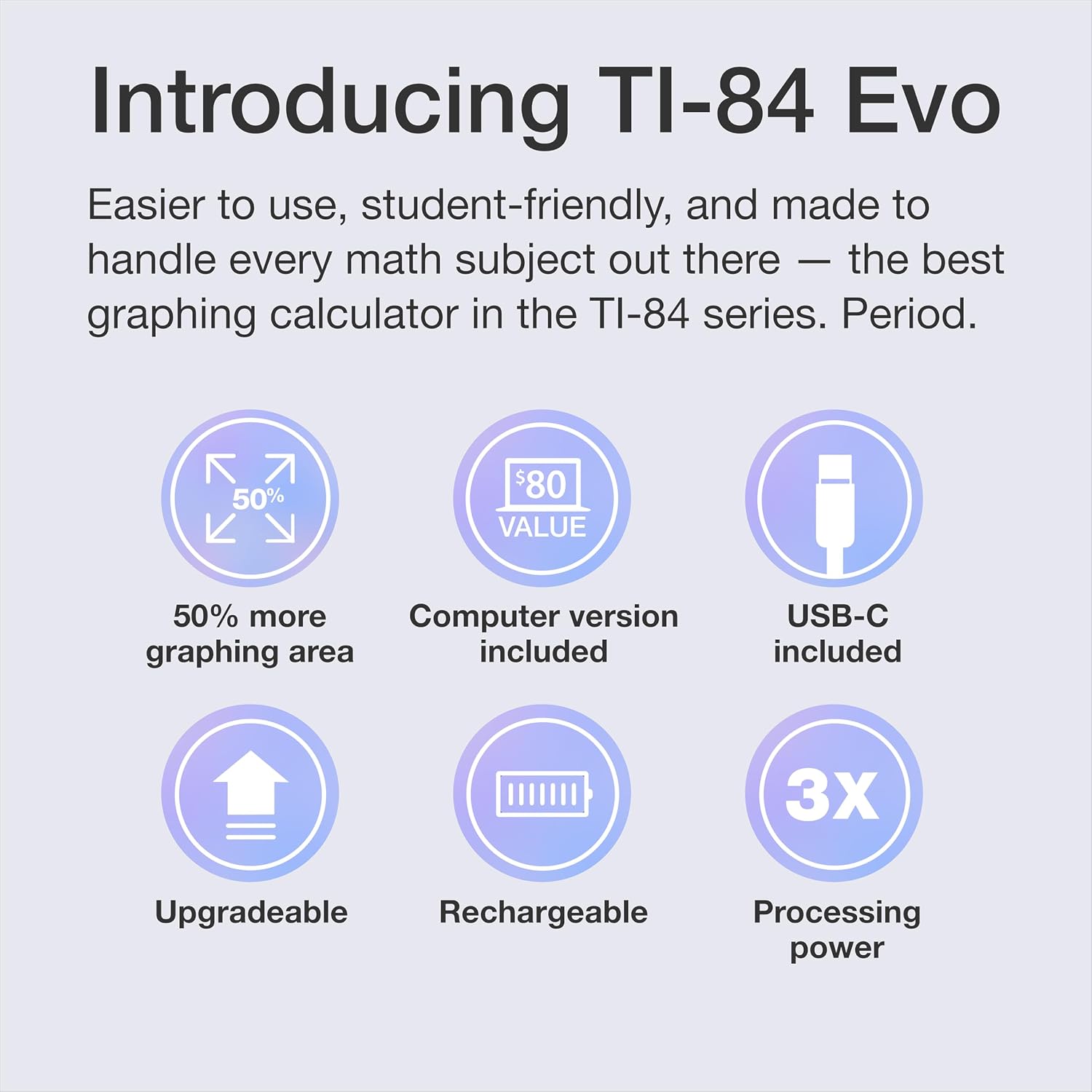
If you’re prioritizing a straightforward upgrade path within the TI-84 line and you value faster graphing and easier navigation, the Evo is positioned as a practical middle-ground option. It’s likely to appeal to students who want more breathing room on graphs and a responsive device for daily math homework without jumping to higher-end models. It may also suit teachers who want a reliable, consistent calculator that remains familiar to students transitioning from older TI-84s.
What to watch for (limitations)
While the Evo brings meaningful improvements, there are things to consider. The information provided doesn’t specify memory capacity, battery life, or compatibility with specific software packages or classroom ecosystems. A faster processor is helpful, but if you rely on extensive data apps or extended storage, you’ll want to confirm these specs before purchase. Also, if your math work leans heavily on features outside the standard TI-84 toolset, you might find the Evo’s offerings stay within the conventional TI-84 framework.
When it makes sense to buy
- You want a quicker graphing calculator for daily coursework and quick problem solving.
- You value easier navigation with an icon-based home screen and a cleaner keypad layout.
- You’re upgrading from older TI-84 models and want a smoother user experience without moving to an entirely different line.
When it might not be the best pick
- If you require advanced features beyond a traditional graphing calculator or need very specific software integrations, you might want to compare with higher-end models.
- If you’re sensitive to memory limits or battery life, seek out the exact specs before deciding.
What to review before buying
- Verify memory capacity and whether it supports your curriculum’s required apps or data sets.
- Check compatibility with classroom requirements (teacher-provided files, testing modes, etc.).
- Consider how much you value the comfort of larger keys and the wider graphing area for your typical tasks.
Practical usage example
Imagine solving a systems-of-equations problem where you need to visualize intersecting lines. The Evo’s larger graphing area helps you see intersections more clearly, while the faster processor reduces waiting time as you toggle between equations. A student can input the equations, switch to a graph to inspect the intersection, and then back to solve steps—all with smoother transitions than older TI-84 models.
FAQ (quick answers)
- Q: What makes the Evo different from earlier TI-84 models? A: It emphasizes faster performance, more graphing space, and a more streamlined keypad with an icon-based home screen.
- Q: Is it suitable for basic classroom use every day? A: Yes, it’s designed for everyday classroom tasks with familiar features and easier navigation.
- Q: Will it handle standard algebra and geometry problems well? A: It should cover typical middle-to-high school math needs, including graphing, functions, and basic statistics.
Final decision
Should you buy it?
This model is a sensible upgrade for students who want a quicker graphing experience and more breathing room on the screen, all within the familiar TI-84 ecosystem. It’s worth considering if you value a cleaner input experience and faster graphs for day-to-day coursework. It may not be the best fit if your needs stretch into specialized software or memory-heavy datasets that demand capabilities beyond a traditional graphing calculator.