

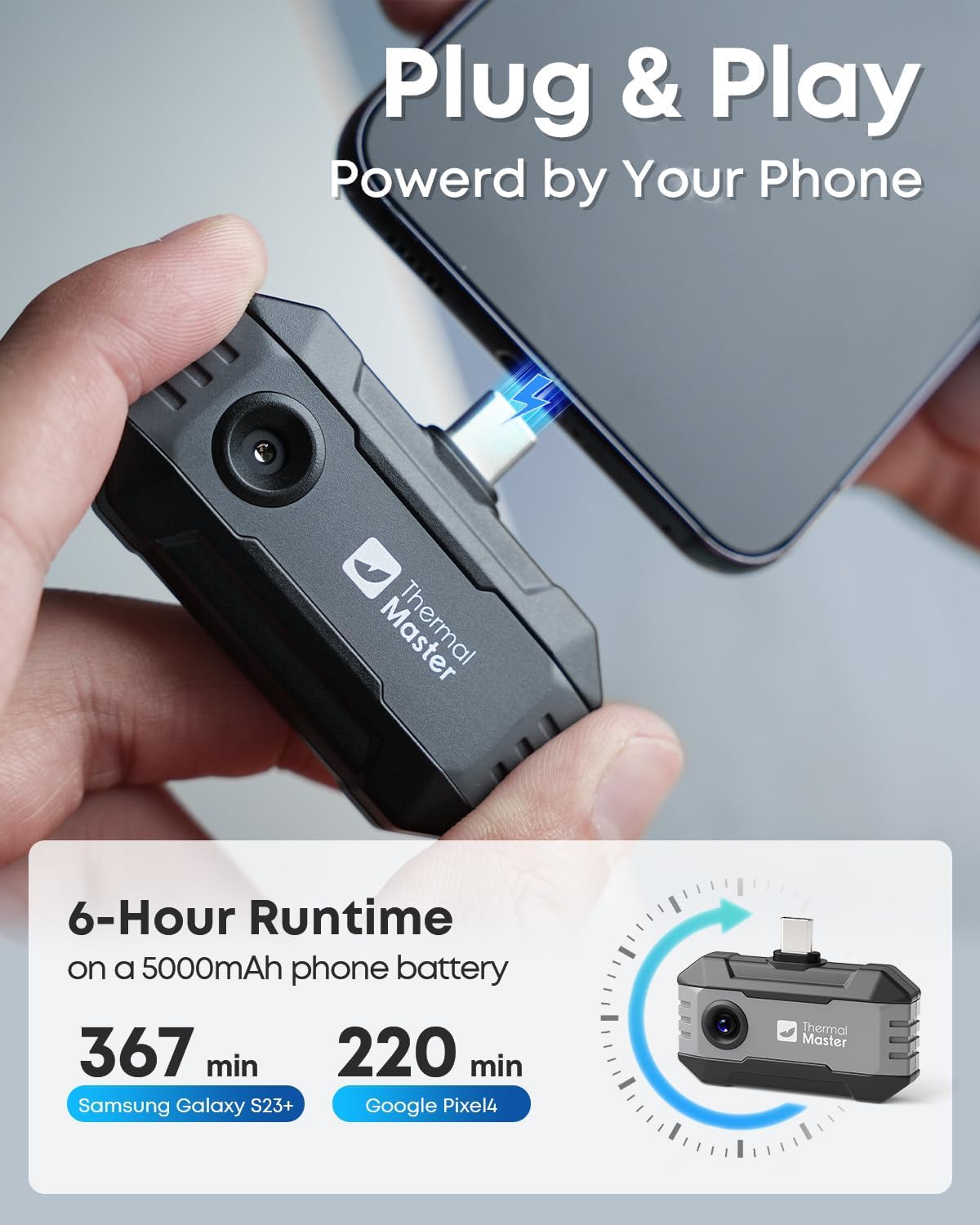
Thermal Master P1 Thermal Camera, 320×240 Imaging, 15× Zoom, -4°F to 1112°F
Product description
Some inspections are easier to view on a phone, while others call for a separate handheld setup. The Thermal Master P1 connects to a compatible USB-C device and uses the Thermal Master app to display thermal images.
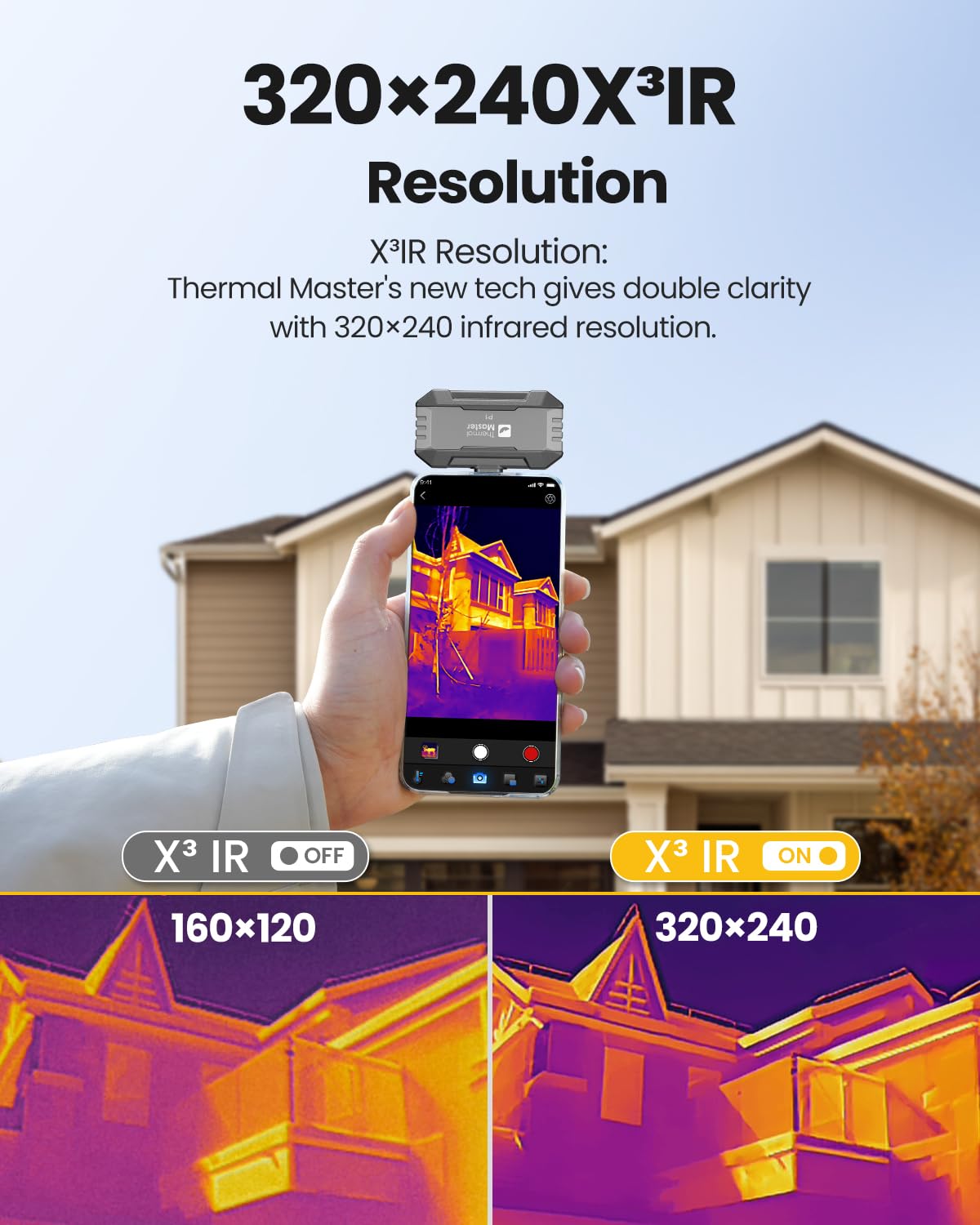
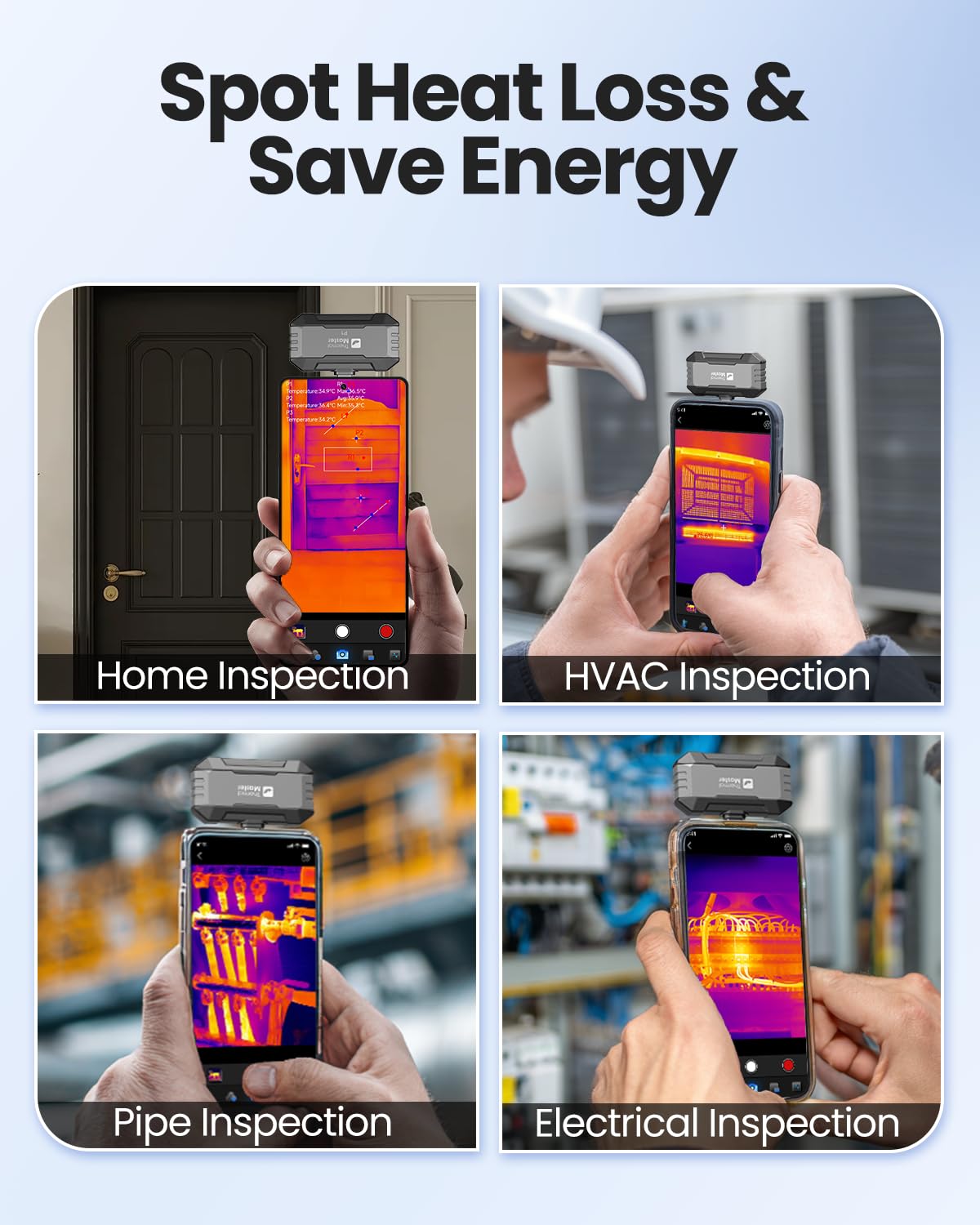
Its 320×240 X³ IR resolution helps reveal temperature patterns across home, HVAC, electrical, industrial, and automotive inspection tasks.
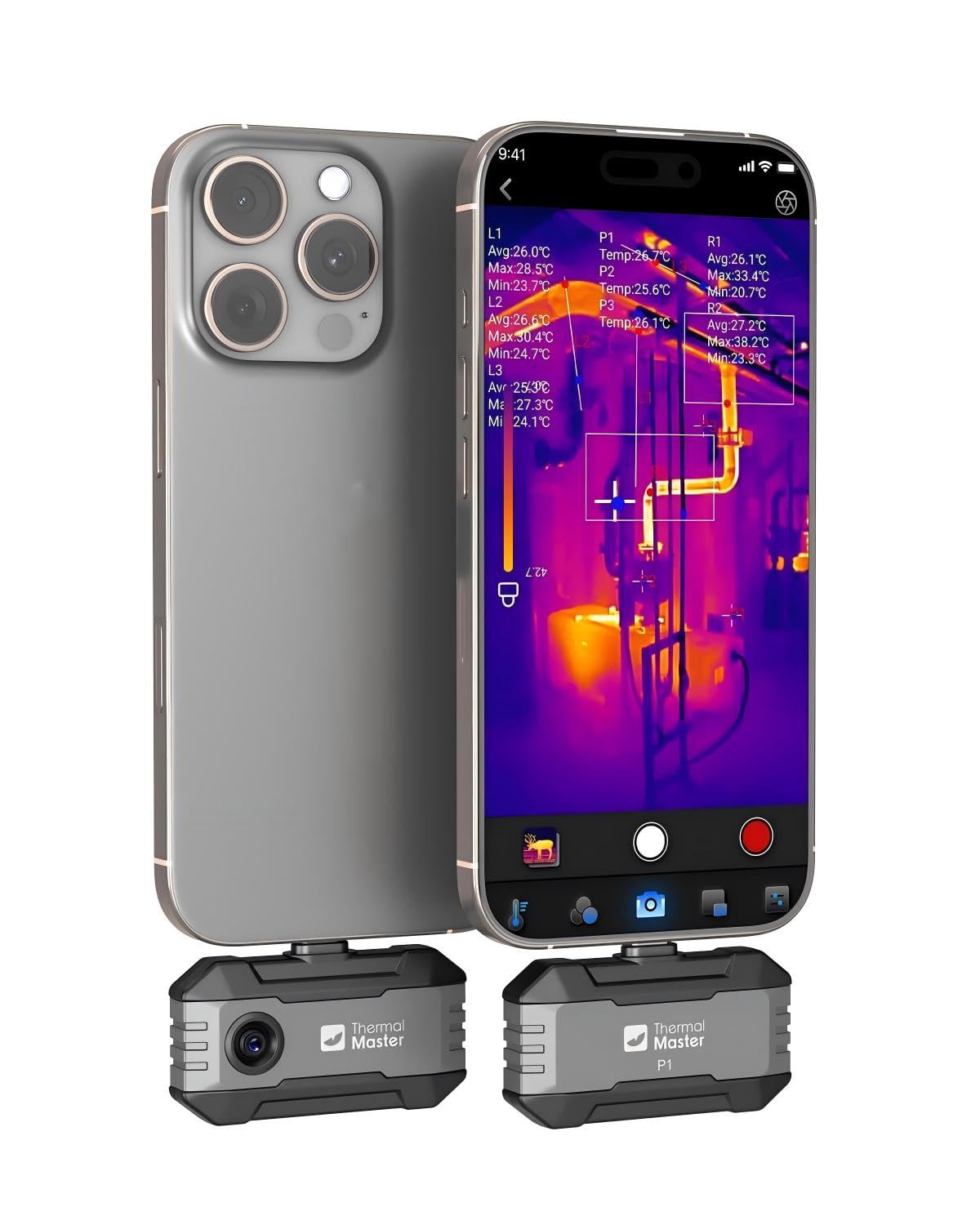
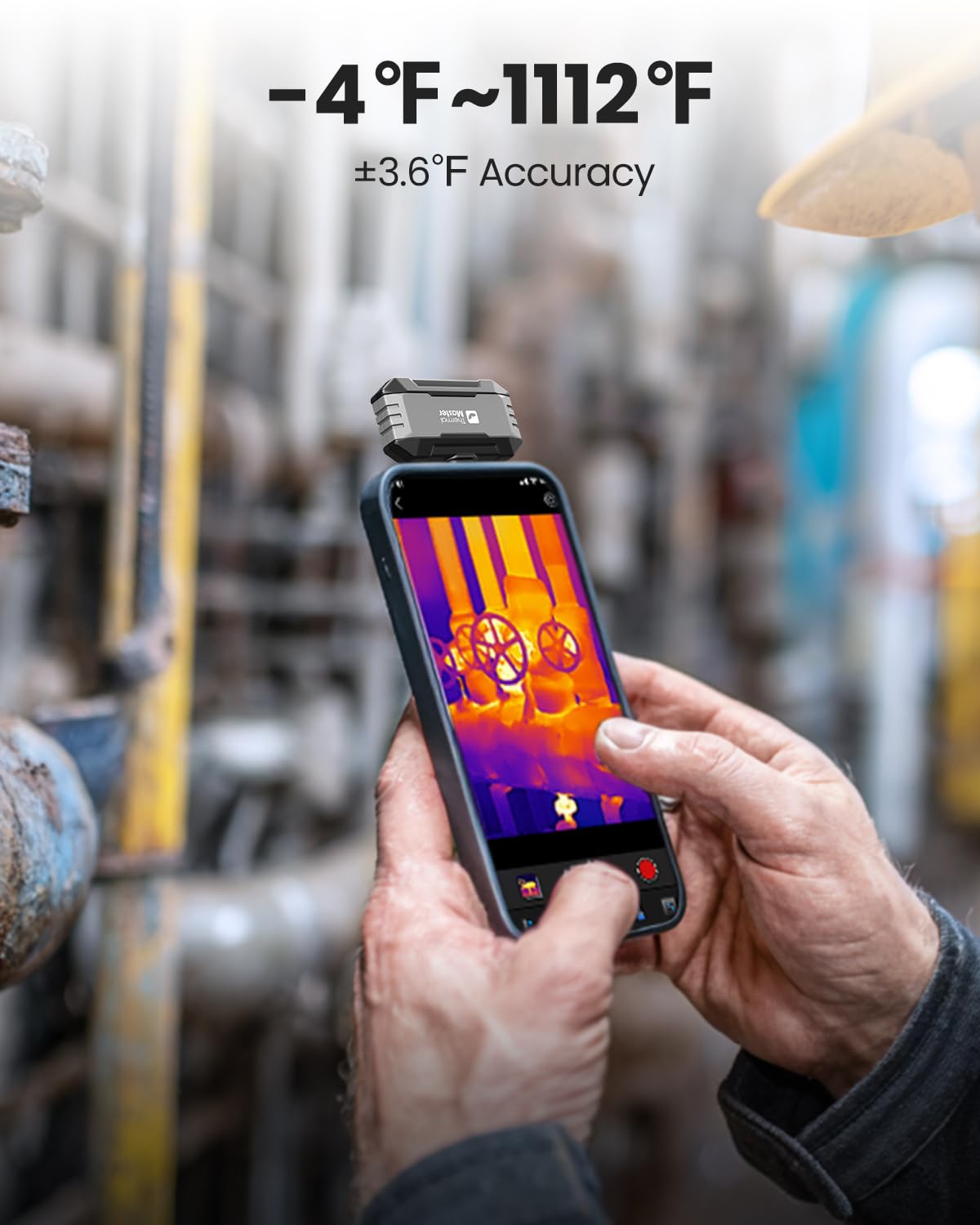
With a temperature range from -4°F to 1112°F, the P1 can help you investigate both cooler and hotter areas in one compact tool.
What to know
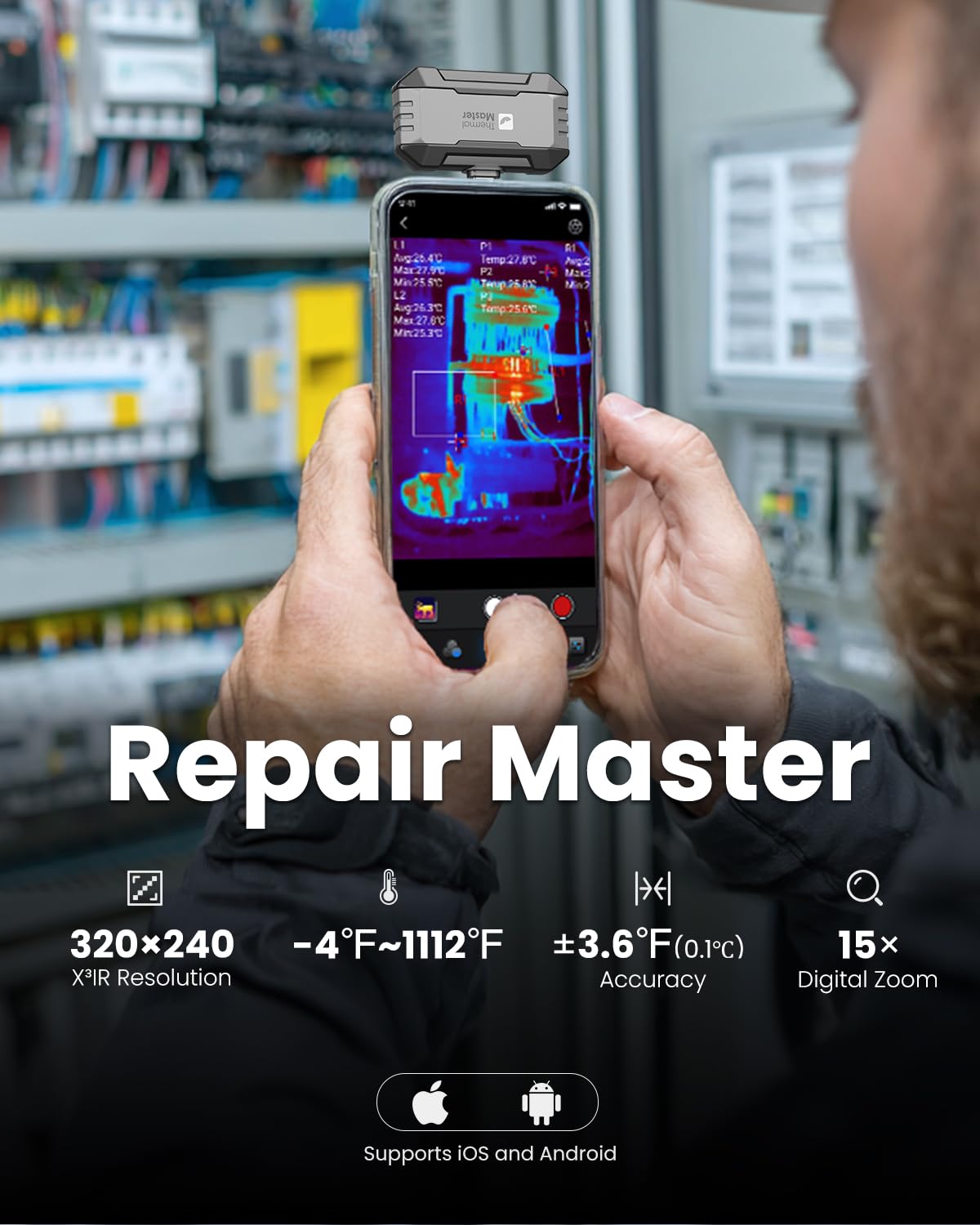
The P1 is designed for thermal checks where spotting a warm or cool area can guide a closer inspection. Use it to look for insulation concerns around the home, assess HVAC systems, inspect electrical panels, or troubleshoot automotive and industrial equipment. A 25Hz refresh rate provides smooth visual updates, while the camera can detect temperature differences as small as 0.04°C.
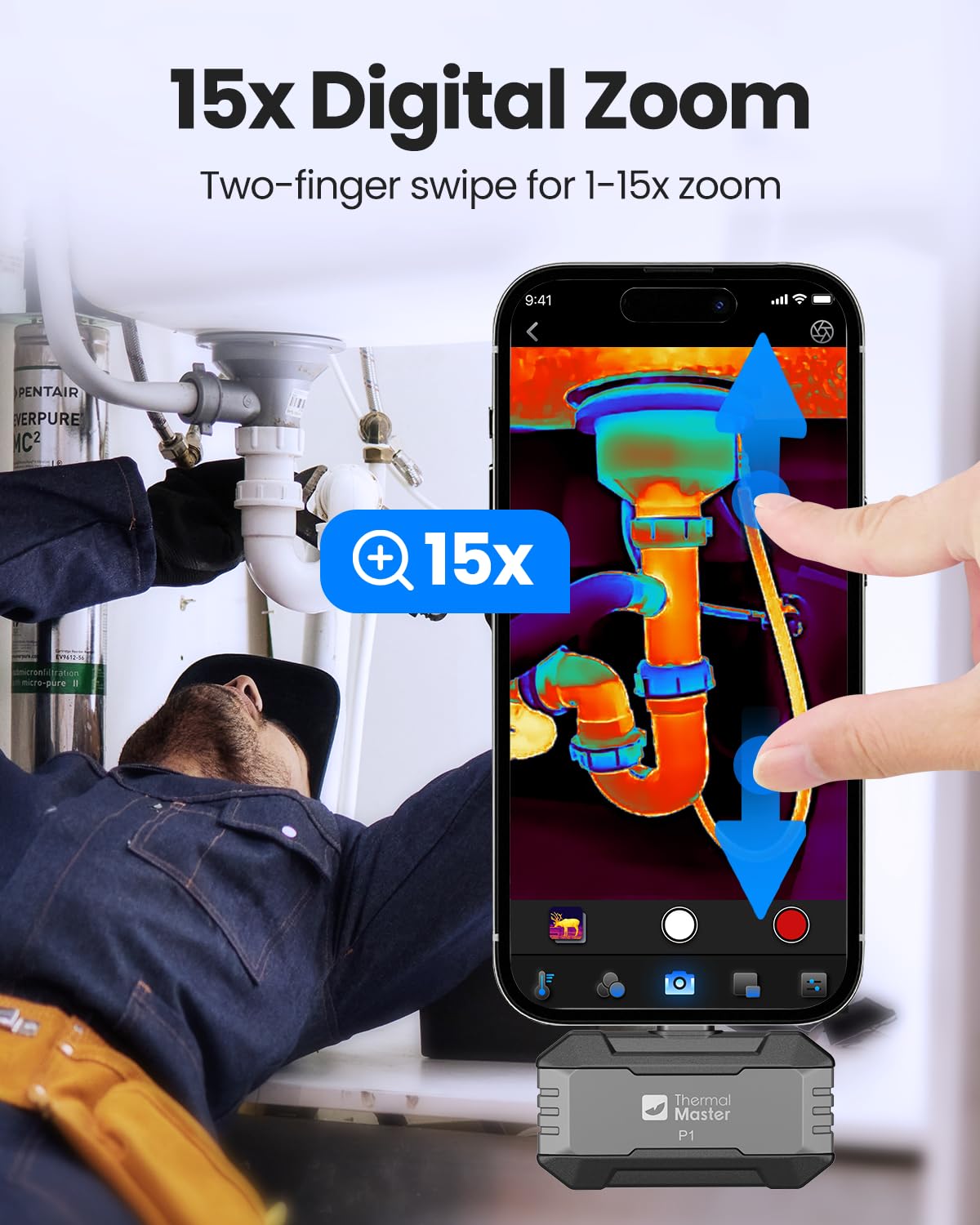
For closer examination, 15× digital zoom, high- and low-temperature alarms, and isotherm mode give you different ways to focus on notable areas. Adjustable emissivity, ambient temperature, and distance settings help tailor readings to inspection conditions. The stated measurement accuracy is ±3.6°F.
The P1 works with USB-C smartphones and computers, including iOS, Android, and Windows devices, using the Thermal Master app. For an iPhone with a Lightning port, a USB-C-to-Lightning adapter is required, it is sold separately. The phone-connected format keeps viewing and device control in the app rather than adding a separate screen to the camera.
Buyer feedback is mixed on image sharpness and the app experience, and some users report connection issues. Other buyers praise the temperature readings and the ability to spot heat patterns during home inspections, so a compatible connection and the app are central to using the camera.
Everyday use
At 2.32 × 1.06 × 0.68 inches and 0.62 ounces, the camera is small enough to carry in a shirt pocket between inspection locations. Its stated power consumption is 0.32W, with 5–8 hours of continuous operation. The package includes a zippered case, a 50cm extension cable, and a quick start guide, making it easier to keep the camera and its accessories together.
For a home check, connect the camera to your device, open the Thermal Master app, and scan around areas where you want to investigate temperature variation. The live thermal view can help direct attention to a specific spot, while the zoom and alarm features support closer examination. This phone-connected approach suits buyers who want thermal imaging alongside a device they already use, a separate inspection tool is a different approach for those who prefer their viewing experience independent of a phone or computer.
Usage tips
Select the correct connector for your device before starting. If your iPhone has a Lightning port, use a USB-C-to-Lightning adapter. In the app, adjust emissivity, ambient temperature, and distance settings to suit the inspection, then use isotherm mode or the high- and low-temperature alarms to bring notable areas into focus. Digital zoom can help examine a section of the thermal image more closely.
Keep the case with the camera when moving between rooms, service areas, or vehicles. For an inspection, scan the relevant surface or system and use the temperature display as a way to identify areas that may deserve further attention, rather than treating a thermal image as a diagnosis on its own.
When it makes sense
The P1 makes sense for homeowners, HVAC technicians, electricians, and automotive or industrial maintenance users who want a compact thermal imager that connects to a compatible phone or computer. Its broad temperature range, 320×240 imaging, and inspection-focused viewing modes support checks across several practical settings, from tracing temperature patterns at home to examining equipment. If you want thermal imaging in a small, phone-connected format, the P1 brings that capability to inspections without requiring a separate camera display.