

Syntech Protective Case for Steam Deck OLED/LCD Accessories Console (Silicone, Non-Slip Thumb Grips) - Black
Product description
Key takeaways
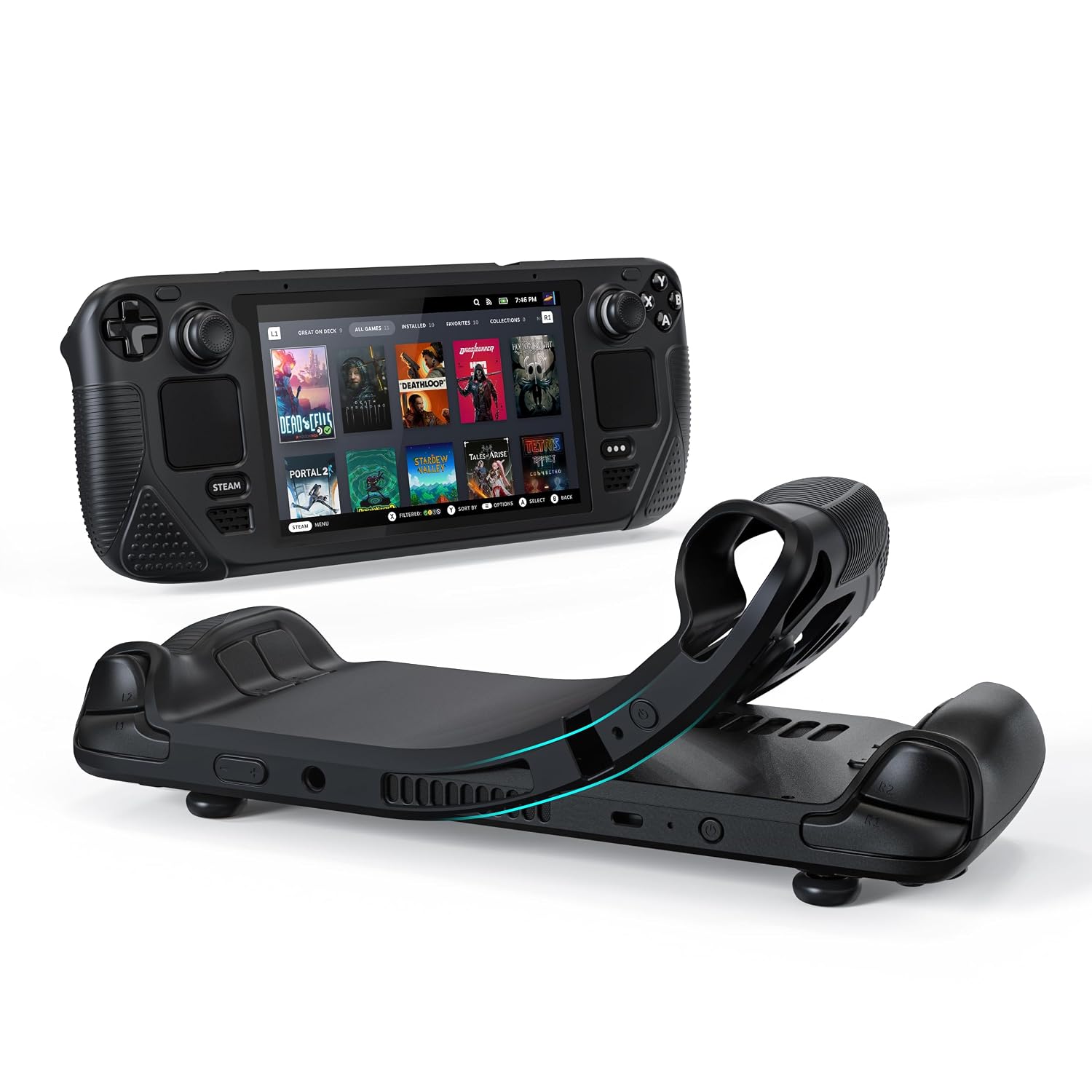
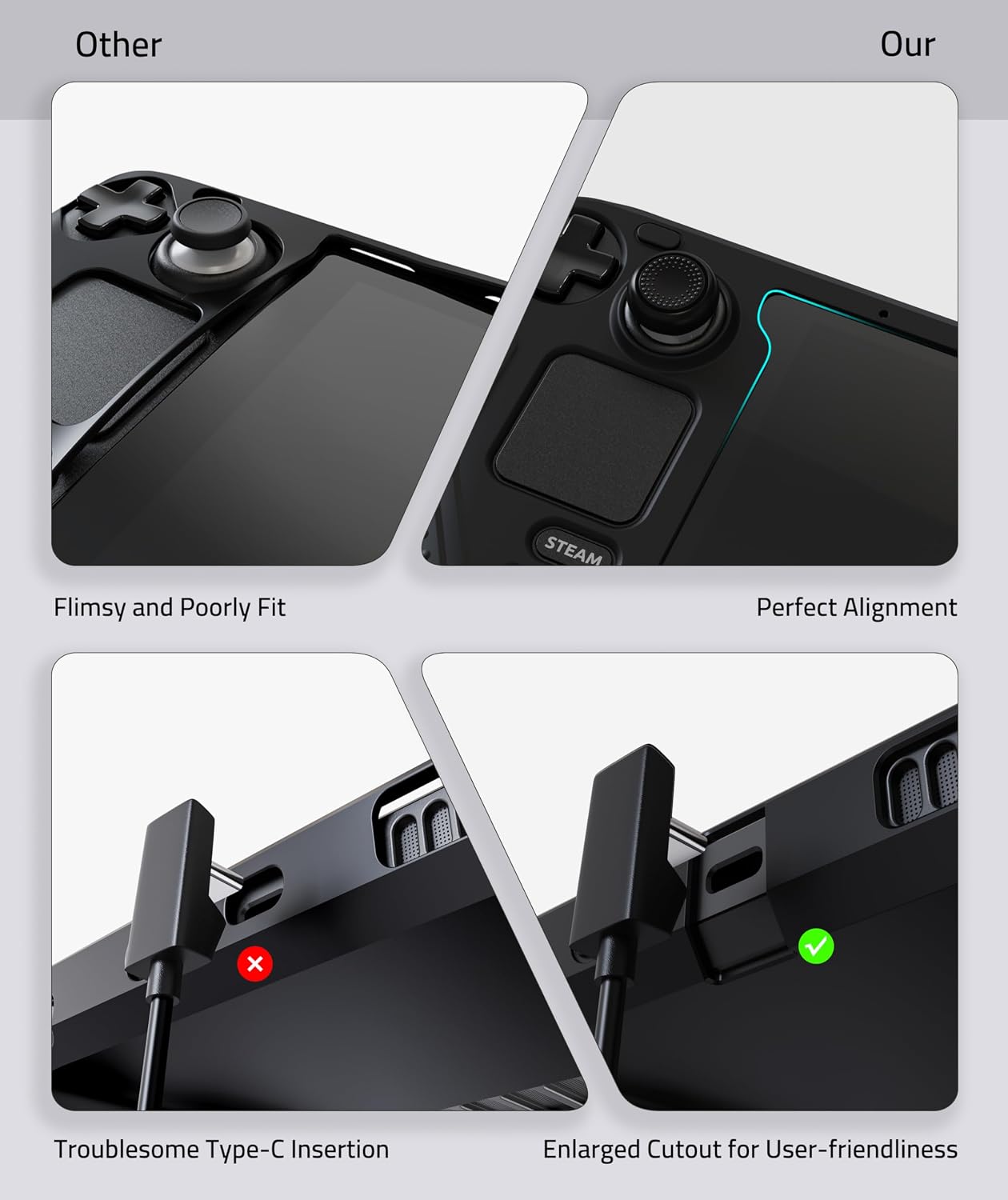
If you’re tired of cases that feel loose around the edges or fight misalignment, Syntech’s silicone protective cover for the Steam Deck OLED/LCD is built to address that directly. It uses a “zero-clearance” style approach meant to improve fit and alignment, and it also aims to keep the screen area from sagging or leaving gaps along the perimeter.
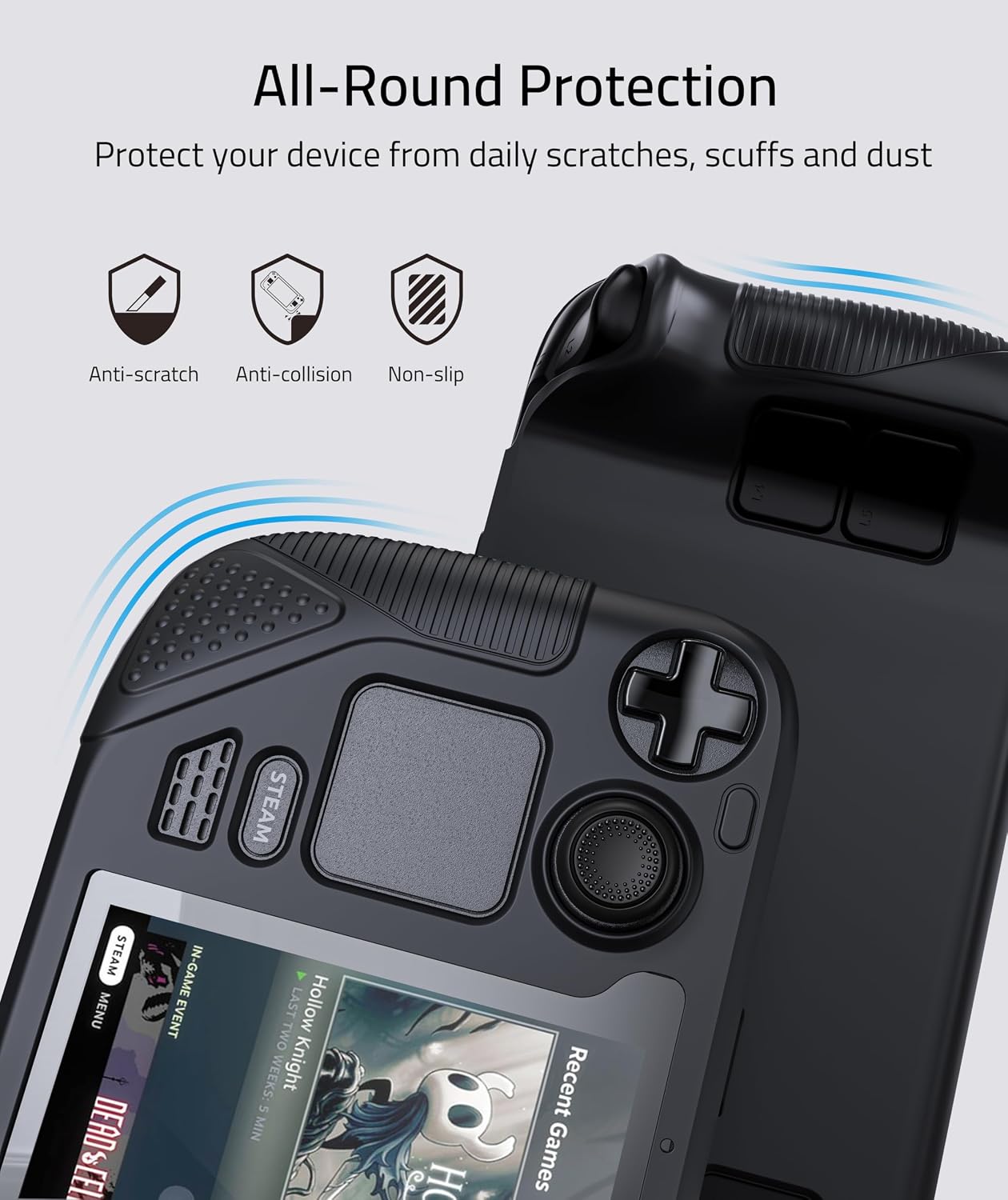
It’s also a protection-first case: daily scratches, scuffs, and dust are the usual enemies here, and this cover is designed to help you shrug those off without adding much bulk. Add the non-slip thumb grips and the grip domes on the handles, and the package looks less like a basic sleeve and more like a practical everyday carry layer.
That said, it’s not a universal fit mindset product. The listing specifically notes it’s not compatible with the official dock, and if you heavily rely on dock setups, that limitation matters before you buy.
The essentials
This is a silicone protective case intended for Steam Deck OLED/LCD, with an all-around protective concept meant for day-to-day handling. The company highlights a design focused on enhanced alignment and fit, including a zero-clearance design and a silicone molding process aimed at keeping the cover visually neat and properly positioned.
On the practical side, it’s made to work alongside a screen protector (the listing says it fits well when a screen protector is pasted). There’s also an enlarged Type-C cutout, which the listing says allows inserting Type-C peripherals without removing the case—handy if you use a cable, adapter, or accessory while keeping the cover on.
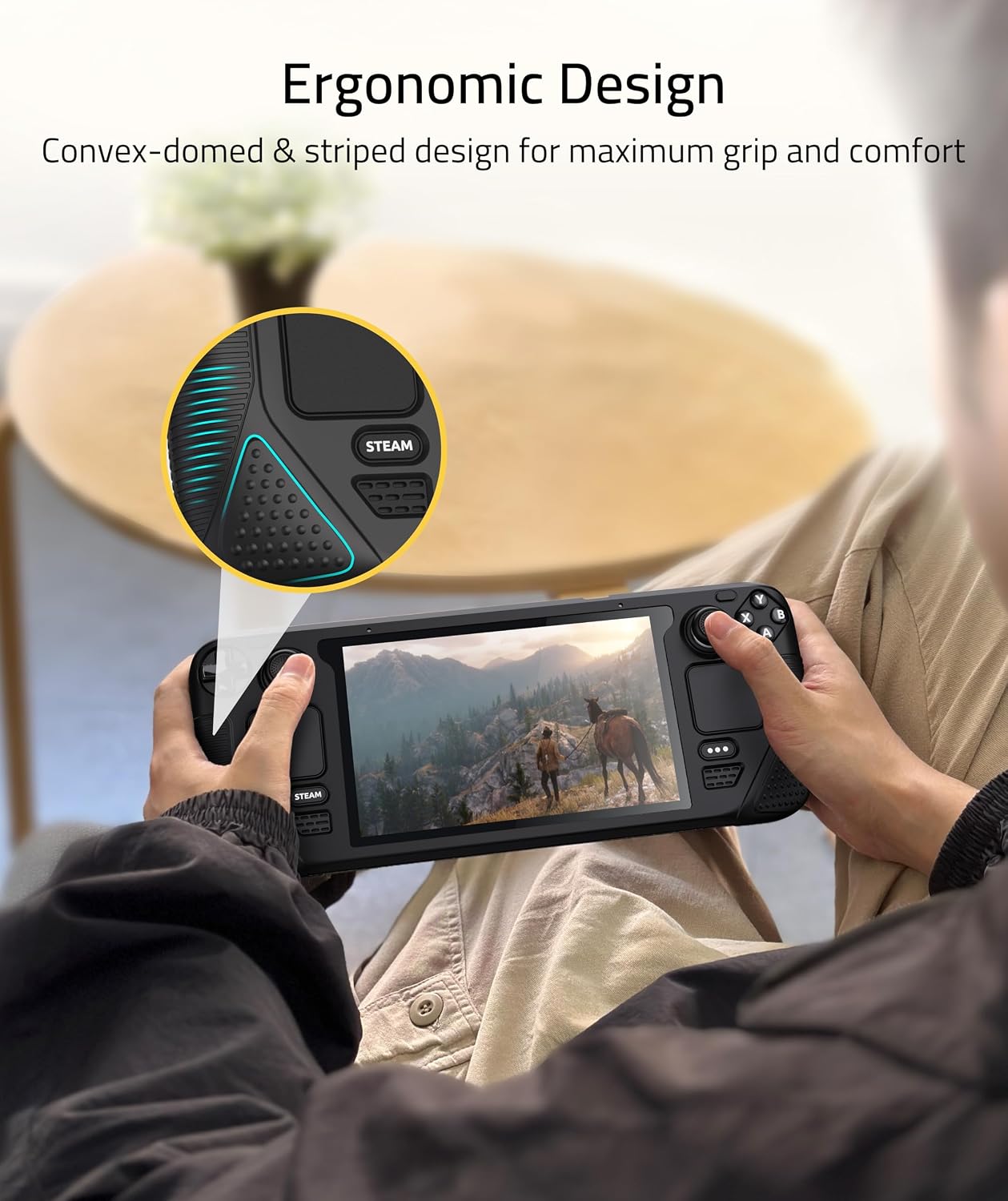
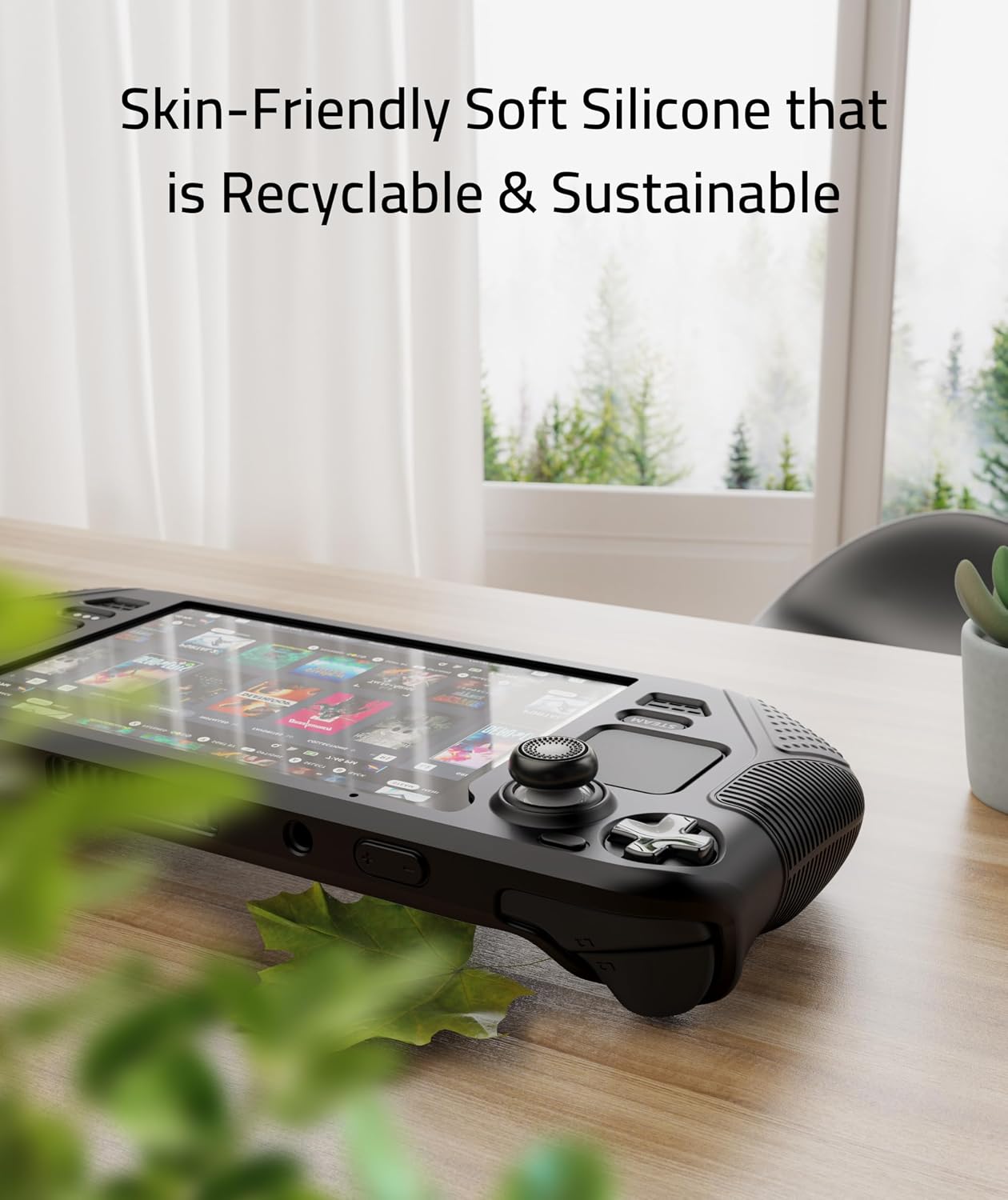
For comfort and control, the case includes convex grip domes and lining strips on the handles. The goal is more stable palm contact during longer sessions. And there’s a bonus pair of non-slip thumb grips included to help improve accuracy and sensitivity, while also protecting the original thumbsticks from corrosion and spalling.
What stands out in everyday use
The biggest “you’ll notice this” angle is grip. With grip domes/strips on the handles plus the included thumb grips, it’s designed to reduce that slightly slippery feel some setups get after a while—especially during intense, thumb-heavy gameplay.
Then there’s the fit/alignment claim. On paper, the zero-clearance design is meant to reduce the looseness and edge sag issues that people sometimes run into with cheaper covers. If you care about the screen edge looking clean instead of floating or curling, this is exactly what it tries to fix.
Finally, the Type-C cutout is a comfort-of-life detail. If you regularly plug in a Type-C peripheral and don’t want to remove the silicone cover each time, the enlarged cutout is there to make that routine easier.
What to know before buying
Start with compatibility expectations. The listing says this case is compatible with the original Steam Deck carrying case, and it’s designed for Steam Deck OLED/LCD. But it also explicitly notes it is not compatible with the official dock. If your workflow depends on docking, you may end up removing the case or abandoning it—so it’s worth checking your setup style first.
Also consider how you treat edge coverage. The cover is positioned as a way to help with scratch, scuff, and dust protection. It’s not described as a rugged drop-proof solution in the information provided, so if you want something aimed specifically at heavy impacts, you may feel this is more “daily protection” than “let’s test gravity.”
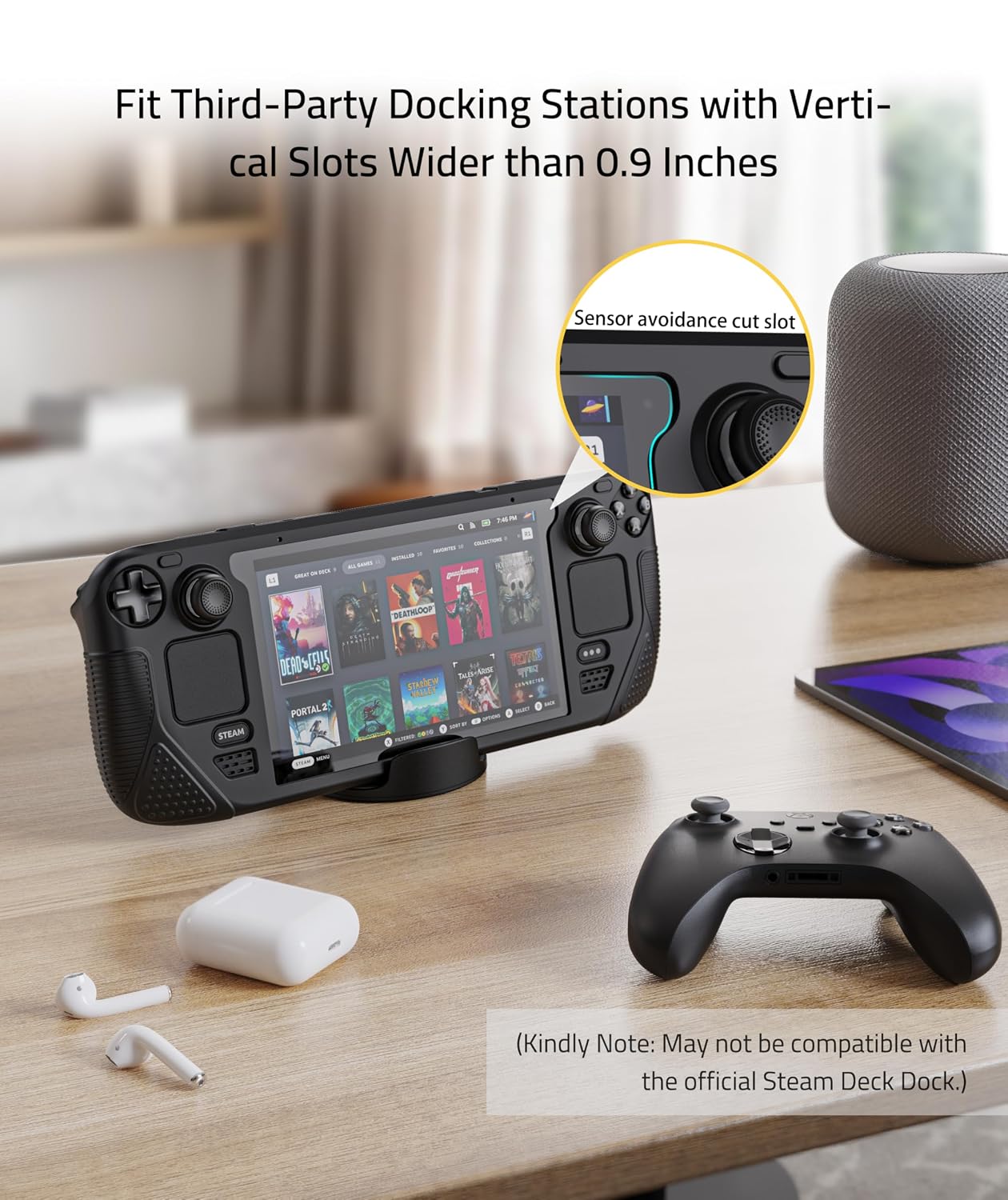
One more small limitation to keep in mind: it mentions a fitting approach that’s meant to reduce edge sag, but actual results can depend on how your screen protector is applied and how your device sits during installation.
Tech specs
- Type: Protective silicone case with grip features and included thumb grips
- Compatibility: Steam Deck OLED/LCD
- Cutout: Enlarged Type-C cutout for inserting Type-C peripherals without removing the case
- Compatibility note: Not compatible with the official dock
- Fit note: Fits well when a screen protector is pasted
Usage tips
A simple way to get the best alignment is to take your time with installation, especially if you’ve already applied a screen protector. Since the case is designed around zero-clearance alignment, rushing can make everything feel less “snapped into place.”
For day-to-day sessions, the included thumb grips are the part you’ll feel quickest. Swap them on, then do a short warm-up in a game where you rely on fine aim—if anything feels slightly off at first, it usually comes down to thumb grip seating rather than the silicone body.
Example use: imagine you clip into your carrying case for travel, then connect a Type-C accessory on the go. With this design, the enlarged Type-C cutout is meant to let you keep the silicone cover on while plugging in—so you’re not stuck removing the case mid-trip.
Is it worth it?
Worth considering if you want a silicone protective cover for Steam Deck OLED/LCD with a focus on fit/alignment and all-around daily protection, plus extra comfort from grip domes and a pair of non-slip thumb grips. It’s especially compelling if you use Type-C peripherals often and prefer not to remove the case every time.
You may want to skip it if dock compatibility is central to how you play, because the listing states it’s not compatible with the official dock. And if you’re looking for impact-focused protection rather than everyday scratch/scuff/dust defense, this may feel more like a practical layer than a serious drop solution.