

HORI Nintendo Switch Split Pad Compact (Mint Green x White) ergonomic handheld controller
Product description
What it is (and why people want it in handheld)
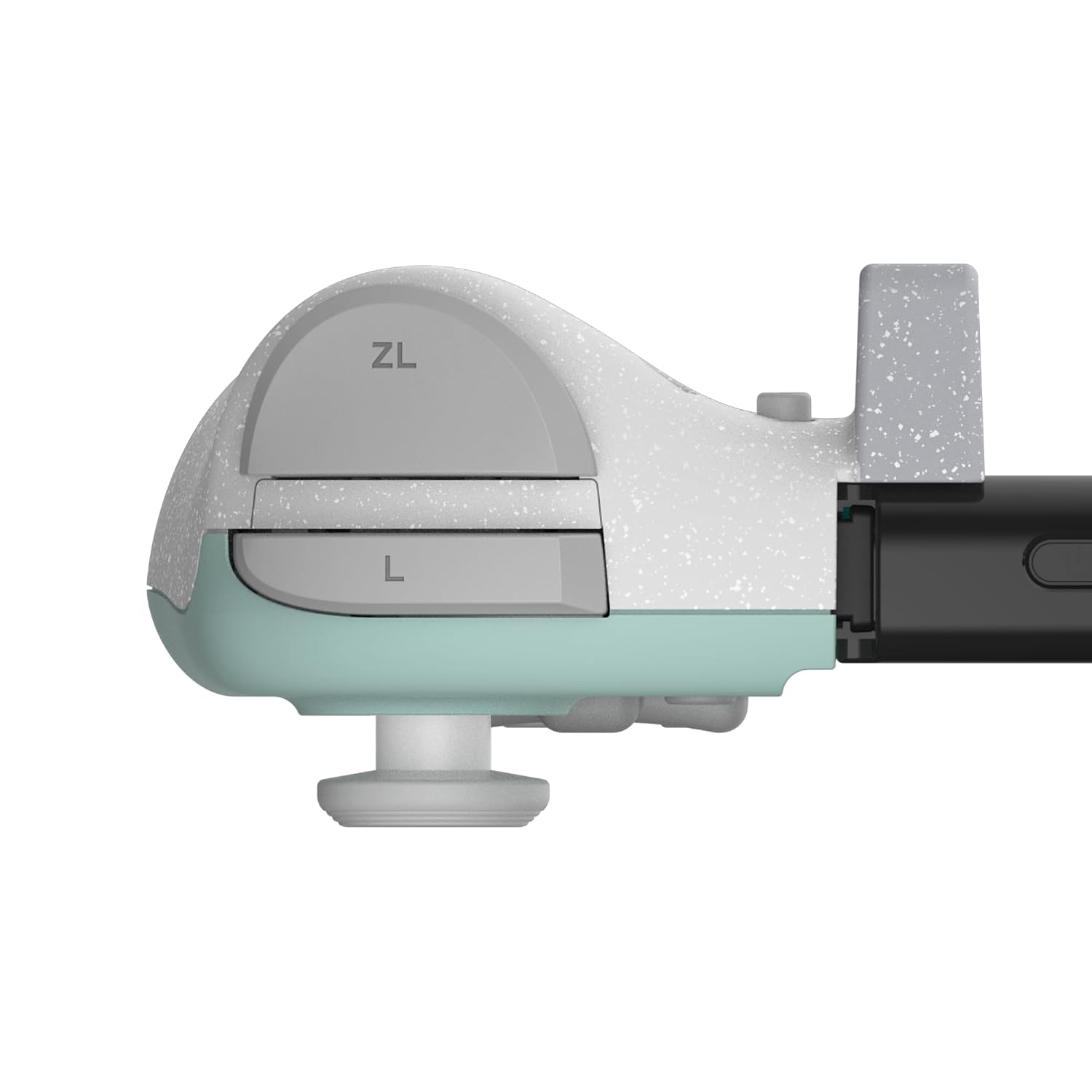
The HORI Nintendo Switch Split Pad Compact is an officially licensed controller built specifically for playing in handheld mode. Instead of using a separate full-size gamepad, it’s designed to give you a more “controller-like” grip and control layout while your Switch stays in handheld.
On paper, the big promise here is comfort and control where it counts: ergonomic grips for steadier play, plus rear triggers you can assign for faster reactions. That means fewer awkward thumb stretches and more consistent inputs during longer sessions.
The essentials you’ll actually feel while playing
The Split Pad Compact focuses on three things that tend to matter most in handheld.
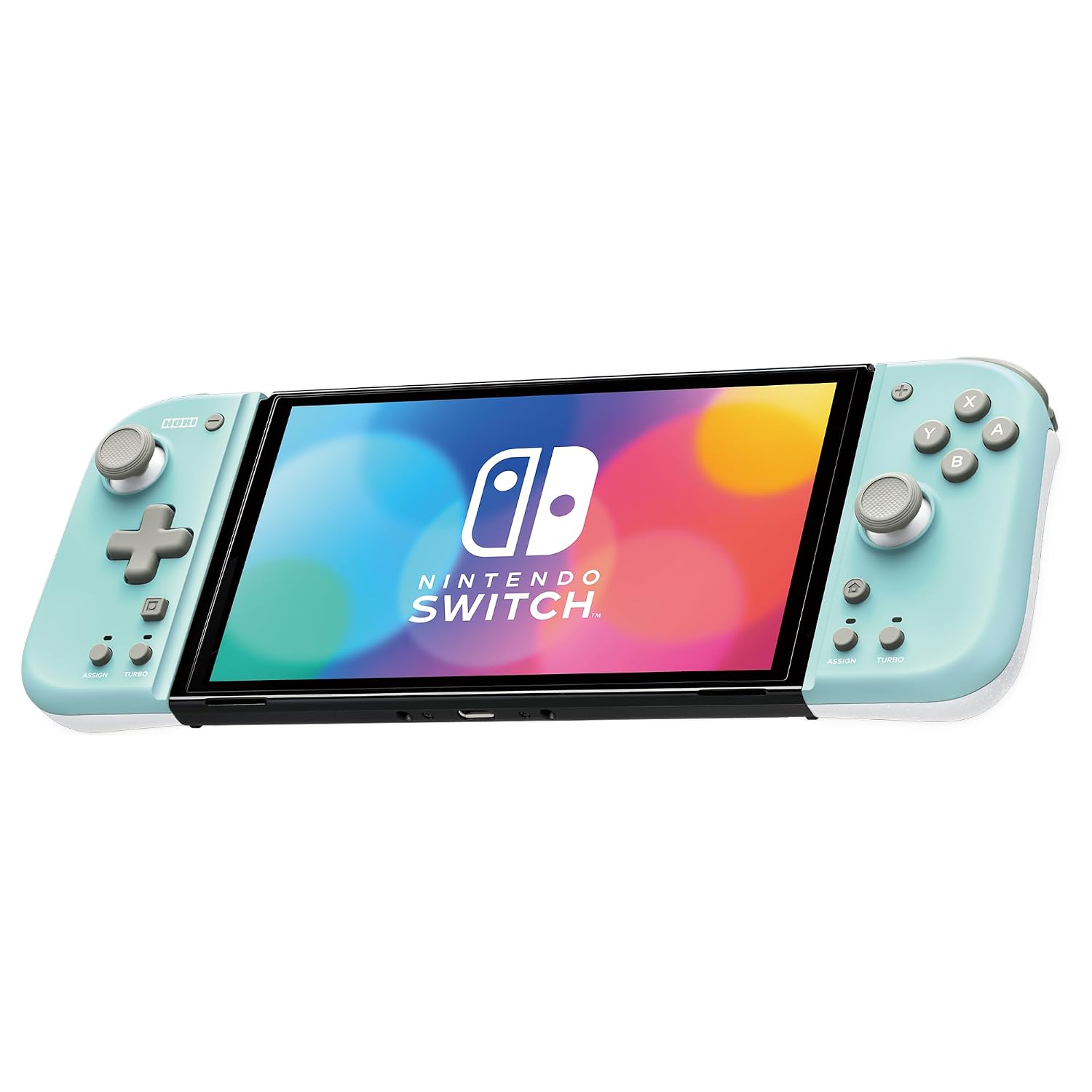
First, ergonomic grips. If you’ve ever played handheld for a while and felt your hands start to fatigue, this is the sort of upgrade meant to help with everyday comfort.
Second, assignable rear triggers. Rear buttons are one of those features you either love or ignore—when you map the actions you use most, it can make movement, aiming, or special actions feel less “tucked away” behind your thumb.
Third, Turbo functionality. It’s there for situations where you want repeated inputs without holding the same control manually. Depending on the games you play, that can be genuinely convenient… or it might not move the needle at all for your lineup.
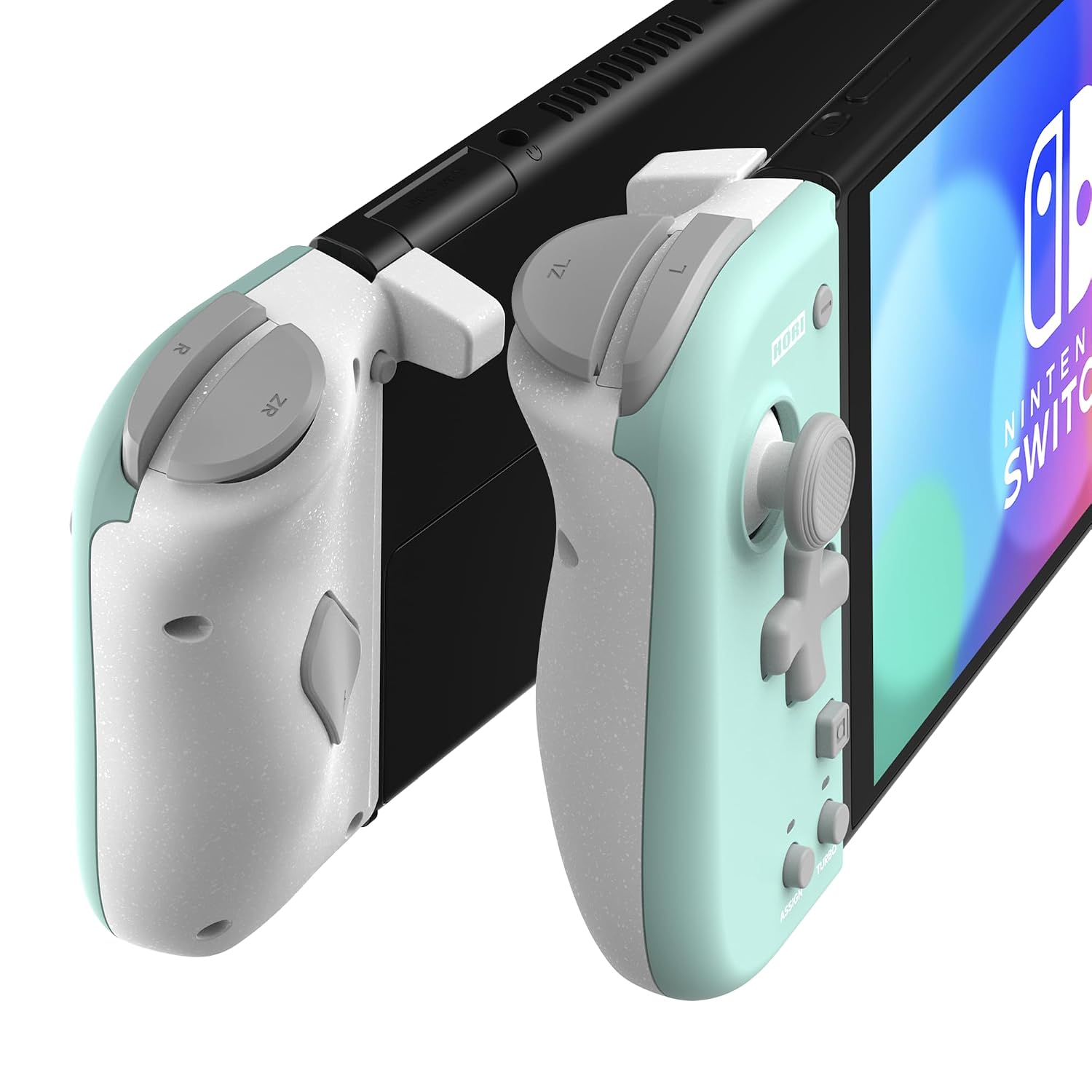
And yes, it keeps the D-pad in the mix, so you’re not stuck relying only on sticks.
Where it fits best (and a quick real-life example)
It makes sense if you want a handheld experience that feels more controlled and less “bare handheld.” Think of gameplay where you spam an action rhythmically, like rapid attacks, quick item use, or repeated sprint/boost patterns—Turbo can reduce the manual strain.
A concrete example: imagine you’re running a high-tempo game in bed or on the couch, where you mostly use your left thumb for movement and your right thumb for face-button actions. With rear triggers mapped to something you hit constantly (like a dash, burst, or secondary action), you’re likely to feel more stable and less stretched during those longer runs.
Tech you can rely on (from the information provided)
The controller is designed for Nintendo Switch and is also listed as compatible with the Nintendo Switch (OLED Model). It’s presented as being officially licensed by Nintendo, and the design is Mint Green x White.
Key limits to consider before you buy
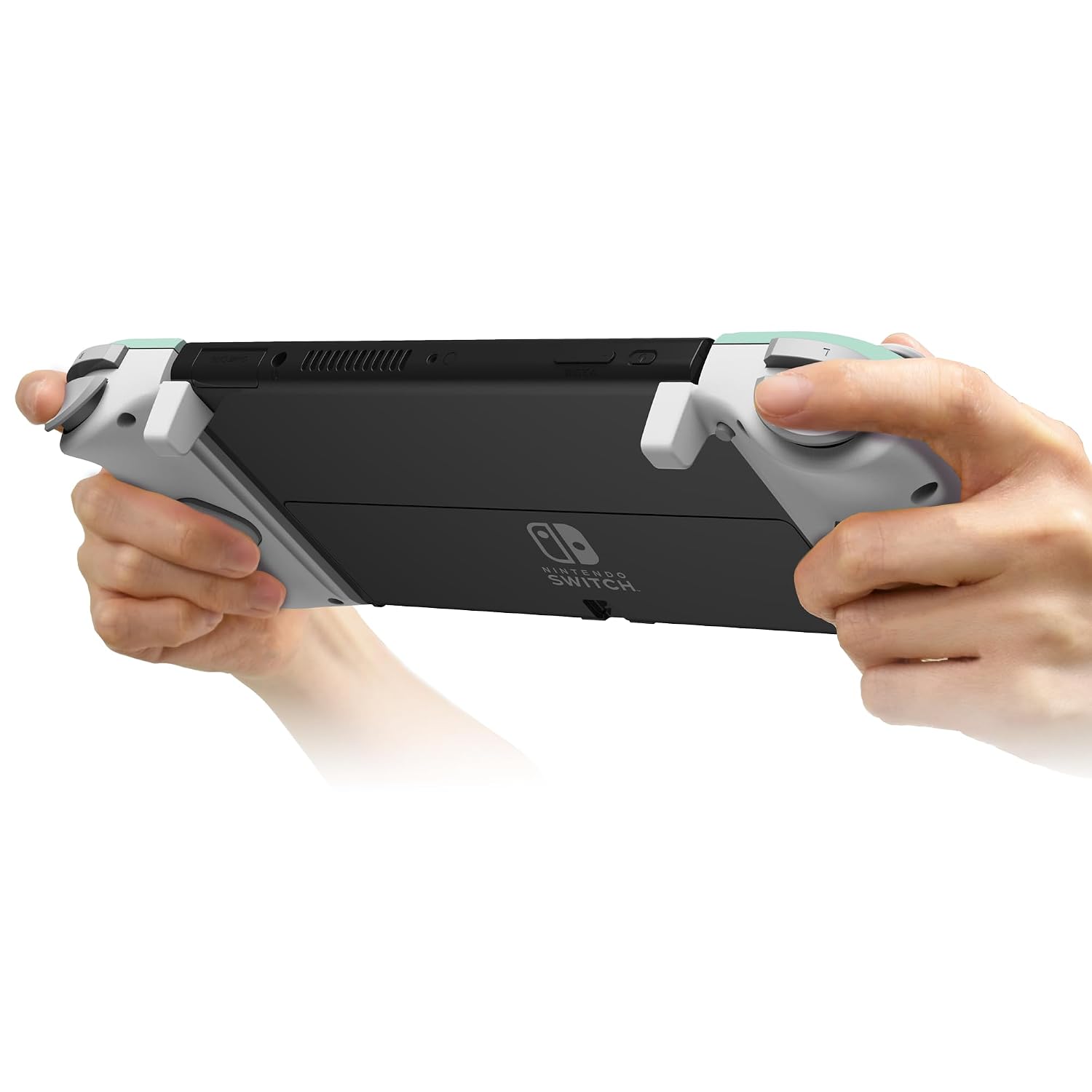
This one is for handheld mode specifically. If your plan is mostly docked play, or you prefer a traditional full-size controller layout, this may feel like the wrong tool for the job.
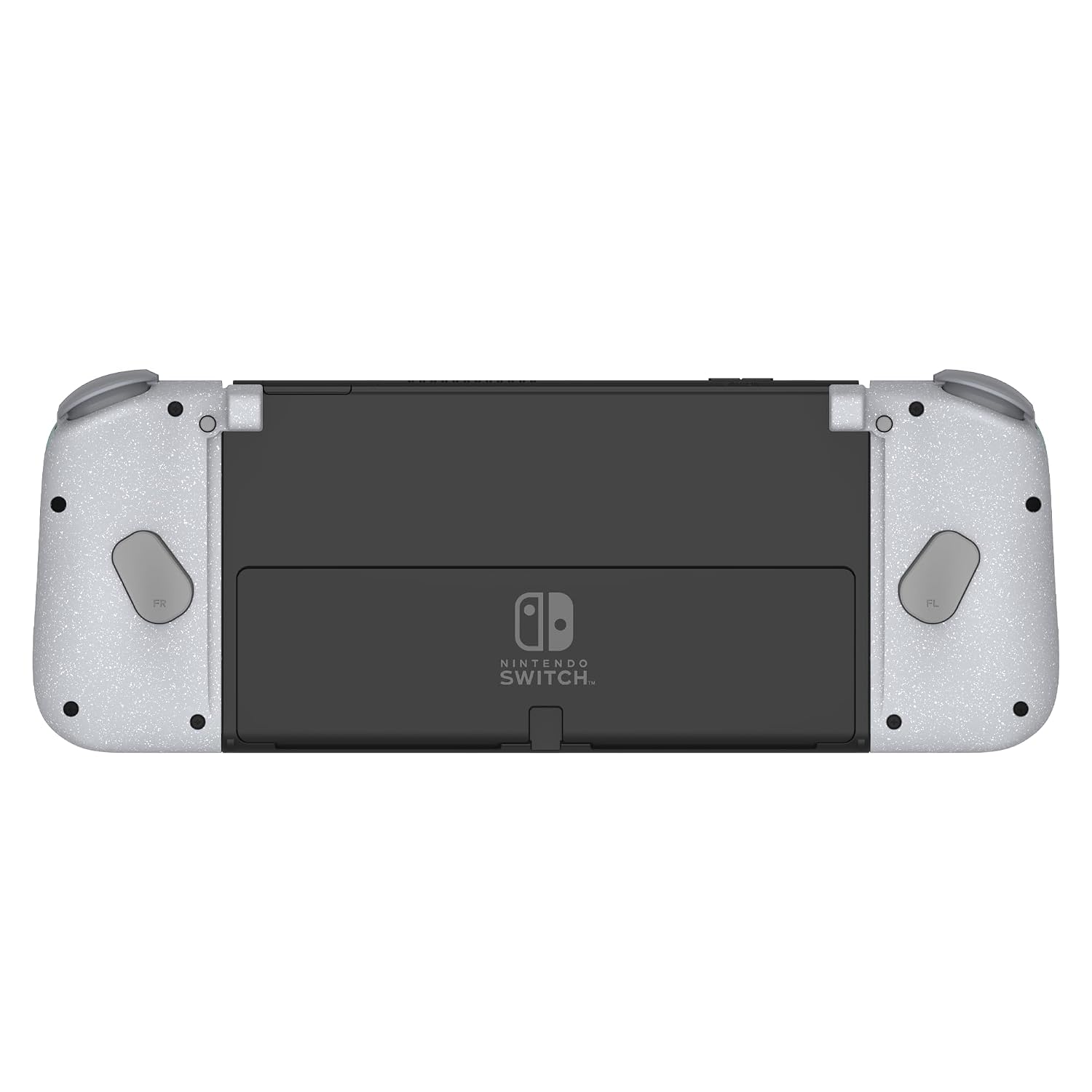
Also, Turbo and rear trigger assignments won’t magically make every game better. If the games you play don’t benefit from rapid repeated inputs, or you don’t want to spend time learning a custom mapping, the added features can end up feeling secondary.
And keep expectations realistic: you’re getting a split-pad style accessory, not a full console controller experience.
Pros
- Ergonomic grips intended to improve comfort during handheld sessions
- Assignable rear triggers for more flexible input mapping
- Turbo functionality for repeated actions
- Includes D-pad for classic direction control
- Designed for Nintendo Switch and Switch (OLED Model)
What’s the buying verdict?
Worth considering if you primarily play in handheld mode and you want better grip comfort plus rear controls for faster, more comfortable inputs. It’s a practical upgrade for people who already like handheld but want their hands and inputs to feel less cramped over time.
You may want to skip it if you mostly play docked, if you don’t care about rear button mapping, or if your games don’t really benefit from Turbo-style repeated input. In that case, a different controller approach might fit your habits better.
Mini FAQ
Is this controller only for handheld mode?
Yes—based on the description, it’s an ergonomic controller for handheld mode.
Does it work with the Nintendo Switch (OLED Model)?
It’s listed as compatible with both Nintendo Switch and the Nintendo Switch (OLED Model).
What’s Turbo for?
Turbo provides a functionality for repeated inputs without you having to hold the same control manually. Whether it’s useful depends on the games you play.
Do the rear triggers come assignable?
Yes. The controller is described as having ergonomic grips equipped with assignable rear triggers.
Where it can help most
If you play longer handheld sessions and want more comfortable grip and quicker access to actions, it’s built around those needs.