

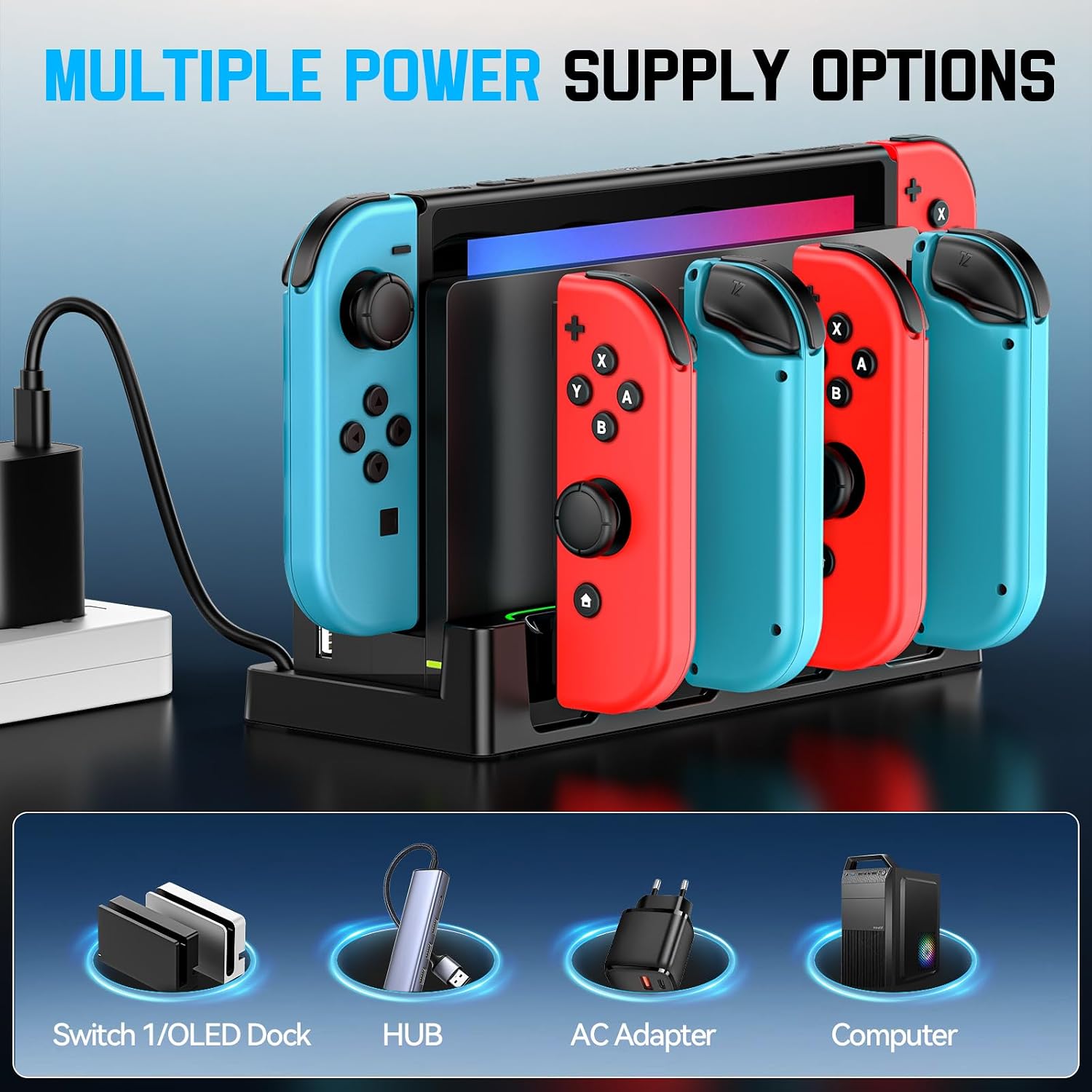
Switch Charging Dock for Joycons: 6-Device Capacity, 4 Front Slots, Safe USB Charging for Joycon Controllers
Product description
What it is and what it solves
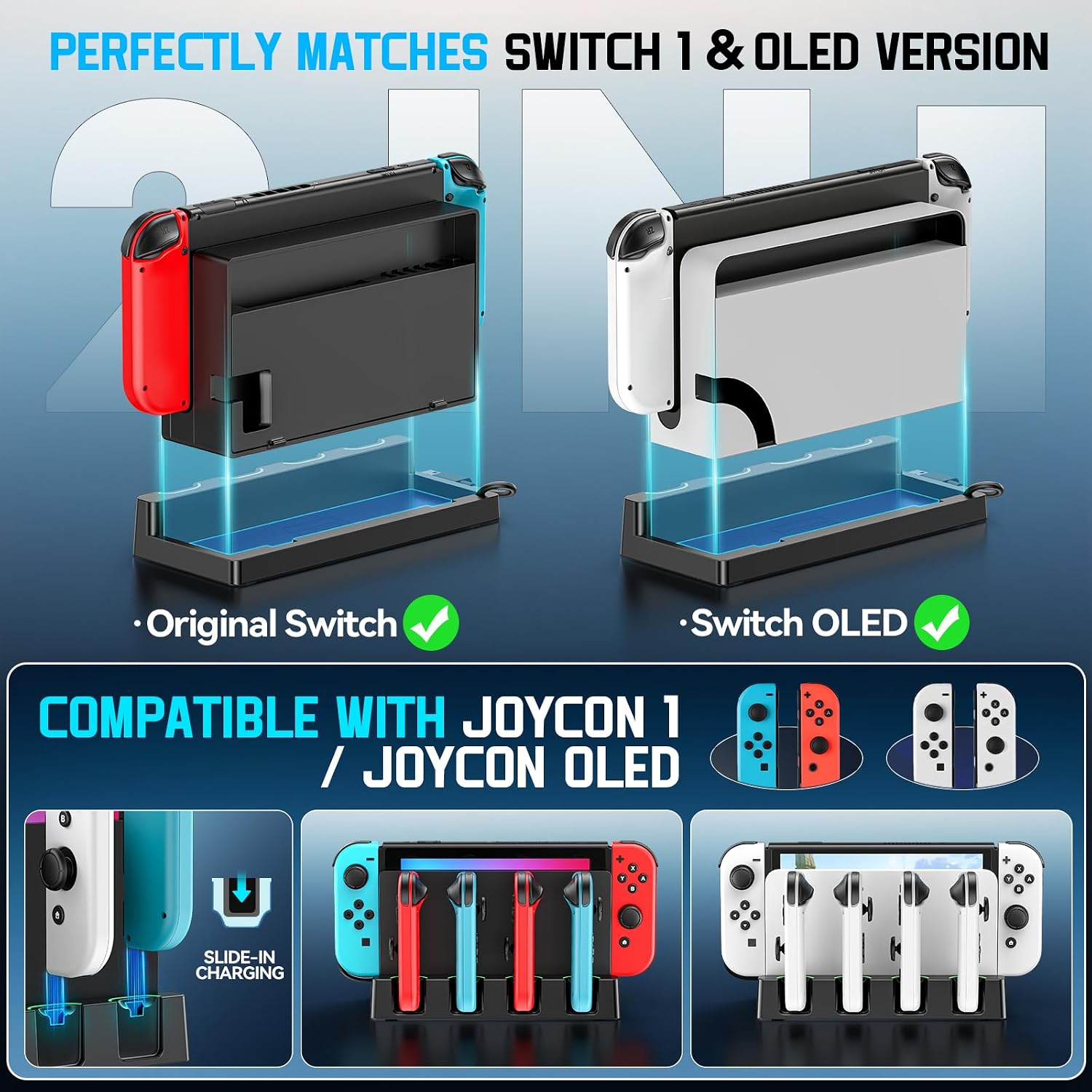
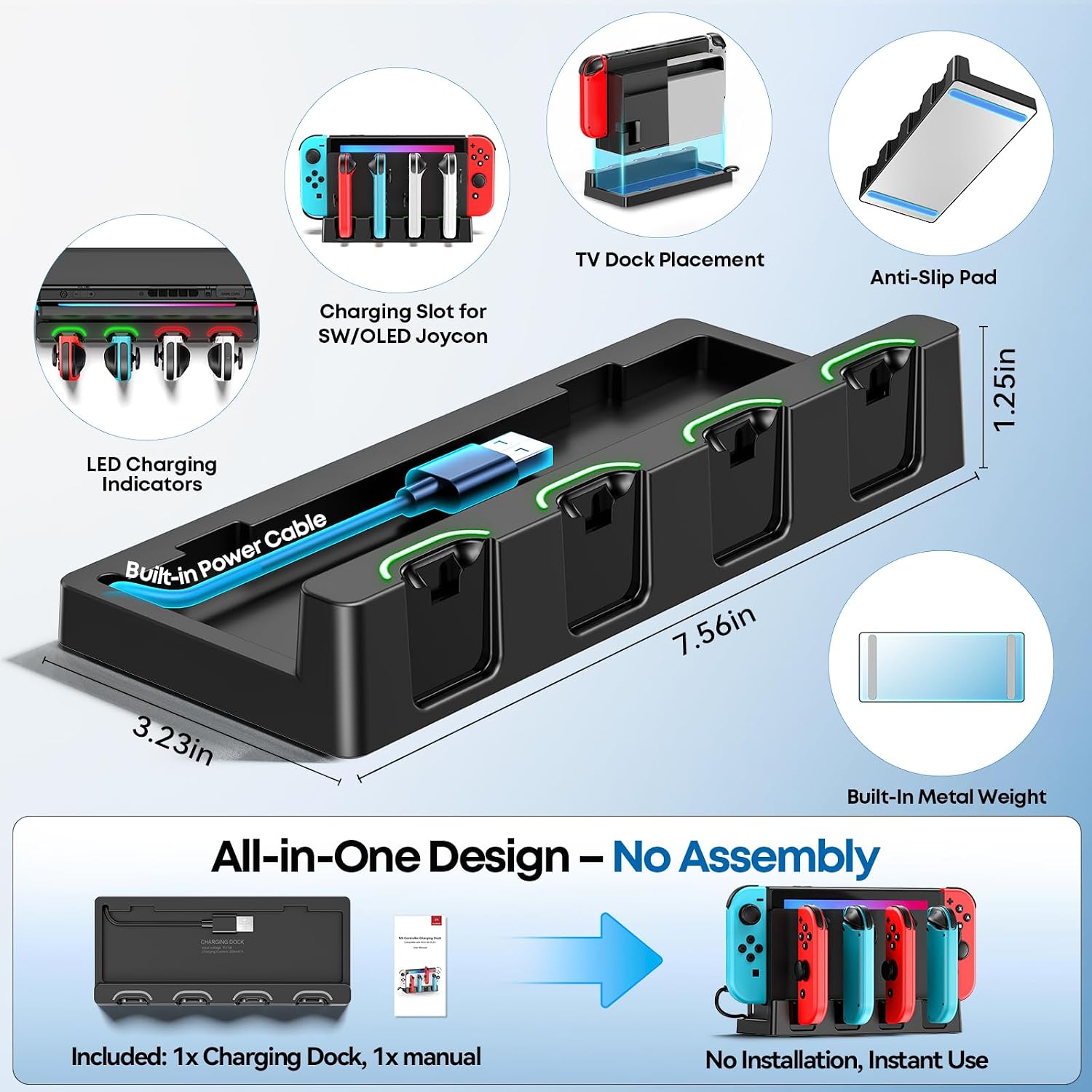
This Switch charging dock is designed to work with both the Switch OLED and the original Switch models, serving as a dedicated home for charging and organizing Joy-Con controllers. On the front, it features 4 Joy-Con slots and is described as capable of charging up to 6 Joy-Con controllers concurrently. The dock is intended to stay attached to your setup via double‑sided adhesive, offering a stable place to store and power controllers when they aren’t in use. If you’re juggling multiple controllers for multiplayer sessions or family gaming, this dock aims to simplify charging and organization in one place.
How it performs on paper
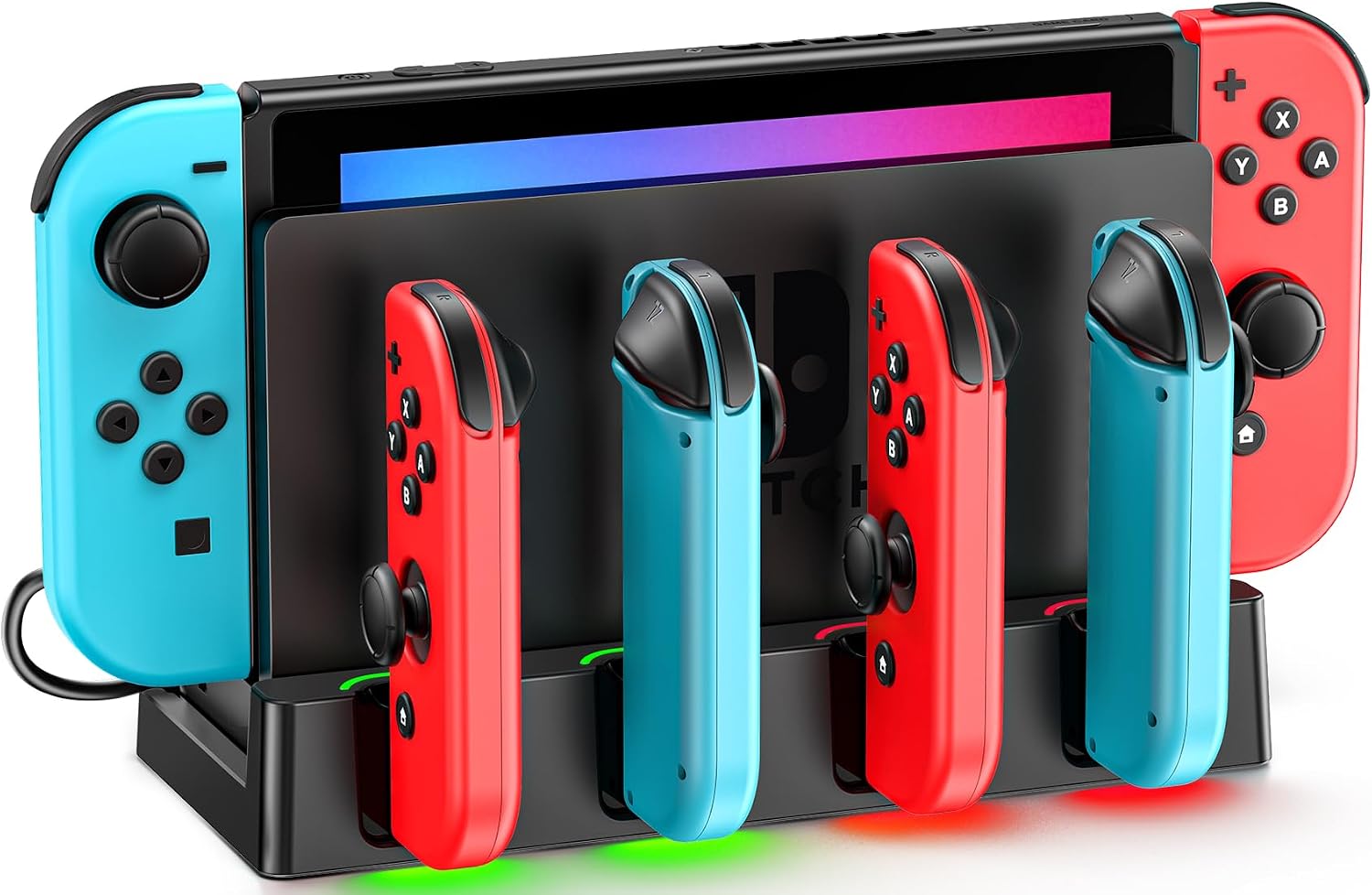
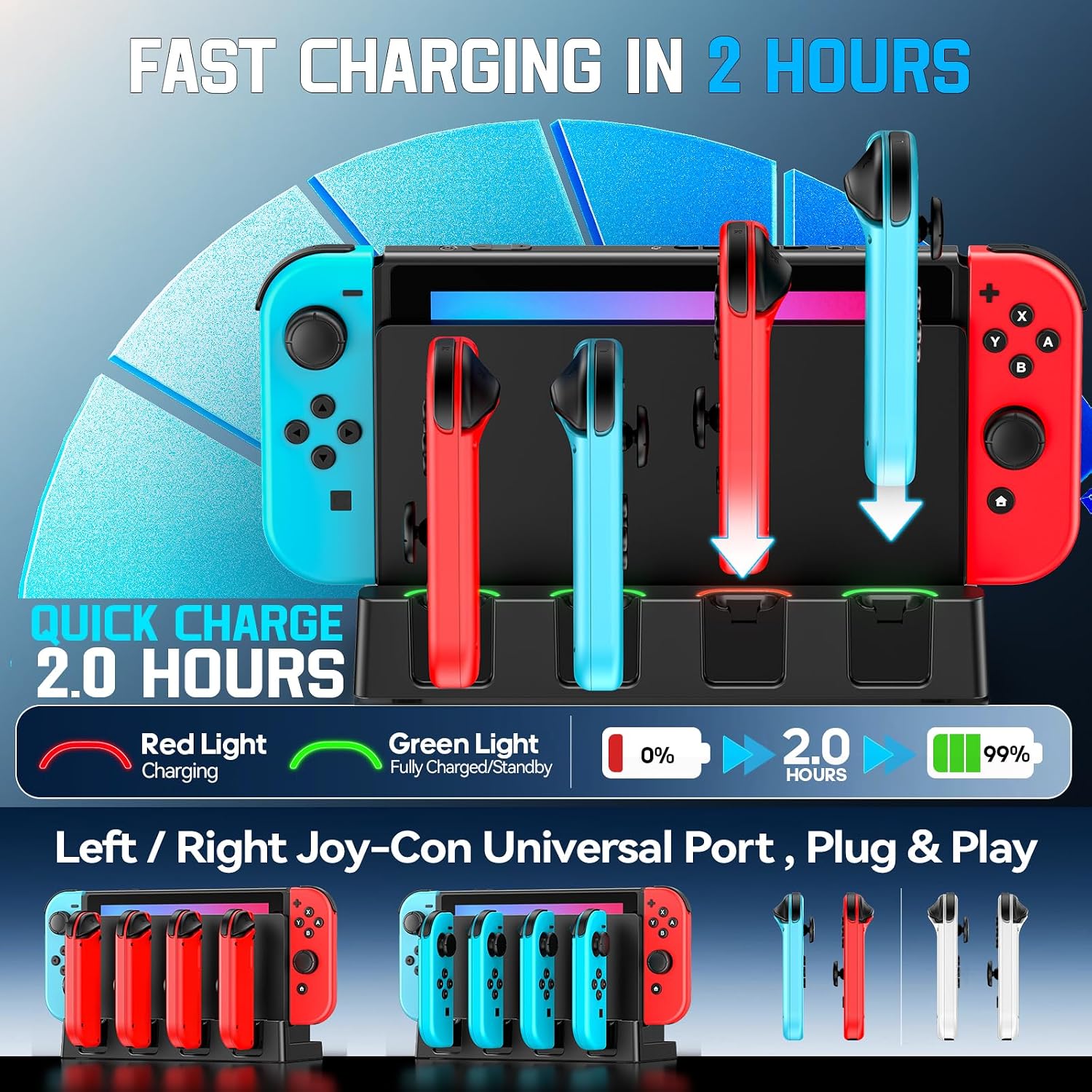
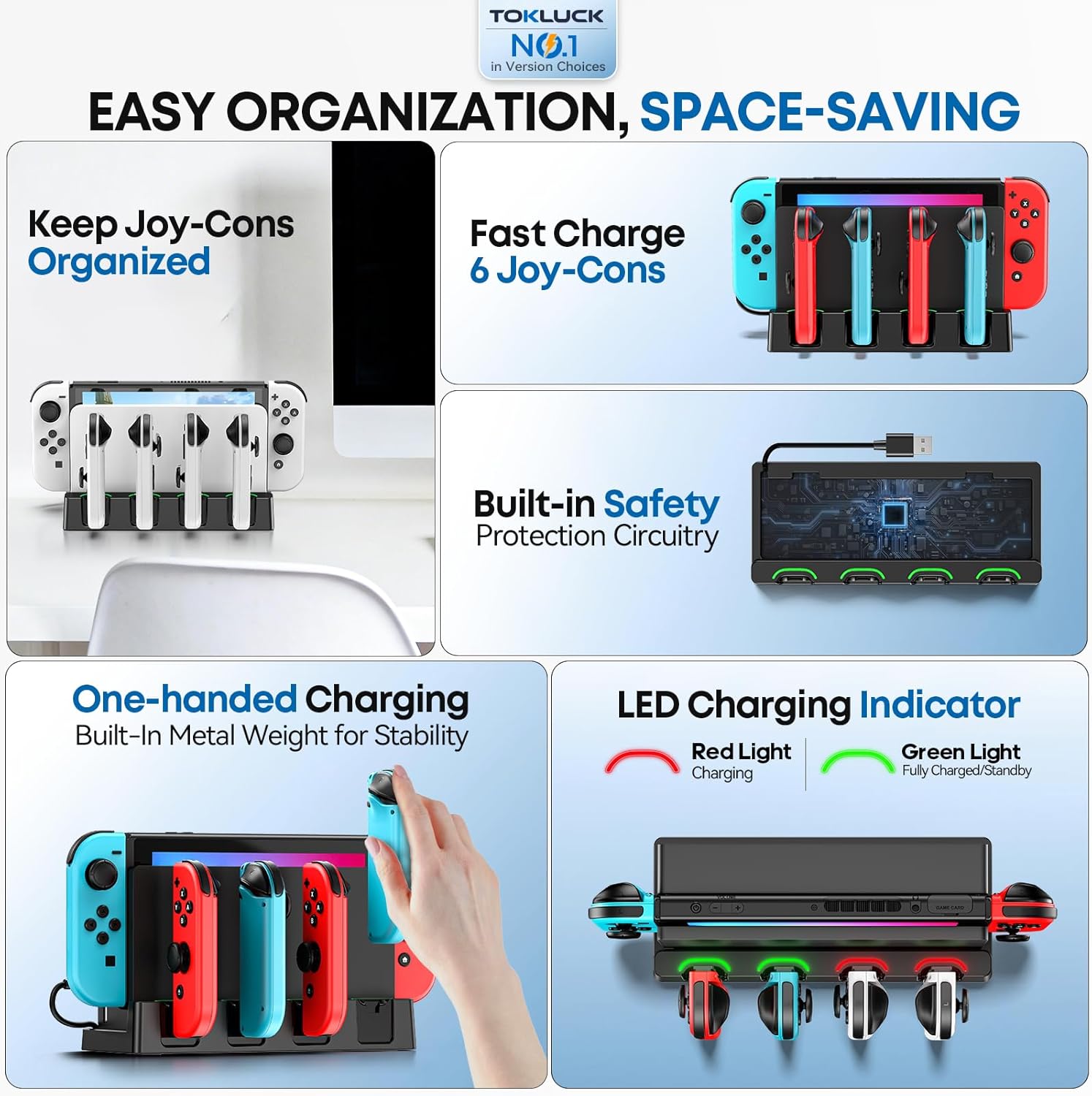
The accessory includes built‑in protection chips designed to guard against over‑currents, overheating, over‑voltage, and short circuits. The implication is safer charging and less worry about leaving controllers on standby. A built‑in light guide plate reflects charging indicators in green or red, giving a quick visual cue about which controllers are charging and their status. The unit uses a built‑in USB cord for connectivity, which keeps the setup tidy and reduces cable clutter.
Why it might stand out
If you regularly play with multiple Joy-Cons or need a central charging hub that also keeps things organized, this dock could save time and desk space. It emphasizes safety with integrated protection and offers a simple way to monitor charging status at a glance thanks to the light indicators.
What to consider before buying
One potential limitation is the stated capacity and number of front slots. While the description mentions 4 slots and charging of up to 6 Joy-Cons, that combination may depend on controller layout and charging circuitry. If you mostly use a couple of Joy-Cons, the extra capacity may feel like overkill. Also, the note clarifies that the Switch Joy‑Cons, console, and Docking Station are not included, so you’d be pairing this dock with your existing gear.
Who this is for
- Households with several players or frequent multiplayer sessions who want a single place to store and charge Joy-Cons.
- Mac game users or general gamers looking for a dedicated charging stand to reduce clutter and keep controllers powered.
Who it isn’t ideal for
- If you only own one or two Joy-Cons and don’t need a large charging hub, a smaller, simpler charger could be more cost‑effective.
- If exact compatibility with every Switch model matters (beyond OLED and Original), verify the fit with your setup since details are limited.
When it makes sense to buy
- You want an organized charging station that doubles as storage for Joy-Cons during gaming sessions.
- You value safety features like over‑current and over‑temperature protection to minimize risk while charging multiple controllers.
- You prefer a single dock that can indicate charging status at a glance via lights.
What to review before purchasing
- Confirm the number of Joy-Con seats and how they map to controller positions on your setup.
- Check that the dock’s power and cabling arrangement fits your gaming space without adding cable chaos.
- Consider whether the visual charging indicators align with your preference for monitoring status at a glance.
Practical usage example
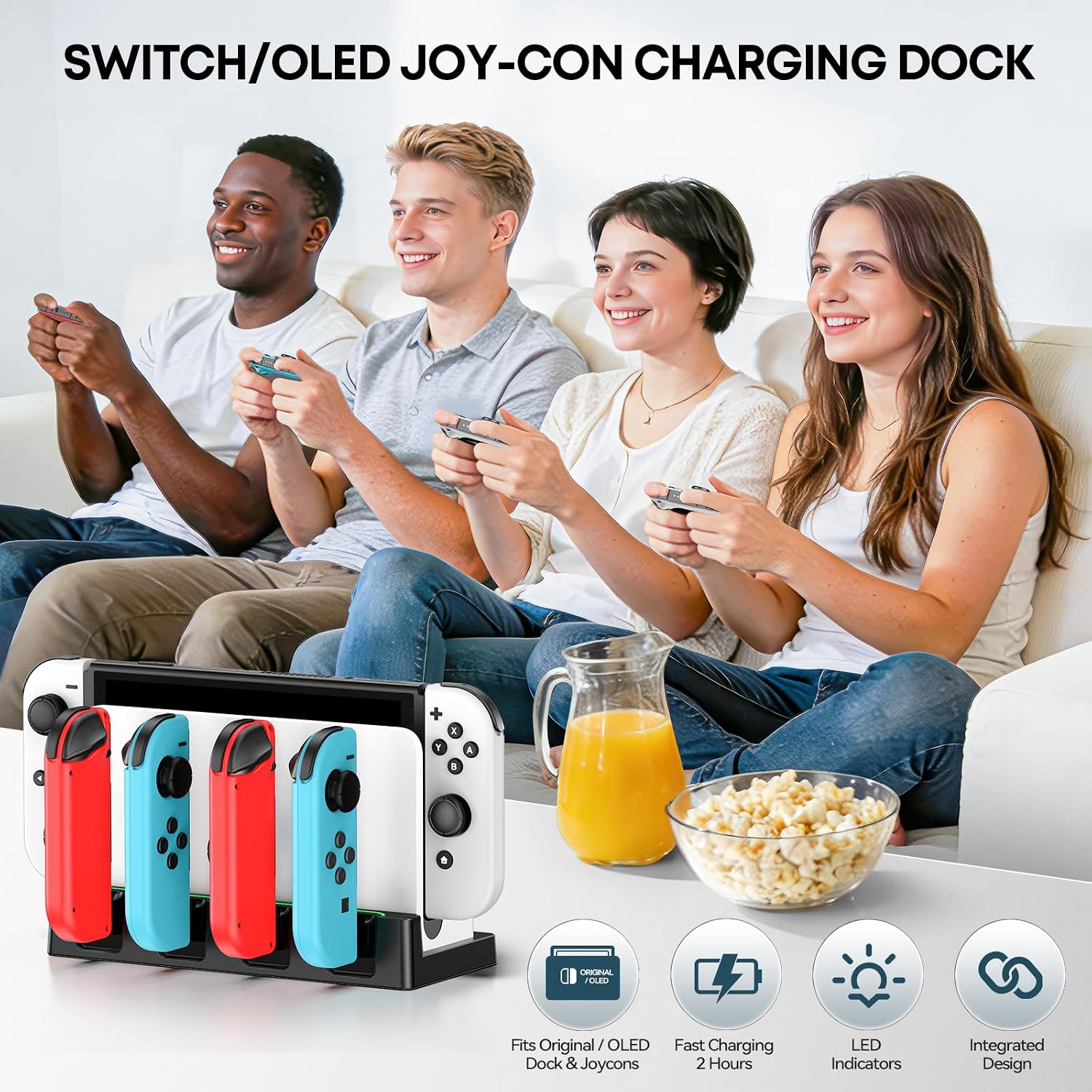
During a family Mario Kart night, you drop four Joy‑Cons into the front slots while two more sit in reserve. The dock shows charging status with its light indicators, and once the lights turn green, you know you’re good to swap controllers for the next race.
A realistic comparison angle
If you’re choosing between a dedicated, single‑slot charger and this multi‑slot stand, this option makes more sense when you regularly rotate several Joy‑Cons and want them ready at the same time. For lighter use or a minimal setup, a smaller charger could be more appropriate and less cluttered.
FAQ (based on available data)
- Q: How many Joy‑Cons can be charged at once? A: The description mentions 4 front slots with capacity for up to 6 Joy‑Cons concurrently.
- Q: Does it include the Switch console or Joy‑Con controllers? A: No—the product note specifies that Joy‑Con controllers and the Switch Docking Station are not included.
- Q: What safety features are included? A: Built‑in intelligent protection chips guard against over‑currents, overheating, over‑voltage, and short circuits.
Final decision
Is it worth it? Worth considering if you need a centralized, multi‑controller charging hub with safety protections and clear charging indicators, especially in a busy gaming setup. If your needs are modest or you don’t require multiple Joy‑Con slots, you may want to evaluate simpler options first.