

SABRENT USB to Serial DB9 RS-232 2.5 ft
Reviews
Price
Product description
If you need a reliable bridge between modern USB ports and legacy RS-232 serial devices, the SABRENT USB 2.0 to Serial DB9 RS-232 Converter Cable is a practical solution. It helps you keep older equipment usable by providing the right physical connection and a straightforward setup flow. With a Prolific chipset and Plug and Play behavior, it is designed to reduce the friction that often comes with serial adapters. ✅
Key points
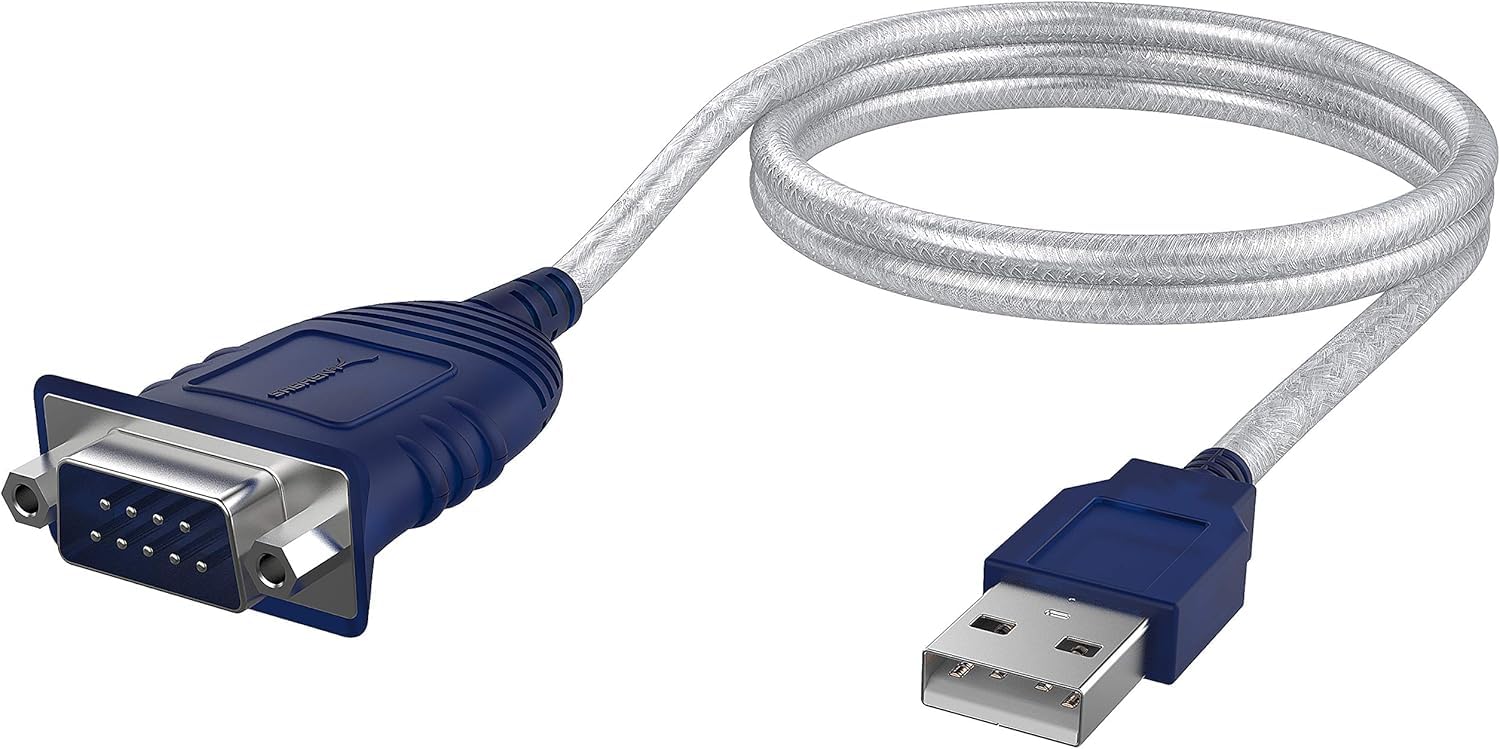
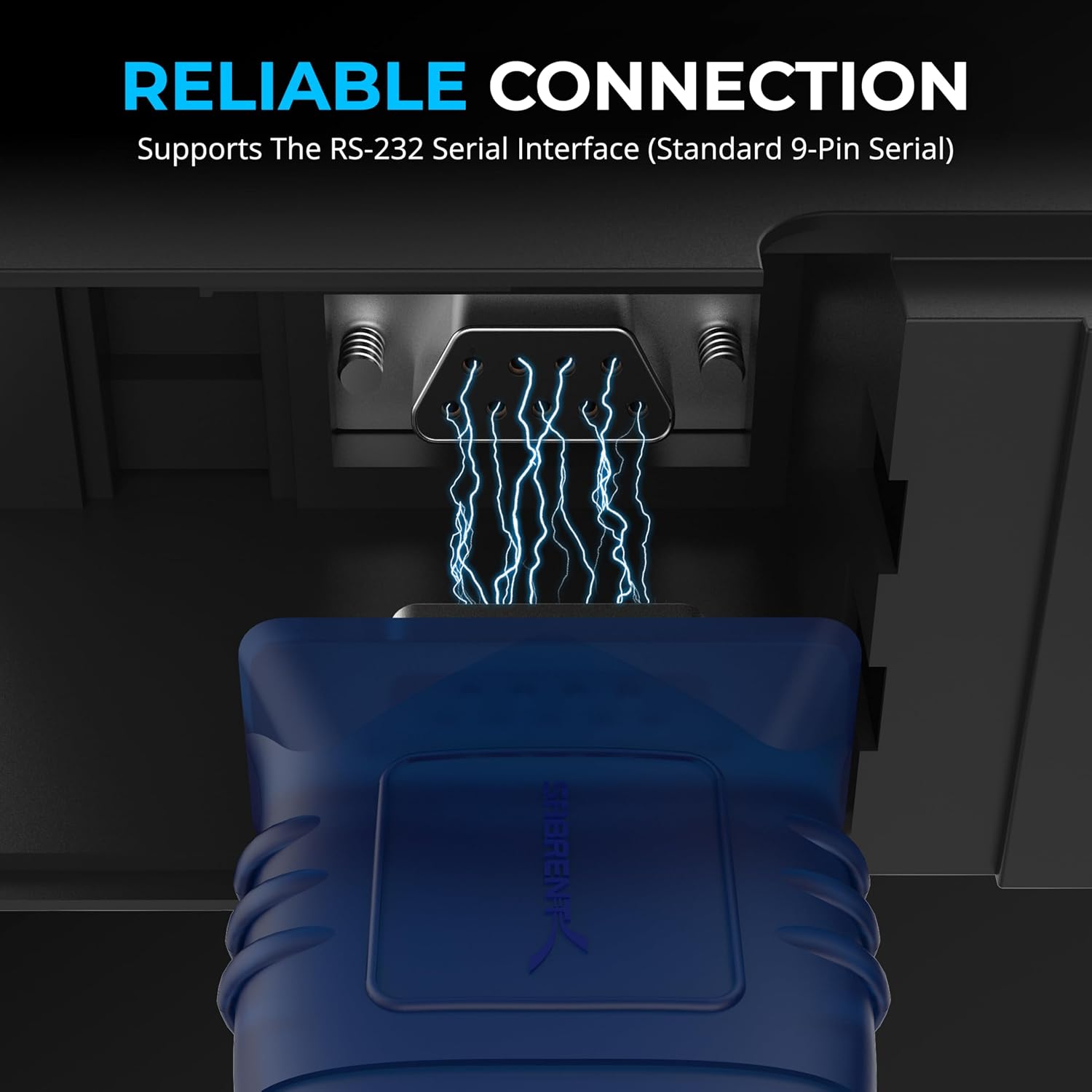
This USB to serial cable provides the connection between USB and a traditional RS-232 DB9 serial port, so you can work with equipment that still expects RS-232 communication. It is built for easy setup, so you can plug in the adapter and connect it to your PC or Mac without complex steps. According to the manufacturer, you can modify COM ports and baud rates to match your desired configuration, which matters when different applications use different settings. 🔌
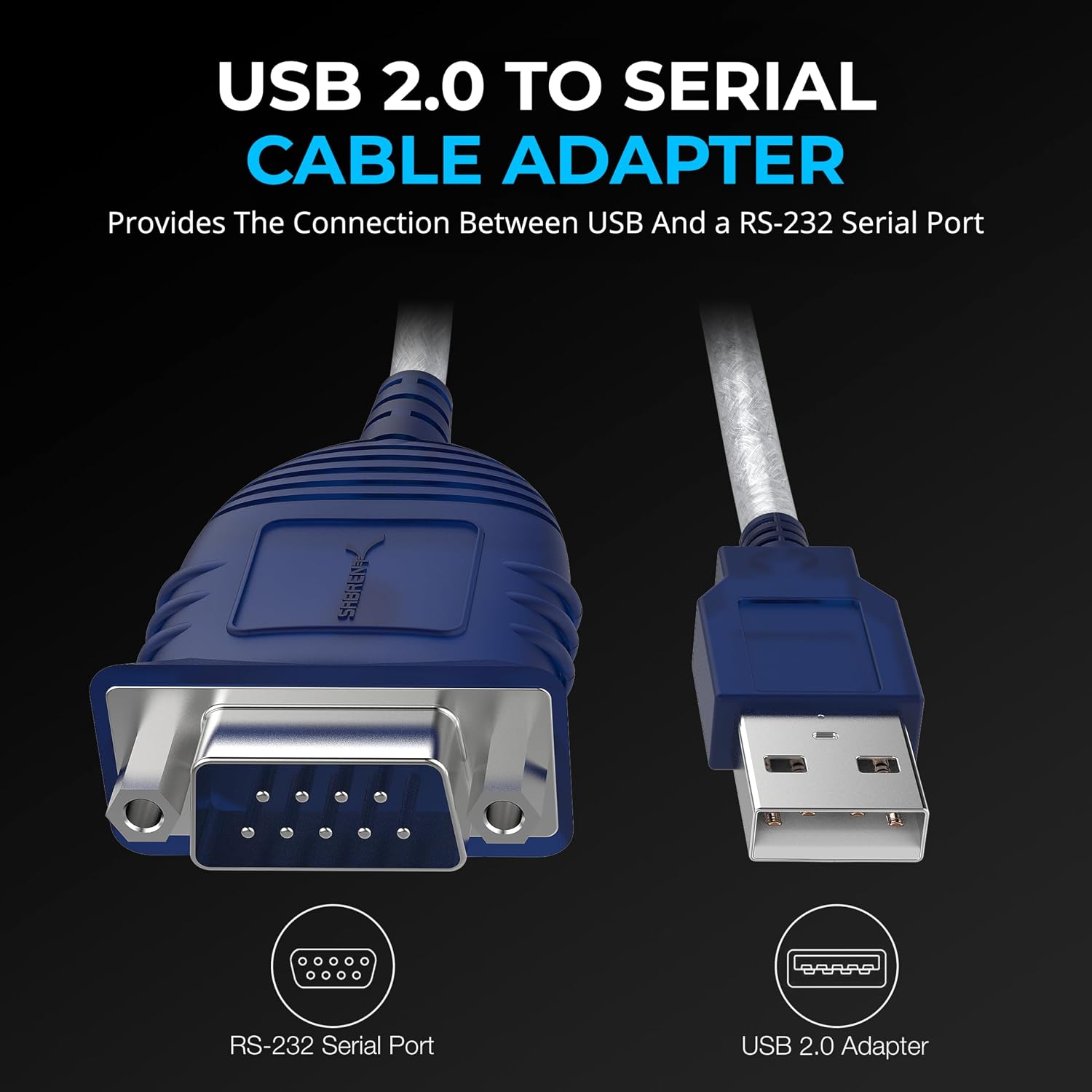
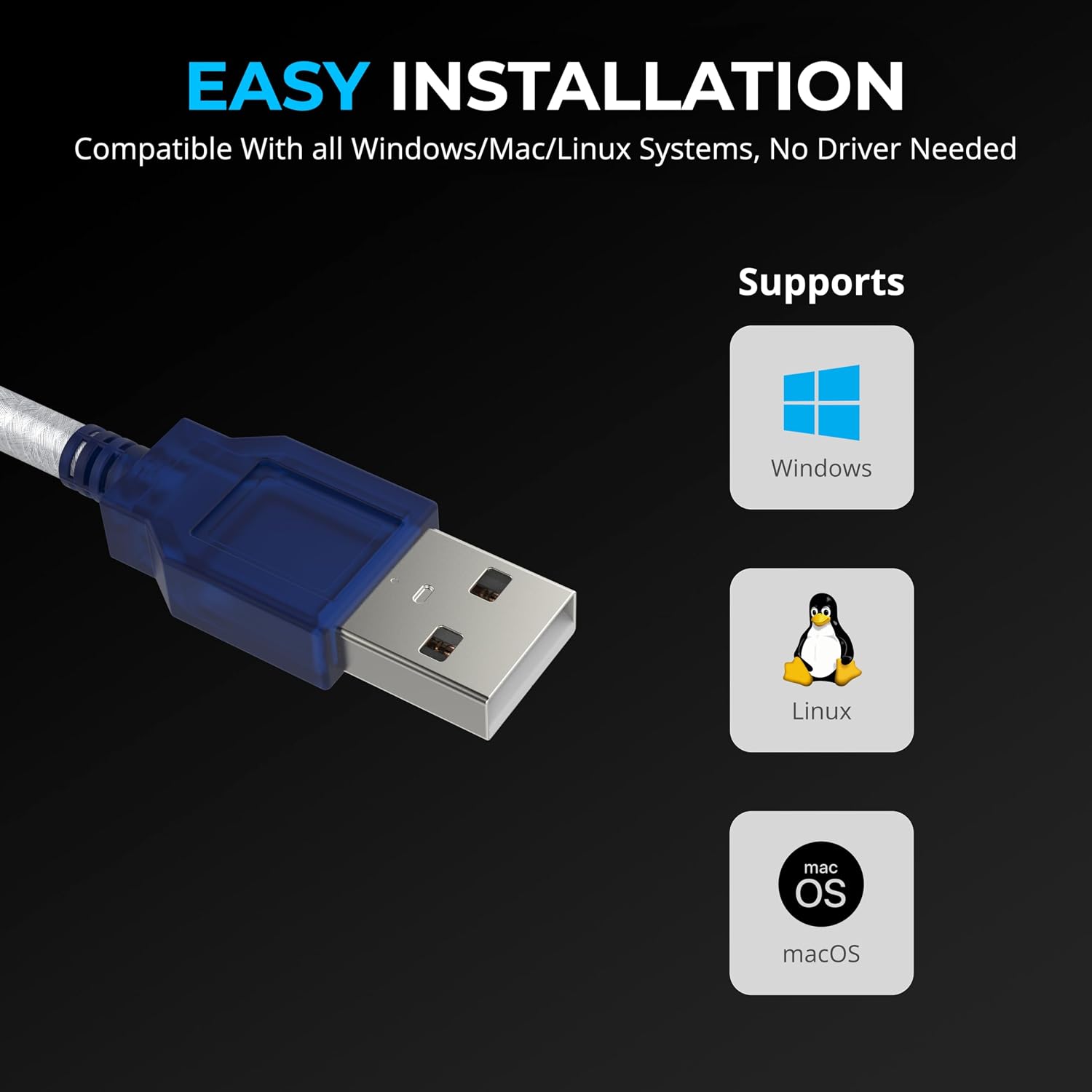
You will also appreciate the OS coverage, since it supports a range of Windows versions and Mac OS X 10.6 and above. That flexibility can be valuable in mixed environments like labs, offices, and home setups where older tools and newer computers coexist. Note that some systems may still require you to select the correct COM port and baud rate within your software, because the adapter enables the connection but your app controls the communication parameters. 🧩
Tech specs
- Name: SABRENT USB 2.0 to Serial (9 Pin) DB 9 RS 232 Converter Cable, Prolific Chipset, HEXNUTS, 2.5 Feet
- Type: USB 2.0 to RS-232 serial converter cable
- Format: DB9 to RS-232 serial port connection
- Length: 2.5 feet
- Supported OS: Windows 2000, ME, 98SE, Windows XP, Windows Vista, Windows 7, Windows 8/8.1, Windows 10 and higher
- Supported OS: Mac OS X 10.6 and above, Linux 2.4 and above
Pros
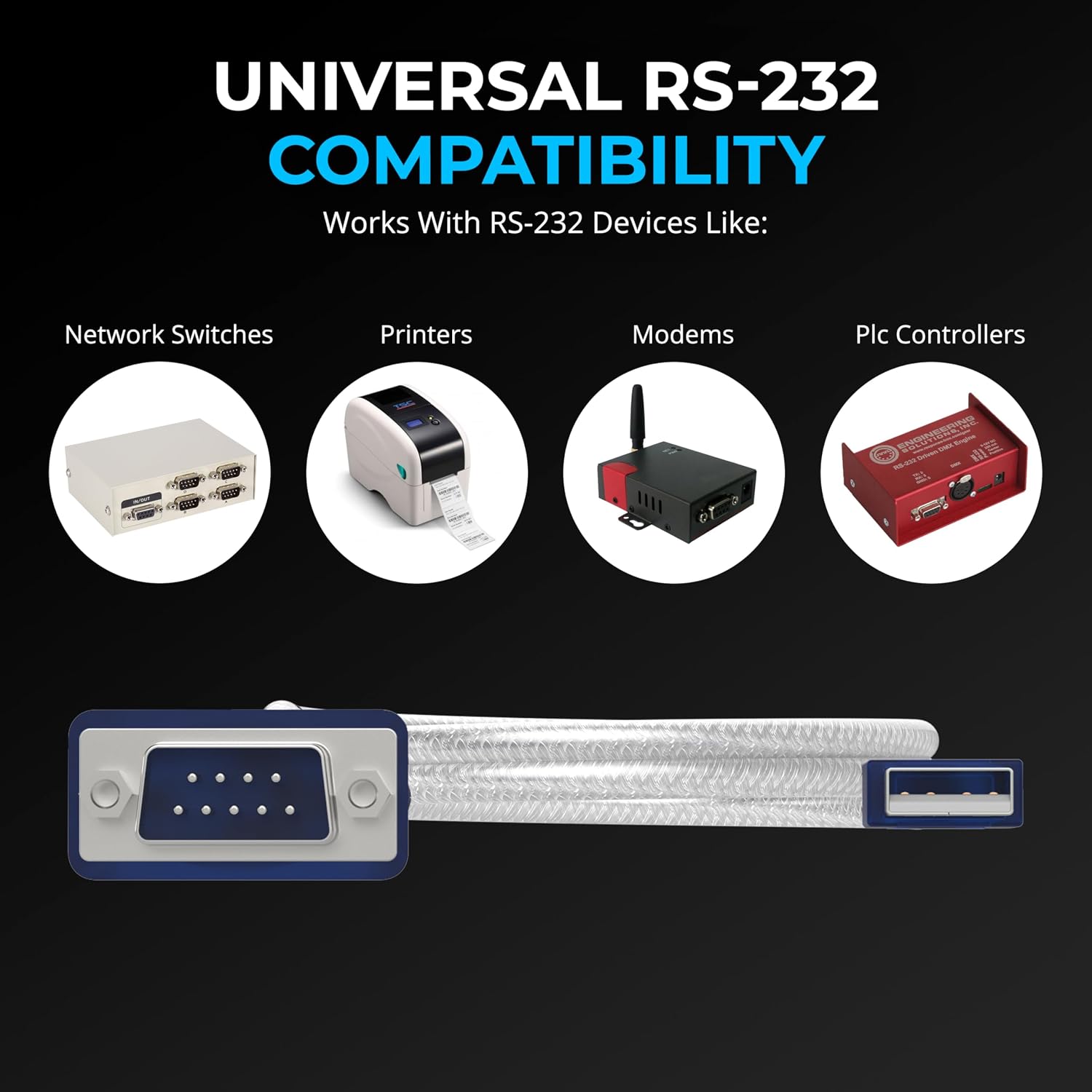
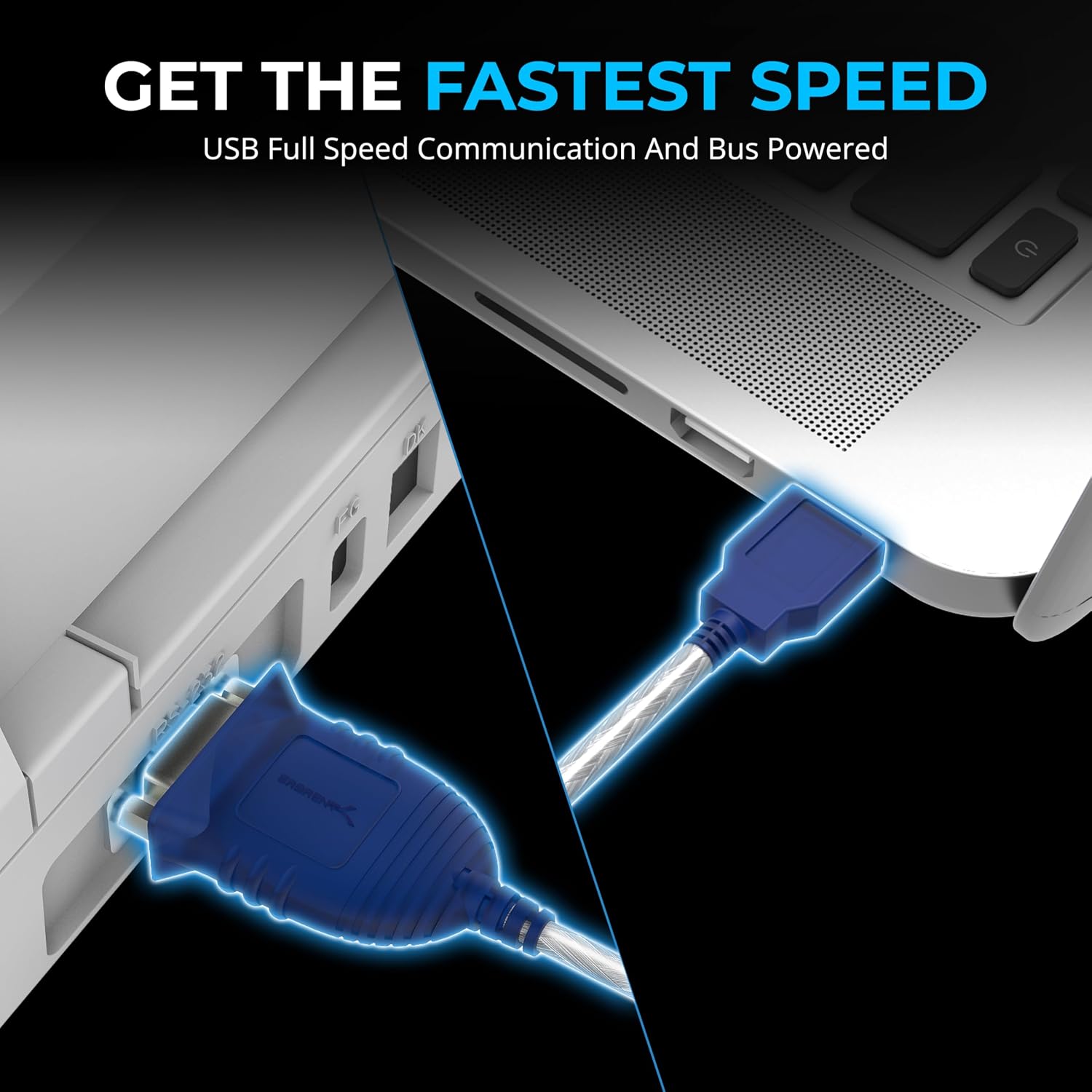
A major advantage is the direct connection it provides between USB and the traditional RS-232 serial interface. With Plug and Play setup, you can typically move from unboxing to connection quickly, which is especially helpful when you are trying to finish a task on a deadline. It also supports configuration changes, since COM ports and baud rates can be modified to fit the setup you want. 🙂
Another practical benefit is chipset choice and stability focus, as the adapter uses a Prolific chipset, according to the product description. If you have a workflow that depends on consistent serial communication, that helps reduce the guesswork when setting up legacy hardware. The manufacturer also includes a lifetime warranty, which can be reassuring when you are buying an adapter that may be used for years. ✅
When it makes sense to buy
It’s a great fit if you need to connect USB to a DB9 RS-232 serial device for data, control, or configuration tasks. It makes sense if your setup includes older equipment that still uses an RS-232 port and you want a bridge without changing the legacy hardware. You may want to skip it if your devices require a different connector type or a protocol that is not RS-232 serial.