

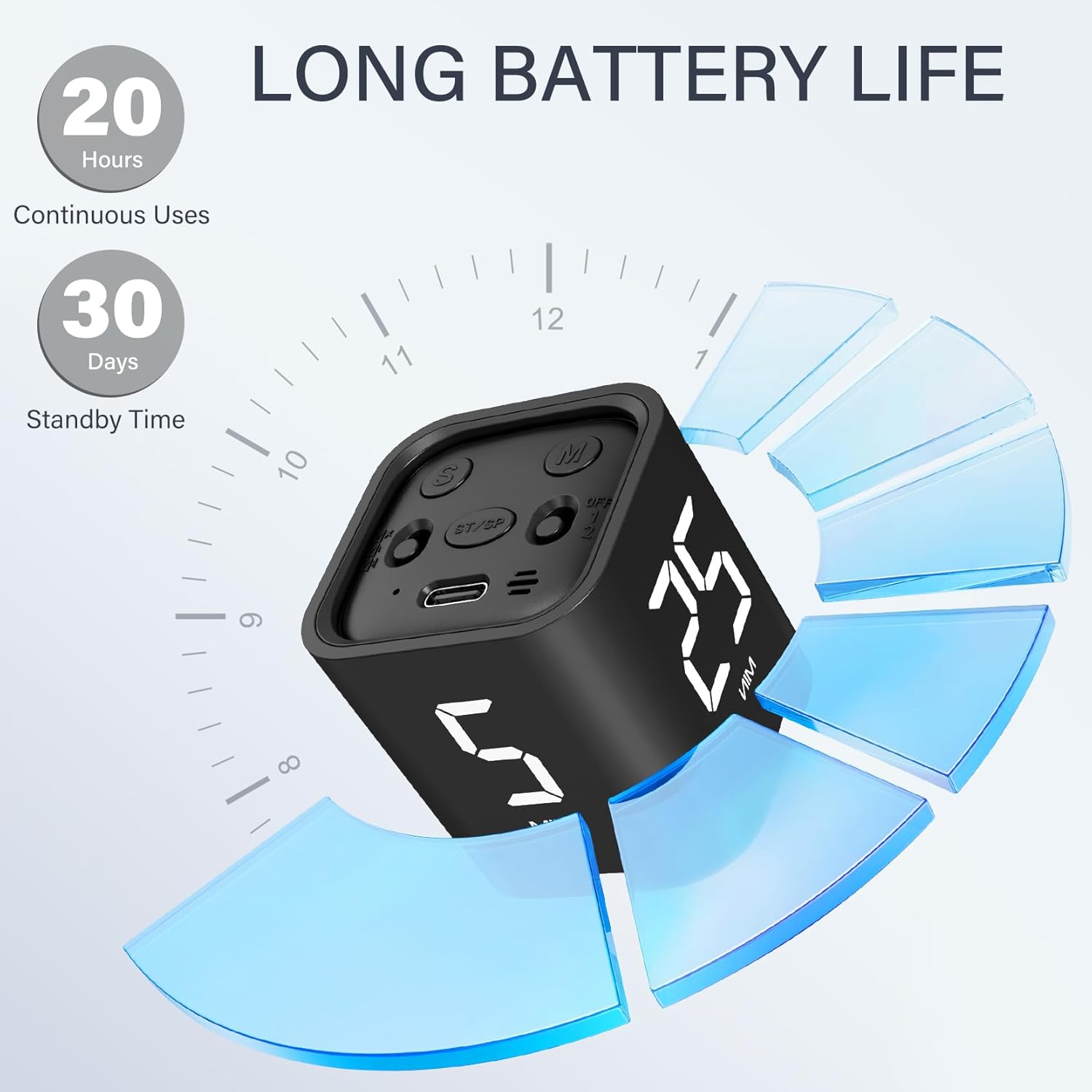
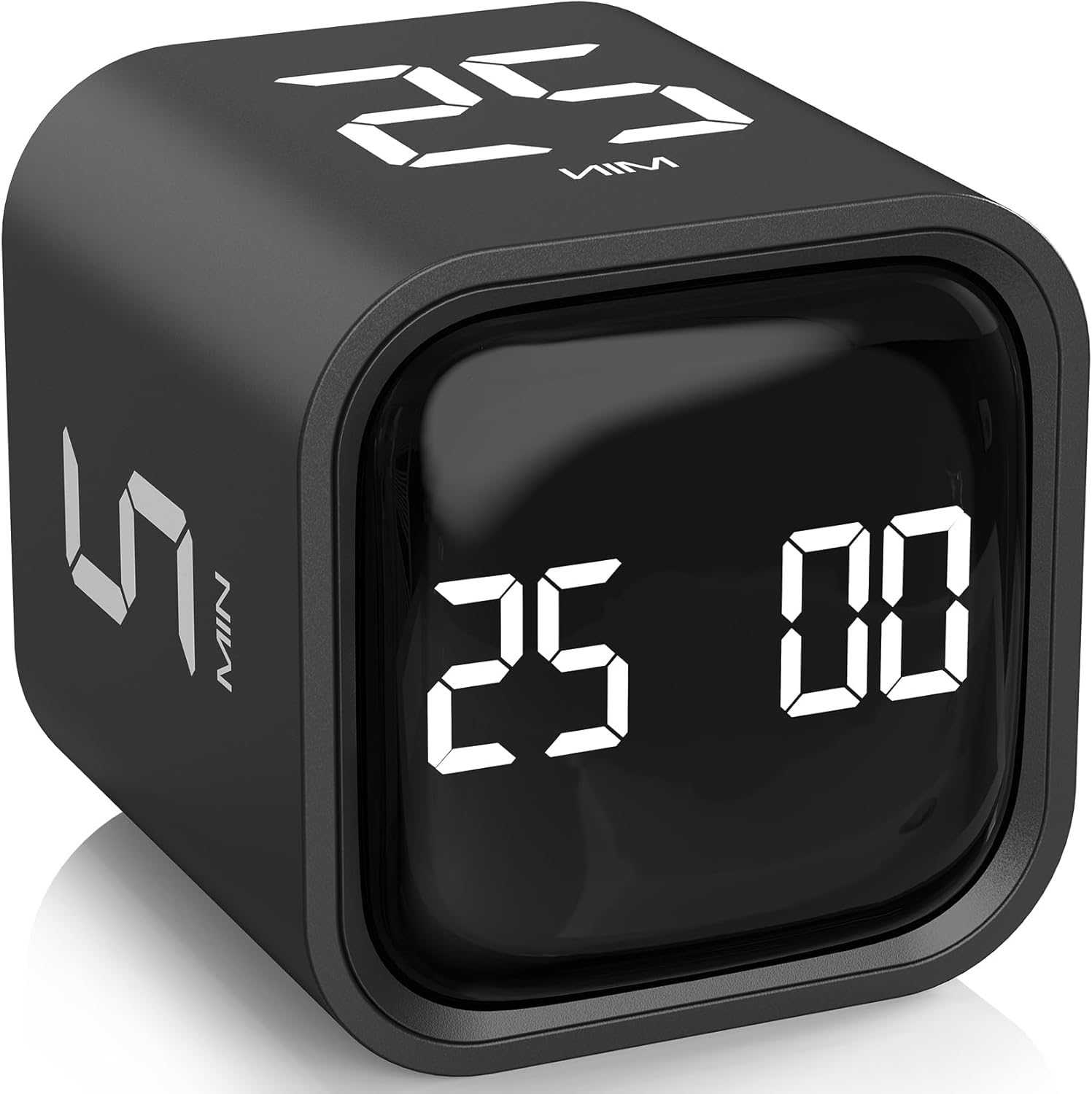
Rotating Pomodoro Timer 5/25/10/50 Minutes Preset Desk Flip Timer (Gravity Sensor, Custom Modes)
Product description
The essentials
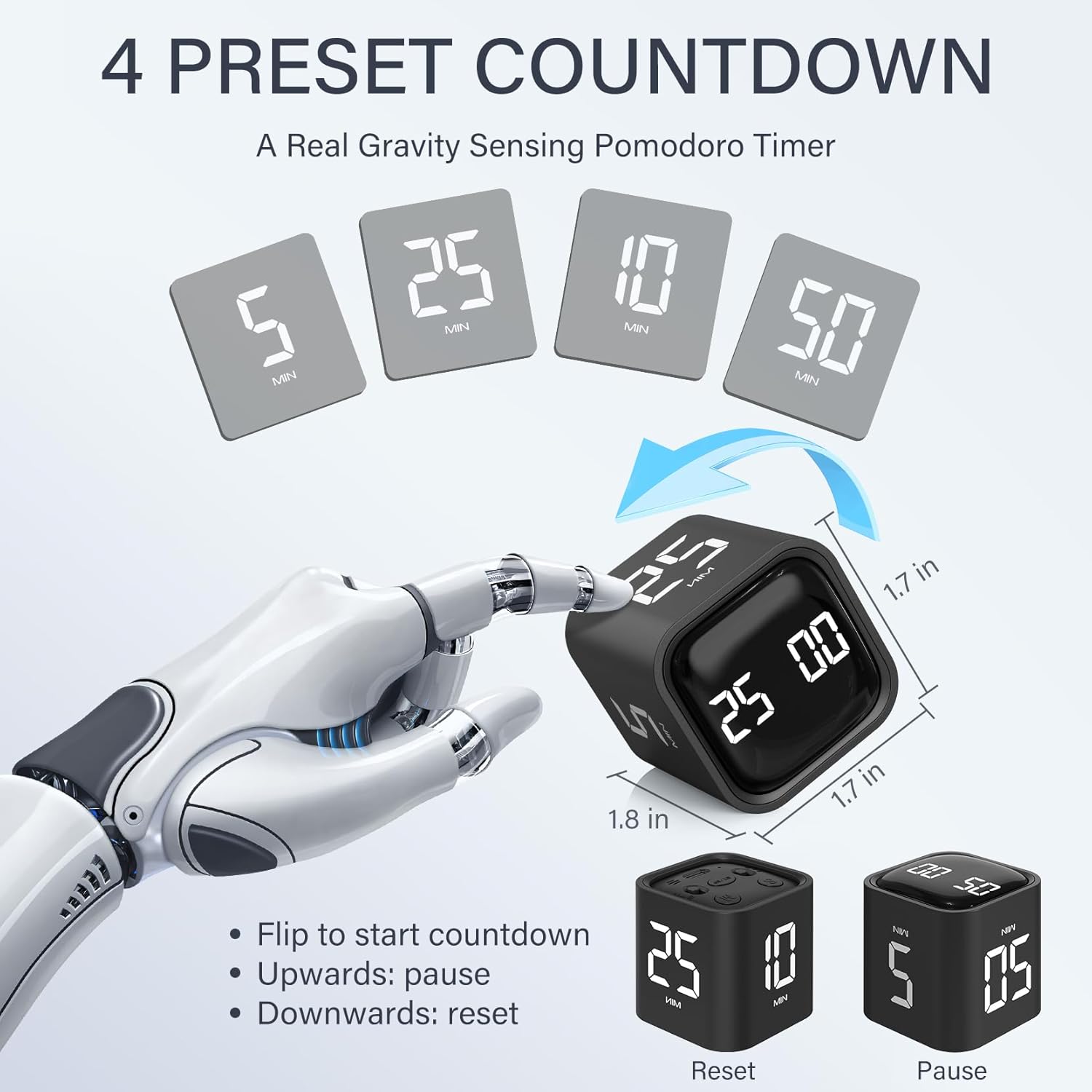
If you like the Pomodoro technique but don’t want to keep resetting a timer every time, this rotating desk flip timer is built for that exact rhythm. It offers preset focused-work and break lengths—specifically 5 and 25 minutes—plus additional preset options (10 and 50 minutes) that you can use when your sessions don’t fit the classic pattern.
The practical hook here is how you start, stop, and reset it. You flip the timer screen to face upward to start the countdown, flip it back to stop, and flip it down to reset to zero. It’s also designed around a gravity sensor, so the timer behaves like a desk productivity cube instead of something you have to tap repeatedly.
That said, it’s not “perfect for everyone.” If your workflow needs highly precise scheduling beyond minutes/seconds, or if you rely on a timer app you can sync and track over multiple days, a physical flip timer may feel a bit limiting. On paper, though, it’s a clean, ADHD-friendly way to create structure without extra setup.
Key takeaways
The strongest reasons people would consider the Rotating Pomodoro Timer 5, 25, 10 50 Minutes preset version are pretty straightforward: - Real Pomodoro presets focused on 25-minute work with a 5-minute break, so you don’t have to dial those values in each time. - Gravity-based flipping controls that make starting and stopping feel quick. - Extra flexibility beyond the presets, including custom timing and the ability to use it as a countdown timer or a stopwatch mode.
The less exciting part is also simple: some of the value depends on how much you like the tactile, “flip and go” workflow. If you prefer a phone-based timer with alerts you can customize in multiple ways, this will likely feel more basic.
Where it shines for work, study, and routines
This is marketed for work, school, office, and even kitchen use—anywhere you benefit from short, intentional time blocks.
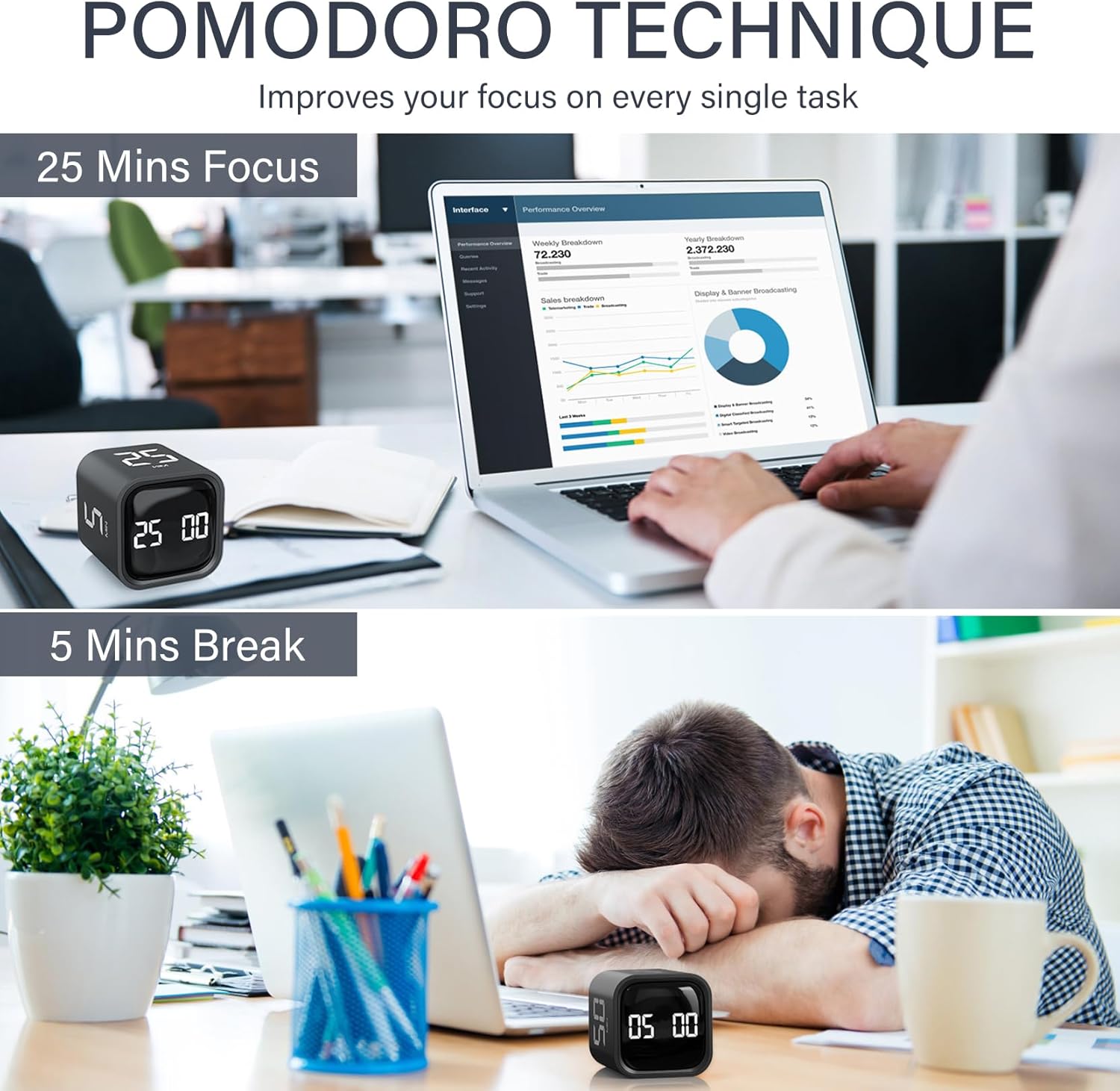
A realistic example: imagine you’re studying for a test and you want to do one focused sprint. You set the cube to 25 minutes with the screen facing upward, then you start working. When the timer ends, you flip it to stop and switch to the 5-minute break. During that break, you don’t have to wonder if you “lost track”—the timer structure nudges you back when it’s time.
It also makes sense for non-Pomodoro tasks. If you’re doing a cooking step like prepping, resting, or timing a batch, having preset options (like 10 or 50 minutes) can reduce the friction of constantly changing timer settings.
What you’ll notice day to day
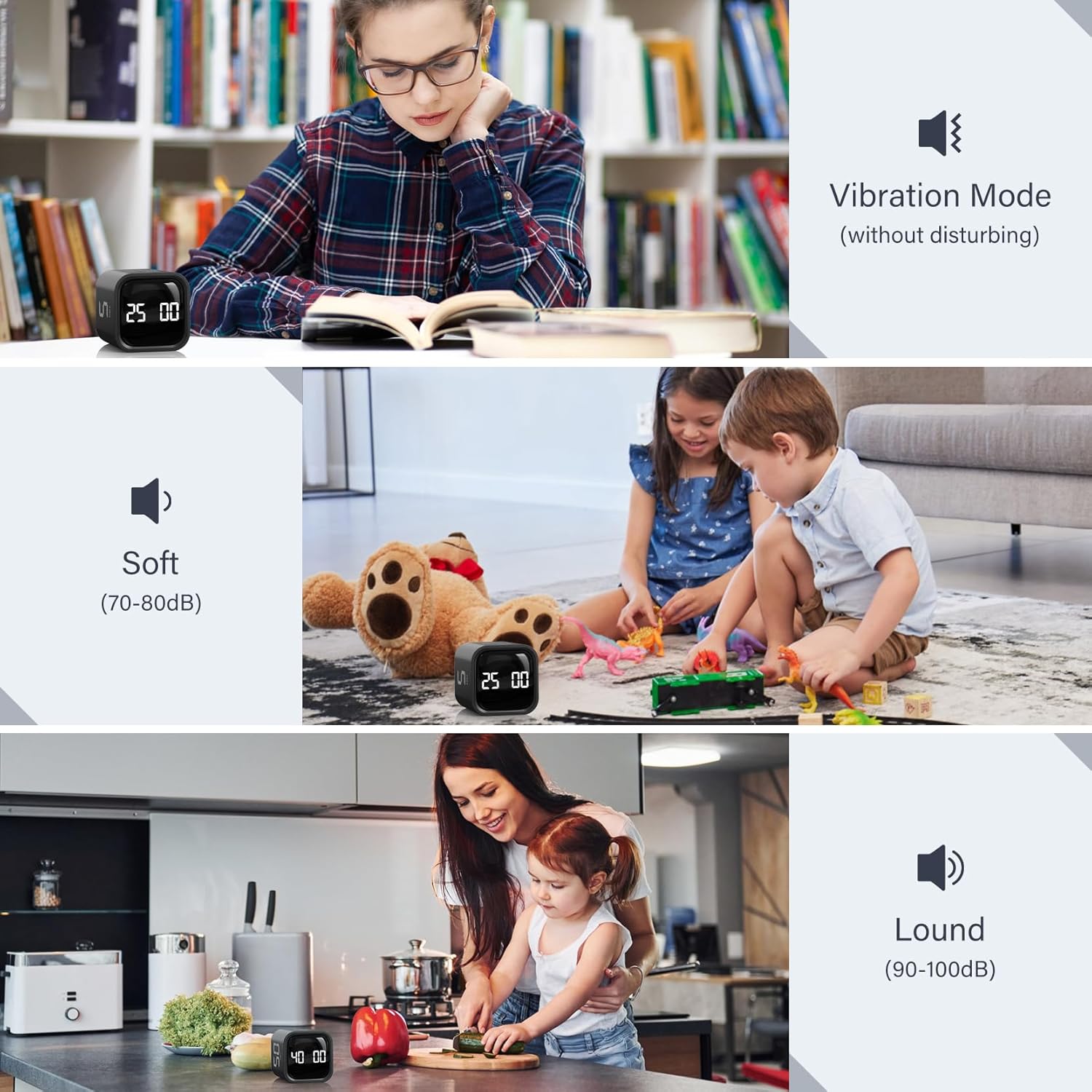
Controls and feedback matter more than people expect. This timer includes 3 volume levels—silent, low volume, and high volume—plus custom modes.
In silent mode, the vibration is intended to be noticeable on your desk without disturbing others nearby. Low volume and high volume are described with ranges (high volume is 90–100dB, low volume is 70–80dB). That gives it a clear use-case split: - If you’re in an office, classroom, or shared space, you can lean on vibration. - If you’re alone and need louder cues to stay locked in, higher volume can help.
One limitation to keep in mind: volume level numbers (especially the high range) suggest you should think about your environment. If you’re in a quiet room with sensitive neighbors, “high” may be too much.
Tech specs
- Type: Pomodoro task timer / countdown stopwatch cube timer with gravity sensor
- Preset times: 5, 25 minutes (Pomodoro-focused), also preset 10 and 50 minutes for gravity sensing mode
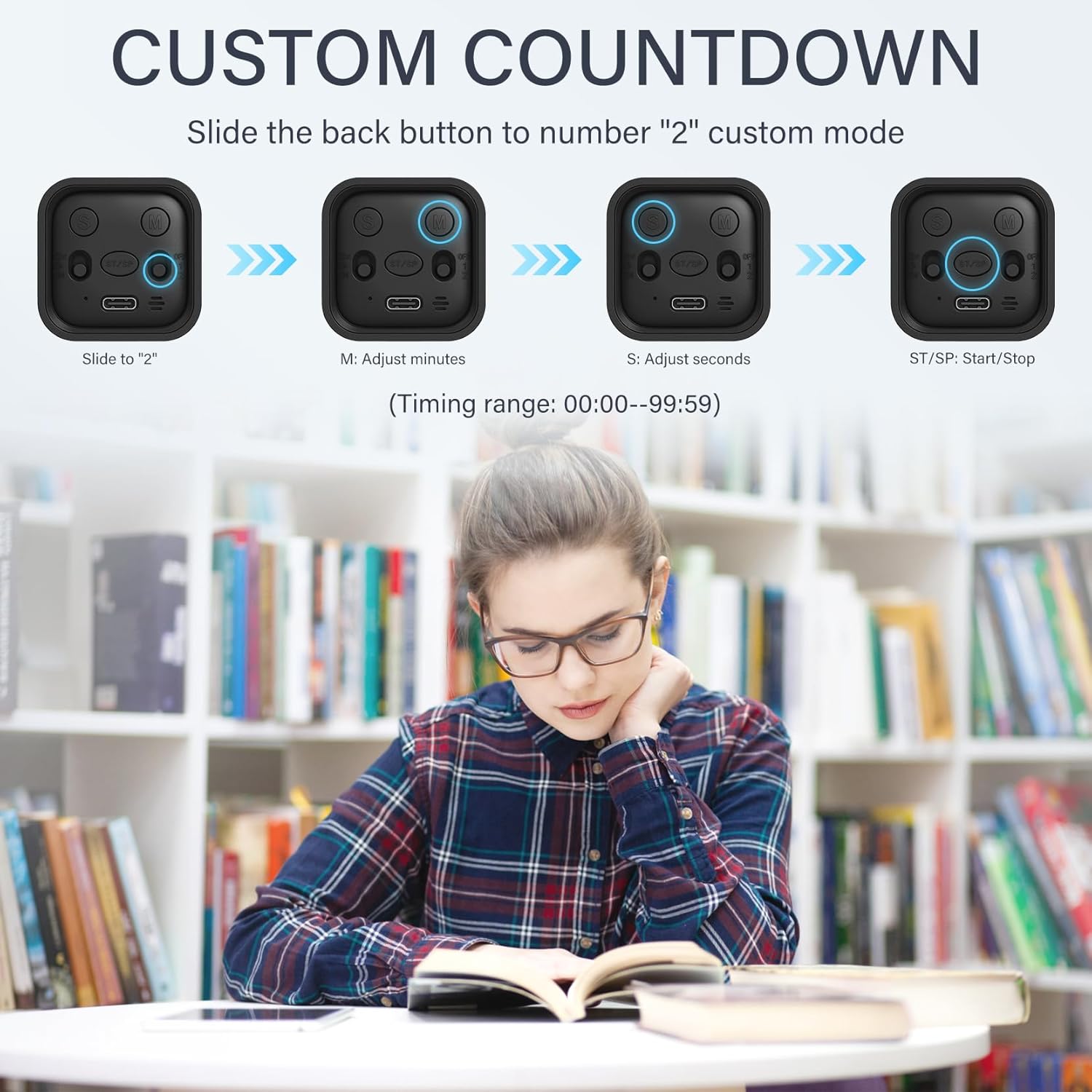
- Custom timing range: 00–99 minutes and 59 seconds
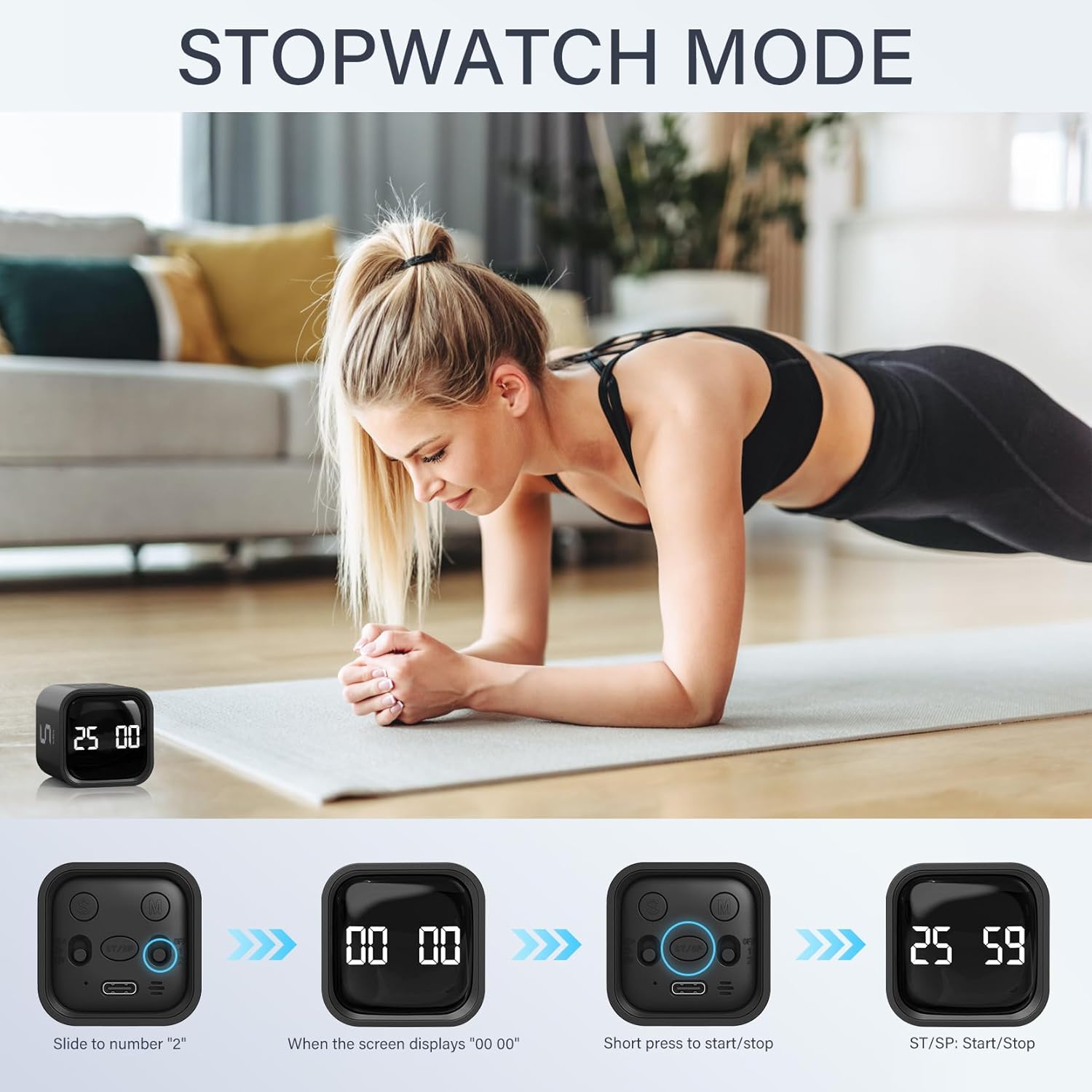
- Modes: countdown mode and stopwatch mode
- Volume options: silent (vibration), low volume, high volume
- High volume range: 90–100dB
- Low volume range: 70–80dB
Should you buy it?
It’s worth considering if you want a simple desktop tool to run timed work sessions and breaks—especially the classic 25/5 structure—without re-entering settings every time. If you’re the kind of person who benefits from clear start/stop cues and a bit of structure (including ADHD-friendly routines), the flip-to-start and flip-to-reset approach can be genuinely useful.
You may want to skip it if you need advanced scheduling, app-style history, or deeper productivity tracking. It’s also not the best match if you’re extremely sensitive to alarms and you know you’ll end up using higher volume, relying on vibration is likely the safer path, but it won’t feel the same as a phone notification for everyone.
Before buying, double-check one thing: whether your typical sessions fit the preset times (5/25, plus 10/50) or whether you’ll actually use the custom mode range.
Mini FAQ
FAQ: quick answers before you commit
Does it support the classic Pomodoro 25-minute focus + 5-minute break? Yes—this timer is positioned around those Pomodoro lengths with presets, so you can run the cycle without manually setting each time.
How do you start and stop it? You flip the timer screen facing upward to start the countdown. Flipping the screen facing upward again stops timing, and flipping it down resets it to zero.
Can you use it for things other than Pomodoro? Yes. It supports custom timing (00–99 minutes and 59 seconds) and it can work in countdown mode or stopwatch mode.
Will it be disruptive in a shared space? The silent mode uses vibration for desk-level cues, and there are low/high volume options described in dB ranges. If you’re in a quiet environment, silent or low volume is the safer direction.
What’s the main reason people choose a cube timer like this? Convenience and consistency: you get structured time blocks with minimal setup, and the physical flipping control reduces friction compared with fiddling with a traditional timer.